Why Background Scene Builders are the Secret to Professional AI Anime
The virtual camera directors have been waiting for 🎬
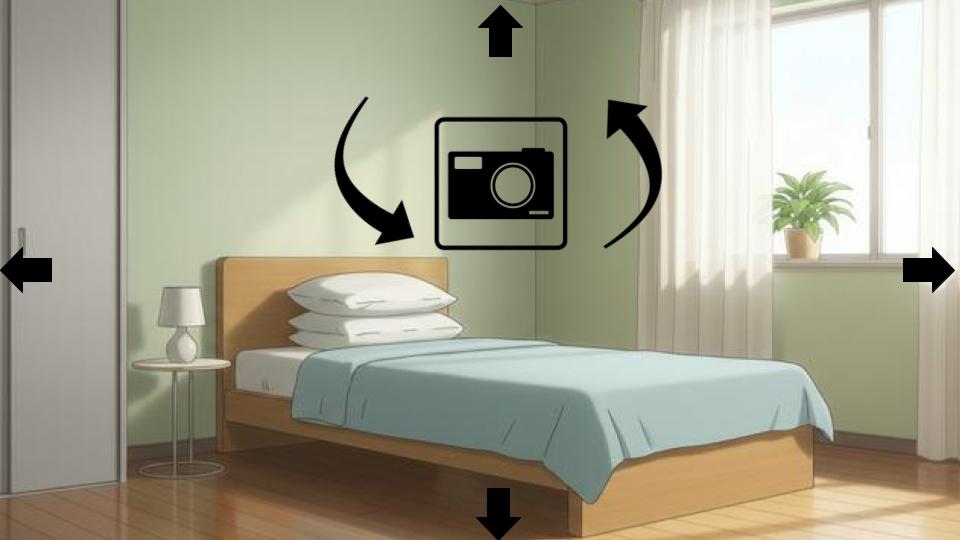
Creating multiple shots in a location is a big challenge in AI anime. In shot one, your character is in a bedroom with a window on the left. In shot two, you want a close-up from a different angle—and suddenly the window has vanished, replaced by a bookshelf.
This lack of spatial consistency is what separates amateur "AI slop" from professional cinematic storytelling.
To tell a real story, you need more than just a good prompt; you need AutoWeeb's Background Scene Builder. Here is how this technology is giving directors the "virtual camera" they've been waiting for.
The Problem: Hallucinated Environments
Traditional AI image generators "imagine" a scene from scratch every time you hit generate. They don't understand that a room is a 3D space. When you ask for a "low angle," the AI guesses what the ceiling looks like, often forgetting what was on the floor.
The Solution: A Camera in the Anime World
The AutoWeeb Background Scene Builder changes the workflow. Instead of prompting the AI to "move the camera," you actually move the camera.
Explore the full 360° bedroom environment below. Drag to look around—this is your virtual director's set!
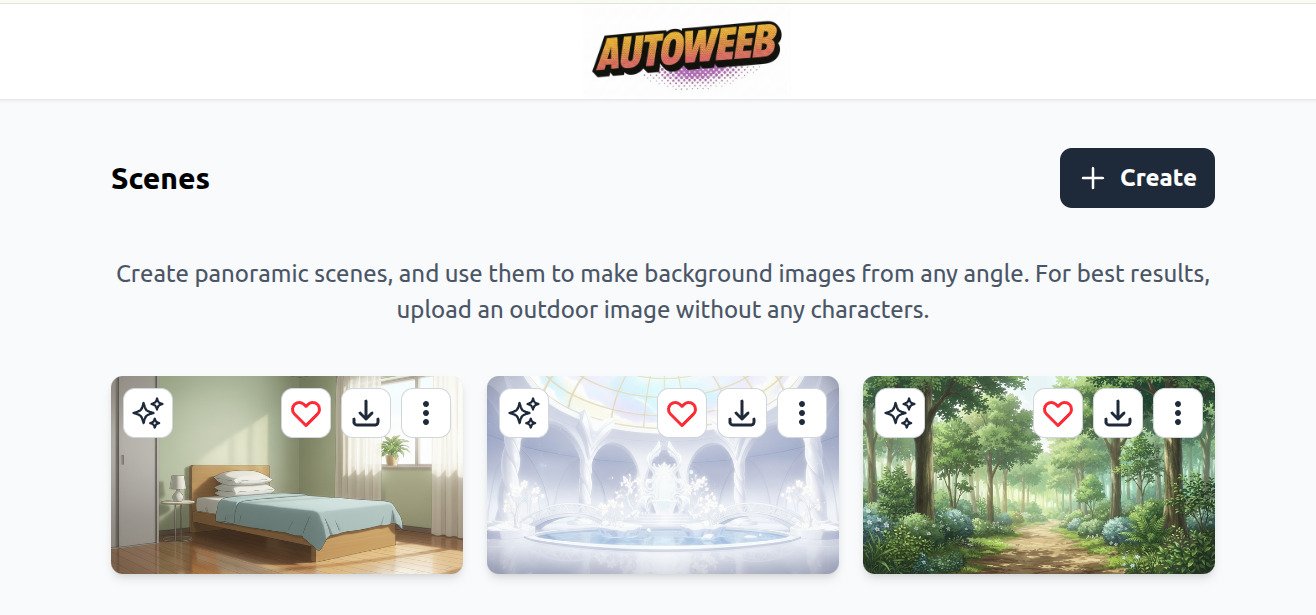
1. Create your World
Upload an anime image and AutoWeeb will transform it into a full 360-degree panoramic environment. Now you have an immersive "set" you can explore from any angle.
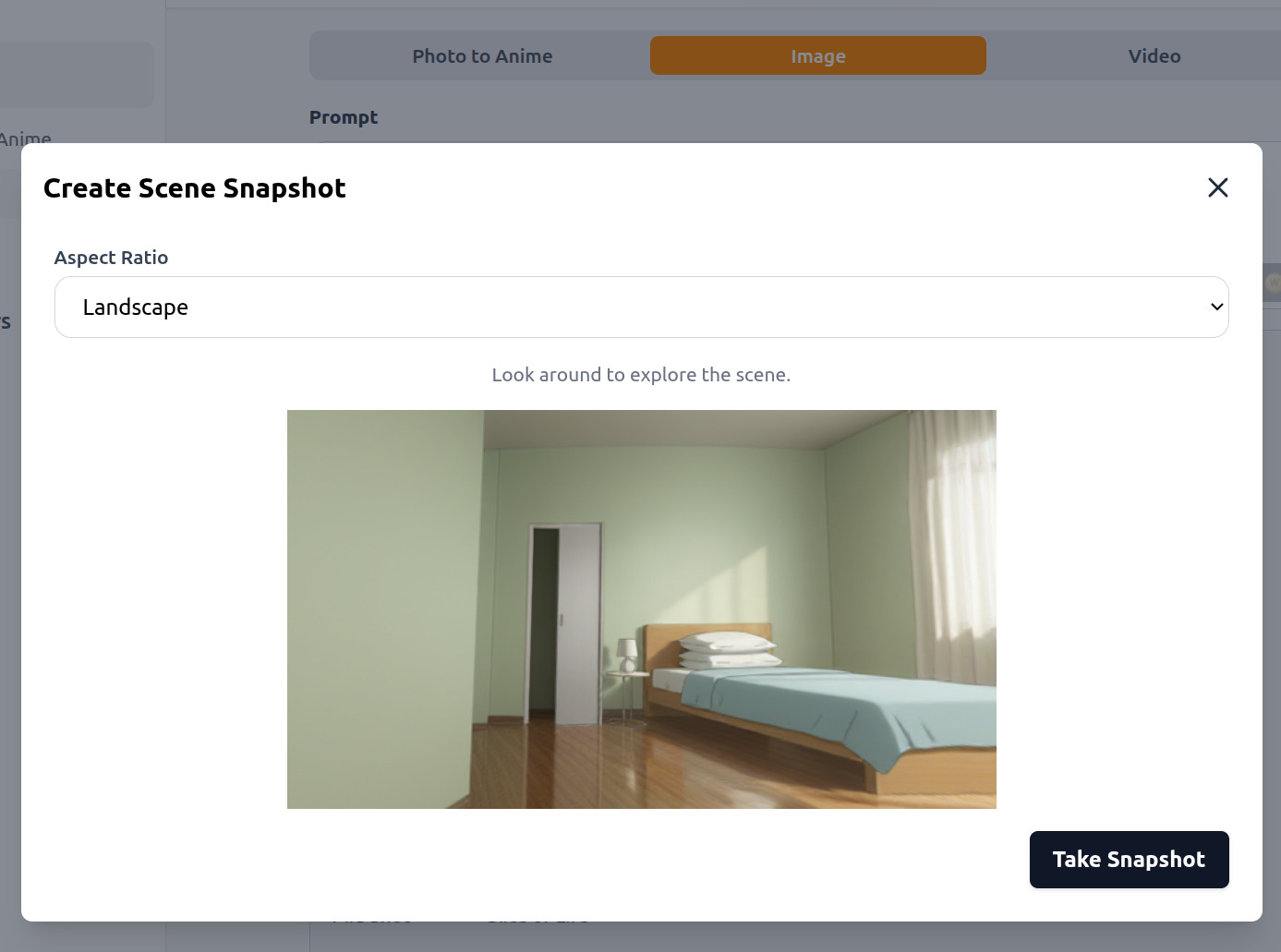
2. Choose your Camera Angle
Move to choose a camera angle and take a snapshot of the scene. Zoom in for a close-up, or pull back for a wide shot.
3. Create your Image
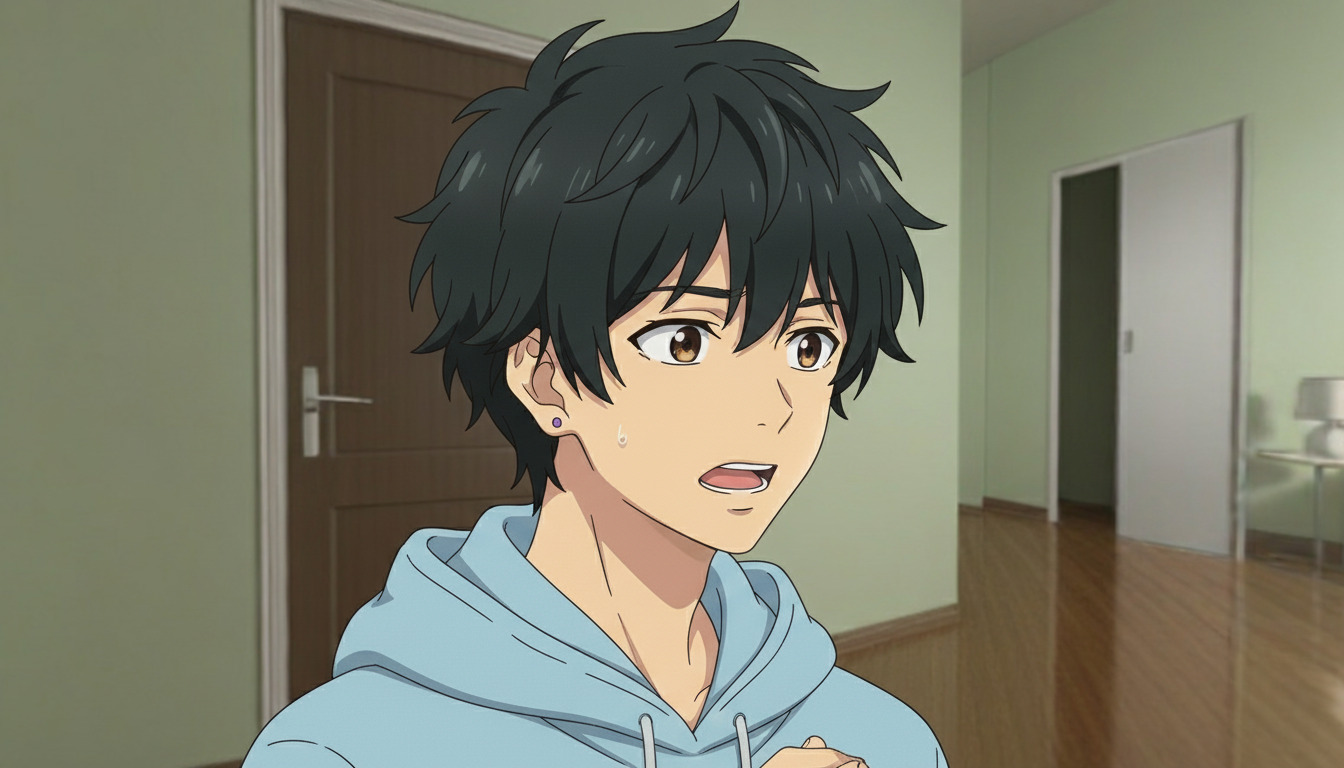
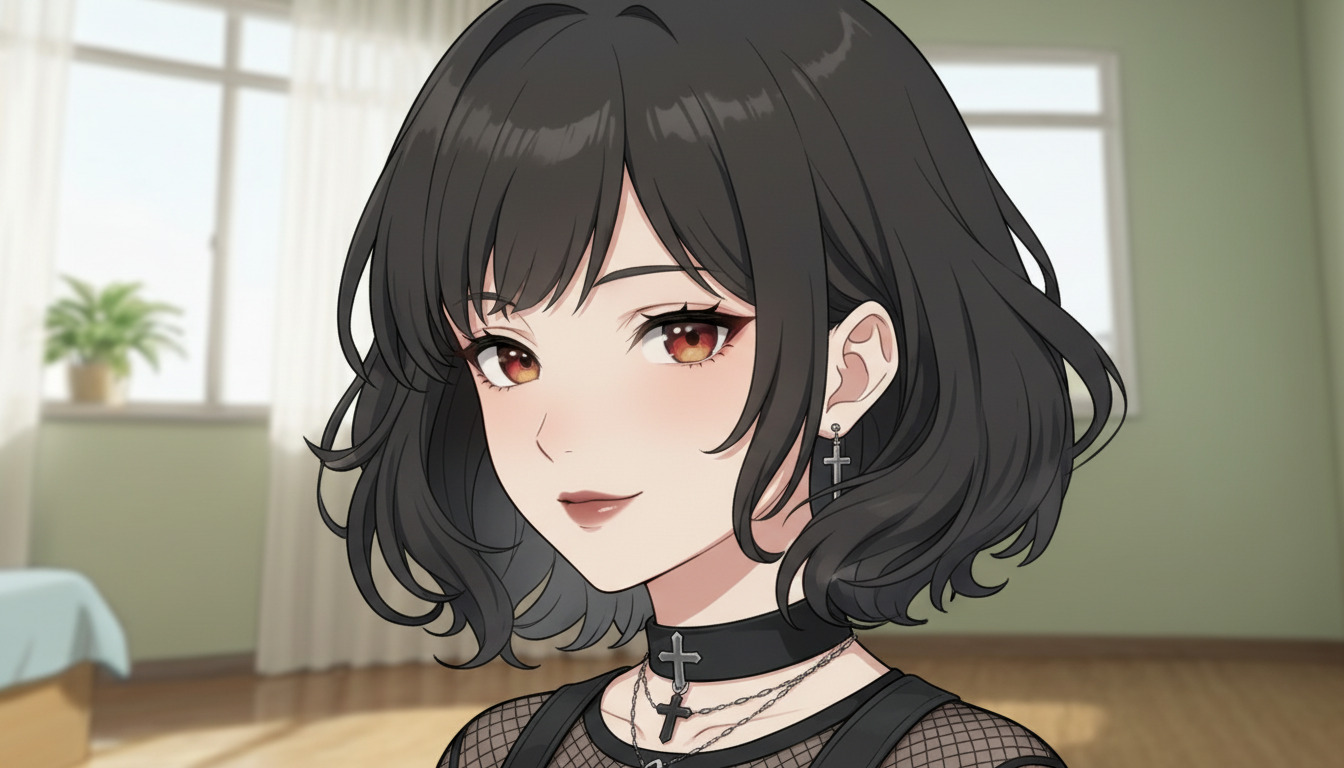
For dialogue-heavy scenes, you can perfectly execute "Shot/Reverse-Shot" sequences. The background behind Character A will always match the perspective when the camera flips to Character B.
Ready to build your own anime world?
Try the Background Scene Builder and experience the difference a virtual camera makes in your storytelling.
👉 Try AutoWeeb Now