
Anime Video Creator
AutoWeeb is the top AI anime video generator. Create characters, storyboard your shots, and make cinematic videos in just minutes.
Explore AutoWeeb Features
Jump into the tool that fits your creative step.
AI Anime Video Generator
Animate storyboard shots into cinematic clips with Seedance 2 and consistent characters.
Anime Character Creator
Design original characters with consistent sheets across every scene.
Writing an Anime
Turn a story idea into a scene-by-scene storyboard with AI.
Draw Anime Online
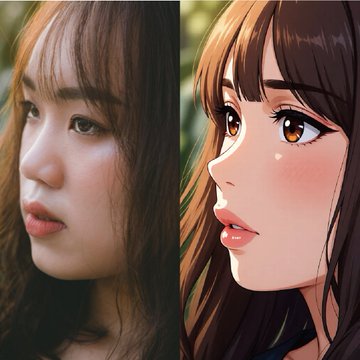
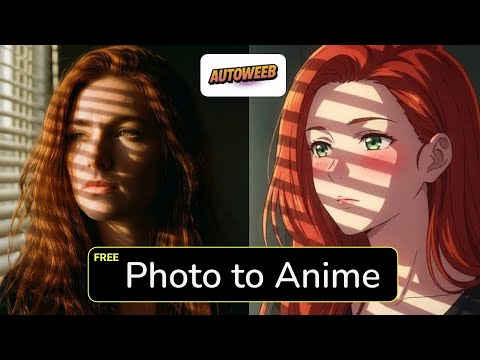
Upload a photo and get a fully rendered anime portrait in seconds.
Make an Anime
The full studio workflow from character design to animated video.
Anime Concept Art
Build character sheets, locations, and a reusable visual bible.
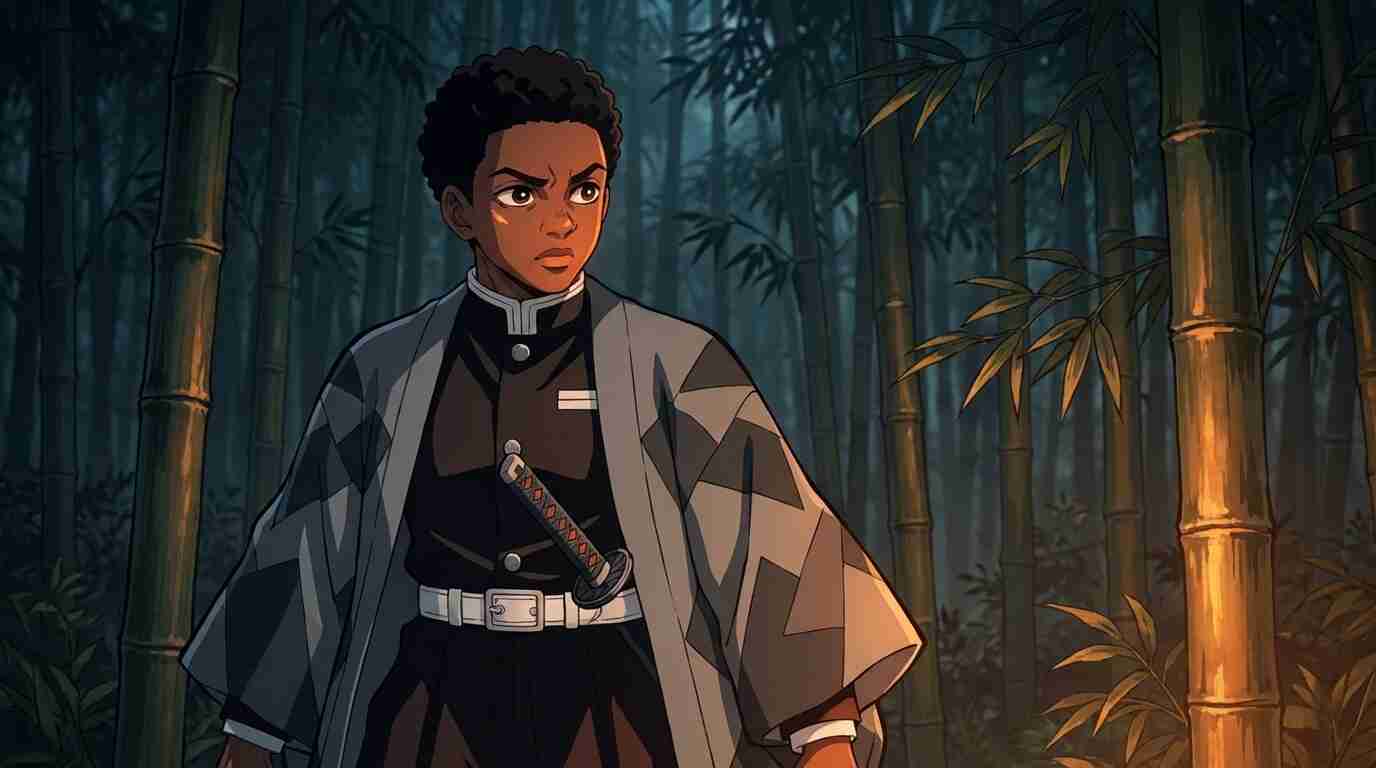
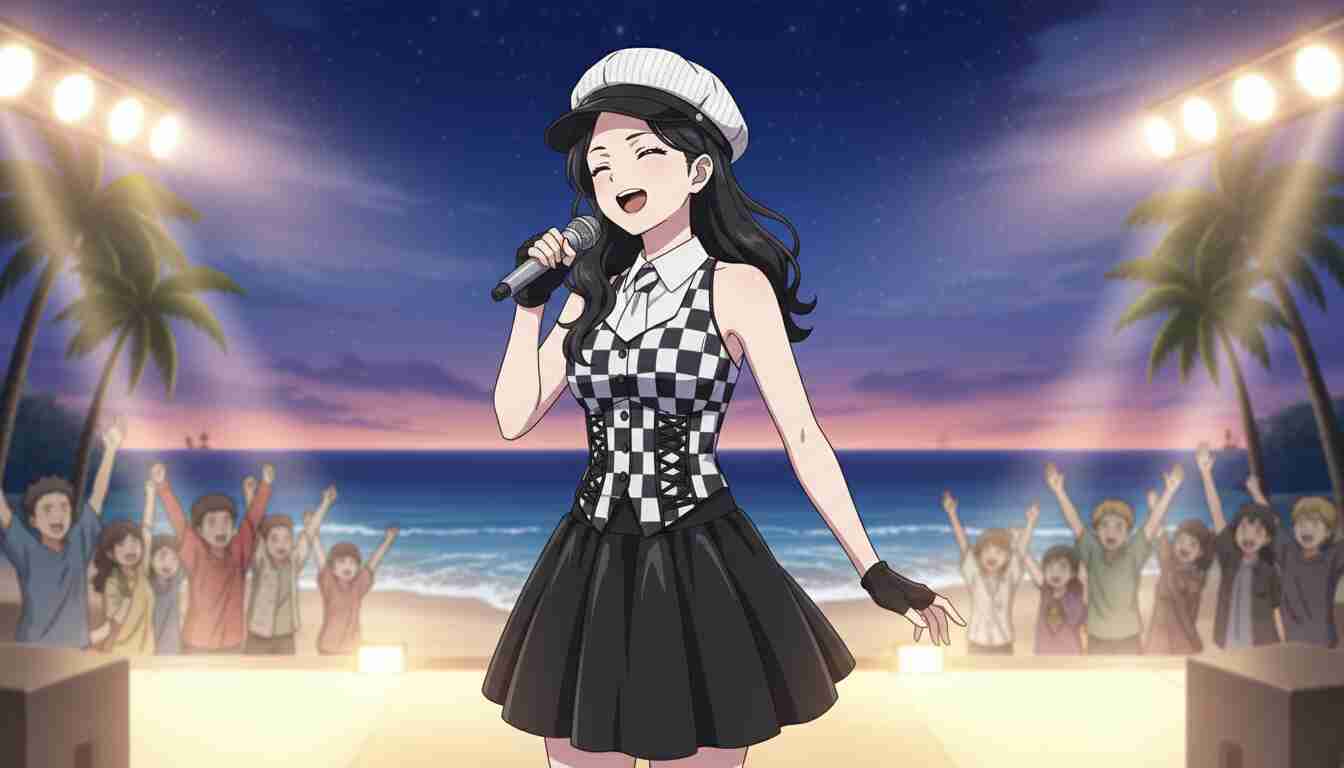
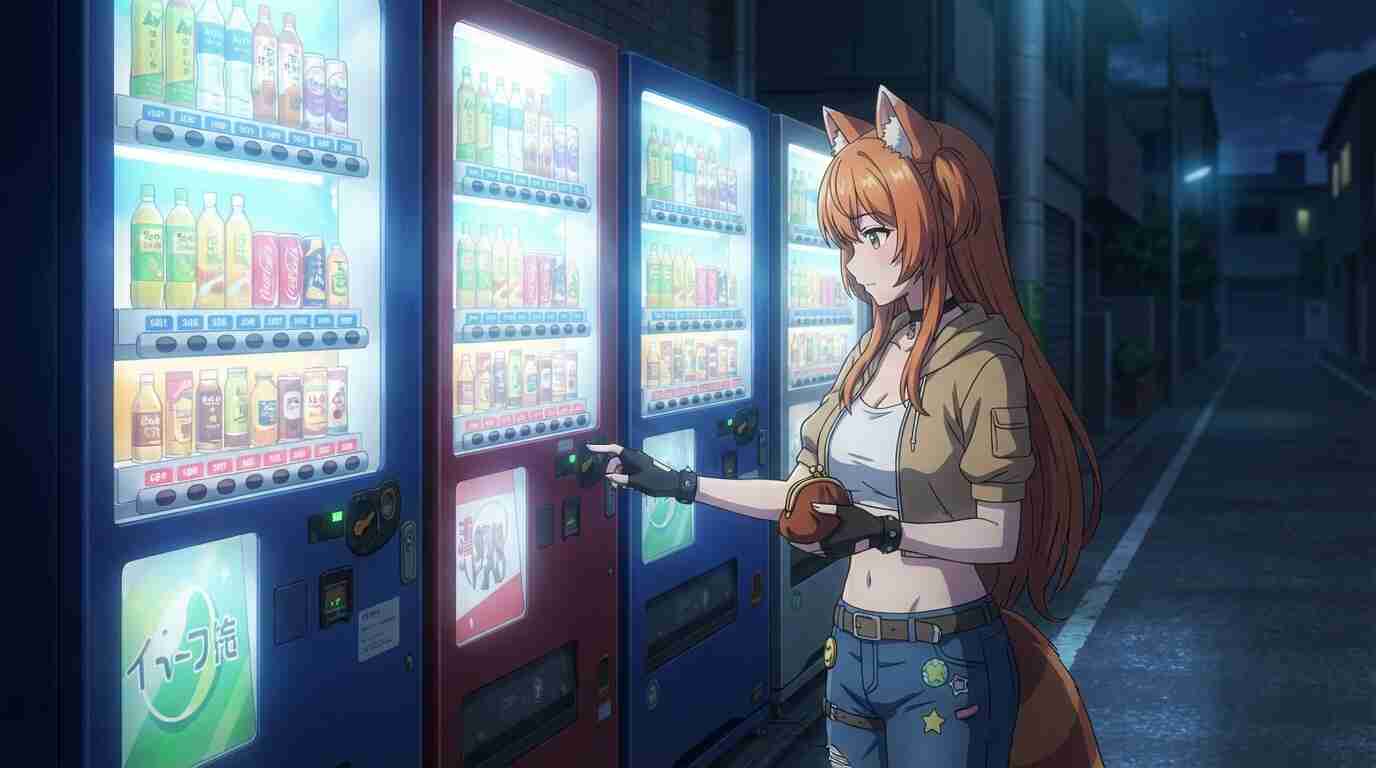
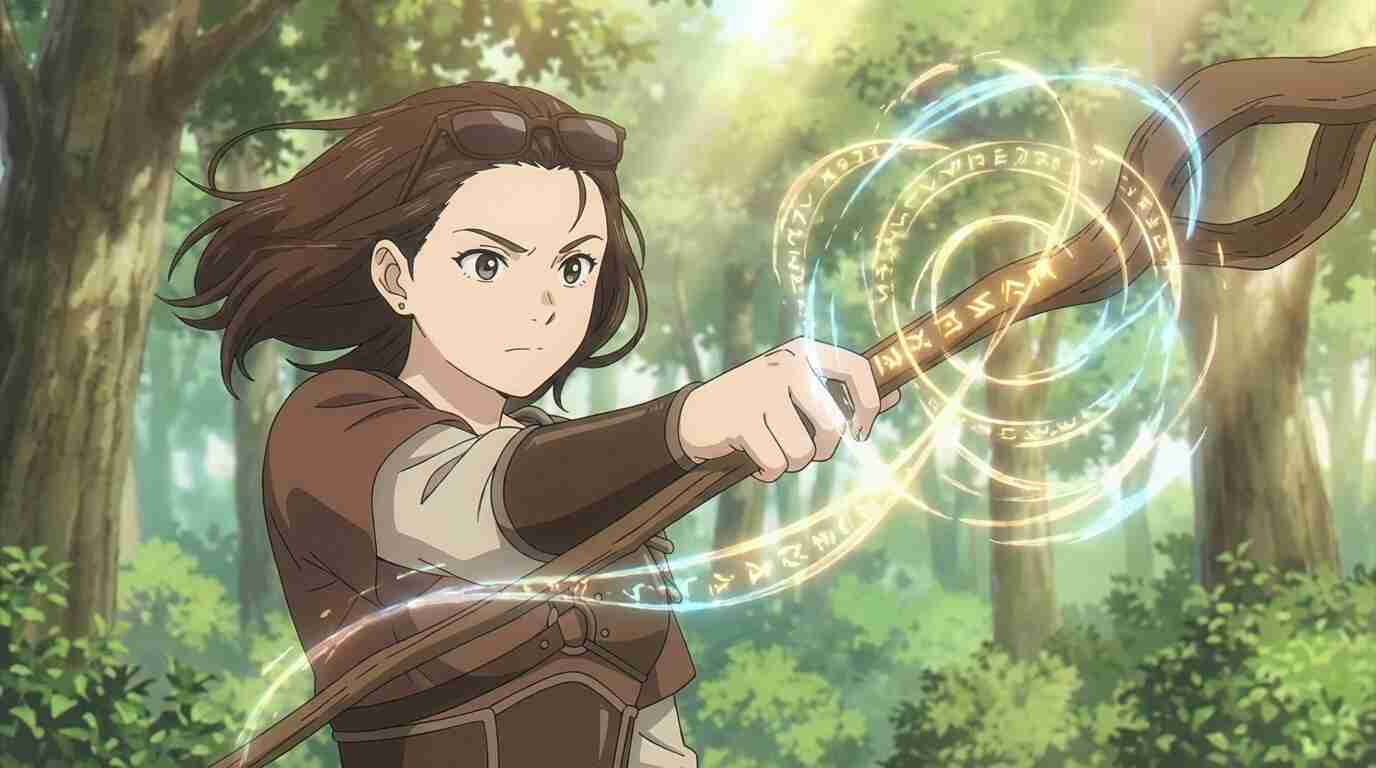
From Idea to Storyboard
New to writing anime? Read the full guide to writing an anime →
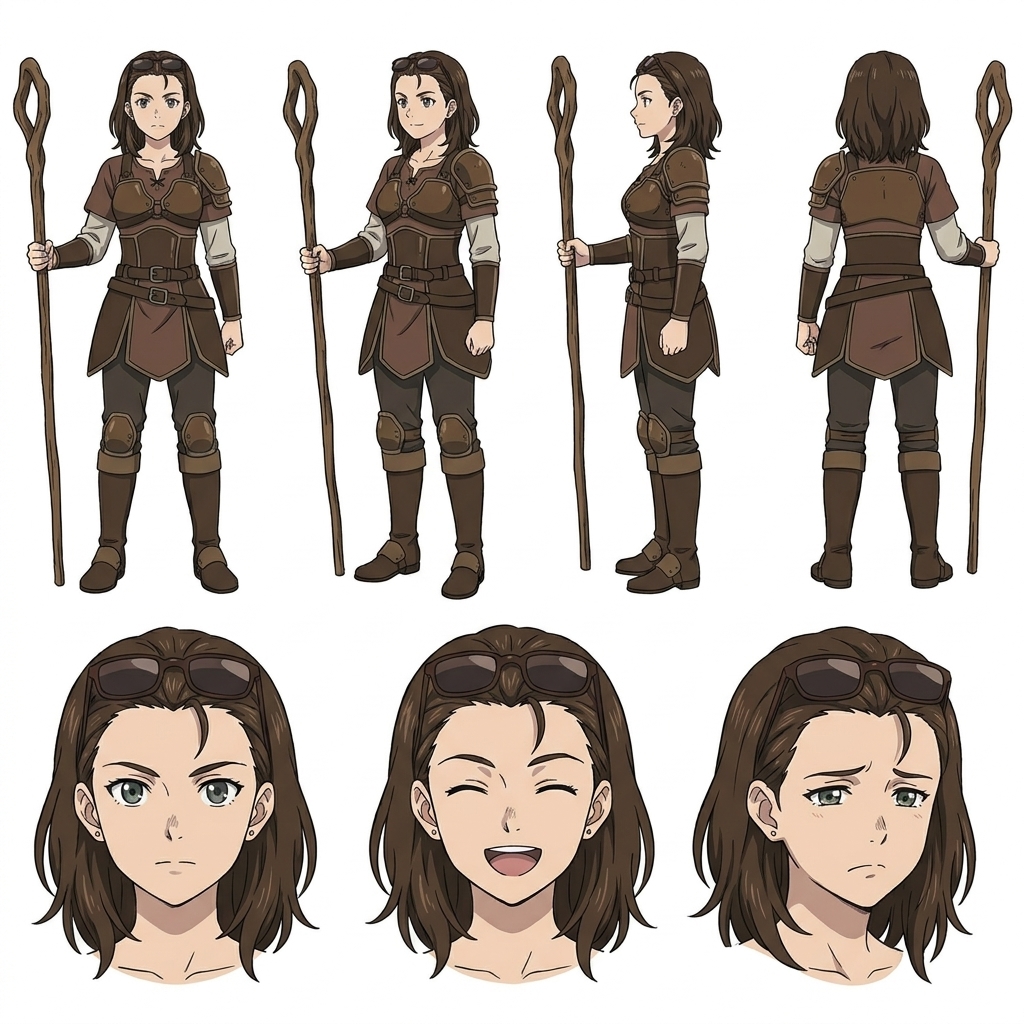
Design Your Character
Upload a photo or describe your character in words. AutoWeeb generates a full design sheet — multiple poses and expressions — ready to appear in every scene of your story.
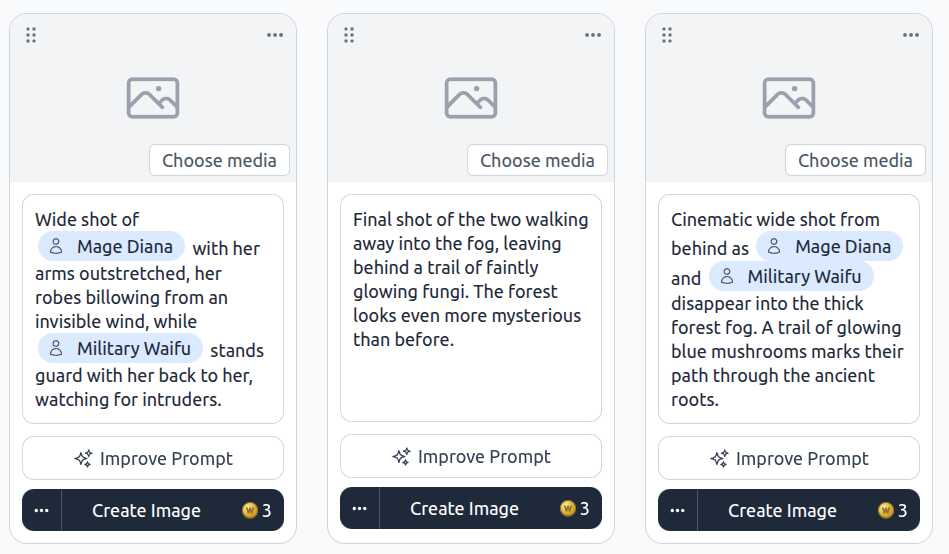
Write Your Storyboard
Describe your idea in plain English and AutoWeeb's AI writes a complete scene-by-scene storyboard — shot descriptions, character cues, and story beats — in seconds.
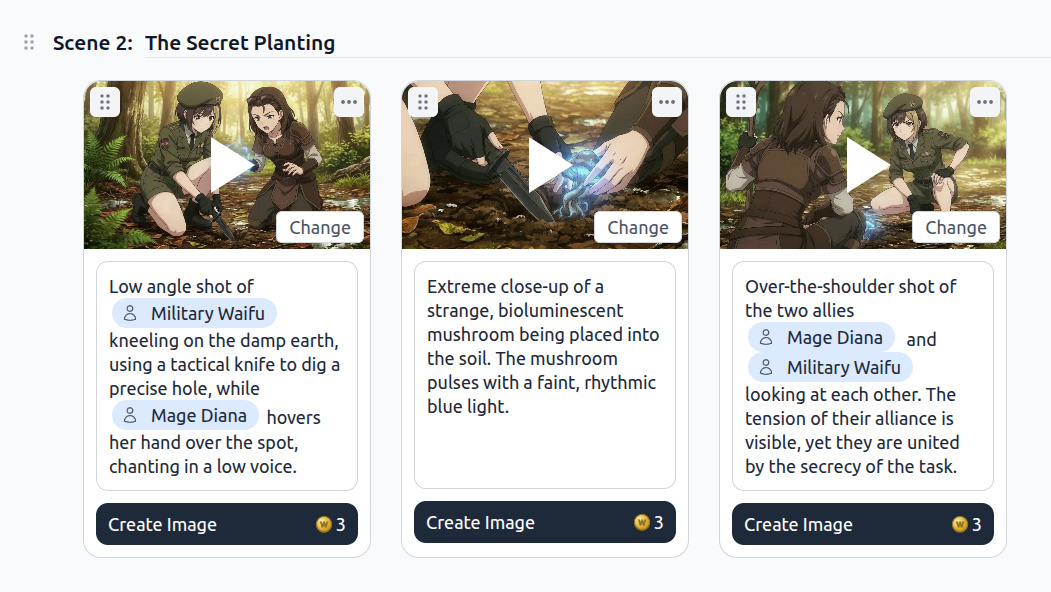
Animate Every Scene
Generate images and animate every shot directly from your storyboard. Your characters stay consistent through every scene, every episode.
Turn Photos Into Anime Art
Want the full photo-to-anime workflow? See how to draw anime online →
Upload a photo. Pick your art style.
AutoWeeb redraws you as a fully realized anime character — no drawing skills, no tablet required.
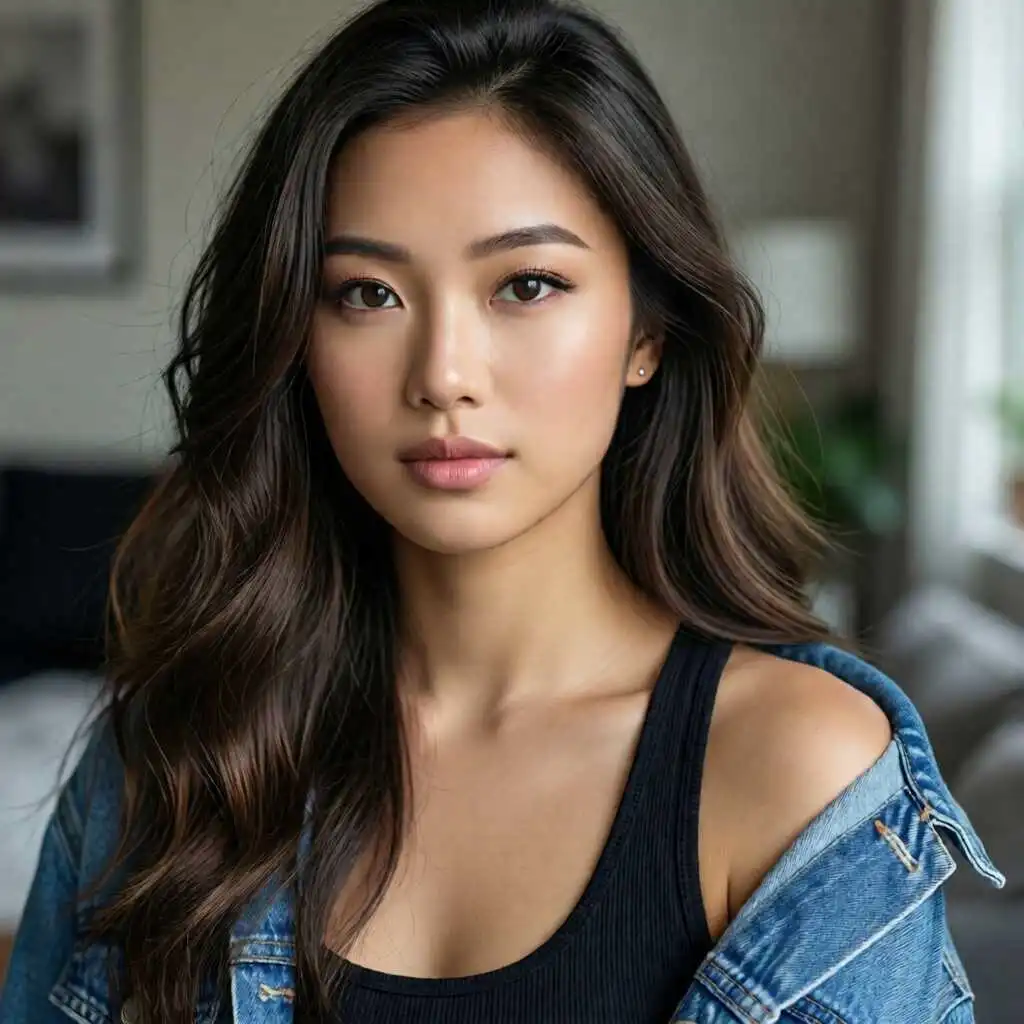
No drawing skills needed. Takes under 60 seconds.
Characters in Any Anime Art Style
Want to see every style you can apply to your photos? Browse all anime art styles →
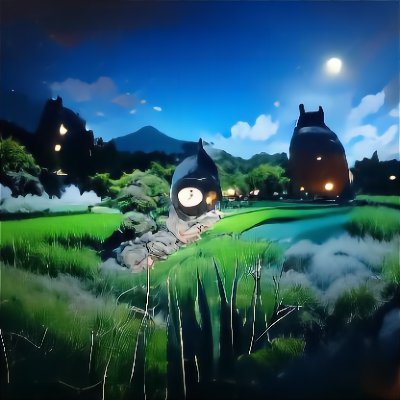
From Studio Ghibli watercolors to Demon Slayer action and cyberpunk neon — pick a named style and transform any photo.
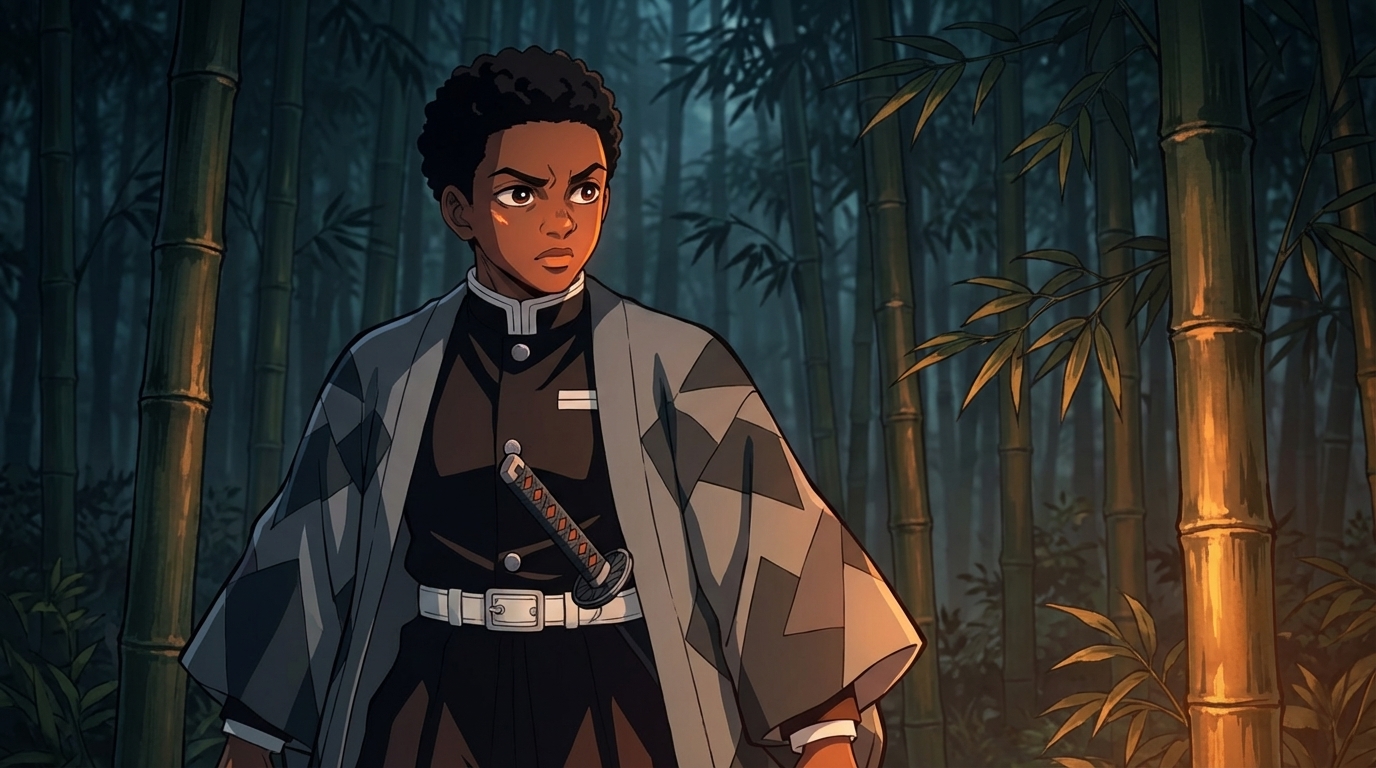
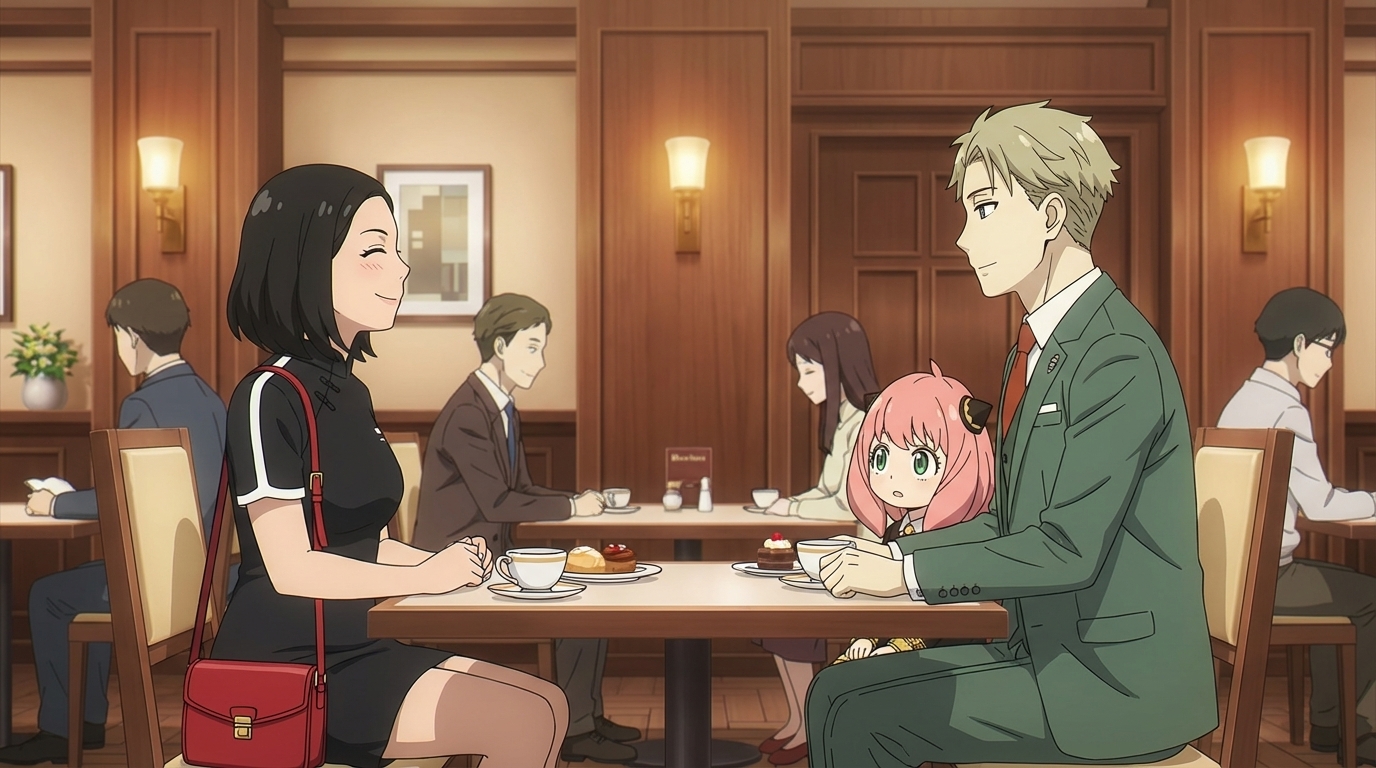
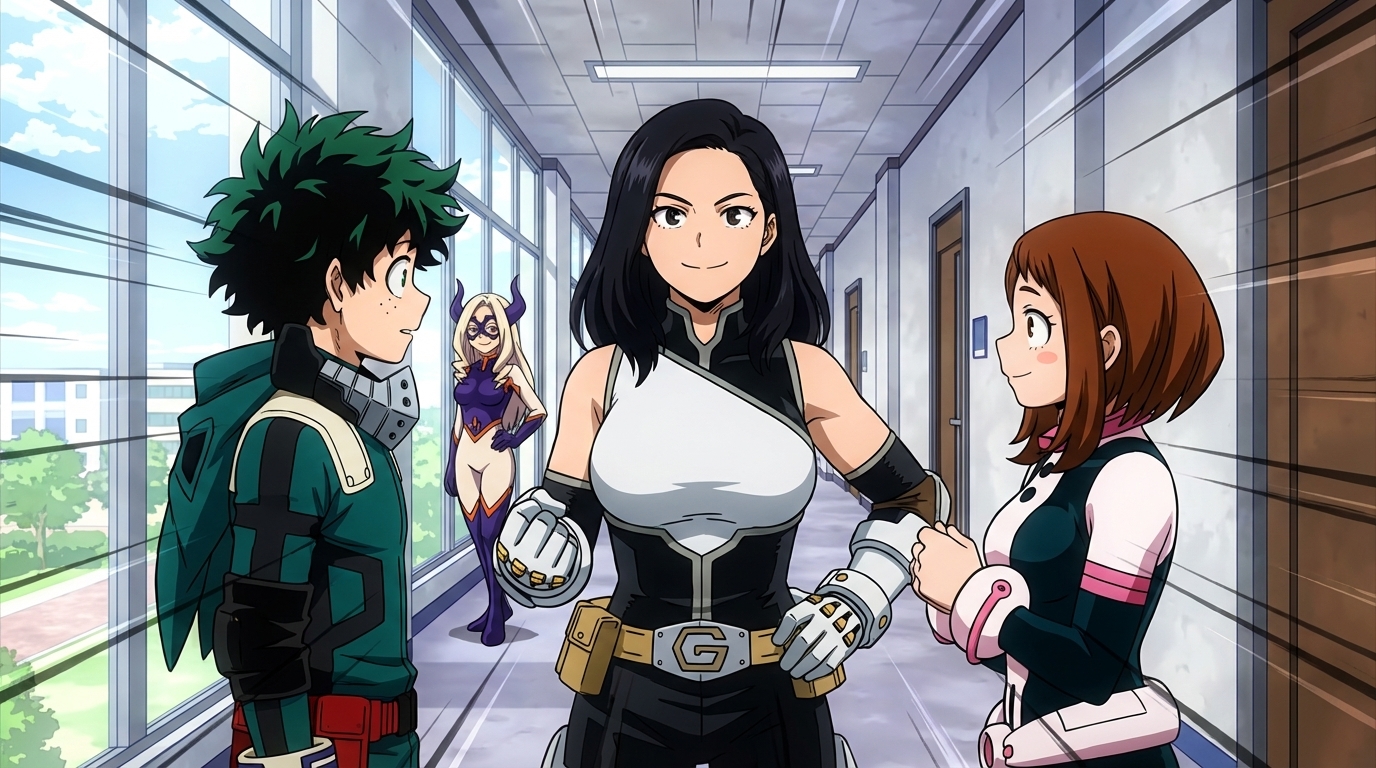
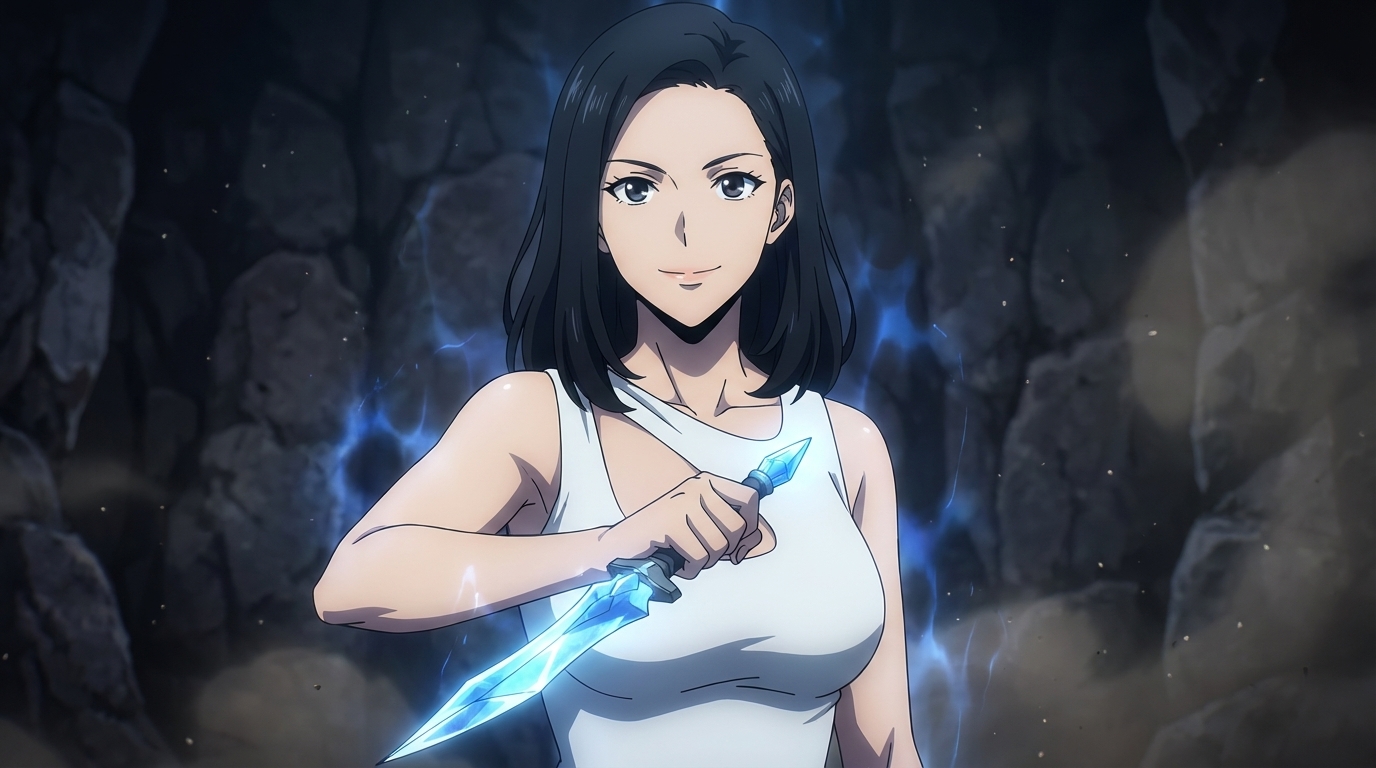
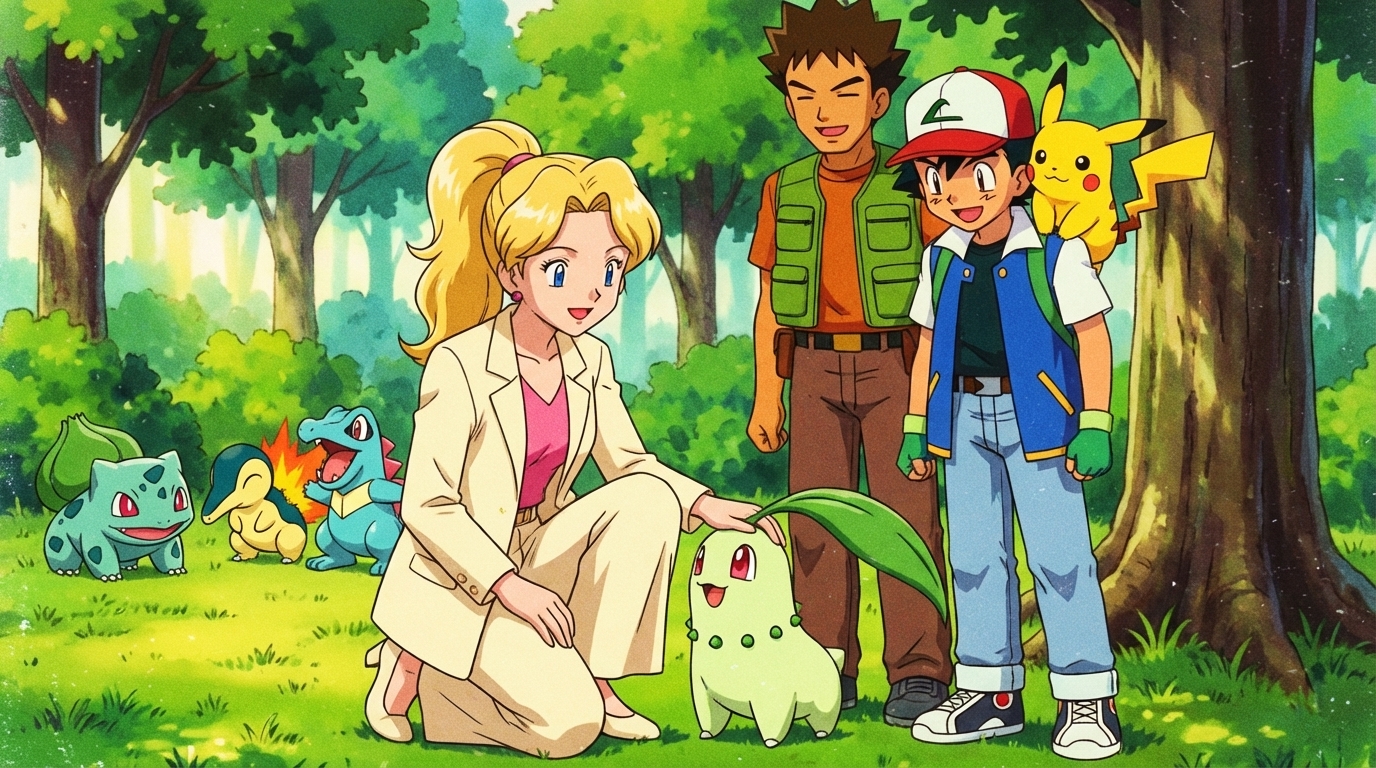
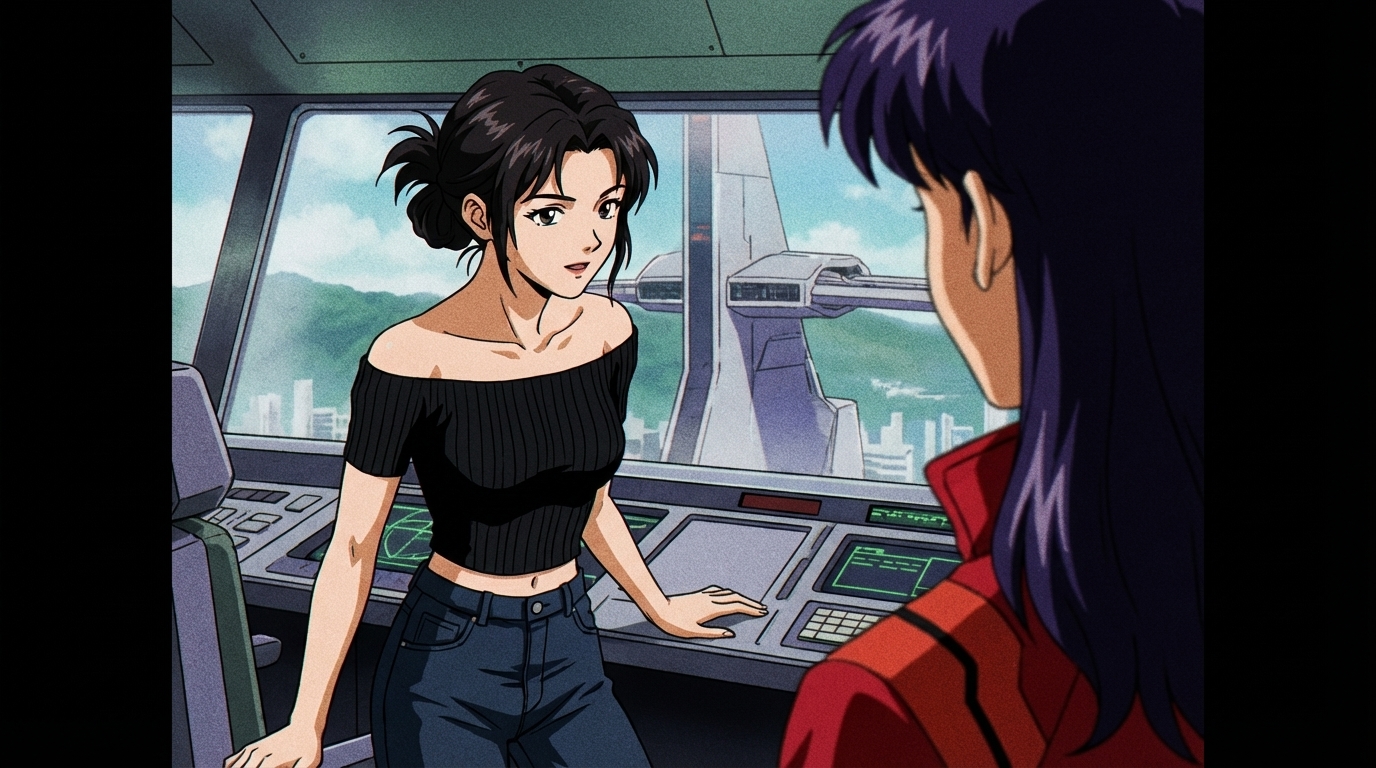
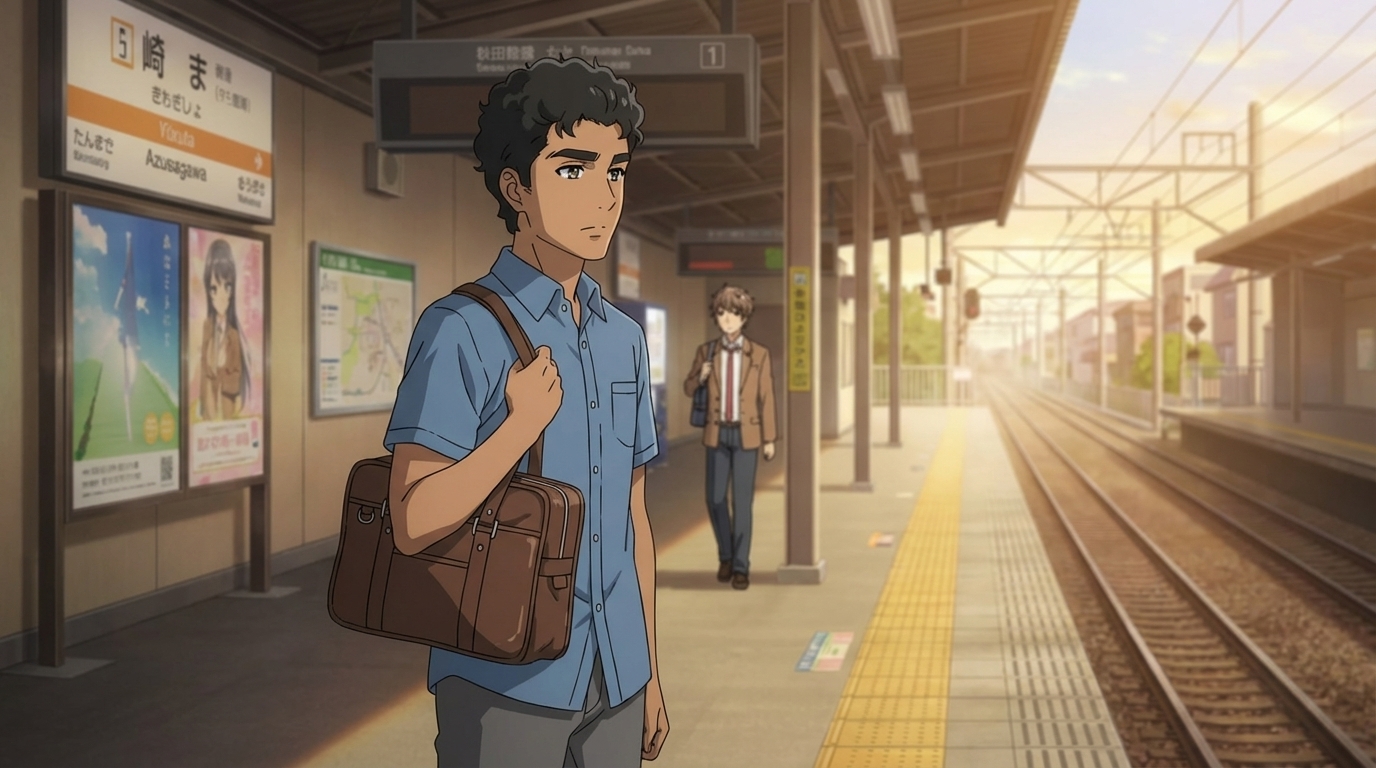
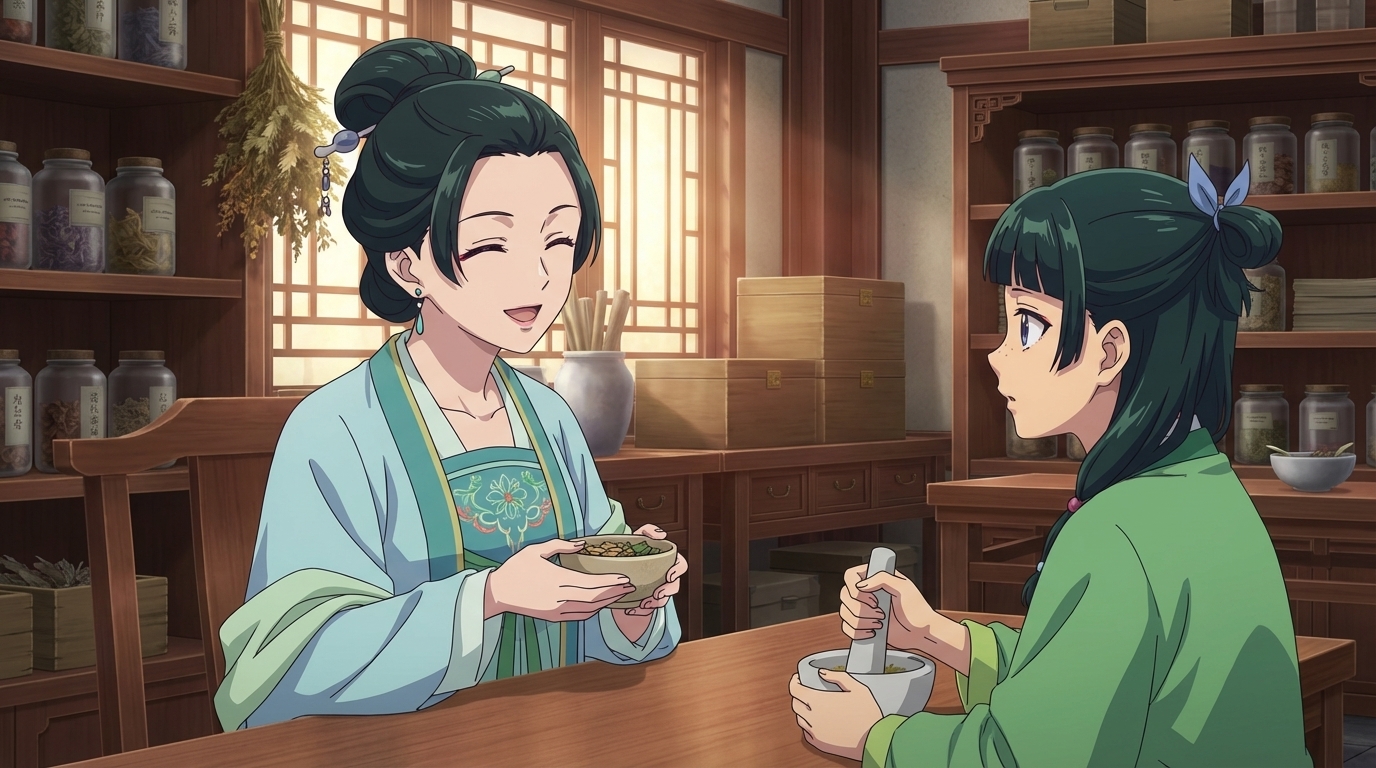
Everyone wants to be kawaii ✌️
People love AutoWeeb's photo to anime AI tool
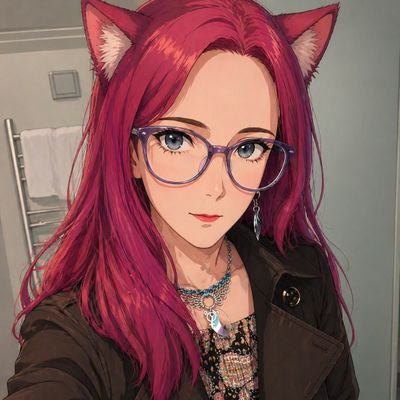
This is a really good model, I'm officially going back to doing this kind of thing locally.
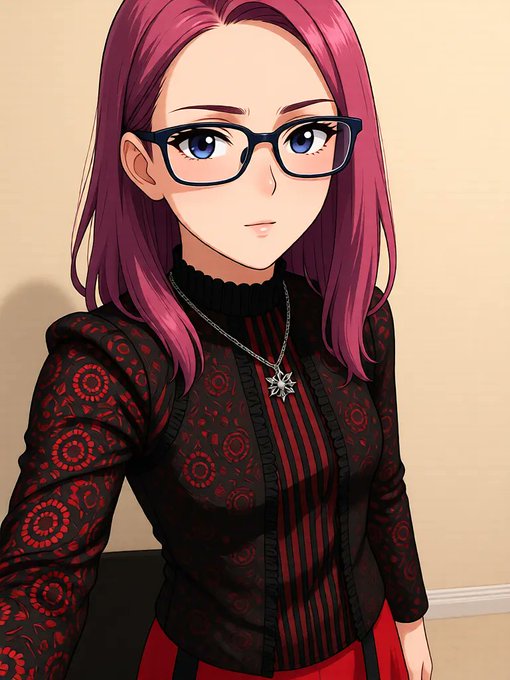
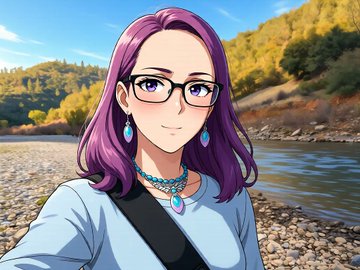

Time to 'anime-fy' yourself! 🌟 This awesome Photo-to-Anime LoRA from autoweeb turns any photo into a stunning anime image.
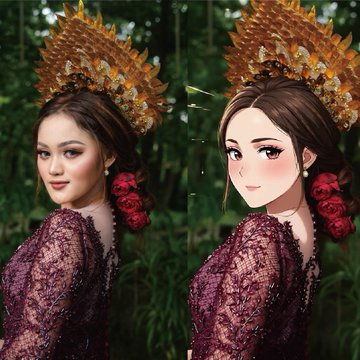
Qwen-Image-Edit-2509-Photo-to-Anime
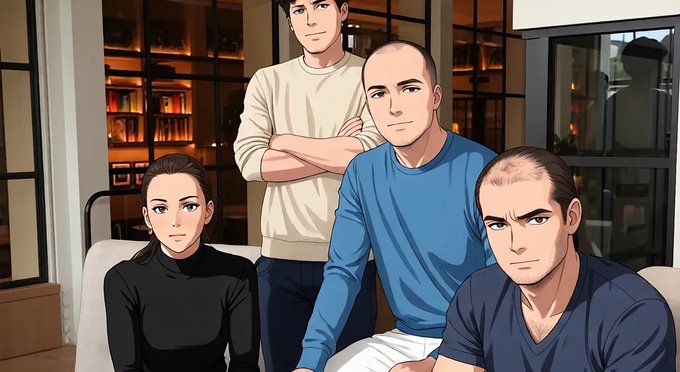

QwenEdit-2509 Photo2Anime: LoRA transforms photos into anime; delivers better results than prompting for "anime" without it.
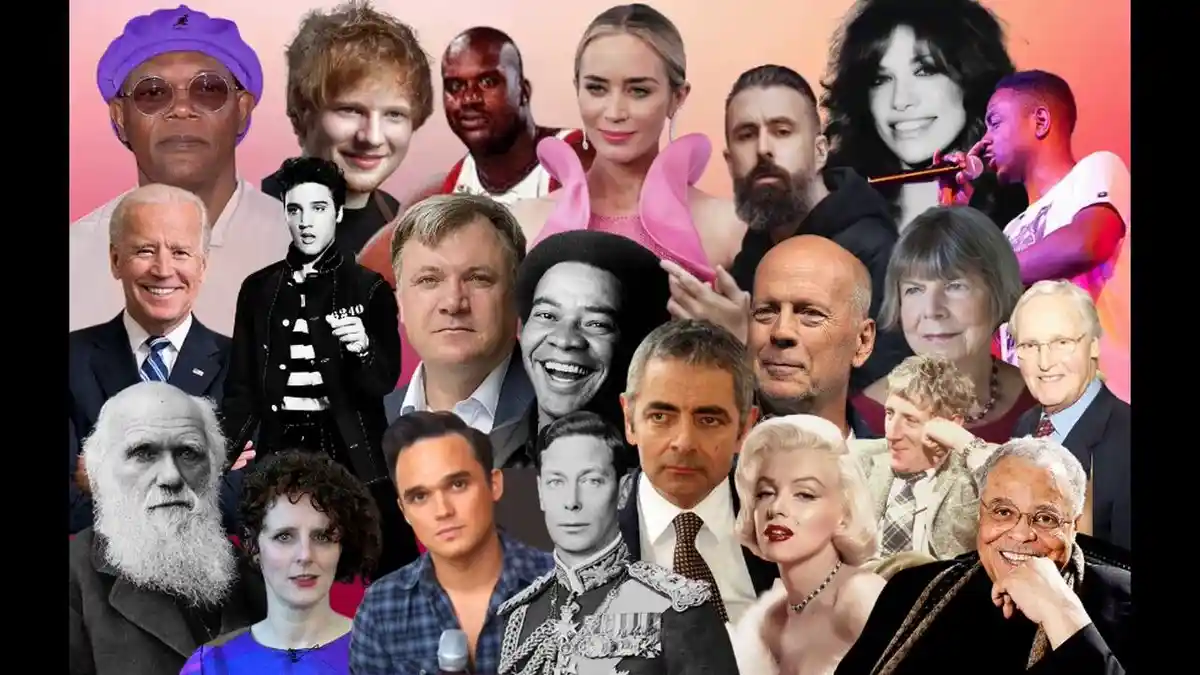

QwenEdit-2509 Photo2Anime: LoRA transforms photos into anime; delivers better results than prompting for "anime" without it.
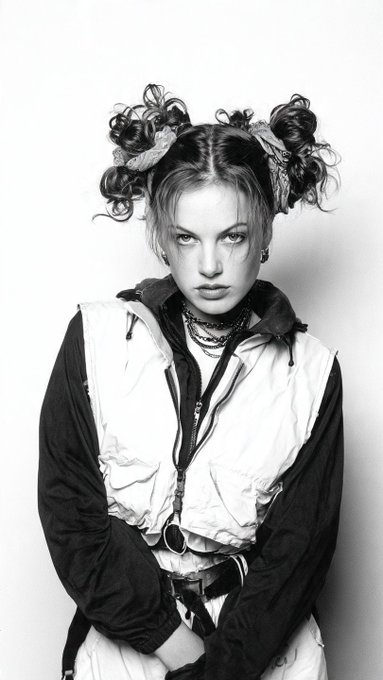
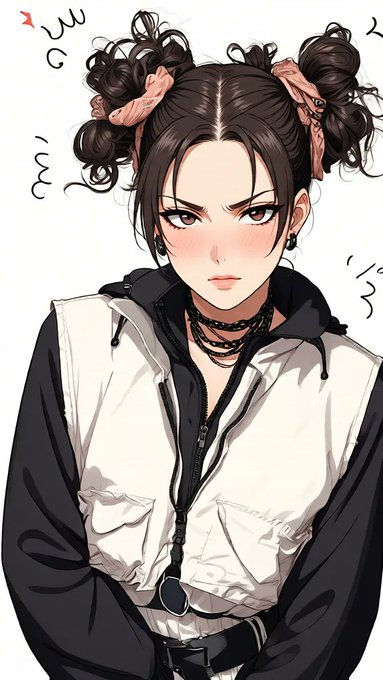
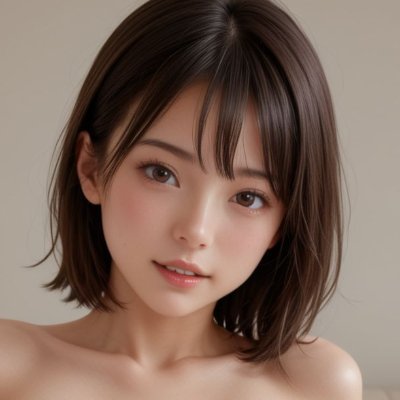
Qwen-Image-Edit-2509-Photo-to-Anime
アニメ絵に変換するLoRA使用したWEBアプリ
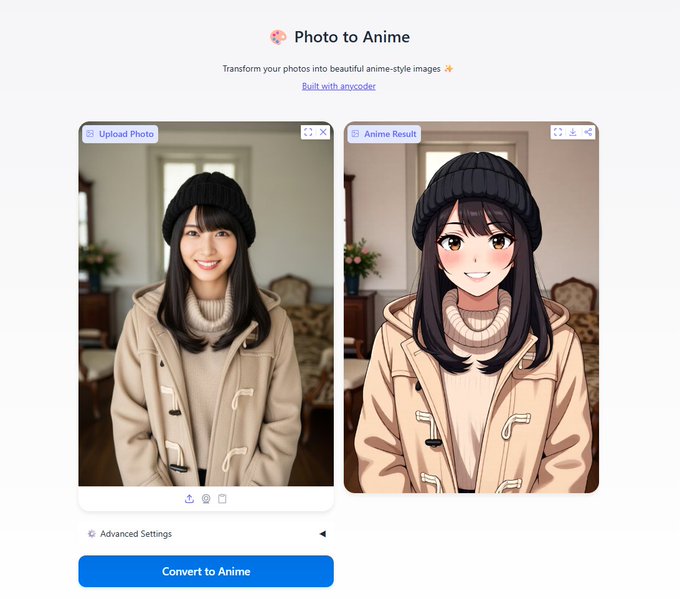

these anime models are getting too good

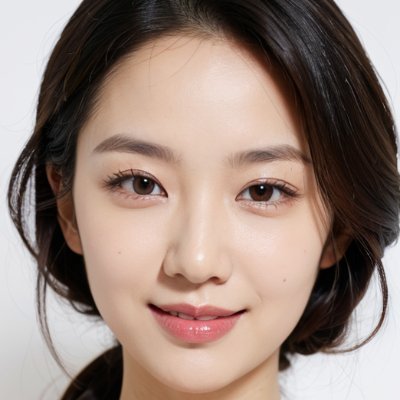
一键真人转动漫模型 基于千问 Qwen-Image-Edit-2509
模型下载 Qwen-Image-Edit-2509-Photo-to-Anime
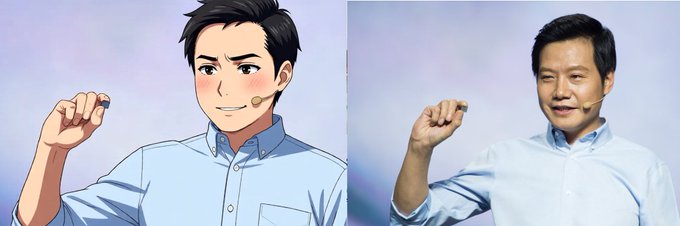
The Best AI Anime Video Tools
Need production-ready reference art for your series? Explore anime concept art tools →
Consistent Characters
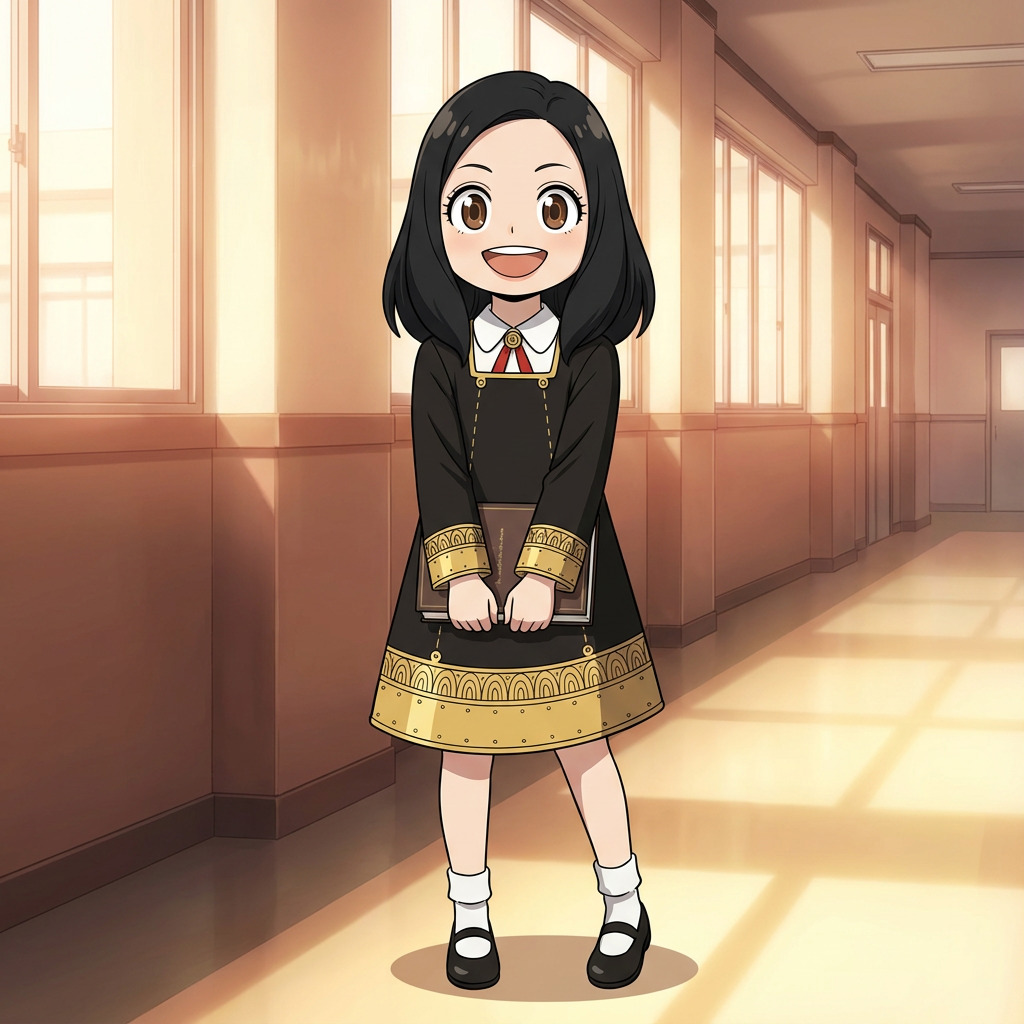
Create detailed character design sheets for your original characters. Every image and video AutoWeeb generates anchors to the same face, hair, and outfit — so your characters look like themselves through every scene.
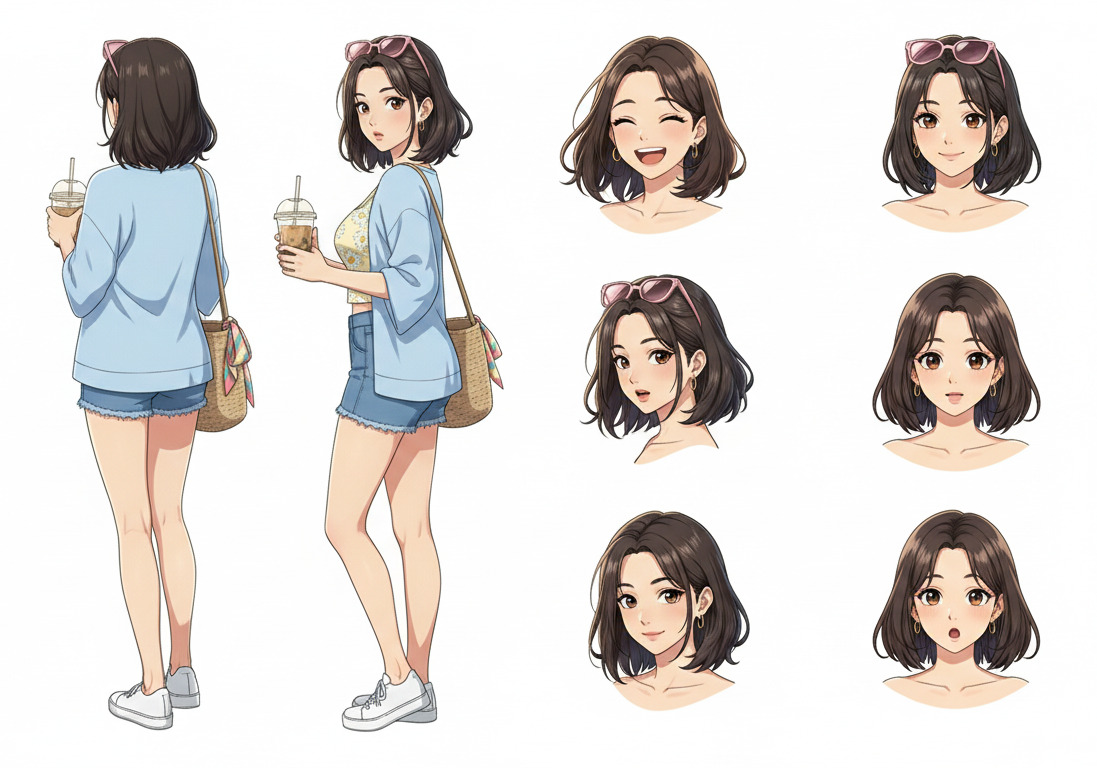
Your Favorite Anime Styles
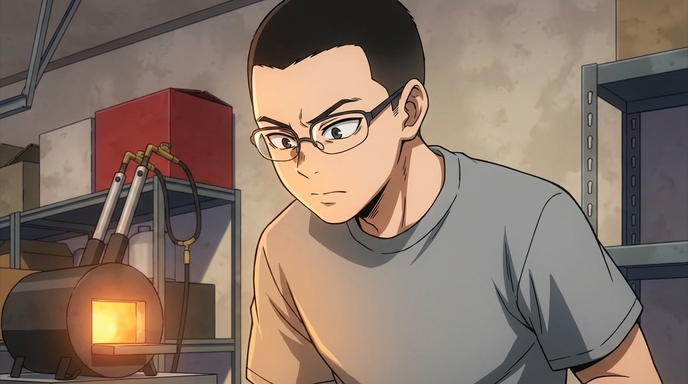
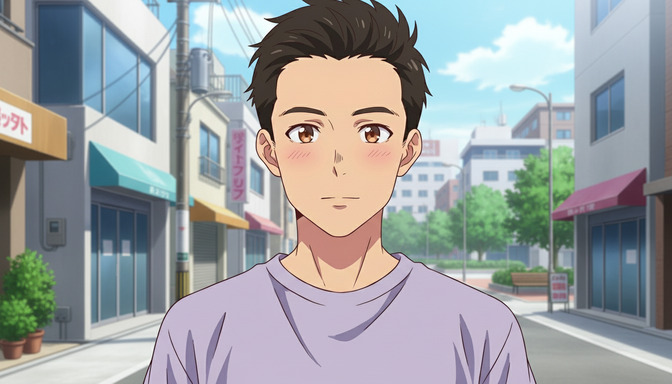
Match the visual language of any anime. From modern shonen to classic shojo and cyberpunk, apply named art styles to every piece of concept art you create.
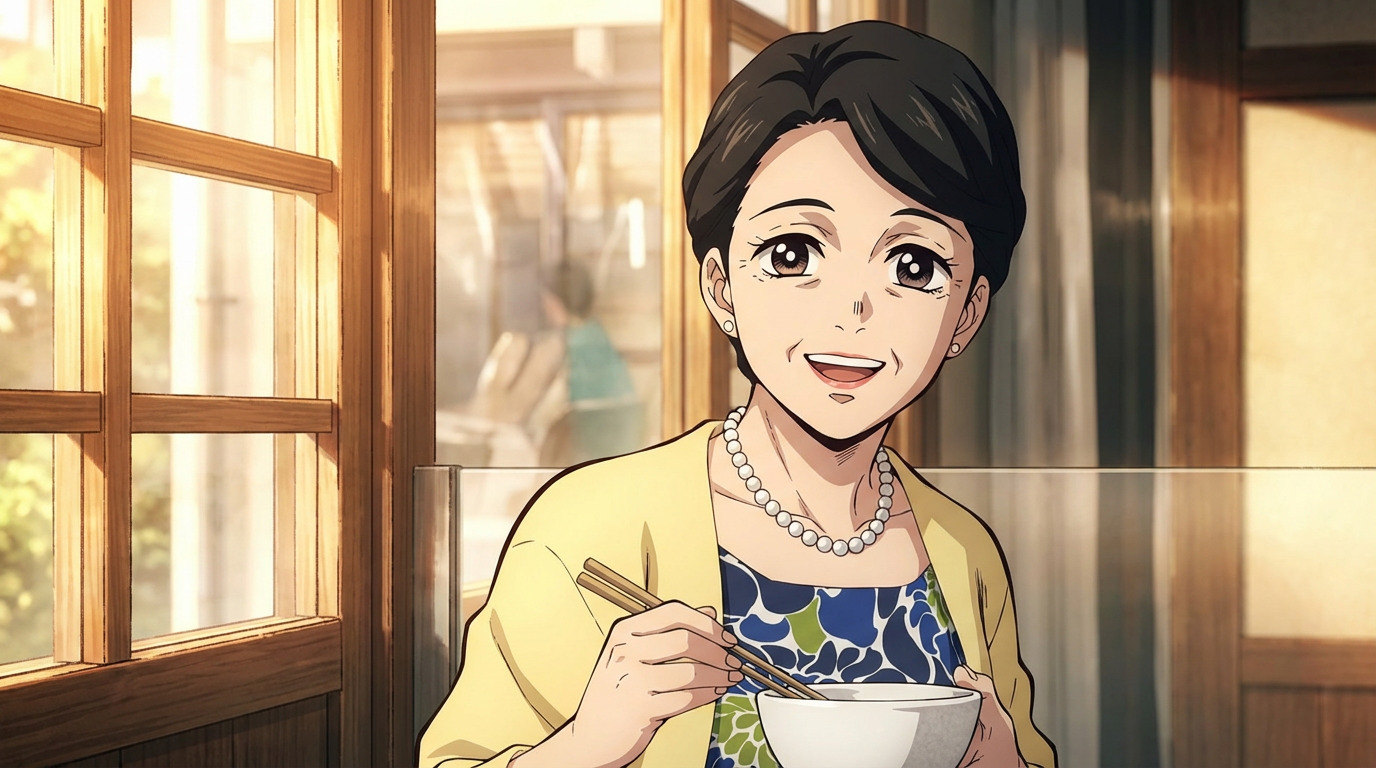
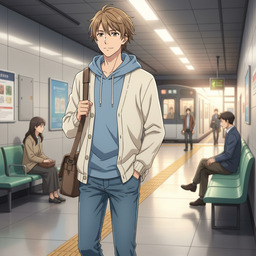
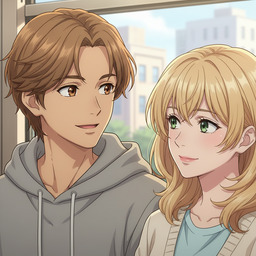
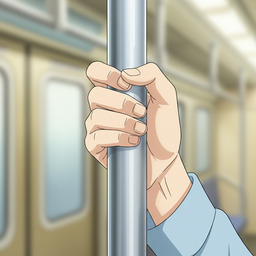
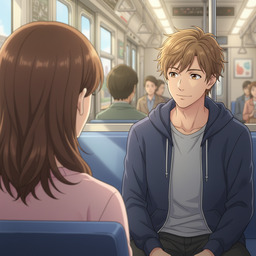
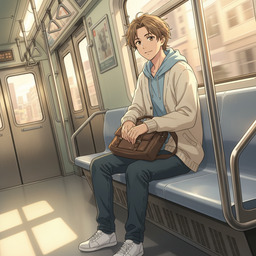
Choose Your Camera Angle
Compose every shot like a director. Control establishing shots, mid shots, close-ups, and extreme angles — all part of your anime concept art toolkit.
Animate Instantly
Turn any piece of concept art into a fluid animation with one click. Add motion to your character designs and bring your visual world to life.
Bring Scenes to Life
Want the full AI anime video generator guide? Explore the AI anime video generator →
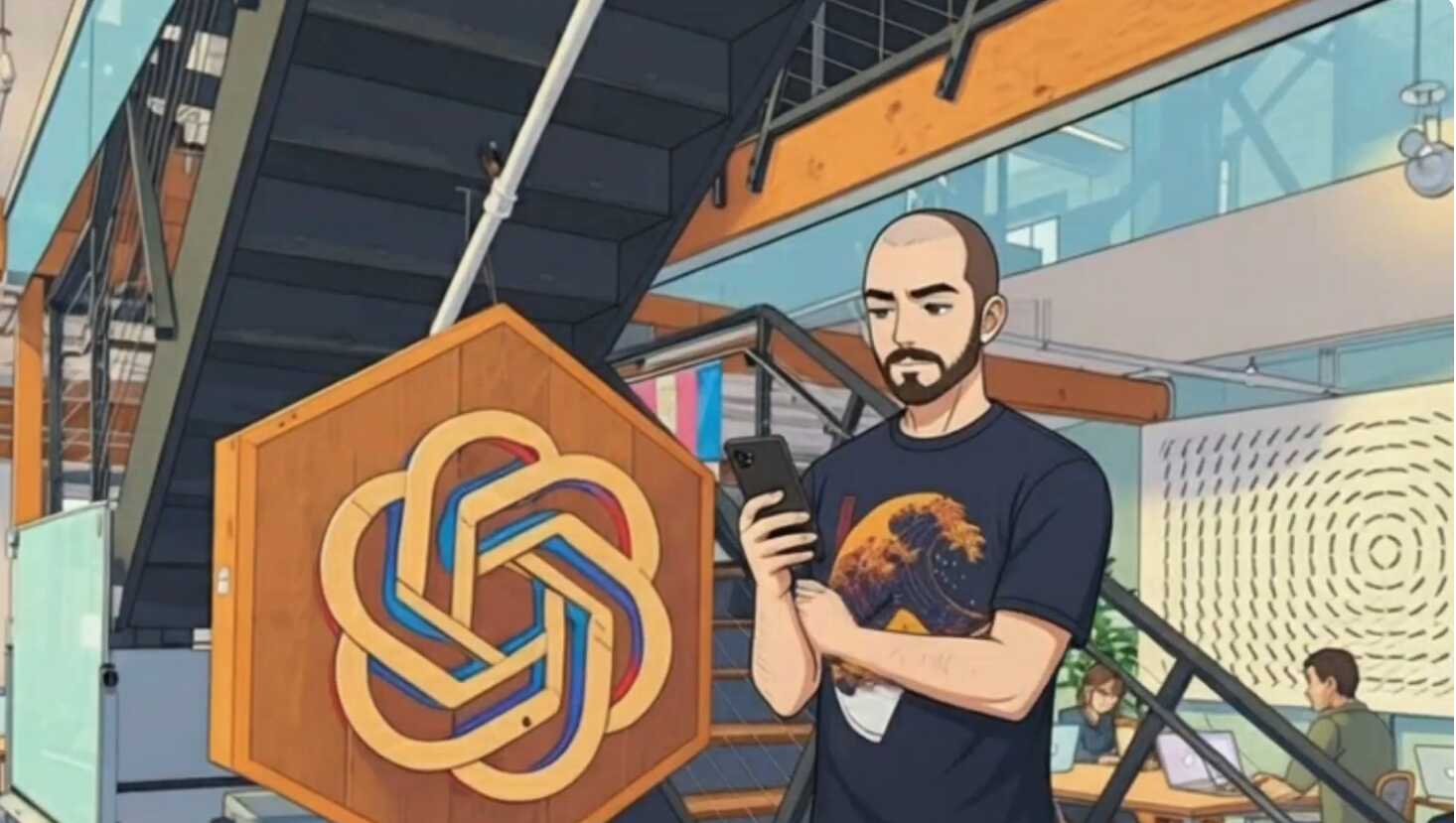
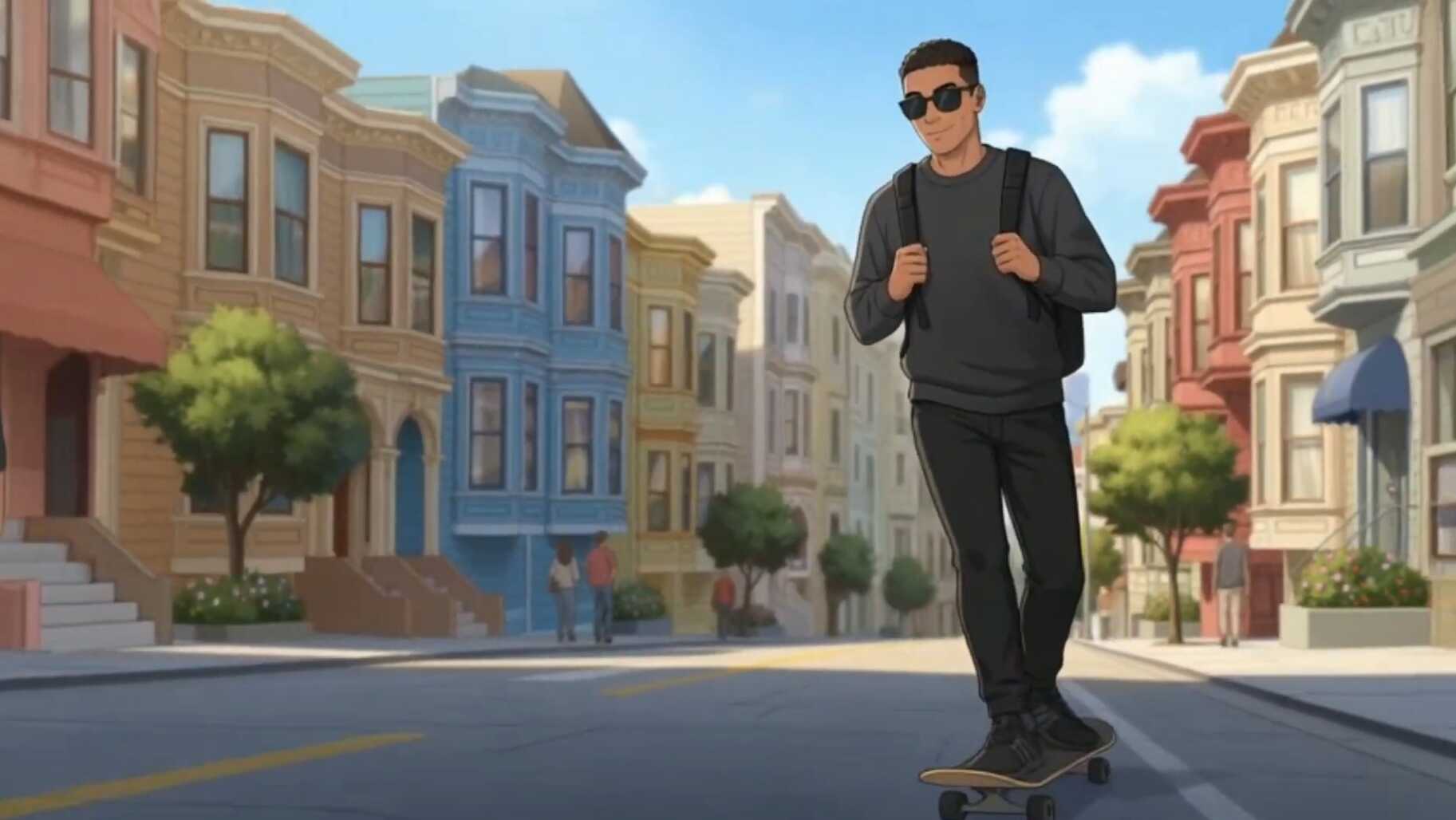
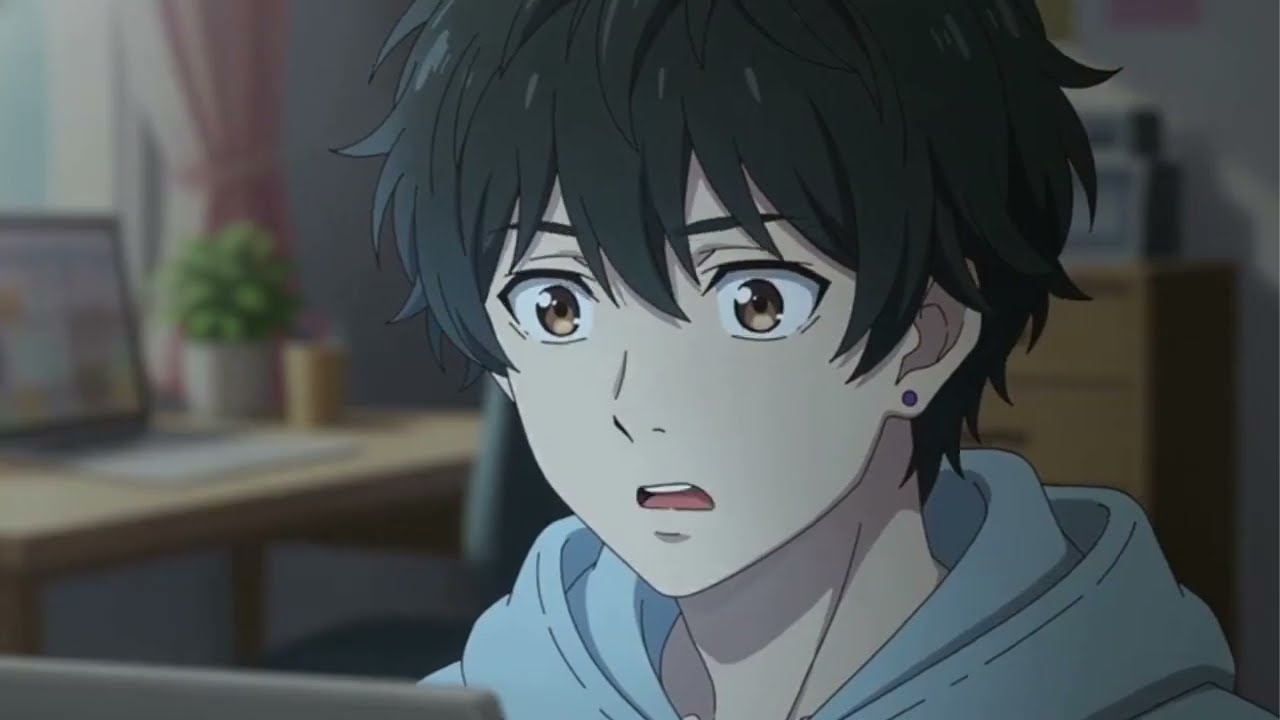
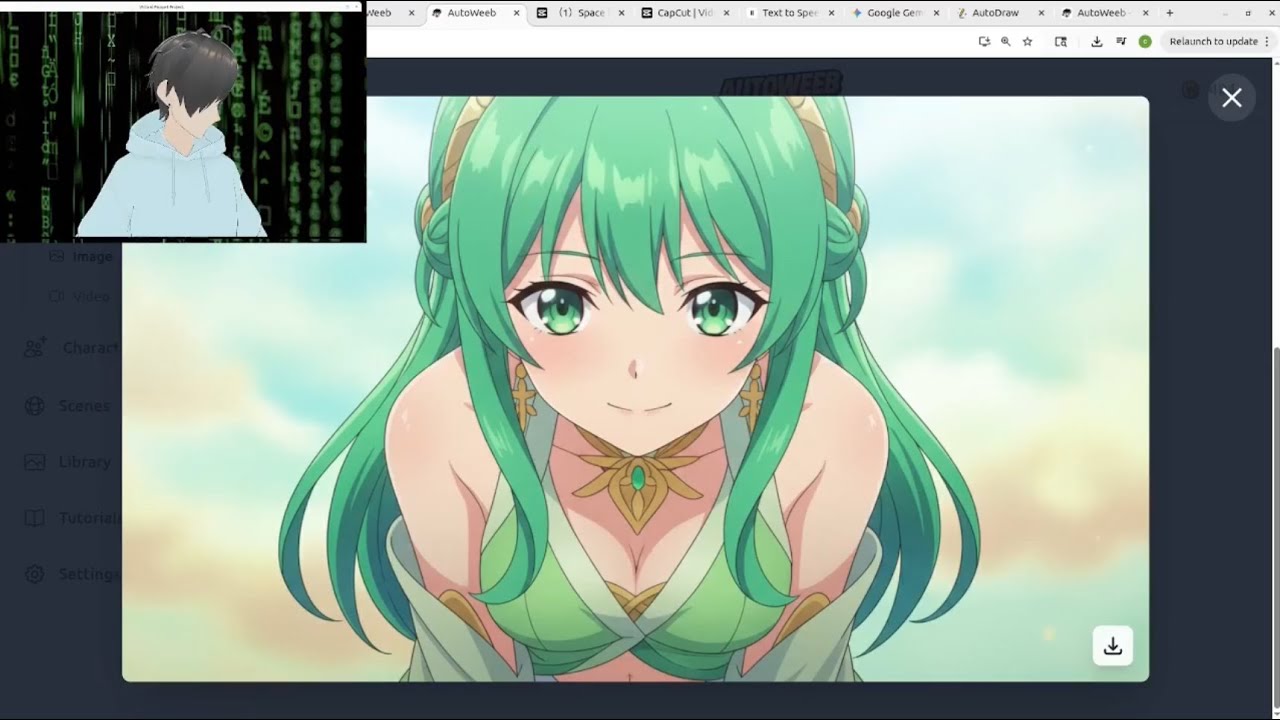
Real anime videos made by creators using AutoWeeb — original characters, AI storyboards, full animation.
Frequently Asked Questions
Everything you need to know about making anime with AI.
How do I make anime characters with AI?
AutoWeeb generates full anime character design sheets from a text description or a photo. Describe your character's appearance — hair, outfit, personality — and AutoWeeb produces a complete reference sheet with multiple poses and expressions. You can also upload a real photo and convert it to anime art in your chosen style. Once saved, your character stays consistent across every image and video you generate.
Can I draw anime online without any drawing skills?
Yes. AutoWeeb is built for creators who want to make anime art without a drawing tablet or formal training. Upload a photo and choose a style — Demon Slayer, Ghibli, My Hero Academia — and AutoWeeb redraws it as a fully rendered anime image in under 60 seconds. You control the art direction, the camera angle, and the mood. The AI handles the actual drawing.
What is anime concept art and how do I create it with AI?
Anime concept art covers character design sheets, location references, and the visual language that defines how your series looks. In AutoWeeb, you build concept art by designing character sheets, choosing named art styles, and composing scenes with camera angle control. Every piece is saved to your library and reused across episodes to keep your world visually consistent.
How do I start writing an anime?
Start with a character and a basic story idea. AutoWeeb's AI writes your storyboard from a single sentence — breaking your idea into scenes, shot descriptions, and character cues. Describe the beat you want: a confrontation, a training montage, a quiet moment before the decision. The AI builds the full scene so you can focus on story rather than technical prompting.
Can I make a full anime with AI?
AutoWeeb covers the entire production pipeline: character design, storyboarding, scene generation, and video animation. You can build multi-episode series with characters that stay consistent from the first frame to the last. Each clip chains into the next with the same face, hair, and outfit throughout. Most creators go from concept to first animated clip in under an hour.
How do I create anime videos?
Generate a starting image with your character in a scene, then describe the motion you want — a sword draw, a slow walk through rain, a spell charge-up. AutoWeeb translates the description into a full animation prompt and generates the clip. Chain multiple clips for longer sequences. All videos use Seedance 2, a state-of-the-art animation model tuned for anime-style motion.