
How to Create Your Own Anime Pictures at NijiFest 2026
Anaheim's queer anime convention is a celebration of character — and the best source material for anime art you'll find
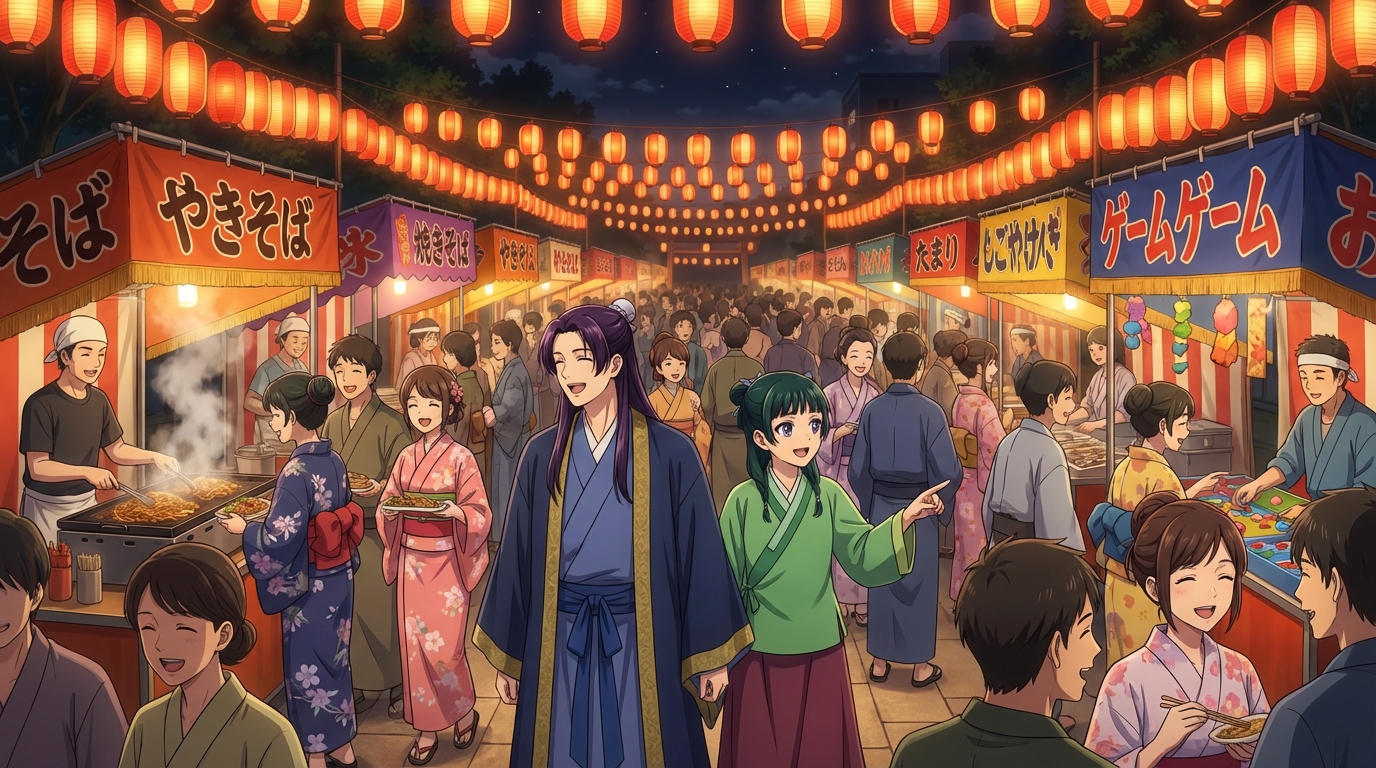
NijiFest 2026 runs May 15-17 in Anaheim, California, and it is built around a premise that most anime conventions only gesture toward: celebrating LGBTQ+ representation in anime and fandom. The guest list runs toward LGBTQ+ voice actors, creators, and performers, with cosplay contests, drag shows, panels, and late-night programming that reflects the specific culture of the community it serves. Hotel rates start at $159 a night in the convention block, and it sits just outside the Anaheim resort district, which gives you a very particular backdrop.
NijiFest also produces, predictably, some of the most inventive and specific cosplay you will see at any convention this size. People show up having thought carefully about what they are wearing and why. That is, from an anime art generation standpoint, excellent source material.
👉 Create Your NijiFest Anime Art on AutoWeebStep 1: Capture the Convention's Visual Energy
NijiFest's photographic environment is more expressive than most conventions of its size. Cosplay at queer-centered anime conventions tends toward characters who are often underrepresented in official merchandise, which means you will see interpretations and designs that push into original territory. Photograph the details. The color choices, the wig styling, the craft on a hand-sewn jacket, all of these are specific enough to generate distinctive anime art from.
The Anaheim light in mid-May is warm and direct, and the outdoor convention spaces near the host hotel catch it well. Outdoor shots in this light, with a clear subject and some convention-adjacent background, convert cleanly. Group shots work especially well at NijiFest because the coordinated looks tend to be visually coherent in a way that group shots at larger, more diffuse conventions are not.
Step 2: Convert Your Photos to Anime Art
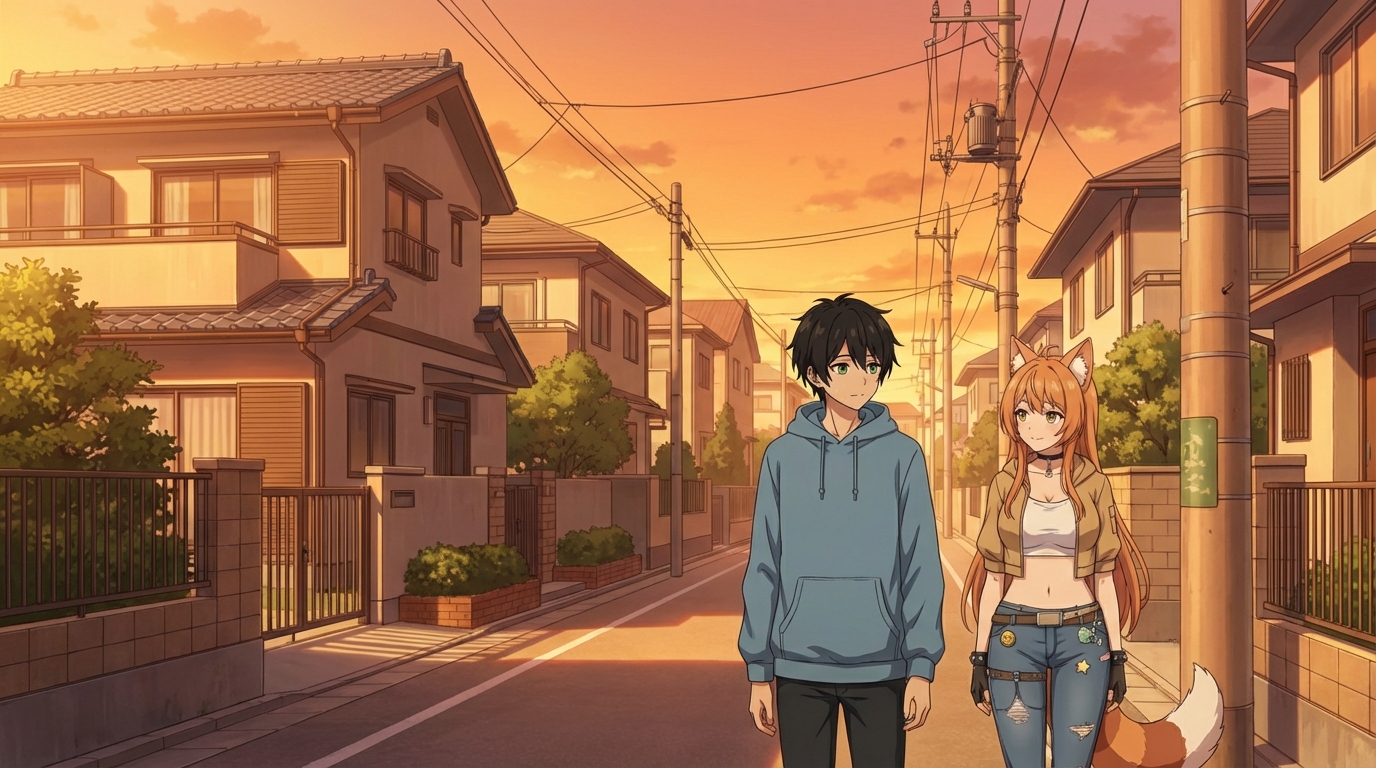
Upload your NijiFest photos to AutoWeeb's photo-to-anime converter. The variety of styles at NijiFest means the style selection step matters. Match the art style to the source aesthetic of the costume or outfit you are converting.
Prompts that work well for NijiFest source material:
- pastel color palette, shojo-adjacent style, expressive eyes, warm May afternoon light, soft background bokeh
- bold character design, saturated colors, non-binary protagonist energy, sharp line art, convention crowd background
- fantasy anime aesthetic, ornate costume detail, dramatic lighting, Anaheim night sky in background
The NijiFest late-night programming, with its drag shows and rave energy, also gives you evening shots with dramatic artificial lighting, which is a different conversion challenge and a different kind of result. These come out with a more stylized, nightlife-adjacent aesthetic that suits the cyberpunk and high-contrast art styles.
Step 3: Build Your Original Anime Character
One of the things that makes NijiFest worth attending is the explicit celebration of characters who rarely appear at the center of a story. The panels and guest conversations return repeatedly to questions of representation and visibility. Your character design session after NijiFest is a good moment to think about what kind of protagonist you actually want to build.
Upload your best photo from the weekend to AutoWeeb's Character Creator. The Character Sheet gives you your character from multiple angles with consistent design, ready to be placed into any scene. Describe your character's archetype with specificity: "gender-fluid sorcerer with silver-streaked locs and tailored robes" produces a different result than "magic character," and the specificity is the point.
Step 4: Place Your Character in the Right Scenes
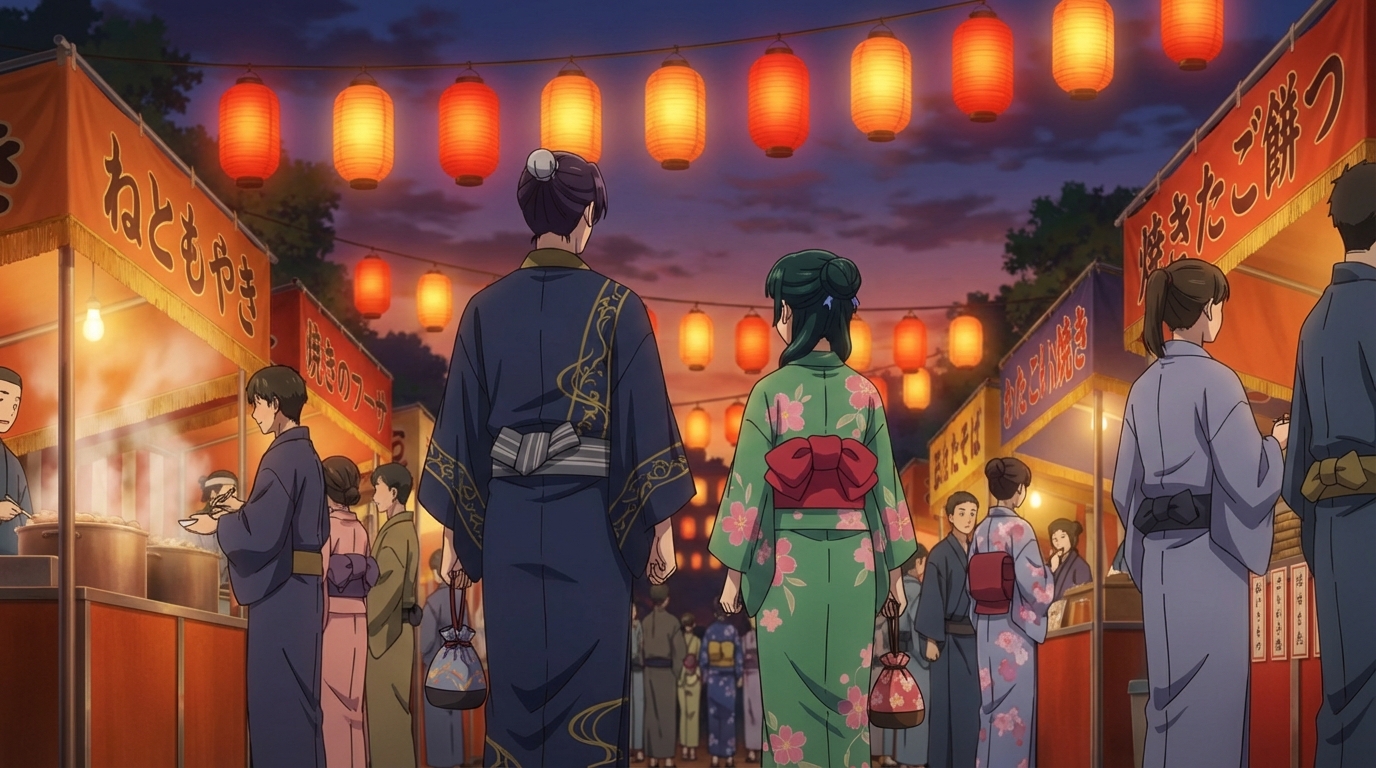
The AutoWeeb Japanese Culture Festival pack is a natural fit for NijiFest-inspired content: lanterns, celebration, color, crowds, the kind of scene energy that matches a convention built around community and visibility. The Slice of Life pack covers quieter moments: the conversation between panels, the late-night hotel lobby, the breakfast the morning after.
For scenes that capture the late-night programming energy, prompt your character in a venue with colored stage lighting, dramatic shadows, and a crowd in the background. That visual language is well-established in anime, and the AI handles it with confidence when the prompt is specific about the lighting conditions.
NijiFest is a convention where the people attending have usually thought carefully about how they present. Use that as the standard for the anime art you build from it.
👉 Start Building Your Anime Art on AutoWeebFor a deeper look at how the conversion process works, the photo-to-anime guide covers every step in detail. If you want to explore original character design, the anime character creation guide is the place to start.
Related Blog Posts
Anime Festival Date Scenes You Can Create
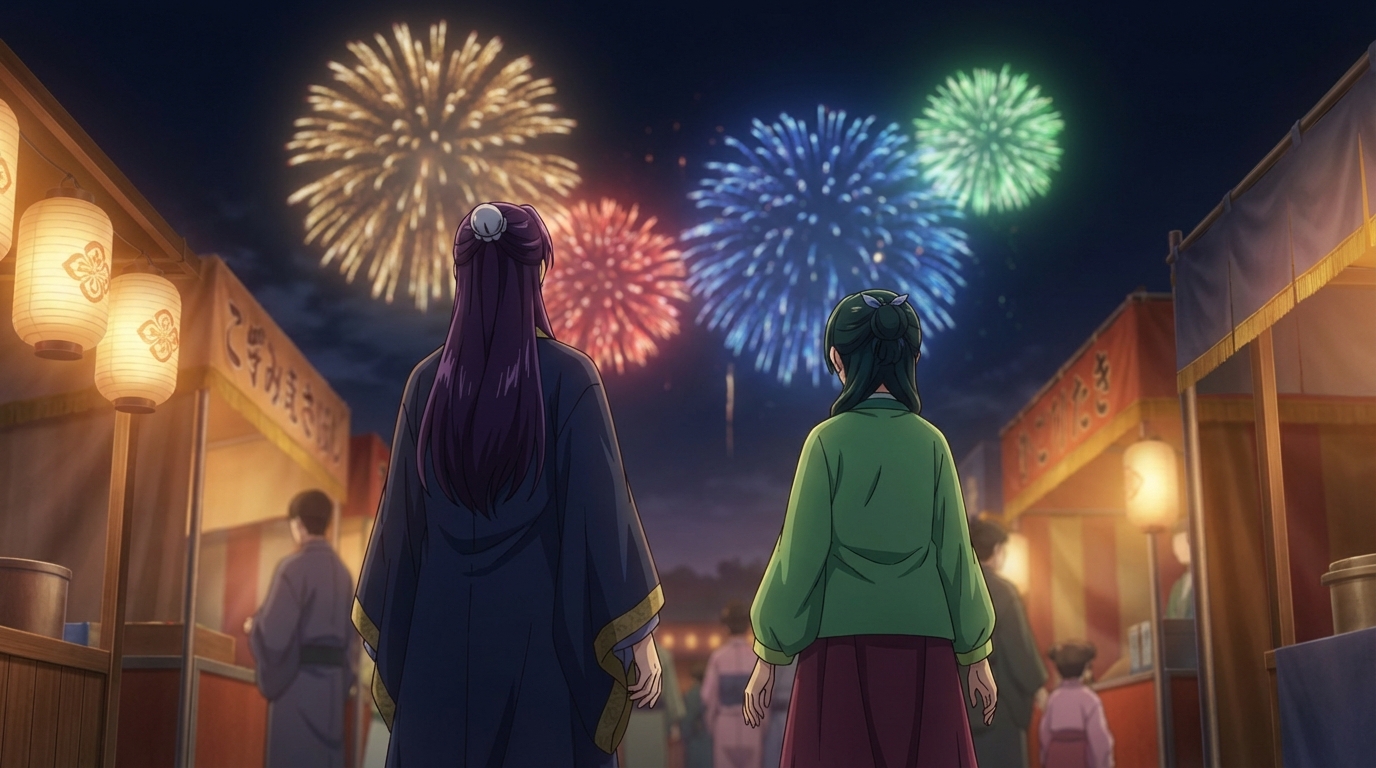
The summer festival is one of anime's best romantic settings. Here's how to build yours
Create anime festival date scenes with AutoWeeb. Generate romantic summer festival and matsuri scenes with your own characters using AI-powered anime art.
Create Your Own Anime Romance Story
From character design to multi-scene story, here's how to build a romance that's actually yours
Create your own anime romance story with AutoWeeb. Design characters, build scenes, and tell a complete love story using AI-generated anime art.
What If You Were in an Anime Love Story?
The tropes, the settings, the moments, and how to actually put yourself into all of them
What if you were in an anime love story? Explore the classic tropes and settings, then use AutoWeeb to generate scenes with yourself as the main character.
Anime Couple Scenes You Can Recreate With AI
Classic moments from anime romance, rebuilt with your characters in the lead roles
Recreate your favorite anime couple scenes with AI. Use AutoWeeb to put your own characters into the iconic moments from anime romance, from rooftop confessions to festival nights.
Explore AutoWeeb
Jump into the tool that fits your creative step.
AI Anime Video Generator
Animate storyboard shots into cinematic clips with Seedance 2 and consistent characters.
Anime Character Creator
Design original characters with consistent sheets across every scene.
AI Anime Image Generator
Generate cinematic anime stills anchored to your character library.
Turn Photo Into Anime
Upload any photo and watch AI turn it into stunning anime art in seconds.
AI Anime Location Generator
Create a location set once, then generate reference images from every angle.
AI Anime Storyboarding
Describe your idea, pick your characters, and let AI draft the script and scenes.
AI Anime Prompt Agent
Turn a rough idea into a cinematic Seedance 2 prompt with the AI Director.