
Anime Character Creator
AutoWeeb makes it easy to create anime characters online from scratch. Describe your character, upload a reference photo, or turn yourself into an anime person.
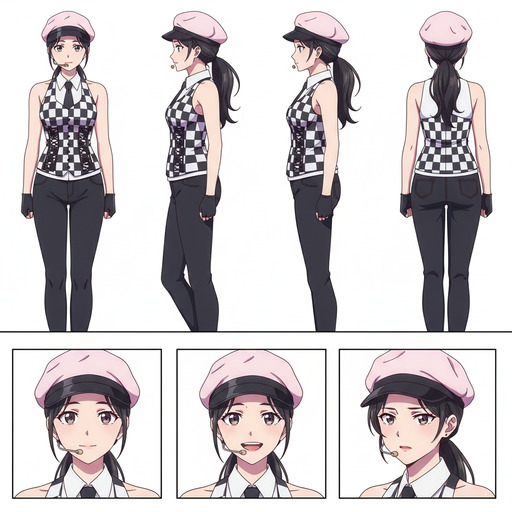
Anime Character Creator Video Tutorial
Watch how to design a character from a photo or description, generate a locked character sheet, and keep the same face and outfit consistent across every scene.
How to Create Your Own Anime Character
Creating an original anime character used to mean years of drawing practice or paying a professional artist. With AutoWeeb, it takes three steps: get a reference image, turn it into a character sheet, then use that character anywhere you want.
Step 1: Start with a reference image
Every character starts with a visual anchor. Upload a photo of yourself, a friend, or anyone you want to base the character on. AutoWeeb's photo-to-anime engine converts it into a clean anime portrait while keeping the face recognizable. The bone structure, eye shape, and hair silhouette all carry through.
Already have an anime image you love? Use it directly, or browse AutoWeeb's Shared Characters library for fully realized designs built to hold up across varied scenes.
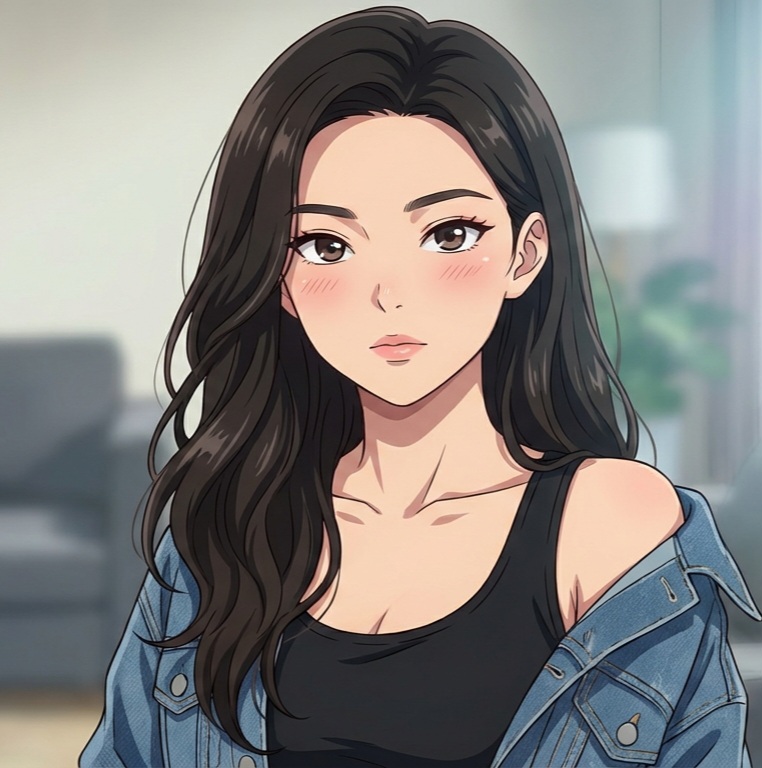
Step 2: Generate a character sheet
A single portrait is just a starting point. A Character Sheet is what makes your character reusable across every scene you generate. Define outfit colors, personality keywords, and archetype details. Be specific: "dark navy school uniform with a single gold button, red ribbon tie" is more reliable than "school uniform."
Words like "confident," "melancholy," or "reserved" shape default expressions and posture. Naming an archetype ("detective," "idol," "ronin," "mage") gives the model visual conventions to draw from.
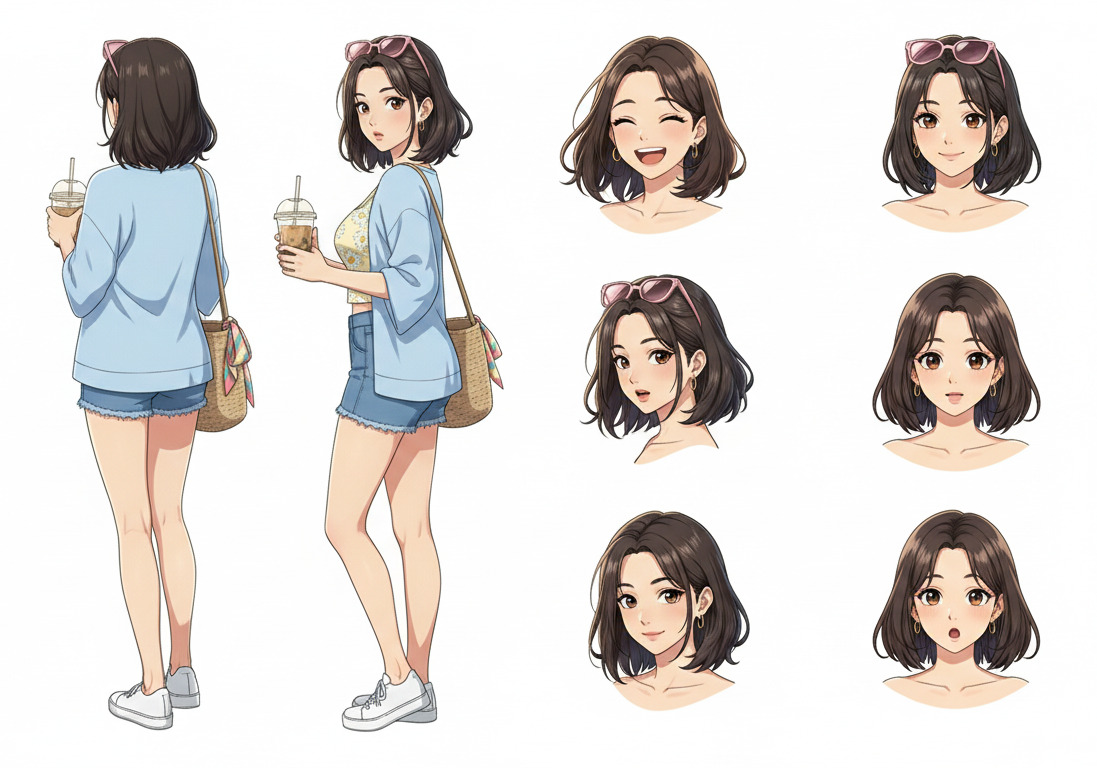
Step 3: Use your character anywhere
With a Character Sheet saved, drop your character into Explore templates or write your own scene prompts. A good scene prompt focuses on what is happening, not on re-describing your character:
"Rooftop at golden hour, overlooking a quiet city street, wind moving through her hair, melancholy expression, soft rim lighting, cinematic composition"
Once you have a still image you like, animate it. Hair movement, ambient particles, and subtle expression shifts turn a portrait into something that feels like a real scene from a series. Every generation starts from the same foundation, so every result looks like it belongs to the same story.
Custom Anime Character Builder
You don't need drawing skills or expensive software. A custom anime character is one you define from the ground up. AutoWeeb gives you direct control over every design decision, then generates consistent art so your character looks the same in every image and video.
Start with a Description or Photo
Write how your character looks and feels, or upload a reference photo. AutoWeeb reads both inputs and maps them into a coherent character definition.
Customize Every Detail
Choose hair color, eye style, outfit, accessories, art style, and personality expression. Every detail feeds directly into the character definition the AI uses.
Generate and Lock Your Sheet
AutoWeeb outputs a full reference sheet with multiple poses and expressions. Lock it to the library and every future image uses the same face, hair, and outfit.
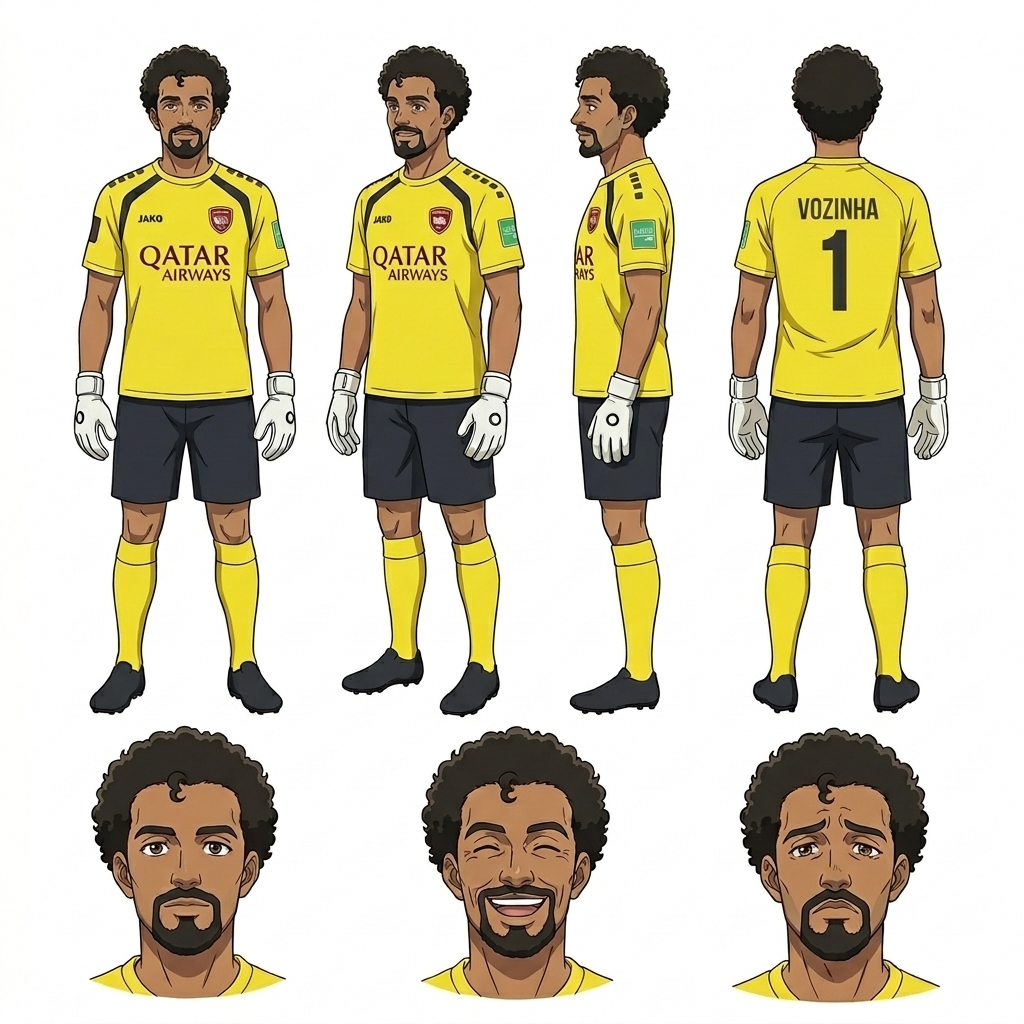
Concept-First Character Design
Creating an original anime character means deciding who they are before you worry about what they look like. Start with role and personality, then translate those ideas into visual details. AutoWeeb handles the actual artwork once you've established the concept.
-
1
Define their role in the story
Hero, rival, mentor, side character? The role shapes personality, which shapes how the character looks and carries themselves.
-
2
Choose a visual starting point
Describe physical traits in plain language, or upload a photo of someone whose look you want to adapt into anime art.
-
3
Pick an art style
Named styles like Demon Slayer, Ghibli, or Shonen define line weight, shading, and palette. Pick one and AutoWeeb renders your character consistently within that visual language.
-
4
Generate and refine
Review the output and adjust any detail that doesn't match your vision. Iterate until the character looks right, then lock the sheet.
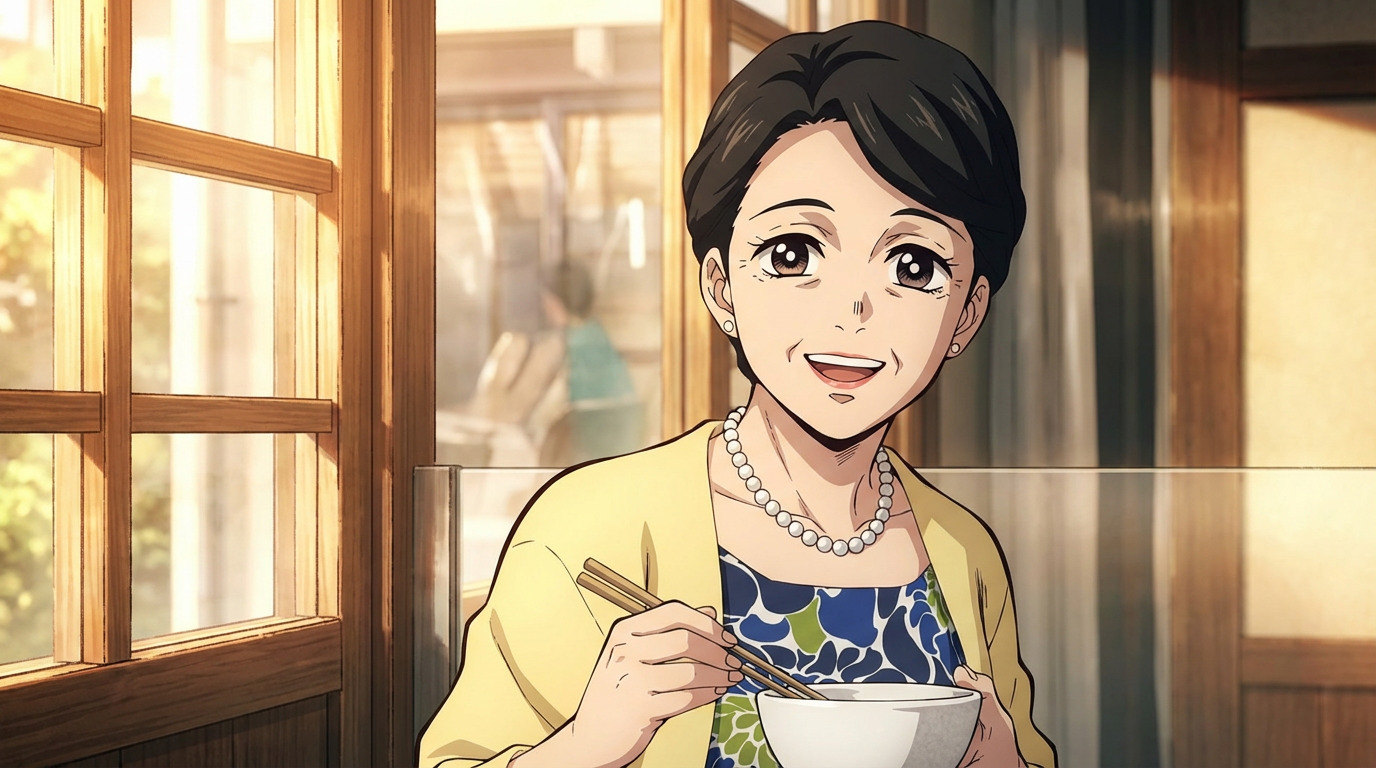
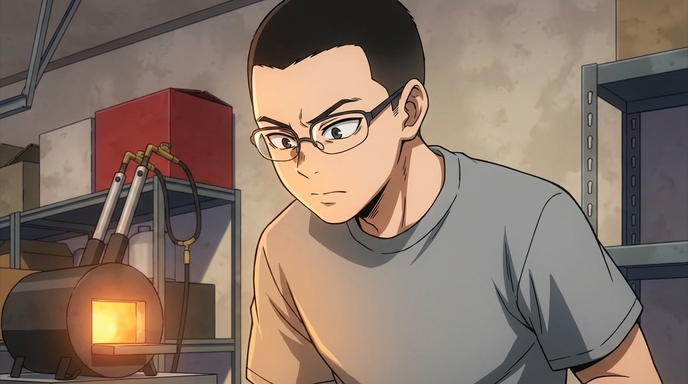
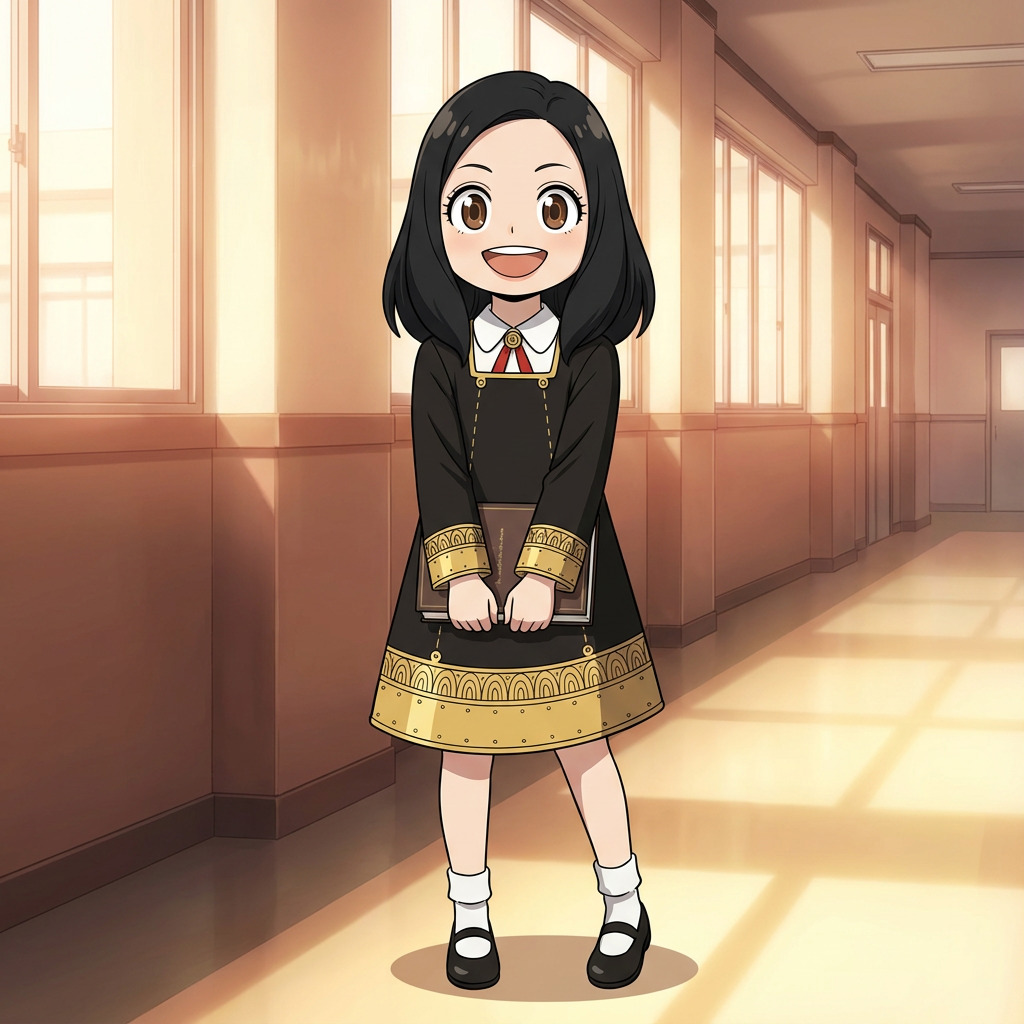
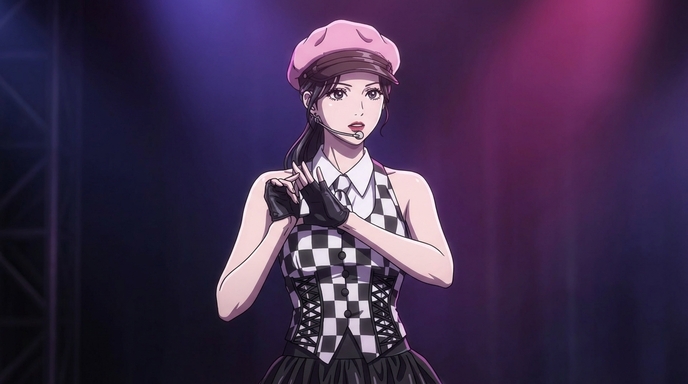
Choose a named art style for your character
Anime Character Design Tips
Small choices make a big difference in how readable and memorable your character is.
Use a Signature Color
Pick one dominant color for hair or outfit and repeat it in accessories. A single strong color makes your character recognizable at a glance.
Match Expression to Personality
A stoic character with a permanent neutral expression reads very differently from one with a wide grin. Tell AutoWeeb your character's default mood and it applies it to the resting expression.
Give Them One Memorable Detail
A distinctive scar, a unique weapon, an unusual accessory, or a specific hairstyle. One standout detail is enough to make a character stick in a viewer's mind.
Design for Consistency First
Avoid designs that are too complex to replicate consistently. Simple, bold shapes read well at every scale, from a full-body scene to a small avatar thumbnail.
Let the Outfit Reflect the Story
A worn traveling cloak tells a different story than polished academy uniform. Clothing is character shorthand. Describe outfit condition and context for better results.
Iterate Fast with AI
AutoWeeb generates a full sheet in seconds, so run multiple variations. Try different hair lengths, swap the art style, or change the expression before committing to the final design.
Original Anime Character
How to Create an Original Anime Character
Start with a rough idea and AutoWeeb's AI Agent builds a complete character — appearance, personality, motivations, and a locked character sheet for every scene you generate.
Start with a rough idea: a personality trait, a visual hook, or a role in a story you want to tell. AutoWeeb's AI Agent turns that into a structured character design with appearance, personality cues, and a locked character sheet you can reuse in every scene. You make the creative decisions. The tool handles production.
For OC-specific workflows and distinct search intent, see our guide on how to make an anime OC.
Anime Character Creation FAQ
Questions about how to make, design, and manage anime characters with AutoWeeb.
How long does it take to make an anime character with AutoWeeb?
Most creators have a complete character sheet ready in under two minutes. Typing a description takes 30 to 60 seconds. Generation takes another 20 to 30 seconds. Reviewing and locking the character takes another minute. You can start using the character in scenes immediately after.
Do I need to be a writer or artist to create a good character?
No. You just need to know what kind of character you want. If you can describe someone's basic appearance and personality in a few sentences, AutoWeeb can turn that into a finished design. The AI fills in visual details based on the context you provide.
What's the difference between making a character from a description versus a photo?
A description gives you a fully original character based on your written concept. A photo gives the AI a real face to adapt into anime art, which is useful if you want the character to resemble a specific person. Both methods produce a full character sheet with consistent art. You can also combine both -- upload a photo and add a description to modify details like hair color or outfit.
Can I create multiple anime characters for a full cast?
Yes. AutoWeeb's character library stores unlimited character definitions. Create each cast member separately, lock their sheets, and reference them together in multi-character scenes. The AI keeps each character distinct with no blending of faces or outfits between cast members.
Can I edit my character after generating the initial sheet?
Yes. Before locking, you can adjust any detail and regenerate. After locking, you can create updated versions of the sheet with outfit or expression changes while keeping the core face and definition intact. This lets your character evolve across your story without losing consistency.
Can I animate the anime character I create?
Yes. Save your character to the library, generate a scene image with them in it, then describe the motion you want. AutoWeeb's AI Director writes a cinematic animation prompt and generates the clip with your character's face and outfit intact across every frame.
Explore Character Creation
Deep dives into every part of building anime characters.
Personalized Anime Character
Build a character around your description or photo with a full anime customizer.
Photo to Anime Guide
Turn a photo into an anime character, try different styles, and save a reusable character for videos.
Anime Self-Insert Guide
Upload a selfie, pick an anime, and see yourself inside the scene.
Anime Character Creator Full Body
Generate complete sheets with front view, side view, poses, and expressions.
Design an Anime Character
Control outfit, traits, expressions, and art style with AutoWeeb's AI designer.
Anime Character Reference
Generate reference sheets for manga, storyboards, and consistent animation.
Custom Anime Character Outfits
Swap wardrobes while keeping the same face, hair, and character identity.
Custom Anime Character Props
Add weapons, instruments, sports gear, or any object to character scenes.
Custom Anime Character Poses
Describe dynamic actions and body language with consistent identity.
AI Anime Character Maker vs. One-Off Generators
Most AI image tools can generate an anime-style portrait. Very few let you use that character consistently across multiple scenes, videos, and story sequences. AutoWeeb is built as a full anime character maker, not just a generator.
Most anime character creators stop at generating a portrait. A single image does not solve the consistency problem. A saved Character Sheet does. The character sheet is what separates a true anime character creator from a one-off image generator: it locks face, outfit, and proportions so every future generation starts from the same visual foundation.
Without a saved Character Sheet, each generation is independent and the character drifts between scenes. With one, they stay recognizably themselves no matter what situation they appear in. That is the workflow this page covers: reference image, character sheet, then scenes and video.
Create your first character freeHow to Create Your Own Anime Character Online
Creating your own anime character online used to require drawing ability or a long commission waitlist. In 2026, AI character creation tools close that gap. The creative decisions are genuinely yours, and the production work that required technical skill is handled by the tool.
This section covers the full process: concept to style selection, physical customization, and placing the character into scenes that make her feel like someone with a life beyond the frame.
Define who your character is before you decide what she looks like
Design decisions that start with personality produce more coherent characters than decisions that start with aesthetics. Ask three questions before touching any controls: What does she do when no one's watching? What does she want, and what's stopping her? What's the one visual detail that, if you changed it, would make her feel like someone else entirely?
The distinction between an original character and a character design is the difference between someone with an interior life and someone who's just well-dressed. If you want an OC you'll keep returning to, start with who she is. For OC-specific guidance, see our separate guide on how to make an anime OC.
Choose an art style that matches the story your character lives inside
Art style is not decoration applied on top of character design. It is the world the character belongs to. Slice-of-life and josei styles suit grounded, everyday lives. Shonen-adjacent styles suit characters heading toward something. Seinen styles produce more restrained, detailed characters who feel like adults. Browse AutoWeeb's style library with your character concept in mind.
Customize the physical details that make your character recognizably hers
Generic outputs share the same features: bright round eyes, conventional hair color, an unspecific face. Move away from that default with intentional specificity.
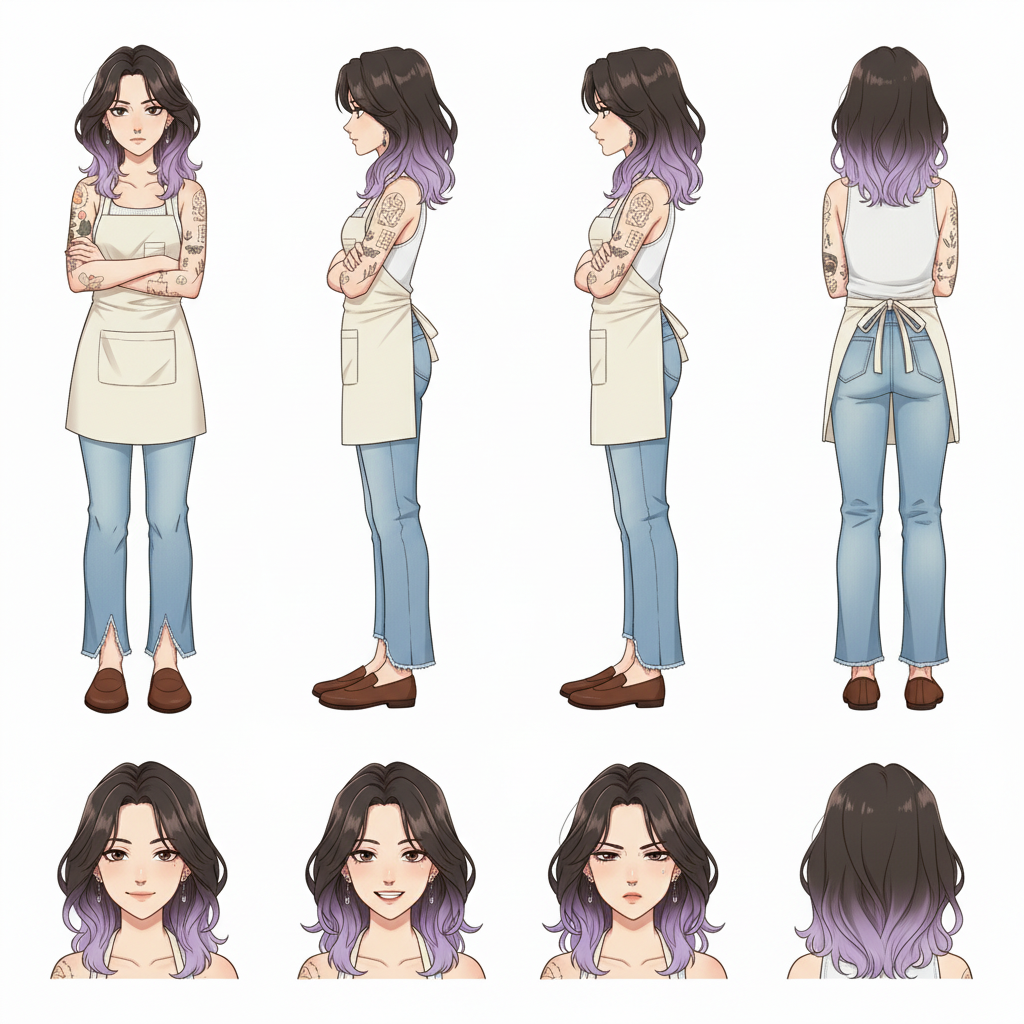
- Hair: Anime audiences read character type from hair almost instantly. Prompt dark brown to soft lavender ombre, shoulder-length with natural wave, slight flyaways near the crown instead of pretty purple hair.
- Distinguishing details: Tattoos, scars, freckles, unusual eye colors, and distinctive jewelry anchor the character across scenes. They imply story without exposition.
- Outfit: What someone wears tells you where they spend their time and how much they care about being seen. Outfit design is world-building by other means.
Place your character into a scene to start storytelling
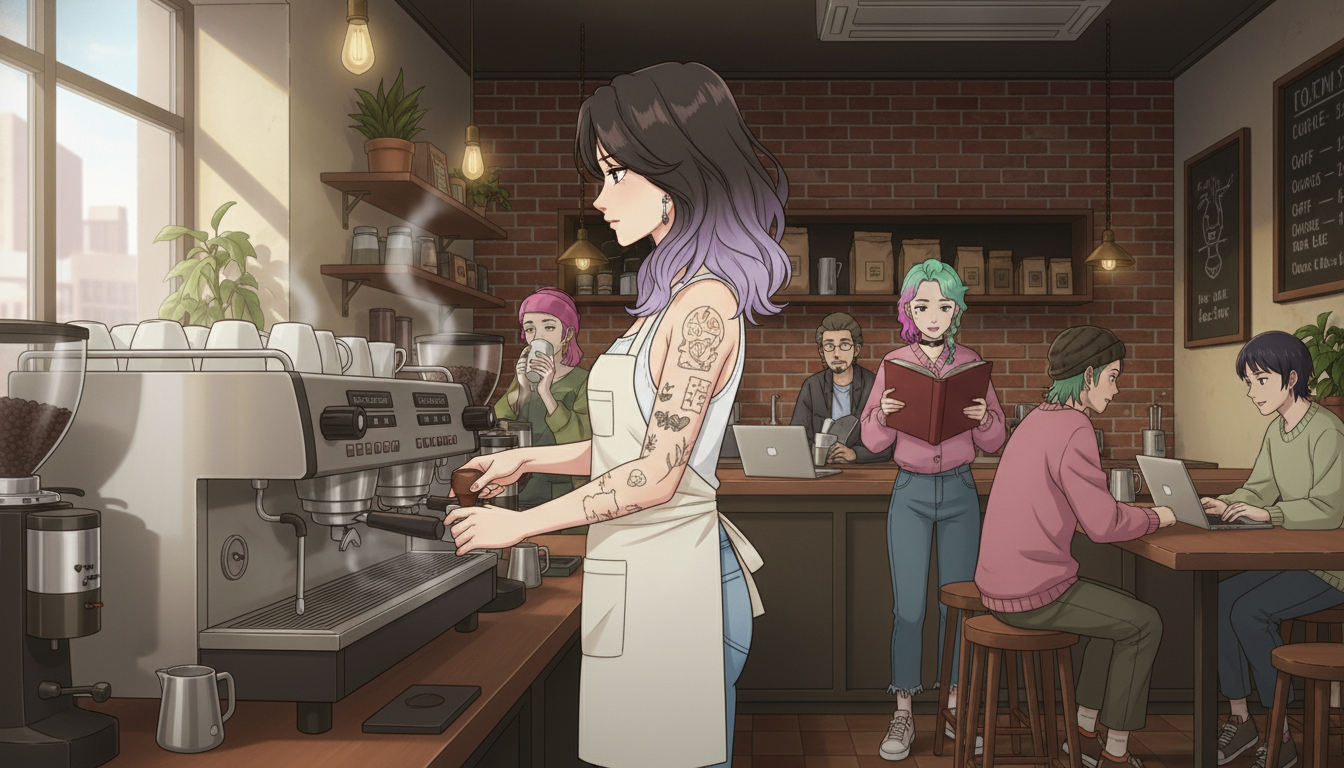
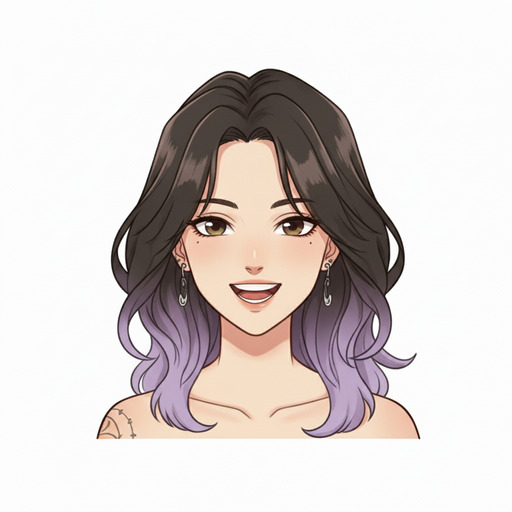
A character standing against a white background is a design. A character at an espresso machine in a brick-walled coffee shop while strangers read books behind her is a story. AutoWeeb's photo pack scene backgrounds are the fastest way to do this without building scenes from scratch.
Scene prompts that produce strong results: interior coffee shop, warm tungsten lighting, steam rising from an espresso machine, other customers in soft focus in the background, character facing slightly left with her weight on one hand.
Build consistency across multiple scenes and over time
Consistency is the difference between a one-off generation and an OC you'll actually use. Save your character after the first session you're satisfied with. Note the specific prompt language for hair color, eye shape, and distinguishing details. Generate a character sheet early with multiple angles and expressions. Designing across views forces you to resolve decisions you might have left vague in a front-facing portrait.
Frequently asked questions about creating an anime character online
How do I create my own anime character online without drawing skills?
AI anime character creators like AutoWeeb work through photo upload, visual pickers, and text descriptions. You decide who the character is and what she looks like. The AI generates the image. No artistic ability is required.
How do I make an OC that feels unique and not generic?
Specificity in every design decision separates a distinctive OC from a generic output: named hair tones, distinguishing details like tattoos or unusual jewelry, a clear art style tied to genre, and an outfit that implies a world. Design decisions that follow from personality tend to produce coherent results.
Can I use my character in different scenes and stories?
Yes. Once saved, place your character into photo pack backgrounds, generate new portrait variations at different emotional beats, and use her across social posts, short story visuals, or personal projects. The design stays consistent because she is anchored to a saved profile.
Is creating an anime character online free?
AutoWeeb offers a free tier that lets you create and save an original anime character, generate initial scene placements, and explore the style library. More extensive generation and video features are available on paid plans.
Anime Character Creation Workflows
Generating a single anime portrait is easy. Generating a character who looks the same across a dozen different scenes, lighting conditions, and emotional states requires a workflow. This section covers every stage, from the first image to a fully deployable character you can use in any scene or video.
Start with a clear reference image, not a vague text description
The single biggest mistake in AI character creation is starting with only text. Text prompts are interpretive. The model generates a face, and the next generation changes it. A reference image anchors the face and gives the AI something specific to maintain. The two most reliable paths are photo conversion and character library selection.
Workflow A: Photo conversion
Upload a photo of anyone. AutoWeeb's photo-to-anime conversion translates facial structure into anime proportions while keeping features recognizable. For the best results, use a portrait where the face is clearly lit, the expression is natural, and the camera is roughly at eye level. Profile shots and extreme angles work less reliably.
Sunlit outdoor portraits and window-lit indoor shots both convert well. Once you have a converted portrait you're satisfied with, that image becomes your reference for the character sheet step.
Workflow B: Shared character designs
If you're not working from a real person, AutoWeeb's Shared Characters library offers fully realized anime designs built to hold up across varied scenes. Select a design that fits your character role, use it as-is, or modify it further in the character creator. Either way, you get the same fixed visual anchor that photo conversion provides.
The character sheet is the step most tools skip
After your reference image, generate a Character Sheet. It stores your character's full visual identity: face from multiple angles, outfit colors, signature accessories, and expression range. When you generate any image or video using the sheet, the model starts from that stored visual information rather than interpreting a fresh prompt from scratch.
- Outfit: name specific colors and details that should appear consistently.
- Personality keywords: "stoic," "cheerful," "determined," or "melancholy" shape default expressions and posture.
- Archetype: "detective," "ronin," "idol," or "mage" gives the model visual conventions to draw from.
Scene generation: where a portrait becomes a character
With the Character Sheet saved, drop your character into any scene you can describe. You do not need to re-describe appearance. The scene prompt focuses on what is happening, where, and in what light:
"Rain-soaked rooftop at night, overlooking a lit city below, character standing at the edge looking down, coat collar turned up against the wind, neon reflections in the puddles, camera at chest height, melancholy atmosphere"
The Character Sheet handles who is in the scene. The prompt handles what the scene is. For ready-made environments, Photo Packs provide curated scene sets without writing a full prompt from scratch.
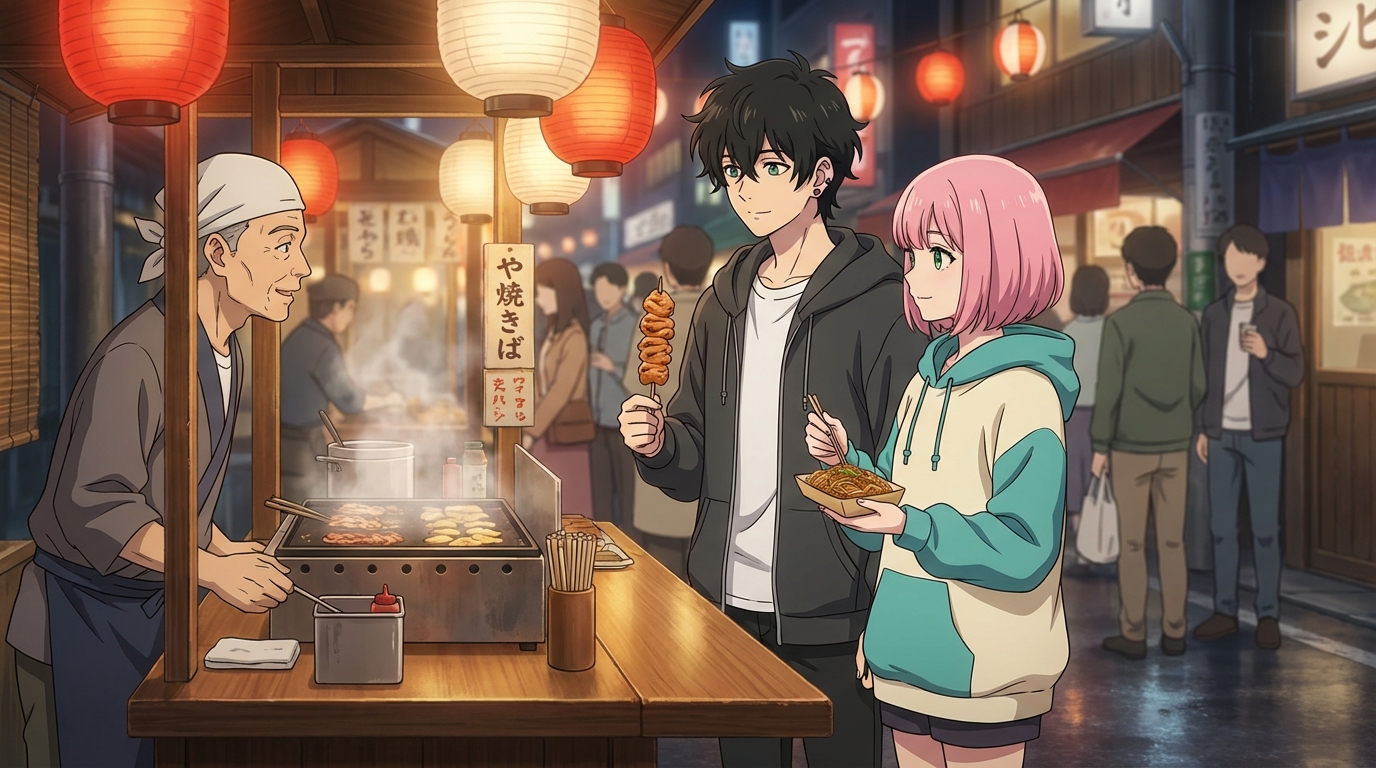
Video animation: the final stage
Once you have a scene image you're satisfied with, animate it. AutoWeeb uses Seedance 2 for video generation. The starting image becomes the first frame, and the motion prompt describes what happens in the following five seconds.
Focus motion on elements that naturally move: hair, fabric, ambient environmental details. A character standing in wind with a cloak moving behind them is visually alive without complex body motion. Add a subtle camera push and the scene feels like it belongs in an actual episode. For action-based animation, see the anime fight scene workflow and the Seedance 2 prompting guide. For multi-scene consistency, read how to maintain character consistency in Seedance 2.0 videos.
Workflow FAQ
What's the most important step in the workflow?
Saving a character sheet. Without one, each image is independent and the character drifts. With a saved sheet, every generation starts from the same visual foundation.
Can I use the same character in different art styles?
Yes. AutoWeeb supports multiple anime art styles. The character's face and design carry through while the visual aesthetic shifts. Your character can appear in Ghibli, Demon Slayer, or cyberpunk styles and still read as the same person.
How many scenes can I generate from one character sheet?
There is no limit. A saved character sheet can anchor unlimited images, photo pack generations, and video clips. Many creators build visual novel-style narratives from a single sheet over dozens of generations.
Shape Every Detail of Your Character
Control outfit, expression, pose, and art style from one character definition. Explore the anime character designer →
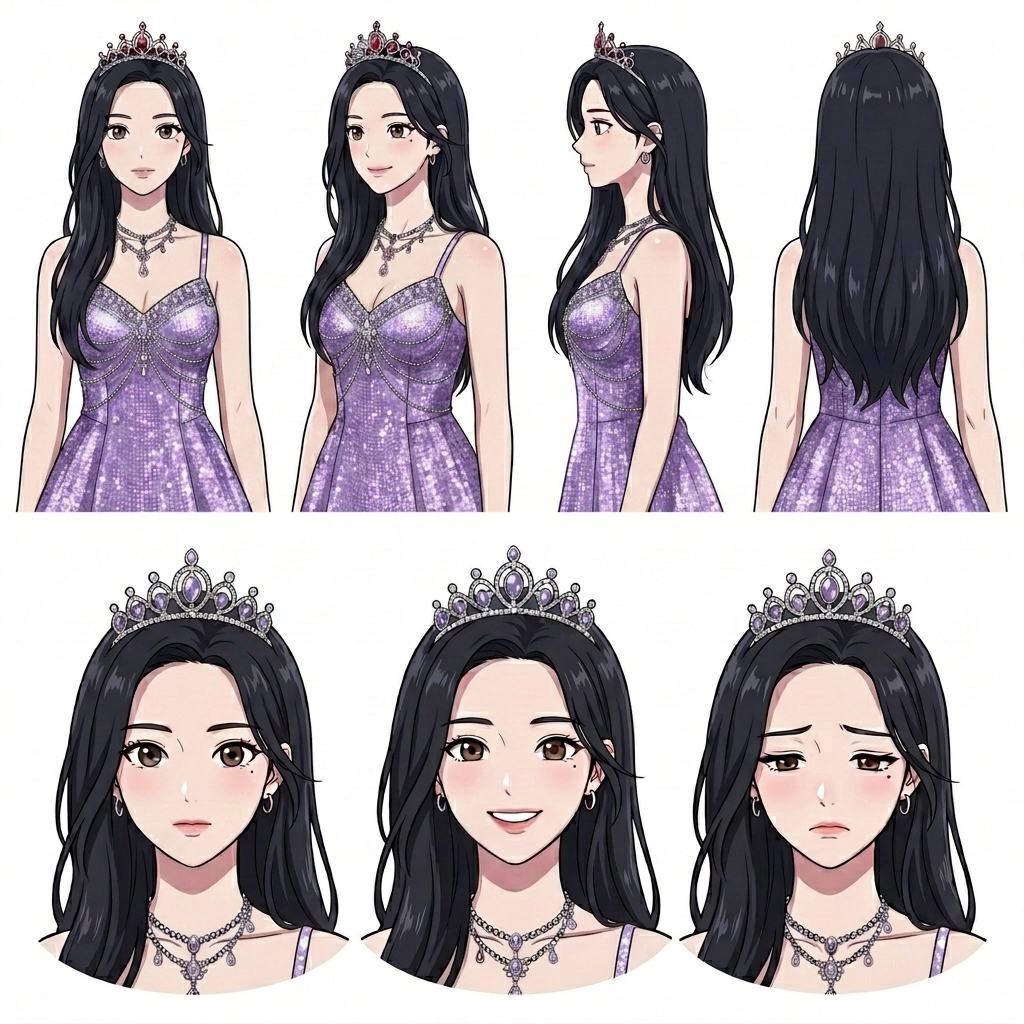
Consistent Face Across All Scenes
Your character's face, hair, and proportions stay locked across all images and videos. Use your character sheet as the anchor so eyes, mouth, and expression read clearly in every frame.
Multi-Character Scenes
Add several characters to a scene and create dynamic, multi-character videos. Each entry stays distinct with no blending of faces or outfits between cast members.
Outfits, Expressions, and Pose Control
Swap outfits and hairstyles, then fine-tune expression and pose per shot. Small design details matter, and AutoWeeb keeps them consistent from one image to the next.
Animate Your Anime Character
Bring characters to life with AI animation. Turn any pose into smooth, fluid motion with the same face and outfit in every clip, whether you are building a short or a full episode.
Upload References for Character Design
Have an existing OC? Upload reference art and AutoWeeb maintains the look while generating new poses. Your character library stores the definition so every new image stays on-model.
Create Anime Characters Online Fast
Full character sheets generated in under 30 seconds. Create anime characters online at speed, iterate on the design, and reuse the sheet across manga panels, avatars, and animated scenes.
Create an Anime Character of Your Own
Three steps from blank page to a finished anime character, ready for scenes, manga panels, and social avatars.
New to character creation? Read the full step-by-step guide →
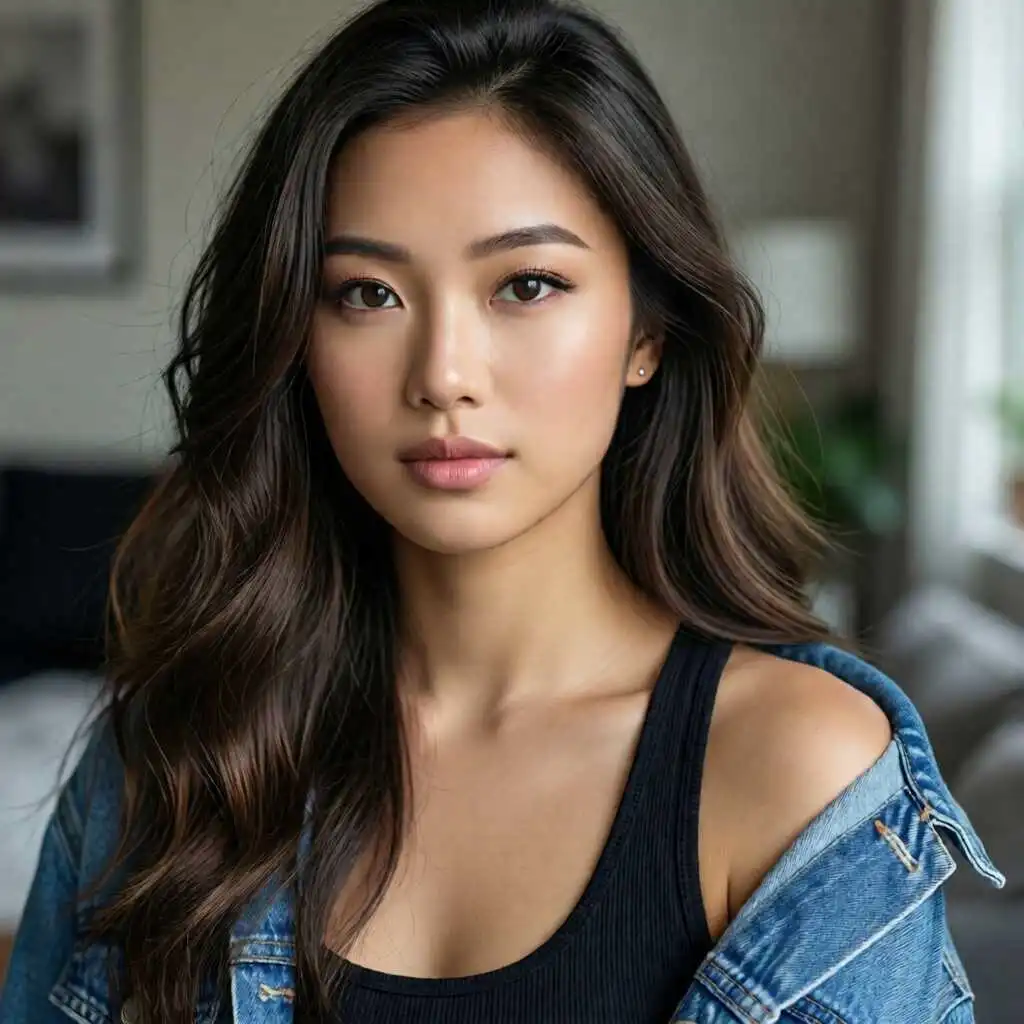
No drawing skills needed. Takes under 60 seconds.
Upload a Photo or Start from a Description
Provide a reference photo of yourself or a friend, or describe your character from scratch. AutoWeeb reads the face, maps key features, and converts it into anime art while keeping recognizable details intact.
Customize Appearance and Personality
Choose hair color, eye style, outfit, and personality traits. Add as much detail as you want, whether you are creating a quick avatar or building a full anime person for a long-running story.
Generate and Export Your Character Sheet
AutoWeeb outputs your character with multiple poses and expressions. Export images for storyboards, manga panels, or social profiles. Your locked sheet keeps every future generation on-model.
Build Characters Around Your Vision
Customize traits, expressions, and outfits—or start from a photo—and keep one consistent character in every scene. Learn about personalized anime characters →
Every character you build on AutoWeeb is shaped by your details. Describe physical traits, personality quirks, and signature accessories, then let the AI translate them into a consistent anime character design. Whether you are using a free anime characters creator for a webcomic cast or making a single profile avatar, AutoWeeb fits your workflow.
Unlike tools that generate a new face on every click, AutoWeeb locks your character definition so the same face, hair, and proportions carry across every scene, panel, and video you produce.
From a Photo to a Personalized Anime Person
Upload a selfie or any reference photo and AutoWeeb converts it into anime art. Your unique features carry through every pose and expression, giving you an anime person that is recognizably yours across all your content.
Personality and Trait-Based Design
Describe your character's personality alongside their appearance. Add signature accessories, hairstyle details, and emotional expressions so the final design reflects the character's story, not just their looks.
Consistent Across Every Scene
Lock your character sheet and reuse it across manga panels, storyboards, and animated clips. AutoWeeb keeps the face and outfit on-model shot to shot so you can build a full story around your character without redrawing from scratch.
Full-Body Views in Every Style
Generate full body character sheets with front and side views, multiple poses, and outfit variations, all anchored to a single character definition.
See how named art styles render on complete front, side, and expression views. Generate a full body character sheet →
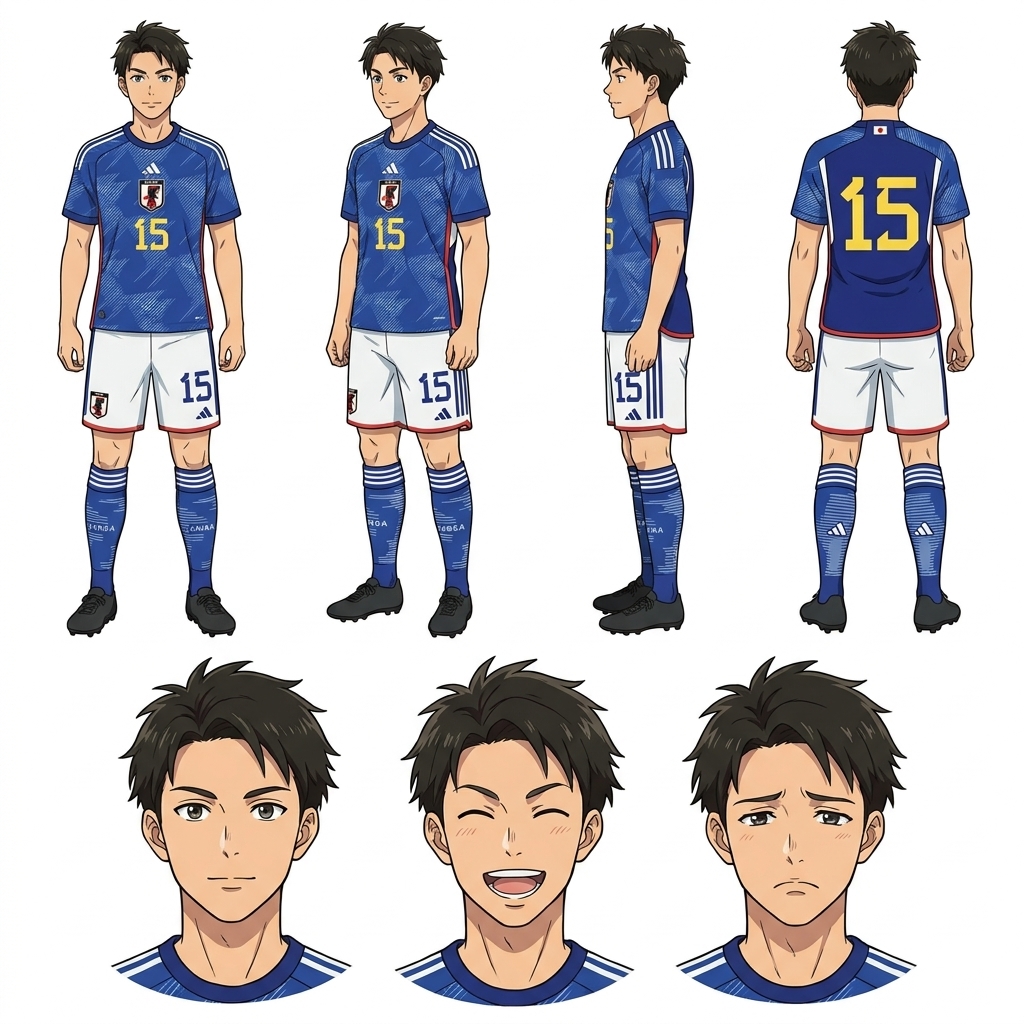
+ many more styles available
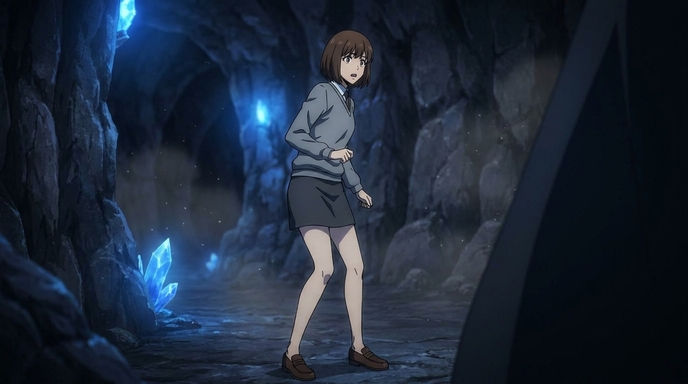
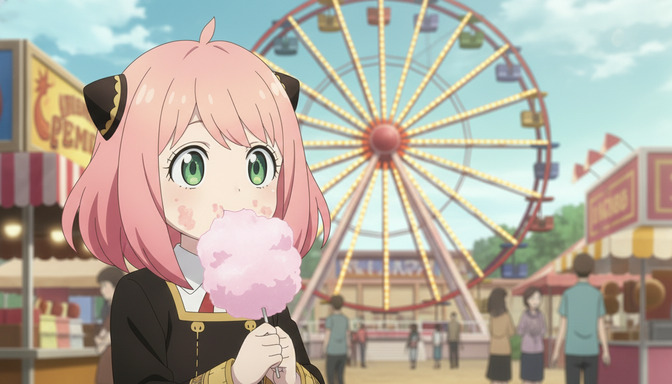
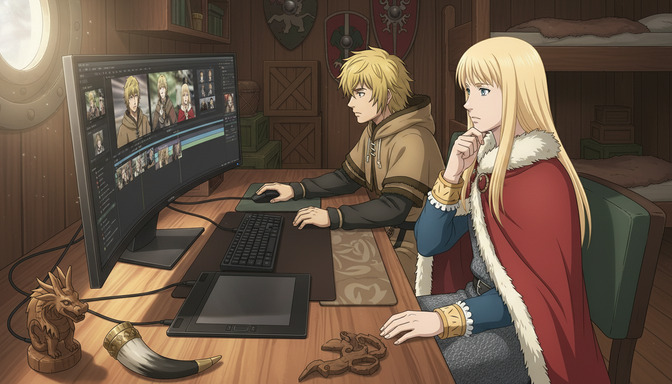
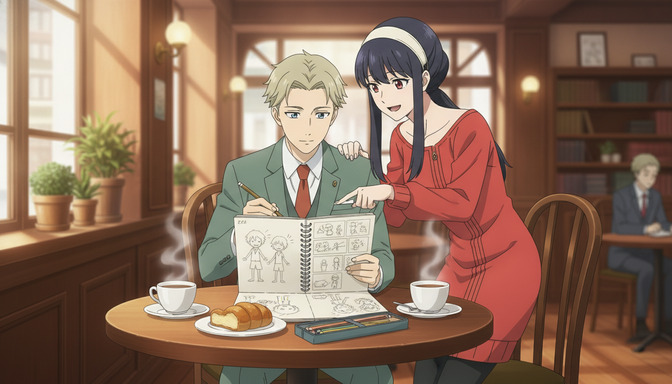
Use your characters to create anime
Turn locked character sheets into storyboard scenes, manga panels, and animated shots — same face and outfit in every frame.
Need new stances and action poses without redrawing? Generate custom anime character poses →
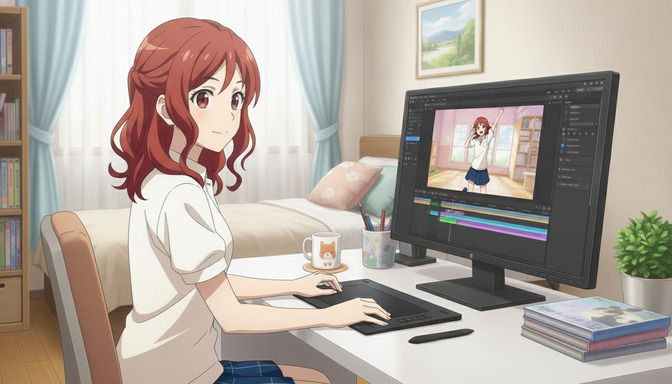
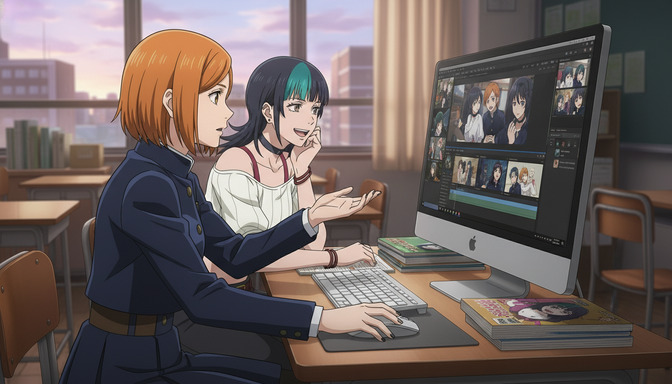
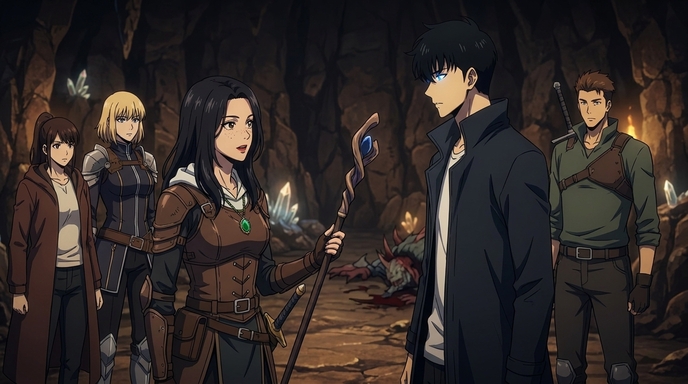
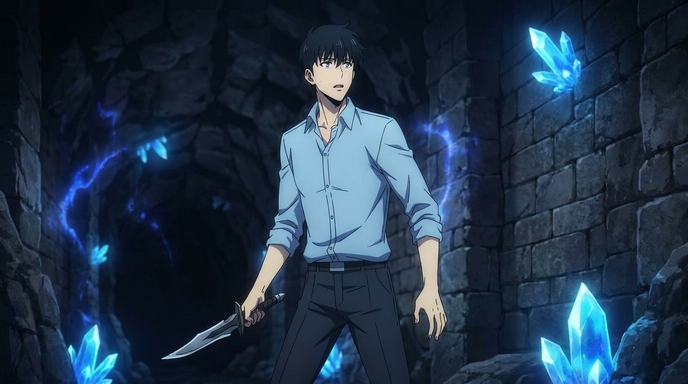
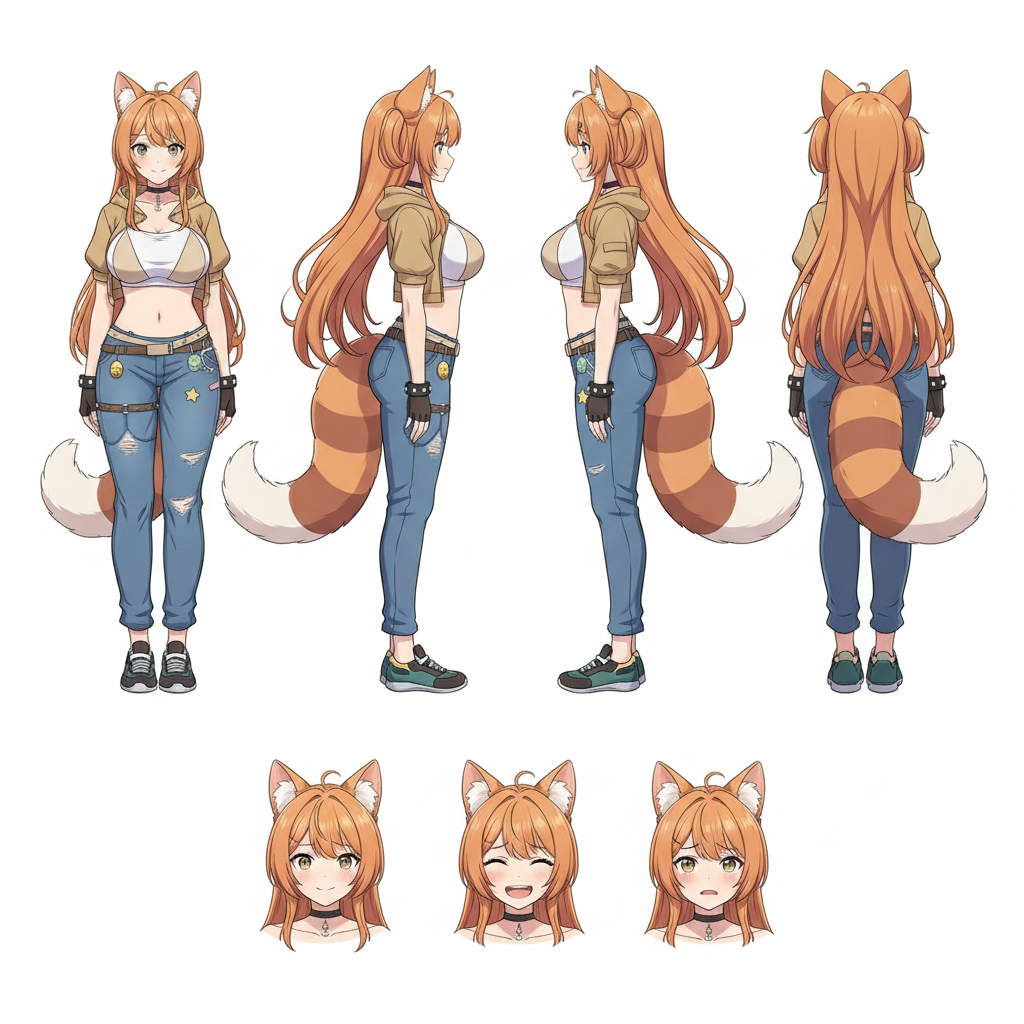
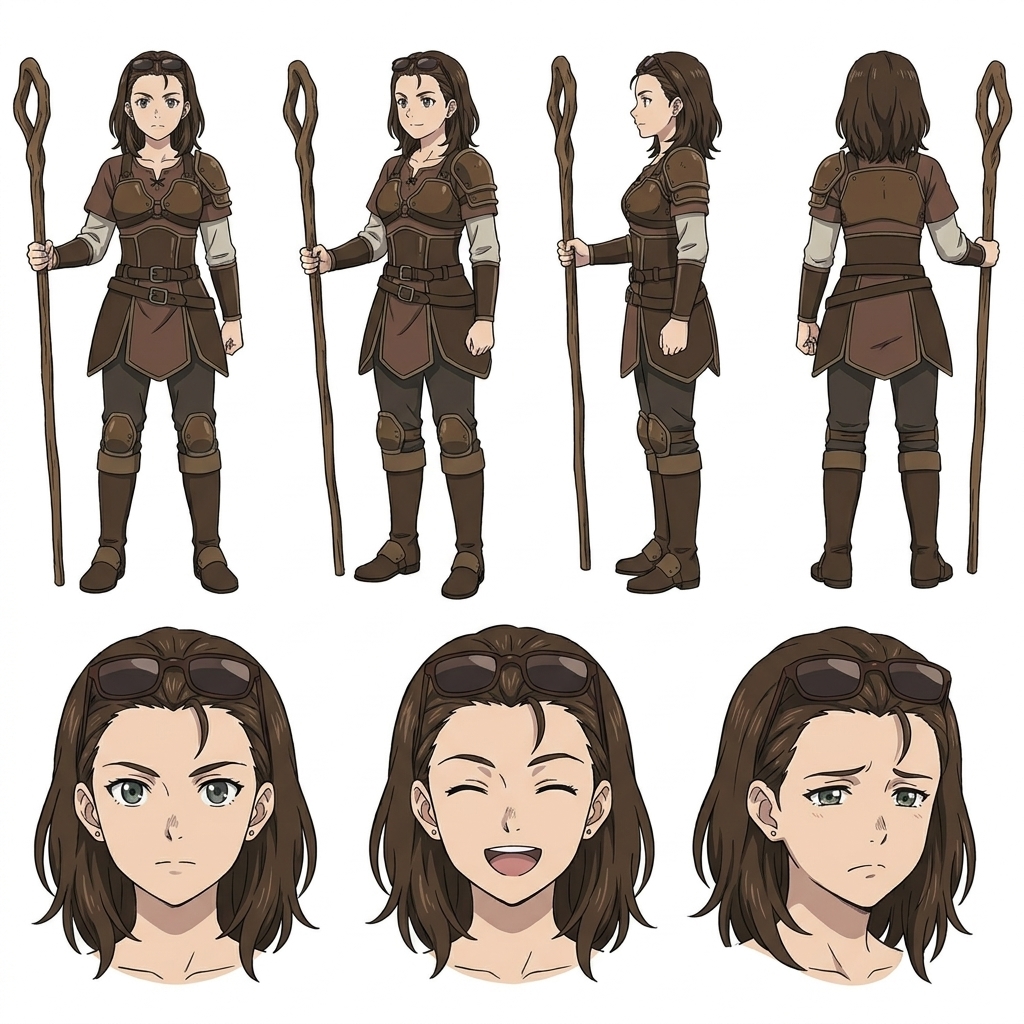
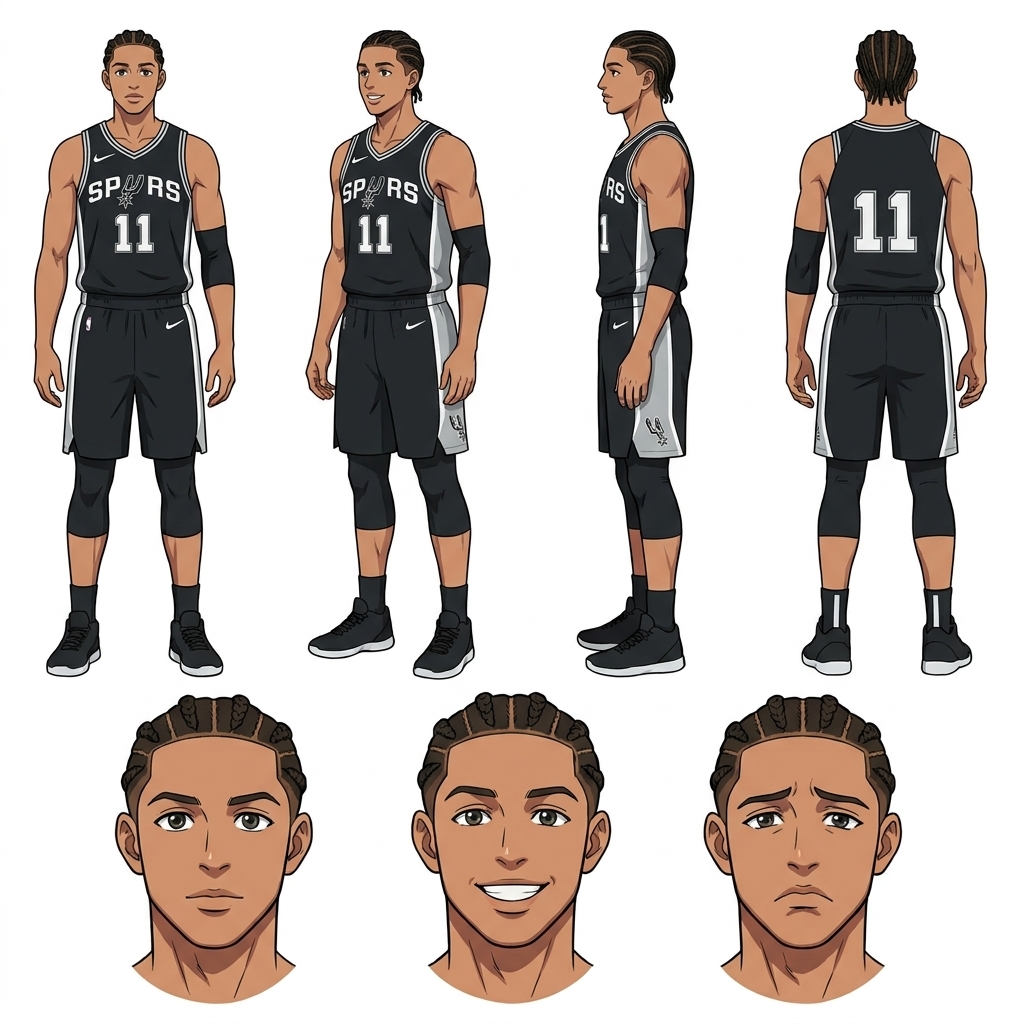
Production-Ready Reference Art
AI-generated anime character reference sheets showing multiple poses, expressions, and outfit variations in a single image.
Lock a visual bible your whole production can reuse across panels and clips. Generate anime character reference sheets →
Anime Character Creator FAQ
Everything you need to know about how to create anime characters online, design original characters, and generate consistent anime art with AutoWeeb.
Want more than quick answers? See the complete how-to guide →
Is AutoWeeb a free anime characters creator?
Yes. AutoWeeb includes free character creation to get you started. You can create anime characters online, generate a character sheet, and export images without a paid subscription. Unlimited generations and video animation are available on paid plans.
Do I need to upload a photo to create an anime character?
No. You can describe your character from scratch or upload a reference photo of yourself, a friend, or existing art. Photo upload is optional. It gives AutoWeeb a visual starting point for the face and expression, but text descriptions work just as well for original character design.
How do I create an anime person from a real photo?
Upload any photo to AutoWeeb and the AI reads the face, maps key features, and converts it into an anime person while keeping recognizable details. You can then adjust the art style, outfit, and expression to finish the design.
Can I generate a full body anime character sheet?
Yes. AutoWeeb's anime character creator generates full body character sheets with front view, side view, and multiple pose variations, all anchored to your locked character definition. Export the sheet as a reference image for drawing, storyboarding, or sharing.
How does AutoWeeb keep my character consistent across scenes?
Once saved, your character sheet becomes a persistent visual reference. Every image and video generation anchors to the same face, hair, outfit, and proportions. Use @ tagging in storyboards and prompts so you never have to re-describe your character from scratch.
Can I use an existing OC or reference art?
Yes. Upload your reference art and AutoWeeb maintains the look while generating new poses, outfits, and expressions. Your character library stores the definition so every new generation stays on-model across images and manga panels.
What anime styles are available for character design?
AutoWeeb supports named anime styles including Shonen, Josei, Demon Slayer, Ghibli, Spy x Family, and many more. Pick a style when you create your character and it carries through every image, avatar, and video you generate.
Can I animate my character after creating them?
Yes. Save your character to the library, generate a scene still, then describe the motion you want. AutoWeeb's AI Director writes a cinematic prompt and animates your character with the same face and outfit in every clip.
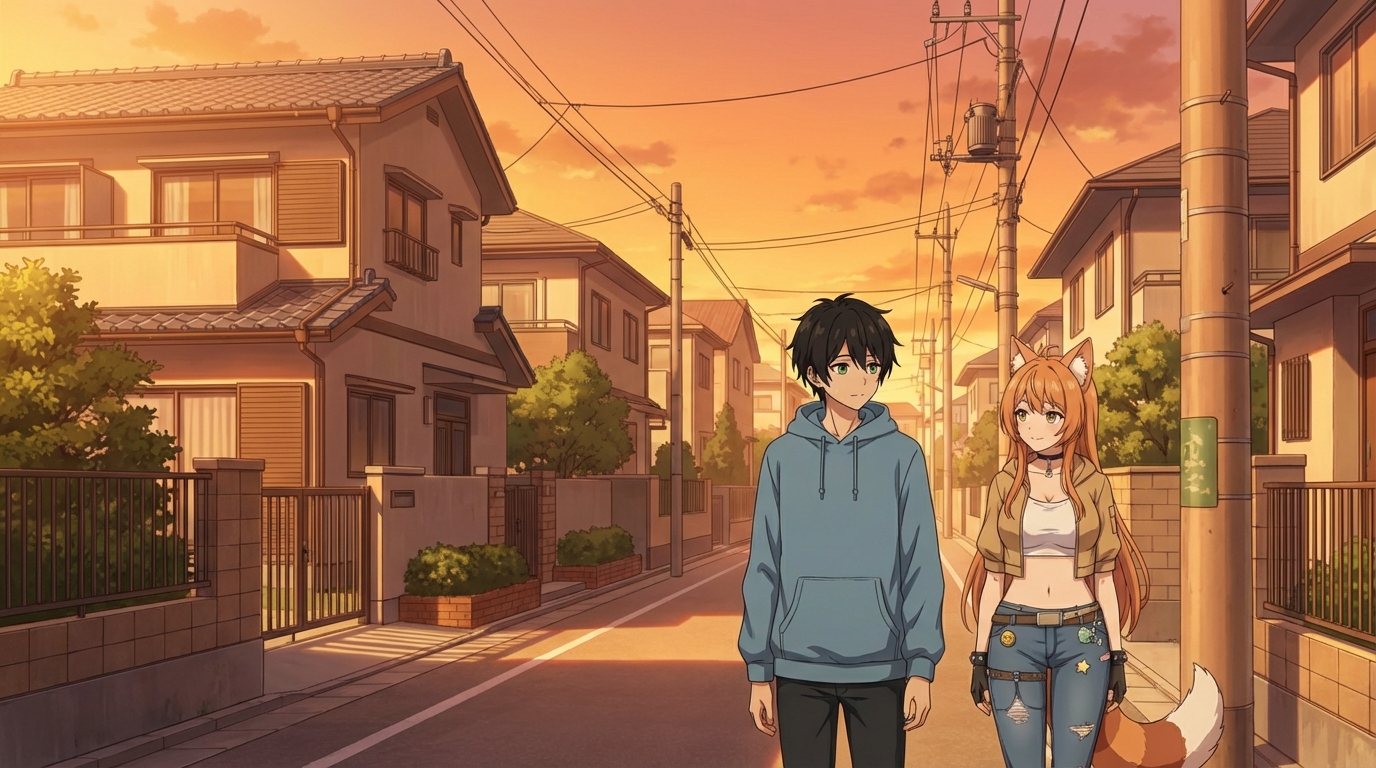
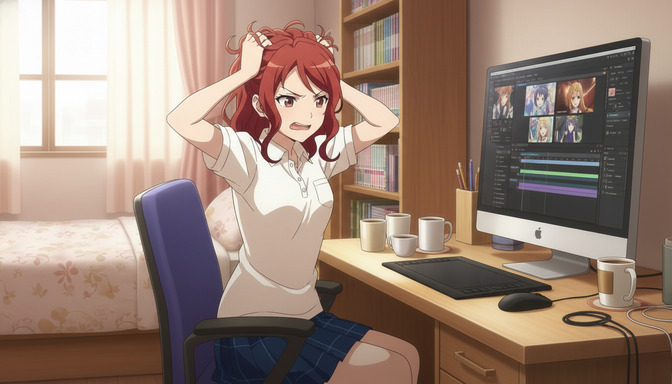
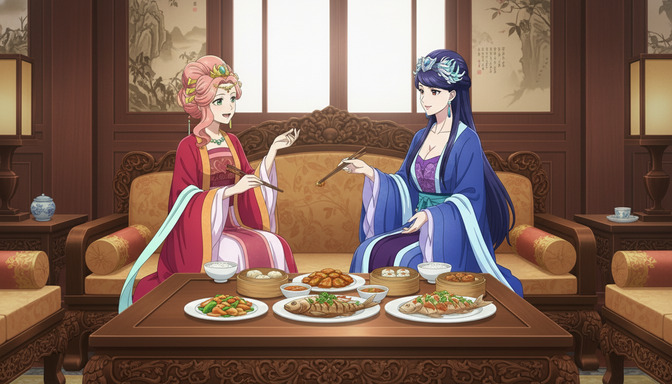
Anime Characters Created with AutoWeeb
Browse character sheets, custom poses, outfit swaps, and scene stills — every image generated from a locked character definition.
Character Sheet
AI Anime Character Sheet Example
Character Sheet
AI Anime Character Sheet Generator Output
Character Sheet
AI Anime Character Sheet with Expressions
Character Sheet
Anime Character Sheet Generator Result
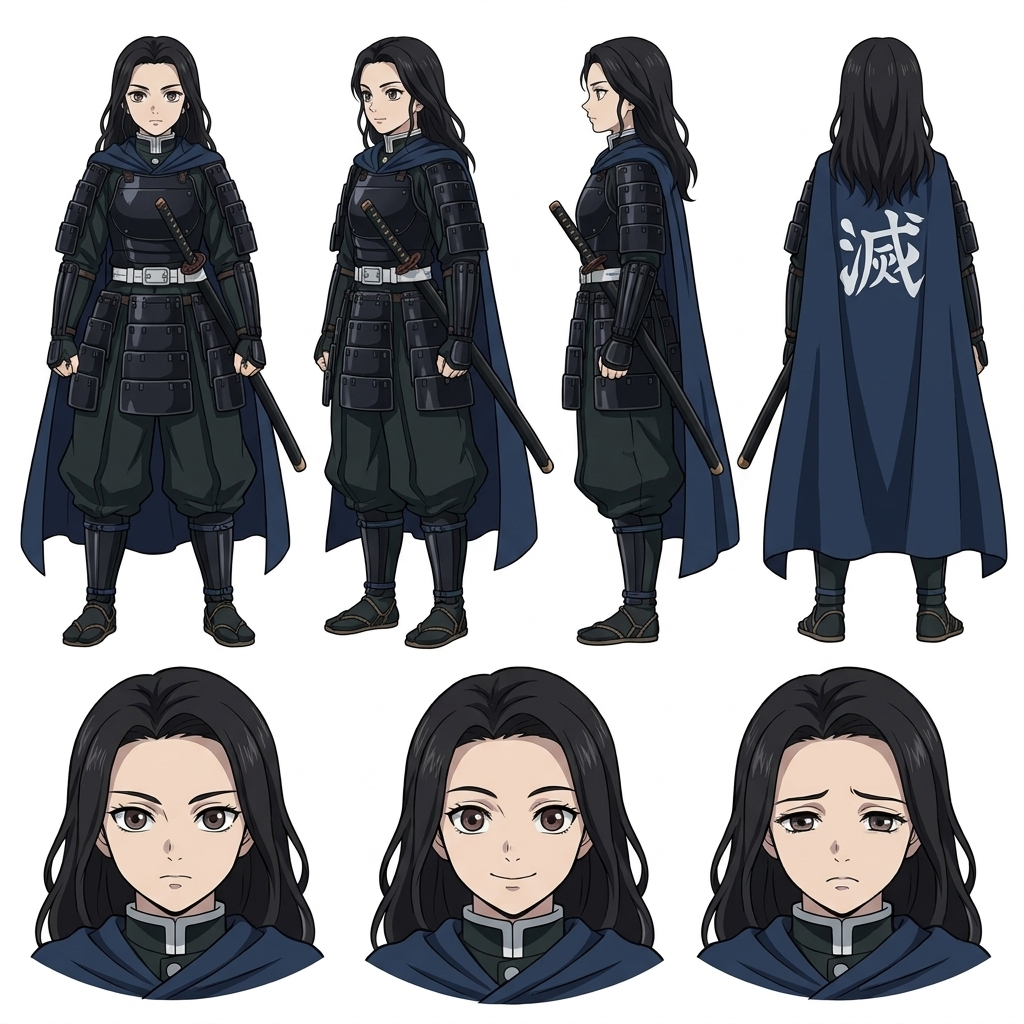 Character Sheet
Anime Character Sheet with Outfit References
Character Sheet
Character Sheet Example by AutoWeeb
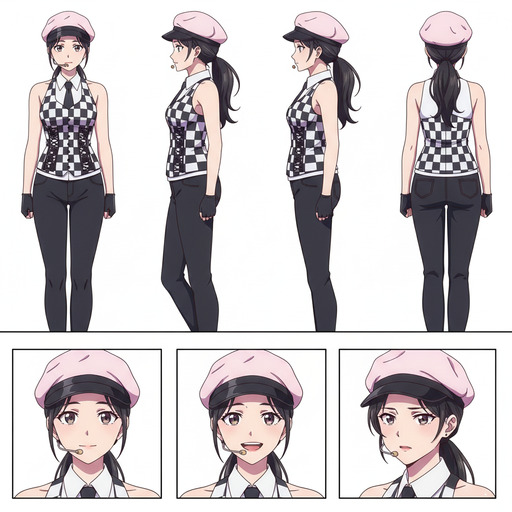 Character Sheet
Character Sheet Generator Preview
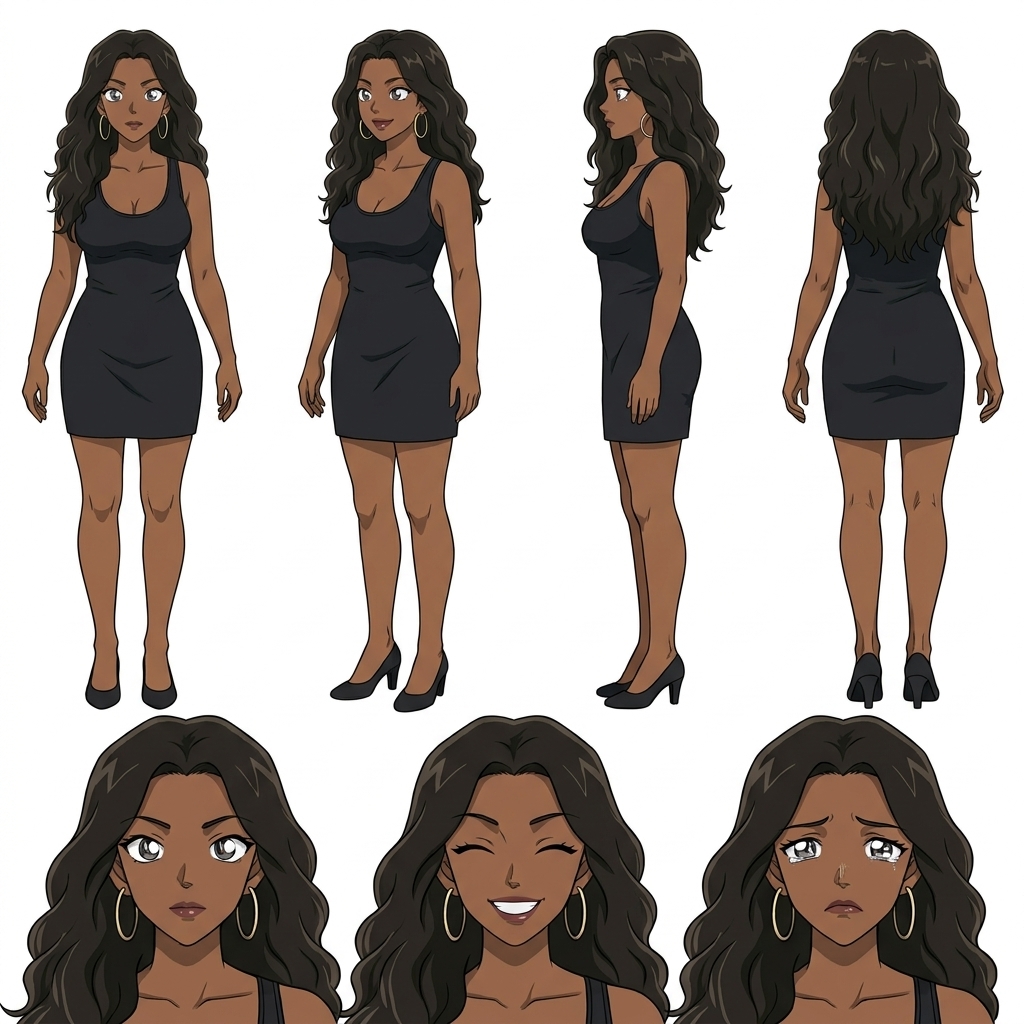 Character Sheet
Full Body Character Sheet
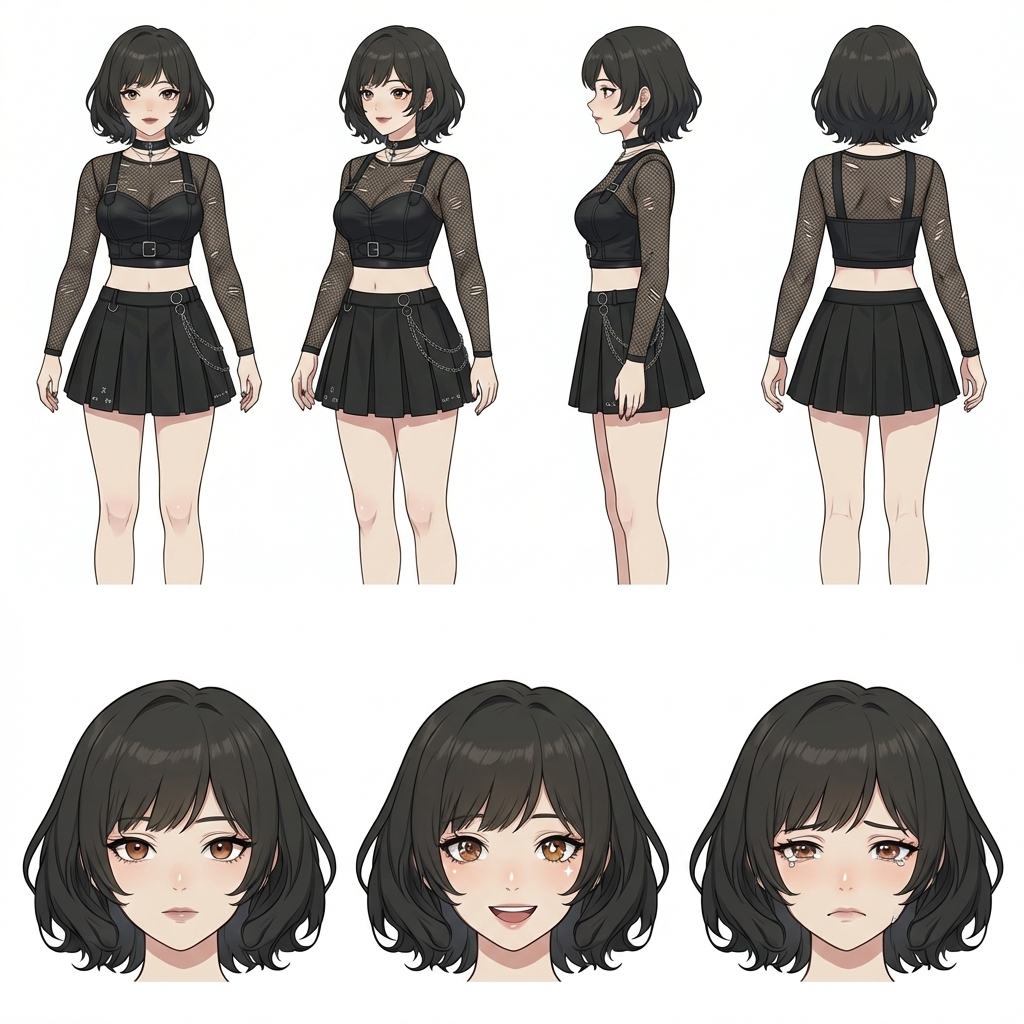 Character Sheet
Create a Character Sheet with AI
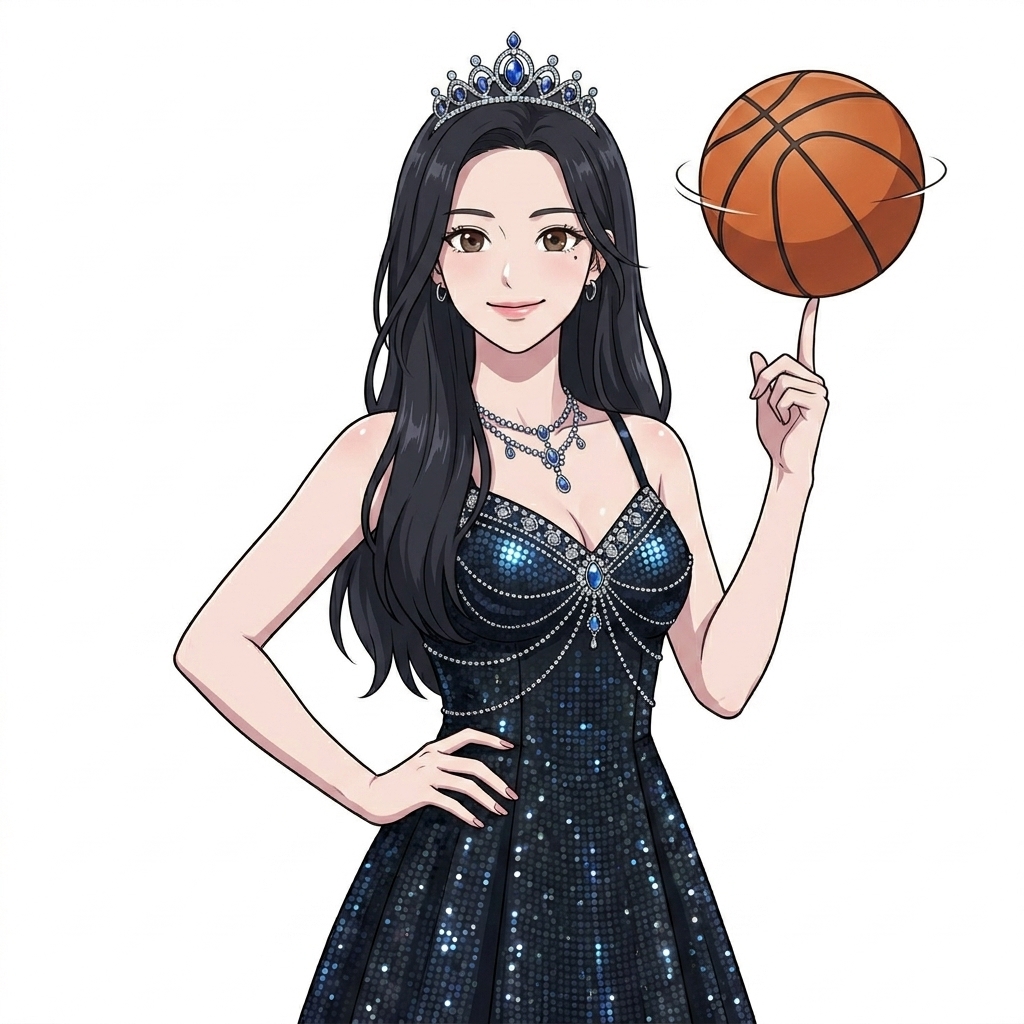 Pose
Pose
Custom Anime Character Pose
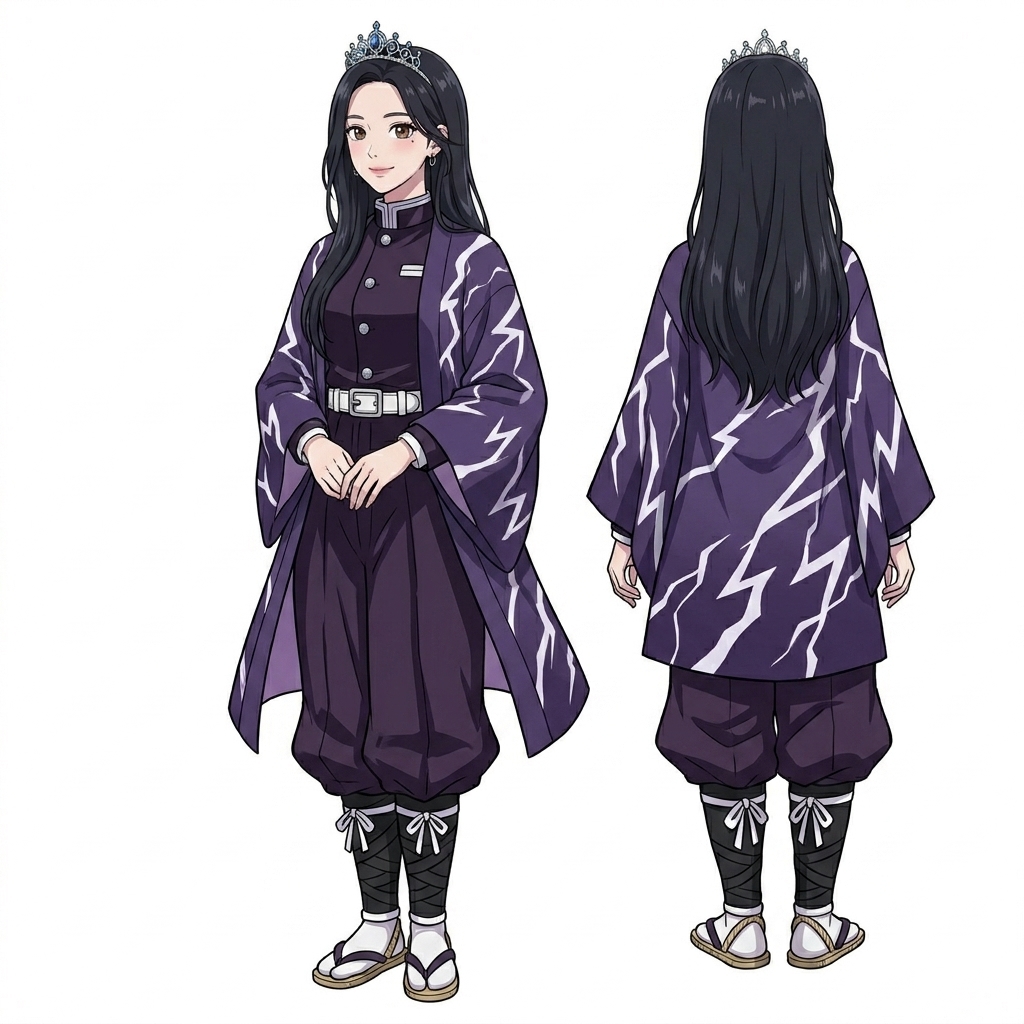 Outfit
Custom Anime Character Outfit
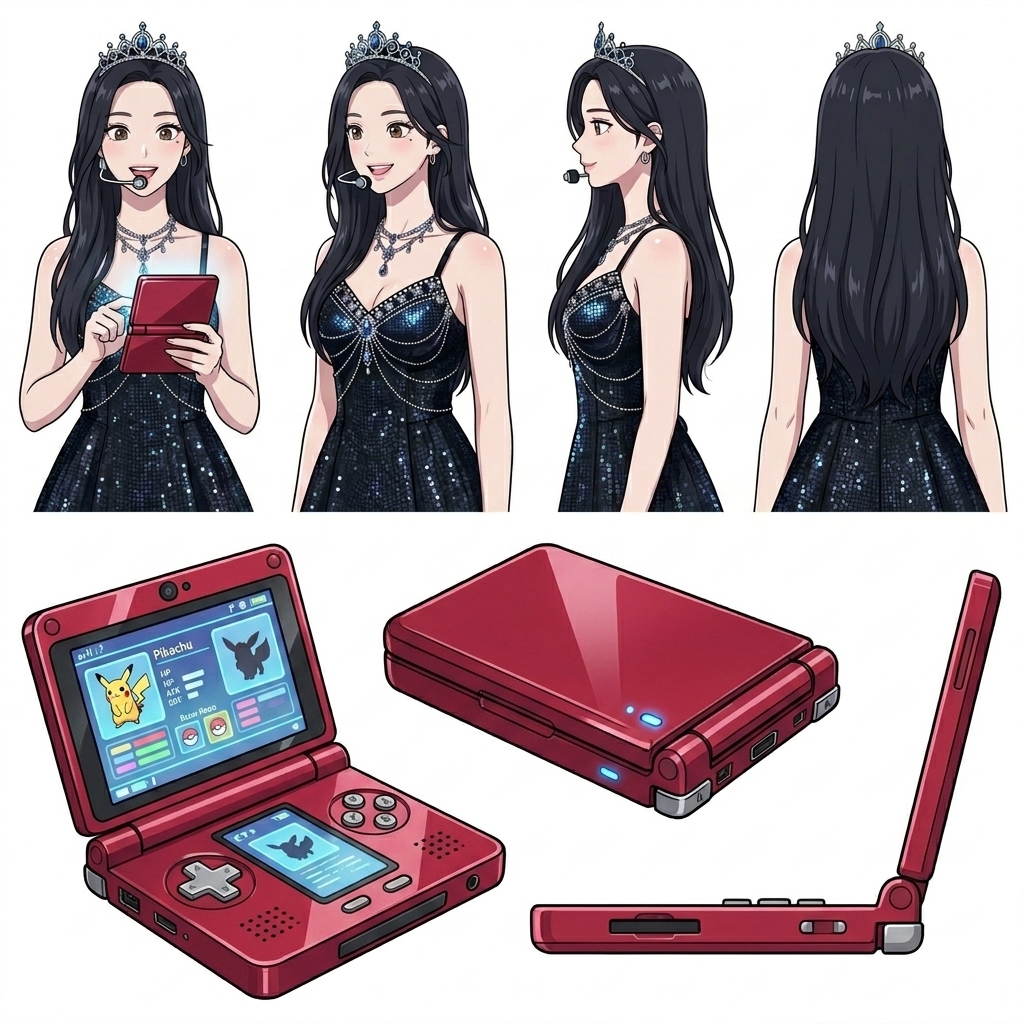 Prop
Prop
Custom Anime Character Prop
Ready to Make Anime Characters?
Join creators using AutoWeeb to build personalized anime characters, avatars, and manga-ready art with AI.
Create Characters FreeNo credit card required • Free characters included