
How to Create an Anime Fight Scene
From your first prompt to a cinematic clash
With AutoWeeb, you can generate your own anime fight scenes in minutes. This guide walks you through the whole process: picking your fighter, building the scene, and writing prompts that actually produce something worth watching.
Step 1: Choose Your Character
Every fight scene needs a protagonist. In AutoWeeb you have two paths:
- Use a Shared Character: Head to the Characters section and browse our library of ready-made fighters—each with a defined look, fighting style, and visual identity. Shared Characters are great for getting started fast, and they're designed to hold up across multiple generated scenes.
- Create your own: Upload a photo and generate a Character Sheet from it. Your face, your fighter. The Character Sheet locks in your look so the character stays consistent from the opening stance to the final blow.
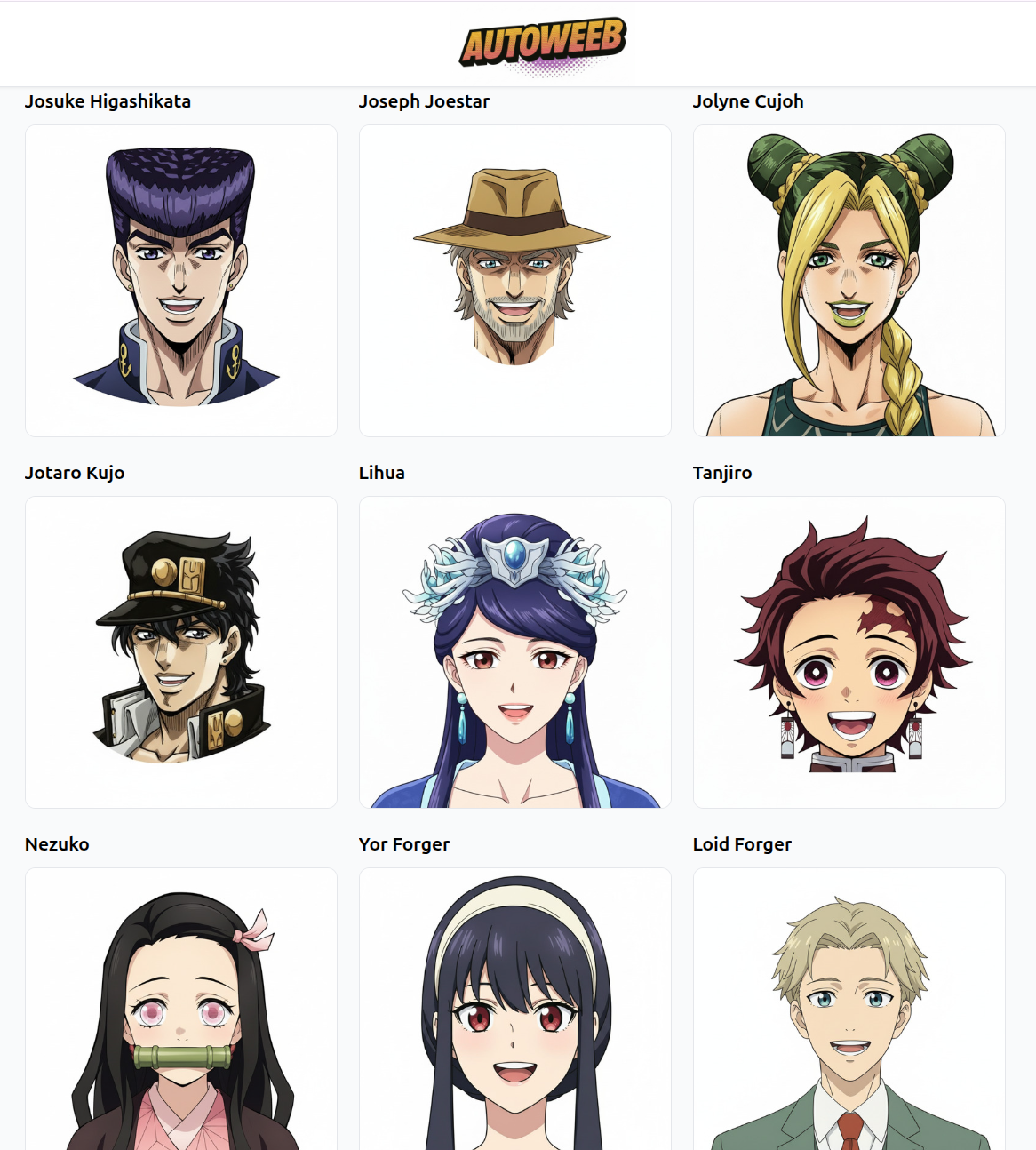
If you want two fighters in the frame—a clash, a rivalry, a duel—you can select a second character alongside your first. Pick another Shared Character, or add a second Character Sheet if you have one saved.
Step 2: Go to the Explore Page
With your character ready, head to the Explore page. This is where you'll find AutoWeeb's library of photo and video templates built specifically for action scenes—dynamic camera angles, dramatic lighting, mid-motion poses, and cinematic environments already baked in.
Browse the fight-scene templates and pick one that matches the mood you're going for:
- Rooftop showdown — city skyline at dusk, tension at its peak
- Underground arena — flickering lights, crowd energy, brutal intensity
- Forest clearing — natural light, speed lines through trees, classic shonen feel
- Ruined temple — stone debris, shafts of light, ancient power aesthetics
Templates give you a production-ready starting point. Your character is dropped into a scene that already has the right atmosphere—you just tune what you need.
Not finding exactly what you want? Skip the templates entirely and write your own prompt from scratch. The Explore page supports both.
Step 3: Write a Prompt That Works
Whether you're starting from a template or from a blank prompt, the quality of your output comes down to how well you describe the moment. Vague prompts produce vague results. Specific prompts produce scenes.
A fight scene prompt has three layers:
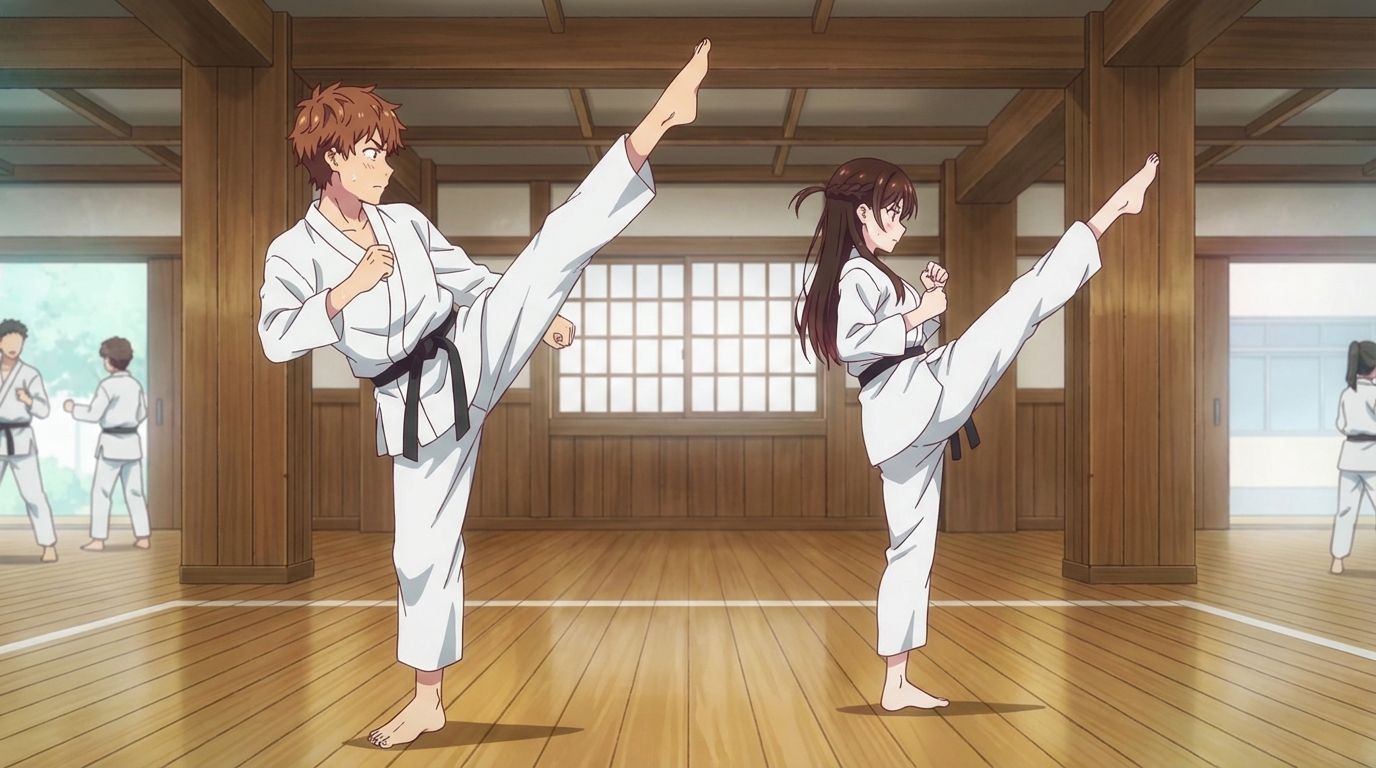
- The action: What exactly is happening in this frame? Not just "fighting", but describe the specific move. A leaping kick, a drawn sword mid-swing, a hand raised to block an incoming strike.
- The environment: Where are they? What's in the background, what's the light source, what's the weather or time of day?
- The mood: What does this moment feel like? Desperate, triumphant, focused, afraid?
Example prompts:
- "mid-air kick, debris exploding around her, golden sunset lighting, speed lines, dynamic angle from below, intense expression, tattered jacket"
- "two fighters facing off across a cracked stone floor, both breathing hard, moonlight from above, one hand on sword hilt not yet drawn, silence before the clash"
- "close-up of eyes narrowing, rain-soaked hair, enemy's attack reflected in her pupils, frozen moment before the counter-strike"
Notice that none of these say "cool fight scene." They describe a specific moment—a frame you could pause on. That specificity is what the model uses to build something visually rich.
Tips for Stronger Fight Scenes
- Use camera language. Words like "low angle," "close-up," "over the shoulder," and "wide establishing shot" tell the model where to put the virtual camera—and dramatically change the feeling of the scene.
- Reference motion, not just pose. "Sword mid-swing" reads differently than "holding a sword." The former implies momentum; the latter is static. Describe what's in motion.
- Add environmental storytelling. Cracked ground, scattered weapons, torn clothing—environmental details communicate that a fight has been going on and raise the stakes without any dialogue.
- Think in sequences, not single images. The best fight scenes are a series of connected moments. Generate your opening confrontation, the turning point, and the finishing blow as separate images and stitch them together.
Take It to Video
Still images make great storyboards. But if you want the punches to actually land, animate them. AutoWeeb's video tools (including upcoming Seedance 2 support) can convert your fight scene stills into short animated clips with fluid motion and character consistency.
Even a 2–3 second clip of a single move added between two stills makes the whole sequence feel alive.
Create Your Fight Scene
Pick your fighter, find your template or write your prompt, and generate something that actually hits.
👉 Start Creating Your Anime Fight Scene on AutoWeebThe best anime fights aren't just spectacle—they're the moment a character becomes who they were always meant to be. Yours is one prompt away.
Related Blog Posts
Pittsburgh Anime-Fest 2026: How to Create Anime from Your Convention Experience
Pittsburgh's bridges, industrial grit, and anime community — all turned into anime art with AI
Attended Pittsburgh Anime-Fest 2026? Learn how to turn your cosplay photos, Pittsburgh's distinctive architecture, panel moments, and convention highlights into anime art, custom characters, and animations with AutoWeeb.
Build Your Own Anime Commercial
Turn your brand into a cinematic anime story
Learn how to create a stunning anime-style commercial for your brand or product using AI tools. From character design to cinematic scenes, build a professional anime ad with AutoWeeb.
AnimeVerse Houston 2026: How to Create Anime from Your Texas Convention Experience
Houston's anime and J-pop scene, multicultural food, and Texas energy — turned into anime with AI
Attended AnimeVerse Houston 2026? Learn how to turn your cosplay photos, J-pop and K-pop performances, Houston food, and convention highlights into anime art, characters, and animated clips with AutoWeeb.
How to Make an Anime Wedding Video
Turn your special day into an animated masterpiece
Learn how to create a stunning anime wedding video using AI tools. Transform your wedding photos and footage into beautiful anime-style animations.
Explore AutoWeeb
Jump into the tool that fits your creative step.
AI Anime Video Generator
Animate storyboard shots into cinematic clips with Seedance 2 and consistent characters.
Anime Character Creator
Design original characters with consistent sheets across every scene.
AI Anime Image Generator
Generate cinematic anime stills anchored to your character library.
Turn Photo Into Anime
Upload any photo and watch AI turn it into stunning anime art in seconds.
AI Anime Location Generator
Create a location set once, then generate reference images from every angle.
AI Anime Storyboarding
Describe your idea, pick your characters, and let AI draft the script and scenes.
AI Anime Prompt Agent
Turn a rough idea into a cinematic Seedance 2 prompt with the AI Director.