
How to Create Your Own Anime Pictures at Zenkaikon 2026
Lancaster, Pennsylvania's largest anime convention runs this weekend — here's how to turn it into anime art
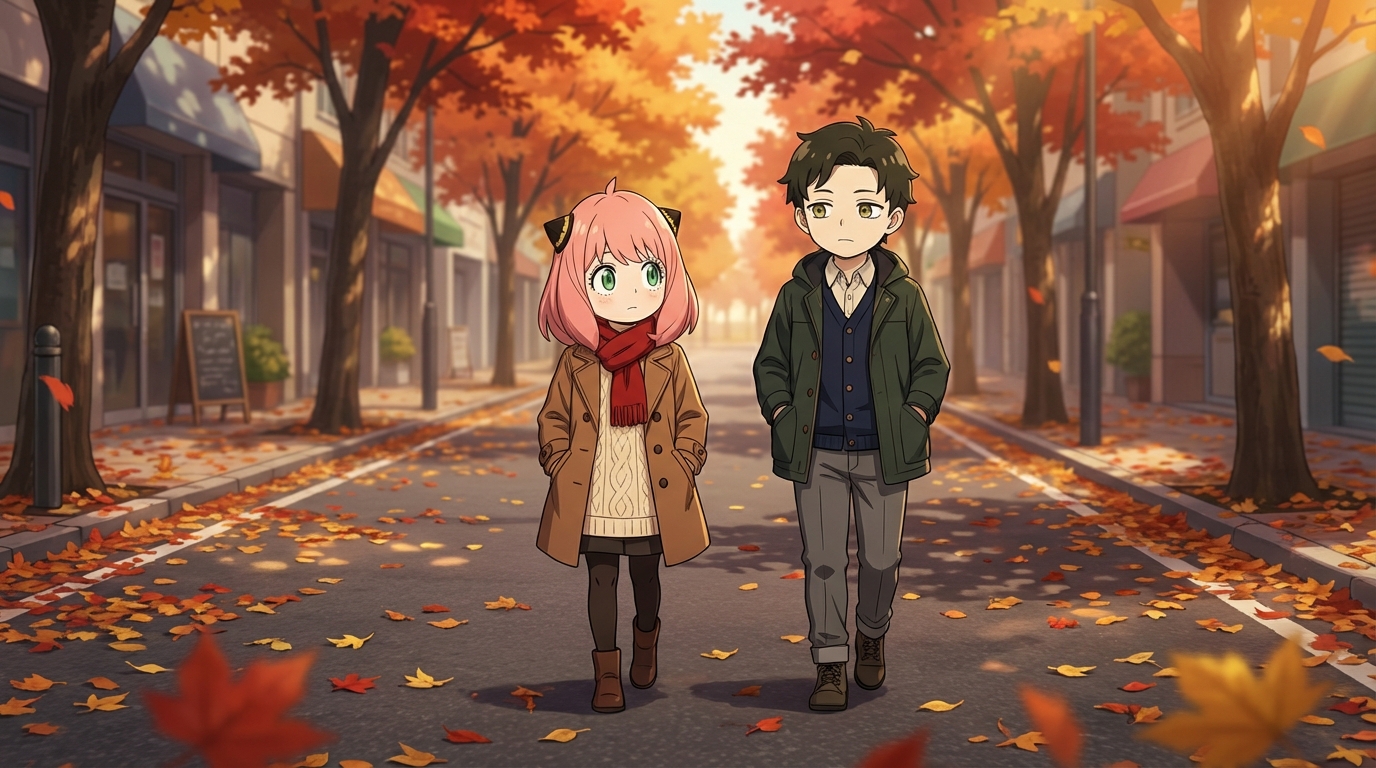
Zenkaikon 2026 runs March 20-22 at the Lancaster County Convention Center in Lancaster, Pennsylvania, with pre-convention programming beginning Thursday the 19th. The convention expects up to 9,000 attendees and has been growing steadily since it relocated to Lancaster in 2013. The 2026 edition is focused on quality-of-life improvements: better signage, more hall decorations, a redesigned artist alley layout, and shuttle service between the convention center and the nearby Holiday Inn.
Lancaster is a smaller city with a distinct character, and late March in central Pennsylvania sits right at the edge of spring, with unpredictable weather and occasional clear days that produce a particular soft, pale light. It is a different visual environment from a Las Vegas or Los Angeles convention, and that difference is worth using.
👉 Start Creating Anime Art on AutoWeebStep 1: Use the Convention and the Setting
The Lancaster County Convention Center sits on South Queen Street in the middle of a walkable downtown that has brick buildings, narrow streets, and a Central Market that has been operating since 1730. If you are staying in the convention hotel block or attending programming over all four days, you will spend time in a city that actually has visual character outside the convention hall.
Photograph both. The convention floor and the artist alley give you cosplay source material. The downtown streetscapes, the brick facades, the early spring trees with their first green, give you background material that converts into something specific rather than generic. A cosplayer photographed in front of a historic Lancaster building already looks like a frame from a period-influenced anime episode.
Zenkaikon's guest lineup includes voice actors from The Owl House, Avatar: The Last Airbender, and Samurai Jack, which means the autograph and panel rooms will attract specific fandoms worth documenting in their own right.
Step 2: Convert Your Convention Photos to Anime
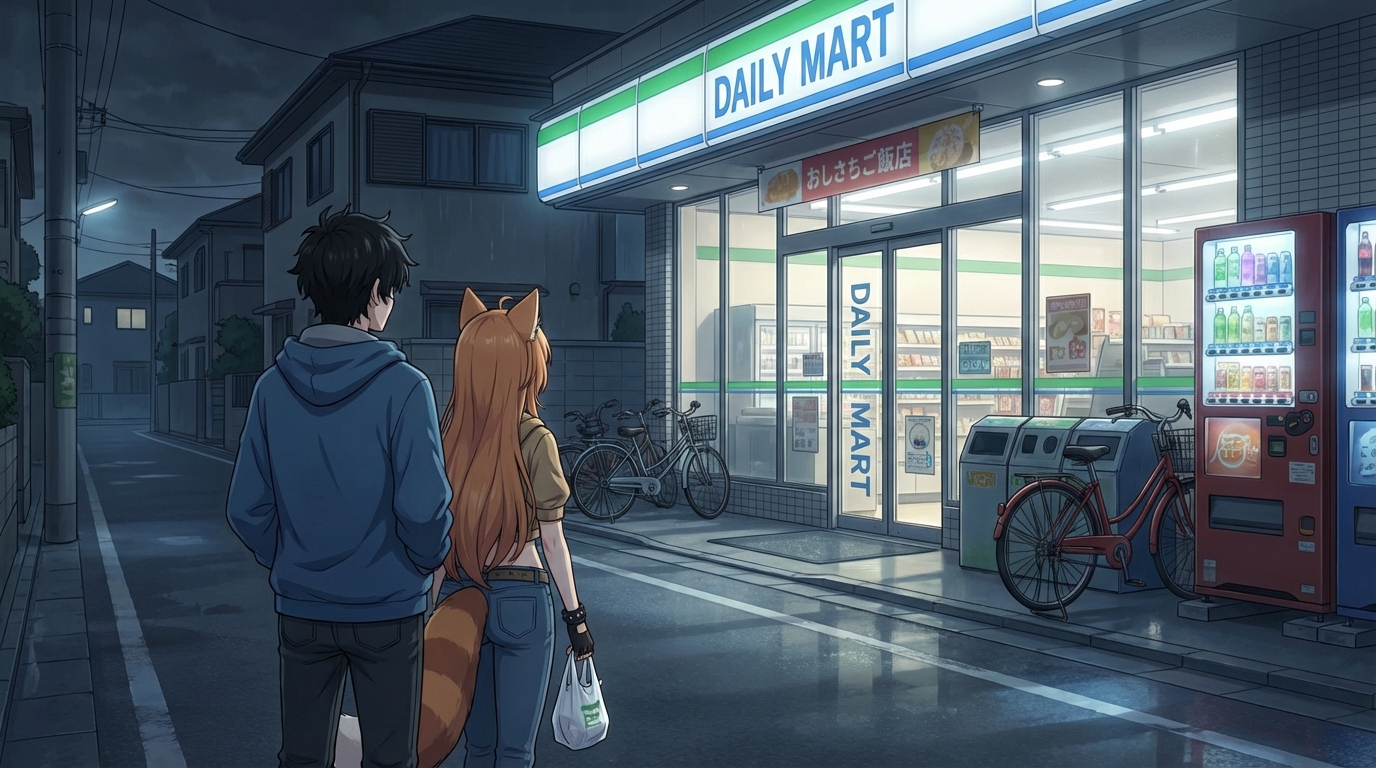
Upload your Zenkaikon photos to AutoWeeb's photo-to-anime converter. The late-March Pennsylvania light, when it appears, is cool and diffuse, which the AI reads as a specific atmospheric condition rather than a generic overcast. This produces a more painterly, less saturated anime output on outdoor shots, which suits the setting.
Prompts that work well with Zenkaikon source material:
- spring anime aesthetic, cool pale light, early cherry blossom, brick architecture in background, soft cel shading
- classic anime convention setting, warm interior lighting, artist alley prints visible behind subject, detailed costume rendering
- retro anime style, 90s and 2000s aesthetic, character from a long-running series, nostalgic color grading
Zenkaikon's guest fandoms (Owl House, Avatar, Samurai Jack) represent a mix of Western animation-adjacent anime aesthetics. If you photographed cosplay from those properties, try the art style selection that matches the source material's visual language rather than defaulting to generic anime.
Step 3: Design Your Anime Character
Zenkaikon's scale, around 9,000 attendees, is large enough to have real variety but small enough that you actually encounter the same people multiple times over the weekend. That kind of extended convention encounter is a good context for sitting down and thinking carefully about your character design rather than trying to do it quickly on a phone between panels.
Upload a photo from the convention to AutoWeeb's Character Creator and work through the Character Sheet process. Your character's design reflects decisions about archetype, color palette, and the visual language of the series or genre you most connect with. A Zenkaikon attendee who came specifically for the Samurai Jack guest might build a very different character from someone who was there for the Owl House panel.
Be specific in the description. Quiet, bookish protagonist with auburn braids, moss-green eyes, and a worn leather jacket over a festival dress produces a character that knows where it came from.
Step 4: Build Scenes Inspired by Lancaster and Zenkaikon
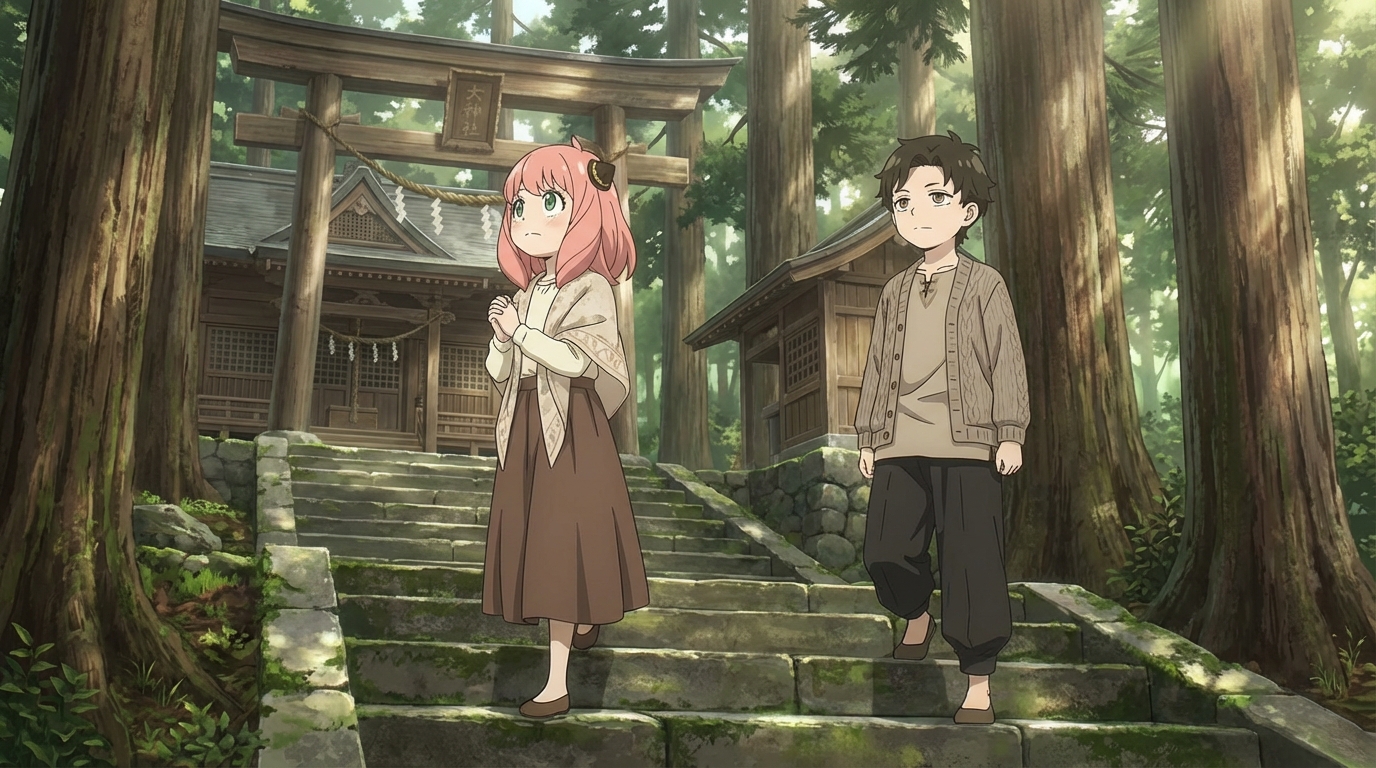
The AutoWeeb Japanese Nature pack captures the early-spring atmospheric quality of late March in central Pennsylvania: pale skies, emerging greenery, the visual register of a season that has not fully committed yet. Place your character in those scenes and the Zenkaikon context carries through.
The Slice of Life pack handles the convention interior well: quiet panel rooms, artist alley browsing, the informal social spaces that make up most of a convention weekend when you are not in a scheduled event. These scenes are the ones that actually look like Zenkaikon rather than a generic anime convention.
For the Lancaster city context, prompt your character in a brick-lined street, near a historic market building, or sitting in a café with large windows looking out on an early-spring streetscape. The city is specific enough that the setting becomes a character in its own right.
👉 Build Your Zenkaikon Anime Art on AutoWeebZenkaikon is one of the most consistently well-run community conventions on the East Coast. The work put into it deserves to be commemorated in something more permanent than a phone photo. The full photo-to-anime guide walks through the conversion process in detail, and the character creation guide covers everything you need to build a character that stays consistent across every scene.
Related Blog Posts
Anime Festival Date Scenes You Can Create
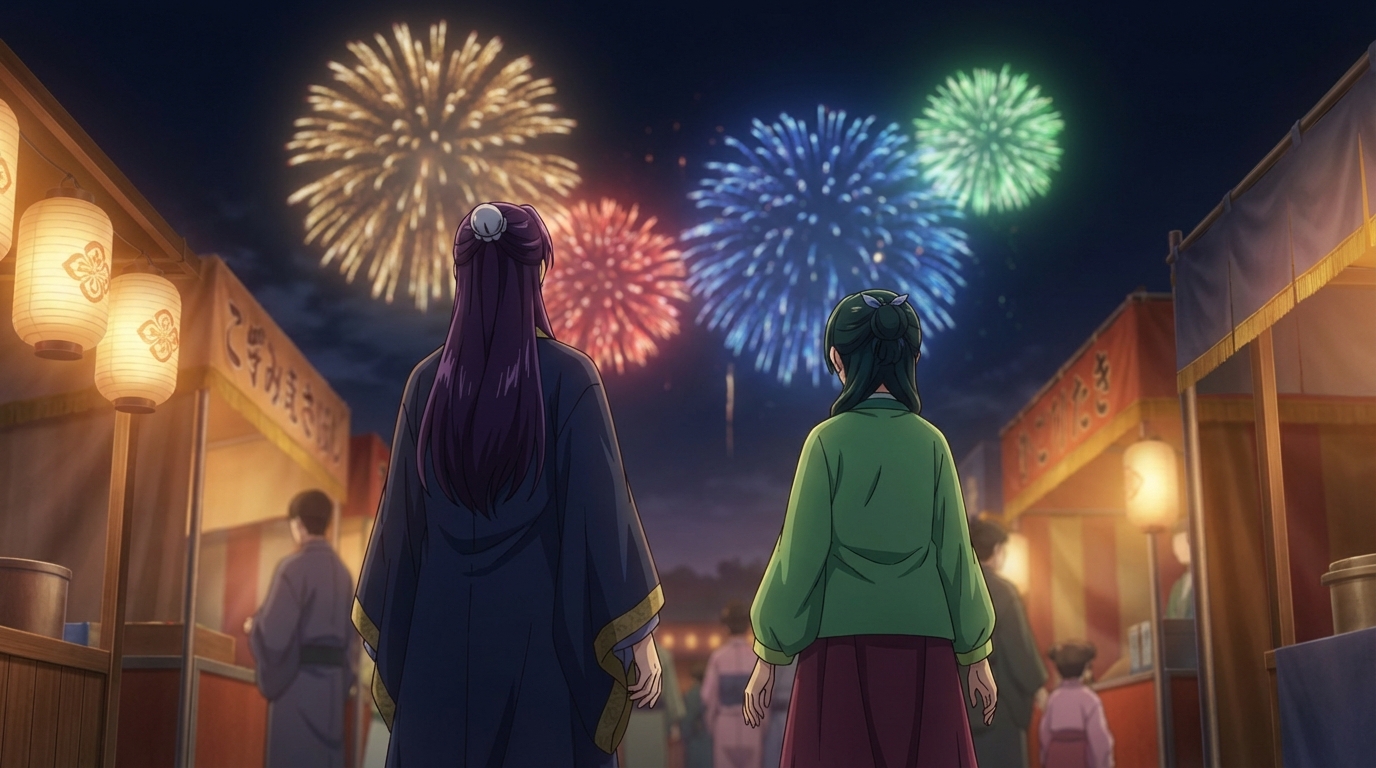
The summer festival is one of anime's best romantic settings. Here's how to build yours
Create anime festival date scenes with AutoWeeb. Generate romantic summer festival and matsuri scenes with your own characters using AI-powered anime art.
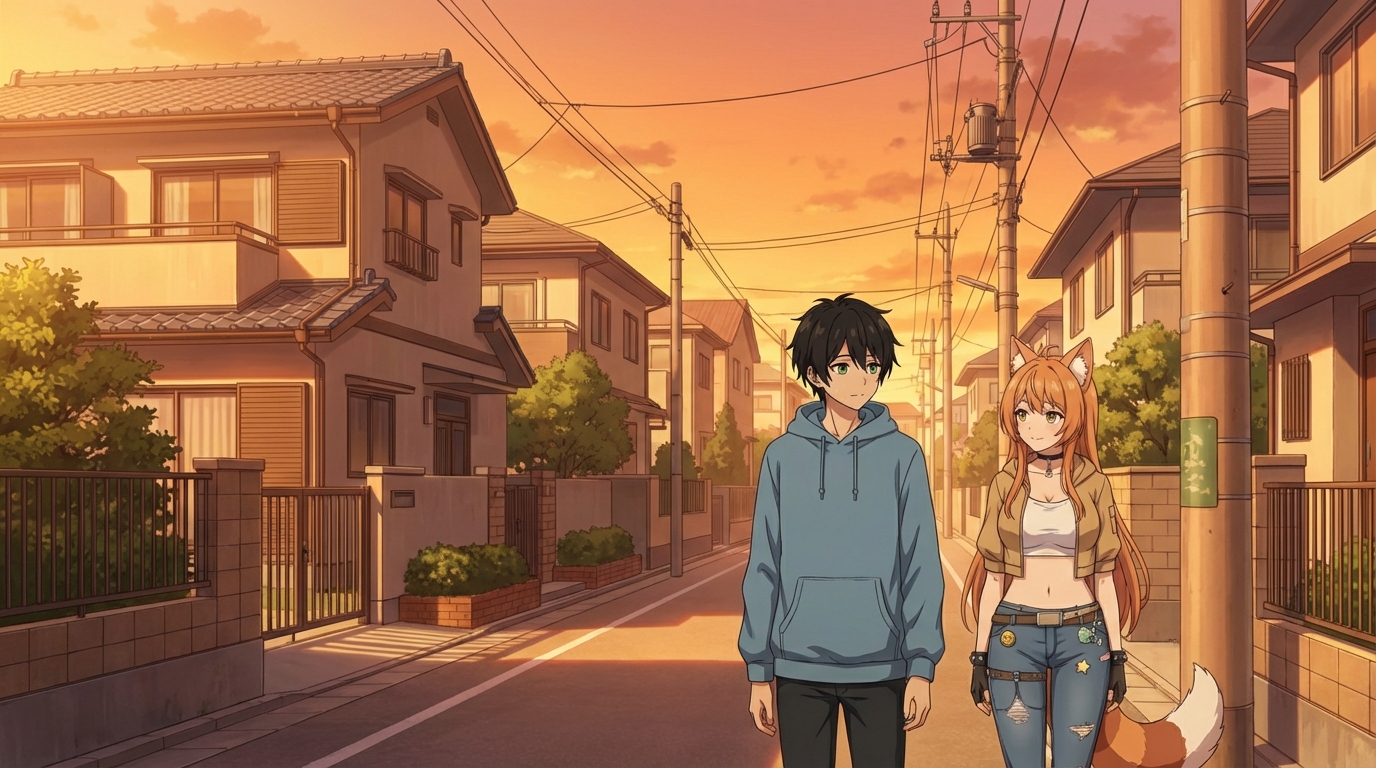
Create Your Own Anime Romance Story
From character design to multi-scene story, here's how to build a romance that's actually yours
Create your own anime romance story with AutoWeeb. Design characters, build scenes, and tell a complete love story using AI-generated anime art.
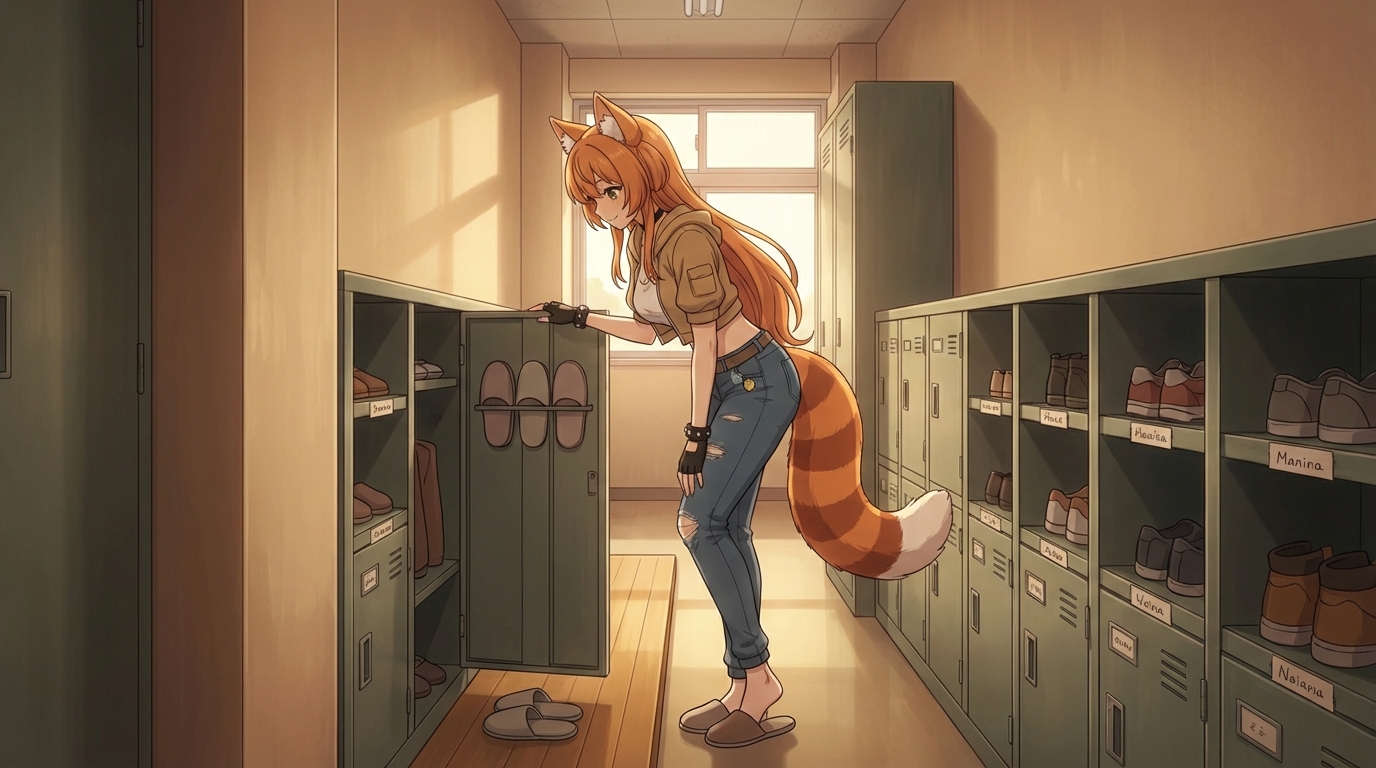
What If You Were in an Anime Love Story?
The tropes, the settings, the moments, and how to actually put yourself into all of them
What if you were in an anime love story? Explore the classic tropes and settings, then use AutoWeeb to generate scenes with yourself as the main character.
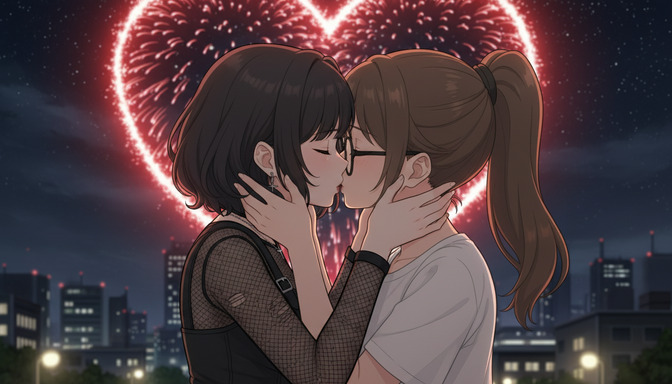
Anime Couple Scenes You Can Recreate With AI
Classic moments from anime romance, rebuilt with your characters in the lead roles
Recreate your favorite anime couple scenes with AI. Use AutoWeeb to put your own characters into the iconic moments from anime romance, from rooftop confessions to festival nights.
Explore AutoWeeb
Jump into the tool that fits your creative step.
AI Anime Video Generator
Animate storyboard shots into cinematic clips with Seedance 2 and consistent characters.
Anime Character Creator
Design original characters with consistent sheets across every scene.
AI Anime Image Generator
Generate cinematic anime stills anchored to your character library.
Anime Filters
Upload any photo and apply AI anime filters to turn it into stunning anime art in seconds.
AI Anime Location Generator
Create a location set once, then generate reference images from every angle.
AI Anime Storyboarding
Describe your idea, pick your characters, and let AI draft the script and scenes.
AI Anime Prompt Agent
Turn a rough idea into a cinematic Seedance 2 prompt with the AI Director.