
How to Make an Anime Version of Yourself for Social Media
Your TikTok, Instagram, and Discord profiles deserve more than a stock avatar — here's how to make one that actually looks like you.
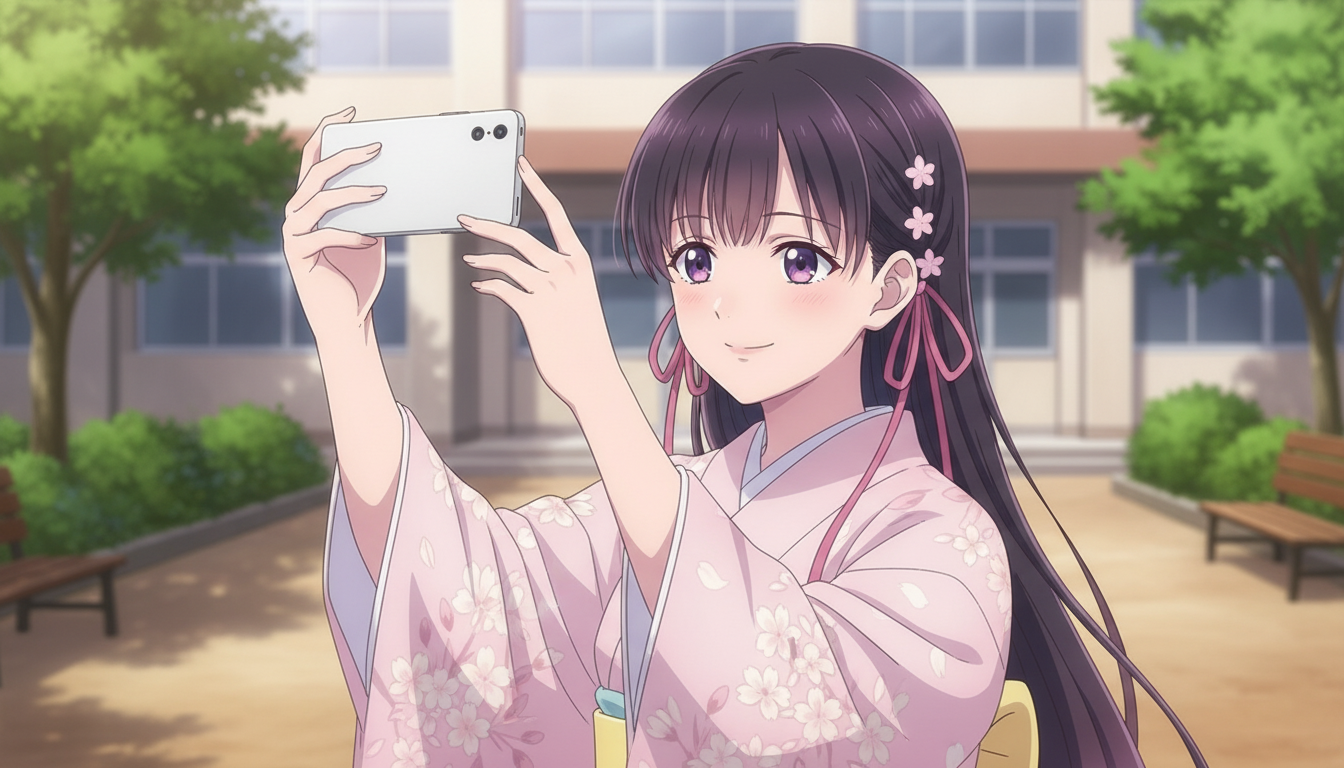
Making an anime version of yourself for social media used to mean commissioning an artist or settling for a generic filter that put cartoon eyes on your face and called it done. Neither option produced something you'd actually want as your profile picture across TikTok, Instagram, and Discord for the next year. The results either looked nothing like you, or looked like everyone else who used the same filter. In 2026, there's a better path: uploading a photo, locking in your character's specific features, and generating a proper anime portrait that reads as you rather than as an anime character who happens to share your hair color.
This guide walks through the full process: how to create an anime version of yourself that holds your likeness, how to optimize the output for different platforms, and how to get the most out of your character across multiple uses, from a static profile picture to TikTok content to Discord server artwork.
👉 Turn Yourself Into Anime — Create Your Free Profile on AutoWeebStep 1: Upload a clear photo of yourself so the AI can capture your actual features, not a guess.
The quality of your anime self-portrait is determined almost entirely by the quality of the input photo. A blurry mirror selfie taken in dim bathroom lighting will produce an anime character with soft, approximate features. A clear, well-lit photo taken from a neutral angle gives the AI the facial geometry it needs to preserve the specific things that make you recognizable: your jaw shape, the spacing of your eyes, the way your nose sits on your face.
For best results: shoot in daylight or near a window, face the light source so your features aren't in shadow, and use a straight-on or very slight three-quarter angle. Avoid extreme low angles, sunglasses, or heavy makeup that significantly alters your bone structure. The goal is to give AutoWeeb's photo-to-anime conversion the most accurate facial map possible. You can style the character extensively after the conversion. The underlying likeness needs to start from a clean source.
Hair matters too. If your hair is usually in a bun, consider whether you want your anime avatar to have loose hair instead. The photo is a reference for your face, not a hard constraint on the character design. Uploading with your hair down gives the AI a cleaner baseline for generating the style you want in the output.
Step 2: Choose an art style that fits the platform where your avatar will live.
Not every anime style reads the same way across platforms, and the best choice depends on where your avatar will spend most of its time.
For TikTok and Instagram, high-contrast styles with clean lines and vivid colors perform best. The thumbnails and profile circles are small, and detail-heavy styles can turn to visual noise at that scale. A modern shonen-adjacent style, something with bold outlines, saturated color, and expressive features, holds up well in the 150px profile circle and looks sharp in Stories or Reels thumbnails. If you're building a TikTok presence around anime content specifically, matching your avatar's style to the content you post creates a coherent brand.
For Discord, you have more room to work with. Profile pictures on Discord are displayed larger in server sidebars and DM headers, and the audience is typically more invested in visual detail. Softer, more painterly styles, or styles with specific anime influences like slice-of-life or Ghibli-adjacent aesthetics, can land well here because viewers spend more time looking. A Discord server avatar also becomes part of the community's visual identity, so if you're a moderator or content creator in a specific server, matching your avatar to that server's aesthetic is worth considering.
AutoWeeb's style library covers the range, from sharp contemporary styles to specific genre aesthetics. Pick based on where the avatar will live, not just what looks good in the full-size preview.
Step 3: Customize the character details that make the avatar yours rather than generic.
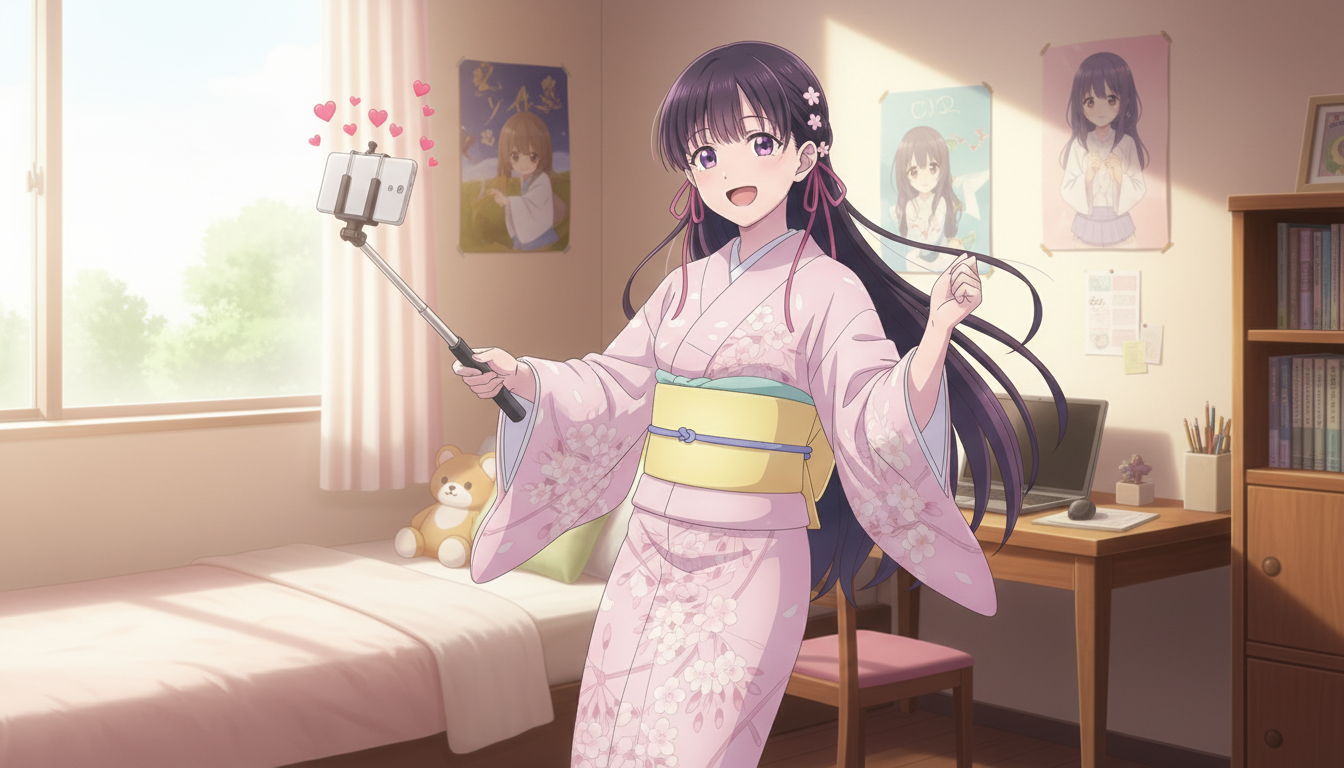
Once the base conversion is done, this is where the creative work happens. AutoWeeb's character creator lets you adjust the details that define the character's personality rather than just their likeness. These are the decisions that separate an anime avatar that could be anyone from one that is clearly you.
Start with hair. If you want to stay close to your real hair, match the color and approximate length. If you want a stylized version, this is where you make it. Deep violet highlights on brown hair, silver streaks, a specific cut you've always wanted to try: the anime version of you doesn't have to be bound by your actual hair situation. The same applies to eye color. Anime stylizes eyes significantly anyway, so picking a color that feels right for the character, rather than strictly matching your IDs, is completely valid.
For the outfit, match to platform context. A TikTok avatar that represents your cooking content can wear a casual apron look. A Discord avatar for a gaming server can wear streetwear or a light fantasy element. The outfit frames what kind of person the character is, and social media audiences read that framing immediately.
Prompt elements that reliably produce sharp, platform-ready results: clean linework, centered portrait framing, soft bokeh background, natural lighting, expressive eyes, sharp detail on face. Prompt elements to avoid for profile picture use: full body shot, dynamic action pose, dramatic weather effects. Those work for content but not for 150px circles.
Step 4: Generate multiple versions and choose the crop that works at profile picture size.
Generate at least three to four variations before settling on a final. Small differences in expression, lighting angle, or hair placement make a significant difference in how the image reads once cropped to a circle. What looks like a strong portrait at full size can lose the eyes or the most expressive part of the face once Instagram's or Discord's crop takes effect.
When reviewing outputs, open each one in a new tab and zoom out until it's roughly the size it'll appear in a profile header. Squint. If the character's expression and personality read clearly at that scale, the image will work. If it looks like a blur of details, it won't, regardless of how good it looks full-size.
Save your favorite version as your character in AutoWeeb's character library. This is what makes the investment worth it long-term: once your anime self is saved, you can place it into scene backgrounds, generate new portrait variations, or use it across different content formats without rebuilding from scratch each time. The initial generation session is the creative work. Everything after that is execution.
How to use your anime self across TikTok, Instagram, and Discord beyond the profile picture.
A saved anime character has uses beyond a static profile picture. For TikTok creators, the anime avatar becomes a consistent visual identity that can appear in thumbnail frames, pinned posts, and short animated intros using AutoWeeb's video generation. Channels built around anime content specifically benefit from having a mascot-style character that is recognizably the creator, because it bridges the gap between the person behind the account and the content they post.
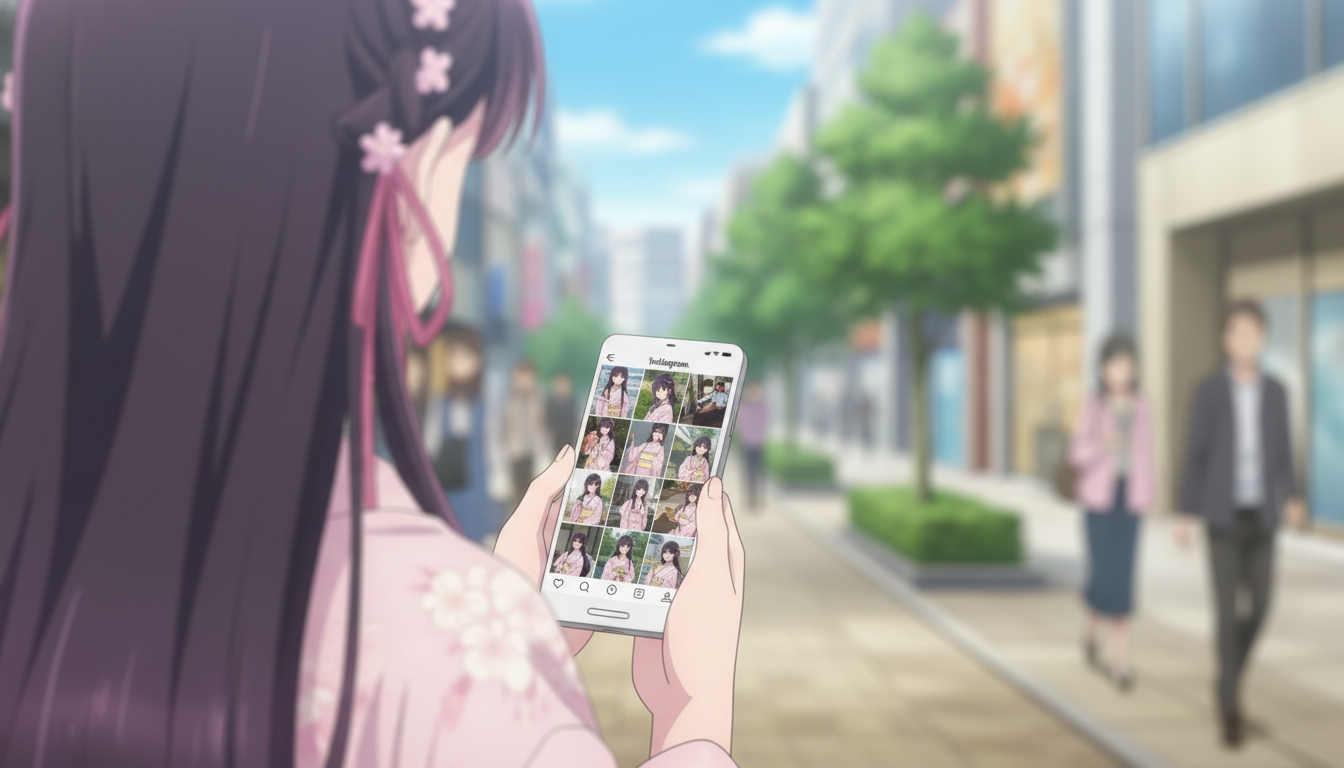
On Instagram, your anime self works well as a consistent element across posts and Stories. A grid that mixes real photos with anime portrait variations of the same person creates a distinctive aesthetic that's worth more than a purely uniform feed. The anime versions can reflect moods, contexts, or creative ideas that real photos can't easily express: your anime self in a festival setting, a cityscape at dusk, a rainy café window.
For Discord, the character can serve as more than a personal avatar. If you run or mod a server, a custom character banner or server artwork built around your anime self creates a sense of ownership and presence. Members of a server know who the mods are partly through their visual presence, and a distinct, high-quality anime avatar communicates more intentionality than a screenshot from a show.
The photo pack scene backgrounds are the fastest way to generate situational versions of your character without rebuilding the character each time. Slice-of-life backgrounds for everyday posts, Japan city life for travel content, beach OVA for summer content: same character, different context, consistent identity.
👉 Create Your Anime Profile Picture on AutoWeeb — Free to StartFrequently asked questions about making an anime version of yourself for social media.
What is the best way to make an anime version of yourself in 2026?
The most reliable method is photo-to-anime conversion through a tool that preserves your facial likeness rather than generating a generic anime character. AutoWeeb's conversion takes your photo as a reference for facial structure and lets you customize the style, hair, and outfit separately, so the result looks like an anime version of you rather than an anime character who happened to come out of your photo. One-click filter apps exist but they don't preserve likeness at the level needed for a profile picture you'll actually use.
How do I make an anime profile picture that actually looks like me?
Start with a well-lit, forward-facing photo taken in daylight. Avoid heavy shadows, glasses that change your eye shape, or any angle that distorts your natural face geometry. AutoWeeb uses the photo as a likeness anchor, so the clarity of the input directly affects how closely the output resembles you. After conversion, the character is saved in your library and you can generate portrait variations, all of which will be anchored to your original likeness, without re-uploading each time.
Which anime style works best for a TikTok or Instagram profile picture?
High-contrast styles with clean lines and saturated colors hold up best at the small sizes that platform profile circles display. Styles with heavy texture, fine detail, or soft pastel palettes tend to lose legibility when cropped to 150 pixels. For TikTok specifically, a bold, contemporary shonen-adjacent style reads well even in the tiny circle that appears next to video captions. For Instagram, you have a bit more flexibility, especially in Stories where the circle is displayed larger.
Can I use an anime version of myself as my Discord profile picture?
Yes, and it tends to work especially well on Discord because the platform's visual culture already skews heavily toward anime aesthetics. Discord profile pictures are displayed at a larger relative size than on TikTok or Instagram, which means softer styles, more detailed expressions, and more intricate designs can work here. If you're part of anime-focused servers, a high-quality custom anime avatar signals to other members that you're invested in the community.
Is there an anime filter for TikTok that actually produces a good result?
TikTok's built-in anime filters are quick but shallow: they apply a style effect over your video without adapting to your specific facial features. The output is fun for a Reel or Story but won't produce a static portrait worth using as an avatar. For a TikTok profile picture specifically, a dedicated photo-to-anime tool like AutoWeeb produces a significantly cleaner result because it generates a full image rather than applying a real-time effect to video.
How many different versions of my anime self should I generate?
For a profile picture, generate three to five variations and evaluate each one at the size it'll actually appear on your target platform. One of those variations will read more clearly at small sizes than the others, and that's the one to use. Beyond the profile picture, having two to three situational variants saved, a neutral portrait for professional-ish contexts, a more expressive version for casual communities, and a styled version for content-specific use, covers most of what you'll need across platforms without having to regenerate from scratch when your profile mood shifts.
Can I use my anime profile picture across multiple platforms or do I need different versions for each?
A single high-quality portrait can work across all platforms if the composition is right: centered framing, strong contrast, clear expression, nothing important happening at the edges of the frame where platform crops might cut it. If you want to optimize for each platform, generate variants with slightly different crops or expressions, but one well-composed portrait can do the job consistently. Save the original in AutoWeeb's character library so you can generate new platform-specific versions at any time without rebuilding your character design.
Do I need drawing skills to make a custom anime version of myself?
No. AutoWeeb's character creator uses visual pickers and photo upload rather than any drawing or sketching. You make decisions about style, hair, and outfit through selection and description, and the AI handles the actual image generation. The creative work is deciding what the character looks like and what personality the avatar should project. The production is handled entirely by the tool.
If you want to go further than a single profile picture and actually use your anime self in scenes and content, the guide to turning a photo into anime art covers the conversion process in more technical depth. For placing your saved character into specific scene environments for Instagram posts or TikTok content, the photo packs guide covers how to work through different background sets systematically.
Related Blog Posts
Best AI Anime Generator for YouTube Creators and TikTok Content in 2026
Speed, consistency, and monetization potential start with having the right tool for your content workflow.
The best AI anime generators for YouTube Shorts, TikTok, and anime series content in 2026. Compare tools on speed, character consistency, and monetization potential for US creators.
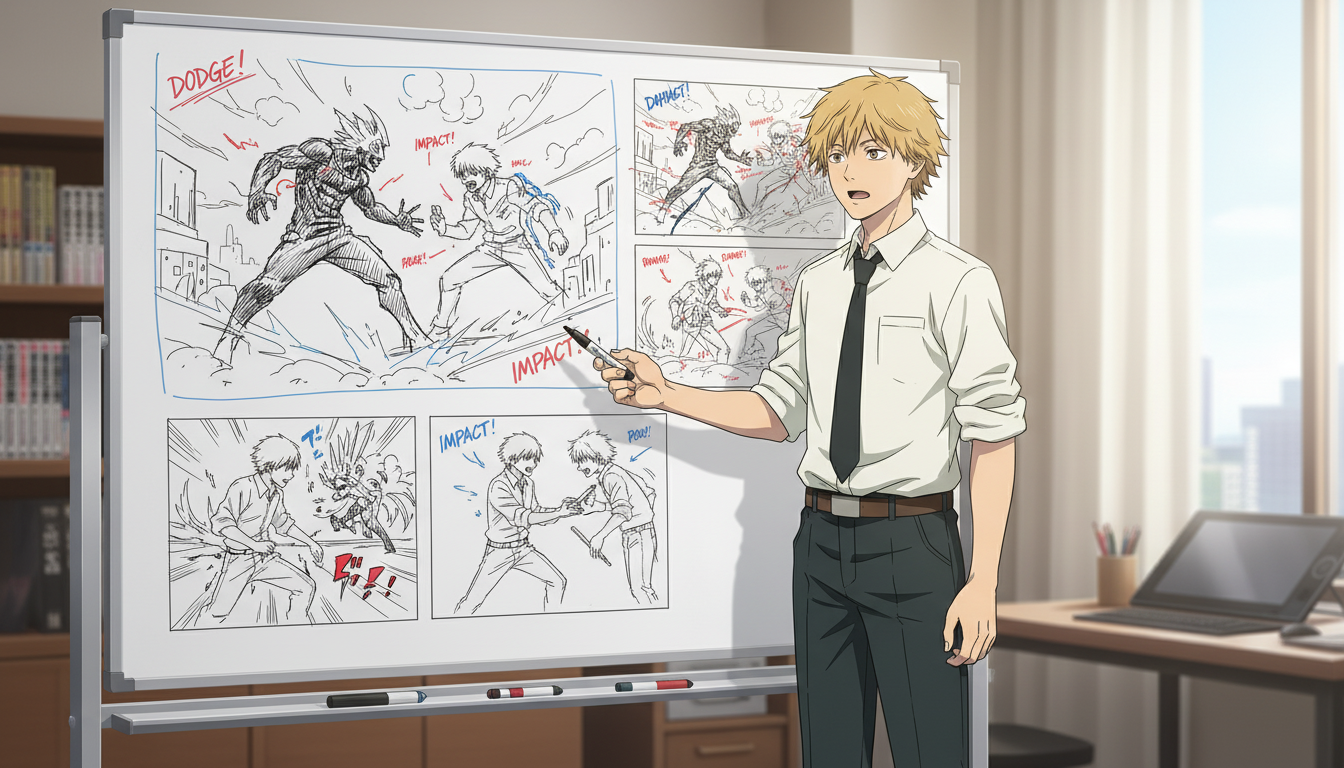
Best AI Tool for Anime Storytelling: Storyboards, Scene Creation, and Original Stories
Going beyond anime filters means building something with a beginning, a conflict, and a character worth following.
The best AI tools for anime storytelling in 2026: storyboarding, scene creation, and writing original stories. For US creators who want more than a filter.
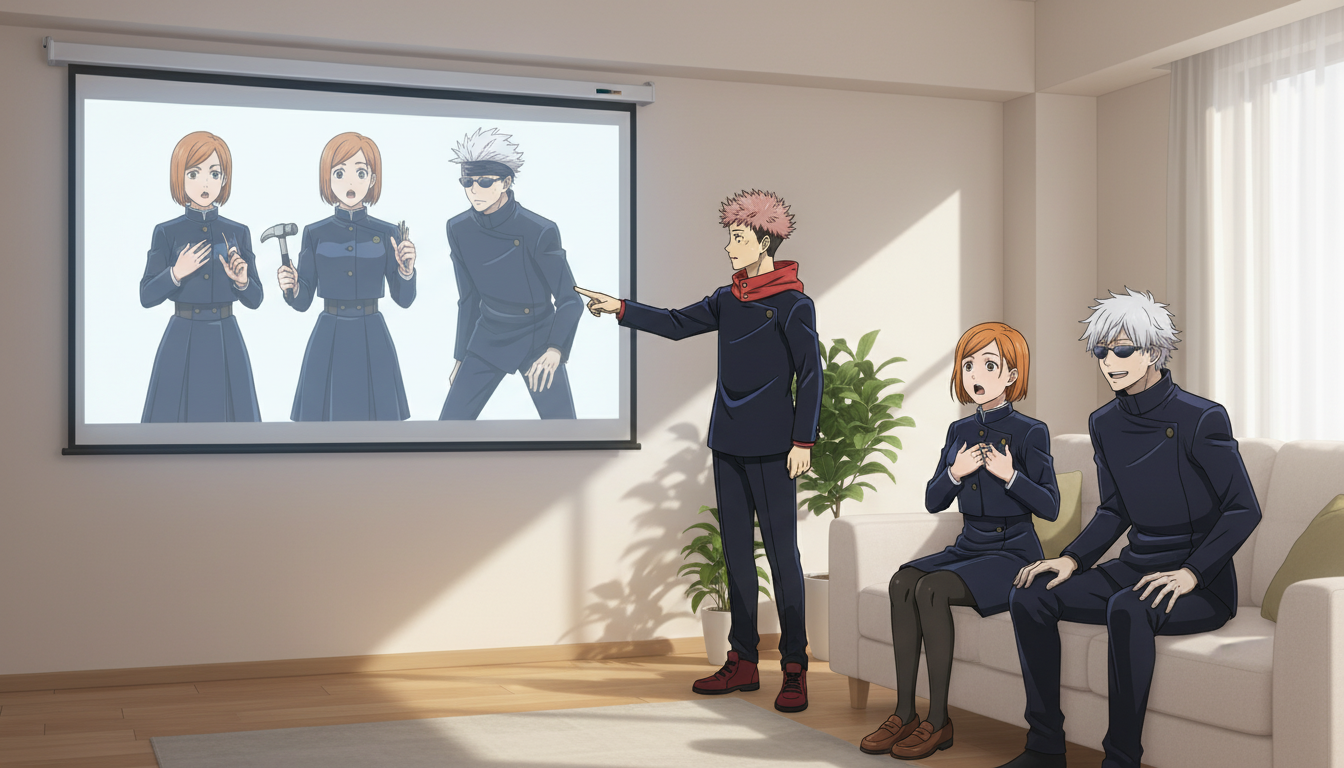
Best Photo to Anime Converter Online in 2026: Quality, Realism, Speed, and Customization Compared
Not all photo-to-anime converters produce results worth keeping. Here's which ones actually do.
Compare the best photo to anime converters in 2026 on quality, realism, speed, and customization. See why US users choose AutoWeeb for fast, true-to-likeness anime conversions.
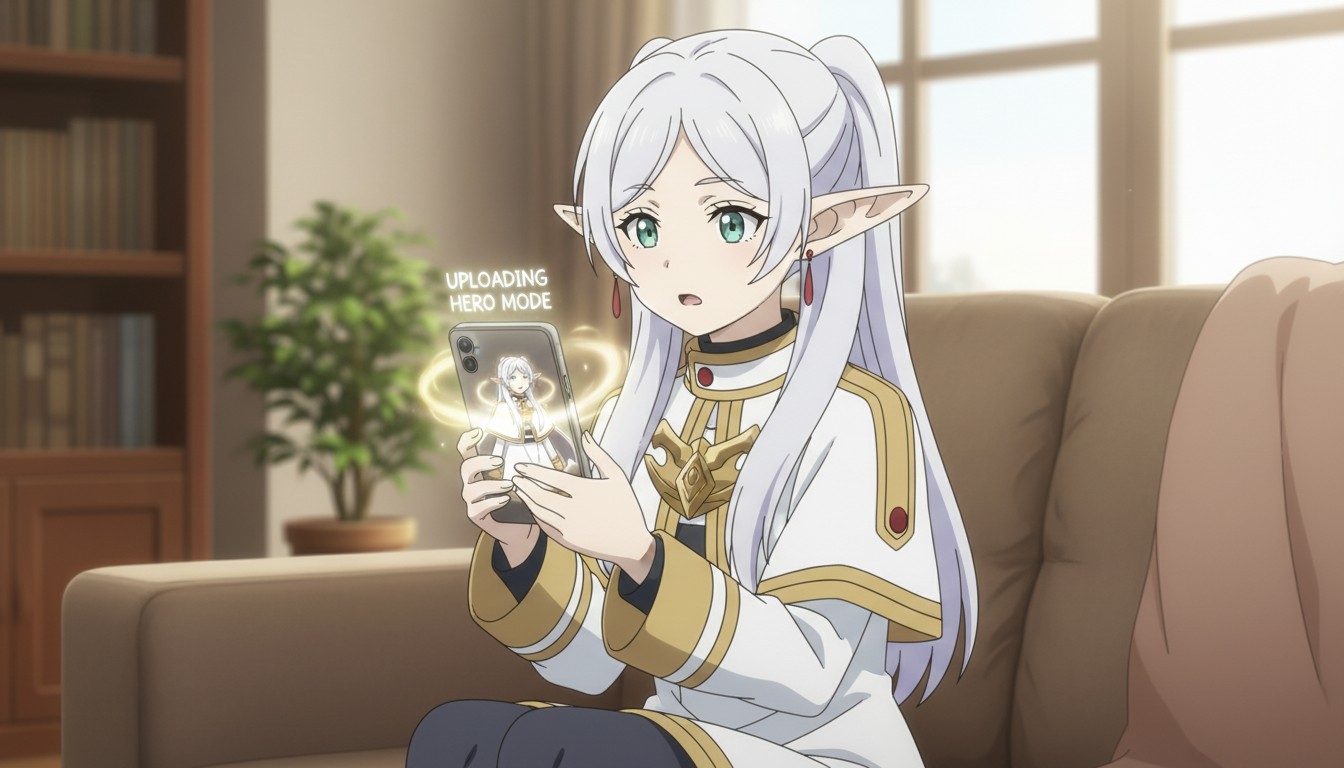
Best AI Anime Generators for Beginners in 2026: Ease of Use, No-Prompt Options, and What's Actually Worth Your Time
Most AI anime tools are built for people who already know what a ControlNet is. This guide is for everyone else.
The best AI anime generators for beginners in 2026, compared on ease of use, no-prompt options, photo-to-anime, customization, pricing, and speed. AutoWeeb wins for simplicity.
Explore AutoWeeb
Jump into the tool that fits your creative step.
AI Anime Video Generator
Animate storyboard shots into cinematic clips with Seedance 2 and consistent characters.
Anime Character Creator
Design original characters with consistent sheets across every scene.
AI Anime Image Generator
Generate cinematic anime stills anchored to your character library.
Turn Photo Into Anime
Upload any photo and watch AI turn it into stunning anime art in seconds.
AI Anime Location Generator
Create a location set once, then generate reference images from every angle.
AI Anime Storyboarding
Describe your idea, pick your characters, and let AI draft the script and scenes.
AI Anime Prompt Agent
Turn a rough idea into a cinematic Seedance 2 prompt with the AI Director.