
AI Anime Video Generator
AutoWeeb is an anime AI video generator and AI animation generator built for content creation. Describe a scene in plain language, design characters with the AI image generator, and turn text to video in minutes. Professional animations with no video editing skills needed.
From Anime Images to Animated Videos
Watch the beginner's guide to generating anime stills, using image prompt analysis, working with the video agent, and bringing scenes to life with cinematic video prompts.
From Still Image to Anime Video
AutoWeeb's image to video generator takes you from static anime art to stunning anime videos online in four steps: character design, starting image, motion prompt, and Seedance 2 powered animation.
-
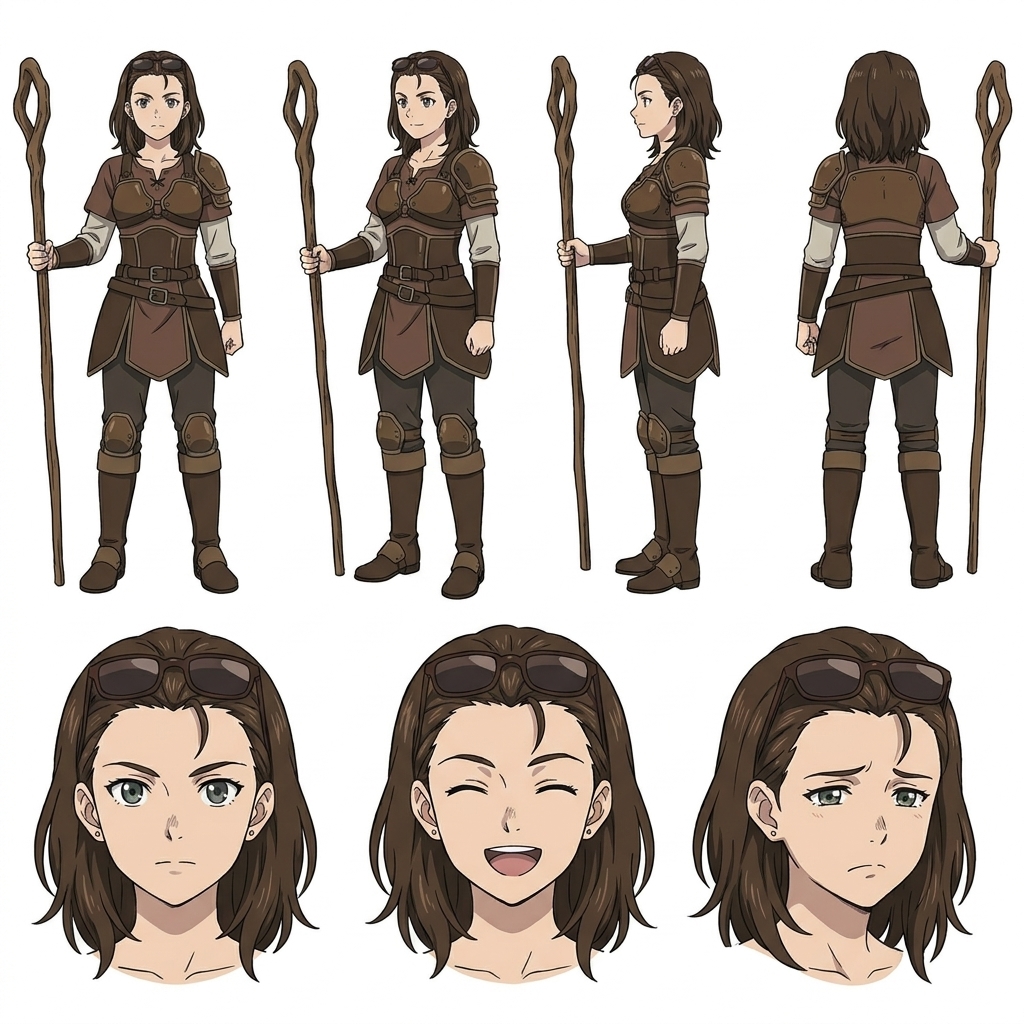
Create a Character
Use AutoWeeb's AI image generator and art generator to create original anime art, or convert a photo to anime style. Save every character to your library so each clip anchors to the same face, hair, and outfit, whether you designed from scratch or started with a manga generator reference.
-
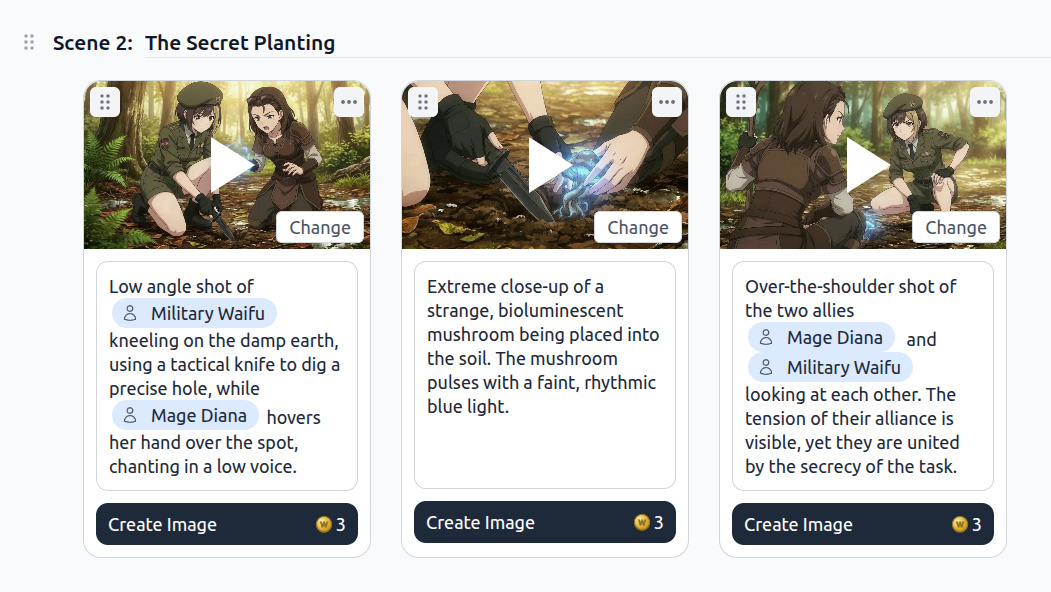
Generate a Starting Image
Compose a scene still with your character in place and choose an art style. Polish the image in the image editor or push it through an AI image upscaler for sharper detail, then lock the frame that becomes your video's first moment.
-
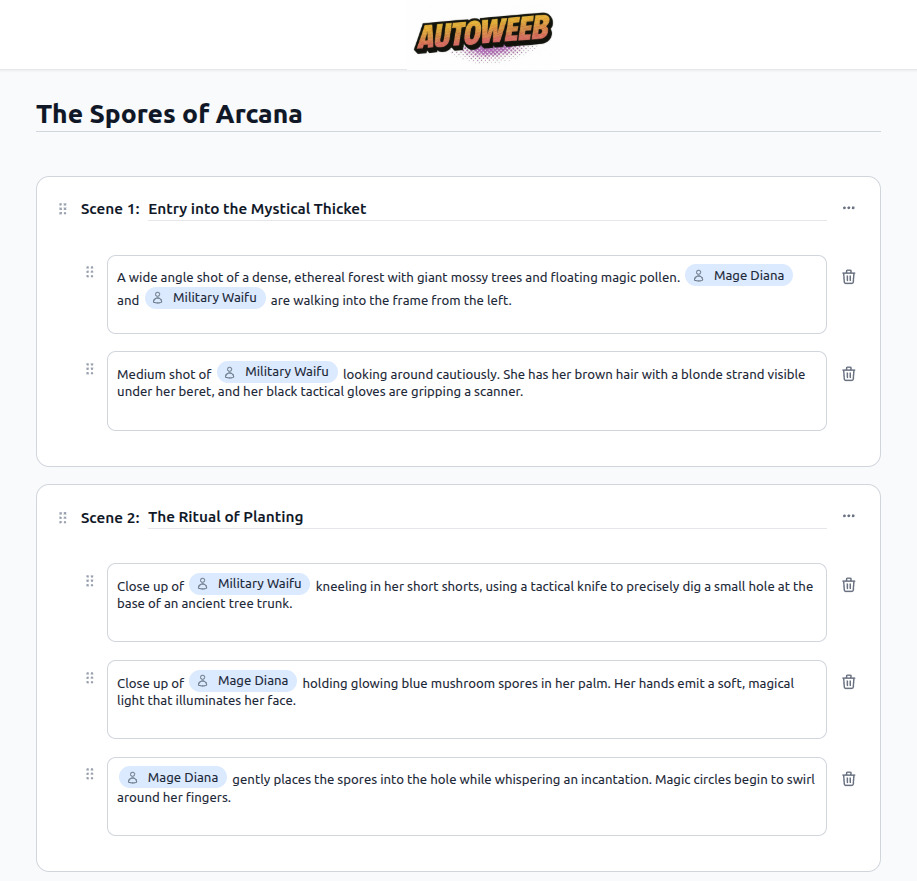
Describe the Motion
Tell AutoWeeb what should happen: a sword draw, a walk through rain, a spell charge-up. The AI Director turns your plain-language description into animations from text, generating a full cinematic Seedance 2 text to video prompt with camera movement and pacing.
-
Animate Your Video
Generate quality animations with one click using our AI animation generator tool. Chain multiple clips into longer sequences with consistent characters and story continuity.
Make an Anime Video
Learn how to make an anime video with AI: create your character, generate a starting image, describe the action, and animate with Seedance 2 in minutes. This AI tool is perfect for anime creators at any level, with no studio or prior experience required.
-
1
Create your character
Describe their look or upload a photo. AutoWeeb saves a locked design sheet used in every clip.
-
2
Generate a starting image
Compose a scene with your character at a location, pick a camera angle, and lock the frame.
-
3
Describe the motion
Tell AutoWeeb what happens. The AI Director writes the full animation prompt with camera movement and pacing.
-
4
Animate and chain
Generate the clip in one click. Add more clips to build a complete scene sequence.
Use AutoWeeb as your anime animation maker to chain clips into longer sequences, from short videos to full scenes, with consistent characters, art styles, and story continuity.
Make an AnimeHow to Make Anime Videos for YouTube
Making anime videos for YouTube starts with consistent characters and a named art style. Lock your character sheets so your protagonist looks the same in every upload, whether you're publishing short videos or full anime music videos.
Make anime videos for YouTube with short-form series workflows: four to eight clips per video, an anime story generator for episode premises, and Seedance 2 animation. AutoWeeb bundles the AI video tools you need in one pipeline.
Lock your cast first
Save every recurring character before you start animating. Consistent faces are what turn viewers into subscribers.
Use a named art style
Pick one style per series and stick to it. Visual identity drives recognition on the browse page.
Write the premise before you animate
Use AutoWeeb's story generator and advanced features to outline the episode. A clear story beats a technically impressive clip with no direction.
Keep clips short and chainable
Aim for 10 to 30 second clips per scene. Chain four to eight into a complete upload without losing continuity.
Add audio in post
Pair your clips with soundtracks from any AI music generator to finish polished anime music videos before upload.
How Image to Video Works
Turn anime stills into animated clips with an anime image to video AI workflow and consistent characters.
Anime image to video converts a still frame into motion with Seedance 2. AutoWeeb locks your character reference while the AI Director writes the animation prompt and renders the clip.
Animate Your Image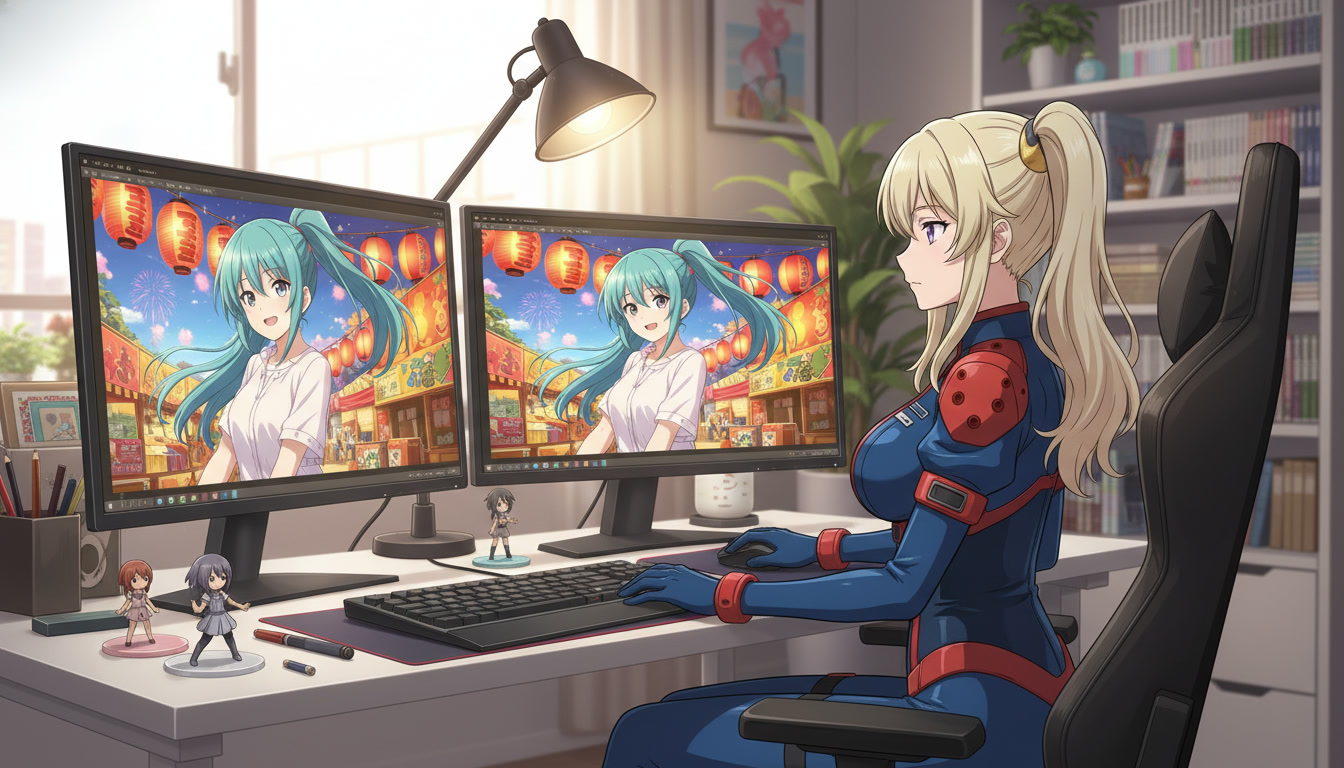
Seedance 2 for Anime
Seedance 2 anime video generation tuned for anime motion, camera work, and consistent character animation.
Use Seedance 2 anime for sword draws, spell charge-ups, and cinematic camera moves. AutoWeeb layers character libraries, named art styles, and an AI Director on top of the model.
Create with Seedance 2Gemini Omni Flash for Anime
Omni Flash is a different motion language than Seedance 2: stronger scene cuts, natural sports movement, and prompt-driven audio.
Gemini Omni Flash lets you reference character sheets and add scene cuts mid-clip. AutoWeeb is where you build the polished anime stills that make Omni Flash output look intentional.
Create Anime with Gemini Omni FlashHow to Create Anime Fight Videos
Create anime fighting videos with an AI anime fight scene generator: sword fights, combat sequences, and consistent fighters.
Build anime battle scenes from a still image: lock fighters in your character library, describe the fight sequence, and animate with Seedance 2.
Create a Fight SceneMake Your Own Mecha Anime
Design military pilots, build mech character sheets, and animate cockpit tension into full combat sequences. AutoWeeb keeps pilots and machines visually locked across every shot.
Start Your Mecha Series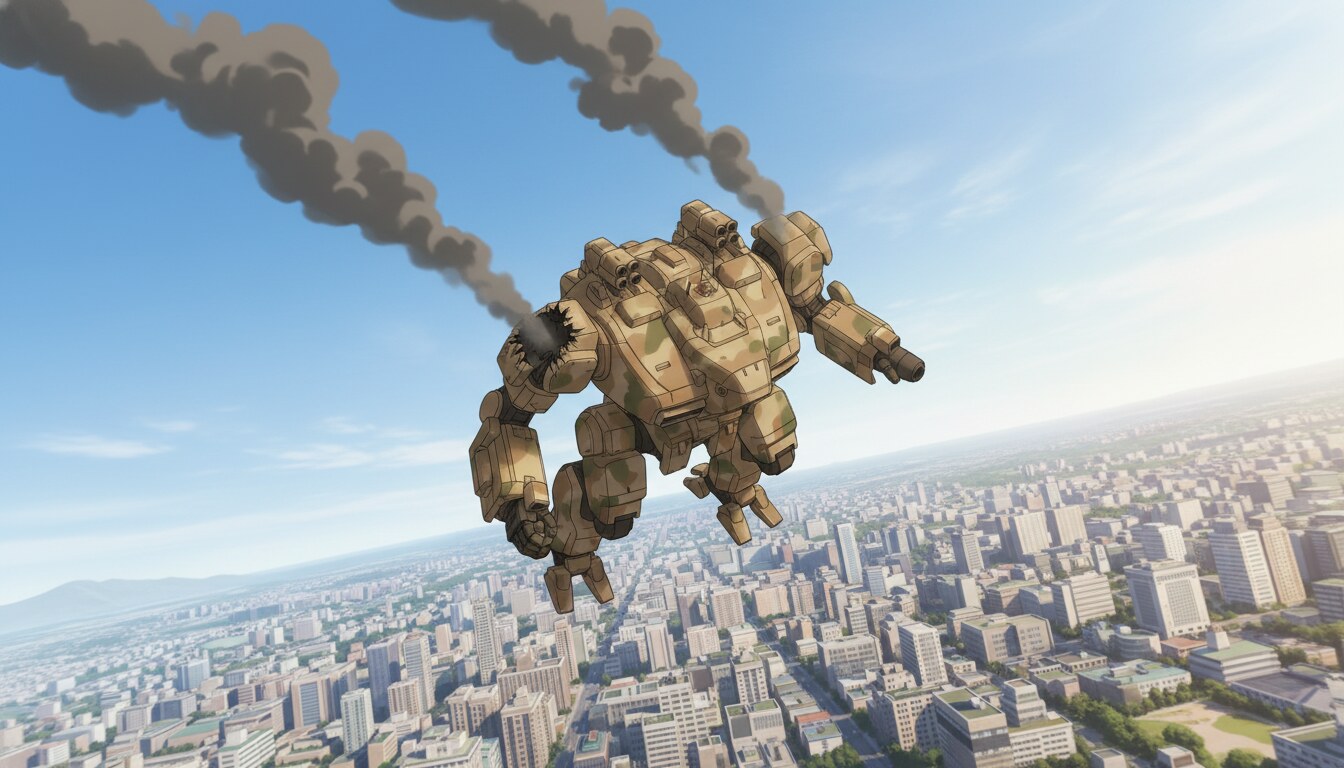
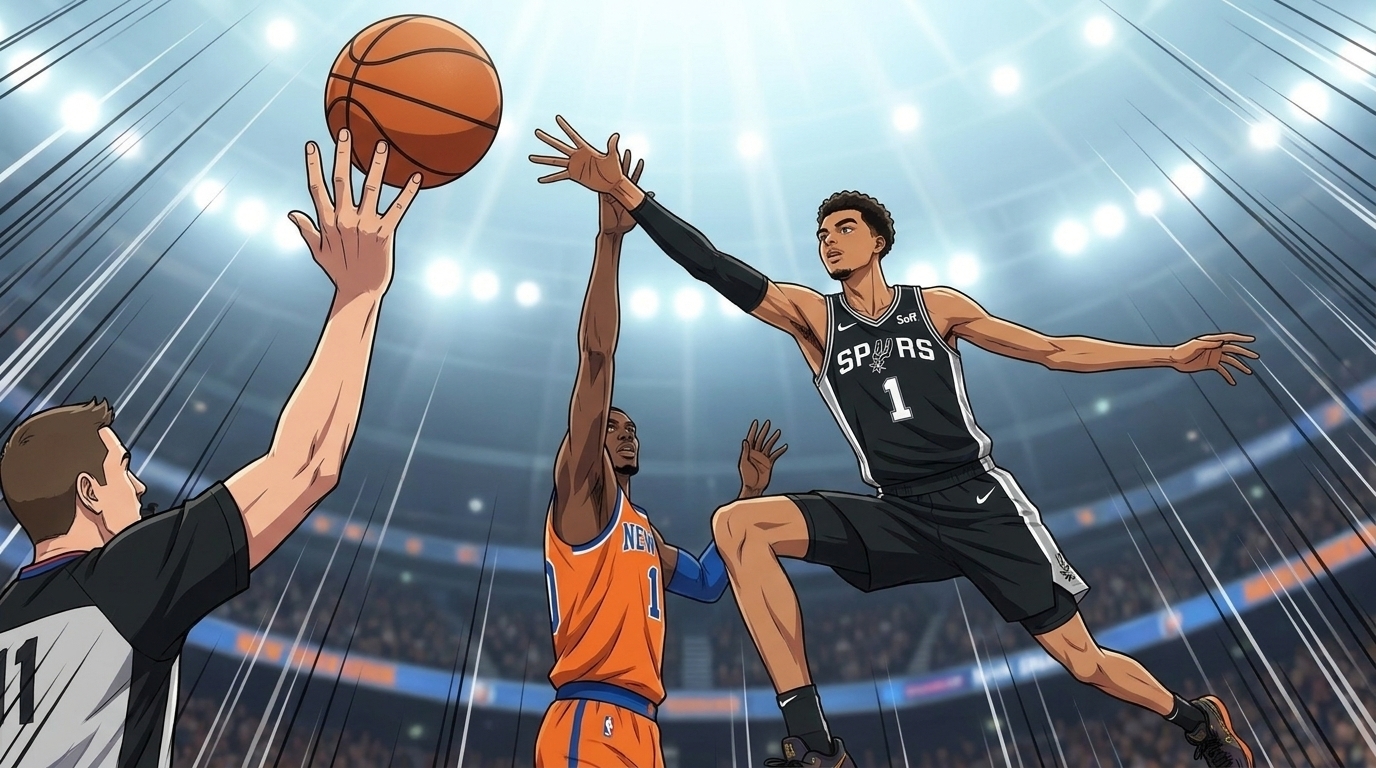
Basketball Anime with AI
Create a basketball anime with AI: player design, court scenes, training montages, and game-winning shots.
Build a basketball anime series with locked player character sheets, court location references, and AI-animated game sequences.
Create Basketball AnimeSports Anime Across Every Genre
Create sports anime videos for basketball, hockey, soccer, tennis, and more with one AI production pipeline.
Make hockey anime, soccer anime, tennis anime, and full sports anime series with locked rosters, venue references, and Seedance 2 animation.
Create Sports AnimeFantasy and Magic Anime Videos
Create anime magic videos with spell effects, elemental bursts, and fantasy atmosphere using AI animation.
Generate anime magic effect videos from a still: describe spell charge-ups, transformations, or magical confrontations and animate with Seedance 2.
Create Magic ScenesRomance and Slice-of-Life Anime Videos
Create anime romance videos and slice-of-life scenes with consistent characters and expressive emotional motion.
Make anime romance story clips and slice-of-life moments with locked characters, warm art styles like Ghibli or josei, and Seedance 2 motion.
Create Romance Scenes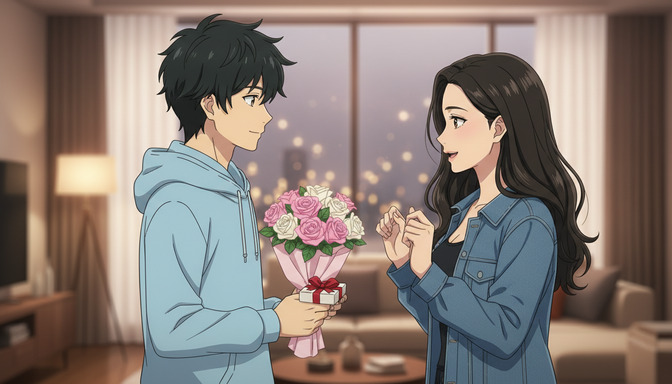
How to Create an Anime Short with AI
How to create an anime short with AI: one-sentence premise, three-part structure, and animated clips in minutes.
Turn a one-sentence idea into a finished anime short. Write cinematic prompts, storyboard three scenes, and animate with Seedance 2. No drawing required.
Create Your ShortHow to Make an Anime Episode with AI
How to make an anime episode with AI: script, storyboard, images, and animated clips in one workspace.
Run a full anime episode pipeline: character sheets, location references, storyboard panels, and Seedance 2 animation for a watchable episode.
Build Your Episode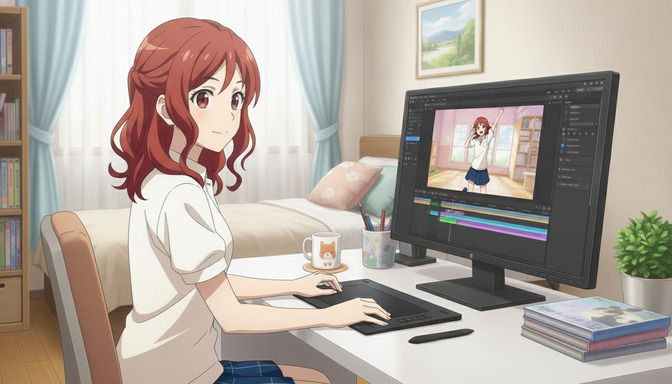
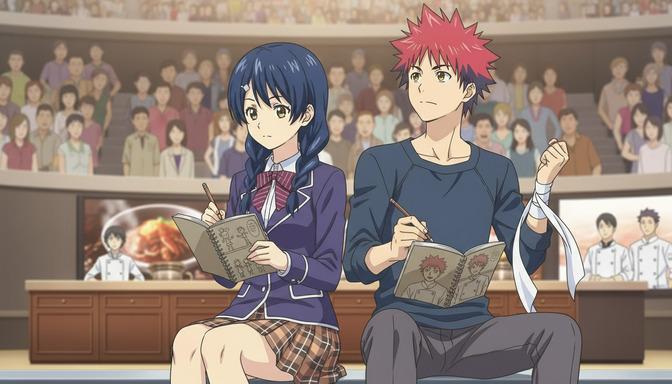
How to Create an Anime Series with AI
How to create an anime series with AI: season arcs, recurring characters, and serialized episode production.
Plan a 12-episode anime series with locked character sheets, genre conventions, and consistent art style across every episode.
Start Your SeriesHow to Write AI Anime Video Prompts
Everything you need to write AI anime video prompts: six structural layers, two repeatable formulas, credit-saving frameworks, seven common mistakes, and TikTok hook patterns.
This guide consolidates AutoWeeb's full video prompting curriculum into one page. Whether you are writing your first clip or refining a multi-scene project, the sections below cover every layer that separates a generic generation from a cinematic one.
Start Writing Prompts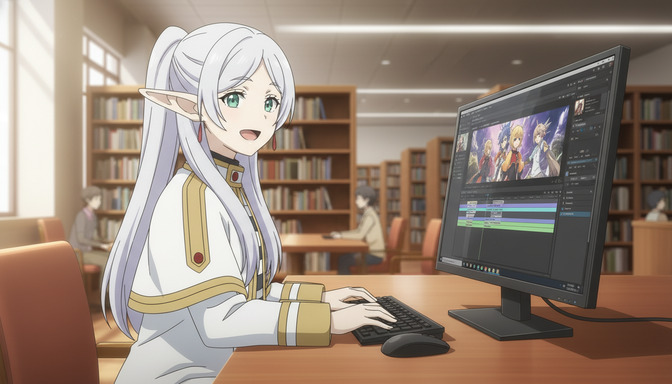

How to Make AI Anime Videos for YouTube
Make anime videos for YouTube: Shorts structure, episode backlogs, and long-form chapter compiles with consistent characters.
Learn how to make AI anime videos for YouTube with serialized Shorts, episode backlogs, and compiling vertical clips into chapters.
Start Creating for YouTubeBuild an Amazing Isekai World with AI
Design fantasy locations, storyboard cinematic scenes, and keep every environment visually consistent — all with AutoWeeb's AI anime tools.
Start Building Your World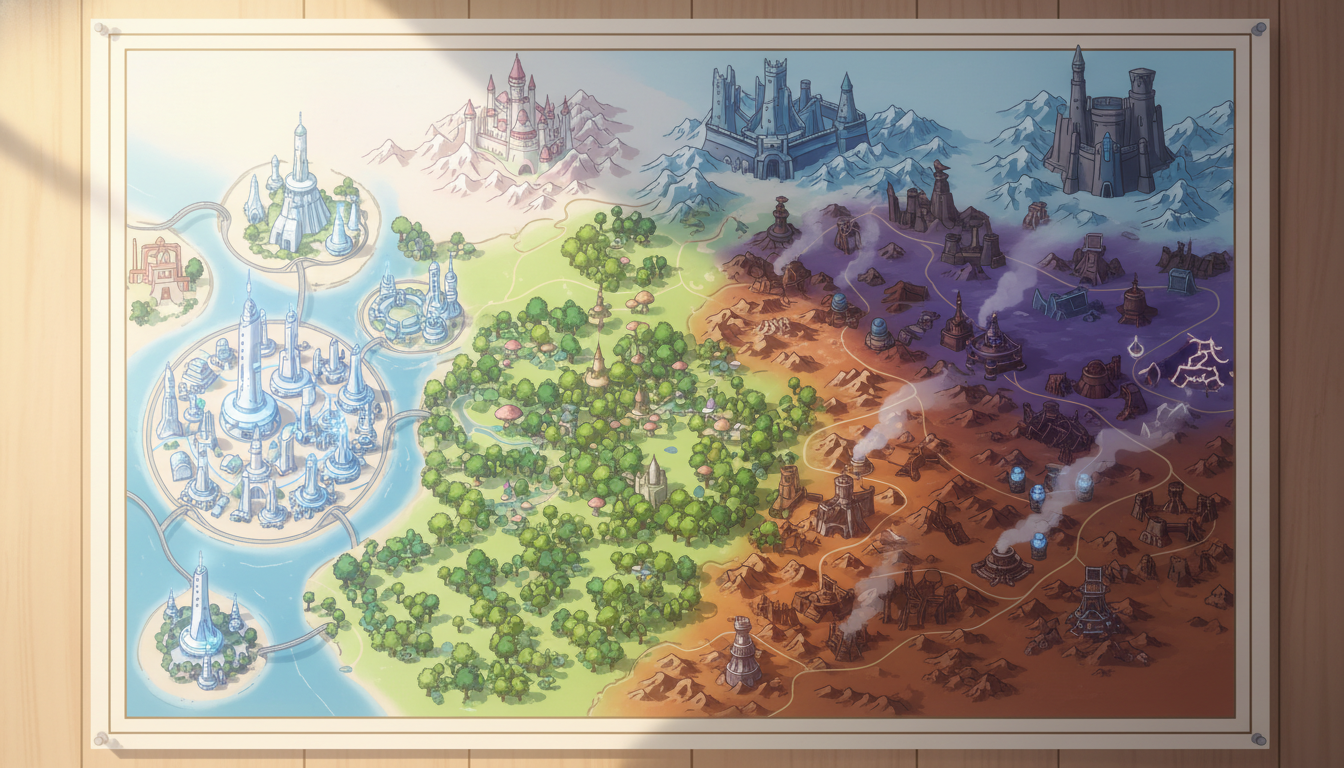
AI Anime Prompt Agent
Turn rough scene ideas into production-ready Seedance 2 prompts with camera, lighting, and anime motion language built in.
Describe a beat in plain English and AutoWeeb's AI Director writes the full cinematic prompt — character anchoring, camera movement, art style, and pacing included.
Create Better VideosMake Donghua Videos Without a Studio
Donghua (动画) is Chinese animation with its own visual language: grounded urban lighting, expressive faces, and cinematic framing that feels closer to live-action drama than classic shonen.
AutoWeeb lets you work in named donghua art styles instead of guessing prompts. Select a preset like Link Click, upload a photo or describe an original character, and generate stills that already carry the right line weight, palette, and atmosphere.
Start Creating Donghua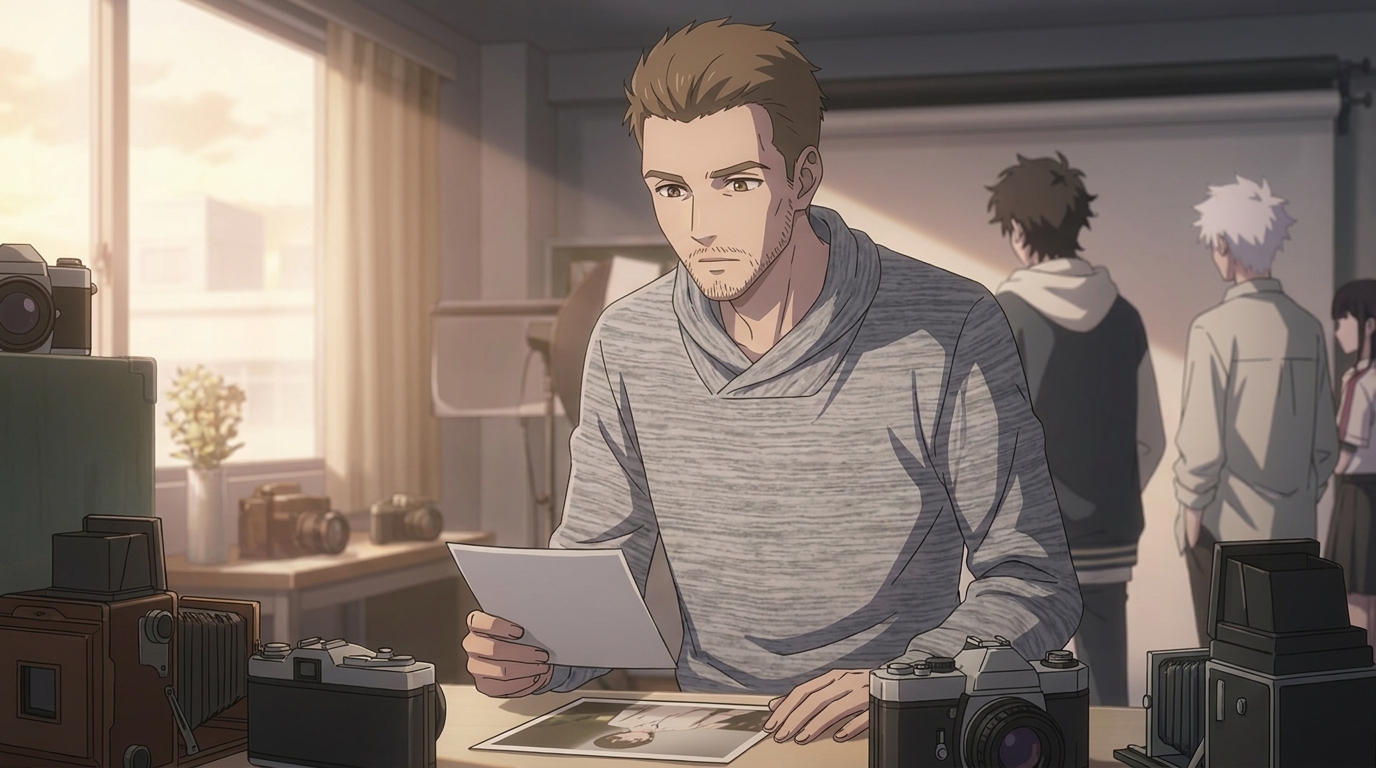
Make Short Clips Longer Without Reshooting
Video extension on AutoWeeb continues the motion from your last frame instead of starting over from a still image.
Seedance 2.0 Mini reads the ending of your saved clip and generates the next few seconds from a short text prompt. The character, outfit, camera angle, and lighting carry forward so the new footage feels like one continuous take.
Extend a Video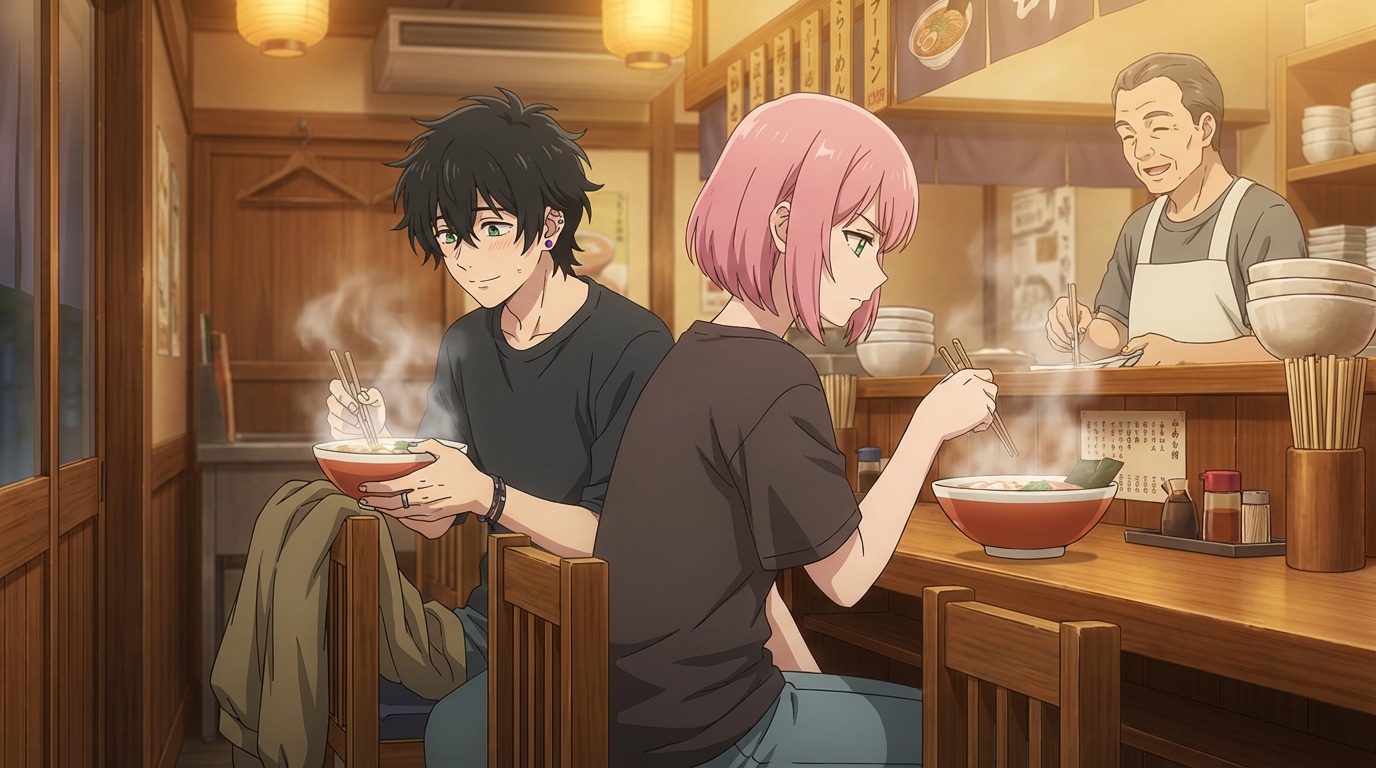
How Much Does Anime Production Cost?
How much does anime production cost? A standard 24-minute TV anime episode runs $160,000 to $320,000 in Japan. Compare traditional studio budgets to AI anime video generation.
AutoWeeb's anime production cost calculator breaks down traditional anime budgets side by side with an AI production pipeline by episode count, region, and quality tier.
Try the Production Cost CalculatorFrequently Asked Questions
Everything you need to know about creating anime videos with AutoWeeb and its AI video tools.
How do I create anime videos with AI?
Start by building a character in AutoWeeb, then generate a scene still with that character in place. Describe the action you want, and AutoWeeb's AI Director writes a full Seedance 2 animation prompt and renders the clip in minutes. Chain multiple clips together for a complete video sequence with consistent characters throughout.
What is an AI anime video generator?
An AI anime video generator animates still images into video clips using AI models trained on motion. AutoWeeb uses Seedance 2 for animation and layers on top of it: a character library for appearance consistency, named art styles for visual coherence, and an AI Director that writes animation prompts from plain descriptions so you do not need prompt engineering skills.
How do I make anime videos for YouTube?
The most effective YouTube workflow is a short-form series with a locked cast. Save your characters in AutoWeeb before you start animating. Use the story generator to write a clear episode premise and scene breakdown. Pick one art style and keep it for the entire series. Animate four to eight clips per episode and chain them into a complete upload. Consistency across episodes is what builds a subscriber base.
What is an anime story generator?
An anime story generator takes a brief premise and produces a structured story with scenes, characters, and a narrative arc. AutoWeeb's story generator writes in the conventions of specific anime genres: shonen, slice-of-life, isekai, dark fantasy, and others. The output is a production-ready draft you can feed directly into the script writer and storyboard tools without rewriting.
Can I make anime videos without any experience?
Yes. AutoWeeb is built for creators without animation skills or video editing skills. You write what you want to see in plain language. The AI handles style, framing, prompt construction, and rendering. The workflow from character creation to a finished animated clip is designed to take minutes, not weeks.
How do characters stay consistent across multiple anime video clips?
AutoWeeb saves a locked character design sheet for every character you create. When you generate images or animate video clips, the AI anchors to that sheet: same face structure, same hair, same outfit. Use the @ tag to bring a specific character into any scene and they show up looking exactly as they were designed, with no drift between clips.
Is AutoWeeb free to use for creating anime videos?
You can sign up and start creating anime videos for free with no credit card required. Free accounts include access to the character creator, image generator, story generator, and the AI video generator so you can complete the full creation workflow before deciding whether to upgrade.
Anime Videos Created with AutoWeeb
Every clip below was generated with AutoWeeb, from static images to stunning anime videos. Pick a video to watch it full size.
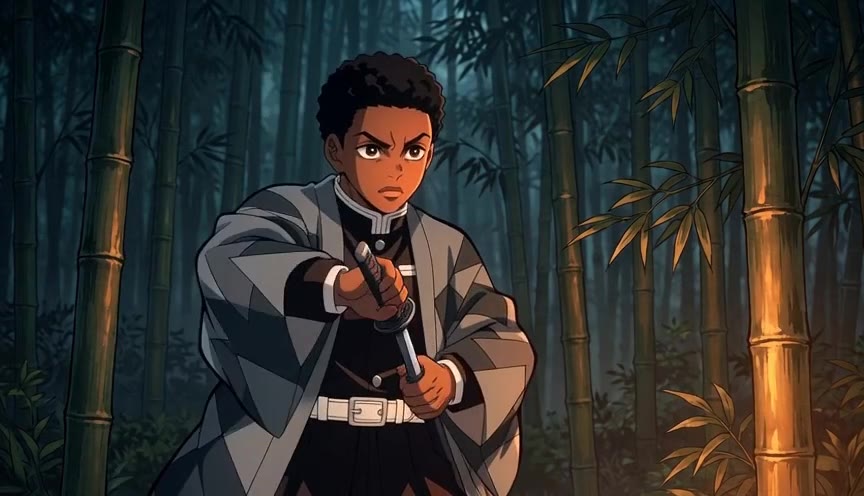
AI Anime Sword Combat Animation
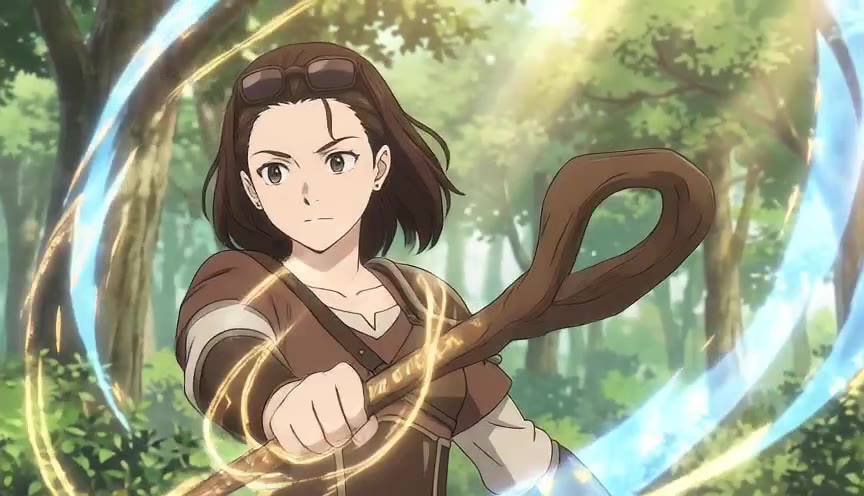
AI Anime Magic Spell Animation
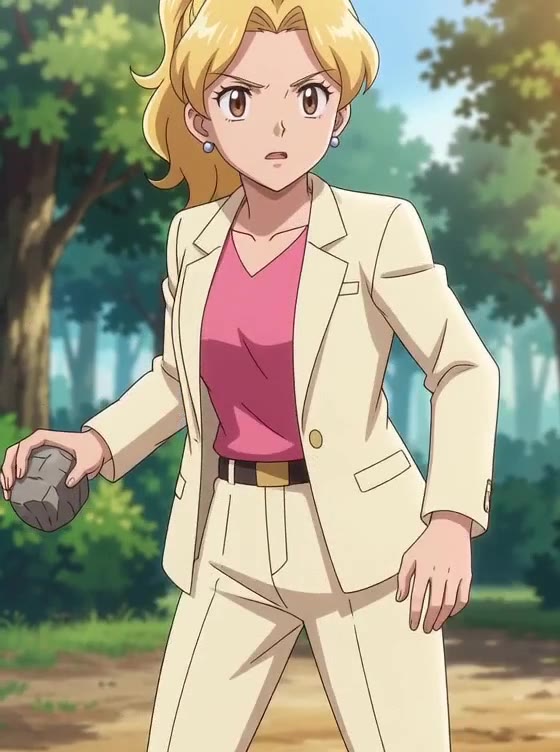
AI Anime Throwing Motion Animation
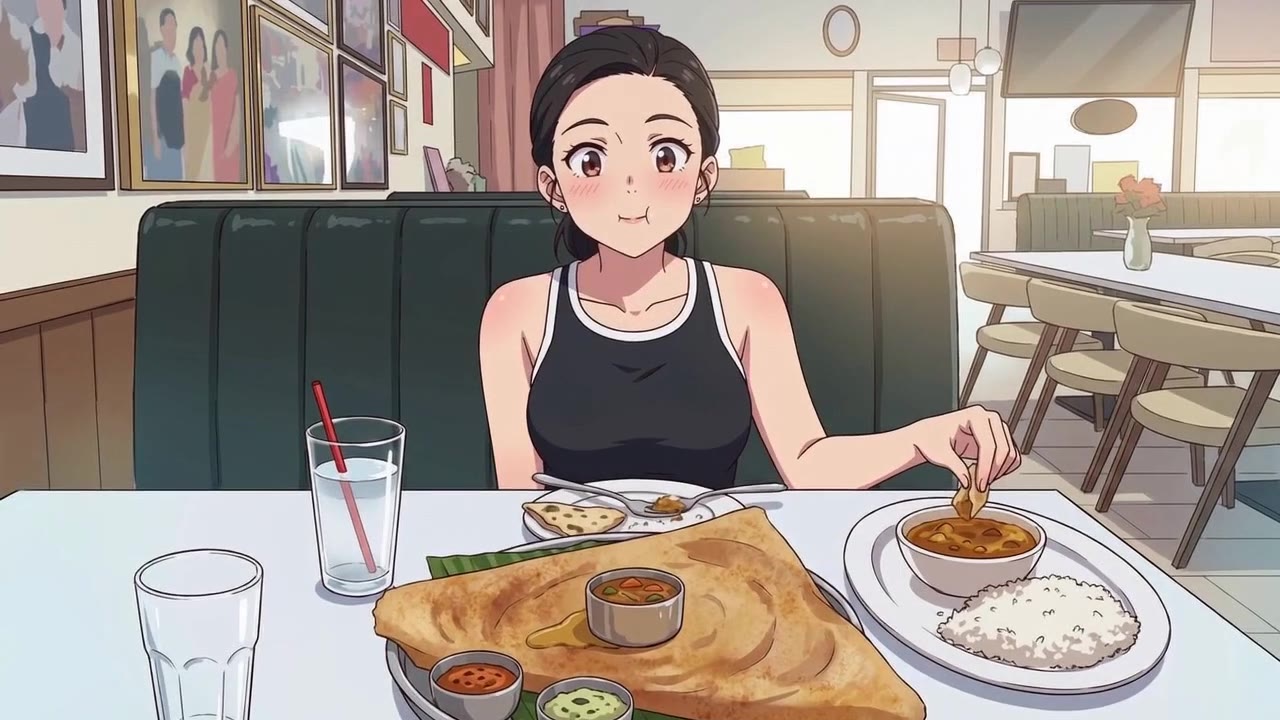
AI Anime Eating Scene Animation
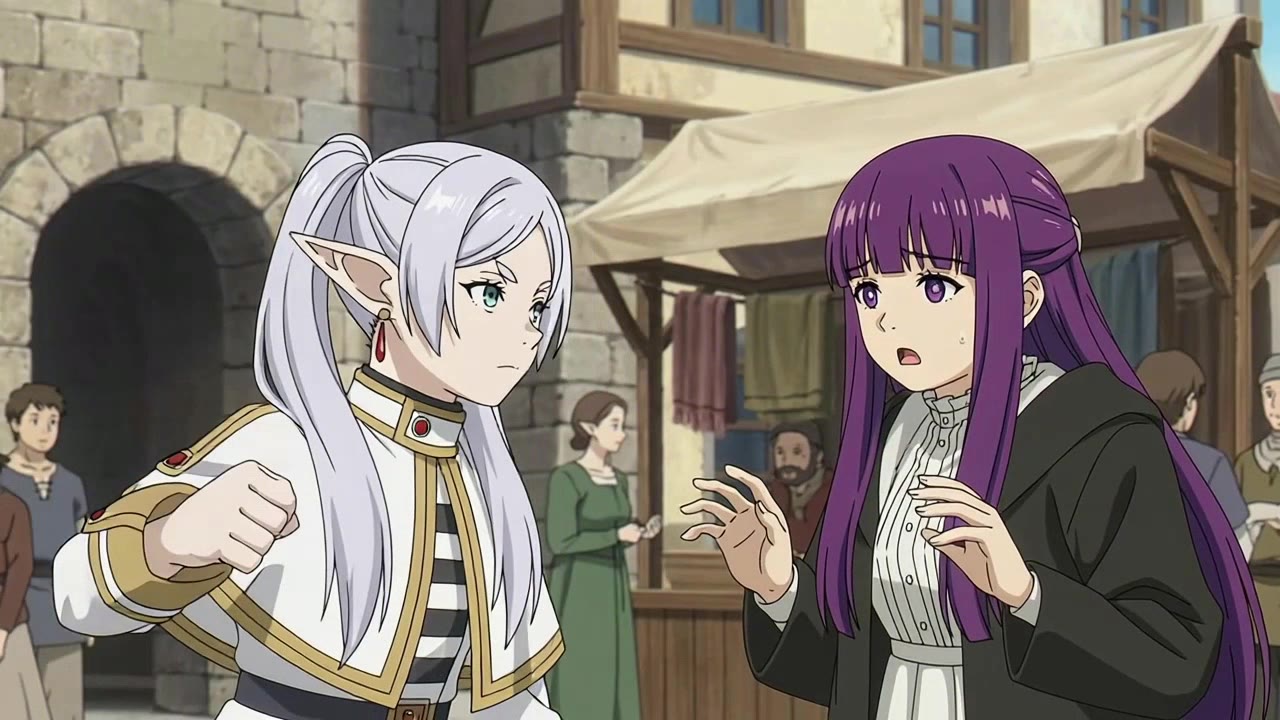
AI Anime Fight Scene Animation
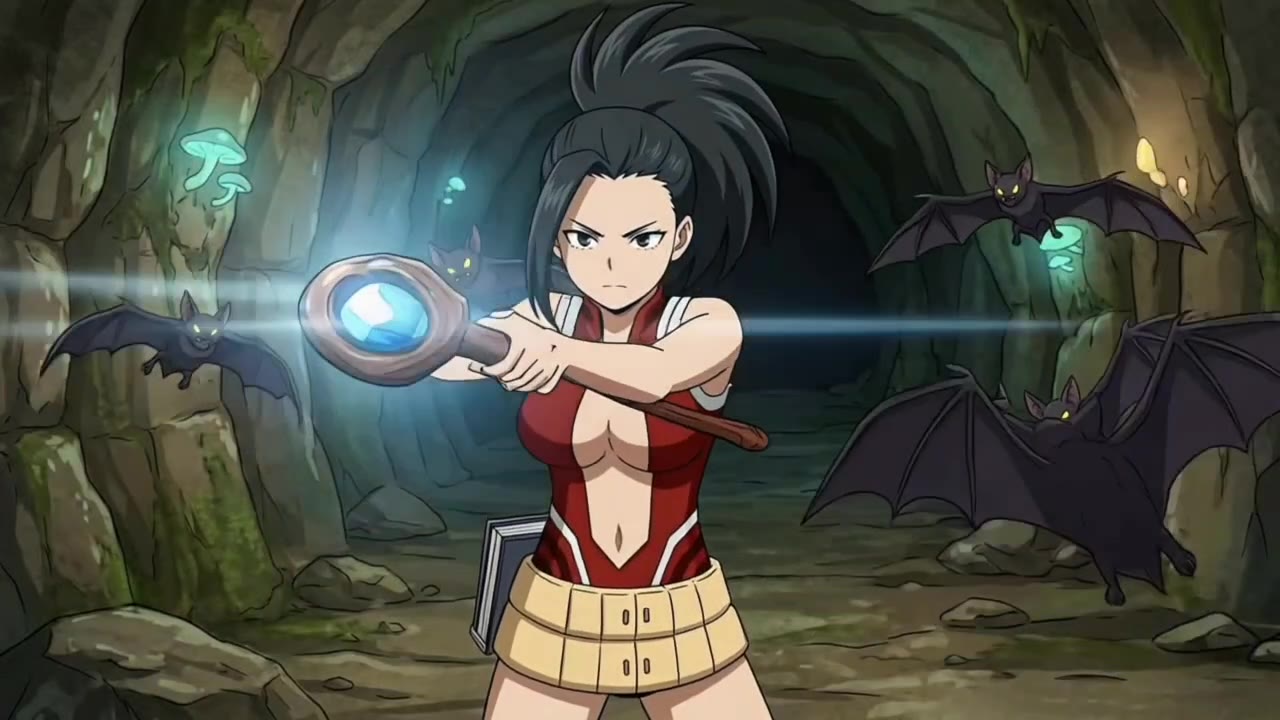
AI Anime Magic Battle Animation
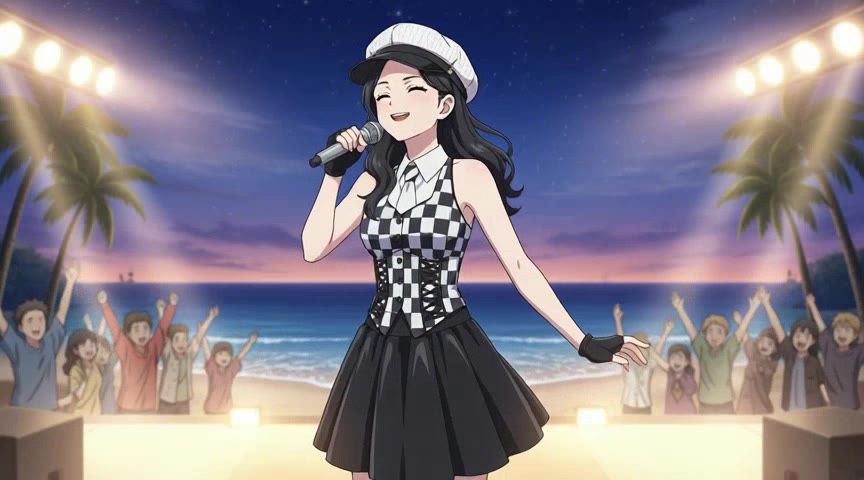
AI Anime Pop Star Performance
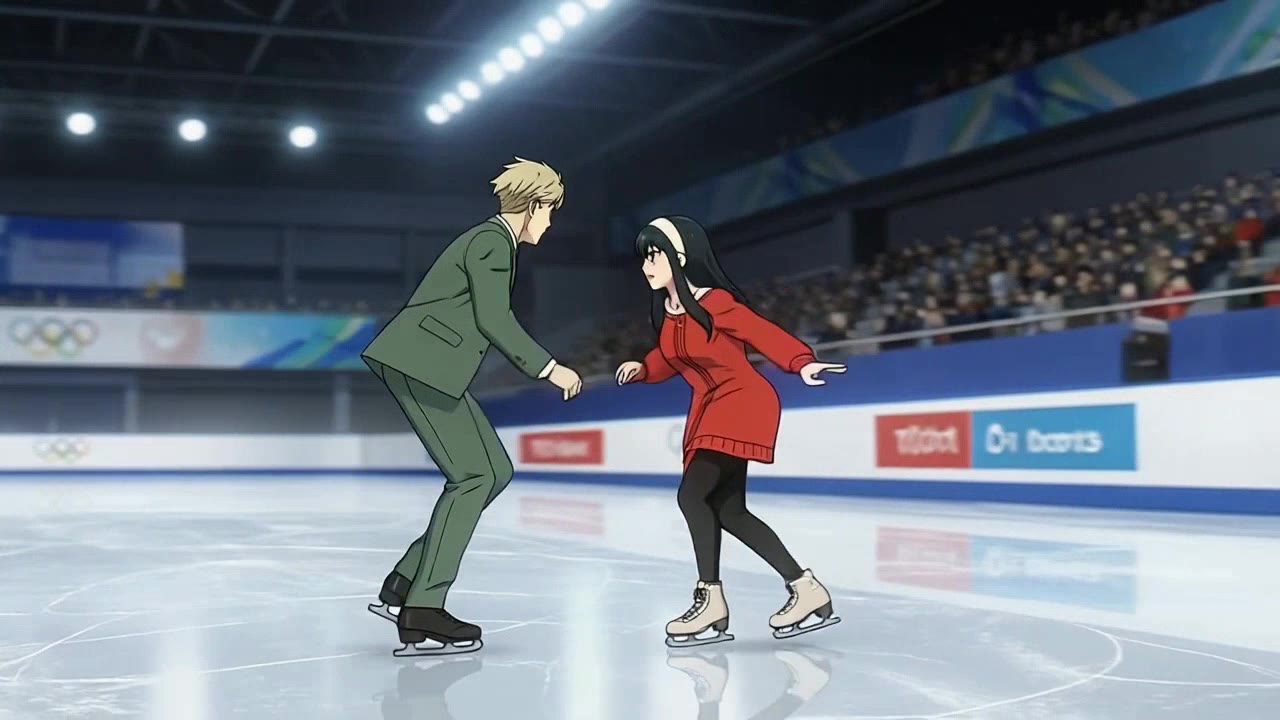
AI Anime Ice Skating Animation
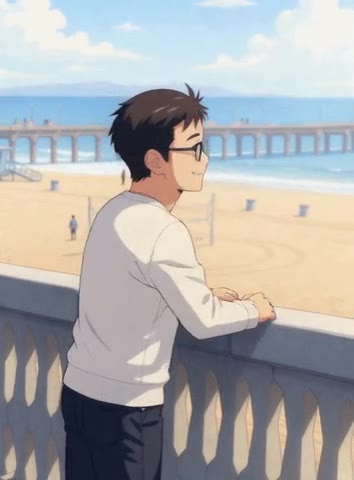
AI Anime Beach Day Scene
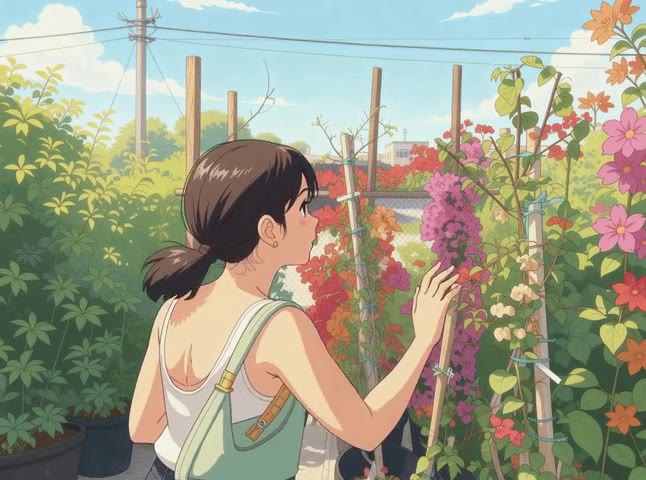
AI Anime Flower Shopping Scene
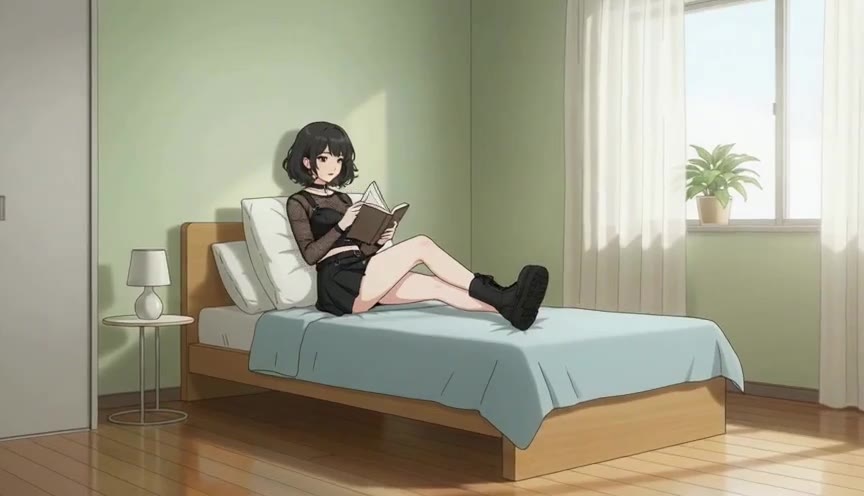
AI Anime Relaxing Slice-of-Life Scene
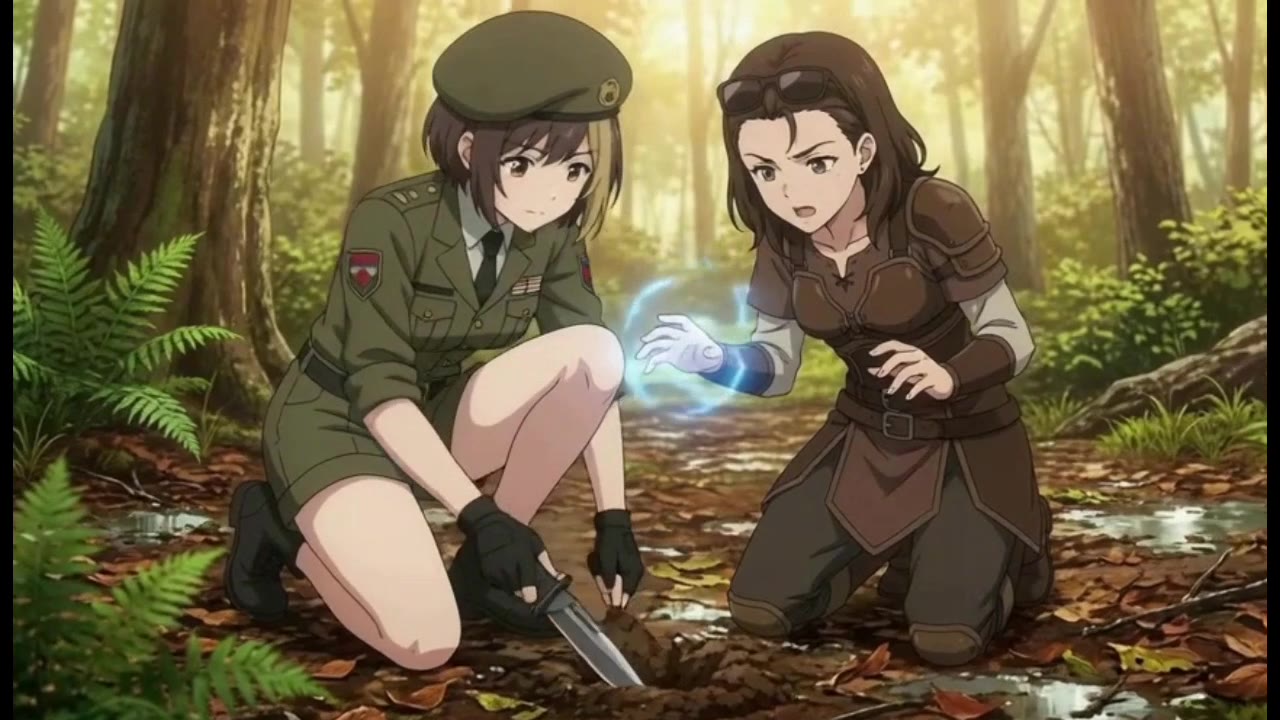
AI Anime Gardening Scene (Mushroom Planting)
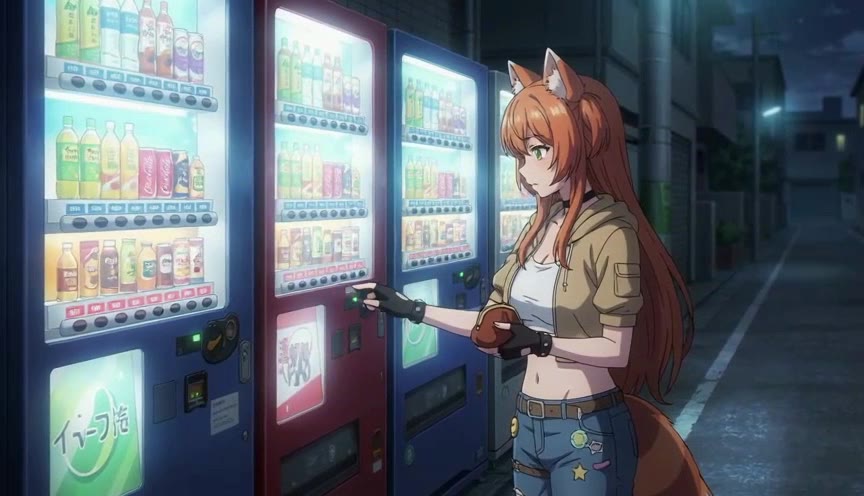
AI Anime Vending Machine Scene
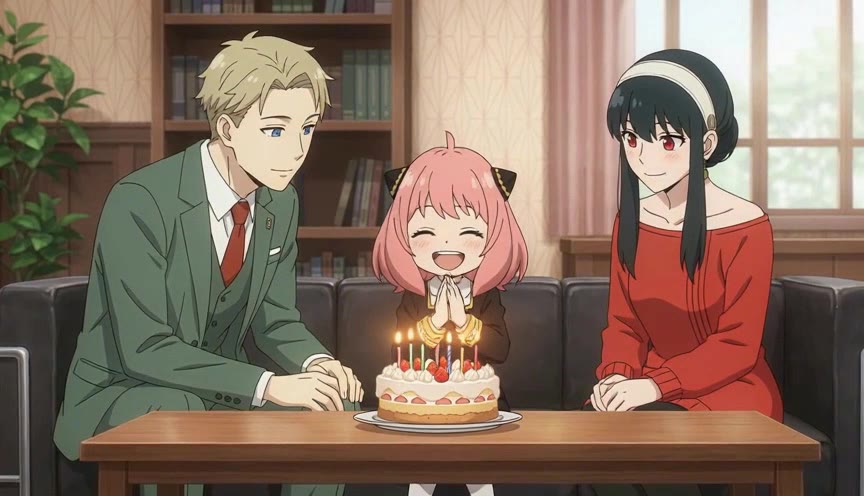
AI Anime Birthday Cake Scene
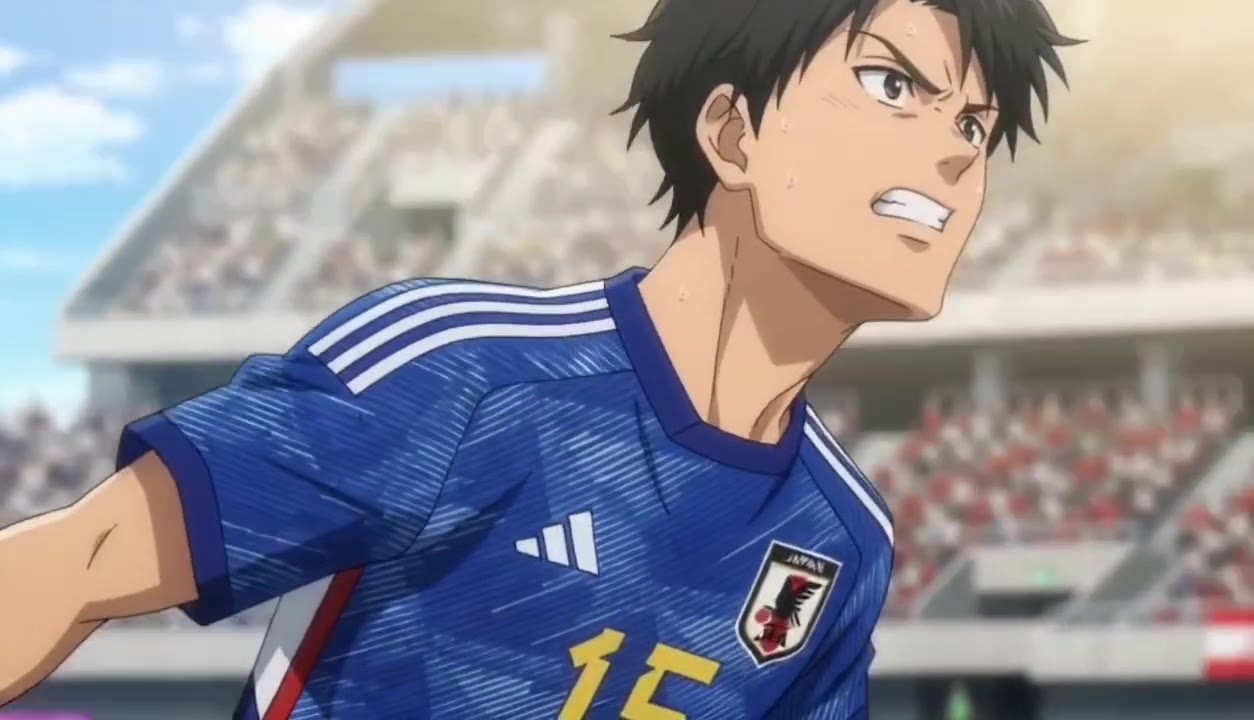
AI Anime Soccer Animation (Japan)
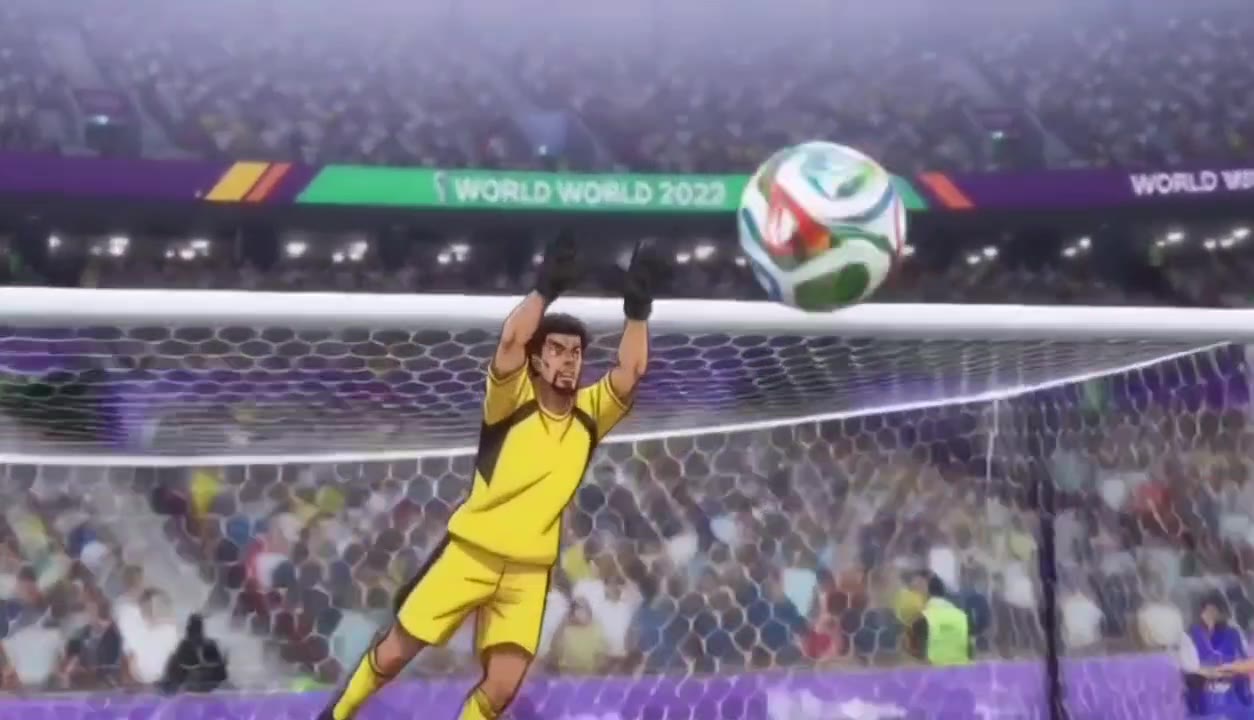
AI Anime Soccer Animation (Cape Verde)
How to Create AI Anime Videos from Images | Beginner Guide
How to Create World Cup Anime | Beginner's Tutorial
Make Your Own Mecha Anime
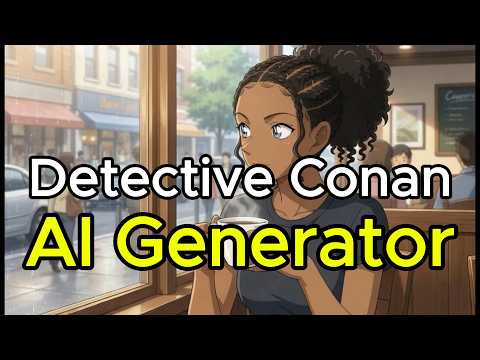
How to Turn Yourself Into Detective Conan (Case Closed) with AI
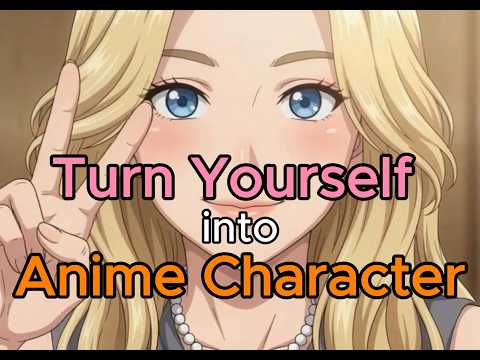
How To Turn Yourself Into An Anime Character 2026 | Beginner's Full Guide
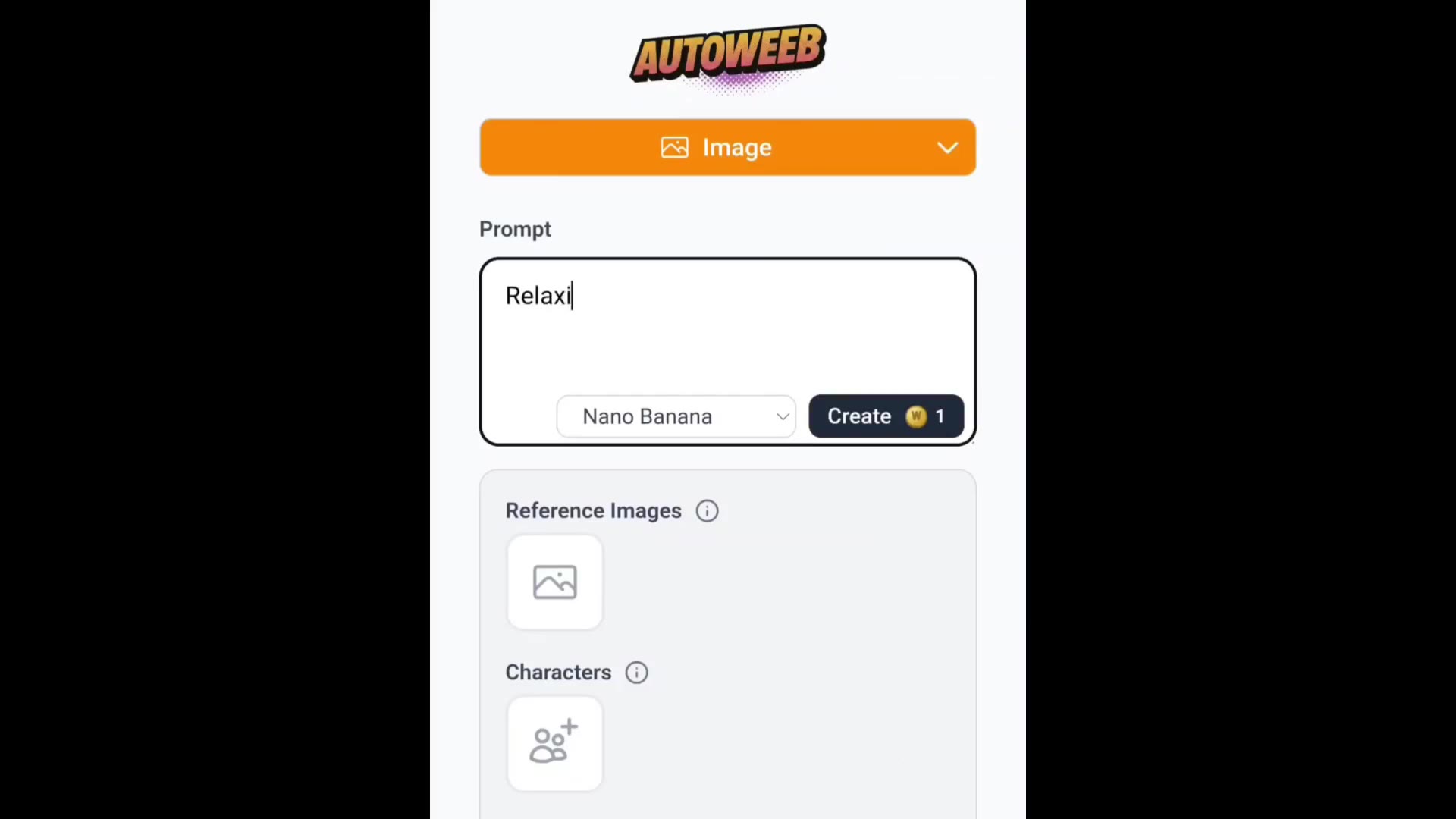
AutoWeeb Anime Video Editor Demo
Start Creating Anime Videos
Build your cast, write your story, and animate your scenes. No drawing, animation skills, or video editing skills needed.
Create Anime Videos FreeNo credit card required • Free to try