
How to Turn Your Pet Fish into Anime
A betta or koi in the right hands becomes something out of a Ghibli waterway — here's how to get there
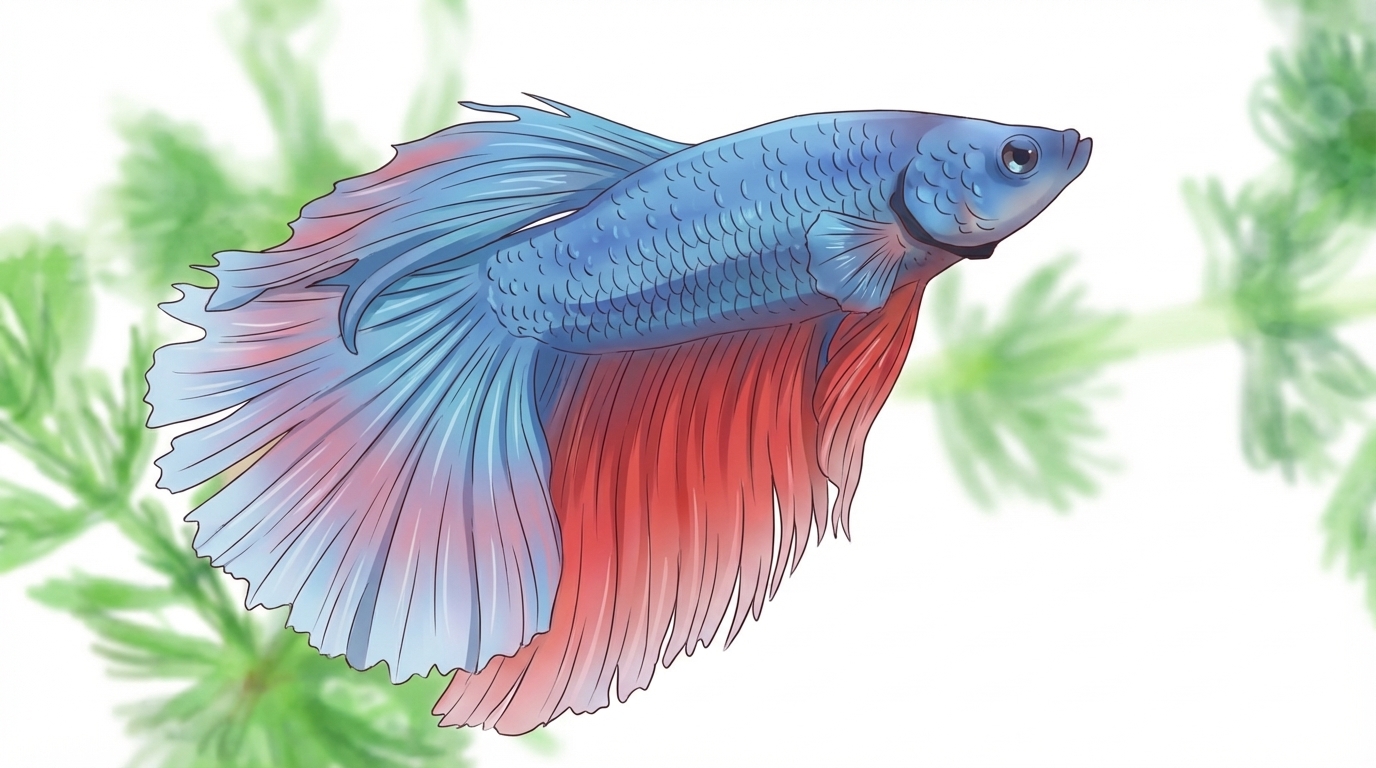
Upload a photo of your fish to AutoWeeb, convert it to anime, build a character sheet that locks in the fin structure and scale colors, then use that character in images and videos. Getting a clean photo is the hardest part — glass tank reflections and motion blur are the two main problems. Here's how to solve them and work through each step.
👉 Turn Your Fish into Anime on AutoWeebStep 1: Upload and Convert
Upload a photo to AutoWeeb's photo-to-anime converter. To get a usable photo from a glass tank: press the camera lens against the glass to eliminate reflections, put a sheet of dark cardstock on the far side of the tank to remove background clutter, and turn off room lights so you're relying only on the tank's lighting. Use burst mode and pick the sharpest frame — motion blur is the most common reason a fish photo fails the conversion. For bettas, hold a mirror near the tank to trigger fin flaring, which shows the full fin structure and the most saturated coloring. For koi shot from above, early morning or overcast conditions prevent sky reflections from obscuring the fish.
Step 2: Create a Character Sheet
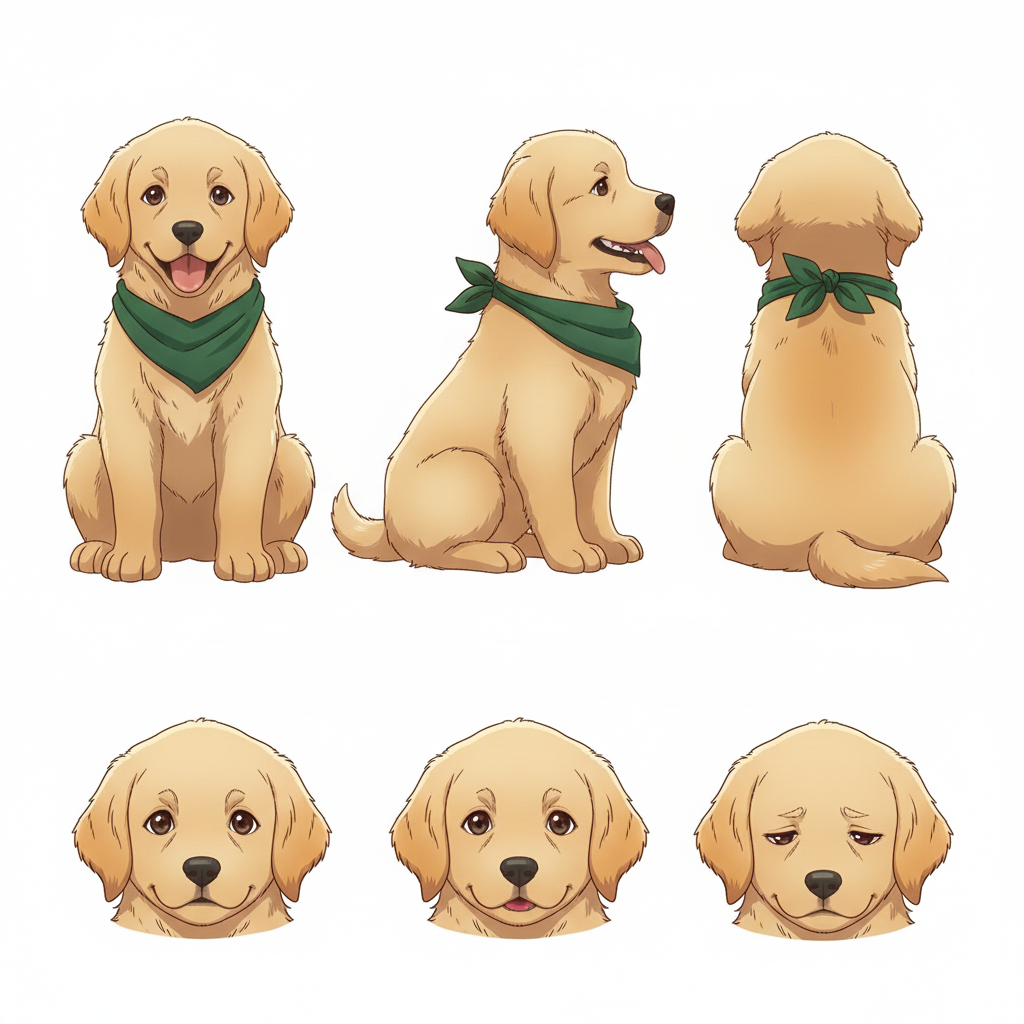
Take the converted image into AutoWeeb's Character Creator to generate a character sheet with front, side, and back views. For fish, the critical details to lock in are body base color, fin colors and how they transition from the body, any iridescent or metallic quality in the scales, and eye color.
Describe the color transitions precisely rather than naming the species: deep crimson body scales with metallic blue-green iridescence at certain angles, caudal fin in layered violet fading to translucent at the edges, dark eye with a barely-visible gold ring. Color transition detail is what makes a fish character sheet specific — without it, the design defaults to a generic reference.
Step 3: Create Images and Videos
Use AutoWeeb's photo packs to place your fish in an anime scene, or use a video template to animate the character. The Japanese nature pack has pond and water settings that work well for koi. The isekai town pack covers fantasy waterways and sacred pool settings. For bettas, specify an underwater environment directly in the prompt rather than using a pack background — bettas read better as solo characters against an atmospheric setting than as part of a structured scene.
Prompts that work well for fish in scenes:
- betta fish spirit, crimson and violet flowing fins, luminous iridescent scales, dark underwater setting, dramatic light from above, mythological fantasy anime style
- koi in a garden pond, orange and white scale pattern, long trailing fins, Ghibli-style water rendering, lily pad shadows, dappled light
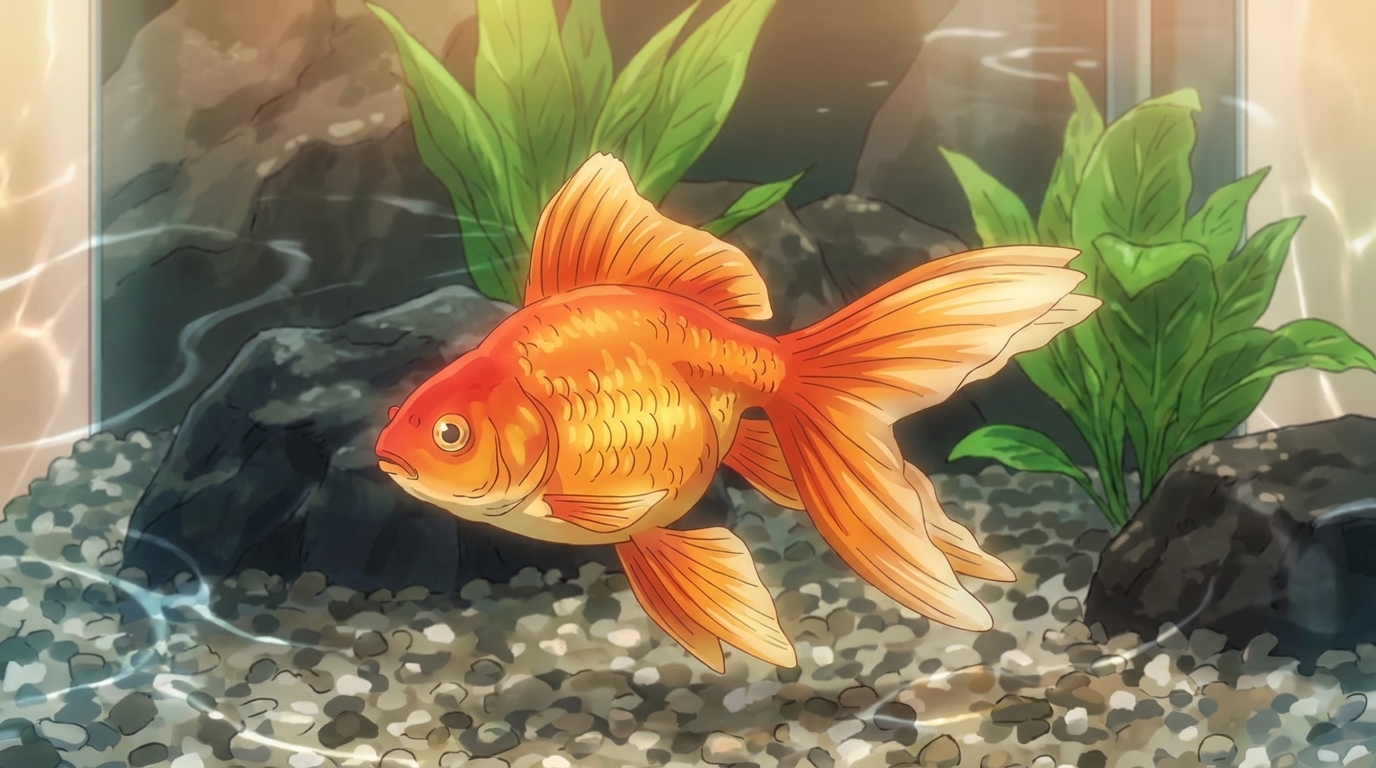
- goldfish, deep orange body, flowing double tail, metallic scales, soft watercolor anime aesthetic, upward-facing orientation
The general pet-to-anime guide covers the same workflow for any animal. The full photo-to-anime guide covers the conversion in more detail, and the character creation guide covers everything in the Character Creator.
Related Blog Posts
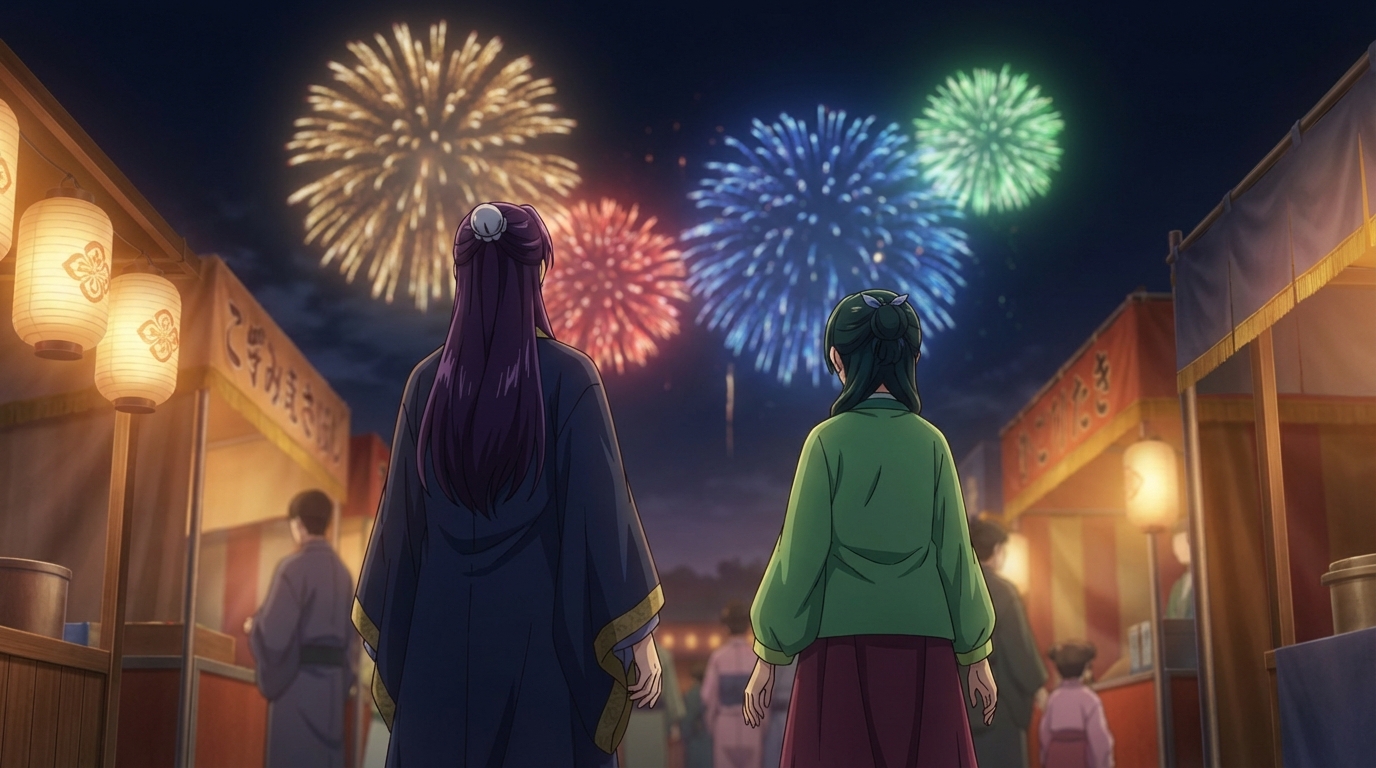
Anime Festival Date Scenes You Can Create
The summer festival is one of anime's best romantic settings. Here's how to build yours
Create anime festival date scenes with AutoWeeb. Generate romantic summer festival and matsuri scenes with your own characters using AI-powered anime art.
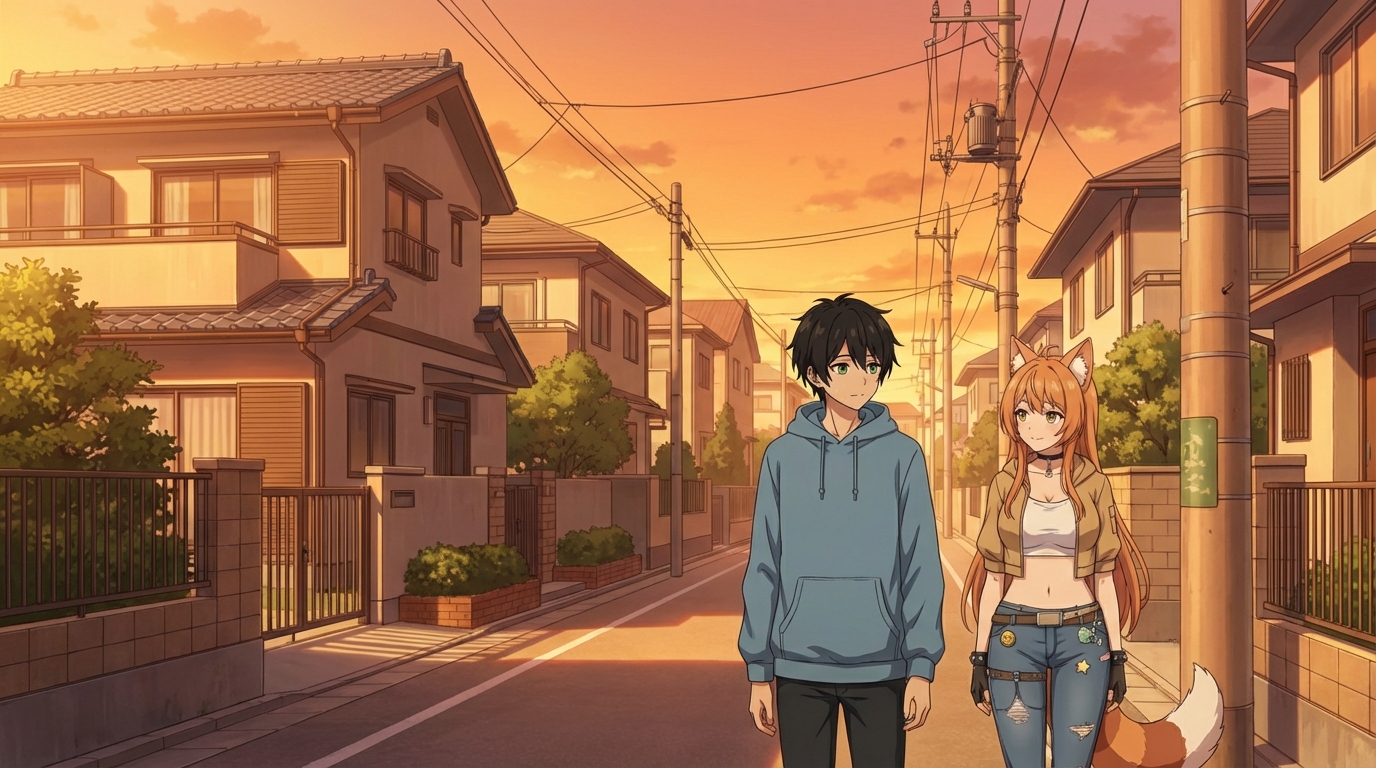
Create Your Own Anime Romance Story
From character design to multi-scene story, here's how to build a romance that's actually yours
Create your own anime romance story with AutoWeeb. Design characters, build scenes, and tell a complete love story using AI-generated anime art.
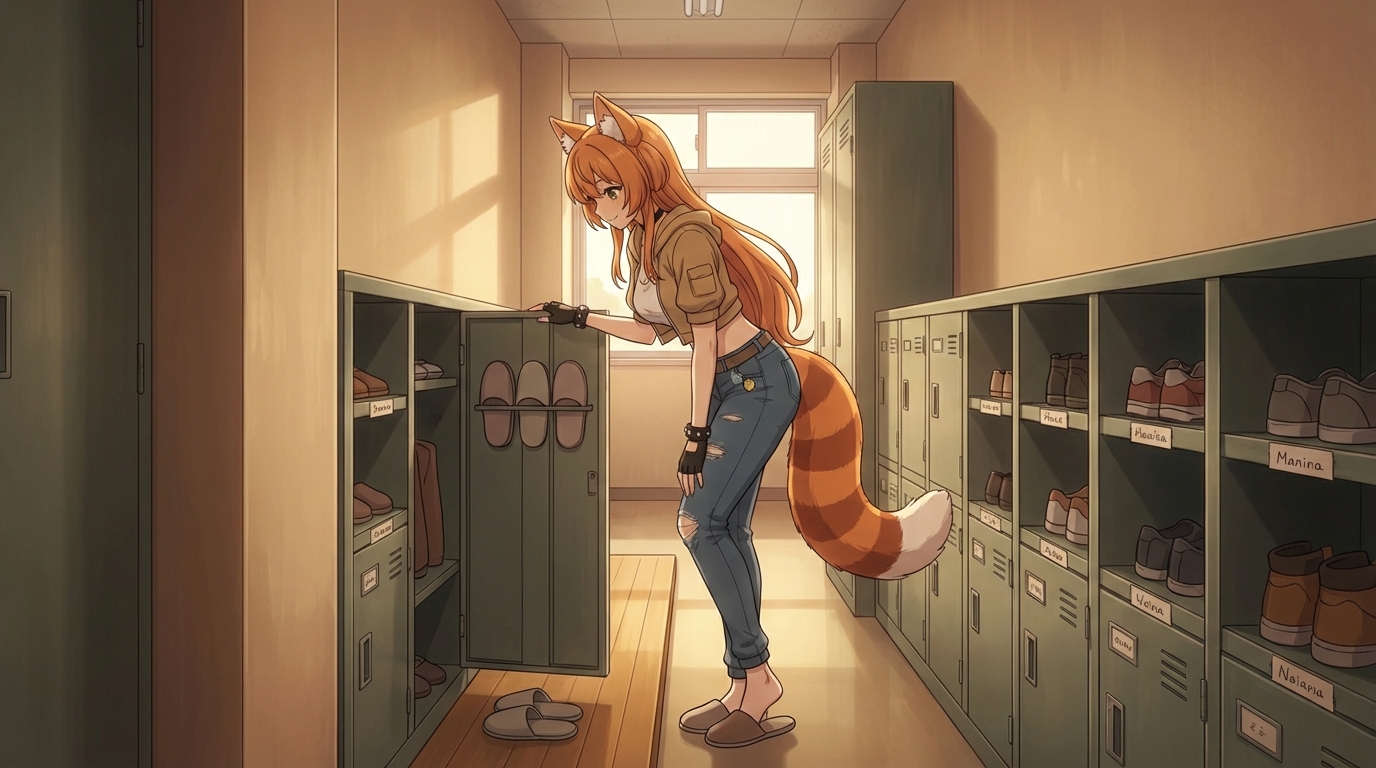
What If You Were in an Anime Love Story?
The tropes, the settings, the moments, and how to actually put yourself into all of them
What if you were in an anime love story? Explore the classic tropes and settings, then use AutoWeeb to generate scenes with yourself as the main character.
Anime Couple Scenes You Can Recreate With AI
Classic moments from anime romance, rebuilt with your characters in the lead roles
Recreate your favorite anime couple scenes with AI. Use AutoWeeb to put your own characters into the iconic moments from anime romance, from rooftop confessions to festival nights.
Explore AutoWeeb
Jump into the tool that fits your creative step.
AI Anime Video Generator
Animate storyboard shots into cinematic clips with Seedance 2 and consistent characters.
Anime Character Creator
Design original characters with consistent sheets across every scene.
AI Anime Image Generator
Generate cinematic anime stills anchored to your character library.
Turn Photo Into Anime
Upload any photo and watch AI turn it into stunning anime art in seconds.
AI Anime Location Generator
Create a location set once, then generate reference images from every angle.
AI Anime Storyboarding
Describe your idea, pick your characters, and let AI draft the script and scenes.
AI Anime Prompt Agent
Turn a rough idea into a cinematic Seedance 2 prompt with the AI Director.