
Write Your Anime Story and Bring It to Life
Describe your idea, pick your characters, and let our AI agent draft the script. Then generate images and videos for every scene in the storyboard.
From Idea to Anime, Step by Step
The storyboard wizard handles the writing. You handle the creative direction.
-
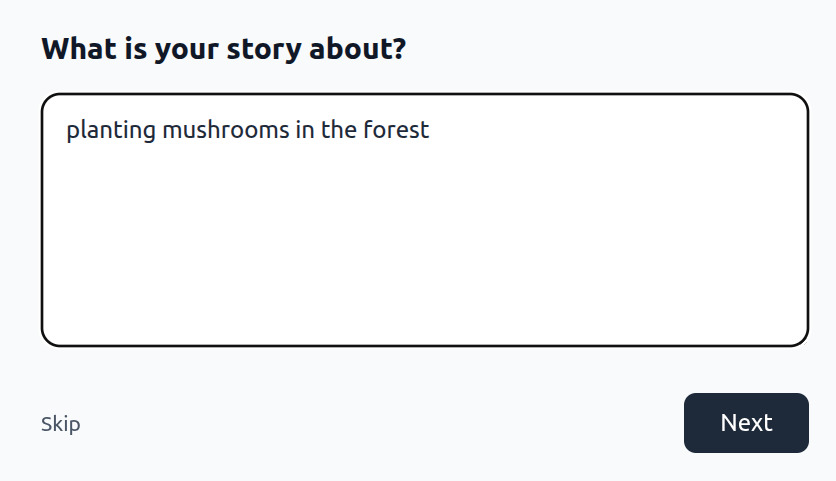
Tell Us Your Story
Type what you want to create. A single sentence is enough to get started.
-
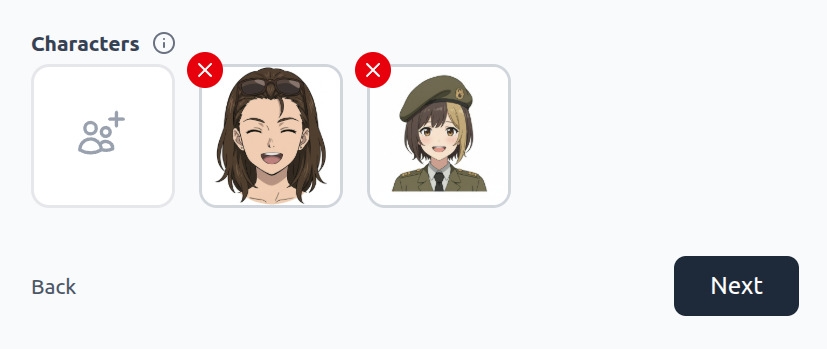
Choose Your Characters
Pick from your saved AutoWeeb character library. Your characters carry forward into every scene.
-
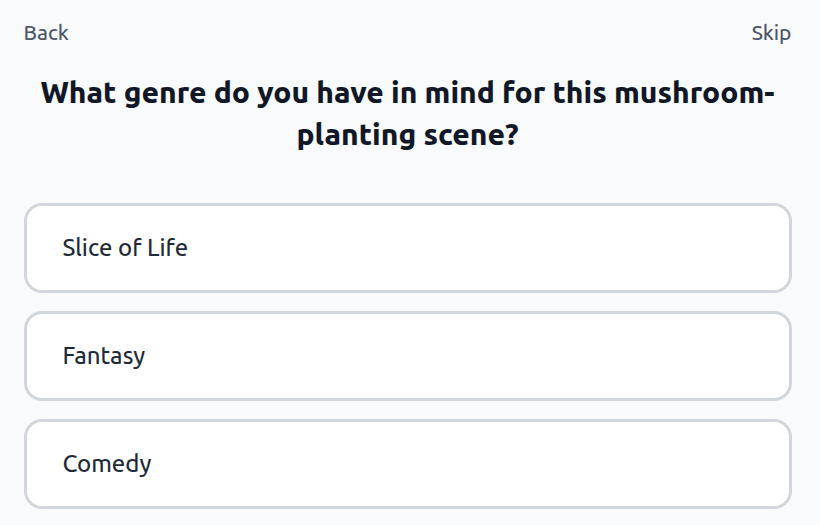
Refine Your Concept
AutoWeeb asks about genre, tone, and story tropes, then uses your answers to shape the script before writing it.
-
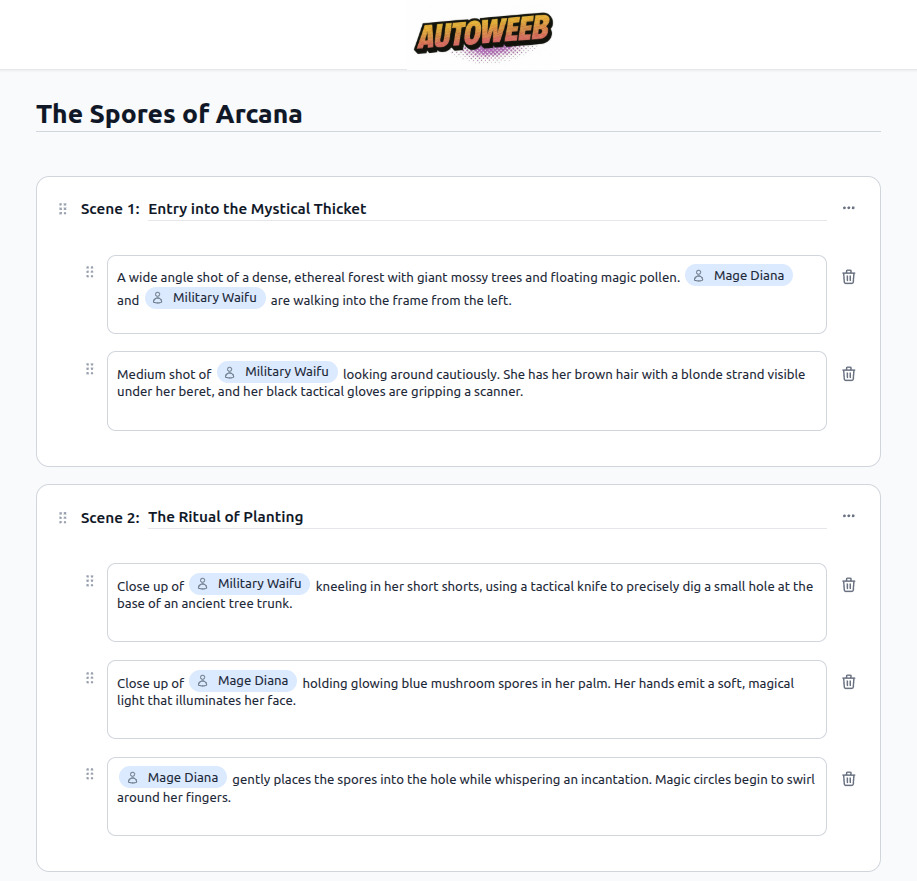
Review Your Script
The AI writes a full scene-by-scene script with shot descriptions and character actions. Edit any line before generating.
-
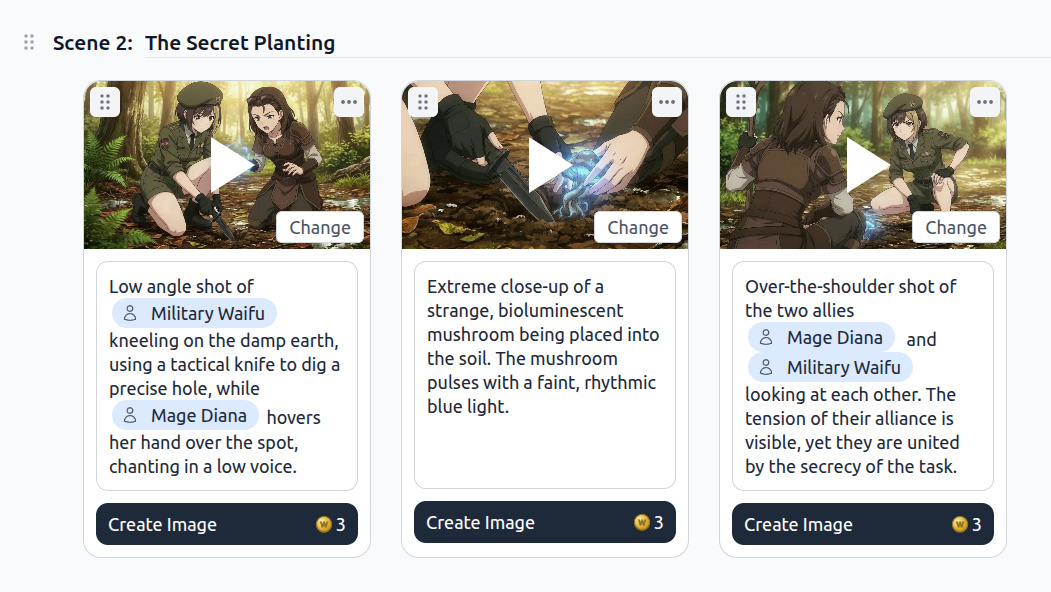
Generate Images and Videos
Use the storyboard to generate an image or video for each shot. AutoWeeb studies other scenes in the storyboard to keep style and characters consistent.
-
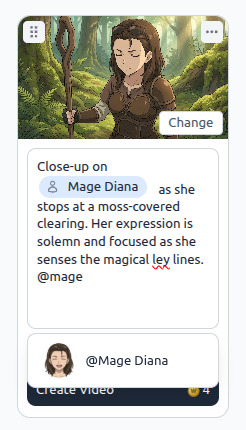
Tag Characters, Edit Prompts
Use @ to tag characters directly in any prompt. Regenerate individual shots without touching the rest of the storyboard.
Frequently Asked Questions
Everything you need to know about creating anime storyboards with AutoWeeb.
What is the AutoWeeb Storyboard feature?
AutoWeeb's Storyboard is a story-first creation tool. You describe what you want to create, choose characters from your library, and AutoWeeb's AI refines your concept and writes a full scene-by-scene script. From there, you use the storyboard to generate images and videos for each shot, keeping characters and style consistent throughout.
Do I need writing experience to use the storyboard?
No. The AutoWeeb storyboard wizard asks simple questions about your idea, genre, and story tropes, then uses your answers to draft the script automatically. You can edit every line before generating, but the AI handles the initial structure so you can focus on the creative direction.
How does AutoWeeb keep characters consistent across scenes?
Every image and video generated through the storyboard is anchored to your saved characters in AutoWeeb's character library. The AI also studies other generated images in the same scene to maintain consistent style, lighting, and character appearance across shots, even when different angles or poses are used.
Can I use characters I've already created?
Yes. When you reach the character selection step, AutoWeeb shows your full saved character library. Select any characters you've already designed or converted from photos and they'll appear consistently in every generated image and video throughout the storyboard.
Is the Storyboard free to use?
Getting started with AutoWeeb is free. The storyboard feature is available on all plans, with image and video generation using AutoWeeb credits. Check the pricing page for current plan options and credit amounts.
Your Anime Story Is Waiting
Tell AutoWeeb what you want to create and have a full storyboard with generated scenes ready in minutes.
Start Your StoryboardNo credit card required • Free to try