
Anime Character Creator: How AutoWeeb Builds Characters That Stay Consistent
From photo or idea to a reusable character in three steps
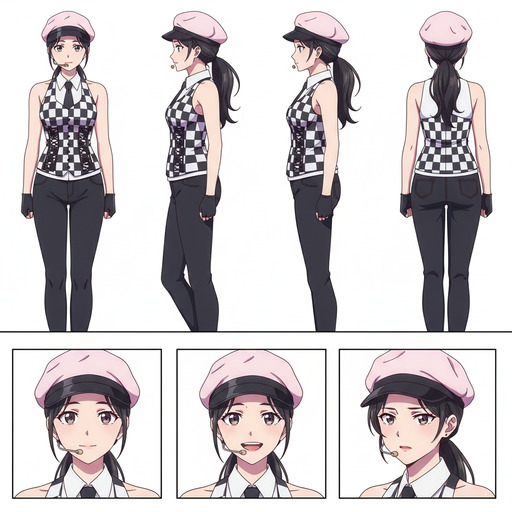
Most anime character creators stop at generating a portrait. AutoWeeb goes further: it builds a Character Sheet that locks in your character's design, then lets you use that same character in any scene, image, or video you can describe. Here is how it works.
Step 1: Get a Reference Image
Every character starts with a visual reference. The anime character creator gives you two ways to get one.
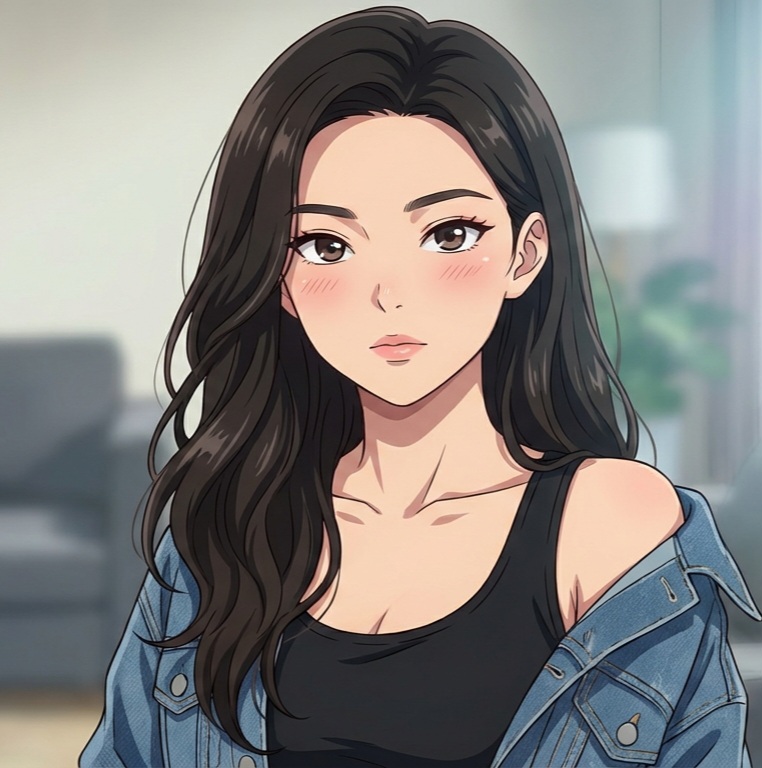
Convert a Photo to Anime
Upload a photo of yourself, a friend, or anyone you want to base the character on. AutoWeeb's photo-to-anime engine converts it into a clean anime portrait while keeping the face recognizable. The bone structure, eye shape, and hair silhouette all carry through into the anime version.
This is the fastest path to a character with a specific, personal face rather than a generic AI-generated one.
👉 Try the Anime Character Creator on AutoWeebUse an Existing Anime Image
Already have an anime image you love? Use it directly as your starting point. You can also browse AutoWeeb's Shared Characters library for fully realized character designs built by the AutoWeeb team. Pick one that fits your vision, or use it as a jumping-off point for something entirely your own.
Step 2: Generate a Character Sheet
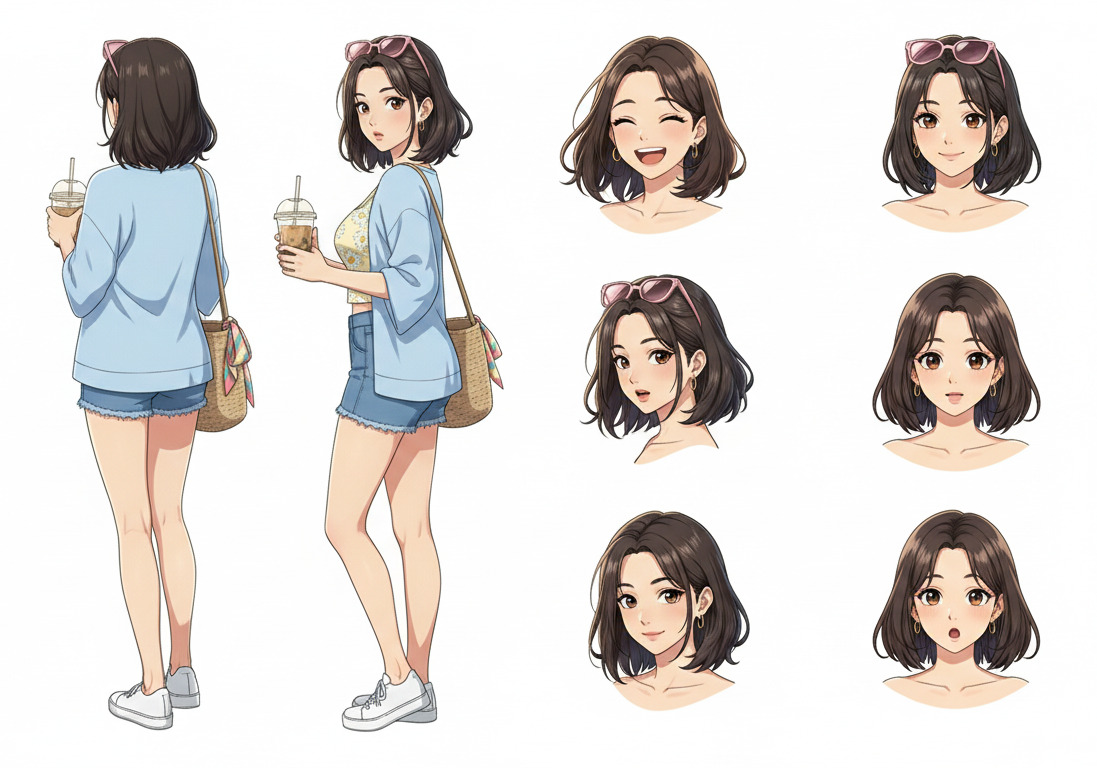
The character sheet is what separates a true anime character creator from a one-off image generator. It stores your character's design so that every future generation starts from the same visual foundation.
Head to AutoWeeb's character creator and use your reference image as the base. From there, define the details that make the design feel intentional.
Add Clothing and Visual Details
Describe the outfit, color palette, and any signature accessories. A navy school uniform with a red pin. A weathered leather jacket. A mage robe with gold trim. These details are baked into the Character Sheet and carry through into every image you generate.
Specificity matters. Pick two or three dominant colors and name them in your prompt. That is what makes a character look designed rather than procedurally generated.
Define the Personality
Personality shapes posture, expression, and visual energy. A calm, stoic character reads differently from a cheerful one even before they say a word. Words like "confident," "melancholy," "mischievous," or "reserved" give the model direction for how to render expressions and default poses.
Naming an archetype helps too. "Detective," "idol," "ronin," "mage" each carry a cluster of visual conventions that the model knows how to express.
Save Your Character
Once the sheet looks right, save it. Your character is now stored in AutoWeeb and available to anchor any future generation. Same face, same outfit, same vibe in every scene you drop them into.
Without a saved Character Sheet, each generation is independent and the character drifts between scenes. With one, they stay recognizably themselves no matter what situation they appear in.
Step 3: Use Your Character Anywhere
With a Character Sheet saved, your character is ready to appear in any context you can describe.
Drop into Video Templates
AutoWeeb's Explore page has ready-made templates for common scenes: school hallways, summer festivals, rooftop sunsets, action sequences, and more. Select a template, attach your Character Sheet, and generate. Your character appears in a fully composed, animated scene without any manual layout work.
Templates are the fastest way to see your character in a polished setting and a good test of whether the Character Sheet holds up visually across different environments.
Create Custom Images and Videos
For full creative control, write your own prompts. Describe the setting, mood, and camera angle. Let the Character Sheet handle the appearance. A good scene prompt focuses entirely on what is happening, not on re-describing the character:
"rooftop at golden hour, overlooking a quiet city street, wind moving through her hair, melancholy expression, soft rim lighting, cinematic composition"
Once you have a still image you like, animate it. AutoWeeb's video tools can add hair movement, ambient particles, and subtle expression shifts to any image. A few seconds of motion transforms a portrait into something that feels like a real scene from a series.
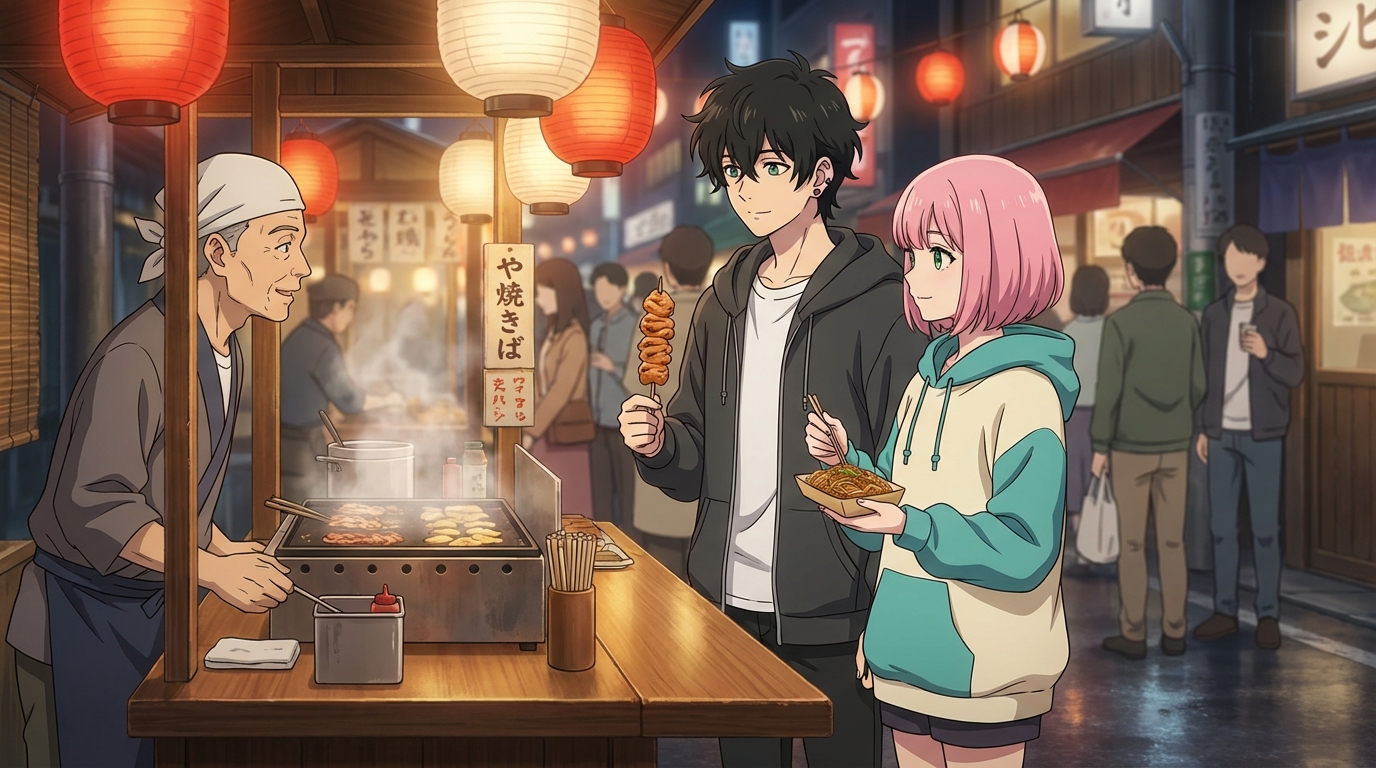
Once the Character Sheet is saved, the character is yours. Use them in single portraits, multi-scene sequences, animated clips, or shared directly to social. Every generation starts from the same foundation, which means every result looks like it belongs to the same series.