
Best AI Tool for Anime Storytelling: Storyboards, Scene Creation, and Original Stories
Going beyond anime filters means building something with a beginning, a conflict, and a character worth following.
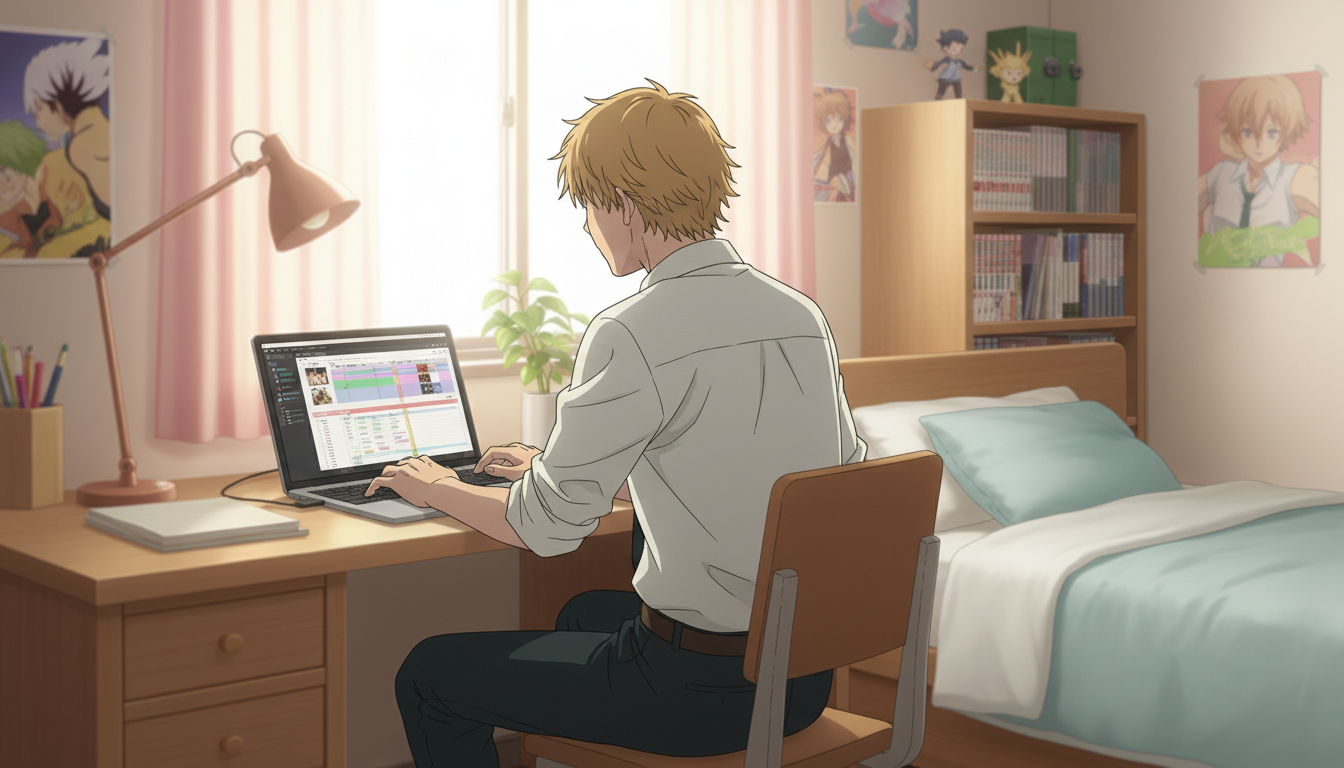
Anime filters are a fine starting point. You upload a photo, it comes back with big eyes and a soft lineart style, and it's satisfying for about thirty seconds. Then the question most people eventually reach is: what comes next? A filter gives you a frame. Storytelling gives you a world, characters who want something, and the specific scene where everything changes. For US creators who are already past the novelty phase of AI anime generation, the actual question is how to use these tools to build something, not just convert something.
This post covers the AI tools and workflows for the three things that separate anime storytelling from anime filter use: storyboarding a sequence of events, building individual scenes with deliberate framing and mood, and writing an original anime story with characters who carry it from episode to episode.
👉 Start Building Your Original Anime Story on AutoWeeb — Free to TryWhat it actually means to go beyond an anime filter, and why storytelling tools are built differently.
Most AI anime generators are optimized for a single output: one good image from one input. That works well for profile pictures, fan art commissions, and cosplay recreations. It doesn't work for storytelling, because storytelling requires continuity. The protagonist in scene one and the protagonist in scene eight have to be recognizably the same person. The setting established in the prologue has to carry visual coherence into the climax. One strong image tells a viewer what someone looks like. A sequence of coherent images tells them what that person is going through.
Storytelling-capable AI tools are built around character persistence, scene architecture, and the ability to stage sequences rather than individual images. AutoWeeb's character library is the foundation of this: your character is saved after the first generation and remains available as a visual anchor for every subsequent scene. The architecture changes what the tool is useful for, not just what it can technically produce.
How to use AI for anime storyboarding: laying out the sequence before generating the scenes.
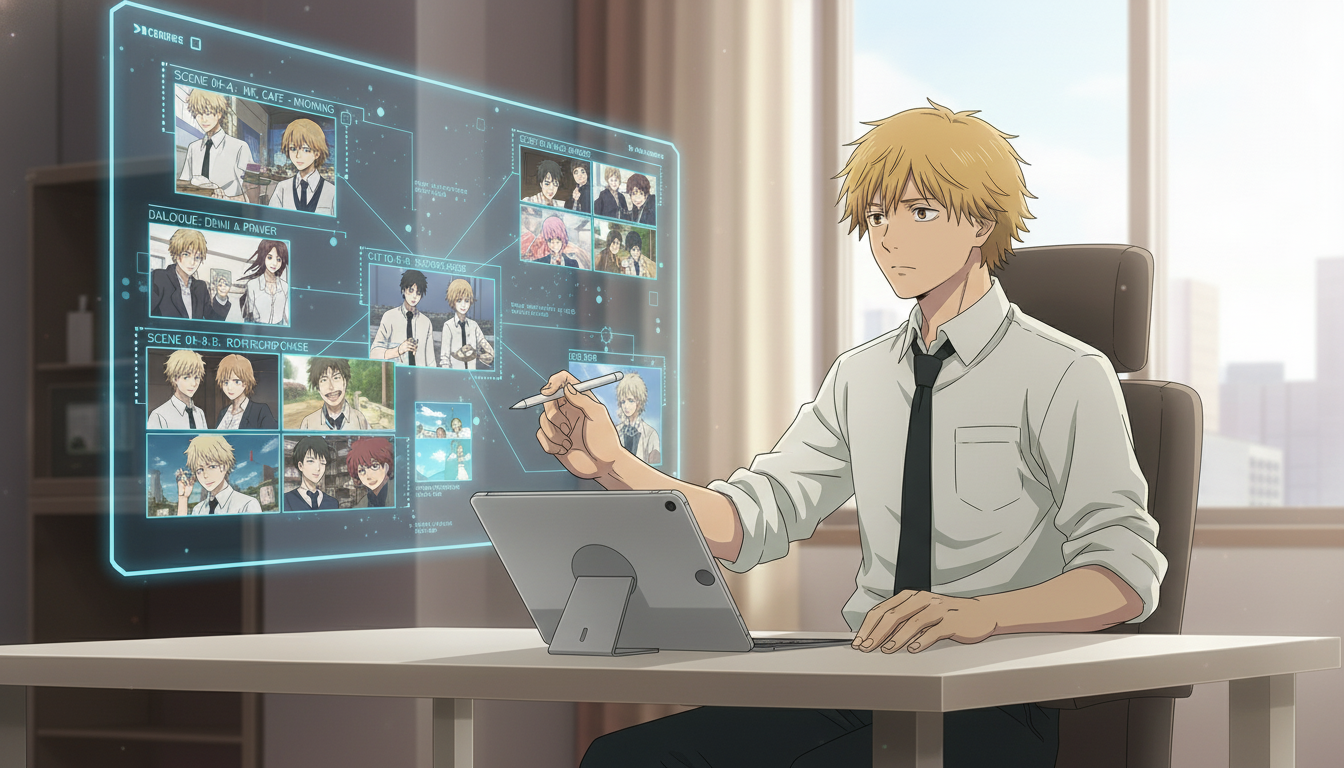
A storyboard is a sequence of rough visual panels that establishes what happens in each scene, in what order, and from what angle. Professional anime productions storyboard every episode before a single frame is animated. For AI-assisted storytelling, the storyboard phase is where you decide what you actually need to generate, which dramatically reduces wasted outputs and keeps your visual narrative coherent.
Before opening AutoWeeb, sketch or list the key beats of your story in order. You don't need panel art at this stage. You need answers to: who is in this scene, where are they, what are they doing, and what does the viewer need to feel here. A short original story might have eight to twelve of these beats. A single episode of a serialized series might have twenty to thirty. Each beat becomes a generation task.
Once your beats are listed, group them by visual requirement. Beats that share a setting can be generated in the same session with the same background. Beats featuring only one character can be batched separately from ensemble scenes. This grouping lets you use AutoWeeb's photo pack backgrounds systematically, placing your saved character into the right environment for each story beat rather than choosing backgrounds randomly.
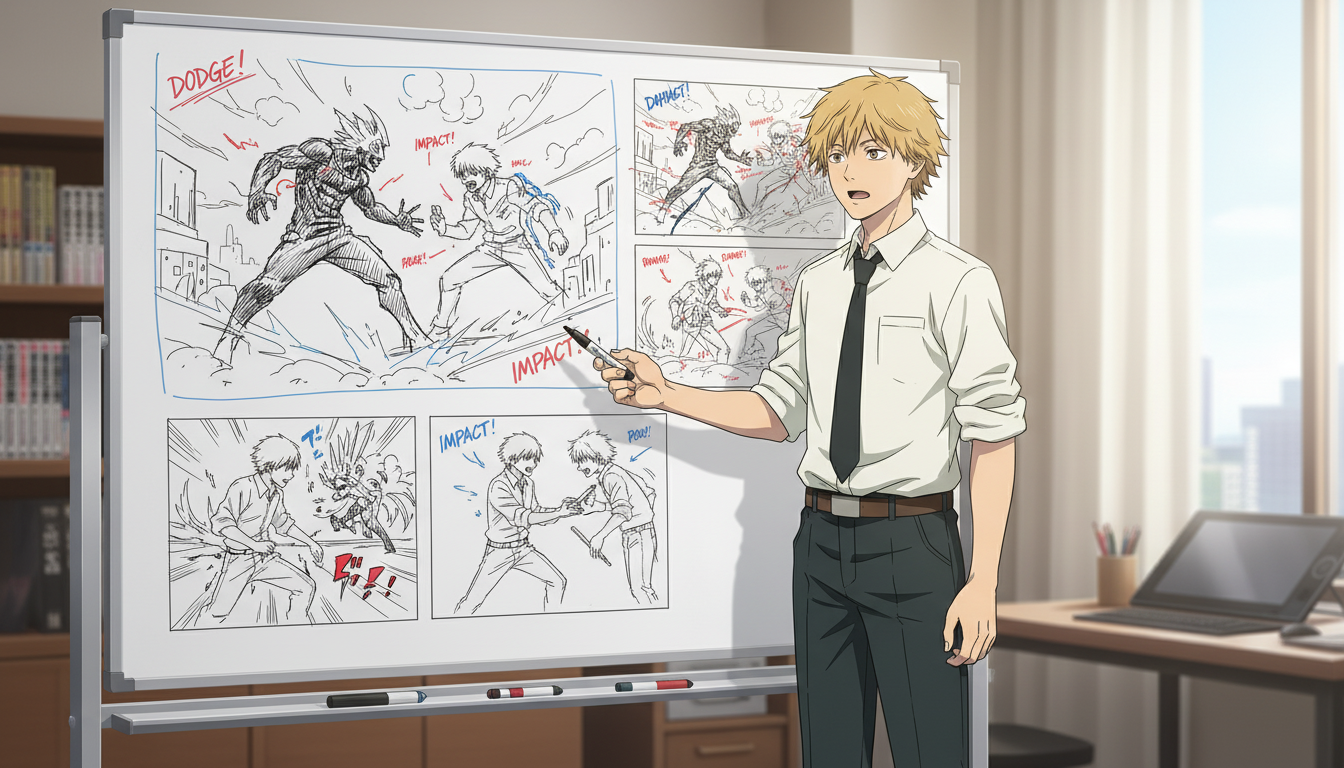
For action-heavy sequences specifically, the order of your panels matters more than in dialogue scenes. A fight needs a readable visual grammar: the establishing wide shot, the close reaction, the attack panel, the impact panel. Generating these out of sequence and trying to arrange them afterward produces confusion about who is where and what just happened. The storyboard phase costs nothing. Fixing incoherent action sequences costs significant generation time.
Building anime scenes that feel composed, not generated: framing, mood, and what AutoWeeb's scene tools give you.
There is a visible difference between an AI anime image that was generated with a prompt and one that was directed as a scene. The directed version has deliberate framing choices: where the character sits in the frame, what the background communicates about the emotional temperature of the moment, whether the composition is tight and confrontational or wide and lonely. These aren't accidental. They come from the creator making intentional decisions before and during generation.
AutoWeeb's scene builder lets you place a saved character into curated background environments, which handles a significant portion of the compositional work automatically. The photo pack backgrounds are designed for specific tones: the isekai town settings carry wonder and unfamiliarity, the slice-of-life city environments carry the low-stakes texture of ordinary days, the beach OVA scenes carry the suspended lightness of a story that temporarily forgets its own stakes. Choosing the right pack for the scene's emotional moment is a directing decision, not a technical one.
For prompt-driven character generation within a scene, the elements that determine mood most quickly are lighting direction, expression specificity, and camera distance. Descriptions that work: low-angle shot, late afternoon light through a classroom window, expression between resolved and exhausted. Descriptions that produce generic output: anime girl in a school. The difference is whether the prompt contains a director's intention or just a subject and a setting.
Creating an original anime story with AI: character, structure, and what you need before you generate the first scene.
An original anime story needs three things before any generation begins: a protagonist with a specific want, a force or person who opposes that want, and a world that makes both feel inevitable. These don't have to be elaborate. A high school student who wants to confess but keeps being interrupted by the class president who has her own reasons for the disruptions is a complete premise. A mercenary who is better at the work than she expected to be, in an isekai city where her skills are the wrong kind of valuable, is a complete premise. The premise gives every scene generation a reason to exist.
Once your premise is in place, the anime character creator is where you lock in the protagonist's visual identity. This is the most important creative session you'll run, because every subsequent scene depends on this character being recognizable. Commit to specific choices: silver hair with uneven bangs, dark-rimmed eyes that read slightly tired, a dark school uniform with a torn left sleeve that she hasn't bothered to fix. Specificity here is what creates the sense that this is a real character, not a generic anime protagonist.
From your saved character, work through your storyboard beats in order. For each scene, select the background environment that fits the beat's emotional context, set the expression and framing, and generate. Dialogue and internal monologue can be layered in through video editing or captioning tools after the scene panels are complete. The visual narrative carries the story. The text deepens it.
For creators working in serialized format, the episode structure that performs best across short-form platforms follows a simple three-act compression: the ordinary interrupted, the attempt to resolve, the cost of resolution that sets up the next episode. The guide to AI anime story structures for beginners breaks down these frameworks in more detail, including the specific beat arrangements that work for slice-of-life, action, and romance formats.
👉 Create Your Anime Characters and Build Your First Scene — Try AutoWeeb FreeFrequently asked questions about AI tools for anime storytelling, storyboarding, and original story creation.
What is the best AI tool for creating an original anime story in 2026?
AutoWeeb is the strongest option for original anime storytelling because it combines character persistence, curated scene environments, and short video generation in one workflow. Other tools can generate individual striking images but don't anchor a character's appearance across scenes, which makes sustained narrative impossible. For US creators building original stories rather than one-off art, the character library and photo pack scene builder are the features that matter most.
Can AI generate an anime storyboard, or does that still require manual work?
AI can generate every individual panel in a storyboard, but the sequencing and beat selection are still the creator's responsibility. The tool won't decide what happens in your story or in what order. What it handles is the visual execution: once you know which scenes you need and what they should look like, AutoWeeb generates the panel art quickly and consistently. Think of it as having a skilled animator who works fast and never argues about the direction but needs the director to know what they want.
How do I keep my anime characters looking the same across multiple scenes in a story?
Character persistence is the technical requirement here, and it's AutoWeeb's core differentiator. After the first generation, your character is saved in the character library and used as a visual reference for every subsequent scene. Their face structure, hair design, and proportions stay anchored across outputs. Tools that generate from a text description without a saved reference produce drift, where the same description produces slightly different features each time. For a story with more than a few scenes, drift makes the character feel like a different person by the third episode.
What makes an AI-generated anime scene feel cinematic rather than generic?
Three decisions determine the difference: framing (where the subject sits in the composition and from what angle), lighting (the direction and quality of light, which sets emotional temperature), and expression specificity (a precise emotional state rather than a labeled one like "happy" or "sad"). Three-quarter angle, underlighting from a street lamp, expression caught between amusement and something colder will consistently produce a more compelling scene than anime character at night, smiling. The scene tools in AutoWeeb give you the environmental context. The prompt gives you the character state within it.
Do I need to write a full script before I start generating anime scenes with AI?
A full script isn't necessary, but a beat list is. A beat list is just the sequence of things that happen in your story, one sentence per scene, in order. It takes fifteen minutes to write for a short story and keeps your generation sessions focused. The mistake is opening a generation tool before knowing what the story needs, which produces beautiful images with no narrative relationship to each other. The beat list is the difference between a gallery and a story.
Can I create an anime story without any drawing or art skills?
Yes. AutoWeeb is designed for creators who think visually but don't draw. The character creator uses visual pickers for appearance choices rather than requiring you to sketch anything. Scene backgrounds come from curated photo packs rather than from background art you'd have to paint. Character expressions and poses are generated from plain English descriptions. The creative work is direction, not production. You decide what the scene looks like and what it should feel like. The tool handles the execution.
How long does it take to produce a short original anime story using AI tools?
A short self-contained story with eight to twelve scenes can realistically be produced in two to three hours using AutoWeeb: one session for character creation and locking the design, one batch session for scene generation using your beat list, and one pass for reviewing and regenerating any panels that didn't land. A single episode of a serialized story in the fifteen-to-twenty scene range takes longer, roughly four to six hours across two sessions, mostly because ensemble scenes and action sequences require more generation iterations. The bottleneck is almost never the tool. It's having a clear enough vision of what you want before you open it.
For the specific story structures that translate best into short-form and serialized formats, the post on best AI anime story structures for beginners covers the narrative frameworks in depth. If you're building an ongoing series and thinking about content consistency across episodes, the guide to best AI anime generators for YouTube creators covers character consistency and batch production workflows for serialized content.
Related Blog Posts
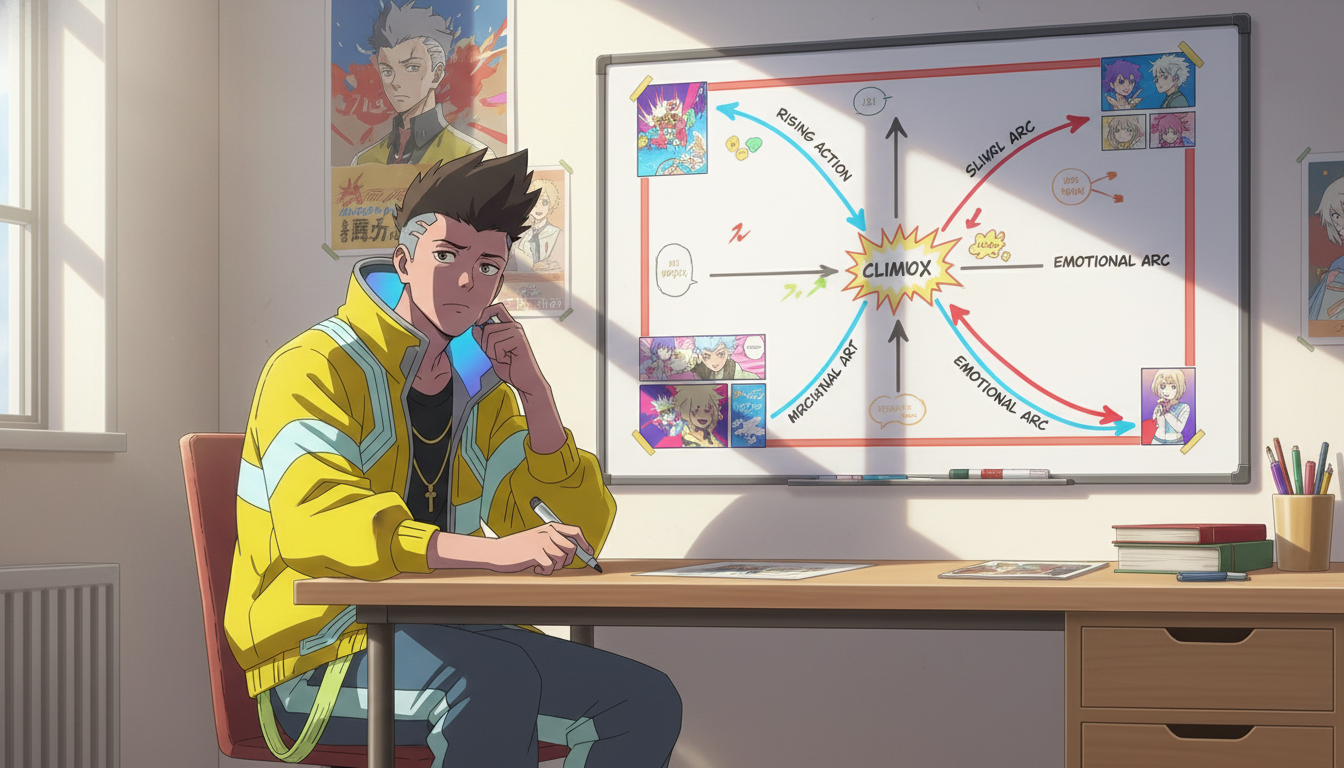
Best Anime Story Structures for Beginners: 5 Frameworks That Actually Work
Hero's journey, tournament arc, school-life episodic, revenge arc, and found-family — each with a working template and pacing strategy
Learn the 5 best anime story structures for beginners: hero's journey, tournament arc, school-life episodic, revenge arc, and found-family progression — with templates and pacing tips.
How to Build a Slice-of-Life Anime Series: Character Chemistry, Cozy Pacing, and the Art of Small Moments
Slice-of-life isn't plotless — it's a genre where characters do the heavy lifting and every quiet scene earns its place
Learn how to build a slice-of-life anime series with strong character chemistry, relatable settings, recurring themes, low-stakes conflict, and cozy pacing that keeps viewers coming back.
How to Build an Immersive Anime World: Geography, Power Systems, Culture, and Visual Identity
Your world isn't the backdrop — it's the pressure system that makes every conflict feel inevitable
Learn how to build an immersive anime world from scratch. Covers geography, power systems, culture, factions, tone, and visual identity for fantasy, sci-fi, slice-of-life, and dystopian genres.
How to Create Your Own Anime Story: A Beginner's Framework from Idea to First Episode
You don't need a complete world or a perfect plot — you need a protagonist worth following and a problem worth solving
Learn how to create your own anime story from scratch. A step-by-step framework covering genre, protagonist, conflict, world-building, and first episode structure for beginners.
Explore AutoWeeb
Jump into the tool that fits your creative step.
AI Anime Video Generator
Animate storyboard shots into cinematic clips with Seedance 2 and consistent characters.
Anime Character Creator
Design original characters with consistent sheets across every scene.
AI Anime Image Generator
Generate cinematic anime stills anchored to your character library.
Turn Photo Into Anime
Upload any photo and watch AI turn it into stunning anime art in seconds.
AI Anime Location Generator
Create a location set once, then generate reference images from every angle.
AI Anime Storyboarding
Describe your idea, pick your characters, and let AI draft the script and scenes.
AI Anime Prompt Agent
Turn a rough idea into a cinematic Seedance 2 prompt with the AI Director.