
Create Your Own Anime Romance Story
From character design to multi-scene story, here's how to build a romance that's actually yours
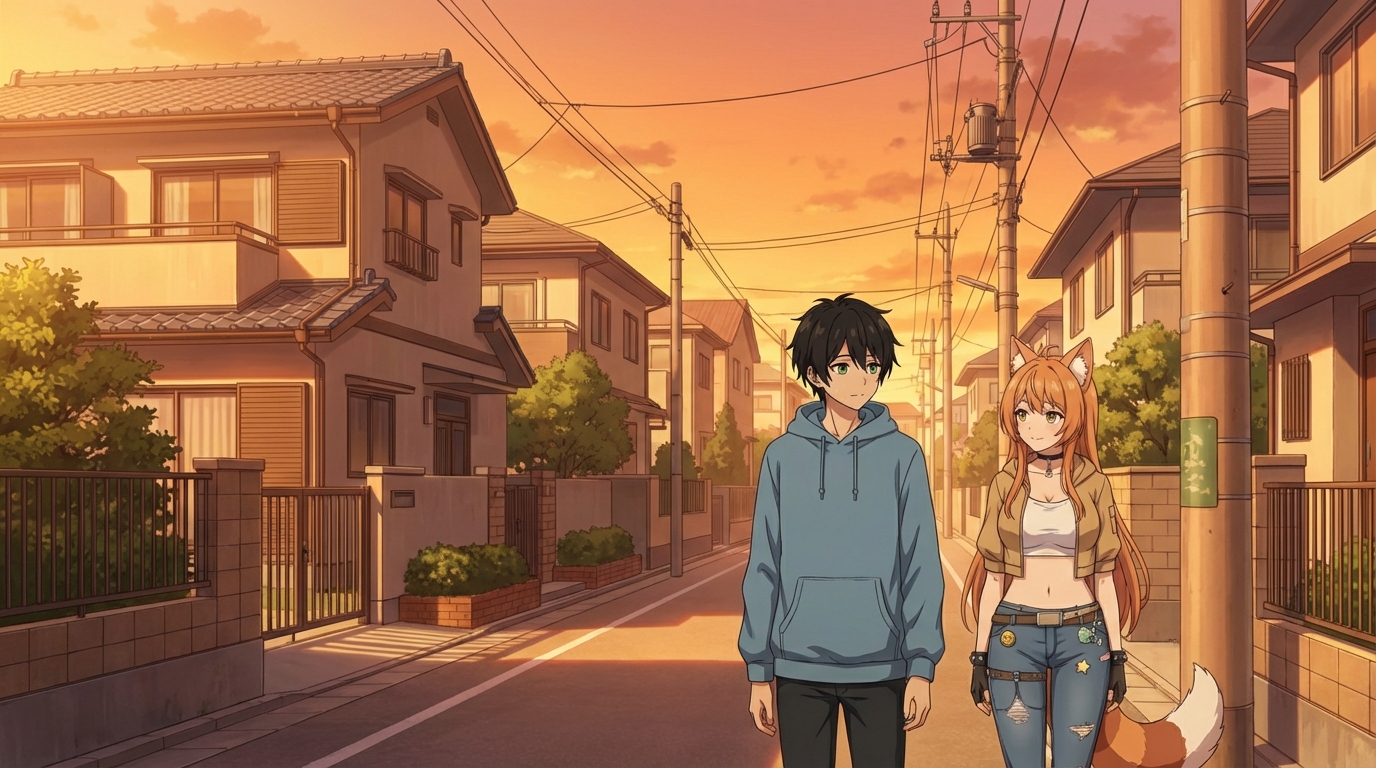
Most anime romance stories follow a shape: two characters meet, something creates distance between them, they close the distance, the moment arrives. What makes each one distinct is the specific texture of the characters and the world they live in. With AutoWeeb, you can create that texture yourself. This is a walkthrough of how to build a complete anime romance story using your own characters, settings, and scenes.
👉 Start Building Your Anime Romance on AutoWeebStep 1: Define the Two Characters
Before you build any scenes, you need both characters locked in. A romance only works when both people in it feel specific and real. Generic designs produce generic results. Specific designs produce something that feels like it belongs to a series.
Character A: The Protagonist
If you want to put yourself into the story, start with the photo-to-anime converter. Upload a photo and AutoWeeb will generate an anime version that keeps your recognizable features. From there, build a Character Sheet to lock in your design across every scene.
If you're creating a fictional protagonist, describe them in detail: hair, eyes, build, clothing style, personality archetype. "Quiet but perceptive, tends to watch rather than speak first, wears simple clothes that don't announce themselves."
Character B: The Love Interest
The love interest needs to contrast the protagonist in at least one meaningful way. If the protagonist is quiet, the love interest might be warm and openly expressive, or equally quiet but for different reasons. This contrast is where romantic tension actually lives.
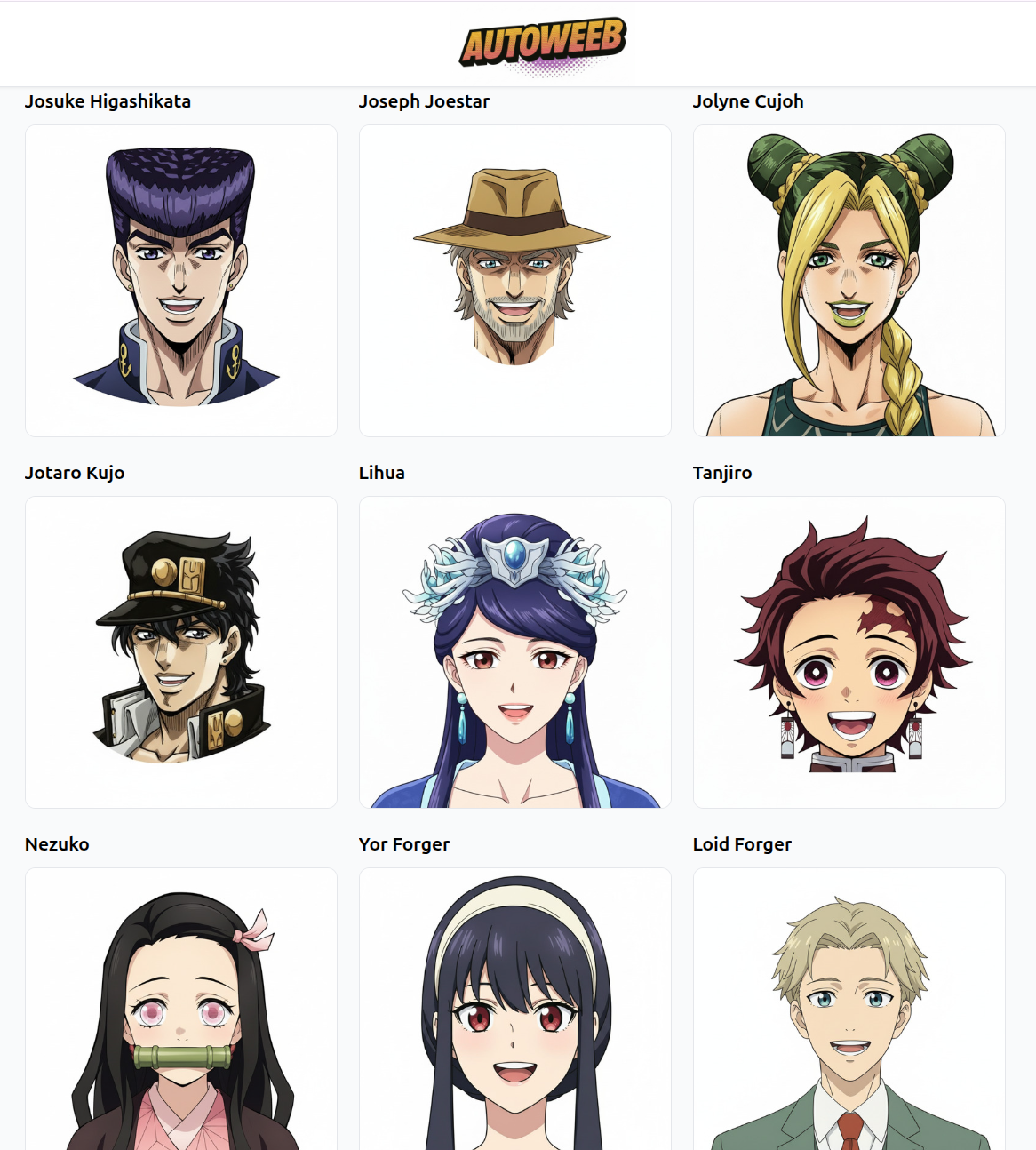
Think about the look that fits their personality. A softly lit color palette reads differently from a character built around contrast and edge. Choose the design that fits the role they play in the story.
See how to design your anime love interest for more detail on building a character from scratch.
Step 2: Map Out the Story Arc
You don't need a screenplay. Even a rough three-beat structure gives you enough to generate a coherent set of scenes:
- The meeting: How do they first intersect? Shared class, chance encounter, someone asking for directions?
- The middle: What keeps them in each other's orbit? A project, a recurring place, a mutual friend?
- The turn: When does the dynamic shift from neutral to something more? A quiet moment, a confession, an almost.
Each beat maps to at least one scene. Three beats, three scenes. That's already a short story. You can build it out from there once you have the core working.
Step 3: Match Each Scene to a Setting
Setting does most of the emotional work in anime romance. The environment signals mood before a single character expression appears. Here's how to think about matching beats to settings:
First Meeting: Somewhere Public but Not Crowded
Library, train station platform, school rooftop during lunch. Somewhere with enough ambient life to be realistic, but quiet enough that the two characters can exist in their own bubble. The Japan City Life pack has several environments that work for this opening beat.
Building the Relationship: Recurring Locations
A cafe they keep ending up at. A park route one of them runs every morning. A spot in the school where they keep being assigned to work together. Repeating a location across scenes signals the passage of time and the growing familiarity between them. Slice-of-life settings are built for this.
The Turning Point: Golden Hour or Night
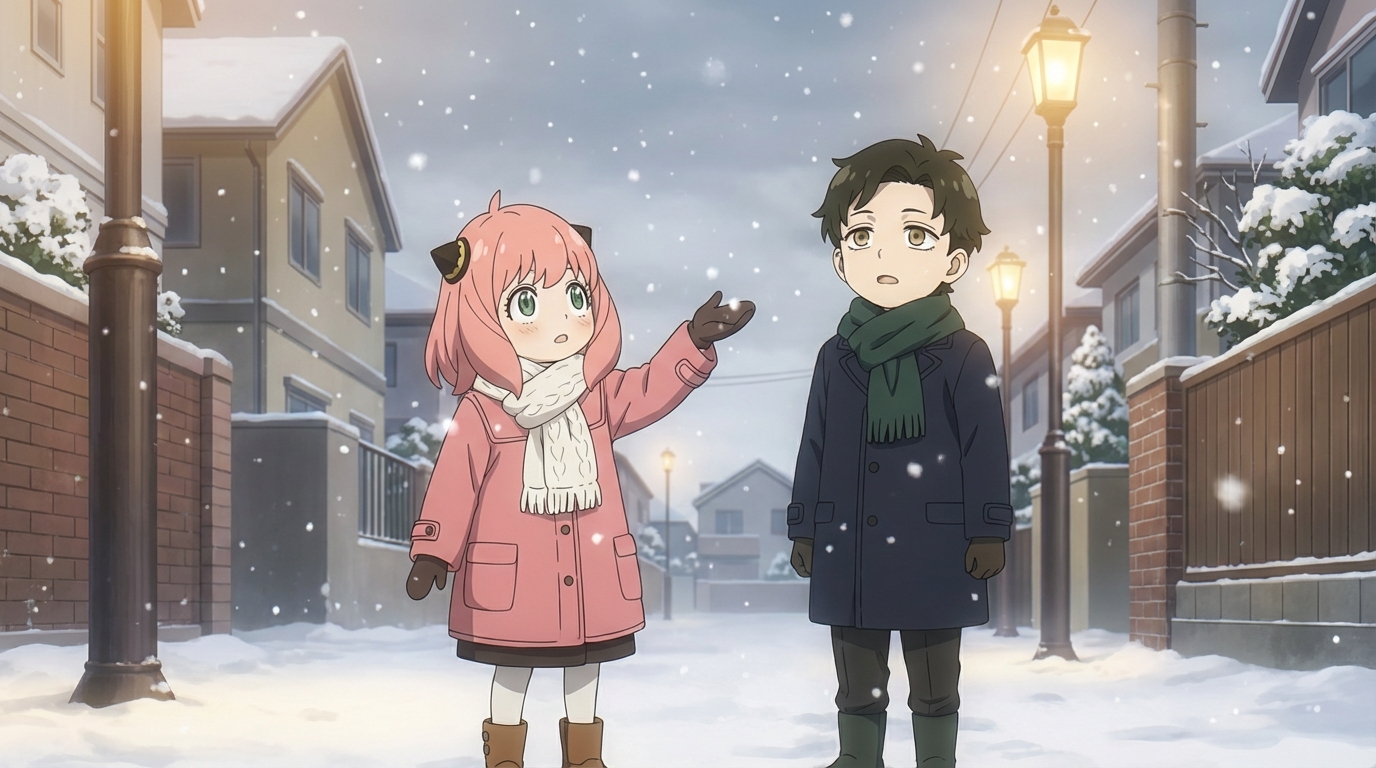
The scene where things shift benefits from a specific quality of light. Golden hour with long shadows and warm tones. Or a nighttime scene with soft lamplight and fewer people around. The Japanese Nature pack and Isekai Town pack both have environments that carry this kind of mood without needing much additional prompting.
Step 4: Generate the Scenes
With your characters saved as Character Sheets and your settings chosen, you're ready to generate. Write prompts that focus entirely on what's happening in the scene rather than re-describing the characters. Your Character Sheets handle the appearance. Your prompt handles the moment.
A few prompt patterns that work well for romance scenes:
- "Two characters sitting side by side on a rooftop, looking at the city, late evening, soft orange light, neither speaking"
- "Characters walking side by side through a quiet market street at dusk, one glancing at the other when they think they won't be noticed"
- "Close-up of two characters at a library table, one helping the other with something, heads close together, both suddenly aware of the proximity"
The specificity of the moment, not the characters themselves, is what drives a good result.
Step 5: Add Motion
A key scene in a romance gains something from being animated. AutoWeeb can take any still image and add motion to it: hair moving in wind, ambient particles, subtle expression shifts. A few seconds of animation on the right scene is the difference between a great illustration and something that feels like a moment from a real series.
Pick one or two scenes from your story where motion adds meaning. The turn in the wind before he speaks. The way she almost reaches out. These details live in motion in a way still images can only hint at.
What Makes It Yours
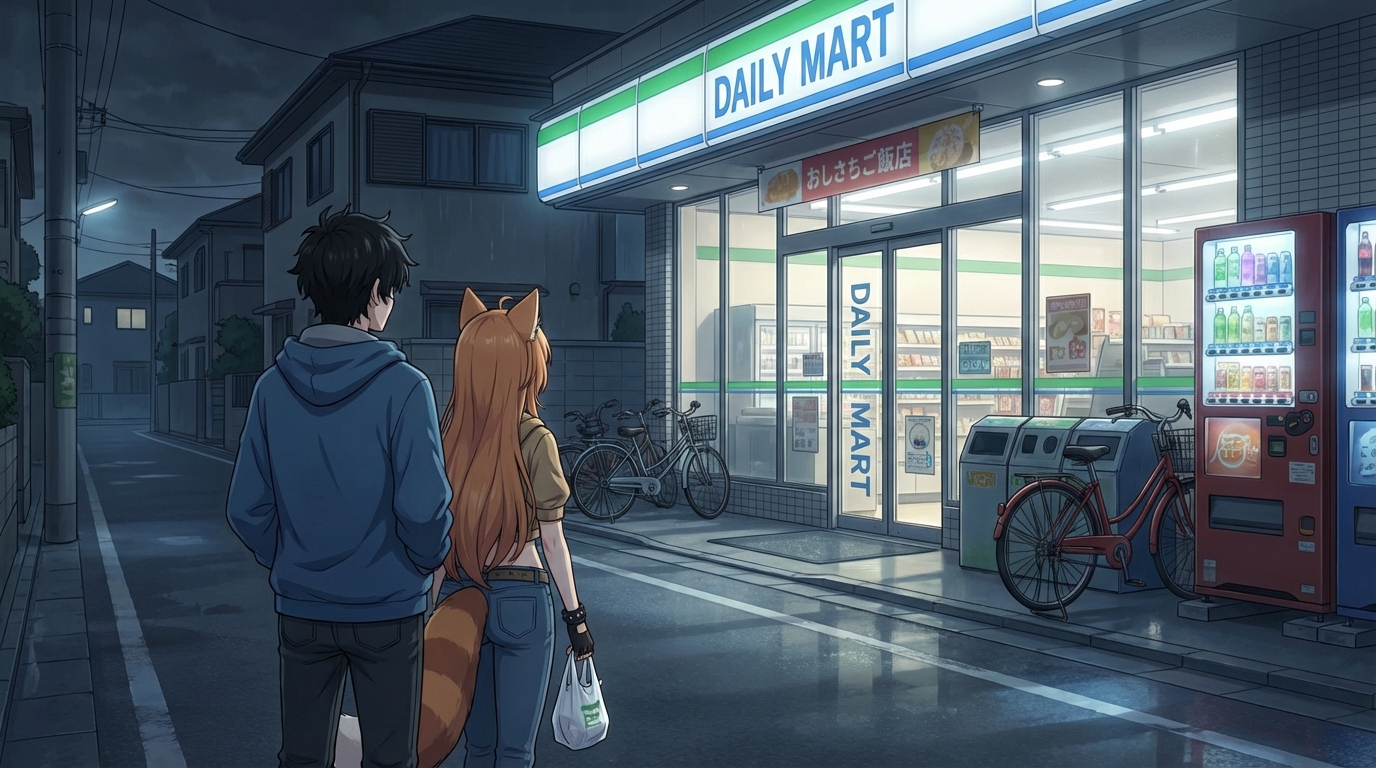
The best anime romances feel specific in a way that's hard to explain. It's not the plot. It's the particular combination of two people, in a particular kind of world, with a particular quality of light in the important scenes. When you build it yourself, you control all of those variables.
This isn't a story someone else told. The characters look the way you decided. The settings are the ones you chose. The moments happen the way you wrote them. That's what makes it yours.
👉 Create Your Anime Romance Story on AutoWeebReady to take the next step? Read about imagining your first anime date scene, or explore how to design a perfect anime romance from scratch.
Related Blog Posts
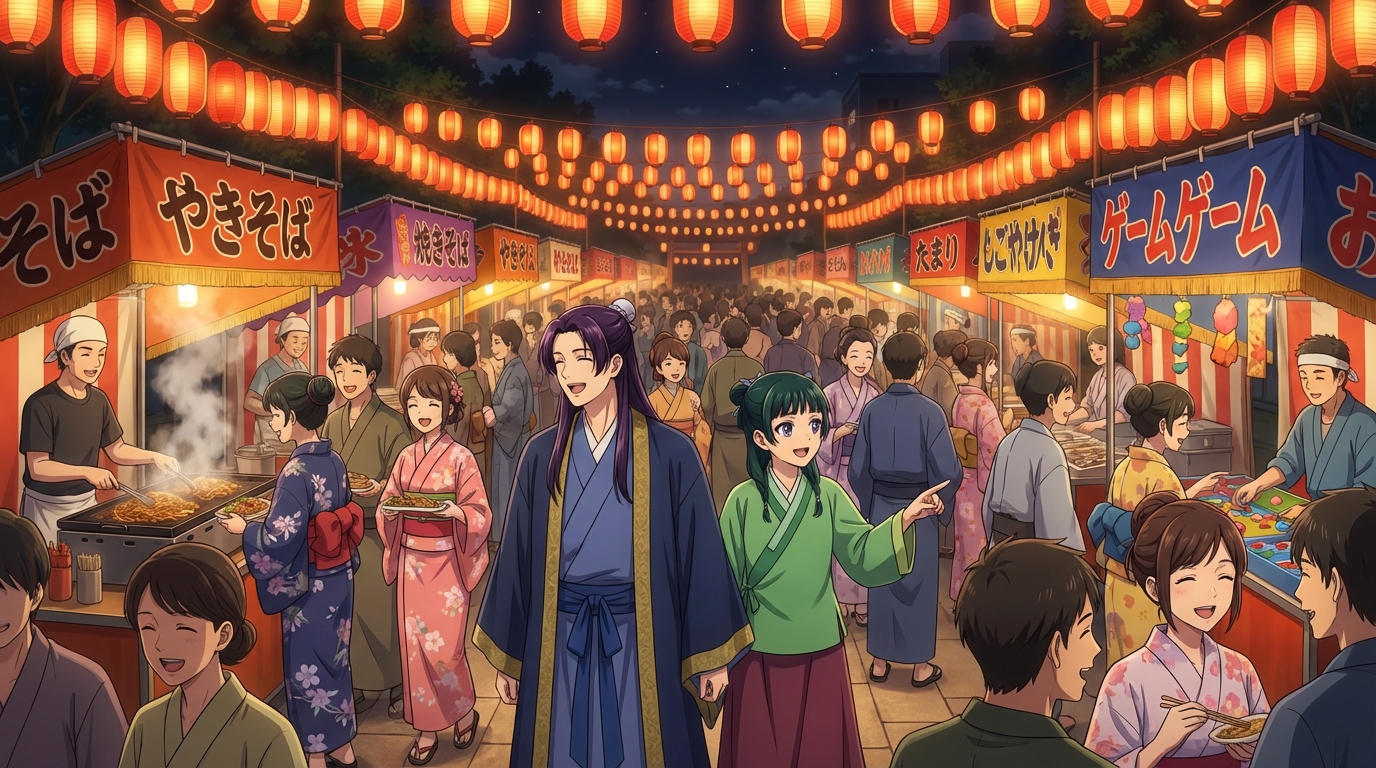
OC Japan Fair Anime Fans: Visit the AutoWeeb Booth
Stop by booth #114 near the OC Promenade hall and turn your fair photos into anime
AutoWeeb is at the OC Japan Fair! Visit booth #114 near the OC Promenade / Nakamise Street to turn your fair photos into anime, create your own anime characters, and generate anime images and videos.
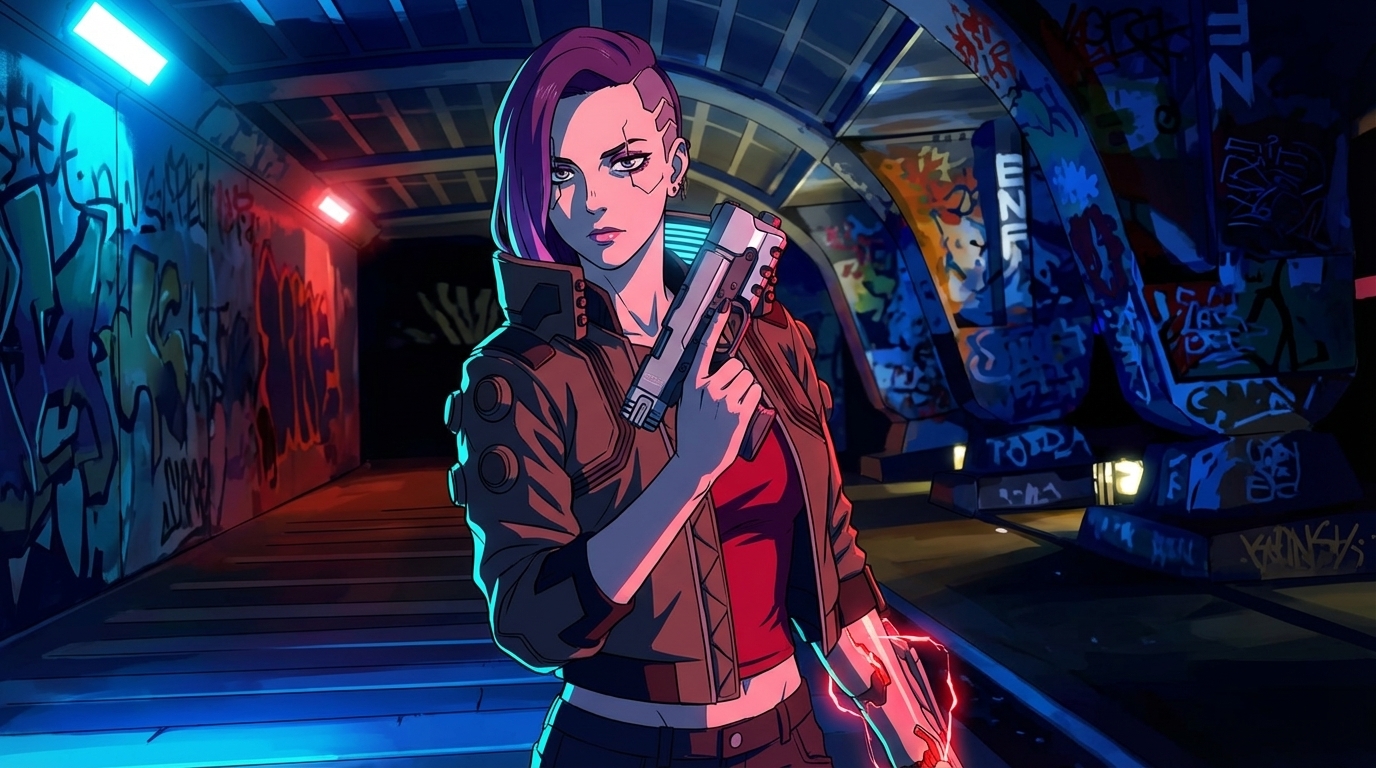
Cyberpunk Anime Generator: How to Create Cyberpunk Anime Art with AI
Neon cities, augmented characters, and rain-soaked streets — generated from your photos
Use AutoWeeb's cyberpunk anime generator to turn photos into neon-soaked cyberpunk art. Holographic cityscapes, augmented characters, and Akira-inspired aesthetics — all with AI.
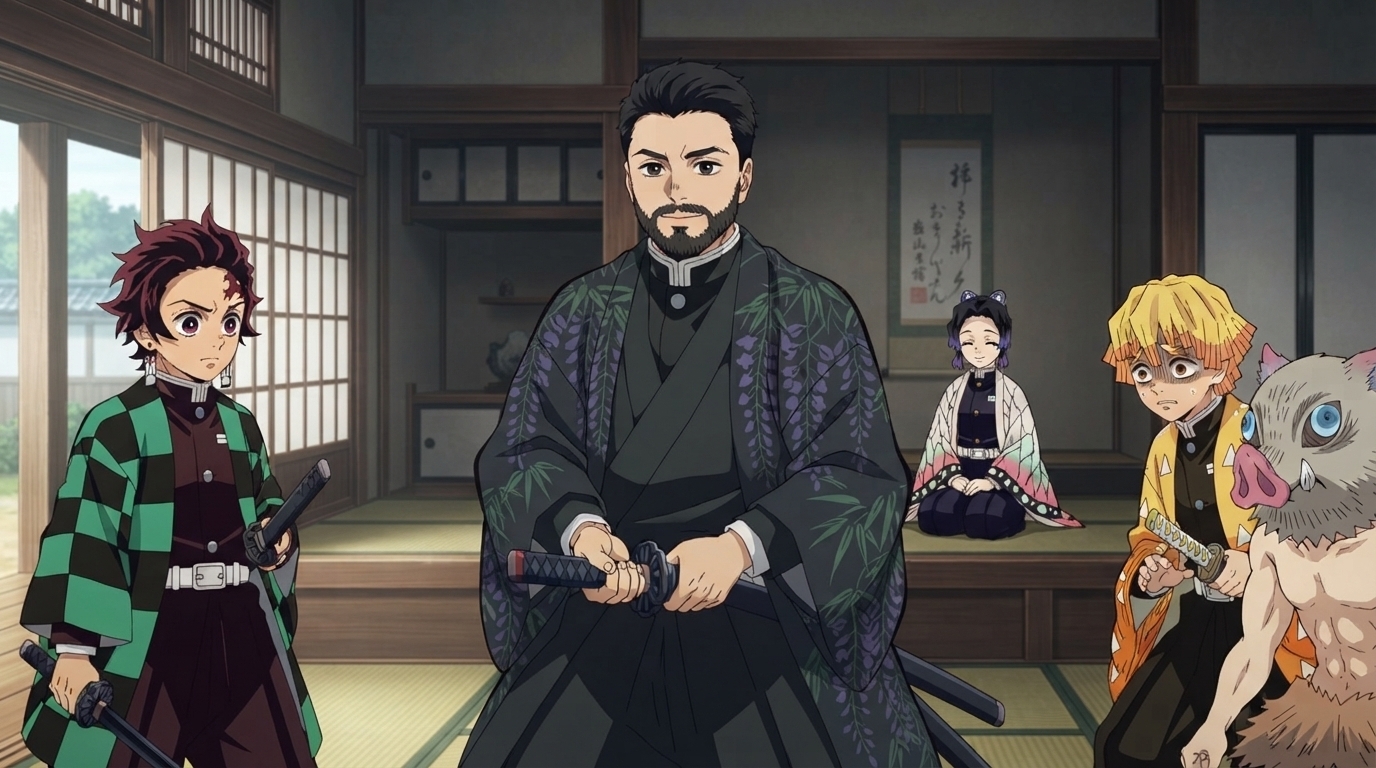
Demon Slayer Anime Generator: How to Create Demon Slayer Style Art with AI
Breathing techniques, cinematic lighting, and ufotable-quality visuals — applied to your photos
Use AutoWeeb's Demon Slayer anime generator to turn photos into Kimetsu no Yaiba-style art. Breathing technique effects, dramatic action poses, and ufotable-quality visuals — all with AI.
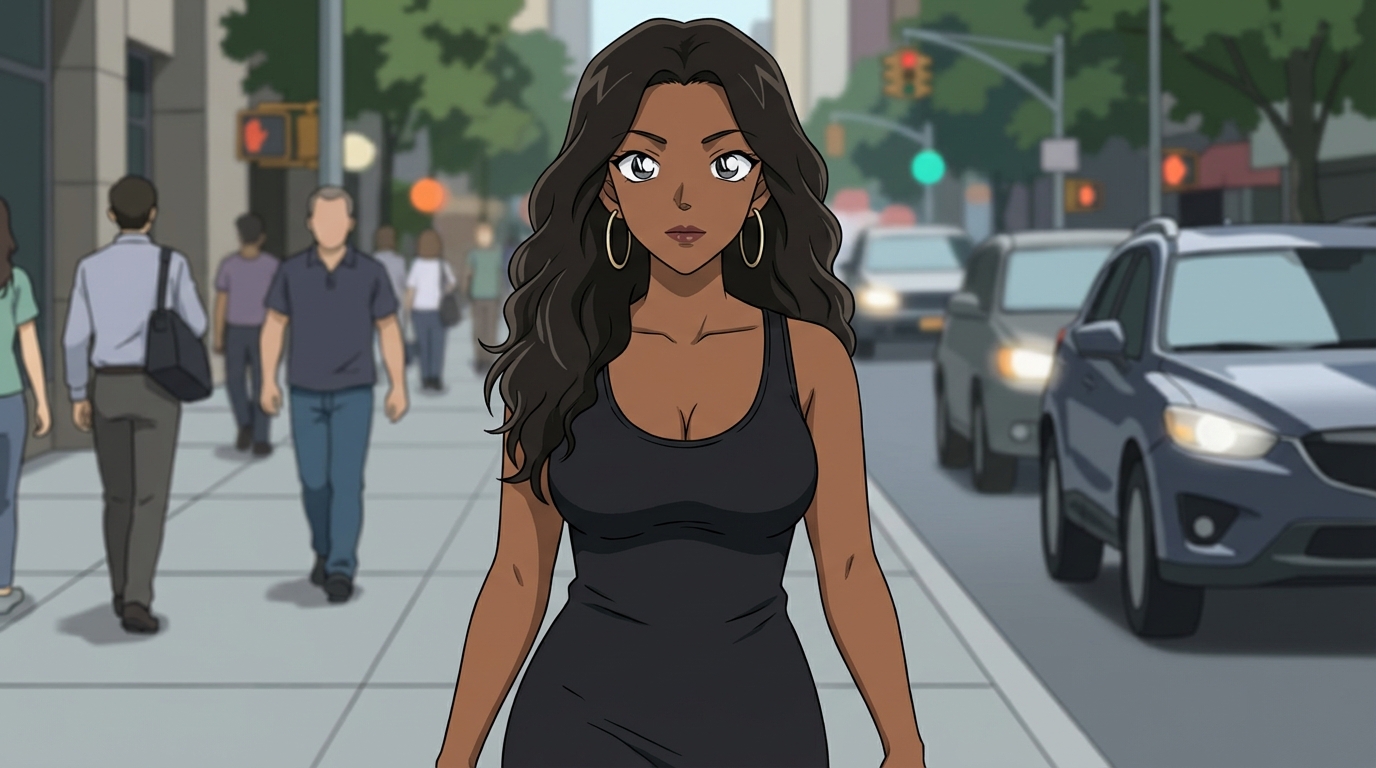
Detective Conan Anime Generator: How to Create Case Closed Style Art with AI
Sharp character designs, dramatic deduction scenes, and the iconic mystery anime aesthetic
Use AutoWeeb's Detective Conan anime generator to turn photos into Case Closed-style art. Sharp linework, dramatic investigation scenes, and Gosho Aoyama's iconic character designs — all with AI.
Explore AutoWeeb
Jump into the tool that fits your creative step.
AI Anime Video Generator
Animate storyboard shots into cinematic clips with Seedance 2 and consistent characters.
Anime Character Creator
Design original characters with consistent sheets across every scene.
AI Anime Image Generator
Generate cinematic anime stills anchored to your character library.
Turn Photo Into Anime
Upload any photo and watch AI turn it into stunning anime art in seconds.
AI Anime Location Generator
Create a location set once, then generate reference images from every angle.
AI Anime Storyboarding
Describe your idea, pick your characters, and let AI draft the script and scenes.
AI Anime Prompt Agent
Turn a rough idea into a cinematic Seedance 2 prompt with the AI Director.