
What Would Your Anime Boyfriend Look Like?
Design the anime love interest you actually want, and put yourself in the scene with him
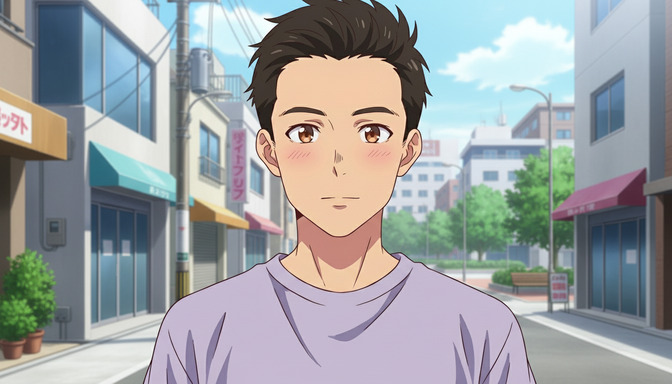
Every anime fan has at some point wondered: what would my ideal anime boyfriend look like? The brooding dark-haired type with sharp eyes and a soft side he only shows you? The cheerful, golden-haired one who always shows up exactly when you need him? The quiet, bookish character who notices everything but says little? You know the archetype you're drawn to. AutoWeeb lets you build him.
👉 Start Designing Your Anime Boyfriend on AutoWeebStart with the Look
Before you can place him in a scene with you, you need to lock in his design. AutoWeeb's character creator lets you describe exactly what you want and generate a character sheet from that description.
Think through the visual details that define him for you:
- Hair: Dark and messy? Silver-white and swept back? Soft brown with a strand that falls across his forehead?
- Eyes: Steel gray? Amber? Deep violet that catches light differently depending on the scene?
- Build and height: Tall and lean, or broader-shouldered with a quieter presence?
- Style: School uniform? A worn-in jacket over a simple shirt? Something that hints at what he does when you're not around?
- Expression: Default serious, with a rare half-smile? Openly warm and easy to read?
You can describe all of this in the character creator. The more specific you are with colors and details, the more consistent the result will be across every scene you generate.
Build a Character Sheet to Lock the Design
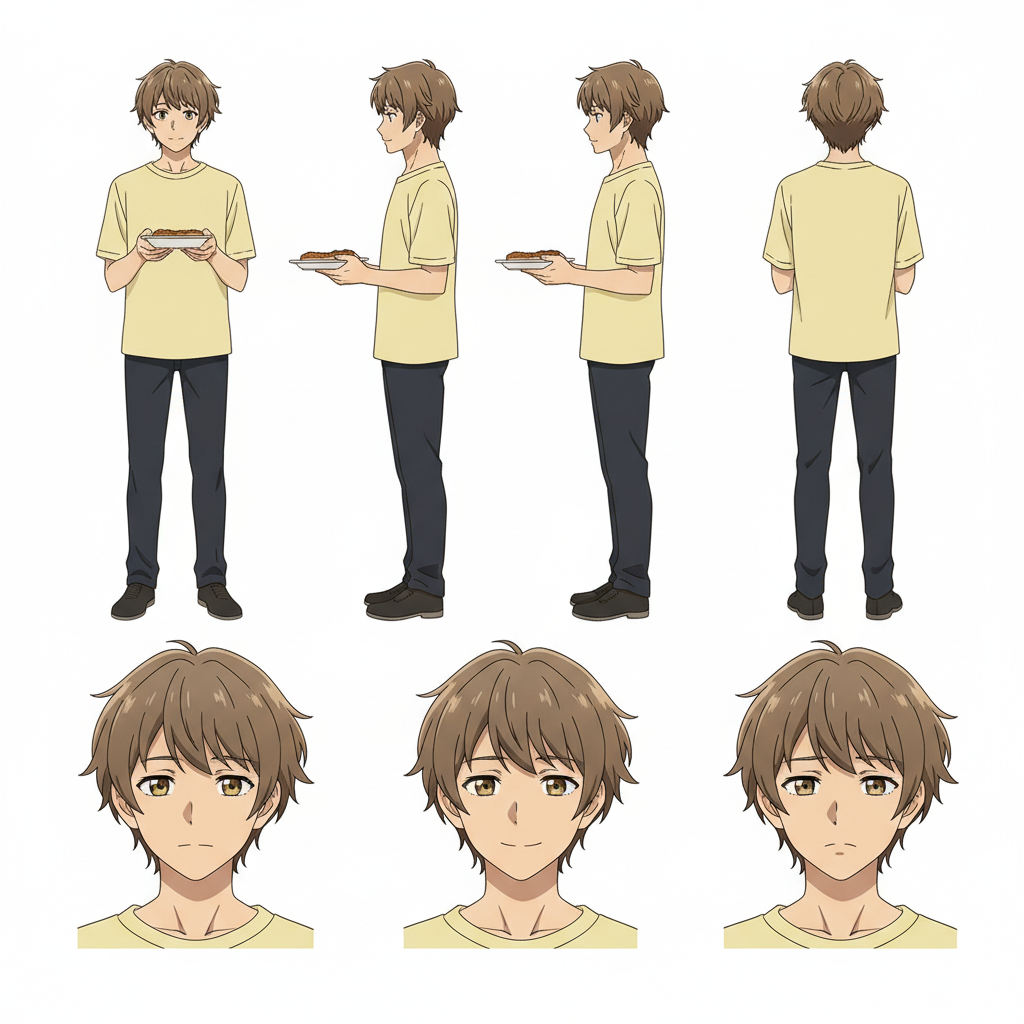
Once you have a look you love, the next step is building a Character Sheet. A Character Sheet captures your character from multiple angles, front, side, and back, along with expression samples. It stores the design so that when you generate new scenes, he looks like himself rather than a slightly different person every time.
This is what makes the romance feel real and continuous rather than one-off. Same face, same eyes, same jacket, whether he's walking toward you on a quiet street or sitting across from you at a cafe.
Put Yourself in the Scene
You don't have to keep him at arm's length. AutoWeeb's photo-to-anime converter turns a photo of you into an anime character in the same visual style. Upload a photo and AutoWeeb preserves your face shape, eye structure, and hair silhouette while translating everything into clean anime art.
From there, build your own Character Sheet so you're as consistent across scenes as he is. Now you have two saved characters, and you can generate scenes with both of them together.
This is where it becomes genuinely something you made, not just a generated image. Two specific characters, placed into settings you chose, with a story that reads like it belongs to you.
Choose the Scene That Fits the Story
Different archetypes call for different settings. Here are a few that tend to land:
The Quiet Walk
Two characters, a path through cherry blossoms or a narrow city street, early evening light. No dramatic moment, just the kind of ordinary scene that somehow stays with you. The Japan City Life photo pack has several environments that work perfectly for this tone.
The Festival Scene
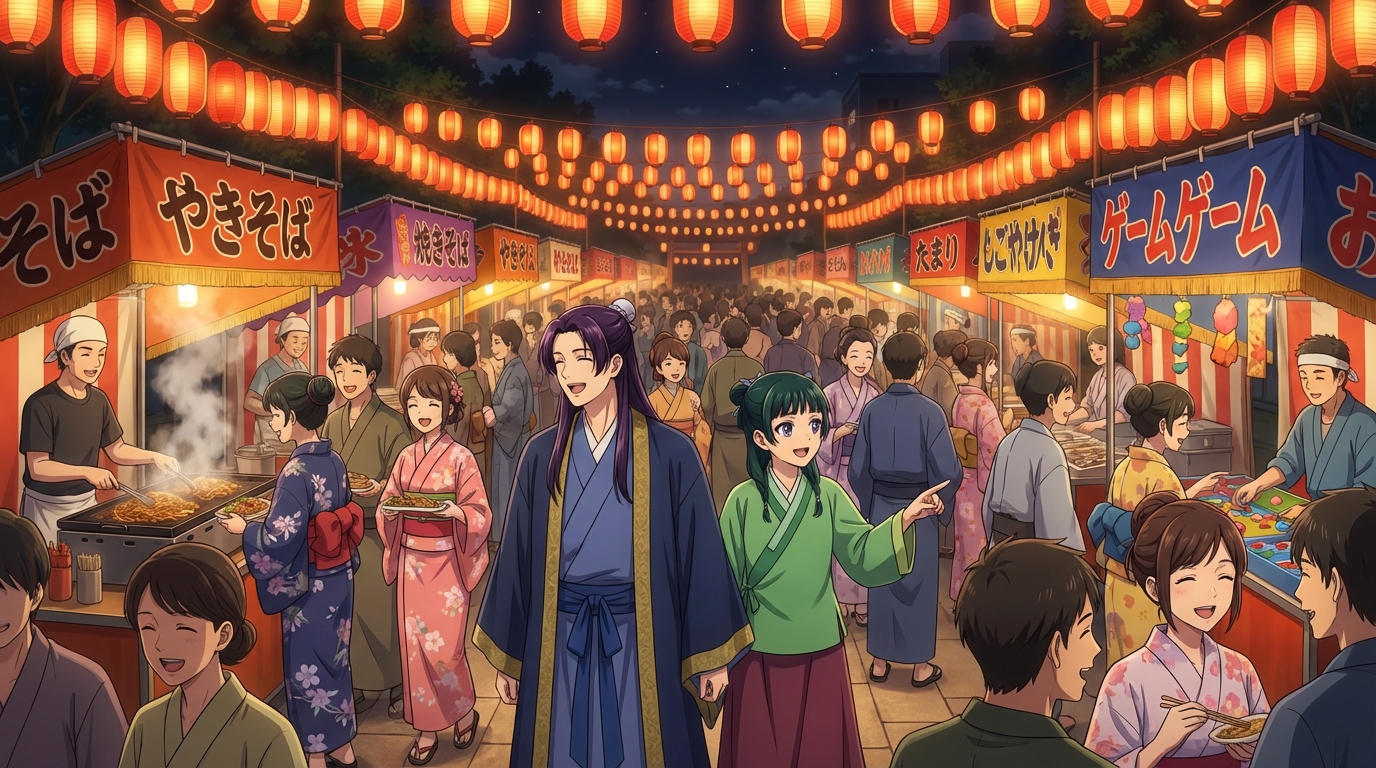
Summer festivals are one of anime's most iconic romantic settings. Yukata, food stalls, lanterns. The Japanese Culture Festival pack gives you that environment ready to drop characters into.
The Quiet Moment
Sitting side by side, looking at something off-frame. A rooftop, a park bench, a library table. These scenes work because the emotion lives in proximity and composition, not in what's being said. Slice-of-life settings handle this well.
The Archetype You're Actually Drawn To
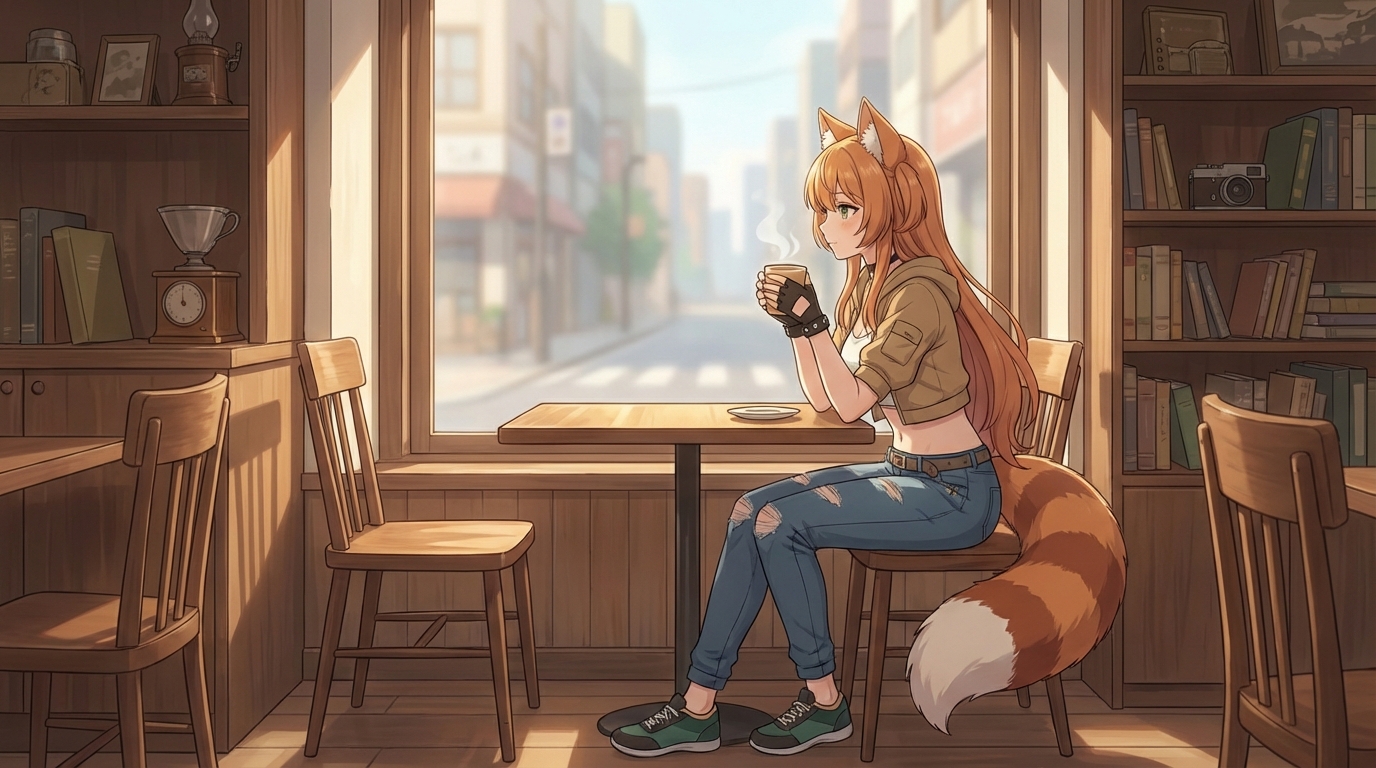
There's something specific about the type you keep coming back to. Maybe it's the quiet one who says the right thing when it matters most. The one who teases you constantly but is the first one there when something goes wrong. The one who takes everything seriously except for the rare moment he lets his guard down with you specifically.
These archetypes work in anime because they give shape to something that's harder to articulate in real life. And when you build one yourself, you're not just generating an image. You're giving form to something you've been carrying around as an idea.
The art style matters too. A Ghibli-style boyfriend reads completely differently from a Demon Slayer one, even with the same physical description. Try the same character in a couple of different styles and see which one matches the feeling you're going for.
👉 Build Your Anime Boyfriend on AutoWeebIf you want to go further with this, check out how to create your own anime romance story or read about putting yourself in an anime love story as the main character. The character you design today can carry through every scene you build from here.
Related Blog Posts
OC Japan Fair Anime Fans: Visit the AutoWeeb Booth
Stop by booth #114 near the OC Promenade hall and turn your fair photos into anime
AutoWeeb is at the OC Japan Fair! Visit booth #114 near the OC Promenade / Nakamise Street to turn your fair photos into anime, create your own anime characters, and generate anime images and videos.
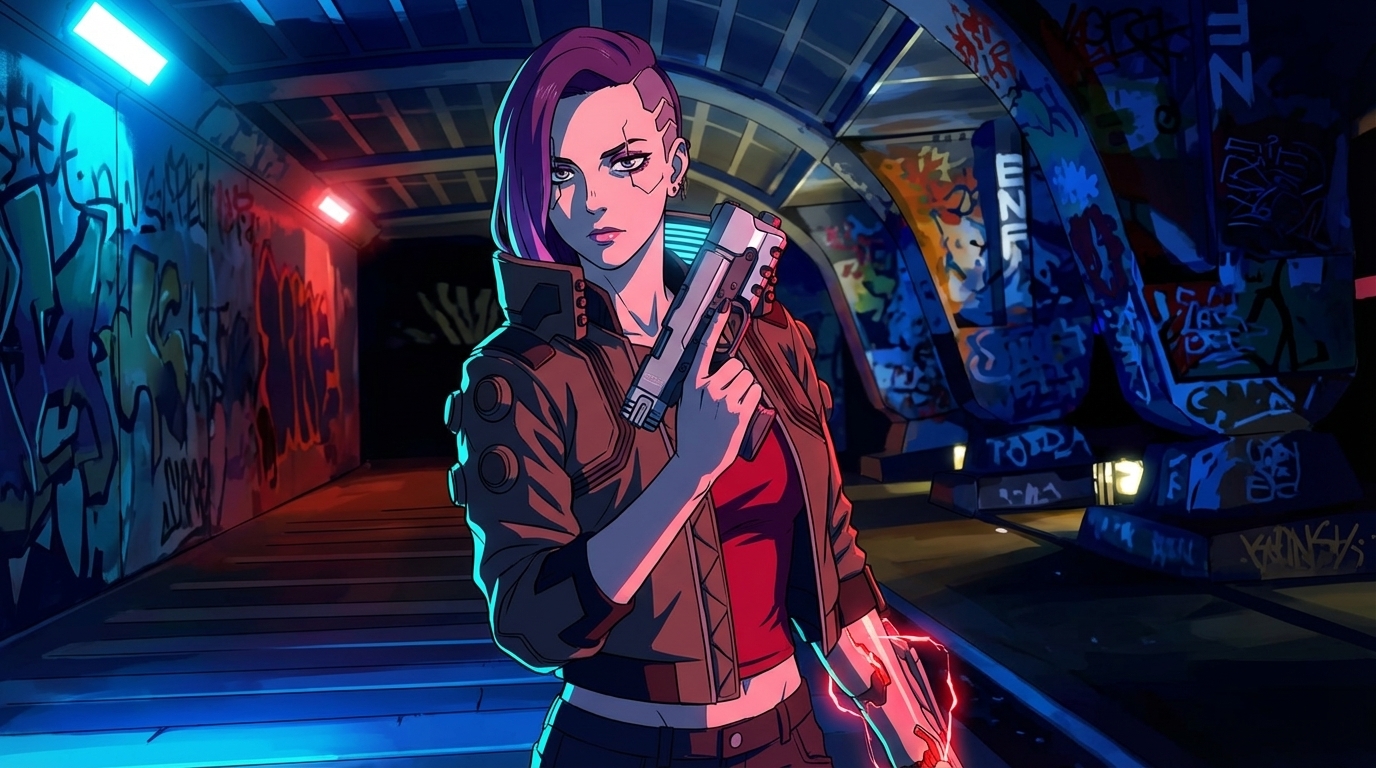
Cyberpunk Anime Generator: How to Create Cyberpunk Anime Art with AI
Neon cities, augmented characters, and rain-soaked streets — generated from your photos
Use AutoWeeb's cyberpunk anime generator to turn photos into neon-soaked cyberpunk art. Holographic cityscapes, augmented characters, and Akira-inspired aesthetics — all with AI.
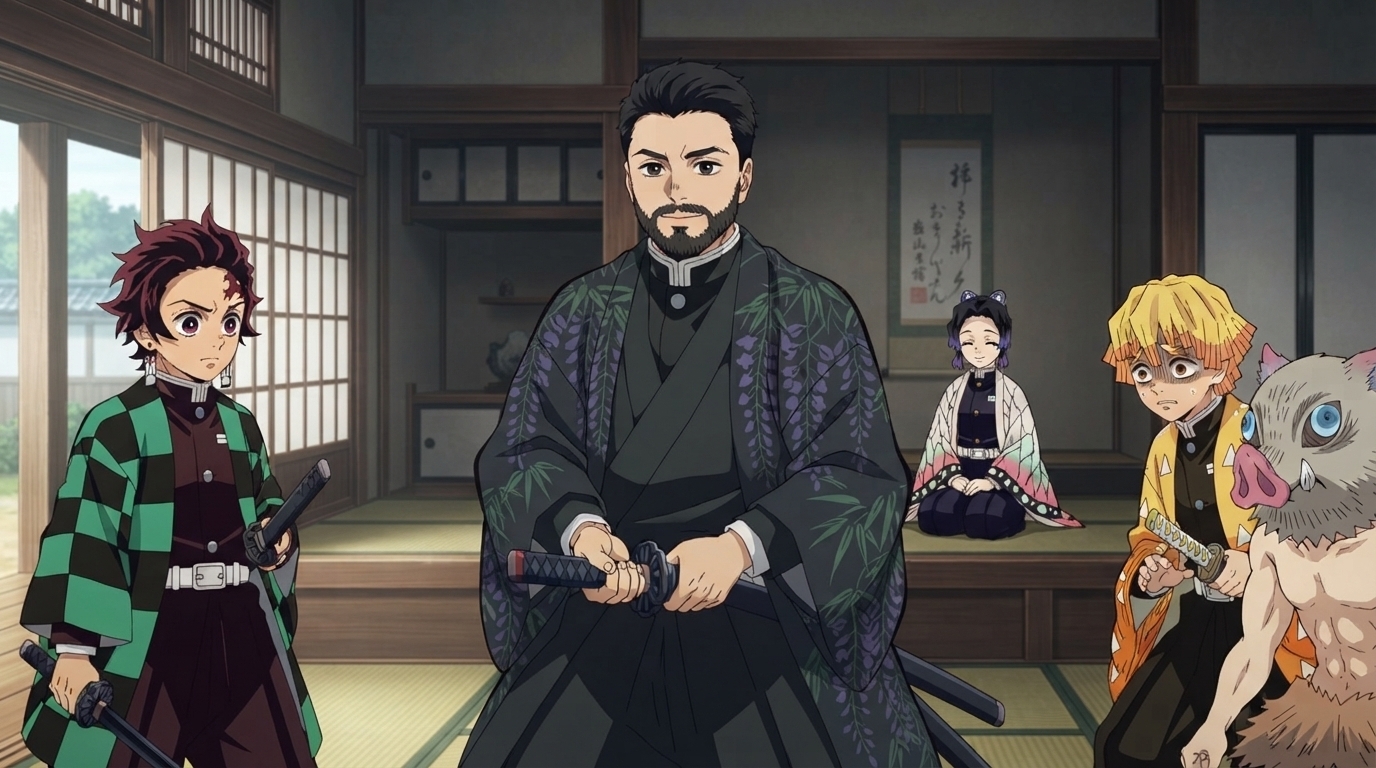
Demon Slayer Anime Generator: How to Create Demon Slayer Style Art with AI
Breathing techniques, cinematic lighting, and ufotable-quality visuals — applied to your photos
Use AutoWeeb's Demon Slayer anime generator to turn photos into Kimetsu no Yaiba-style art. Breathing technique effects, dramatic action poses, and ufotable-quality visuals — all with AI.
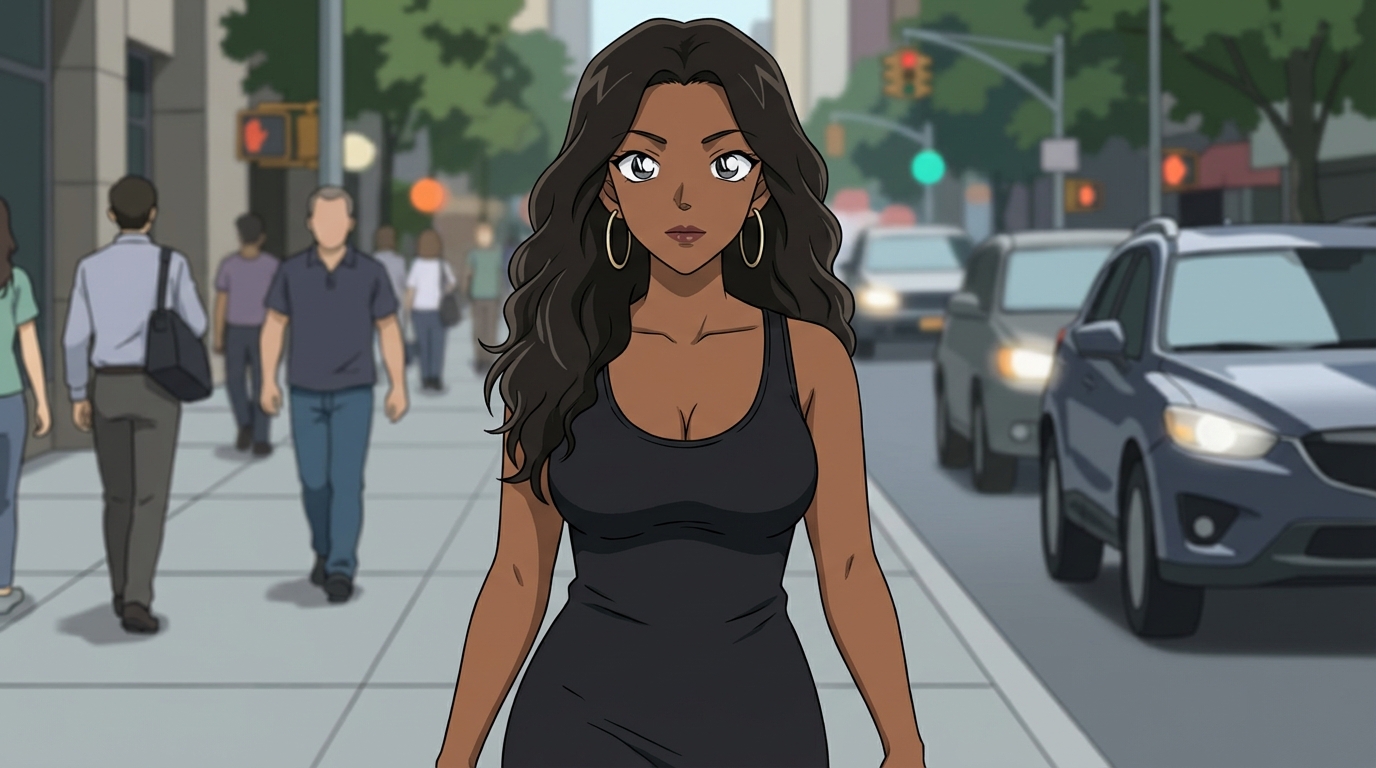
Detective Conan Anime Generator: How to Create Case Closed Style Art with AI
Sharp character designs, dramatic deduction scenes, and the iconic mystery anime aesthetic
Use AutoWeeb's Detective Conan anime generator to turn photos into Case Closed-style art. Sharp linework, dramatic investigation scenes, and Gosho Aoyama's iconic character designs — all with AI.
Explore AutoWeeb
Jump into the tool that fits your creative step.
AI Anime Video Generator
Animate storyboard shots into cinematic clips with Seedance 2 and consistent characters.
Anime Character Creator
Design original characters with consistent sheets across every scene.
AI Anime Image Generator
Generate cinematic anime stills anchored to your character library.
Turn Photo Into Anime
Upload any photo and watch AI turn it into stunning anime art in seconds.
AI Anime Location Generator
Create a location set once, then generate reference images from every angle.
AI Anime Storyboarding
Describe your idea, pick your characters, and let AI draft the script and scenes.
AI Anime Prompt Agent
Turn a rough idea into a cinematic Seedance 2 prompt with the AI Director.