
How to Create Anime Fight Scenes with AutoWeeb and Seedance 2
From character design to animated combat: the complete workflow
Creating an anime fight scene used to mean knowing animation software, frame-by-frame timing, and the kind of patience that most people don't have. With AutoWeeb and Seedance 2, the workflow is different. You design the fighter, describe what happens, and the model generates the motion. This guide covers the full process from character creation to assembled sequence.
👉 Start Building Your Anime Fight Scene on AutoWeebThe workflow has two distinct phases: building the fighter in AutoWeeb, then animating the fight with Seedance 2.
Most people who try AI fight scene generation skip the first phase entirely. They go straight to video generation with a basic image and wonder why the results look generic. The secret to a fight scene that looks like it belongs in an actual series is a character who already looks like they belong in one.
AutoWeeb's character tools handle the first phase. Seedance 2 handles the second. Used together, they produce results that either tool alone can't match.
Step 1: Design your fighter using AutoWeeb's character creator before generating any video.
A fight scene is only as good as its fighter. Before you write a single video prompt, you need a character image where the combat-relevant details are visible and intentional: the weapon, the fighting stance, the outfit that will move naturally during combat.
Use AutoWeeb's Character Creator to build the design. You have two starting points. Upload a photo and convert it into an anime portrait, which gives you a character with a specific, recognizable face. Or describe a fighter from scratch using a text prompt and pick from the AI's interpretations.
For a fighter, the starting image prompt matters. Describe the character in a ready stance with the weapon clearly visible:
"Anime female fighter, dark crimson armor with gold trim, twin daggers held in reverse grip at chest height, battle-ready stance, sharp eyes, hair tied back, wind catching loose strands, dramatic cloudy sky background"
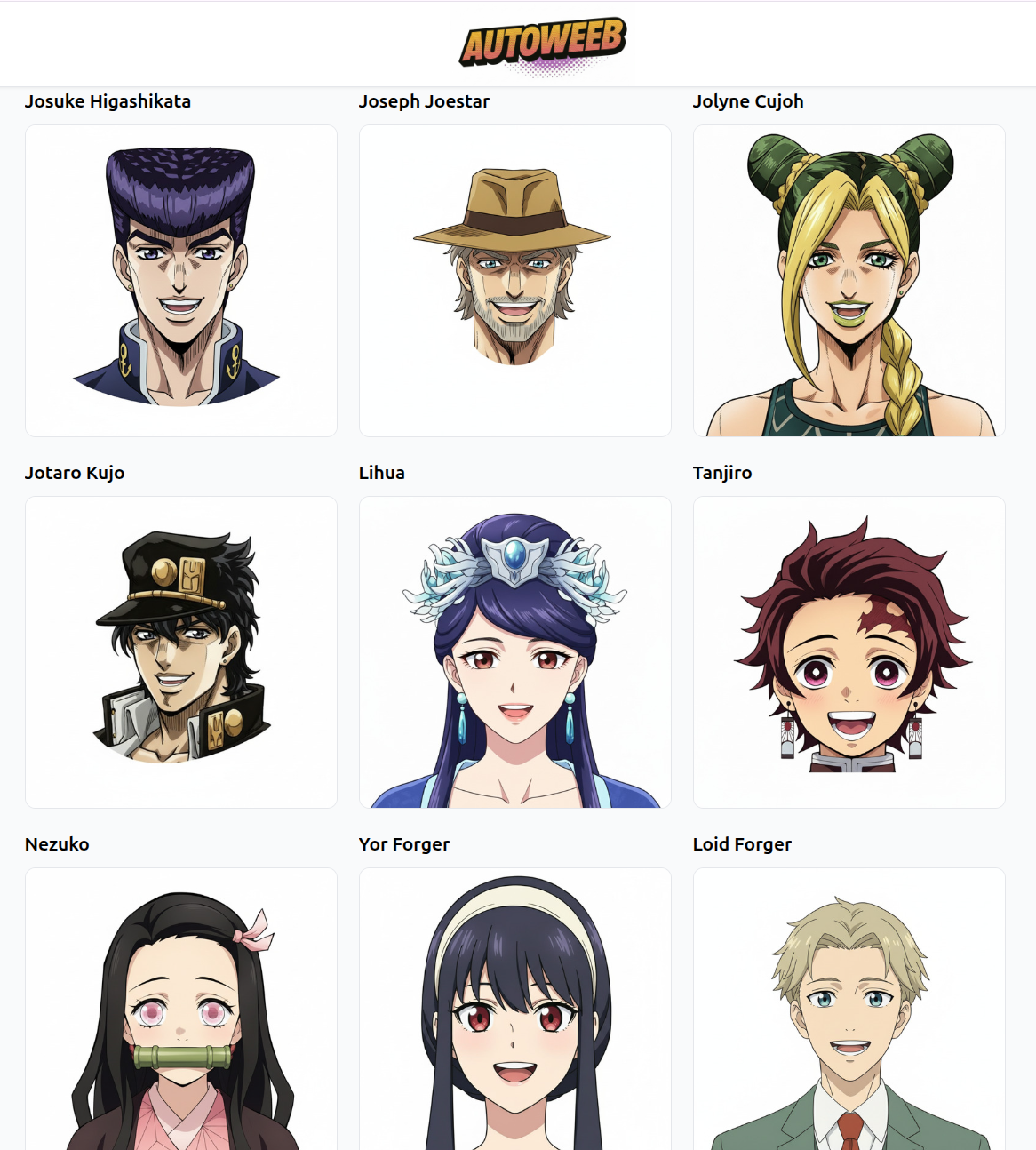
Once you have an image you're satisfied with, save it as a Character Sheet. This locks in the face, the weapon design, and the outfit so they stay consistent across every video clip you generate.
Step 2: Design the fight structure before writing any prompts, because each Seedance 2 clip is only one moment.
Seedance 2 generates 5-second clips. A complete fight scene is not one clip. It is six to eight clips, each capturing one moment in the sequence, edited together to create the rhythm of the fight.
Before you generate anything, write out the fight structure. A classic anime fight arc breaks into recognizable beats:
- The approach: fighters moving toward each other, establishing the scale and location
- The staredown: close-up tension, hands tightening, expressions narrowing
- The opening exchange: first clash, blades or fists meeting, energy released
- The reversal: one fighter gains the advantage, the other is pushed back
- The decisive moment: the finishing technique, landing with full commitment
- The aftermath: the winner standing in the settling dust
Each of these beats is one clip. Map your character's fight onto this structure before you open the video generator. Knowing what each clip needs to accomplish makes the prompting dramatically easier.
Step 3: Write each video prompt to describe exactly one physical action with a clear start and a clear end.
The single most common mistake in AI fight scene generation is asking too much from a single clip. Five seconds is enough for one decisive action. If your prompt describes three different moves, the model will try to compress them all into those five seconds and the result will be blurred and chaotic.
Write each prompt with a single physical action at its core. Describe the body motion in detail, the camera behavior, and one environmental interaction that sells the physics:
"Medium shot, anime female fighter lunges forward and drives her right elbow into an unseen opponent's guard, the impact sends dust and sparks flying to the right, her hair whips forward with the momentum, camera holds steady at waist height, stone arena background, afternoon light"
Notice what this prompt does not include: it doesn't try to show the opponent reacting, doesn't add a second attack, and doesn't change camera angles mid-clip. That restraint is what produces clean, readable motion.
Step 4: Use AutoWeeb's prompt analysis tool on every fight clip before generating, because it catches errors that cost you credits.
AutoWeeb includes a prompt analysis tool that evaluates your video prompt before you spend generation credits on it. For fight scenes, it's worth using every time.
The tool flags the most common prompting mistakes: missing camera direction, actions that are too complex for the time limit, character details that contradict the starting image, and content that might trigger Seedance 2's copyright filters. Each of these issues will quietly degrade your output, and most of them are invisible until you see the result.
Run the prompt through the analyzer. If it surfaces warnings, fix them before generating. The time it saves is significant, especially when you're working through a six-clip sequence.
Step 5: Assemble the clips in a video editor and let the edit rhythm carry the fight's energy.
Once you have your five or six clips, the editing work is simpler than it sounds. CapCut, DaVinci Resolve, iMovie, and most mobile video editors handle this fine. Import the clips in the order you planned, trim any dead frames from the beginning or end of each clip, and cut.
The edit rhythm matters as much as the content. Action clips that end on a peak moment cut cleanly to their follow-up. Reaction shots can hold for a beat longer. The staredown clip should feel slow. The finishing blow should cut immediately to the aftermath without a pause.
Add a music track from a royalty-free library and the sequence will feel like it belongs in an actual anime episode. The gap between "AI generated fight clips" and "anime fight scene" is almost entirely in the edit and the audio.
👉 Generate Your First Anime Fight Clip on AutoWeebFrequently asked questions about creating anime fight scenes with AutoWeeb and Seedance 2.
Do I need to create a character sheet before making fight videos?
You don't have to, but your results will be significantly better if you do. Without a character sheet, each clip generates the character independently, and small differences in the face, outfit, or weapon design will accumulate across the sequence. With a saved character sheet, every clip starts from the same visual anchor and the fighter stays recognizably themselves throughout the fight.
How many clips does a complete anime fight scene typically need?
Five to eight clips covers most fight structures. That gives you roughly 25 to 40 seconds of footage, which is close to the length of a typical anime fight scene before music and slower editing is applied. If you want a longer sequence, plan more beats into your fight structure rather than trying to stretch individual clips.
What's the maximum clip length for a Seedance 2 fight video?
Seedance 2 generates up to 5 seconds per clip. That's enough for one decisive action. Fight scenes are built by chaining multiple clips together in a video editor rather than generating a single long clip. The 5-second limit is actually a useful creative constraint: it forces each clip to contain exactly one moment, which produces cleaner and more cinematic results than trying to fit a full exchange into a single generation.
Can I show two characters fighting in the same clip?
Seedance 2 works best with one character as the focal point of each clip. Two-character combat is technically possible but produces less reliable results, especially when both characters are doing significant motion simultaneously. The professional approach used in actual anime is to cut between characters rather than showing both at full motion in the same frame. Generate the attacker's clip, then generate the defender's reaction as a separate clip, and edit them together.
What types of fight scenes does Seedance 2 generate best?
Seedance 2 handles weapon-based combat particularly well: sword fights, staff combat, and ranged techniques with visible projectiles. Magic and energy attacks are strong because the model understands anime-style spell effects. Unarmed combat is possible but requires more specific prompting of the body mechanics. Environmental interaction, such as impacts that crack walls or kick up debris, adds quality to any fight type.
Go Further with Fighting Videos
Our Create Anime Fighting Videos hub brings together all of AutoWeeb's fight-scene guides, Seedance 2 tips, and the full workflow for cinematic anime combat sequences.
For more on specific fight types, see our guides to anime sword fight videos and anime magic videos. The action sequences guide covers image-based sequencing if you want to build the visual story before adding video.
Related Blog Posts
How to Create Anime Magic and Fantasy Videos with AI
Spellcasting, energy beams, and elemental effects that actually look like anime
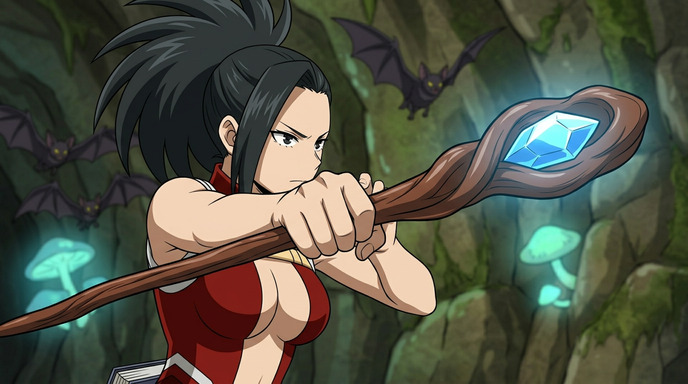
Create anime magic and fantasy videos with Seedance 2 on AutoWeeb. Prompting tips for spellcasting, energy attacks, elemental effects, and cinematic fantasy sequences.
How to Write Prompts for Seedance 2 Anime Videos
The difference between a good clip and a great one is almost always the prompt
Learn how to write effective prompts for Seedance 2 anime video generation. Tips on camera cuts, time limits, starting images, and using AutoWeeb's prompt analysis tool.
5 Mistakes to Avoid When Making Anime Videos with Seedance 2
Save time and credits by not learning these the hard way
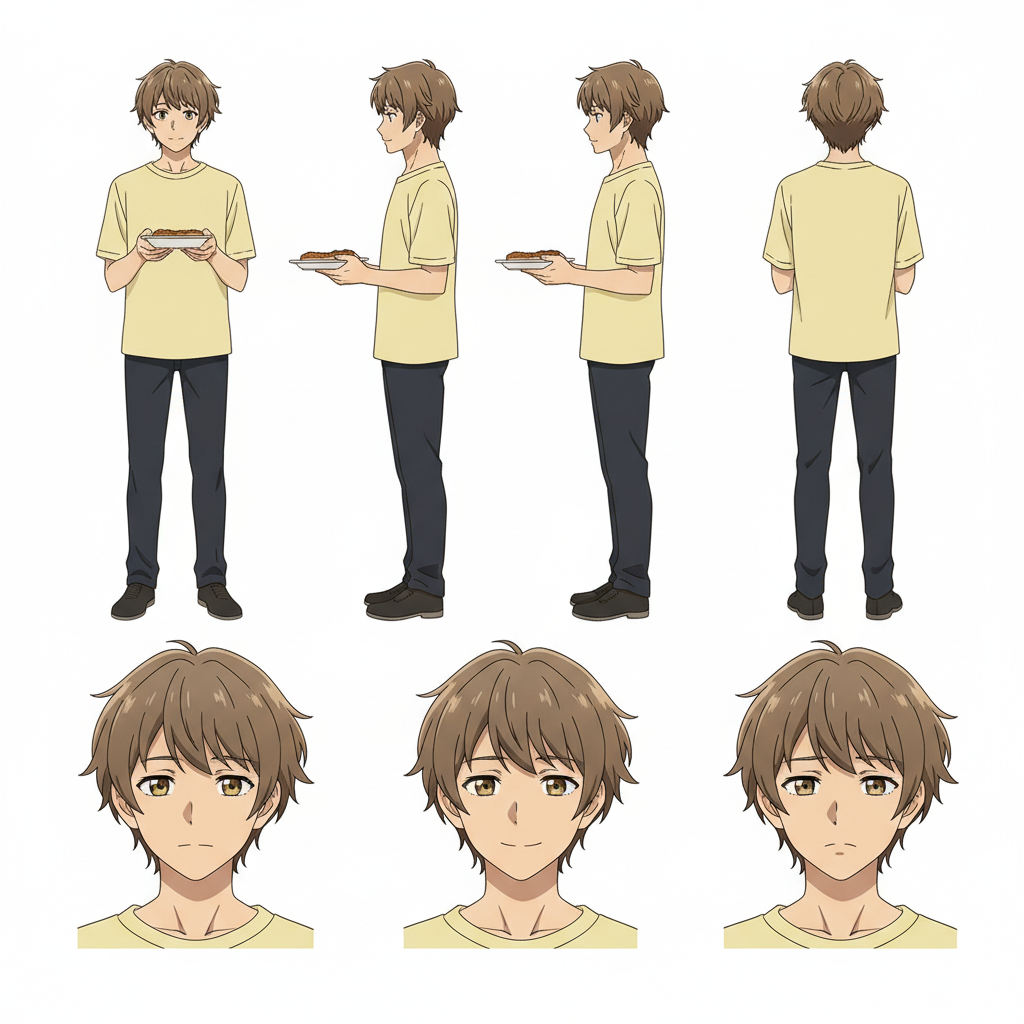
Avoid the most common Seedance 2 mistakes that waste generations. Rushed prompts, bad starting images, overstuffed timelines, and more.
Seedance 2 vs Seedance 1.5: Which Should You Use for Anime?
Two models, different strengths, and one important difference in content filtering
Seedance 2 and Seedance 1.5 both generate anime video, but they handle content filtering differently. Here's when to use each model and what to expect.
Explore AutoWeeb
Jump into the tool that fits your creative step.
AI Anime Video Generator
Animate storyboard shots into cinematic clips with Seedance 2 and consistent characters.
Anime Character Creator
Design original characters with consistent sheets across every scene.
AI Anime Image Generator
Generate cinematic anime stills anchored to your character library.
Turn Photo Into Anime
Upload any photo and watch AI turn it into stunning anime art in seconds.
AI Anime Location Generator
Create a location set once, then generate reference images from every angle.
AI Anime Storyboarding
Describe your idea, pick your characters, and let AI draft the script and scenes.
AI Anime Prompt Agent
Turn a rough idea into a cinematic Seedance 2 prompt with the AI Director.