
How Making Anime Teaches Kids Visual Storytelling
Character design, camera angles, and scene composition: the creative decisions behind every image
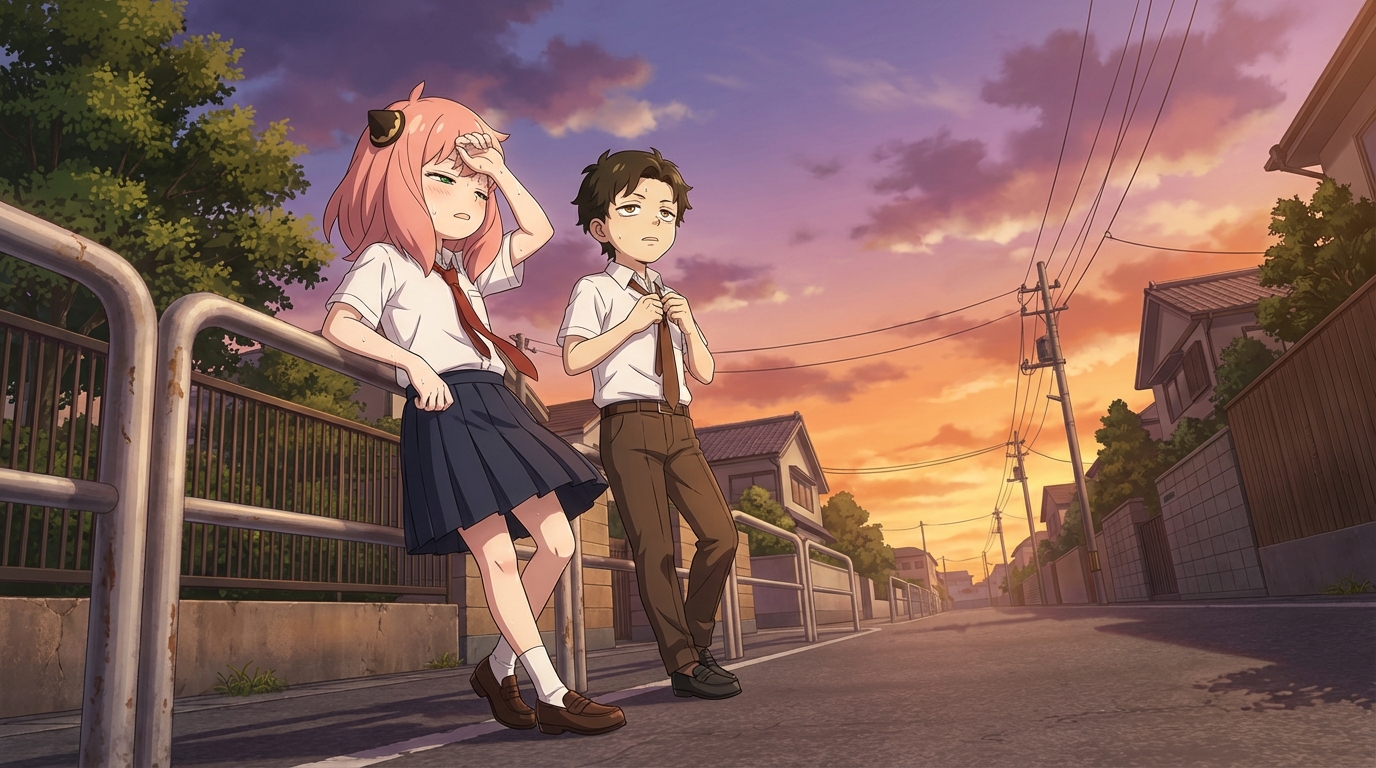
When a child uses an AI anime tool, the visible output is an image. But the invisible work, the part that actually exercises their creativity, is the series of decisions they make to get there. What does the character look like? What's the setting? What angle is the camera at? What mood should this scene convey? These are visual storytelling decisions, and kids make dozens of them every time they create a scene.
👉 Help Your Child Start Creating on AutoWeebCharacter Design as Communication
The first thing a child does in AutoWeeb is design a character. That process is full of storytelling decisions they might not even recognize as such.
Hair color isn't random: a child who picks jet-black hair with sharp bangs is making a different character statement than one who picks soft brown waves. The outfit communicates something too. A school uniform says "everyday life." A torn jacket says "been through something." A flowing cloak says "main character energy."
When a child describes a character as having "steel gray eyes, dark messy hair, a scar near the jaw, wearing a worn green military jacket," they're doing character design. They're encoding personality, backstory, and archetype into visual choices. That's the same skill a professional character designer uses, just at an earlier stage.
Camera Angles Change the Story
AutoWeeb lets kids choose camera angles for their scenes: close-up, mid shot, wide shot, dutch angle, establishing shot, over-the-shoulder. Most kids experiment with all of them quickly, and in doing so, they learn something filmmakers spend years studying: angle shapes meaning.
A low angle looking up at a character makes them feel powerful. A close-up on the eyes makes a quiet moment feel intense. A wide establishing shot places the character in a world and makes them feel small against it. A dutch angle tilts the frame and adds tension or unease.
Kids pick up on this intuitively. They'll try a scene at a low angle, say "that looks like the hero just arrived," and switch to a close-up to get a different feeling. They're not studying cinematography; they're playing with it. The learning happens through the doing.
Scene Composition and Mood
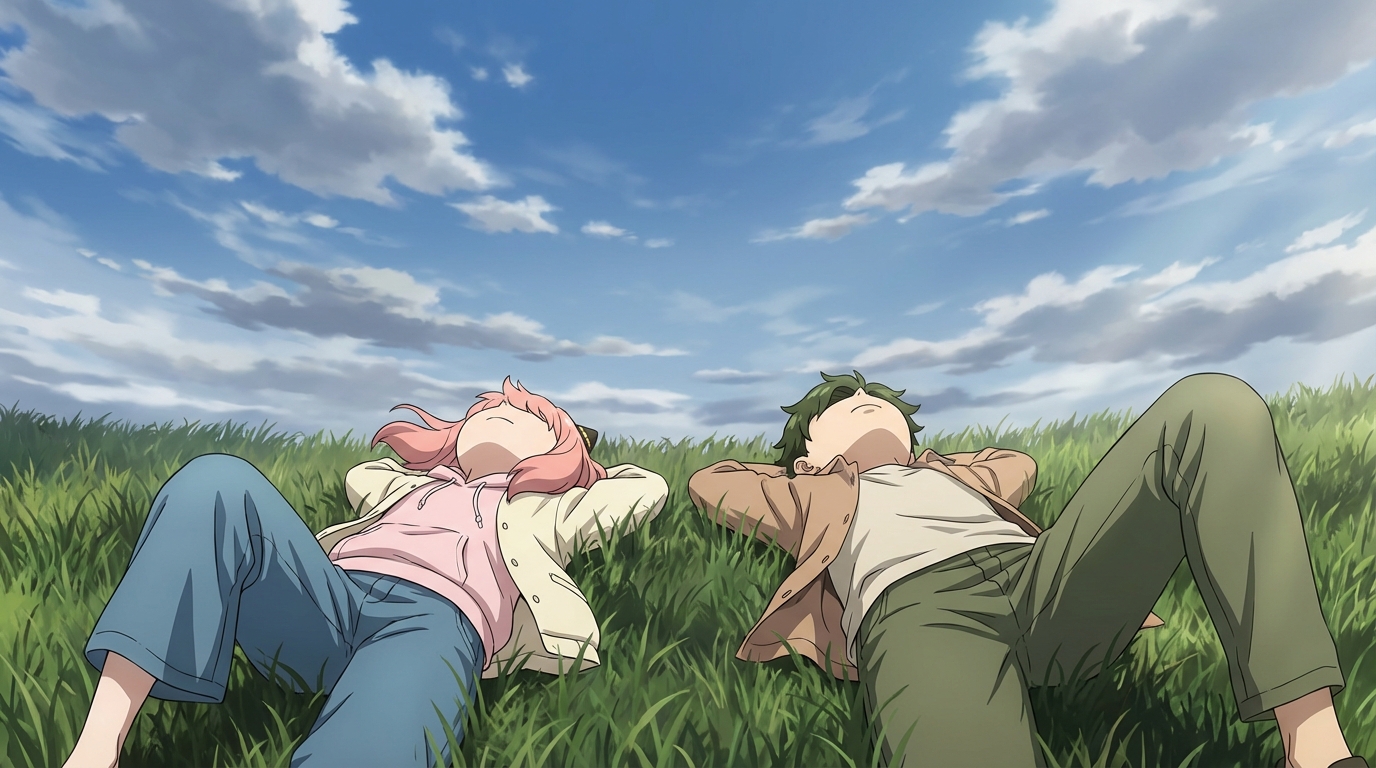
Beyond the character and the angle, kids also make choices about the scene itself. The setting, the time of day, the weather, the level of activity in the background. A character standing alone on a rainy rooftop tells a completely different story than the same character at a crowded summer festival.
AutoWeeb's photo packs offer curated scene environments (city streets, festivals, nature, beach settings), and kids can also describe custom scenes in their own words. Either way, the choice of setting is a storytelling choice. They're deciding where the moment happens, and that shapes what the moment means.
Consistency as Narrative
One of AutoWeeb's key features is character sheets, which let a child save a character design and reuse it across multiple scenes. This introduces a concept that's fundamental to storytelling: continuity.
When the same character appears in Scene 1 at a school entrance, in Scene 2 at a rooftop, and in Scene 3 walking through rain, a story emerges. The child didn't write a script. They built a sequence of images with a consistent character, and the viewer's brain does the rest. That's visual narrative, and it's the same principle behind comic panels, storyboards, and anime episodes.
Style as Tone
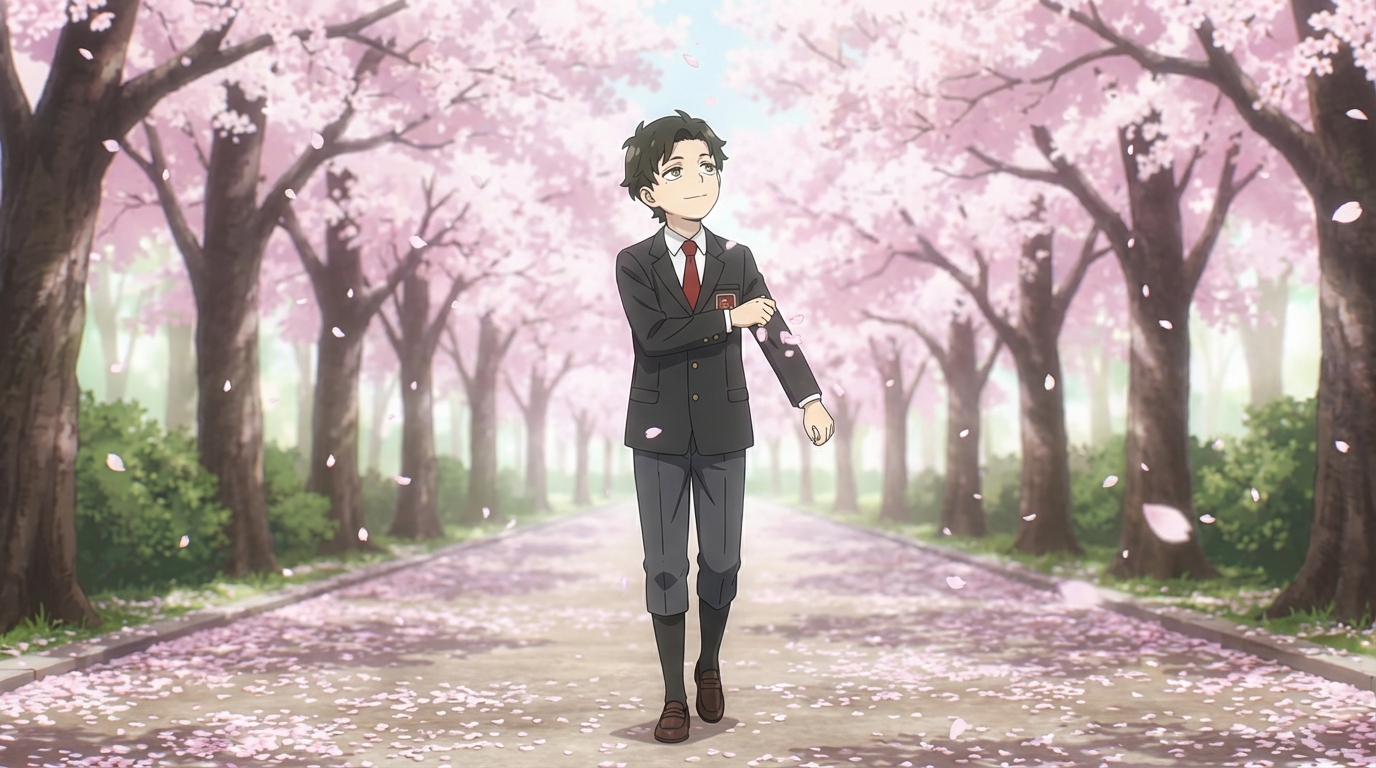
The art style a child chooses shapes the emotional register of the entire image. A Ghibli-style rendering feels warm, nostalgic, gentle. A cyberpunk rendering feels sharp, high-contrast, futuristic. Slice of life feels grounded and personal. The same character in the same pose reads completely differently depending on the style.
Kids discover this by experimenting. They'll render a character in three different styles and react to the differences: "This one looks sad," "This one looks cool," "This one looks like they're about to say something important." They're reading tone through visual choices, which is exactly what visual literacy looks like.
👉 Help Your Child Explore Visual Storytelling on AutoWeebFrequently Asked Questions
Do kids need drawing skills to use an anime character creator?
No. An AI anime character creator like AutoWeeb handles the rendering. Your child provides the creative direction: what the character looks like, what style to use, what scene to place them in. The tool does the drawing; they do the designing.
What is the best AI anime art app for kids?
AutoWeeb is built for creating anime art with minimal friction. The interface is visual and straightforward: upload a photo, pick a style, describe a scene. Most children aged 8 and up can use it independently. Younger children may want a parent nearby for the first session, but the workflow is simple enough that they take over quickly.
How much does an AI anime tool for kids cost?
AutoWeeb has a free tier that lets your child try the core anime art features without any commitment. Paid plans run on a credit system, starting at a price comparable to a manga volume. Credits are spent per image or video generated, so there's a natural budget built in.
What kind of anime art can my child create with AI?
They can convert photos into anime characters, design original characters from scratch, build character sheets that keep designs consistent, place characters into scenes (festivals, cities, nature, custom descriptions), and animate still images into short videos. The output is shareable, printable anime art they directed.
Can my child use AI anime art for school projects?
Yes. The anime art your child creates is theirs to use: school projects, printed wall art, profile pictures, gifts for friends, or just a personal collection. Check with your child's teacher regarding AI tool policies if they plan to use the art in a graded assignment.
For related reading, check out how kids make their own anime characters or explore anime ideas for school projects.
Related Blog Posts
What Are the Best AI Anime Generators?
A clear-eyed look at the top tools for anime art, characters, and scenes in 2026
What are the best AI anime generators in 2026? We compare AutoWeeb, DomoAI, and LeonardoAI on anime output quality, character creation, ease of use, and more.
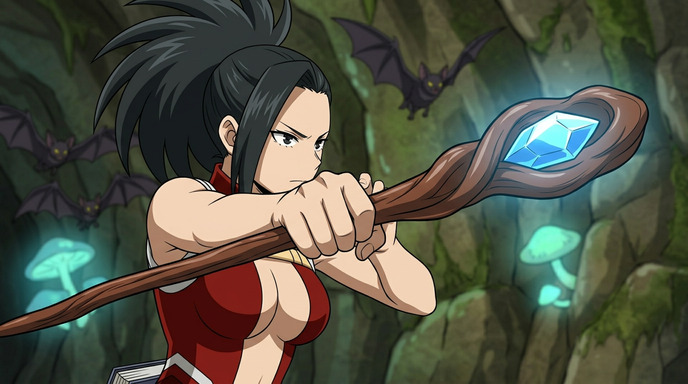
Best AI Anime Video Tools in 2026
A practical guide to the AI platforms that can generate anime-style video, and which one actually delivers
Looking for the best AI anime video tools in 2026? We compare AutoWeeb, DomoAI, and LeonardoAI on anime video generation, ease of use, and creative output.
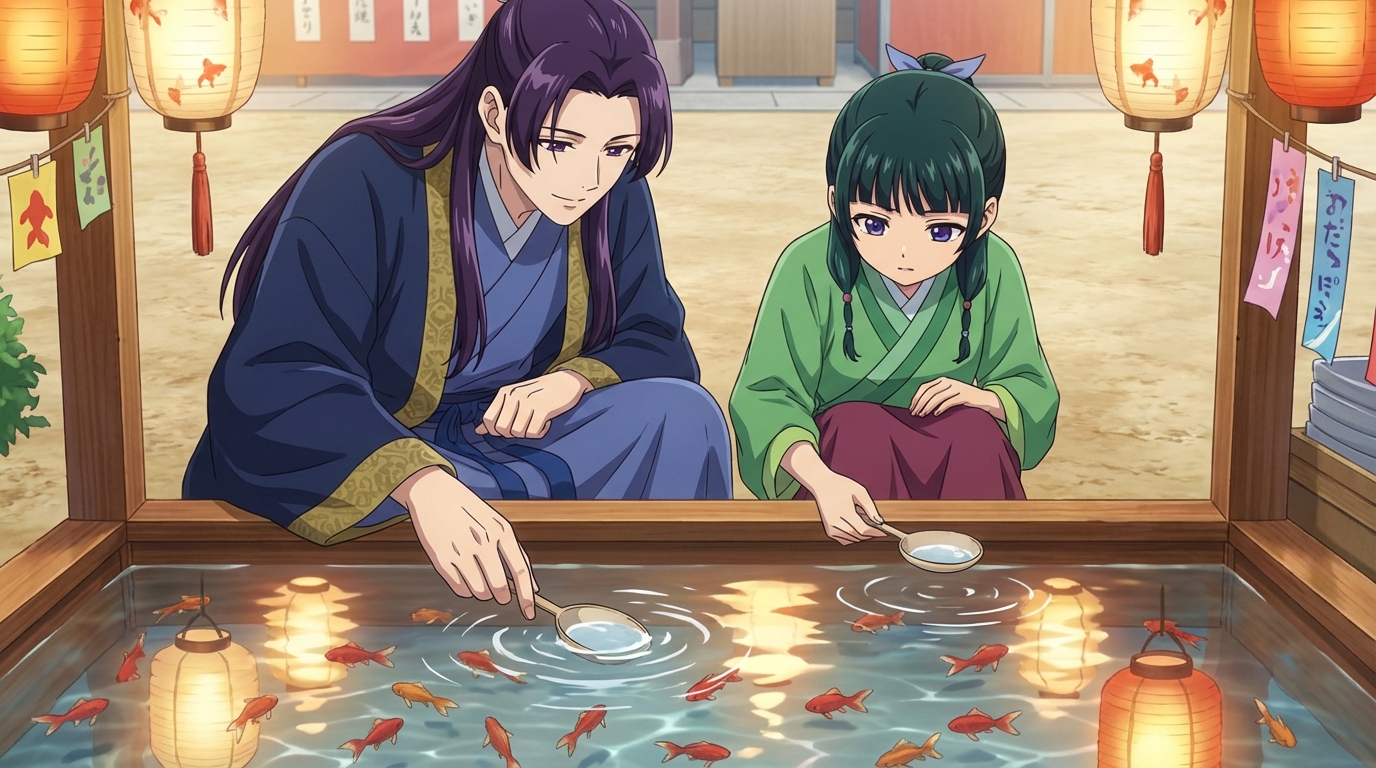
The Best Anime Character Generators in 2026
Which AI tools let you design, build, and reuse anime characters consistently across scenes and formats?
Looking for the best anime character generator in 2026? We compare AutoWeeb, DomoAI, and LeonardoAI on character creation, consistency, photo-to-anime, and more.
AI Anime Battle Generator: Create Epic Anime Action Scenes
From staredowns to finishing blows, generate cinematic anime battles with your own characters
Use AutoWeeb's AI anime battle generator to create dynamic anime action scenes. Build your fighter, describe the moment, and generate anime battle images and videos that actually hit.
Explore AutoWeeb
Jump into the tool that fits your creative step.
AI Anime Video Generator
Animate storyboard shots into cinematic clips with Seedance 2 and consistent characters.
Anime Character Creator
Design original characters with consistent sheets across every scene.
AI Anime Image Generator
Generate cinematic anime stills anchored to your character library.
Anime Filters
Upload any photo and apply AI anime filters to turn it into stunning anime art in seconds.
AI Anime Location Generator
Create a location set once, then generate reference images from every angle.
AI Anime Storyboarding
Describe your idea, pick your characters, and let AI draft the script and scenes.
AI Anime Prompt Agent
Turn a rough idea into a cinematic Seedance 2 prompt with the AI Director.