
From Fan to Creator: Kids Making Their Own Anime Characters
What the creative process looks like when a child designs an original character with AI
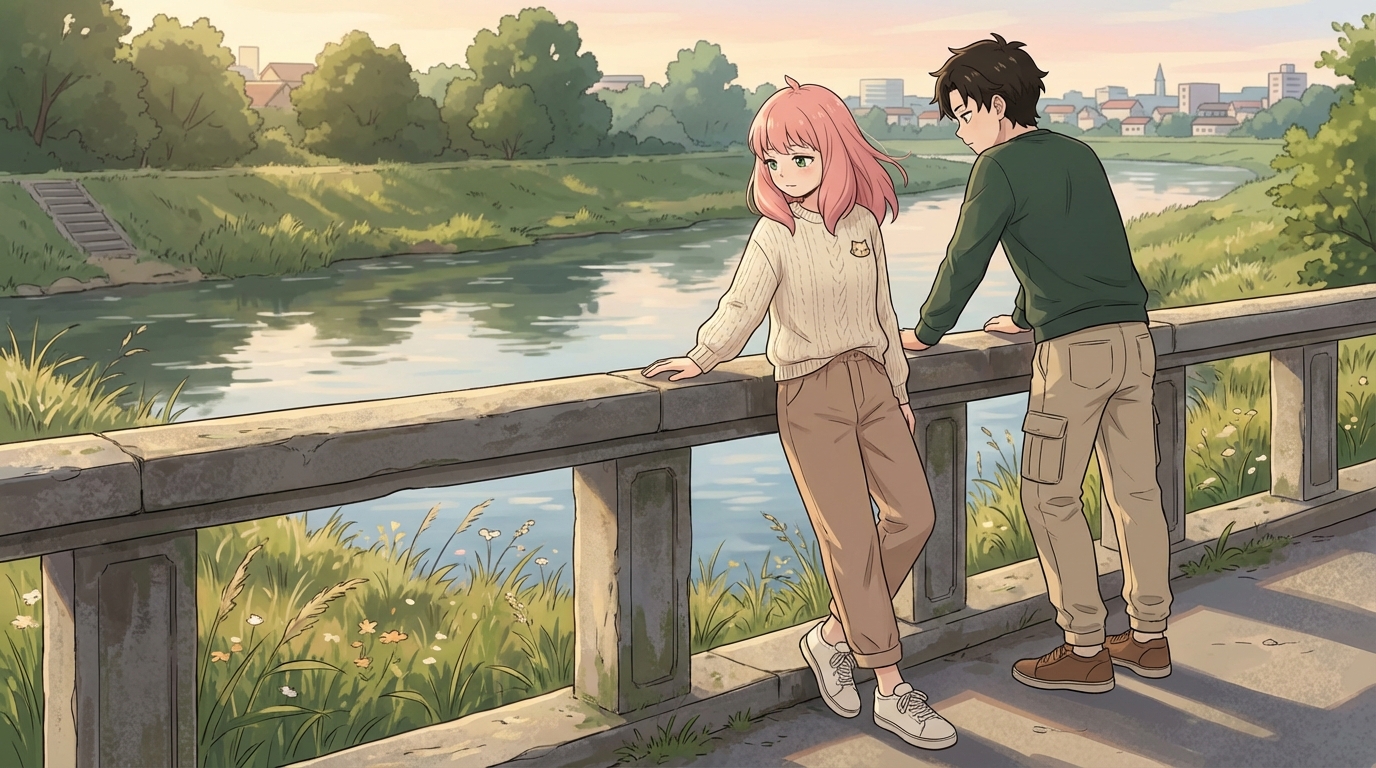
Every child who loves anime has at least one original character living in their head. They know what the character looks like, what their personality is, what kind of world they exist in. The character might be sketched in a notebook margin or described in elaborate detail to anyone willing to listen. The problem has always been the gap between the idea and a finished result that looks the way they imagined.
AI anime tools close that gap. The child provides the creative vision; the tool provides the execution. What comes out is genuinely theirs, just rendered at a level they couldn't reach with pencil and paper alone.
👉 Help Your Child Design Their Own Anime Character on AutoWeebStarting Point: Themselves
Most kids start by turning their own photo into anime. It's the most immediate way to see the tool work. Upload a selfie, pick a style, and watch your face become an anime character. That first conversion is the hook.
But the interesting creative work starts when they move past their own photo. Once they see what the tool can do, they start thinking about what they want to make. The character they've been imagining. The one that doesn't exist yet except in their head.
Building an Original Character
AutoWeeb lets kids describe a character from scratch and generate them. A child might write something like: "Girl with short silver hair, red eyes, a dark blue school uniform, confident expression." Or: "Boy with a scar across his nose, wild black hair, a torn gray hoodie, looking off to the side."
The specificity matters, and kids learn this quickly. A vague description produces a generic character. A detailed one produces something that feels like it belongs to them. They learn to think in visual terms: not just "cool-looking hair" but "messy dark red hair that falls over one eye." Not just "tough" but "arms crossed, jaw set, slightly narrowed eyes."
Locking It Down with a Character Sheet
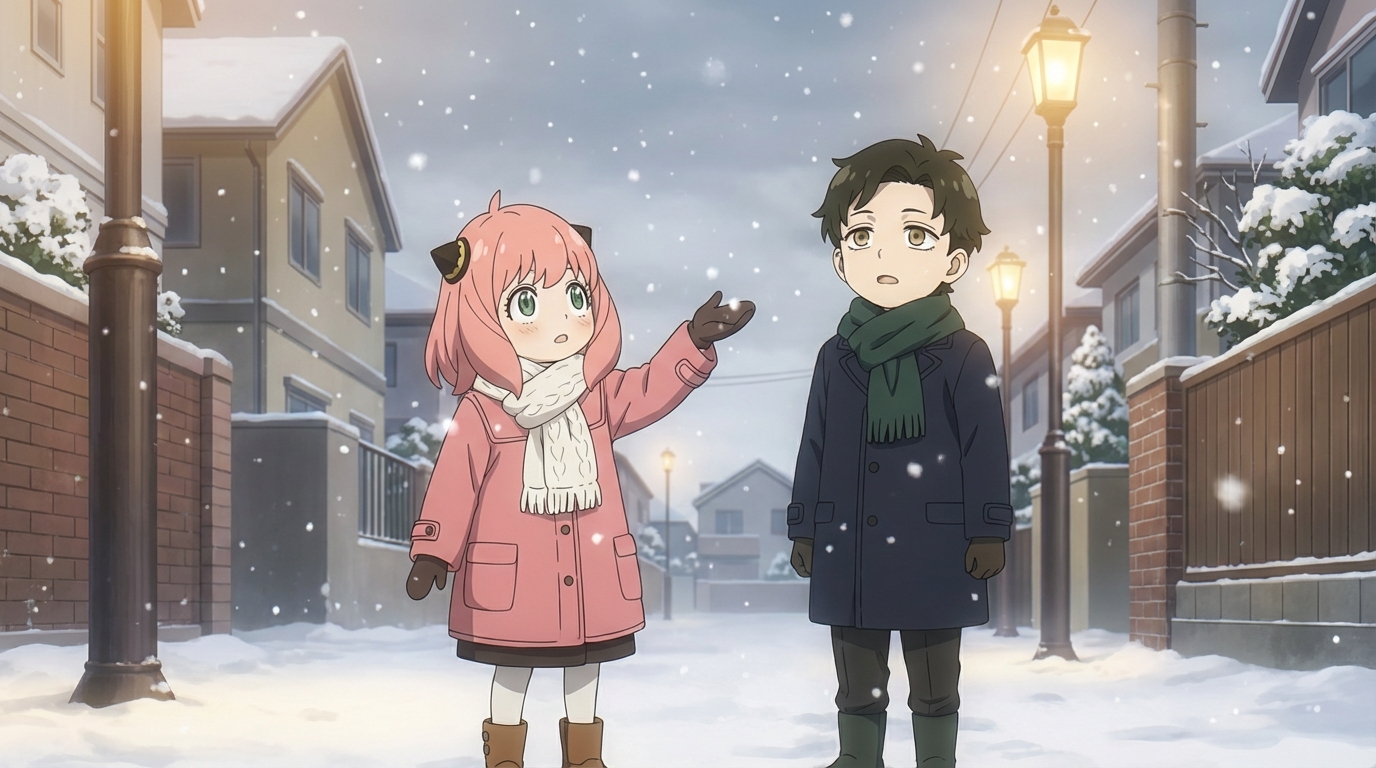
Once a child has a character they're happy with, the next step is building a character sheet. This captures the character from multiple angles and stores the design, so every future scene features the same person. Same face, same hair, same outfit.
For kids, this is the moment it becomes real. A single image is fun. A character sheet means the character exists as a reusable entity. They can place them into a festival scene, a rainy street, a classroom, a rooftop, and it's always recognizably their character. That consistency is what turns a one-off creation into an ongoing project.
Exploring Through Style
One thing kids do naturally is try their character in multiple art styles. The same OC rendered in Ghibli style looks gentle and warm. In cyberpunk, they look edgy and futuristic. In slice of life, they look grounded and relatable.
Kids react to these differences immediately. "This is the version of them where they're a hero." "This is the version where they're just living their life." They're not just picking filters; they're thinking about how visual style shapes character identity. That's a genuinely interesting creative instinct.
What Comes After the First Character
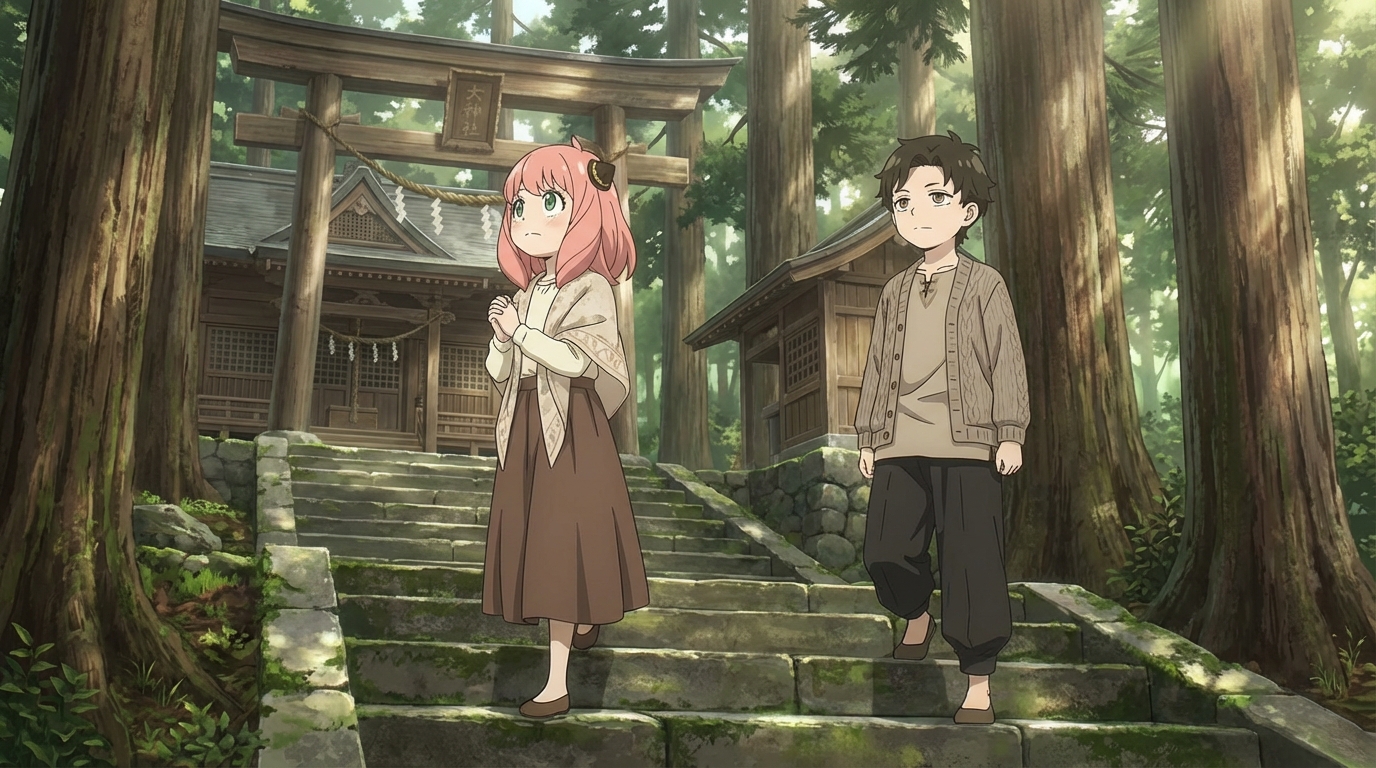
Most kids don't stop at one. Once they've built a character they like, they start building the world around them. A rival. A best friend. A pet sidekick (usually their actual pet, turned into anime). They build a cast, and with the cast comes a story.
They don't usually write the story down. They build it visually, one scene at a time. The character at school. The character training. The character in the middle of a crisis. The story lives in the sequence of images, and the child is both the writer and the director.
For a parent, it's worth noting that none of this requires prompting or supervision. Once a child has the tool and understands the basics, they'll pursue their own creative agenda. The characters they make, the stories they tell, and the worlds they build are entirely their own.
👉 Help Your Child Create Their First Original Character on AutoWeebFrequently Asked Questions
Do kids need drawing skills to use an anime character creator?
No. An AI anime character creator like AutoWeeb handles the rendering. Your child provides the creative direction: what the character looks like, what style to use, what scene to place them in. The tool does the drawing; they do the designing.
What is the best AI anime art app for kids?
AutoWeeb is built for creating anime art with minimal friction. The interface is visual and straightforward: upload a photo, pick a style, describe a scene. Most children aged 8 and up can use it independently. Younger children may want a parent nearby for the first session, but the workflow is simple enough that they take over quickly.
How much does an AI anime tool for kids cost?
AutoWeeb has a free tier that lets your child try the core anime art features without any commitment. Paid plans run on a credit system, starting at a price comparable to a manga volume. Credits are spent per image or video generated, so there's a natural budget built in.
What kind of anime art can my child create with AI?
They can convert photos into anime characters, design original characters from scratch, build character sheets that keep designs consistent, place characters into scenes (festivals, cities, nature, custom descriptions), and animate still images into short videos. The output is shareable, printable anime art they directed.
Can my child use AI anime art for school projects?
Yes. The anime art your child creates is theirs to use: school projects, printed wall art, profile pictures, gifts for friends, or just a personal collection. Check with your child's teacher regarding AI tool policies if they plan to use the art in a graded assignment.
For more on what kids create, read about how anime teaches visual storytelling or see how kids are designing anime characters with AI.
Related Blog Posts
What Are the Best AI Anime Generators?
A clear-eyed look at the top tools for anime art, characters, and scenes in 2026
What are the best AI anime generators in 2026? We compare AutoWeeb, DomoAI, and LeonardoAI on anime output quality, character creation, ease of use, and more.
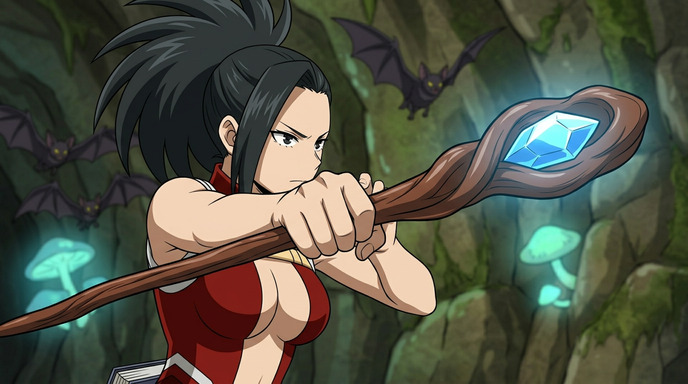
Best AI Anime Video Tools in 2026
A practical guide to the AI platforms that can generate anime-style video, and which one actually delivers
Looking for the best AI anime video tools in 2026? We compare AutoWeeb, DomoAI, and LeonardoAI on anime video generation, ease of use, and creative output.
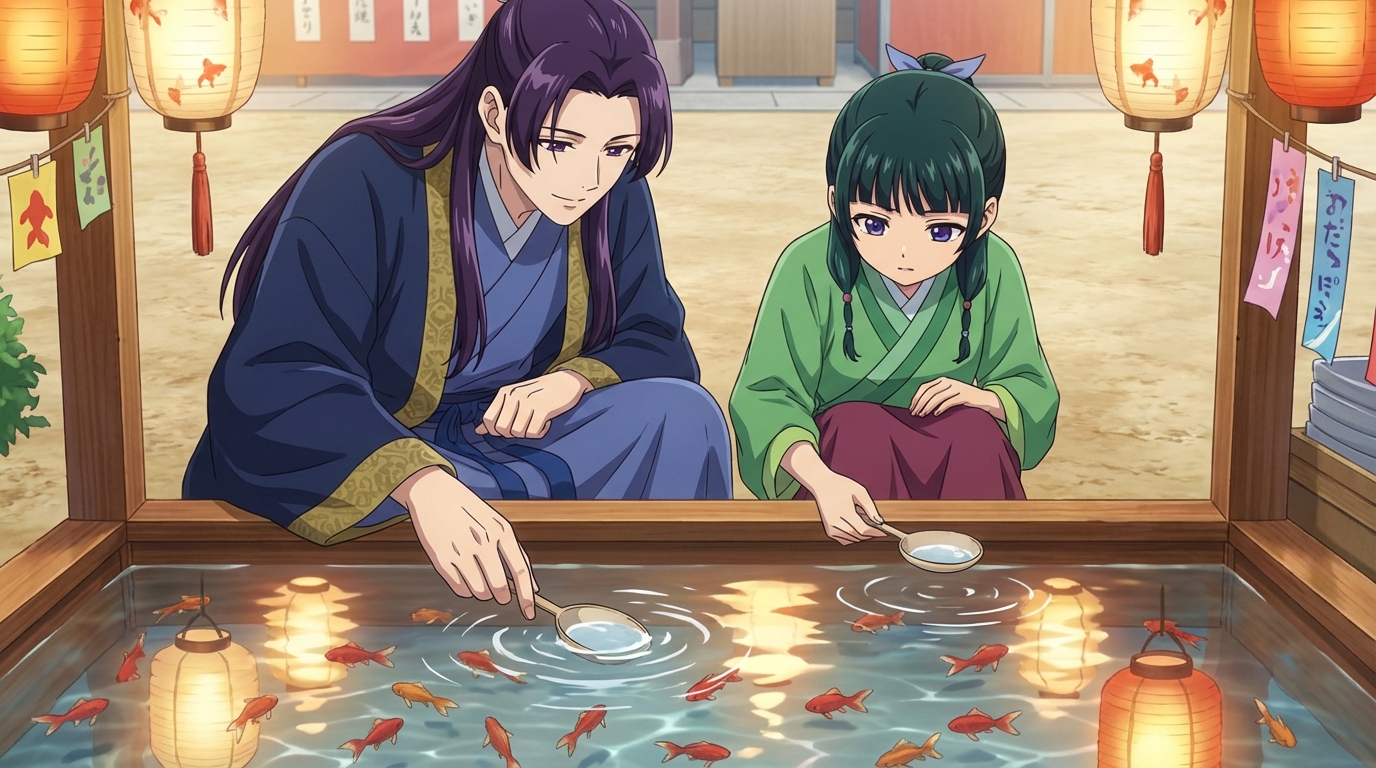
The Best Anime Character Generators in 2026
Which AI tools let you design, build, and reuse anime characters consistently across scenes and formats?
Looking for the best anime character generator in 2026? We compare AutoWeeb, DomoAI, and LeonardoAI on character creation, consistency, photo-to-anime, and more.
AI Anime Battle Generator: Create Epic Anime Action Scenes
From staredowns to finishing blows, generate cinematic anime battles with your own characters
Use AutoWeeb's AI anime battle generator to create dynamic anime action scenes. Build your fighter, describe the moment, and generate anime battle images and videos that actually hit.
Explore AutoWeeb
Jump into the tool that fits your creative step.
AI Anime Video Generator
Animate storyboard shots into cinematic clips with Seedance 2 and consistent characters.
Anime Character Creator
Design original characters with consistent sheets across every scene.
AI Anime Image Generator
Generate cinematic anime stills anchored to your character library.
Anime Filters
Upload any photo and apply AI anime filters to turn it into stunning anime art in seconds.
AI Anime Location Generator
Create a location set once, then generate reference images from every angle.
AI Anime Storyboarding
Describe your idea, pick your characters, and let AI draft the script and scenes.
AI Anime Prompt Agent
Turn a rough idea into a cinematic Seedance 2 prompt with the AI Director.