
How to Create an Extreme Long Shot in AI Anime
The prompting structure that puts your character in a world too big to ignore — and why most wide-shot attempts fail.
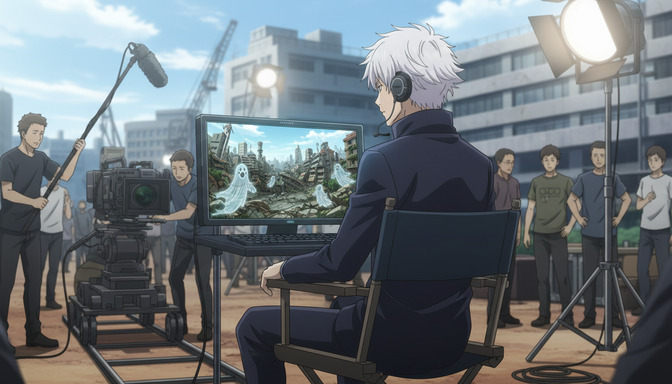
The extreme long shot is the hardest anime framing to prompt well, and the most rewarding when it lands. You know it when you see it: a figure standing alone at the base of a ruined city, visible only as a shape against the skyline. A student crossing a snow-covered courtyard, dwarfed by the school building looming behind her. A detective on a rooftop at midnight, the city grid stretching to the horizon in every direction. The shot is not about the character's face. It's about what the world looks like around them, and how small they are inside it.
Most AI anime prompts fail at this framing because they describe the character first and the environment second. In an extreme long shot, that priority is reversed. The world is the subject. The character is proof of scale. This guide walks through five steps for building an extreme long shot prompt that produces that feeling consistently.
👉 Try AutoWeeb and Generate Cinematic AI Anime Wide Shots with Prompt AnalysisStep 1: Name the shot type explicitly at the start of the prompt.
The single most reliable change you can make to a wide-shot prompt is putting the shot type in the first three words. "Extreme long shot" is a recognized cinematographic term that AI video models respond to. So is "ELS," "extreme wide shot," and "establishing shot." Each of these activates a specific framing register in the model: the camera is placed far from the subject, the character is small relative to the environment, and the focus is on the world rather than the face.
Compare these two openings:
Without explicit framing: a white-haired boy standing in a ruined city at dusk, buildings collapsed around him, smoke rising from the rubble.
With explicit framing: extreme long shot of a white-haired boy standing alone at the center of a ruined city at dusk, his figure barely reaching one-tenth the height of the collapsed buildings surrounding him, smoke rising from the rubble in every direction.
The second prompt tells the model where to place the camera before it decides anything else. Without that instruction, the default framing is usually a medium shot or close-up, because that's what the model assumes you want when you describe a character.
Step 2: Establish the character's scale relative to the environment.
In an extreme long shot, the character's size within the frame communicates everything. A figure who appears at one-twentieth the height of the buildings around them reads as genuinely small and isolated. A figure at half the height of those same buildings is just a wide shot of a person. The difference is in how explicitly you define the ratio.
Give the model a concrete scale reference, not a vague one. "Small figure in the distance" is vague. "Her figure occupies roughly one-fifteenth of the frame height, visible from the waist up at the base of the gate" gives the model measurable information. You don't need to be exact. You need to be specific enough that "small" isn't left to interpretation.
Scale prompt example: extreme long shot, a lone swordsman visible as a dark silhouette at the foot of a mountain fortress wall, his figure no larger than a thumb against the stone gate, the wall rising forty feet above him and continuing off-frame in both directions.
Proportion prompt example: extreme establishing shot from across the valley, a girl in a red coat standing at the edge of a cliff, occupying roughly one-twelfth of the frame height, the glacier behind her filling the upper two-thirds of the image.
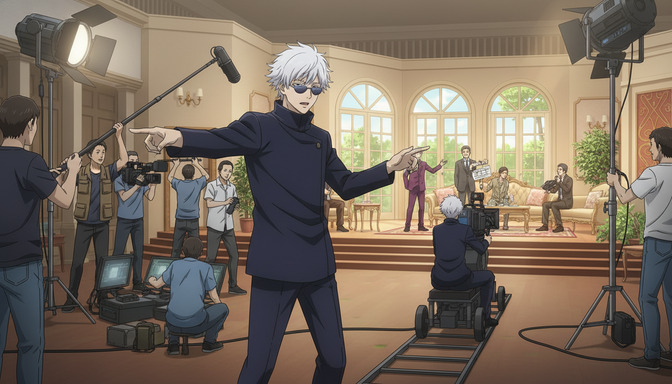
Step 3: Build depth with foreground, midground, and background layers.
A flat extreme long shot reads like a photograph of a painted backdrop. The anime shots that feel genuinely vast, from the sprawling city in Ghost in the Shell to the open plains in Vinland Saga, work because of layered depth. There's something in the foreground that anchors the camera's position. The character occupies the midground. The environment extends behind them into a background that implies more world beyond the frame.
You don't need elaborate foreground elements. A single layer of detail in front of the character is enough to establish that the camera exists somewhere in physical space, not floating in front of a backdrop.
Three-layer depth example: extreme long shot with shallow foreground grass and broken stone in the lower quarter of the frame, a lone samurai standing in the midground at the center, and an ancient castle rising on a hill in the background, mist clinging to the battlements at the top third of the frame.
Urban depth example: extreme long shot from an elevated position, an out-of-focus railing visible in the near foreground, a single anime girl sitting on a bench in the midground plaza below, the skyline of neon-lit towers filling the background behind her in sharp detail.
The foreground doesn't need to be in focus. Blurred foreground elements, like a railing, some foliage, or a street lamp edge, add depth without competing with the character or the background environment.
Step 4: Layer in atmosphere to sell the distance.
Distance in a scene has texture. Haze, light diffusion, aerial perspective (the way far objects take on a slight blue-gray tint), dust, fog, and environmental weather are all the visual cues that tell a viewer the world in this frame is genuinely deep. Without any of these, an extreme long shot can look composited rather than shot: a character placed in front of a background image rather than existing inside a world.
Atmospheric cues to include in an extreme long shot prompt: morning haze over city blocks, volumetric light shafts between buildings, rain reducing visibility in the distance, dust clouds at the horizon, fog settling in the valleys between buildings, heat shimmer over summer pavement. Pick one or two that match the scene's mood. More than two starts to feel like a weather report.
Atmospheric atmosphere example: extreme long shot at dawn, a lone figure on the bridge barely visible through the morning mist rising off the river, the bridge cables disappearing into the haze above and the far bank of buildings soft and blue-gray in the early light.
Volumetric light example: extreme wide shot of a cathedral interior from the back of the nave, a single monk kneeling at the distant altar, light shafts from stained glass windows crossing the midground, the altar itself reduced to a small illuminated shape at the end of the long aisle.
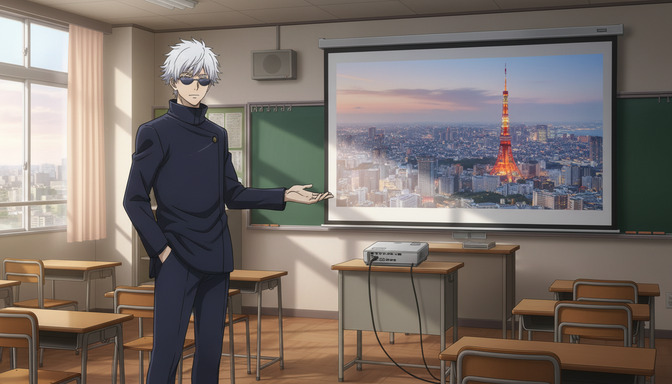
Step 5: Add camera angle and movement to direct the shot's emotional register.
Where the camera sits in relation to the scene changes what the extreme long shot communicates. A level camera at ground height looking across an open plain reads as neutral or lonely. A high-angle camera looking down from a cliff or rooftop reads as surveillance or omniscience. A low-angle camera angled up toward the subject makes the environment above them feel threatening or vast. Each angle has a different emotional grammar.
For video prompts, camera movement in an extreme long shot works best when it's slow. The scale of the environment is the payoff, and rapid movement obscures the depth. A slow drone rise, a gradual pull back, or a creeping pan along the horizon are all pacing-appropriate for this shot type.
High-angle static example: extreme long shot from a high-angle position looking down across a winter courtyard, a student in a dark coat visible as a small figure crossing diagonally from the upper left to the lower right, the empty snow-covered quad making up the rest of the frame.
Ground-level video example: extreme long shot from ground level, camera slowly dollying backward as a warrior walks toward the camera from a great distance, a burning city visible behind them, the gap between the camera and the figure closing only slightly over the full duration of the shot.
Low-angle video example: extreme long shot from a low angle, camera tilting slowly up from cracked pavement to reveal a massive titan standing in the fog above, the character's silhouette barely visible at the titan's feet in the near foreground.
The complete prompt layers all five of these elements: shot type named first, character scale defined explicitly, depth built with at least two spatial layers, atmosphere present to sell the distance, and camera angle and movement specified to lock the emotional register. An extreme long shot prompt that has all five consistently produces output that feels like an anime opening sequence, not a character portrait with a background added.
👉 Start Creating AI Anime Extreme Long Shots on AutoWeebFrequently asked questions about extreme long shots in AI anime.
What is the difference between an extreme long shot and a wide shot in anime prompting?
A wide shot frames the character fully within the environment, with the character still clearly readable and the environment visible around them. An extreme long shot places the camera far enough away that the character becomes a small shape within a much larger world, often visible as a silhouette or a figure rather than an identifiable face. In prompting terms, the distinction matters because "wide shot" still defaults toward character-first framing, while "extreme long shot" or "ELS" shifts the model toward environment-first composition. Use "wide shot" when the character's body language matters. Use "extreme long shot" when the world around them is the point.
Why does my character disappear entirely in extreme long shot prompts?
This happens when the scale instruction is too aggressive without anchoring the character to a specific spatial position. If your prompt says "tiny figure in the distance" without specifying where in the frame the figure appears or what surrounds them, the model may place the character so far back that they vanish into background detail. Fix this by giving the figure a precise location: "a single figure standing at the center of the frame, occupying roughly one-tenth the frame height." The location keeps the character present while still reading as small.
Can I use extreme long shots in AI anime video prompts?
Yes, and they're particularly effective as opening or closing shots in short-form anime sequences. For video, pair the extreme long shot framing with slow camera movement: a gradual drone rise, a slow dolly backward, or a static hold with environmental motion like wind through grass or distant fires flickering. Fast camera movement in an extreme long shot competes with the depth you've built and tends to compress the visual space. Slow movement lets the scale accumulate over the duration of the clip. For more on how camera movement affects AI anime video prompts across all shot types, the guide on best camera movements for AI anime video prompts covers each movement type with full prompting examples.
What environments work best for extreme long shots in AI anime?
Environments with strong vertical or horizontal scale work best: city skylines, mountain ranges, open plains, large bodies of water, interior spaces like cathedrals or stadiums, and ruined landscapes with height variation. The environment needs natural depth cues so the camera has something to convey distance with. A featureless gray fog, for instance, has no inherent scale, so an extreme long shot in that environment will read as the character standing close to a blank background rather than far from the camera inside a deep space. Include at least one landmark or structural element with implied height to anchor the scale.
How do I keep a specific character recognizable in an extreme long shot?
At extreme long shot distance, the character's face is not readable, so recognizability comes from silhouette, color, and distinctive clothing. A character with a bright red coat, a signature weapon on their back, or strongly colored hair stays identifiable at distance through those visual shorthand cues. Include these markers explicitly in the prompt: "the girl in the scarlet overcoat, visible from a distance by the bright red against the gray street." If you're working from a saved character in AutoWeeb, the character's visual details carry into the prompt automatically, and you can reference their silhouette traits directly in the scene description.
Does the anime art style affect how extreme long shots render?
Yes. Painterly and cinematic styles, like Ghibli-adjacent approaches or ufotable-style rendering, tend to handle extreme long shot environments with more visible texture and detail in the background layers. More graphic or flat styles may produce simplified backgrounds that look intentional at close range but lose visual depth at extreme distance. For shots where the environment is the point, cinematic style references in the prompt consistently produce richer background detail. Adding a style note like "detailed cinematic anime background, soft painterly atmosphere" alongside the extreme long shot instruction gives the model a quality target for the environment, not just the character.
How does AutoWeeb's prompt analysis help with extreme long shot prompts?
AutoWeeb's prompt analysis evaluates your prompt structure before generation and identifies gaps in the description. For extreme long shots specifically, it checks whether the camera distance and character scale are defined, whether the environment has enough detail to fill the frame at that distance, and whether atmosphere or depth cues are present to sell the spatial depth. If a prompt says "extreme long shot" but then describes only the character with no environment detail, the analysis flags the environment as underdeveloped and suggests what's missing before you generate.
Extreme long shots are one of the most compositionally demanding frames in anime, and the prompting skills that make them work connect directly to the broader formula for cinematic AI anime output. The complete AI anime video prompt formula covers the full seven-part structure that every cinematic shot type needs, including environment, camera, lighting, and style together. If you're building scenes with multiple shot types in sequence, the guide on turning an idea into an AI anime video walks through how to arrange those shots into a coherent narrative structure.
Related Blog Posts
How to Turn an Idea into an AI Anime Video
From premise to storyboard to finished short — a step-by-step guide to transforming a raw story idea into a structured AI anime video using scene prompts, pacing, and AutoWeeb's storyboarding feature.
Learn how to turn a story idea into an AI anime video with scene prompts, pacing, and AutoWeeb's storyboard tool. Step-by-step guide with examples and FAQ.
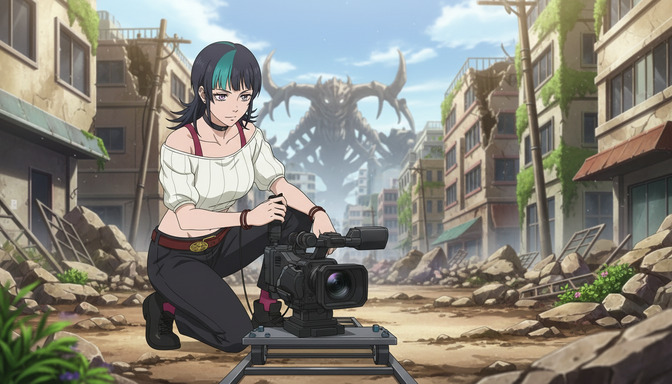
Best Camera Movements to Use in AI Anime Video Prompts
Dolly, pan, tilt, tracking shot, zoom, overhead, close-up — how to use cinematic camera language to direct AI anime videos like a professional cinematographer.
Learn how to use camera movement language like dolly in, pan, tilt, tracking shot, zoom, overhead shot, and close-up in AI anime video prompts for cinematic results.
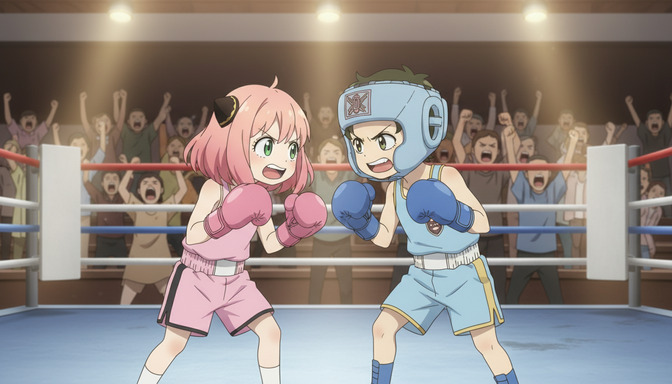
How to Make AI Anime Fight Scenes Look Professional
Choreography, camera angles, speed, impact effects, and emotional stakes — the complete prompting guide for AI anime fight scenes that hit like the real thing.
Learn how to prompt AI anime fight scenes with choreography, camera angles, speed lines, impact effects, and emotional weight. Includes AutoWeeb prompt analysis tips.
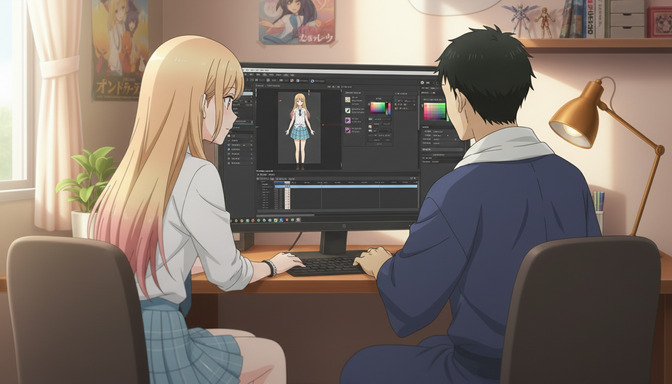
AutoWeeb Is the AI Anime Video Maker for Beginners: No Drawing or Editing Skills Needed
You don't need to sketch a single frame or touch a timeline editor — AutoWeeb handles the creative production so you can focus on the story.
AutoWeeb is the AI anime video maker for beginners with no drawing or editing skills needed. Upload a photo, pick a style, and generate anime videos in minutes.
Explore AutoWeeb
Jump into the tool that fits your creative step.
AI Anime Video Generator
Animate storyboard shots into cinematic clips with Seedance 2 and consistent characters.
Anime Character Creator
Design original characters with consistent sheets across every scene.
AI Anime Image Generator
Generate cinematic anime stills anchored to your character library.
Turn Photo Into Anime
Upload any photo and watch AI turn it into stunning anime art in seconds.
AI Anime Location Generator
Create a location set once, then generate reference images from every angle.
AI Anime Storyboarding
Describe your idea, pick your characters, and let AI draft the script and scenes.
AI Anime Prompt Agent
Turn a rough idea into a cinematic Seedance 2 prompt with the AI Director.