
How to Write Prompts for Seedance 2 Anime Videos
The difference between a good clip and a great one is almost always the prompt
Seedance 2 is the most capable AI video model available for anime right now. But the model is only as good as what you feed it. Vague prompts produce vague results. Specific, well-structured prompts produce clips that look like they belong in an actual anime.
After generating countless clips with AutoWeeb's Seedance 2 integration, we've identified the patterns that consistently produce the best results. Here's what we've learned.
👉 Start Creating Anime Videos on AutoWeebFocus on the Starting Image when using Seedance 2.0
The most important input to a Seedance 2 video isn't the text prompt. It's the image you start from.
Seedance 2 uses your starting image as the first frame of the video. Everything in that frame, clothing, hairstyle, eye color, pose, background, becomes the foundation for every subsequent frame. If a detail is missing from the starting image, the model has to invent it. And inventing details means inconsistency.
Before you even write a prompt, look at your starting image and ask: can I see the character's key features? Are the clothes visible? Is the hairstyle clear? Is the background what I want the scene to look like? If the answer to any of those is no, generate a better starting image first. This single step will save you more failed generations than any prompting technique.
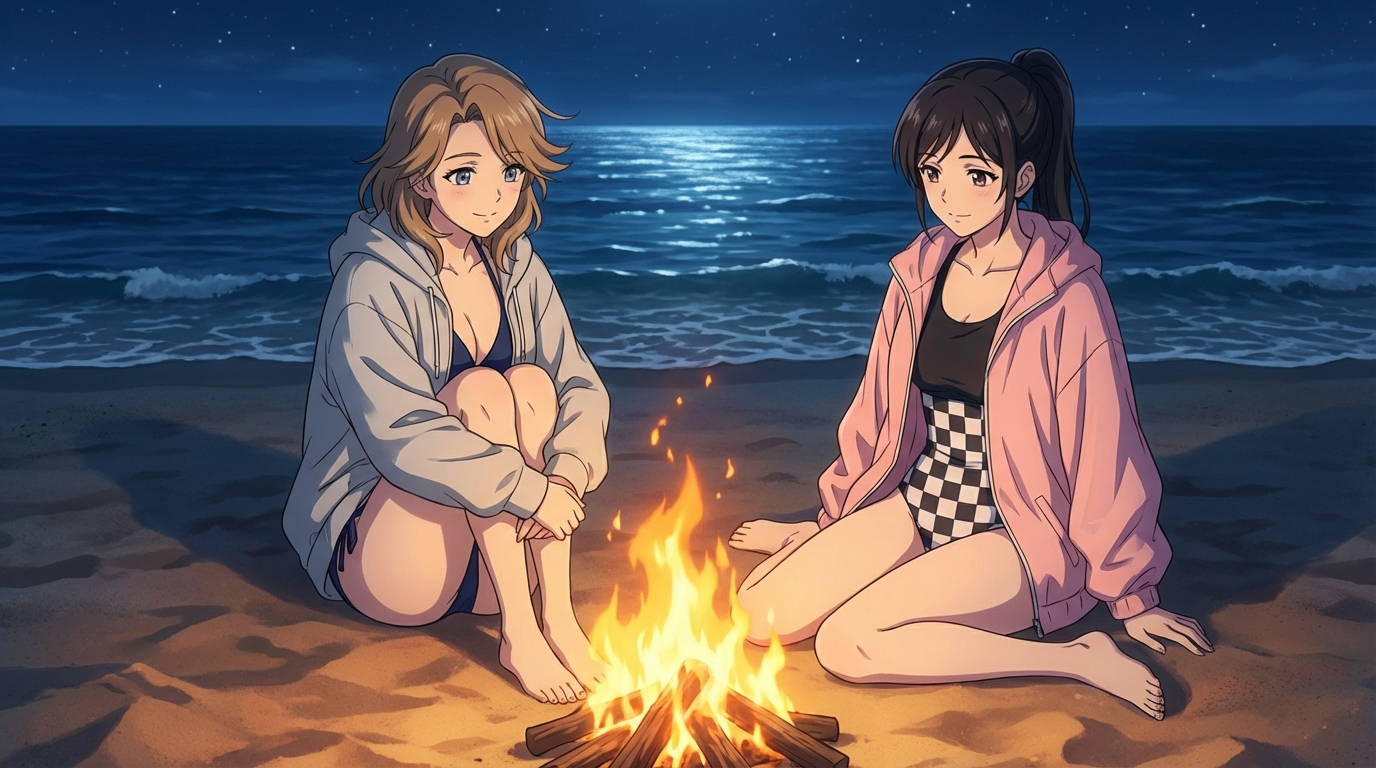
Be Explicit About Camera Cuts when using Seedance 2.0 on AutoWeeb
One of the most common prompting mistakes is describing a scene without specifying how the camera moves through it. Seedance 2 can handle sophisticated camera work, but only if you tell it exactly what you want.
Instead of writing "anime girl walking through a forest", write "medium shot, anime girl walking forward through a dense bamboo forest, camera tracking her from the front, golden hour light filtering through the stalks, hair swaying with each step".
When your scene involves a transition, describe the cut explicitly. Use phrases like "cut to a new close-up scene of her face, eyes widening as she sees something off-screen" or "camera pulls back to reveal the full clearing behind her." The word "cut" signals to the model that you want a distinct visual transition, not a smooth morph.
Camera language that works well with Seedance 2:
- Tracking shot: camera follows the character's movement
- Close-up / extreme close-up: tight framing on face or hands
- Low angle: camera looks up at the character (adds power, drama)
- Pull-back / reveal: camera moves backward to show more of the scene
- Static shot: camera doesn't move, action happens within the frame
Match Your Prompt to the Time Limit
This is the mistake that wastes the most generations. Seedance 2 lets you select different clip lengths, typically 5 or 10 seconds. Your prompt needs to describe exactly the right amount of content for the length you've selected.
If you select 5 seconds and write a prompt that describes a character walking across a room, sitting down, opening a book, and starting to read, that's too much. Five seconds is enough for one clear action and maybe one camera movement. Something like: "anime girl sitting at a wooden desk, she reaches forward and picks up a steaming cup of tea, camera slowly pushes in toward her face, warm afternoon light from the window".
If you select 10 seconds, you have room for a sequence: two or three beats of action, a camera transition, and maybe a change in expression. But even 10 seconds isn't a full scene. Think of it as a single cinematic shot, not a montage.
A useful exercise: read your prompt out loud and act out the motion with your hands. If it takes longer than your selected time limit, trim it.
Use AutoWeeb's Prompt Analysis Tool
AutoWeeb includes a prompt analysis tool that reviews your prompt before generation and flags things you might have missed. It catches common issues: missing camera direction, unspecified lighting, character details that aren't in the starting image, and prompts that are too long or too short for the selected duration.
It's not a crutch. It's the same kind of review a director would do before calling "action" on a shot. Use it every time, especially while you're still learning what Seedance 2 responds to.
Describe the Mood, Not Just the Action
The best anime is built on atmosphere. Seedance 2 responds to mood cues in your prompt: lighting conditions, color temperature, weather, time of day. A fight scene lit by cold moonlight feels completely different from one lit by warm firelight, even if the action described is identical.
Include at least one atmospheric detail in every prompt. "Rain-slicked cobblestones reflecting neon signs" tells the model more about what the frame should look like than "city street at night." Specificity creates mood. Mood creates the feeling that the clip belongs in a real anime.
A Complete Example
Here's a prompt that puts all of these principles together, for a 5-second clip:
"Close-up shot, anime swordswoman with silver hair and crimson eyes, she grips the hilt of her katana tightly, wind picks up and blows her cloak to the left, cherry blossom petals drift across the frame, golden sunset backlighting, camera slowly orbits around her face, tense expression, sharp anime linework"
That prompt specifies: the shot type (close-up), the character details (silver hair, crimson eyes, katana, cloak), the motion (wind, petals, grip), the camera (slow orbit), the lighting (sunset backlighting), and the style (sharp anime linework). Five seconds of content. Nothing wasted.
Be Patient, Then Iterate
Seedance 2 videos take a few minutes to generate. That's normal. Resist the urge to fire off a dozen prompts and hope one lands. Instead, spend time refining a single prompt, run it through the analysis tool, check your starting image, and generate once. If the result is close but not right, adjust the prompt and try again. Two thoughtful generations will almost always beat ten rushed ones.
The prompt is the creative act. The generation is just the rendering. Treat it that way and the results will follow.
👉 Try Seedance 2 Anime Video Generation on AutoWeebFor more on what makes Seedance 2 different, read why Seedance 2 is a big step forward for AI anime. And if you're building action sequences from multiple clips, check out our guide to creating anime action sequences.
Related Blog Posts
Anime Birthday Party Ideas (Including One They'll Never Forget)
Party activities for anime-loving kids, from themed decorations to turning every guest into an anime character
Planning an anime birthday party? Here are creative activity ideas for kids aged 8-12, including one where every guest gets turned into their own anime character.
Weekend Activity: Turn Your Whole Family Into Anime Characters
A step-by-step family project that takes 20 minutes and produces something everyone wants to share
Turn your whole family into anime characters with AutoWeeb. A quick, fun weekend activity for parents and kids that produces shareable anime art of everyone.
How Kids Are Designing Their Own Anime Characters With AI
The creative process behind a child's first original anime character
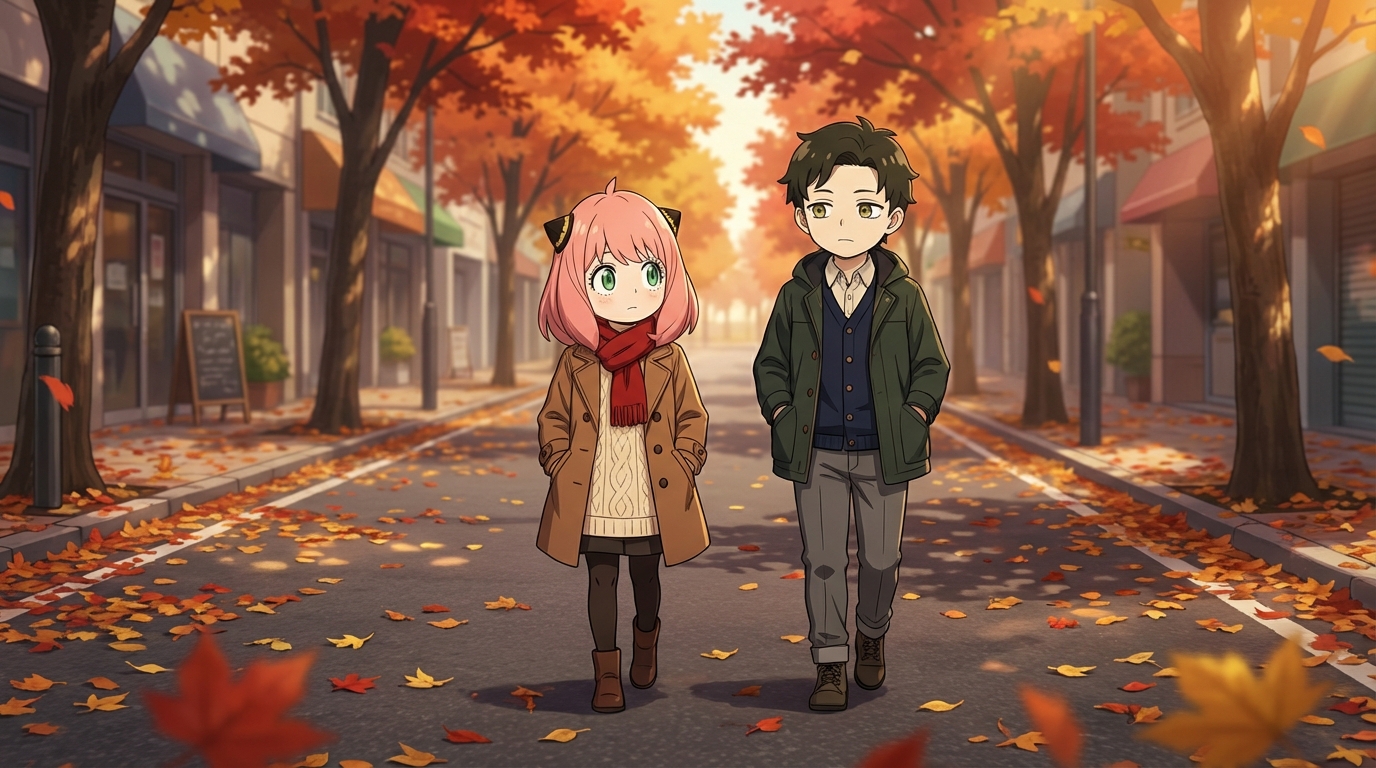
Kids are using AI tools to design their own anime characters, starting from photos, iterating on styles, and building visual identities. Here's what that looks like.
Anime for School Projects: 5 Creative Ideas Using AI Art
Concrete ways kids can use anime AI art to make school assignments more engaging
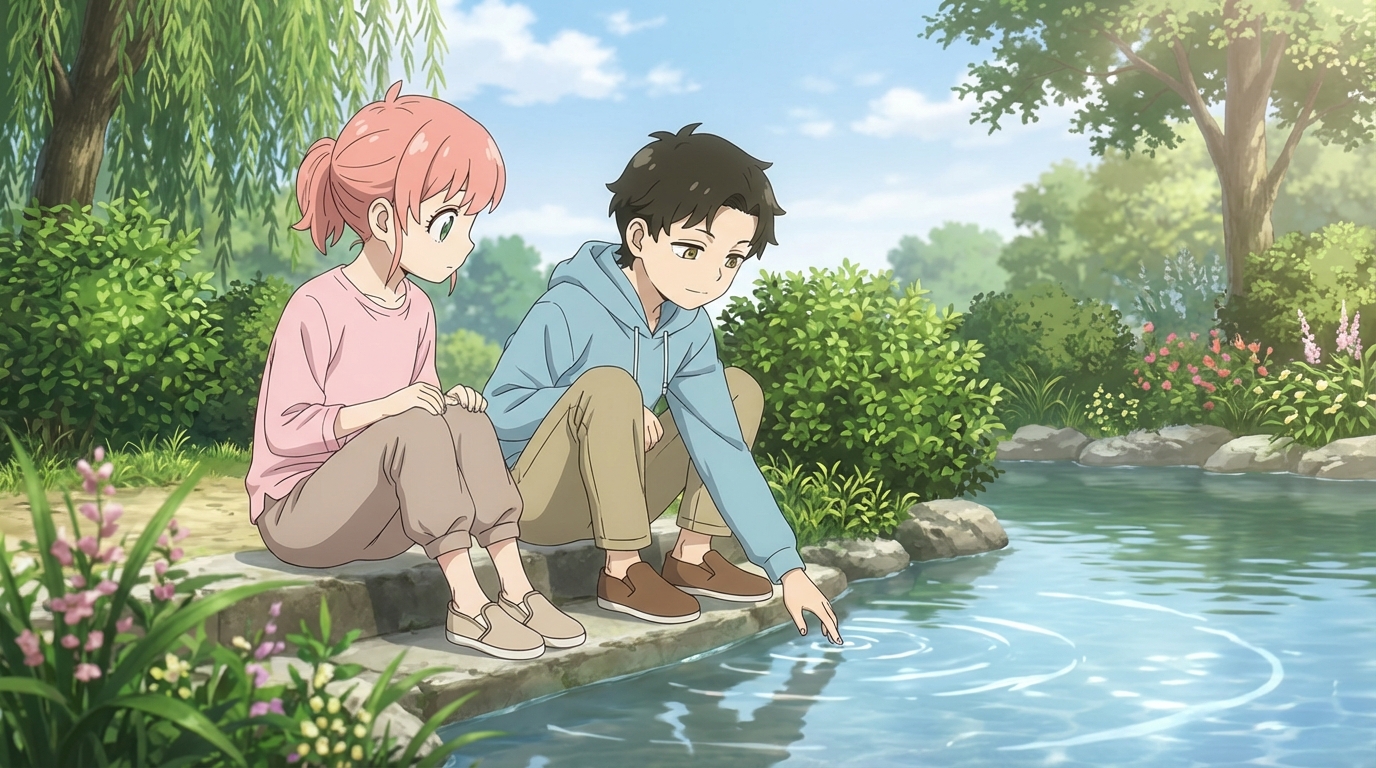
5 ways kids can use AI anime art for school projects: creative writing illustrations, history scenes, book report covers, science fiction sequences, and more.
Explore AutoWeeb
Jump into the tool that fits your creative step.
AI Anime Video Generator
Animate storyboard shots into cinematic clips with Seedance 2 and consistent characters.
Anime Character Creator
Design original characters with consistent sheets across every scene.
AI Anime Image Generator
Generate cinematic anime stills anchored to your character library.
Turn Photo Into Anime
Upload any photo and watch AI turn it into stunning anime art in seconds.
AI Anime Location Generator
Create a location set once, then generate reference images from every angle.
AI Anime Storyboarding
Describe your idea, pick your characters, and let AI draft the script and scenes.
AI Anime Prompt Agent
Turn a rough idea into a cinematic Seedance 2 prompt with the AI Director.