
Photo to Anime That Actually Looks Like You: A Guide for Black People
How AutoWeeb preserves dark skin tones, natural Black hair, and Afrocentric features in every conversion
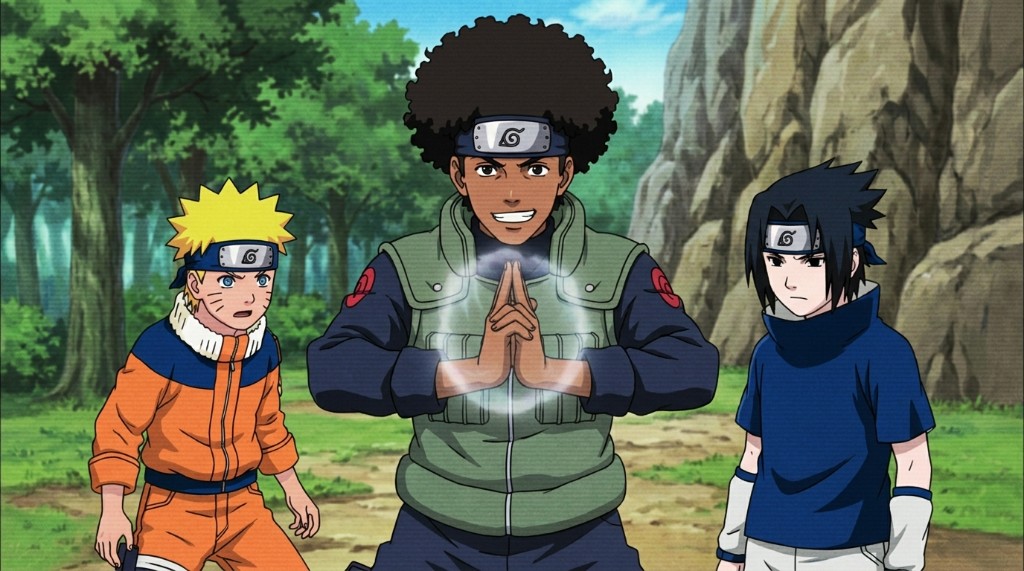
Most AI image tools were not built with Black people in mind. That's not a controversial claim at this point — it's a documented pattern. When you feed a photo of yourself into a generic photo-to-anime converter and the output comes back with lighter skin, softened features, and hair that doesn't resemble yours, that's not a glitch. That's what happens when a model trains on datasets that don't include you. The result is an anime version of someone else.
AutoWeeb's photo-to-anime conversion was built to do better than that. Deep brown skin reads as deep brown skin. A full natural afro carries into the anime frame as an afro. Locs become locs. Fuller lips and broader noses translate into the anime aesthetic without being erased. This post walks through how the conversion works, what to expect, and how to get results that feel like you.
👉 Turn Your Photo Into Anime NowWhy most photo-to-anime tools fail Black people, and what AutoWeeb does differently.
The core problem with most AI converters is skin tone handling. Models trained primarily on lighter-skinned subjects tend to compress the dark end of the tonal range — what comes out is a muted, desaturated approximation of rich melanin, not a faithful rendering of it. Warm ebony, deep chestnut, rich walnut brown, and golden sienna are all distinct. A model that flattens them into "dark" isn't seeing what's actually in the photo.
AutoWeeb maps the actual tonal values from your photo into the anime color palette rather than defaulting to a preset. Rich, warm skin tones translate as rich, warm skin tones. The saturation and luminosity that make melanin-rich skin visually distinctive in real life carry forward into the anime frame. The output isn't generic; it's calibrated to what the photo actually shows.
The same principle applies to facial features. Broader noses, fuller lips, and the specific geometry of Afrocentric bone structure are part of what makes your face recognizable. AutoWeeb's conversion keeps those proportions intact. The anime version of you still looks like you — just drawn by a different hand.
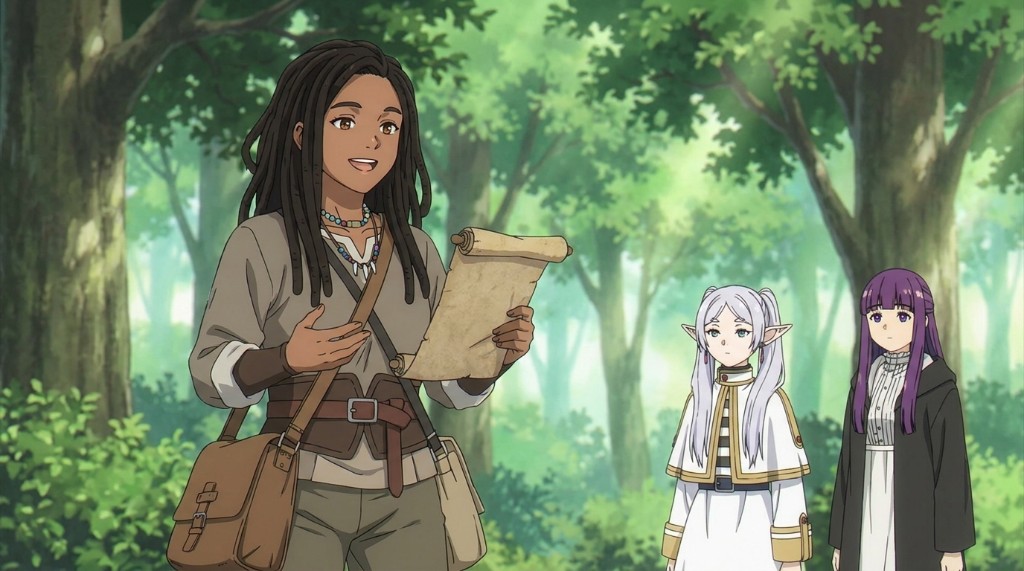
How AutoWeeb handles natural Black hair — afros, locs, braids, and coils.
Hair is where most anime AI tools fall apart for Black people. Straight, smooth hair is easy for models trained on standard anime datasets — it's what most anime characters have. Natural Black hair is more complex: the volume and shape of a full afro, the texture and weight of locs, the intricate geometry of braids, the tight coil patterns of a TWA. These shapes are structurally different from anything that standard training data prioritizes, and generic tools either flatten them or replace them entirely.
AutoWeeb reads your hair from the photo and attempts to preserve its silhouette and mass in the conversion. A large, rounded afro comes through as a large, rounded afro — not compressed into a softer shape. Shoulder-length locs carry their length and weight. Box braids read as box braids. The anime rendering adapts the texture to match the art style (the painting style of Ghibli, the sharp linework of Demon Slayer, and so on), but the underlying shape stays yours.
When describing your character in text alongside a photo, you can reinforce what you want with phrases like "voluminous natural afro with defined 4C coil texture", "long, thick locs reaching mid-back", or "neat cornrows pulled back, gold cuffs at the base." Specific prompts help the model anchor to details that matter to you.
Choosing the right anime style for your look.
Not all anime art styles handle darker skin tones with the same elegance. Some styles are a better fit depending on what you want the final image to feel like.
Ghibli's painterly style softens edges and leans warm — rich brown skin tones look especially beautiful in this aesthetic because the color rendering is luminous rather than flat. If you want your anime self to feel like a character from a Studio Ghibli feature, this is a strong choice.
Naruto and shonen-adjacent styles tend to render dark skin with a clean, graphic quality — bold lines and saturated colors. Characters like Rock Lee and Guy-sensei demonstrate that the shonen aesthetic handles diverse body types and strong personalities without diminishing either. If you want to be placed in a ninja village or an action-heavy scene, this is the style that produces that energy.
Slice-of-life and school drama styles work well for everyday or character portrait content. The art is softer, the focus is on expression and warmth, and skin tones read naturally in the gentler color palette. Isekai adventure styles — think Re:Zero or That Time I Got Reincarnated as a Slime — offer bold character designs in fantastical environments, and they translate well to characters with striking natural hair and strong features.
You can experiment across styles from the same photo. Upload once, generate in several styles, and see which aesthetic suits the character you're going for. Each style in the AutoWeeb style library has been tested specifically for how it handles a wide range of skin tones and features.
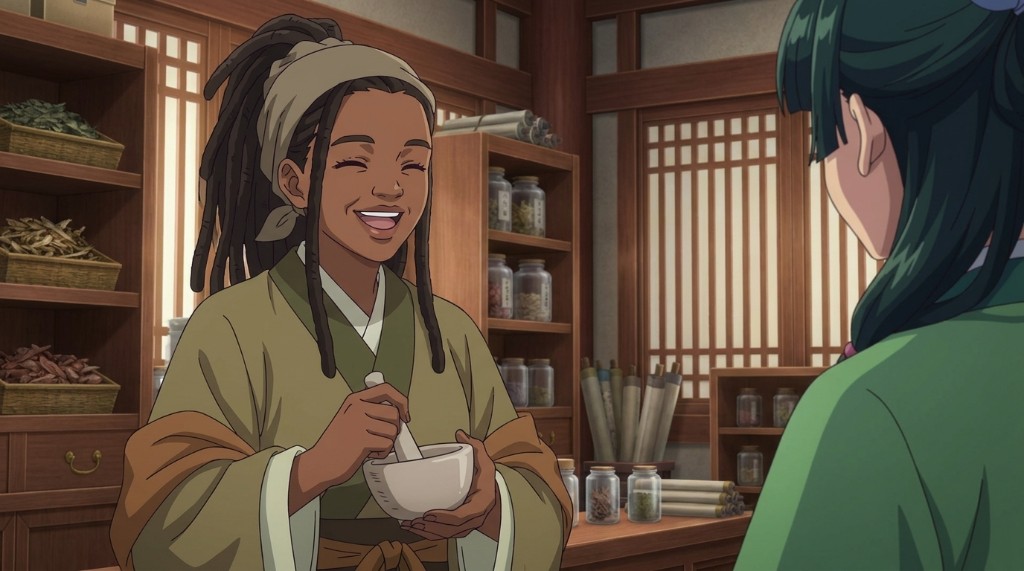
Getting the most out of your conversion: photo tips and prompt strategies.
The quality of the input shapes the quality of the output. For the clearest conversion, upload a photo with even lighting on your face — avoid harsh side shadows or backlight, which can obscure the tonal information the model needs to read your skin correctly. A well-lit photo in natural light tends to produce the most accurate skin tone rendering.
If your hair is a central part of the look you want, make sure it's fully in frame. A cropped photo where the top of a large afro is cut off will produce a cropped afro in the output. Give the model the full silhouette to work with.
After uploading, you can use the text field to reinforce specific details. Some prompts that work well for Black character design:
- "Deep warm umber skin tone, full natural afro, dark brown eyes with a confident expression"
- "Rich dark brown skin, long locs with gold accents, strong jawline, steady gaze"
- "Warm sienna complexion, short TWA, prominent cheekbones, relaxed smile"
- "Dark brown skin, neat braids with beads, expressive eyes, shoulders-back posture"
These prompts work as anchors. They give the model language for what it's already seeing in the photo, which reduces the chance it drifts toward a different interpretation.
Once you're satisfied with the base conversion, save it as a Character Sheet in AutoWeeb. From that point on, every scene you generate — festivals, school hallways, forest paths, rainy rooftops — uses that character as the consistent reference. You don't have to re-establish your look in every generation.
Placing yourself into anime scenes that fit your aesthetic.
After conversion, the fun part starts. AutoWeeb's photo packs let you drop your character into curated anime scene sets: a Japan city life pack, a beach OVA set, a Japanese culture festival, a slice-of-life neighborhood, an isekai town. Each pack is a collection of anime backgrounds and environments. You bring the character; the pack provides the world.
For Black users who've never had an anime where they were the main character, this is the part that hits differently. Your locs blowing in the wind at an anime summer festival. Your afro silhouetted against a rooftop city skyline at dusk. Your face, your features, your skin — as the protagonist.
There's also the option to describe entirely original scenes. A Black healer in a traditional Japanese apothecary. A mage with close-cropped natural hair in a glowing library of forbidden scrolls. A kunoichi with waist-length braids and a calm, unreadable expression before a mission. The model handles original scene prompts well when the character description is specific. You're not limited to the preset worlds.
👉 Create Your Anime Self on AutoWeebFrequently asked questions about photo-to-anime conversion for Black people.
Will my dark skin tone actually come through, or will it be lightened?
AutoWeeb maps tonal values from your photo into the anime rendering rather than defaulting to a preset skin tone. Rich, dark skin tones — deep ebony, warm walnut brown, golden sienna — translate as those specific tones, not a lightened approximation. If the output doesn't reflect your skin tone accurately, it's almost always a lighting issue in the source photo: flat or even lighting produces the most accurate conversions.
Can AutoWeeb handle natural Black hair textures like afros, locs, and braids?
Yes. AutoWeeb preserves the silhouette and mass of your hair from the photo. A full afro stays a full afro. Locs carry their length. Braids read as braids. The rendering style changes to match the anime aesthetic you select (painterly, graphic, soft linework), but the underlying hair shape stays anchored to what's in the photo. For the most accurate results, make sure your hair is fully in frame and not obscured by harsh shadows.
Which anime style looks best with dark skin tones?
It depends on the vibe you're going for. Ghibli's warm, painterly rendering tends to make melanin-rich skin tones look luminous and beautiful. Shonen styles like Naruto produce clean, bold-lined results with saturated color that works well for action-oriented characters. Slice-of-life styles are softer and warmer for everyday character portraits. Isekai and fantasy styles suit characters with dramatic natural hair and strong features. All styles in the AutoWeeb library have been tested with a range of skin tones.
What if my features get changed or softened in the conversion?
The photo-to-anime conversion adapts your features into the proportions of the chosen anime style, but it anchors to the specific geometry of your face. If you're seeing softened or altered features, adding a text prompt that describes your features explicitly helps: "prominent cheekbones, full lips, broader nose, strong brow." You can also adjust the style selection — some art styles render features with more detail and specificity than others. Detailed, high-resolution source photos tend to produce the most feature-accurate conversions.
Is there a way to keep my look consistent across multiple scenes?
Yes. Once you have a conversion you're happy with, save it as a Character Sheet in AutoWeeb. Your Character Sheet stores your reference image, hair and feature details, outfit descriptions, and any other visual anchors you want maintained. Every scene you generate from that point on uses the Character Sheet automatically. Your face, skin tone, and hair stay consistent whether you're placing yourself in a festival scene, a forest, a rooftop, or a battle.
Can I create an original Black anime character from scratch, without a photo?
Absolutely. If you prefer to describe a character rather than convert a photo, AutoWeeb's character creator works from text alone. Start with the skin tone, hair type, and features you want, then layer in the personality and outfit. Prompts like "tall Black woman with coily natural hair, warm brown skin, healer's robes, gentle but perceptive expression" or "young Black man with a tight fade, deep sienna skin, shonen protagonist energy, academy uniform" give the model a strong foundation. From there, the Character Sheet system keeps them consistent across every scene.
If you want a deeper look at the full conversion workflow, the photo-to-anime guide covers every step in detail. To explore placing your character in curated anime worlds, the guide to photo packs shows you what's available and how to use them.
Related Blog Posts
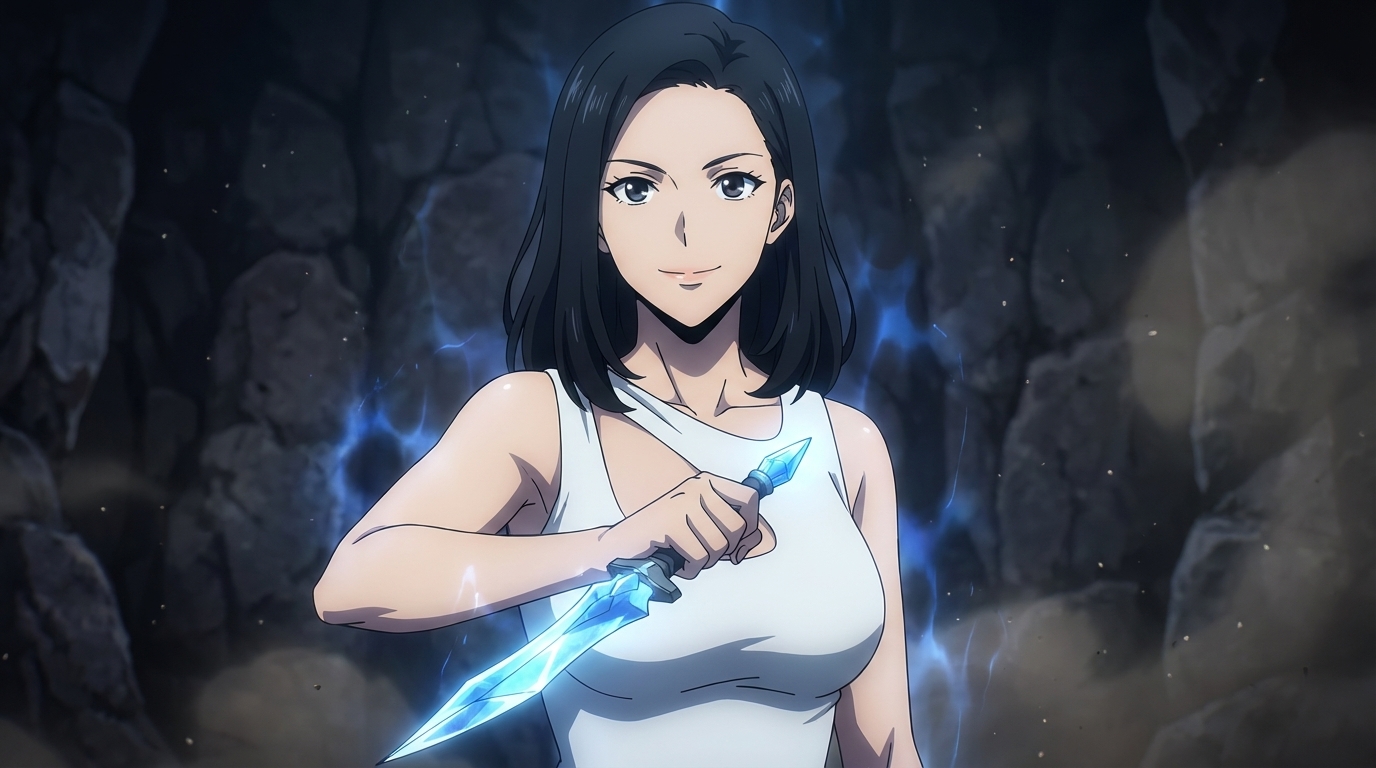
How to Create AI Anime Without ComfyUI
You don't need to be a software engineer to make anime with AI
Create AI anime without ComfyUI, Python, or any technical setup. A step-by-step guide to making anime characters and scenes with AutoWeeb, no coding required.
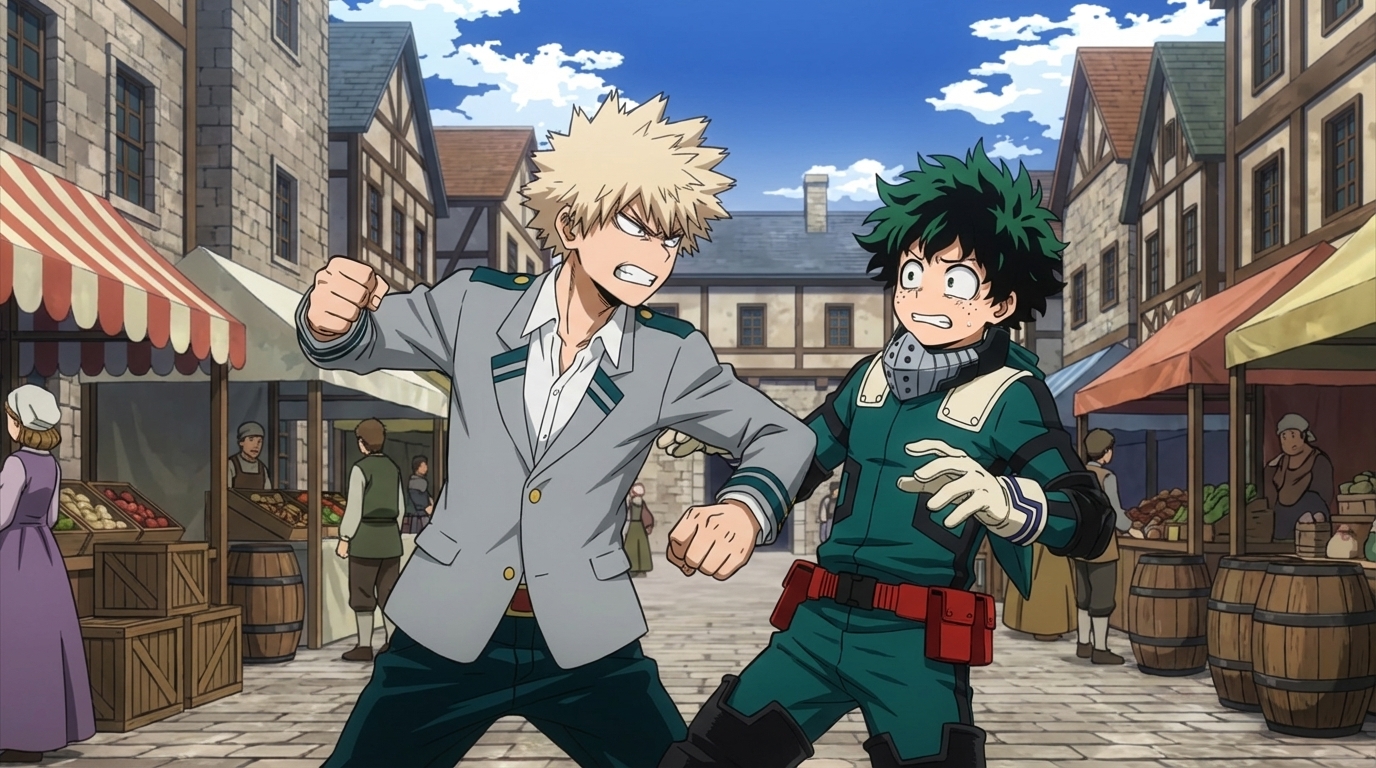
How to Create Anime Fight Scenes with AutoWeeb and Seedance 2
From character design to animated combat: the complete workflow
Learn how to create cinematic anime fight scenes using AutoWeeb and Seedance 2. Character sheets, scene design, video prompts, and how to assemble a complete fight sequence.
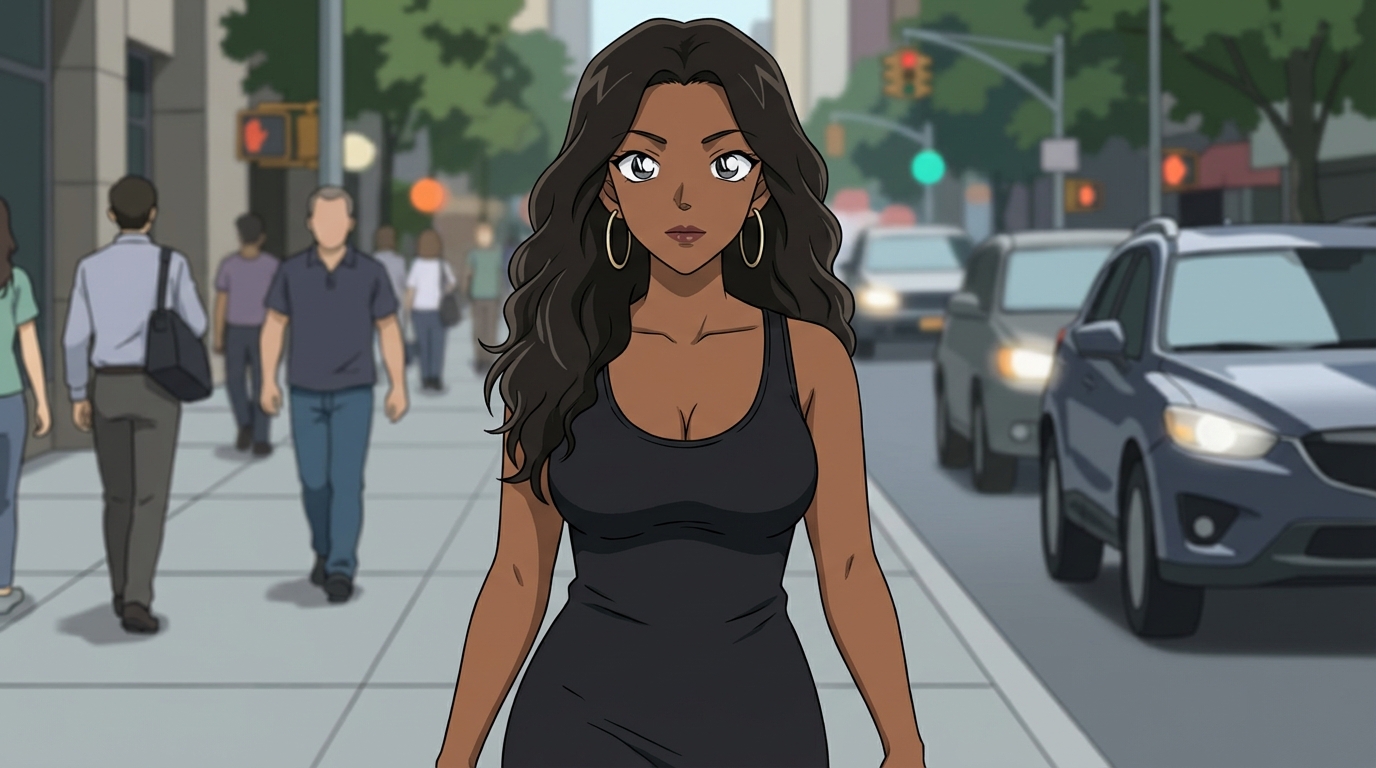
How to Create Art with the Detective Conan Anime Style
Mystery scenes, deduction moments, and the Gosho Aoyama aesthetic — a practical guide
Learn how to create Detective Conan style anime art with AutoWeeb. Scene ideas, prompting tips, and how to build a full mystery narrative with consistent characters.
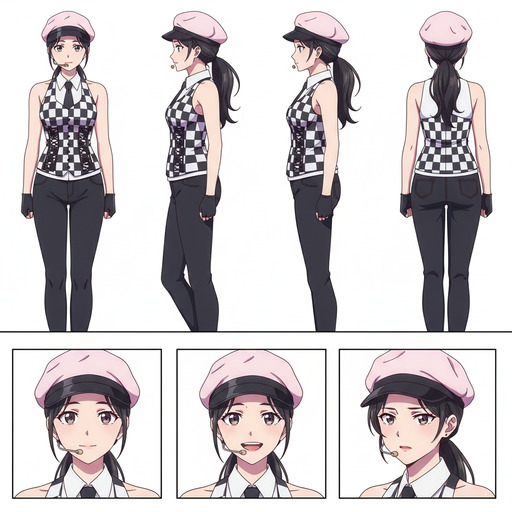
ComfyUI Alternatives for Anime Character Creation
Tools that skip the node graph and get you to the character faster
Looking for ComfyUI alternatives for anime character creation? Compare the top options for generating anime characters without the node-based complexity. AutoWeeb, DomoAI, and more.
Explore AutoWeeb
Jump into the tool that fits your creative step.
AI Anime Video Generator
Animate storyboard shots into cinematic clips with Seedance 2 and consistent characters.
Anime Character Creator
Design original characters with consistent sheets across every scene.
AI Anime Image Generator
Generate cinematic anime stills anchored to your character library.
Turn Photo Into Anime
Upload any photo and watch AI turn it into stunning anime art in seconds.
AI Anime Location Generator
Create a location set once, then generate reference images from every angle.
AI Anime Storyboarding
Describe your idea, pick your characters, and let AI draft the script and scenes.
AI Anime Prompt Agent
Turn a rough idea into a cinematic Seedance 2 prompt with the AI Director.