
Screen Time That Creates, Not Just Consumes: Anime AI for Kids
When the screen becomes a creative tool instead of a passive one
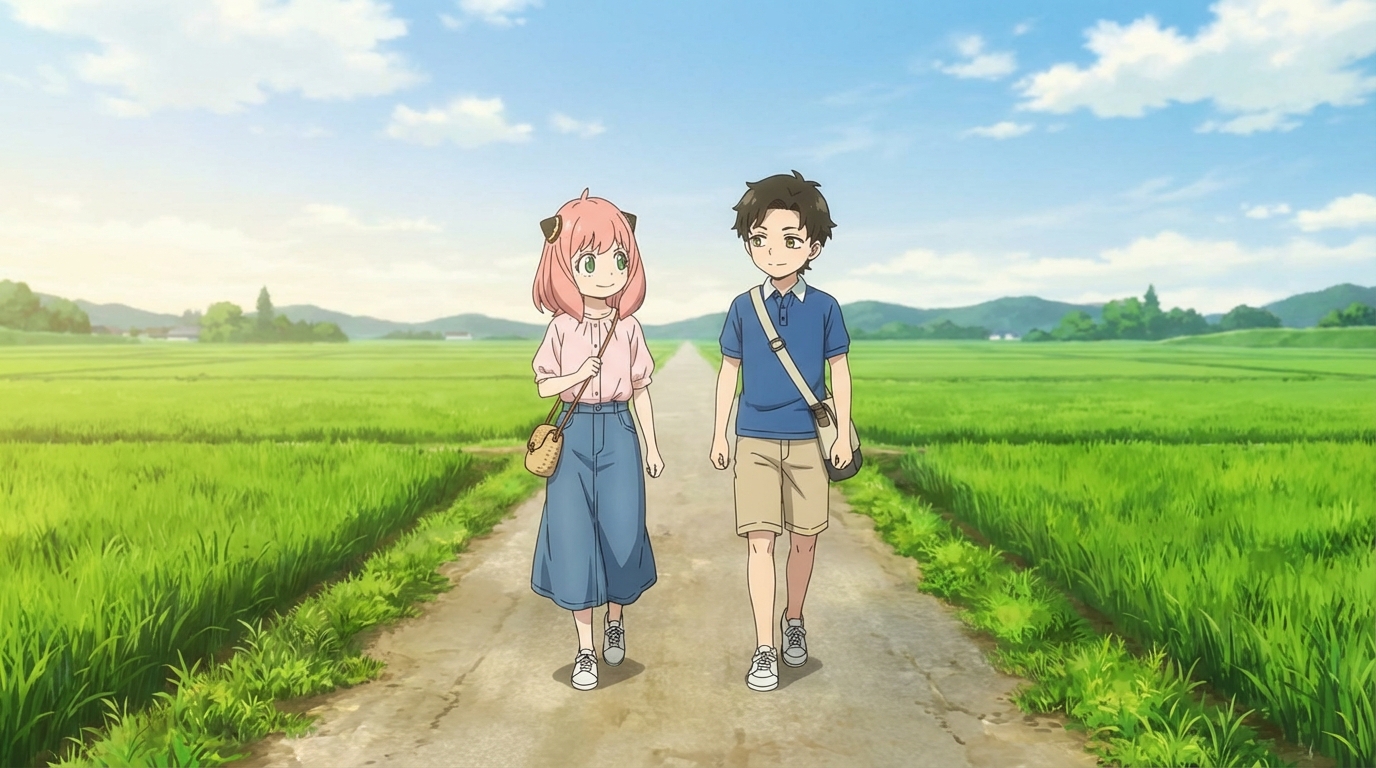
There's a difference between a child watching anime for three hours and a child spending three hours designing their own anime characters, placing them into scenes, and iterating on the look until it matches what they had in mind. Both involve a screen. Only one of them produces something.
AI anime tools like AutoWeeb sit in the second category. The child isn't scrolling, watching, or consuming content someone else made. They're making creative decisions: what does this character look like, what style should this scene be in, what's the right camera angle for this moment. The screen is the canvas, not the television.
👉 Help Your Child Start Creating Anime Art on AutoWeebWhat "Creating" Looks Like in Practice
A child opens AutoWeeb and uploads a photo of themselves. They pick a style (Ghibli, cyberpunk, slice of life) and see the result. Then they start making choices. Maybe the Ghibli version doesn't feel right, so they try Demon Slayer. Maybe they want to see what their best friend looks like in the same style. Maybe they design an entirely original character from scratch.
Here's a typical sequence for a child who's been using the tool for a week:
- They build a character sheet for an original character they've been thinking about
- They place that character into a scene they describe: "standing on a rooftop at sunset, city below"
- They try the same character in a different setting to see how the story could go
- They turn their cat into an anime sidekick and add it to the scene
Every step involves a creative decision. What does this character wear? What's the mood of this scene? What happens next? The tool handles the rendering; the child handles the storytelling.
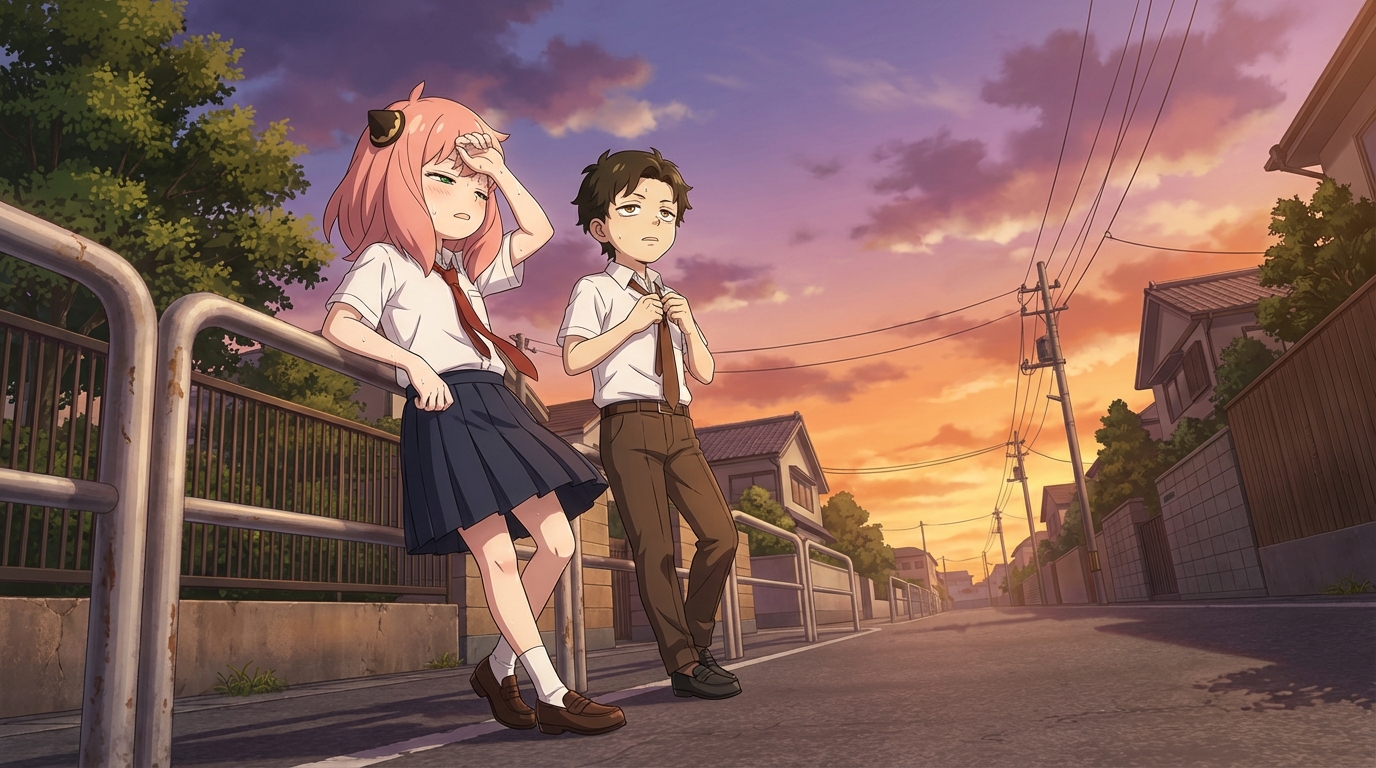
From Watching to Making
The transition from anime consumer to anime creator is a natural one for kids in this age range. They already have strong opinions about character design, art styles, and storytelling. They know what they like and what they'd change. An AI anime tool gives them a way to act on those opinions instead of just holding them.
A child who watches "My Hero Academia" and then designs their own hero character is doing something fundamentally different from a child who just watches the next episode. They're thinking about what makes a character visually distinctive, what a hero's costume should communicate, how a pose conveys power or vulnerability. They're doing design work, even if they don't call it that.
What They End Up With
After a session with AutoWeeb, a child has something tangible: a character they designed, a scene they directed, a piece of art they can show someone. It's not an achievement badge in a game or a streak in an app. It's a thing they made, with their name on the creative choices behind it.
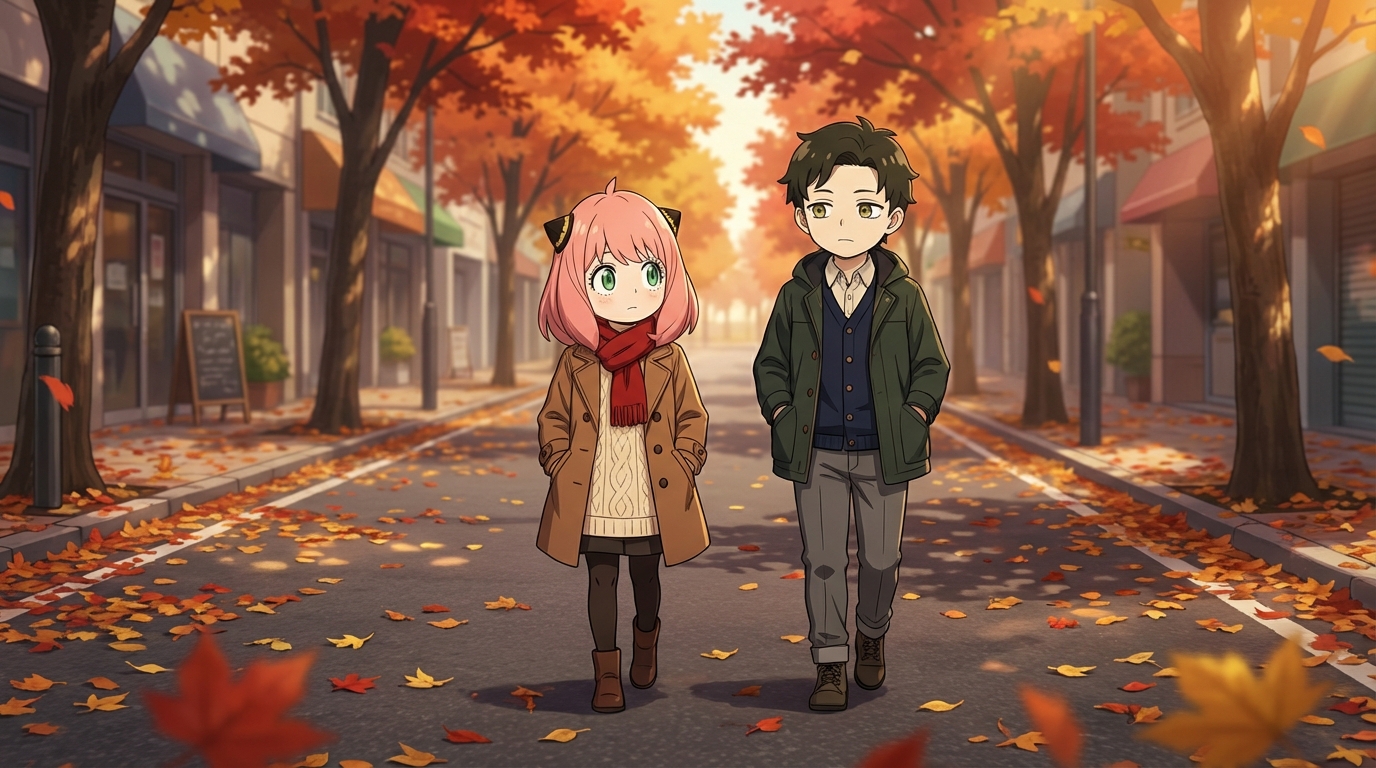
Some kids use these images as phone wallpapers. Some print them out and tape them to their wall. Some share them with friends or use them as profile pictures. Some build entire visual stories across multiple scenes, with the same characters appearing in each one, like episodes of a show only they're making.
The Practical Angle
AutoWeeb has a free tier, so your child can try it without any commitment. The paid plans run on a credit system, which means there's a natural limit on how many images they generate in a given period. You're not paying for unlimited screen time; you're funding a specific number of creative projects.
The credit system also encourages intentionality. When each generation costs something, kids tend to think more carefully about what they want before they click "create." That's a feature, not a limitation.
👉 Try AutoWeeb Free and See What Your Child CreatesFrequently Asked Questions
Do kids need drawing skills to use an anime character creator?
No. An AI anime character creator like AutoWeeb handles the rendering. Your child provides the creative direction: what the character looks like, what style to use, what scene to place them in. The tool does the drawing; they do the designing.
What is the best AI anime art app for kids?
AutoWeeb is built for creating anime art with minimal friction. The interface is visual and straightforward: upload a photo, pick a style, describe a scene. Most children aged 8 and up can use it independently. Younger children may want a parent nearby for the first session, but the workflow is simple enough that they take over quickly.
How much does an AI anime tool for kids cost?
AutoWeeb has a free tier that lets your child try the core anime art features without any commitment. Paid plans run on a credit system, starting at a price comparable to a manga volume. Credits are spent per image or video generated, so there's a natural budget built in.
What kind of anime art can my child create with AI?
They can convert photos into anime characters, design original characters from scratch, build character sheets that keep designs consistent, place characters into scenes (festivals, cities, nature, custom descriptions), and animate still images into short videos. The output is shareable, printable anime art they directed.
Can my child use AI anime art for school projects?
Yes. The anime art your child creates is theirs to use: school projects, printed wall art, profile pictures, gifts for friends, or just a personal collection. Check with your child's teacher regarding AI tool policies if they plan to use the art in a graded assignment.
Read more about channeling your child's anime enthusiasm creatively, or explore anime gift ideas for kids that go beyond merch.
Related Blog Posts
What Are the Best AI Anime Generators?
A clear-eyed look at the top tools for anime art, characters, and scenes in 2026
What are the best AI anime generators in 2026? We compare AutoWeeb, DomoAI, and LeonardoAI on anime output quality, character creation, ease of use, and more.
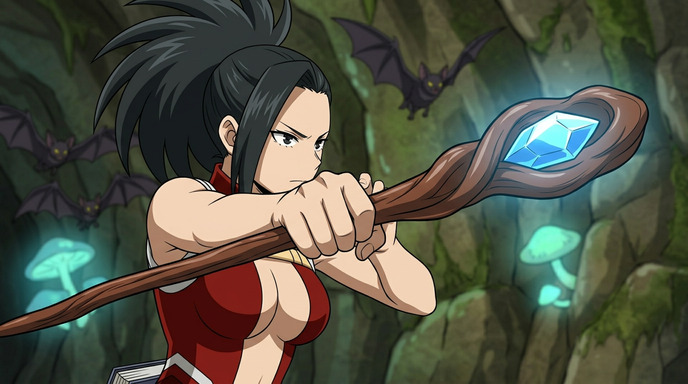
Best AI Anime Video Tools in 2026
A practical guide to the AI platforms that can generate anime-style video, and which one actually delivers
Looking for the best AI anime video tools in 2026? We compare AutoWeeb, DomoAI, and LeonardoAI on anime video generation, ease of use, and creative output.
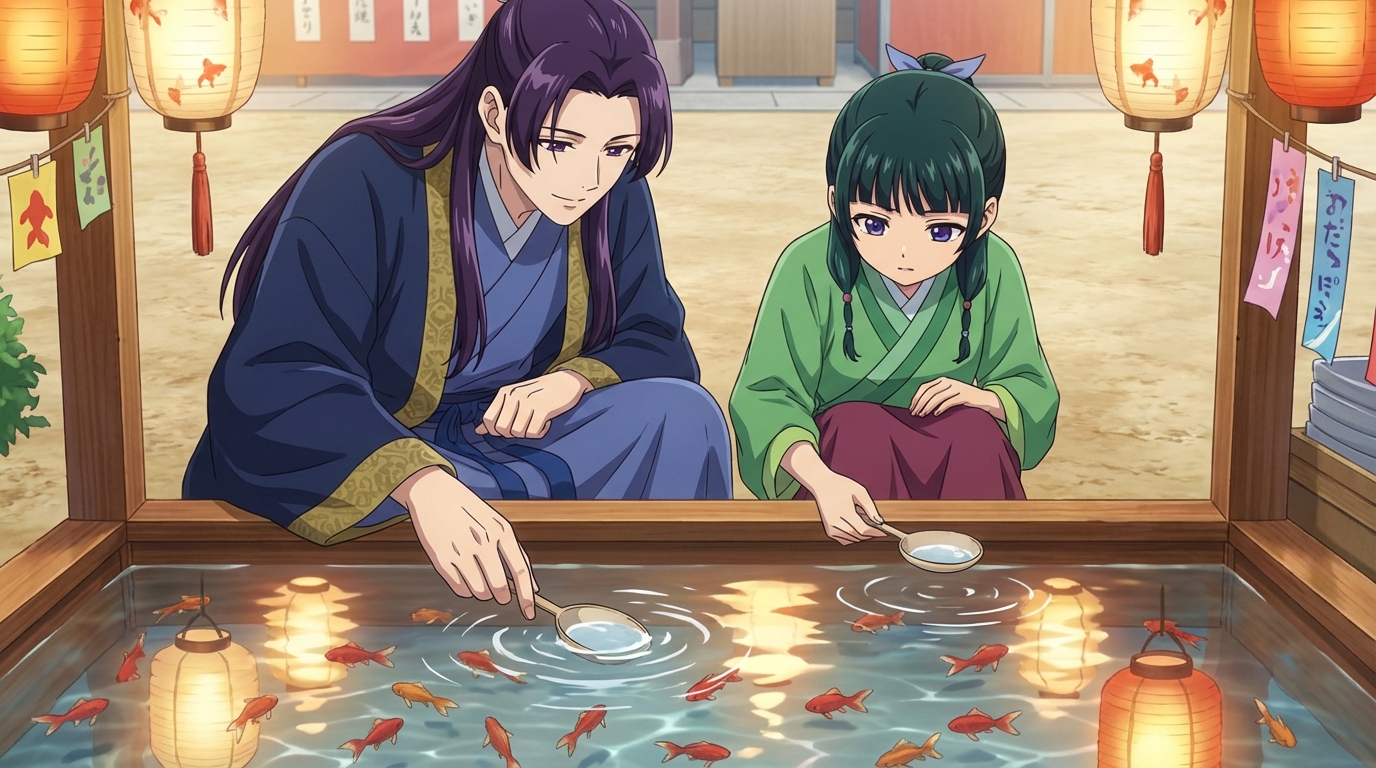
The Best Anime Character Generators in 2026
Which AI tools let you design, build, and reuse anime characters consistently across scenes and formats?
Looking for the best anime character generator in 2026? We compare AutoWeeb, DomoAI, and LeonardoAI on character creation, consistency, photo-to-anime, and more.
AI Anime Battle Generator: Create Epic Anime Action Scenes
From staredowns to finishing blows, generate cinematic anime battles with your own characters
Use AutoWeeb's AI anime battle generator to create dynamic anime action scenes. Build your fighter, describe the moment, and generate anime battle images and videos that actually hit.
Explore AutoWeeb
Jump into the tool that fits your creative step.
AI Anime Video Generator
Animate storyboard shots into cinematic clips with Seedance 2 and consistent characters.
Anime Character Creator
Design original characters with consistent sheets across every scene.
AI Anime Image Generator
Generate cinematic anime stills anchored to your character library.
Anime Filters
Upload any photo and apply AI anime filters to turn it into stunning anime art in seconds.
AI Anime Location Generator
Create a location set once, then generate reference images from every angle.
AI Anime Storyboarding
Describe your idea, pick your characters, and let AI draft the script and scenes.
AI Anime Prompt Agent
Turn a rough idea into a cinematic Seedance 2 prompt with the AI Director.