
Your Kid Loves Anime. Here's How to Channel It Creatively
From watching to making: how anime-obsessed kids become anime creators
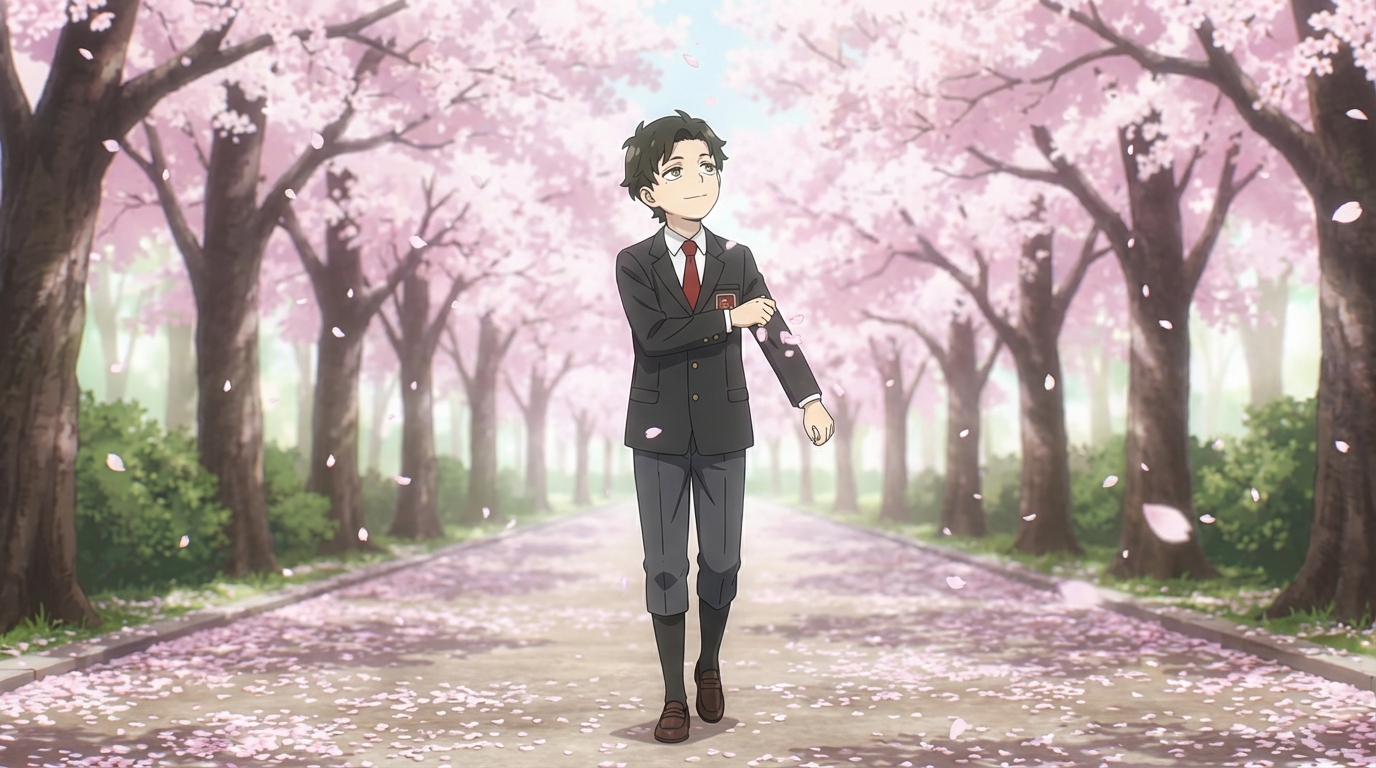
Your child talks about anime at dinner. They draw characters during free time. They know the name of every art style and can tell you why Studio Ghibli's backgrounds look different from Ufotable's fight sequences. The enthusiasm is real, and it's not going anywhere.
The question isn't whether they should be into anime. They already are. The question is whether that enthusiasm stays purely as consumption, watching, reading, collecting, or whether it becomes something they actively create with.
👉 Help Them Start Making Anime Art on AutoWeebThe Gap Between Inspiration and Execution
Most anime-loving kids have a folder full of half-finished drawings. They see the art they love, they have a clear picture in their head of what their character should look like, and then they sit down to draw it and the result doesn't match. The vision is there; the technical skill isn't, at least not yet.
This gap is frustrating, and it's where a lot of creative momentum dies. The child doesn't lack imagination. They lack the years of drawing practice needed to translate imagination into something that looks right. An AI anime tool bridges that gap without replacing the creativity behind it.
What They Can Actually Make
With AutoWeeb, the child provides the creative direction and the tool handles the rendering. Here's what that looks like in practice:
- Their own face, in anime: Upload a photo and see it converted into anime style. Try it in Ghibli, in cyberpunk, in slice of life. See which version feels right.
- Original characters: Describe a character from scratch, dark hair, green jacket, scar over the left eye, quiet expression, and watch it appear. Build a character sheet to lock in the design.
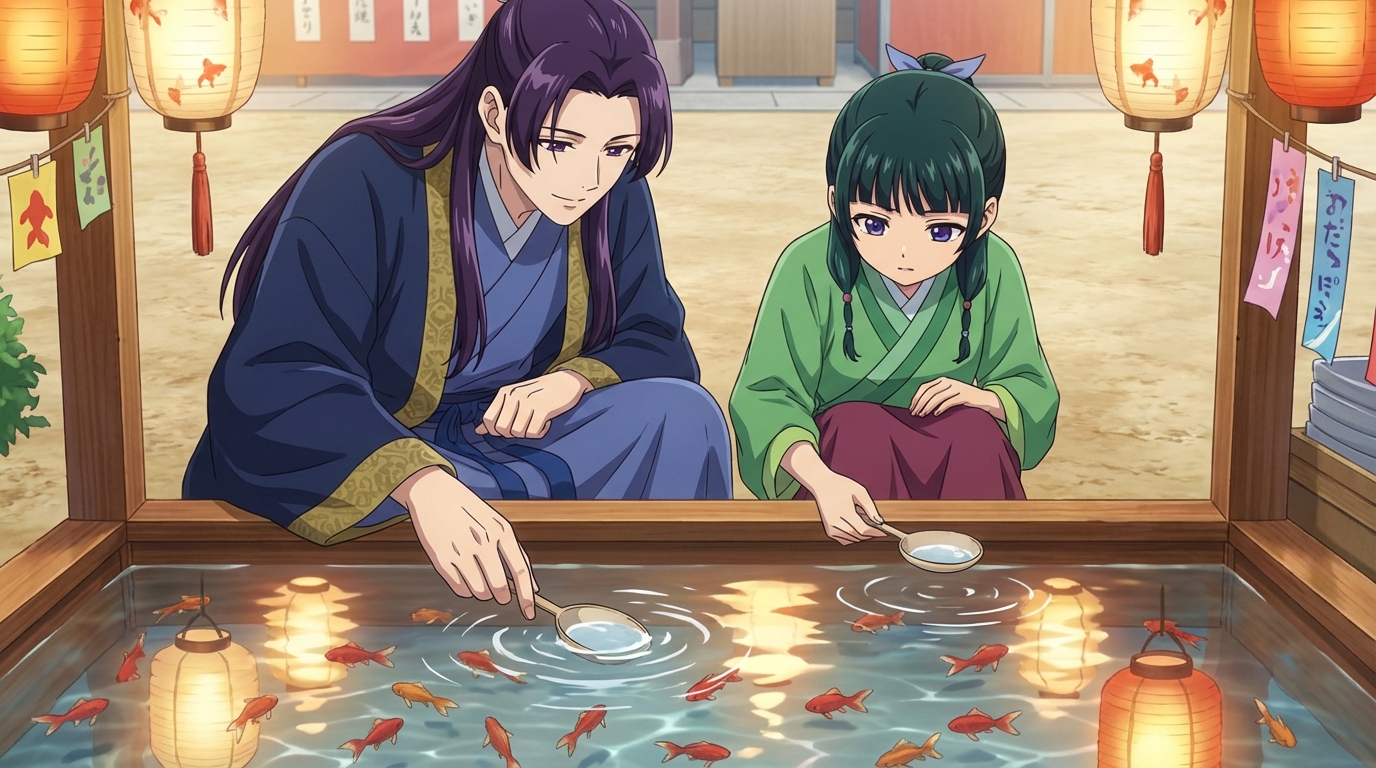
- Scenes they direct: Place their character into a setting they describe. A rooftop at sunset. A crowded festival. A quiet classroom after everyone else has left. They choose the camera angle, the lighting mood, the style.
- Their pet as an anime character: Because every protagonist needs a sidekick, and turning a real pet into anime is exactly the kind of thing that makes a child's day.
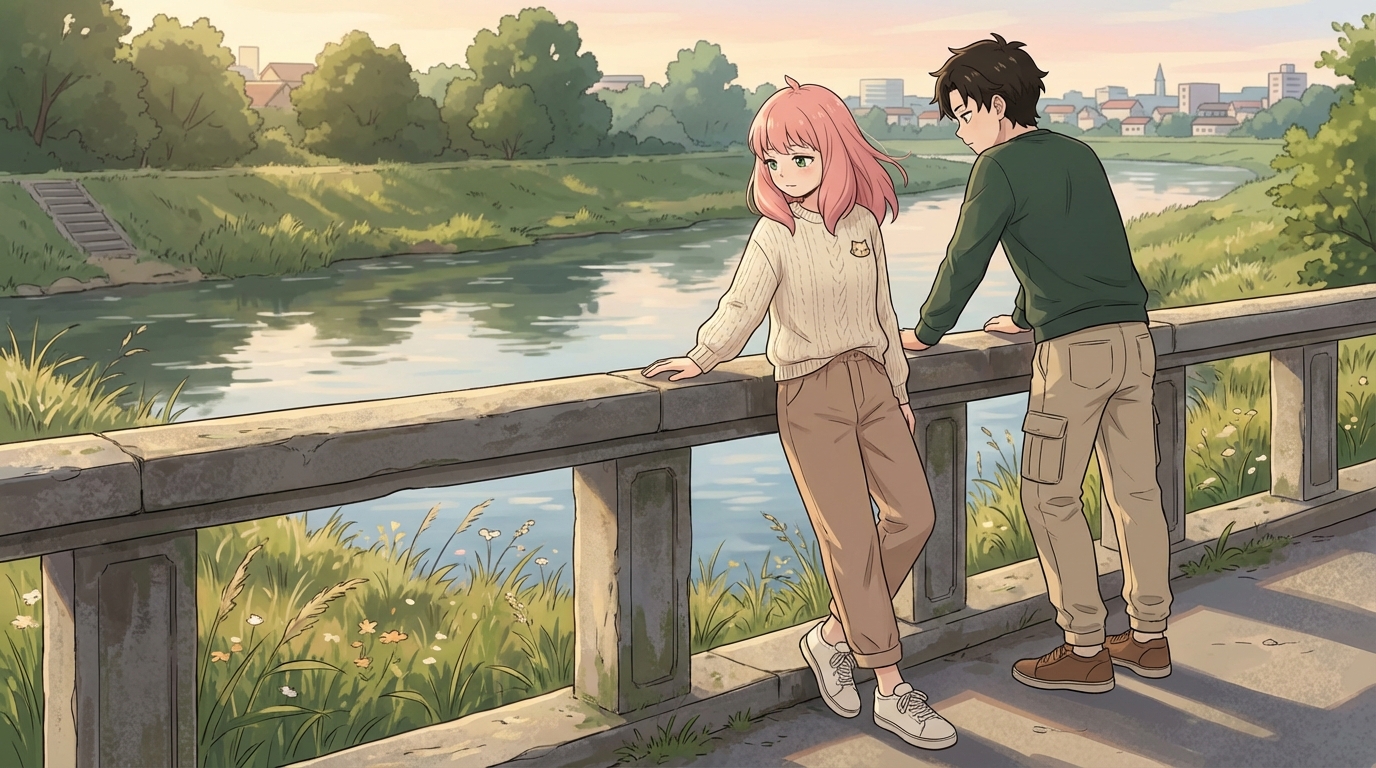
It's Still Their Idea
A common concern is that AI art isn't "real" creativity because the tool does the drawing. But watch a child use it and you'll see the creativity is in the decisions, not the brushstrokes. Which style matches this character's personality? What expression should they have in this scene? What happens in the next panel of the story?
These are the same decisions a manga artist or anime director makes. The child is doing art direction, character design, and visual storytelling. The tool is the team that executes their vision. That's not a shortcut. That's a different kind of creative work.
Where It Goes From Here
Some kids use AutoWeeb as a jumping-off point for learning to draw traditionally. Seeing their idea rendered well gives them a reference to work toward. Some kids lean into the digital side and start building multi-scene visual stories with consistent characters. Some use it for school projects, birthday invitations, or gifts for friends.
The point isn't to prescribe a path. It's to give them a tool that turns their existing enthusiasm into something they actively shape. The anime obsession is already there. This just points it somewhere productive.
👉 Help Them Create Their Own Anime on AutoWeebFrequently Asked Questions
Do kids need drawing skills to use an anime character creator?
No. An AI anime character creator like AutoWeeb handles the rendering. Your child provides the creative direction: what the character looks like, what style to use, what scene to place them in. The tool does the drawing; they do the designing.
What is the best AI anime art app for kids?
AutoWeeb is built for creating anime art with minimal friction. The interface is visual and straightforward: upload a photo, pick a style, describe a scene. Most children aged 8 and up can use it independently. Younger children may want a parent nearby for the first session, but the workflow is simple enough that they take over quickly.
How much does an AI anime tool for kids cost?
AutoWeeb has a free tier that lets your child try the core anime art features without any commitment. Paid plans run on a credit system, starting at a price comparable to a manga volume. Credits are spent per image or video generated, so there's a natural budget built in.
What kind of anime art can my child create with AI?
They can convert photos into anime characters, design original characters from scratch, build character sheets that keep designs consistent, place characters into scenes (festivals, cities, nature, custom descriptions), and animate still images into short videos. The output is shareable, printable anime art they directed.
Can my child use AI anime art for school projects?
Yes. The anime art your child creates is theirs to use: school projects, printed wall art, profile pictures, gifts for friends, or just a personal collection. Check with your child's teacher regarding AI tool policies if they plan to use the art in a graded assignment.
For more ideas, read about creative screen time with anime AI or explore anime ideas for school projects.
Related Blog Posts
What Are the Best AI Anime Generators?
A clear-eyed look at the top tools for anime art, characters, and scenes in 2026
What are the best AI anime generators in 2026? We compare AutoWeeb, DomoAI, and LeonardoAI on anime output quality, character creation, ease of use, and more.
Best AI Anime Video Tools in 2026
A practical guide to the AI platforms that can generate anime-style video, and which one actually delivers
Looking for the best AI anime video tools in 2026? We compare AutoWeeb, DomoAI, and LeonardoAI on anime video generation, ease of use, and creative output.
The Best Anime Character Generators in 2026
Which AI tools let you design, build, and reuse anime characters consistently across scenes and formats?
Looking for the best anime character generator in 2026? We compare AutoWeeb, DomoAI, and LeonardoAI on character creation, consistency, photo-to-anime, and more.
AI Anime Battle Generator: Create Epic Anime Action Scenes
From staredowns to finishing blows, generate cinematic anime battles with your own characters
Use AutoWeeb's AI anime battle generator to create dynamic anime action scenes. Build your fighter, describe the moment, and generate anime battle images and videos that actually hit.
Explore AutoWeeb
Jump into the tool that fits your creative step.
AI Anime Video Generator
Animate storyboard shots into cinematic clips with Seedance 2 and consistent characters.
Anime Character Creator
Design original characters with consistent sheets across every scene.
AI Anime Image Generator
Generate cinematic anime stills anchored to your character library.
Anime Filters
Upload any photo and apply AI anime filters to turn it into stunning anime art in seconds.
AI Anime Location Generator
Create a location set once, then generate reference images from every angle.
AI Anime Storyboarding
Describe your idea, pick your characters, and let AI draft the script and scenes.
AI Anime Prompt Agent
Turn a rough idea into a cinematic Seedance 2 prompt with the AI Director.