
Create an Anime Love Story With You as the Main Character
You don't have to watch from the outside. Here's how to put yourself into your own anime romance
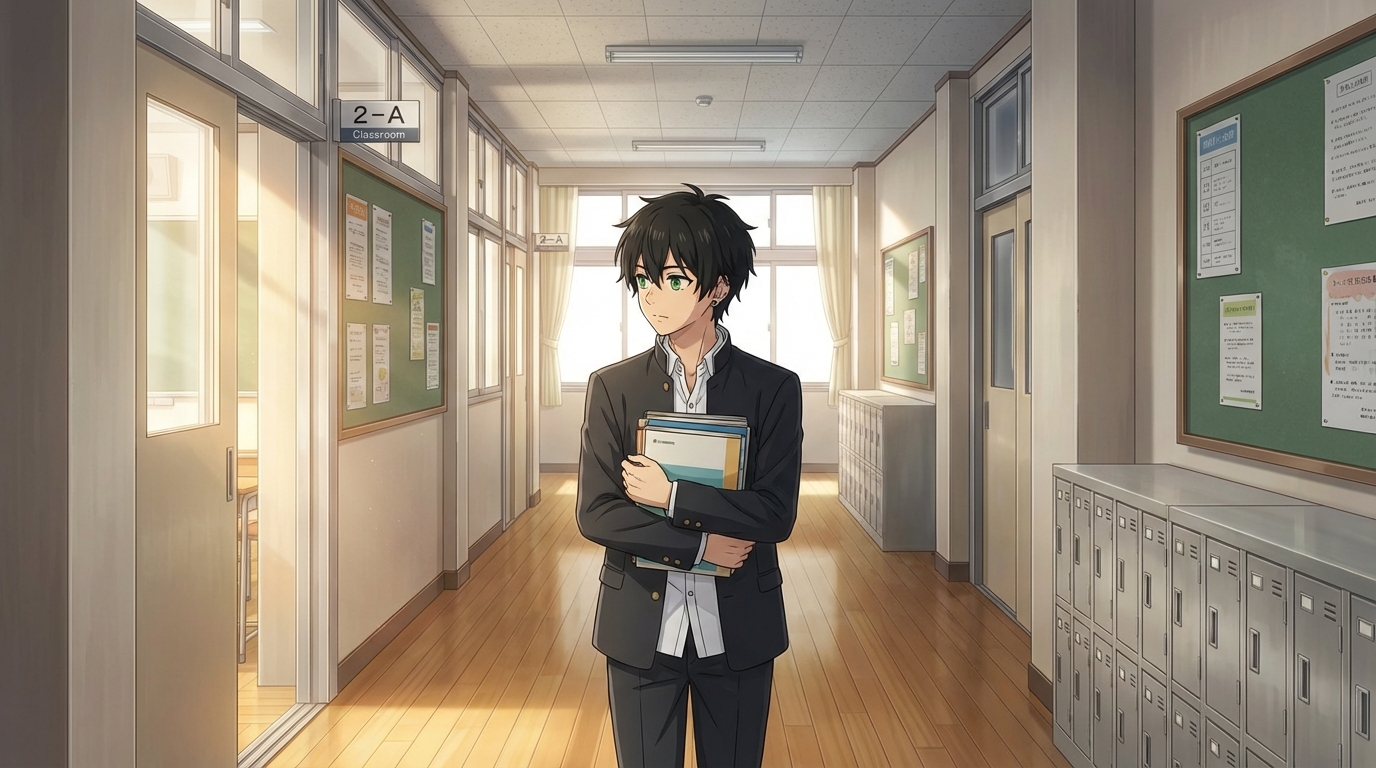
Every anime romance has a protagonist who the story is built around. The person the camera follows. The person whose perspective shapes everything. In most anime you watch, that's someone else. AutoWeeb lets you put yourself in that role. This is how to create an anime love story where you are the main character, not an observer.
👉 Start Your Anime Love Story on AutoWeebStep 1: Create Your Anime Self
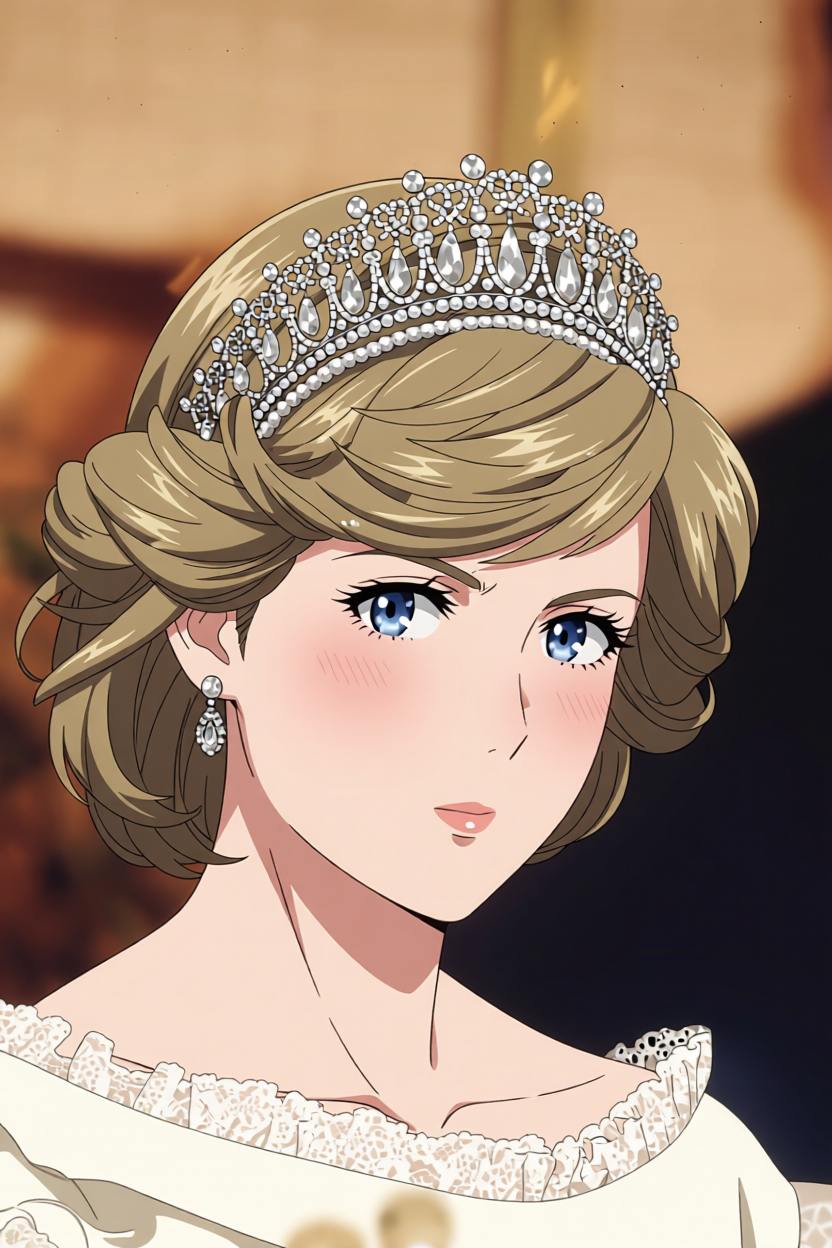
The protagonist of your story needs to look like you. AutoWeeb's photo-to-anime converter makes this the first step. Upload a clear photo of your face and the AI converts it into an anime portrait that preserves your actual features: your bone structure, eye shape, and hair silhouette all carry through into the anime version.
You have control over the fidelity level. High fidelity keeps the resemblance tight. Lower fidelity gives the AI more creative latitude while still using you as the reference. For a romance story where you're the protagonist, high or medium fidelity tends to work best. You want to recognize yourself.
Step 2: Build Your Character Sheet
A single portrait is not enough to anchor a story. You need a Character Sheet. A Character Sheet captures your character from multiple angles and locks in the design so that every scene you generate features the same person. Same face, same hair, same outfit details.
When building the Character Sheet for yourself, pay attention to:
- Outfit: What does your character wear? Pick something with distinct colors you can name specifically. This is what the model uses to keep you consistent.
- Color palette: Two or three dominant colors. If you go with a school uniform, specify the colors and any accessories.
- Personality signals: How do you want to be rendered? Confident? Quietly observant? Visually expressive? These personality descriptors affect posture and default expression.
Step 3: Design the Love Interest
Now build the character who drives the romance. This is your love interest, and the contrast between you and them is where the story gets its tension.
Think about what kind of person creates the most interesting dynamic with the way you've defined yourself. If you're the quiet observer type, do you want someone who pulls you out of that, or someone equally internal who you slowly figure out how to reach?
Build them from scratch using AutoWeeb's character creator. Describe the look, the archetype, the color palette. Read the guide on designing an anime love interest for detailed prompting advice.
Save them as their own Character Sheet. Now you have two saved characters and a complete cast for your story.
Step 4: Write the Story in Scenes
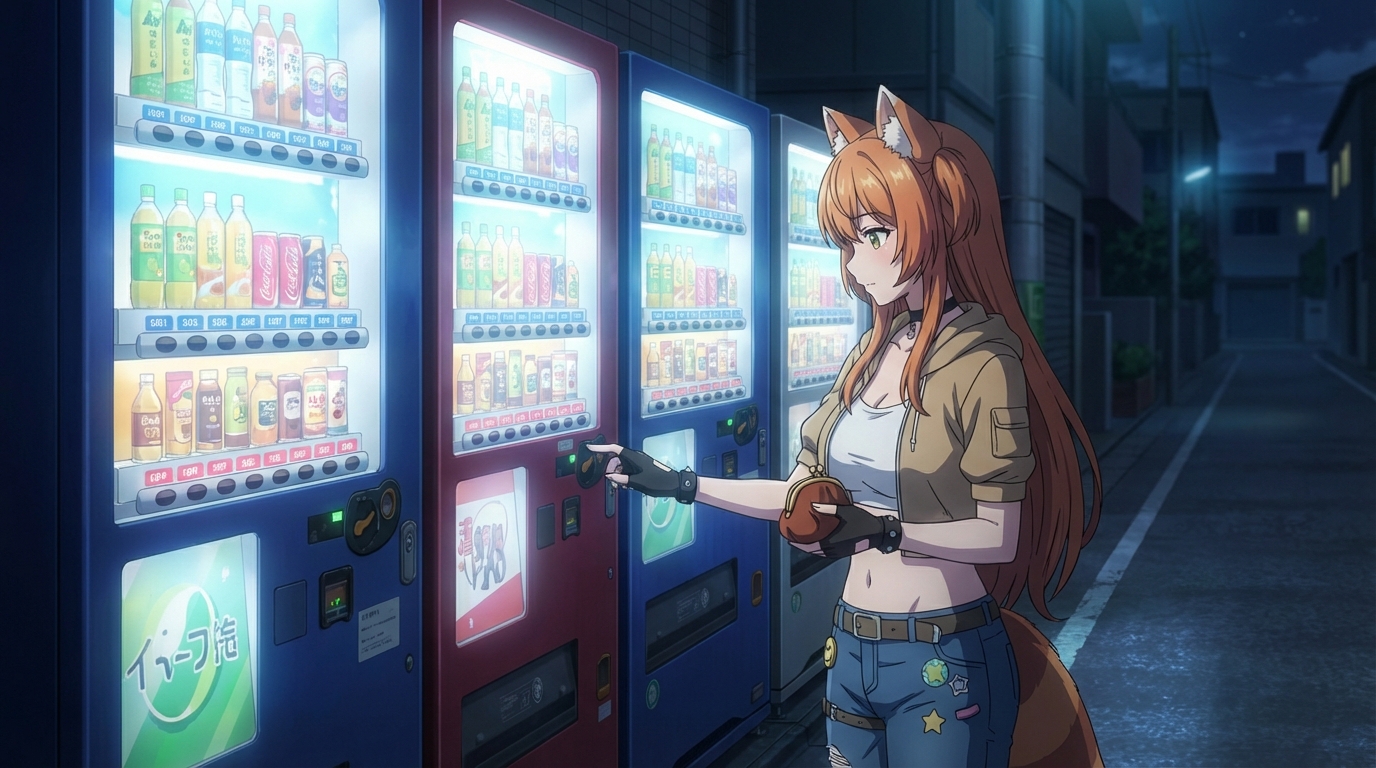
An anime love story is a sequence of scenes. You don't need to write dialogue. You need to know what happens in each scene and what kind of setting it happens in.
Think through the arc of the story:
- The meeting: Where and how do you first encounter each other? What's the visual of that first moment?
- The build: What keeps you in the same orbit? A class, a neighborhood, a shared habit?
- The shift: When does something change? A conversation that goes somewhere unexpected, a moment where the distance between you closes in a way that can't be undone.
- The moment: The scene the whole story has been building toward. Where does it happen, and what does it look like?
Each one of these is a scene to generate. Four scenes is a complete short story.
Step 5: Generate Each Scene with Both Characters
With both Character Sheets saved, generating scenes is straightforward. Attach both sheets to the generation and write a prompt that describes the moment, not the characters. Your sheets handle the appearance. Your prompt handles everything else.
A good prompt for a romance scene describes:
- The setting and time of day
- What both characters are doing
- The specific quality of the moment (the tension, the ease, the awareness between them)
- Camera angle and distance if you have a preference
Example: "Two characters sitting on a rooftop at sunset, side by side but a careful distance apart, looking at the city, one of them about to say something but not quite"
Step 6: Animate the Scene That Matters Most
Pick the one scene in your story where motion adds the most. The turning point. The moment where something shifts between the two characters. AutoWeeb can animate any still image, adding movement that makes the scene feel like it's from a real episode.
Wind moving through hair in the rooftop scene. The slight movement of ambient light in the festival scene. Even small amounts of motion make still scenes feel present rather than frozen.
What Changes When You're the Protagonist
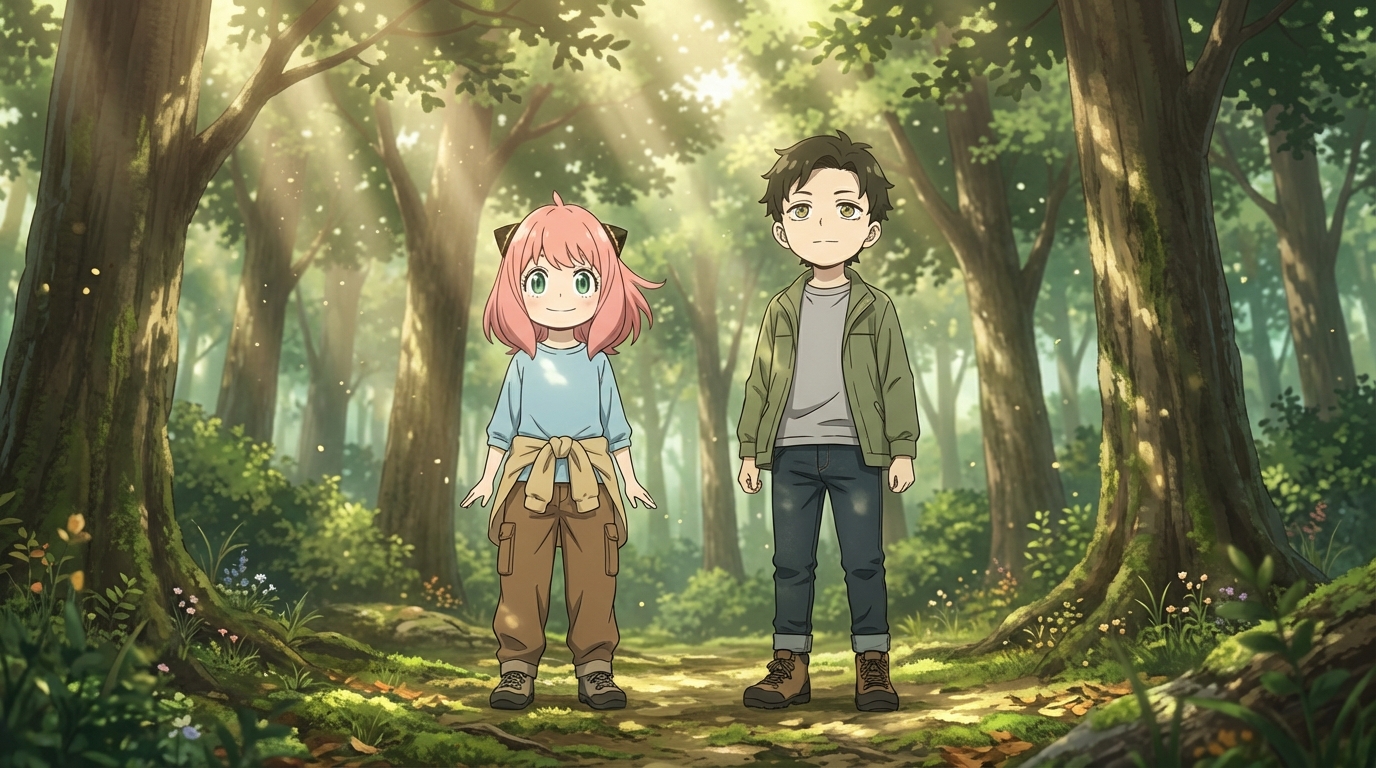
When you watch anime romance, you're always slightly outside it. When you build one where your character is in every frame, the relationship changes. The image of yourself, rendered in the style of the show you love, sitting across from a character you designed for exactly this story, in a setting you chose because it fits the feeling you wanted, that's a different thing from watching.
The character looks like you because they are built from you. The love interest looks the way they do because you decided what mattered. The scene is the scene because you wrote it.
That's what it means to be the main character of your own anime love story.
👉 Create Your Anime Love Story on AutoWeebWant to continue building? Read the full guide to creating your own anime romance story, or see what happens when you turn your real-life partner into an anime character and build scenes with both of you.
Related Blog Posts
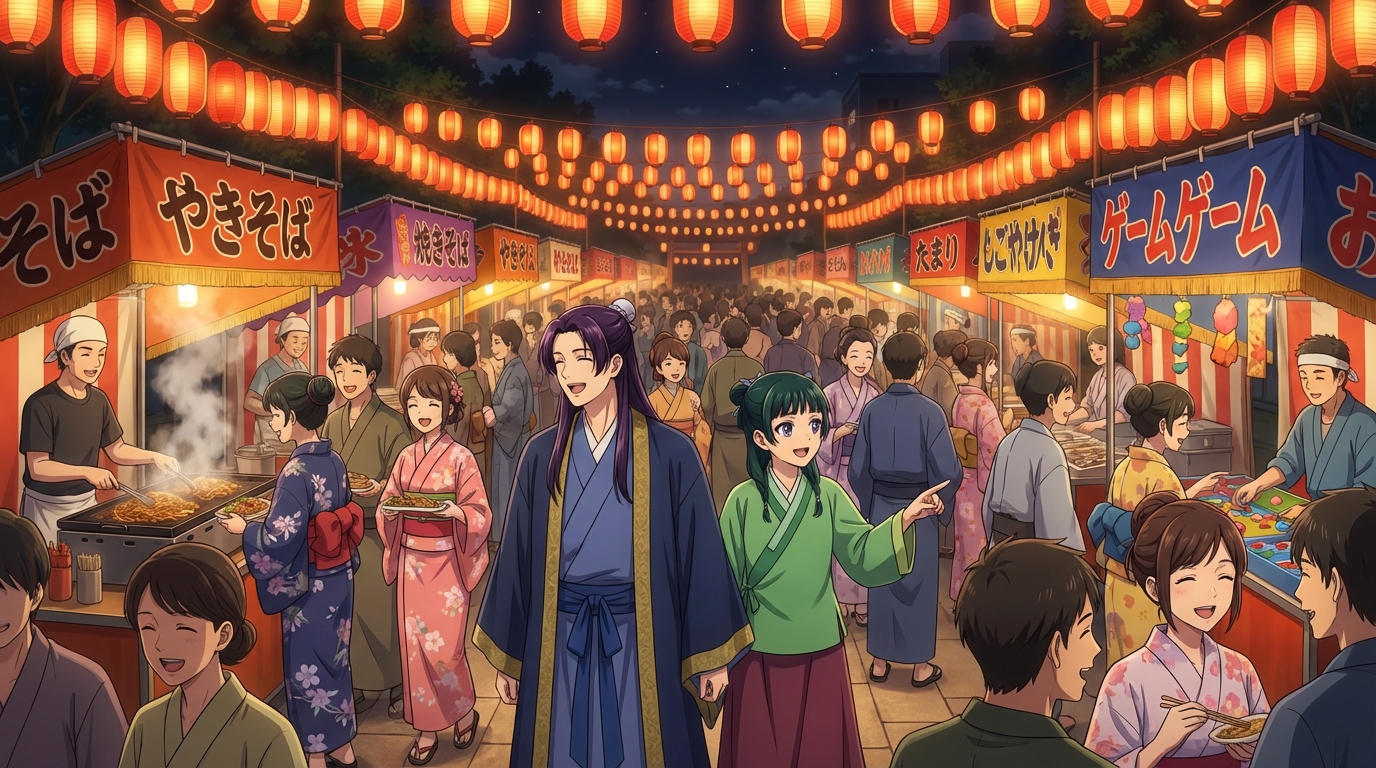
OC Japan Fair Anime Fans: Visit the AutoWeeb Booth
Stop by booth #114 near the OC Promenade hall and turn your fair photos into anime
AutoWeeb is at the OC Japan Fair! Visit booth #114 near the OC Promenade / Nakamise Street to turn your fair photos into anime, create your own anime characters, and generate anime images and videos.
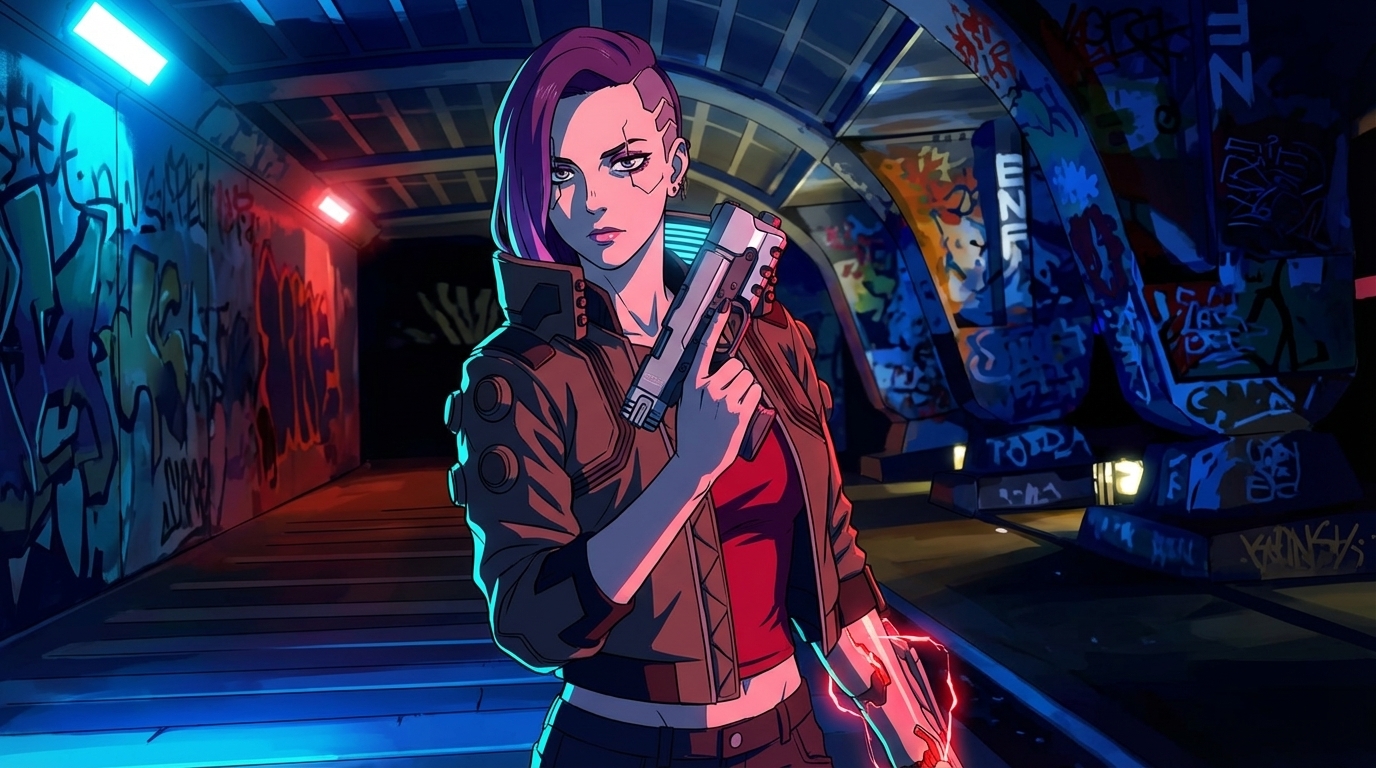
Cyberpunk Anime Generator: How to Create Cyberpunk Anime Art with AI
Neon cities, augmented characters, and rain-soaked streets — generated from your photos
Use AutoWeeb's cyberpunk anime generator to turn photos into neon-soaked cyberpunk art. Holographic cityscapes, augmented characters, and Akira-inspired aesthetics — all with AI.
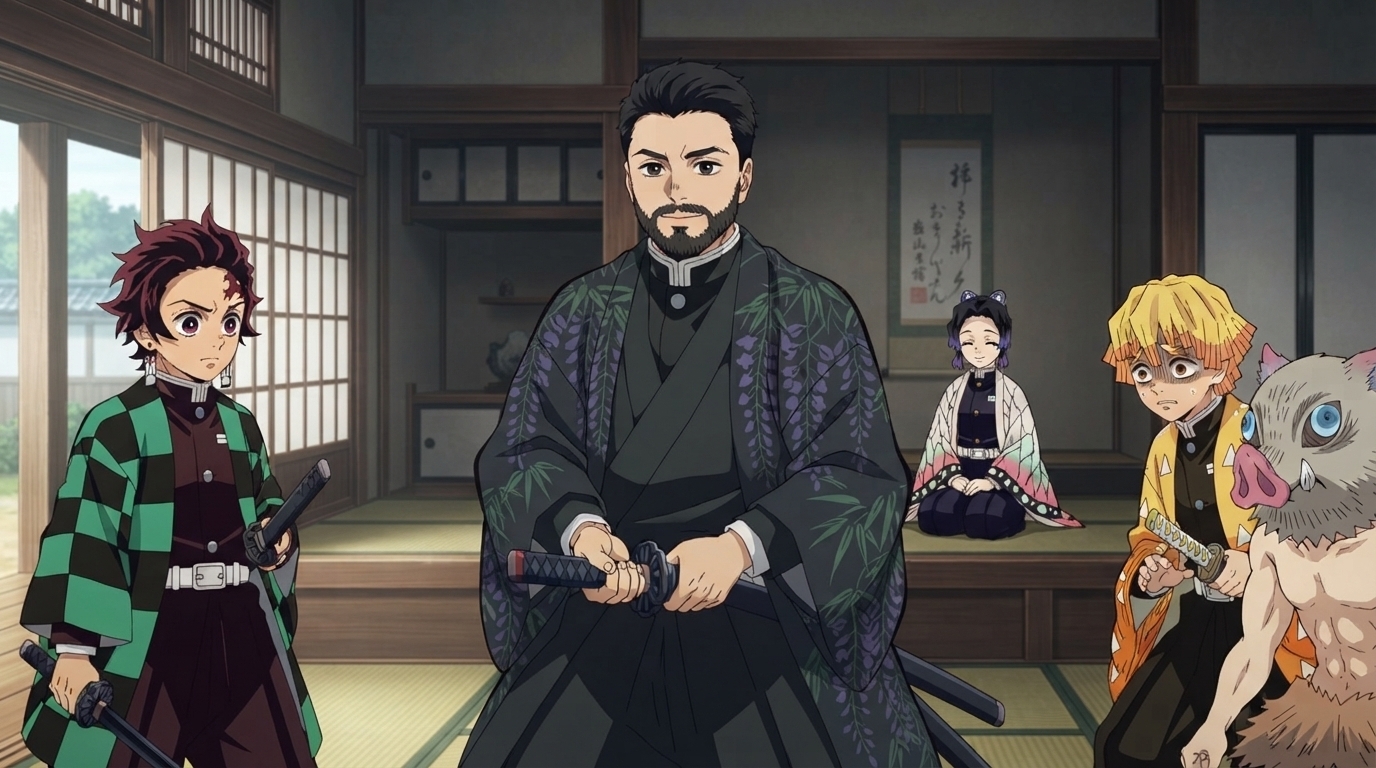
Demon Slayer Anime Generator: How to Create Demon Slayer Style Art with AI
Breathing techniques, cinematic lighting, and ufotable-quality visuals — applied to your photos
Use AutoWeeb's Demon Slayer anime generator to turn photos into Kimetsu no Yaiba-style art. Breathing technique effects, dramatic action poses, and ufotable-quality visuals — all with AI.
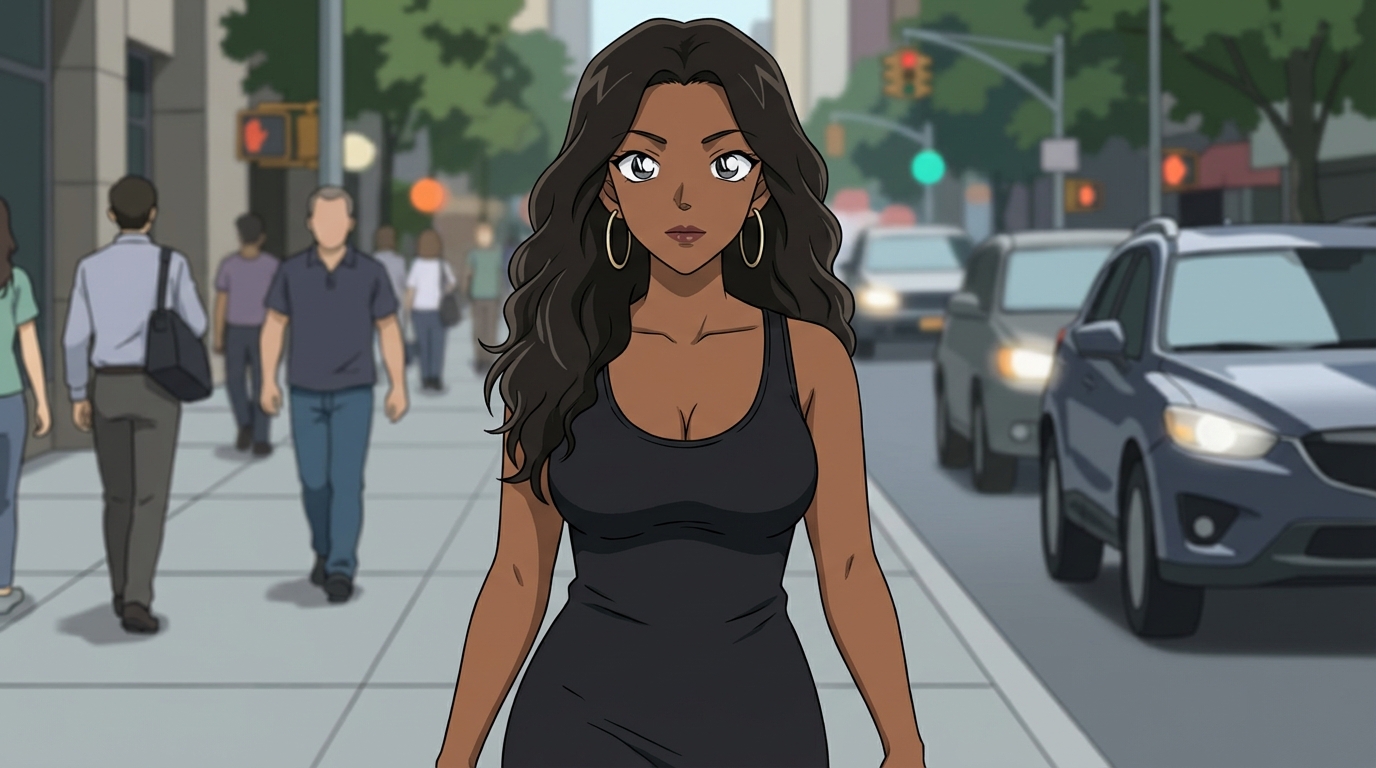
Detective Conan Anime Generator: How to Create Case Closed Style Art with AI
Sharp character designs, dramatic deduction scenes, and the iconic mystery anime aesthetic
Use AutoWeeb's Detective Conan anime generator to turn photos into Case Closed-style art. Sharp linework, dramatic investigation scenes, and Gosho Aoyama's iconic character designs — all with AI.
Explore AutoWeeb
Jump into the tool that fits your creative step.
AI Anime Video Generator
Animate storyboard shots into cinematic clips with Seedance 2 and consistent characters.
Anime Character Creator
Design original characters with consistent sheets across every scene.
AI Anime Image Generator
Generate cinematic anime stills anchored to your character library.
Anime Filters
Upload any photo and apply AI anime filters to turn it into stunning anime art in seconds.
AI Anime Location Generator
Create a location set once, then generate reference images from every angle.
AI Anime Storyboarding
Describe your idea, pick your characters, and let AI draft the script and scenes.
AI Anime Prompt Agent
Turn a rough idea into a cinematic Seedance 2 prompt with the AI Director.