
How Kids Are Designing Their Own Anime Characters With AI
The creative process behind a child's first original anime character
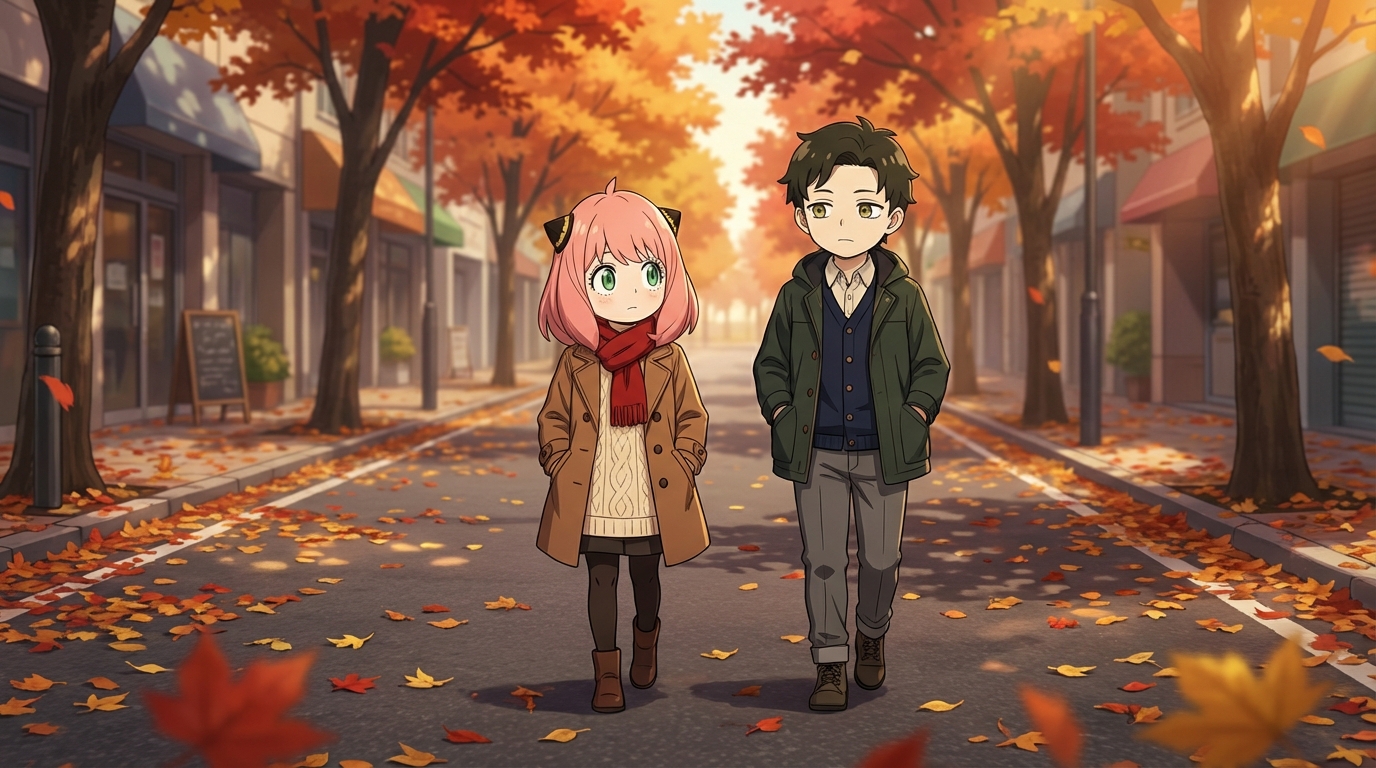
Something interesting is happening with kids and AI art tools. The childs who grew up watching anime are now old enough to start making it, and the tools have become simple enough for an 8-year-old to use. The result is a generation of young fans who aren't just consuming anime, they're designing original characters and building visual worlds around them.
What makes this worth paying attention to isn't the technology. It's the creative process. The way kids approach character design reveals how they think about identity, personality, and storytelling, even when they're just "making cool pictures."
👉 Help Your Child Start Designing Characters on AutoWeebThe Starting Point Is Almost Always a Self-Portrait
The first thing most kids do is convert a photo of themselves into anime. It's the fastest path to a "wow" moment: they see their own face, their own hair, their own expression translated into the medium they love most. With AutoWeeb's photo converter, this takes seconds.
But the self-portrait is just the entry point. Once they see themselves in anime form, the creative instinct kicks in. What if the hair was different? What if the outfit changed? What if this version of me was a hero? A villain? Living in a completely different world? The photo-to-anime conversion opens the door; what walks through it is the child's imagination.
From Self-Portrait to Original Character
The transition from "me in anime" to "a character I invented" happens naturally. The child starts tweaking the description. They change the hair color. They add a scar, a weapon, a specific outfit. They give the character a name that isn't their own. At some point, the character stops being a version of themselves and becomes someone new.
This is where the real design work begins. Kids who've watched enough anime have internalized the visual language of the medium. They know that red eyes signal intensity. They know that messy hair reads as rebellious. They know that a character wearing all black with one bright accent color is going to look like the cool loner. They apply these conventions instinctively, and the tool renders their decisions into finished art.
Iteration as a Creative Habit
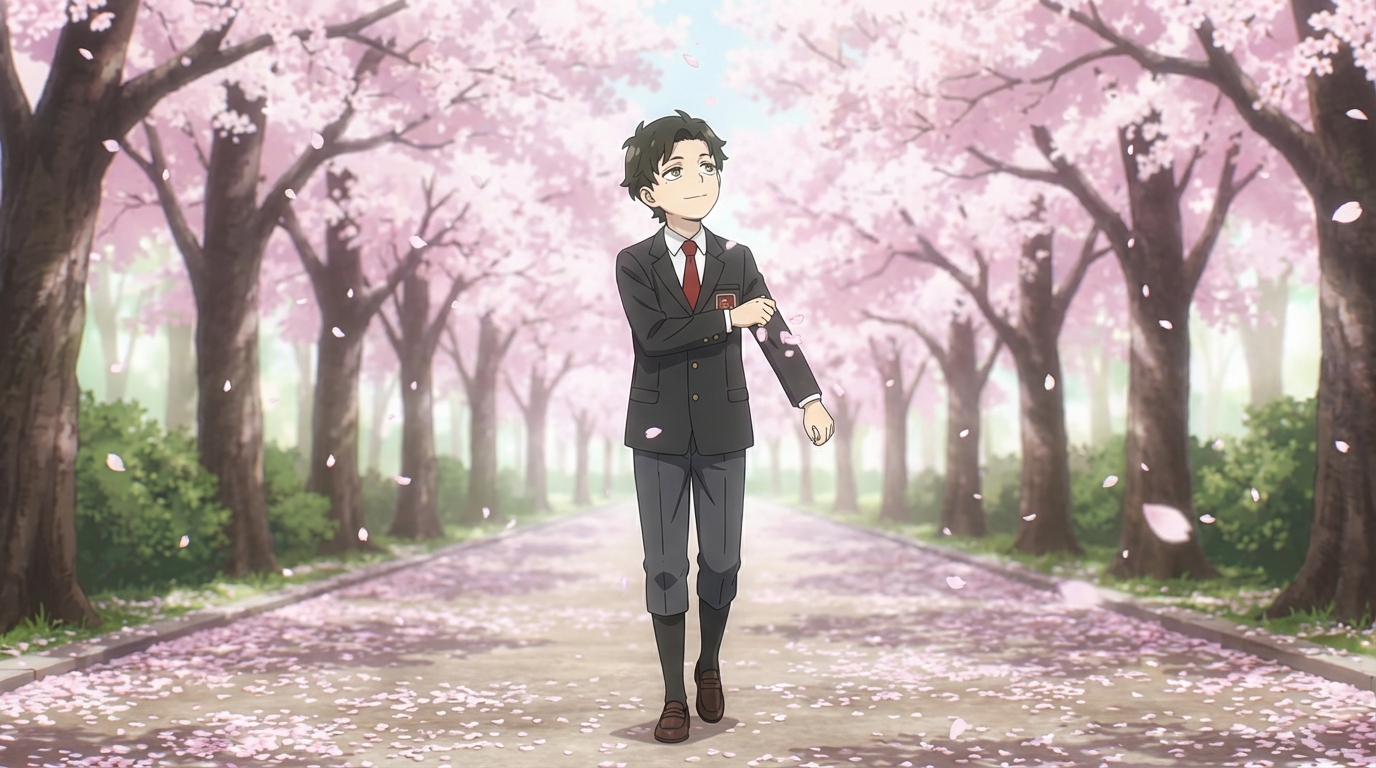
What's notable about kids using AI character tools is how naturally they iterate. An adult might generate one image and call it done. A child generates five versions of the same character, compares them, identifies what they like about each, and describes a sixth version that combines the best elements.
This process, generating, evaluating, adjusting, regenerating, is the same iterative design loop used by professional artists and designers. Kids don't think of it that way. They think they're just making it look better. But the habit of critically evaluating their own work and making specific improvements is a creative skill that carries over into everything else they do.
Style as a Design Variable
One of the most interesting things kids explore is how the same character looks in different art styles. A character designed in Ghibli style looks soft, approachable, and warm. The same character in Demon Slayer style looks fierce, dramatic, and battle-ready. In slice of life, they look like someone you'd sit next to in class.
Kids pick up on these tonal shifts without being taught them explicitly. They'll say things like "this version is the one where they're just a normal child" and "this version is where they're the main character of an action show." They're learning that visual style carries meaning, and they're choosing which meaning to apply to their creation.
What Parents Are Seeing
Parents who hand their child an anime AI tool tend to see a few things happen. First, intense focus. The child disappears into the tool for an hour and comes out with a folder of images. Second, pride in the output. They want to show what they made, explain the character's backstory, describe the world they exist in. Third, a desire to keep going. One character becomes two. Two characters become a cast. A cast becomes a story.
This isn't passive consumption. It's active, engaged, self-directed creative work. The child is the designer, the art director, and the storyteller. The AI is the team that executes their vision. And for a child who's always loved anime but couldn't draw it the way they imagined, that shift from wanting to make something to actually making it is significant.
👉 Help Your Child Design Their First Character on AutoWeebFrequently Asked Questions
Do kids need drawing skills to use an anime character creator?
No. An AI anime character creator like AutoWeeb handles the rendering. Your child provides the creative direction: what the character looks like, what style to use, what scene to place them in. The tool does the drawing; they do the designing.
What is the best AI anime art app for kids?
AutoWeeb is built for creating anime art with minimal friction. The interface is visual and straightforward: upload a photo, pick a style, describe a scene. Most children aged 8 and up can use it independently. Younger children may want a parent nearby for the first session, but the workflow is simple enough that they take over quickly.
How much does an AI anime tool for kids cost?
AutoWeeb has a free tier that lets your child try the core anime art features without any commitment. Paid plans run on a credit system, starting at a price comparable to a manga volume. Credits are spent per image or video generated, so there's a natural budget built in.
What kind of anime art can my child create with AI?
They can convert photos into anime characters, design original characters from scratch, build character sheets that keep designs consistent, place characters into scenes (festivals, cities, nature, custom descriptions), and animate still images into short videos. The output is shareable, printable anime art they directed.
Can my child use AI anime art for school projects?
Yes. The anime art your child creates is theirs to use: school projects, printed wall art, profile pictures, gifts for friends, or just a personal collection. Check with your child's teacher regarding AI tool policies if they plan to use the art in a graded assignment.
Read more about how kids go from fans to creators or explore creative screen time with anime AI.
Related Blog Posts
What Are the Best AI Anime Generators?
A clear-eyed look at the top tools for anime art, characters, and scenes in 2026
What are the best AI anime generators in 2026? We compare AutoWeeb, DomoAI, and LeonardoAI on anime output quality, character creation, ease of use, and more.
Best AI Anime Video Tools in 2026
A practical guide to the AI platforms that can generate anime-style video, and which one actually delivers
Looking for the best AI anime video tools in 2026? We compare AutoWeeb, DomoAI, and LeonardoAI on anime video generation, ease of use, and creative output.
The Best Anime Character Generators in 2026
Which AI tools let you design, build, and reuse anime characters consistently across scenes and formats?
Looking for the best anime character generator in 2026? We compare AutoWeeb, DomoAI, and LeonardoAI on character creation, consistency, photo-to-anime, and more.
AI Anime Battle Generator: Create Epic Anime Action Scenes
From staredowns to finishing blows, generate cinematic anime battles with your own characters
Use AutoWeeb's AI anime battle generator to create dynamic anime action scenes. Build your fighter, describe the moment, and generate anime battle images and videos that actually hit.
Explore AutoWeeb
Jump into the tool that fits your creative step.
AI Anime Video Generator
Animate storyboard shots into cinematic clips with Seedance 2 and consistent characters.
Anime Character Creator
Design original characters with consistent sheets across every scene.
AI Anime Image Generator
Generate cinematic anime stills anchored to your character library.
Anime Filters
Upload any photo and apply AI anime filters to turn it into stunning anime art in seconds.
AI Anime Location Generator
Create a location set once, then generate reference images from every angle.
AI Anime Storyboarding
Describe your idea, pick your characters, and let AI draft the script and scenes.
AI Anime Prompt Agent
Turn a rough idea into a cinematic Seedance 2 prompt with the AI Director.