
Ghibli Style Anime Generator: How to Create Studio Ghibli Art with AI
Turn any photo into Miyazaki's world with soft watercolors, lush nature, and magical warmth
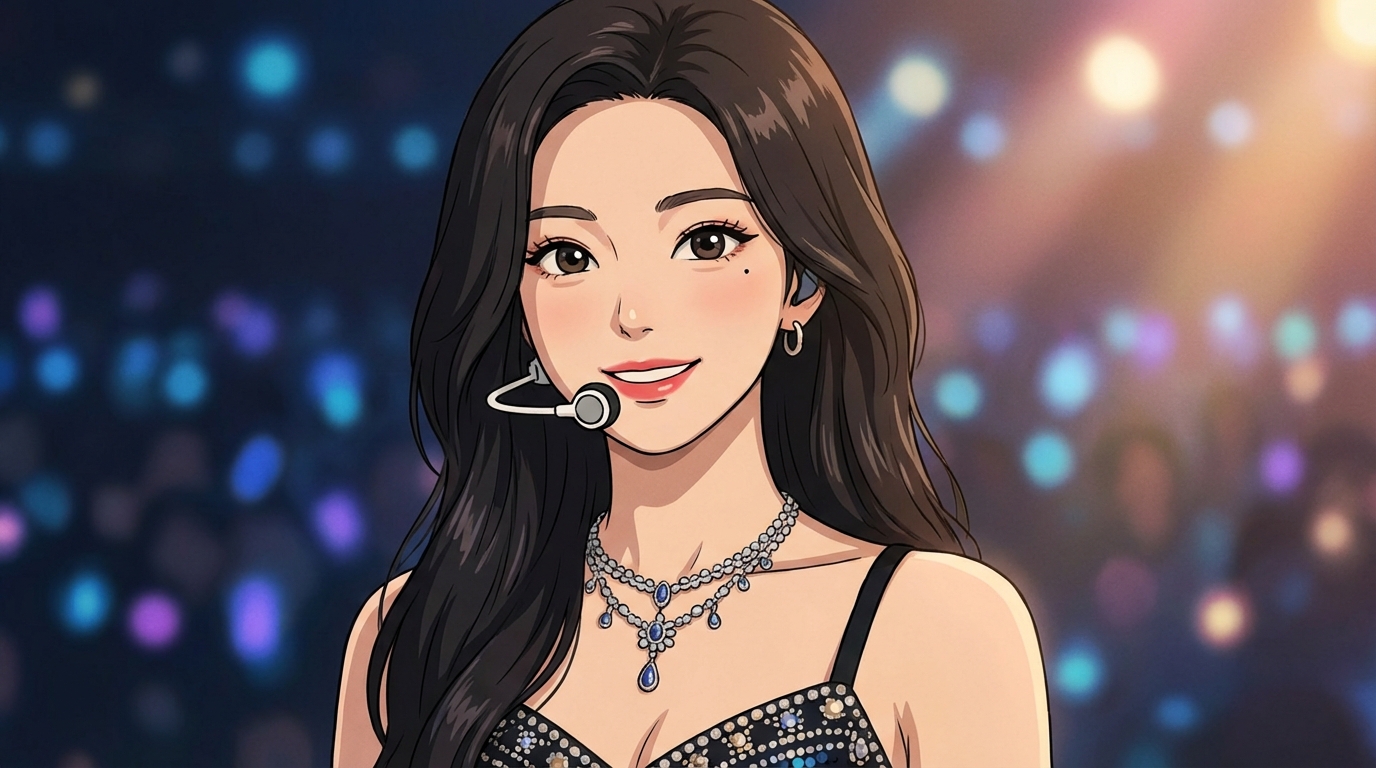
Studio Ghibli's art style is one of the most recognizable aesthetics in animation history. Soft watercolor backgrounds, gentle character features, and a reverence for nature that turns every frame into a painting. AutoWeeb's Ghibli style anime generator lets you apply that exact visual language to your own photos.
Try the Ghibli Style Generator FreeWhat Makes the Ghibli Style Unique
The visual identity of Ghibli films — Spirited Away, My Neighbor Totoro, Howl's Moving Castle, Princess Mononoke — comes from a specific set of artistic choices that separate it from other anime styles:
- Watercolor textures: Backgrounds look hand-painted with visible brush strokes, soft gradients, and muted earth tones. No hard digital edges.
- Gentle character features: Large, expressive eyes with warmth rather than intensity. Rounded faces, natural proportions, and clothing that moves with the body.
- Nature as a character: Rolling hills, towering clouds, dense forests, flowing rivers. Ghibli environments aren't backdrops — they're part of the story.
- Golden-hour lighting: Warm amber tones, long shadows, and a perpetual feeling of late afternoon that wraps every scene in nostalgia.
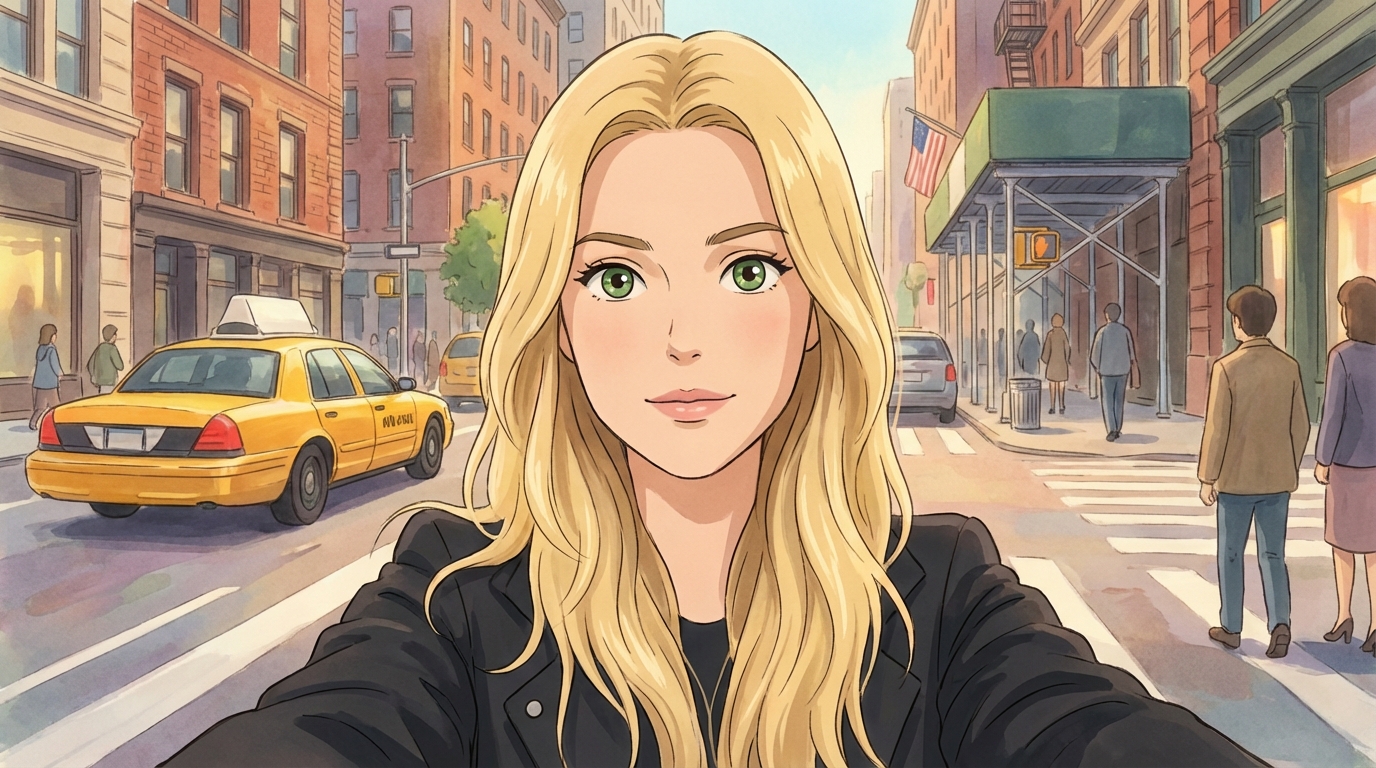
How to Generate Ghibli Style Art with AutoWeeb
The process takes about thirty seconds from start to finish.
Step 1: Upload a Photo
Portraits work best, but the Ghibli style also shines with landscapes, group shots, and pet photos. The AI adapts to whatever you give it — a headshot becomes a Ghibli character portrait, a park photo becomes a scene from Totoro.
Step 2: Select the Ghibli Style
In AutoWeeb's style library, choose the Ghibli option. The AI has been tuned specifically to reproduce the color palettes, lighting, and character proportions that define the Ghibli look — it's not a generic "anime filter" applied on top.
Step 3: Generate and Download
The AI generates your Ghibli-style artwork in seconds. Download it, share it, or take it further.
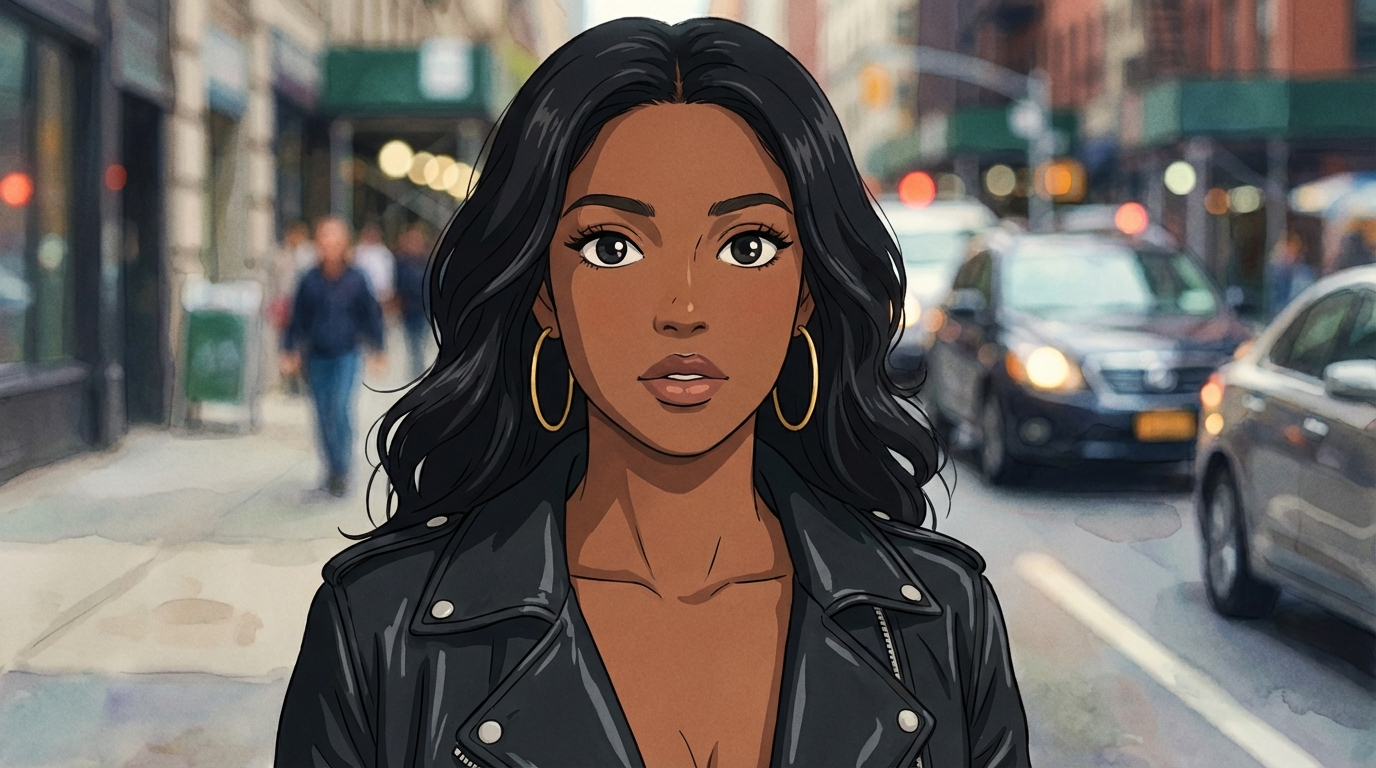
Going Beyond a Single Image
Most Ghibli-style AI tools stop at one image. AutoWeeb lets you go further:
- Character Sheets: Generate a Character Sheet from your Ghibli portrait. This locks in the design — hairstyle, outfit, proportions — so the character stays consistent across multiple scenes.
- Scene placement: Drop your Ghibli character into new environments. A meadow, a flying castle, a seaside village. The character stays recognizably you.
- Photo Packs: Run a Photo Pack with your Ghibli character and get an entire series of scenes — like starring in your own Ghibli film.
- Animation: Turn any Ghibli still into a short animated clip with one click. Wind in the hair, clouds drifting, fabric swaying.
What People Use the Ghibli Generator For
- Profile pictures: Ghibli-style avatars for Discord, Instagram, Twitter, and TikTok
- Gifts: Turn family photos into framed Ghibli prints for birthdays and holidays
- Phone wallpapers: Custom Ghibli-style backgrounds of your own photos
- Fan art: Place yourself in the universe of your favorite Ghibli film
- Wedding and event art: Create anime-style invitations with a Ghibli aesthetic
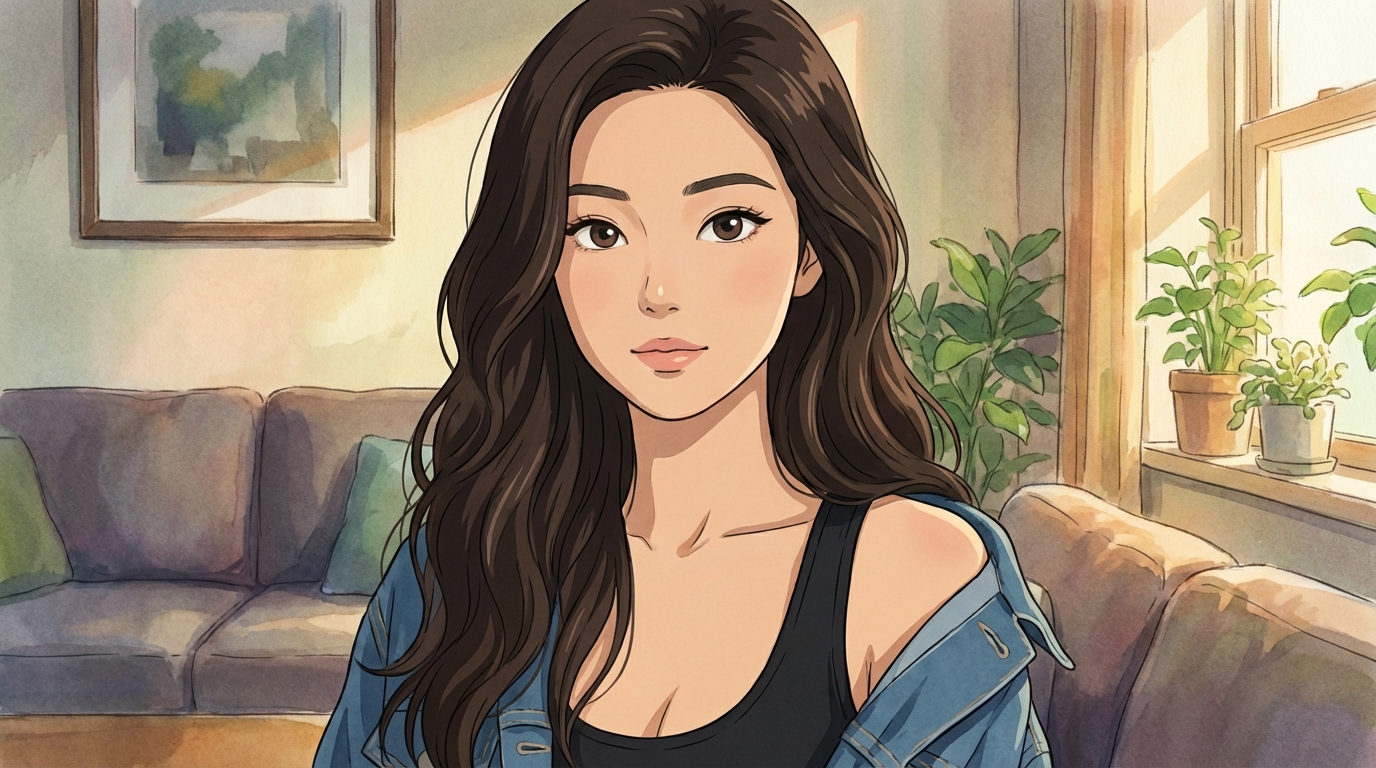
Tips for Better Ghibli Results
- Natural lighting helps. Photos taken outdoors or near windows already have the soft, diffused quality that aligns with the Ghibli palette.
- Simple backgrounds translate better. The AI does its best work when the scene isn't too cluttered — it needs room to paint those dreamy watercolor skies.
- Portraits with visible shoulders and hair give the most detail. The AI uses clothing and hair to add Ghibli-specific design touches — a flowing scarf, a hand-knit sweater, windswept bangs.
Related Blog Posts
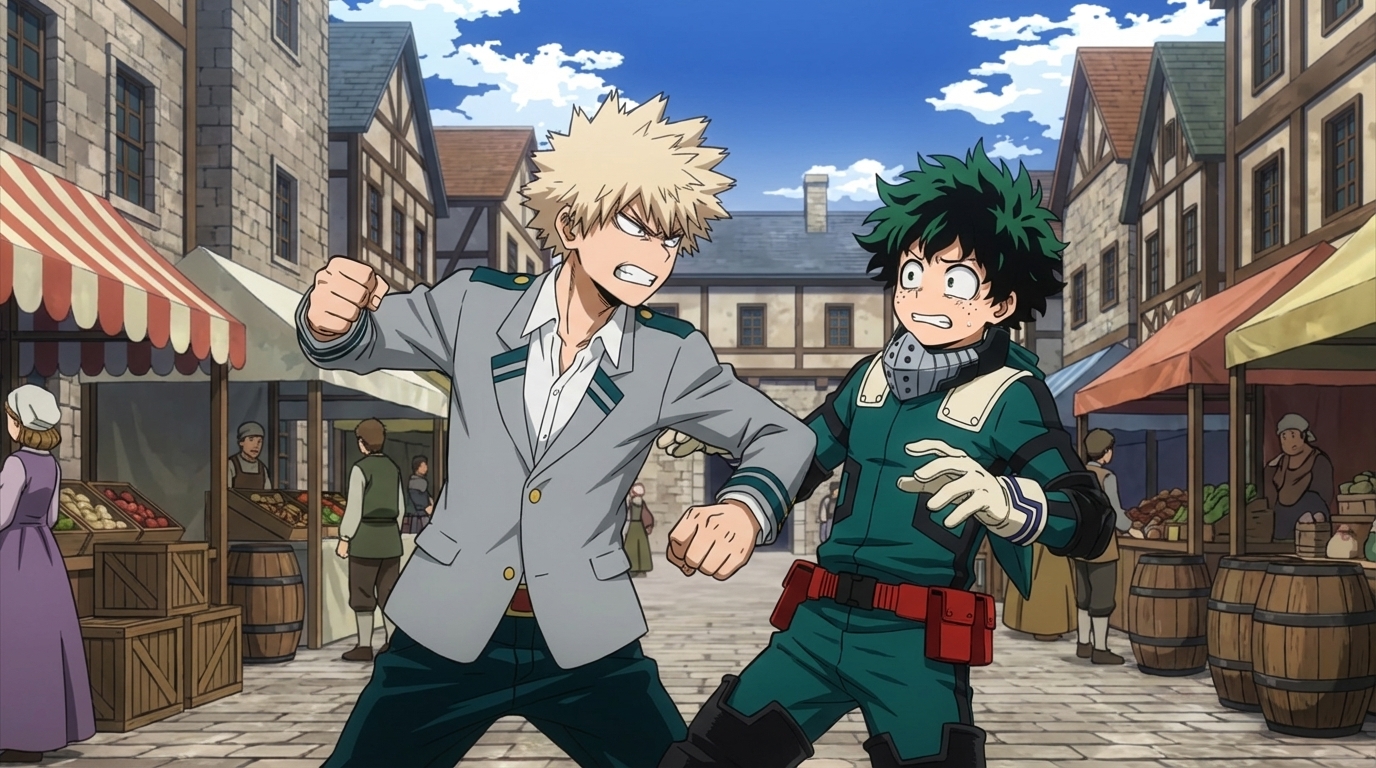
Anime Fight Scene Generator: Build Action Scenes with AI
Generate cinematic anime battles from a character and a prompt
Use AutoWeeb's anime fight scene generator to create dynamic action scenes. Pick a character, choose a template or write a prompt, and generate anime fight images and videos with AI.
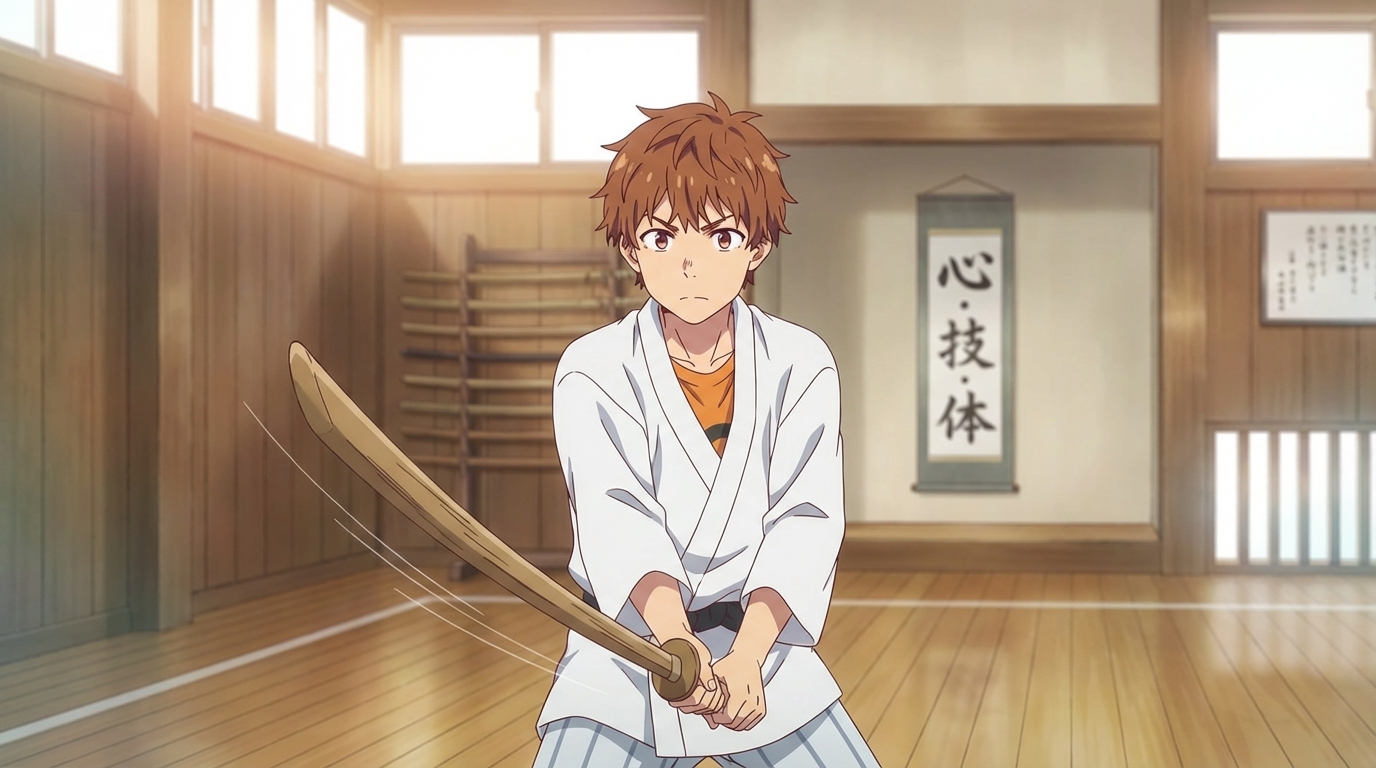
Best AI Tool to Convert Photo into Anime (2026)
How AutoWeeb turns your photos into anime characters you can actually use
Looking for the best AI tool to convert photo into anime in 2026? AutoWeeb preserves your likeness, generates character sheets, and lets you reuse your anime self across scenes and videos.
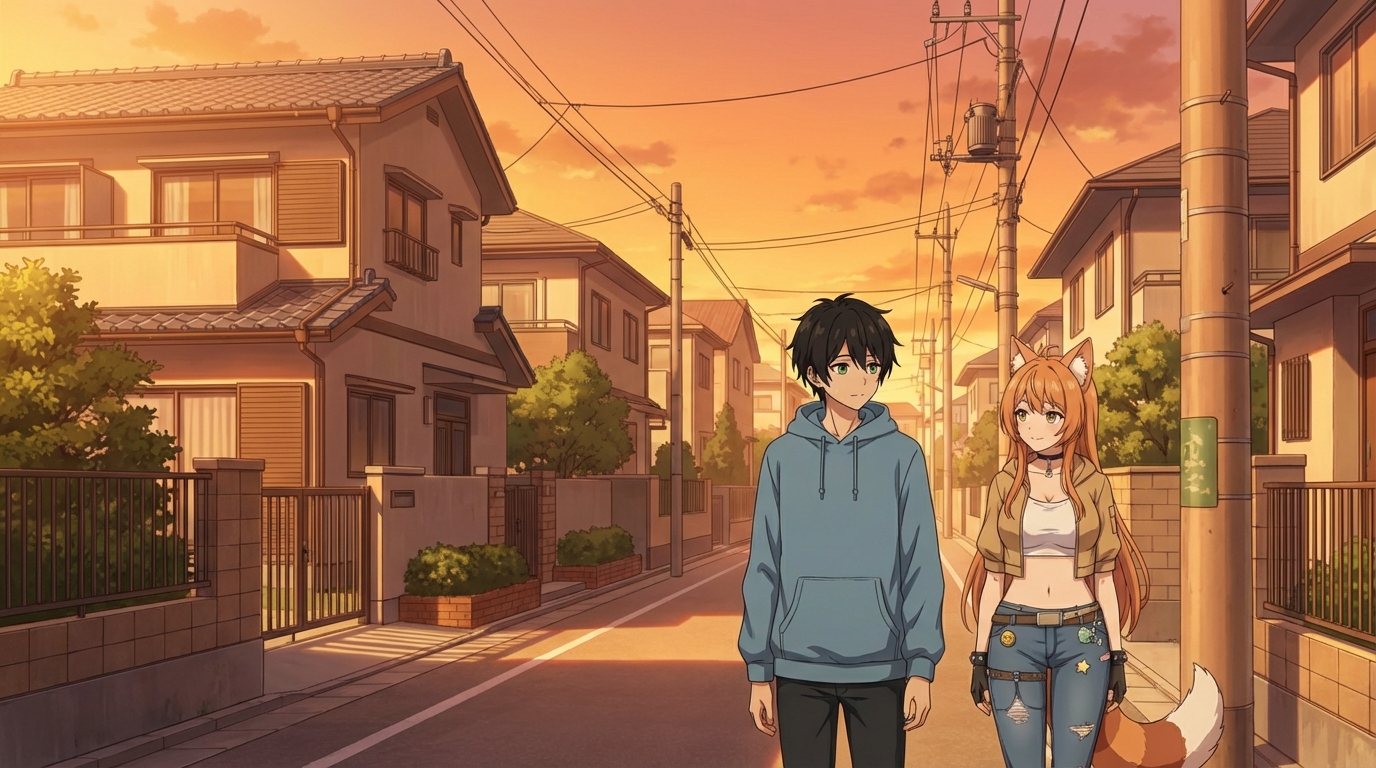
How to Make an Anime OC
Build an original character from a photo or idea, then use them anywhere
Learn how to make an anime OC with AutoWeeb. Start from a photo or existing image, generate a character sheet, and drop your original character into any scene or video.
AutoWeeb vs AniFun AI: Which is Best for Anime in 2026?
A honest comparison for creators who want anime storytelling, not just a tool collection
AutoWeeb vs AniFun AI: a detailed comparison for anime creators in 2026. Character creation, OC tools, character sheets, photo-to-anime, video templates, storyboarding, and more.
Explore AutoWeeb
Jump into the tool that fits your creative step.
AI Anime Video Generator
Animate storyboard shots into cinematic clips with Seedance 2 and consistent characters.
Anime Character Creator
Design original characters with consistent sheets across every scene.
AI Anime Image Generator
Generate cinematic anime stills anchored to your character library.
Turn Photo Into Anime
Upload any photo and watch AI turn it into stunning anime art in seconds.
AI Anime Location Generator
Create a location set once, then generate reference images from every angle.
AI Anime Storyboarding
Describe your idea, pick your characters, and let AI draft the script and scenes.
AI Anime Prompt Agent
Turn a rough idea into a cinematic Seedance 2 prompt with the AI Director.