
5 Mistakes to Avoid When Making Anime Videos with Seedance 2
Save time and credits by not learning these the hard way
Seedance 2 generates anime video that looks genuinely cinematic. But every generation takes time and credits, and a bad prompt wastes both. After watching creators go through the learning curve, the same five mistakes come up again and again. Avoid these and your hit rate goes up immediately.
👉 Start Creating Anime Videos on AutoWeebMistake 1: Ignoring the Starting Image
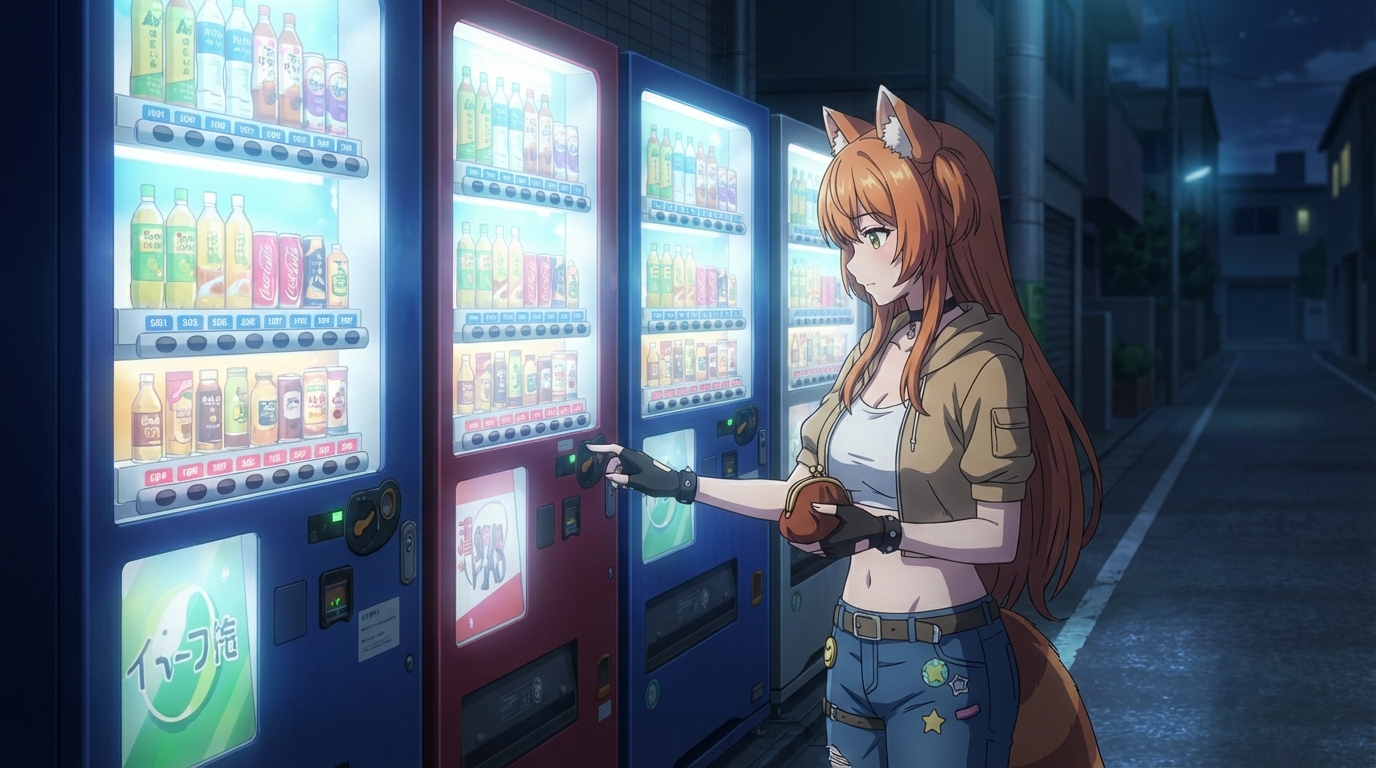
The starting image is the most important input in the entire workflow, and it's the one most people rush past. Seedance 2 treats your starting image as the literal first frame of the video. Every detail in that image, clothing, hair color, eye color, weapon, background, carries forward into the clip. Every detail that's not in that image gets invented by the model.
If your character has crimson eyes but the starting image shows them from a distance where eye color isn't visible, the model will pick whatever eye color it wants. If the character's sword is behind their back and not visible, the model might generate the clip without a sword entirely.
The fix is straightforward: before writing any prompt, look at your starting image and check that every character detail you care about is visible. If something is missing, generate a better starting image first.
Mistake 2: Cramming Too Much Into the Time Limit
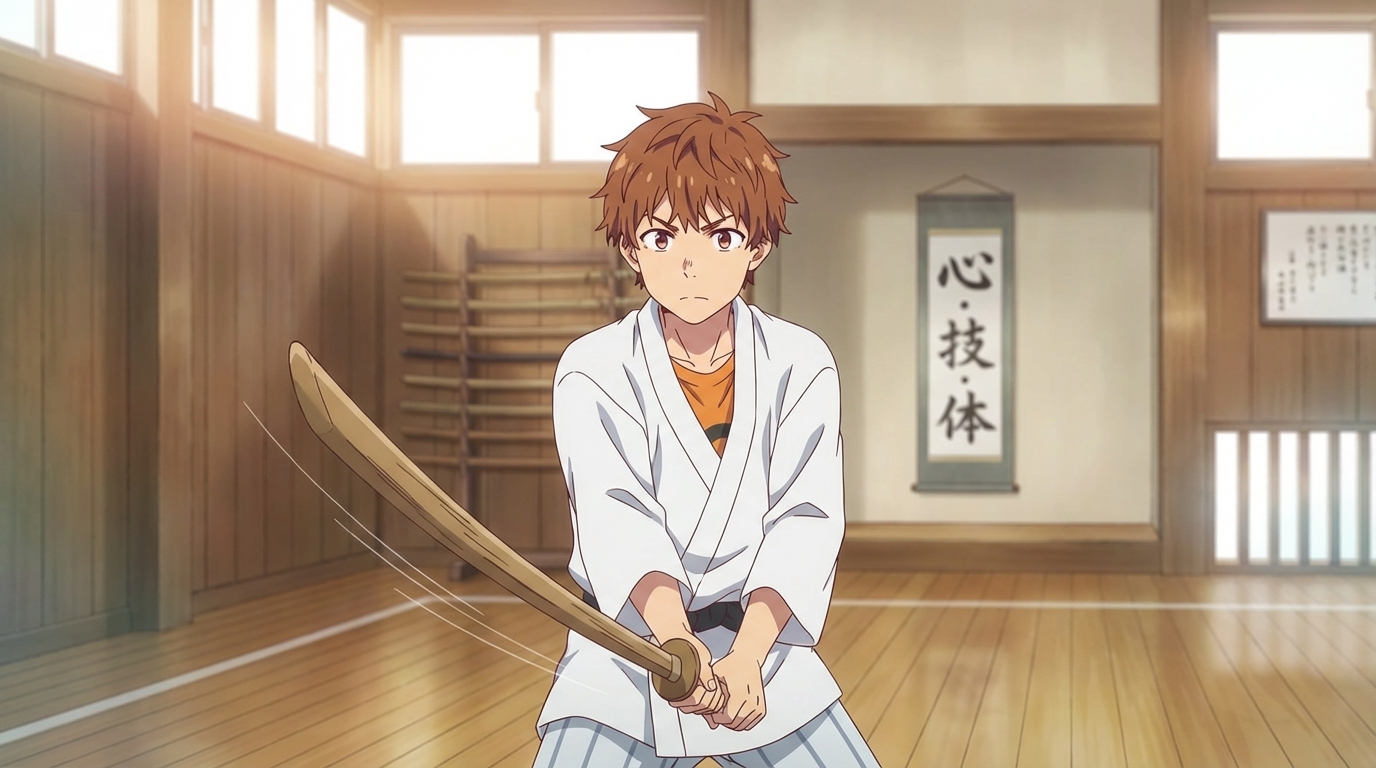
Five seconds is shorter than you think. Ten seconds is shorter than you think. Read your prompt out loud and mime the actions with your hands. If the actions take longer than the time limit you've selected, the model will try to compress everything, and the result will be rushed, blurry, or physically impossible.
A 5-second clip has room for one clear action and one camera movement. Not three actions. Not a sequence. One beat, executed well.
Good 5-second prompt: "Medium shot, anime girl reaches out and catches a falling cherry blossom petal in her palm, camera pushes in slowly toward her hand, soft afternoon light, gentle wind"
Bad 5-second prompt: "Anime girl runs across a bridge, stops, turns around, pulls out a sword, deflects an arrow, and jumps off the side of the bridge"
The second prompt describes at least 15 seconds of action. The model will try. The result won't be usable. Break long sequences into multiple clips instead.
Mistake 3: Using Copyrighted Content in Starting Images
Seedance 2 has advanced content detection filters. These aren't simple keyword filters. They analyze the visual content of your starting image and can detect recognizable anime characters, franchise-specific designs, and even small details like Pokeballs, distinctive hairstyles from popular series, or clothing patterns associated with copyrighted properties.
If the model detects copyrighted content, it rejects the generation entirely. No partial result, no warning, just a failed attempt that costs time.
The solution: use original characters. If you build your character with AutoWeeb's Character Creator, it's original by definition. If you need to use fan content or characters inspired by existing anime, switch to Seedance 1.5, which doesn't enforce these restrictions.
Mistake 4: Skipping the Prompt Analysis Tool
AutoWeeb includes a prompt analysis tool that reviews your prompt before you spend credits on generation. It flags common problems: missing camera direction, prompts that are too long or too short for the selected duration, character details mentioned in the prompt but absent from the starting image, and ambiguous motion descriptions.
Most creators skip it. Most creators also waste their first 3-4 generations on easily preventable issues.
The tool adds maybe 10 seconds to your workflow. It catches the mistakes that waste 3-5 minutes of generation time each. The math works out clearly in favor of using it every time.
Mistake 5: Rapid-Firing Instead of Iterating
Seedance 2 generations take a few minutes. The temptation is to submit five different prompts and hope one works. This is the most expensive way to learn the model.
A better approach: submit one prompt, wait for the result, study what worked and what didn't, adjust the prompt, and submit again. Two thoughtful iterations almost always produce better results than five random attempts.
If the motion is right but the framing is wrong, adjust the camera direction and keep everything else. If the character looks correct but the action is too fast, remove one action beat from the prompt. Small changes to a working prompt are more productive than starting from scratch each time.
Patience isn't just a virtue with Seedance 2. It's a strategy. The model rewards precision and punishes vagueness. Spending three minutes on a prompt saves you from spending fifteen minutes on failed generations.
The Pattern Behind All Five
Every one of these mistakes is a form of rushing. Rushing past the starting image, rushing the prompt, rushing through copyrighted content, rushing past the analysis tool, rushing through generations. Seedance 2 is a powerful model that rewards careful input with cinematic output. Give it clear instructions and clean inputs and the results speak for themselves.
👉 Create Your First Anime Video on AutoWeebFor a deeper dive into prompting technique, read our guide to writing prompts for Seedance 2 anime videos. For inspiration on what's possible, check out our anime action sequence tutorial and the sword fight video guide.
Related Blog Posts
Anime Birthday Party Ideas (Including One They'll Never Forget)
Party activities for anime-loving kids, from themed decorations to turning every guest into an anime character
Planning an anime birthday party? Here are creative activity ideas for kids aged 8-12, including one where every guest gets turned into their own anime character.
Weekend Activity: Turn Your Whole Family Into Anime Characters
A step-by-step family project that takes 20 minutes and produces something everyone wants to share
Turn your whole family into anime characters with AutoWeeb. A quick, fun weekend activity for parents and kids that produces shareable anime art of everyone.
How Kids Are Designing Their Own Anime Characters With AI
The creative process behind a child's first original anime character
Kids are using AI tools to design their own anime characters, starting from photos, iterating on styles, and building visual identities. Here's what that looks like.
Anime for School Projects: 5 Creative Ideas Using AI Art
Concrete ways kids can use anime AI art to make school assignments more engaging
5 ways kids can use AI anime art for school projects: creative writing illustrations, history scenes, book report covers, science fiction sequences, and more.
Explore AutoWeeb
Jump into the tool that fits your creative step.
AI Anime Video Generator
Animate storyboard shots into cinematic clips with Seedance 2 and consistent characters.
Anime Character Creator
Design original characters with consistent sheets across every scene.
AI Anime Image Generator
Generate cinematic anime stills anchored to your character library.
Turn Photo Into Anime
Upload any photo and watch AI turn it into stunning anime art in seconds.
AI Anime Location Generator
Create a location set once, then generate reference images from every angle.
AI Anime Storyboarding
Describe your idea, pick your characters, and let AI draft the script and scenes.
AI Anime Prompt Agent
Turn a rough idea into a cinematic Seedance 2 prompt with the AI Director.