
Photo to Anime That Actually Looks Like You: A Guide for Hispanic and Latino People
How AutoWeeb preserves warm olive skin, dark hair, and Latino features in every conversion
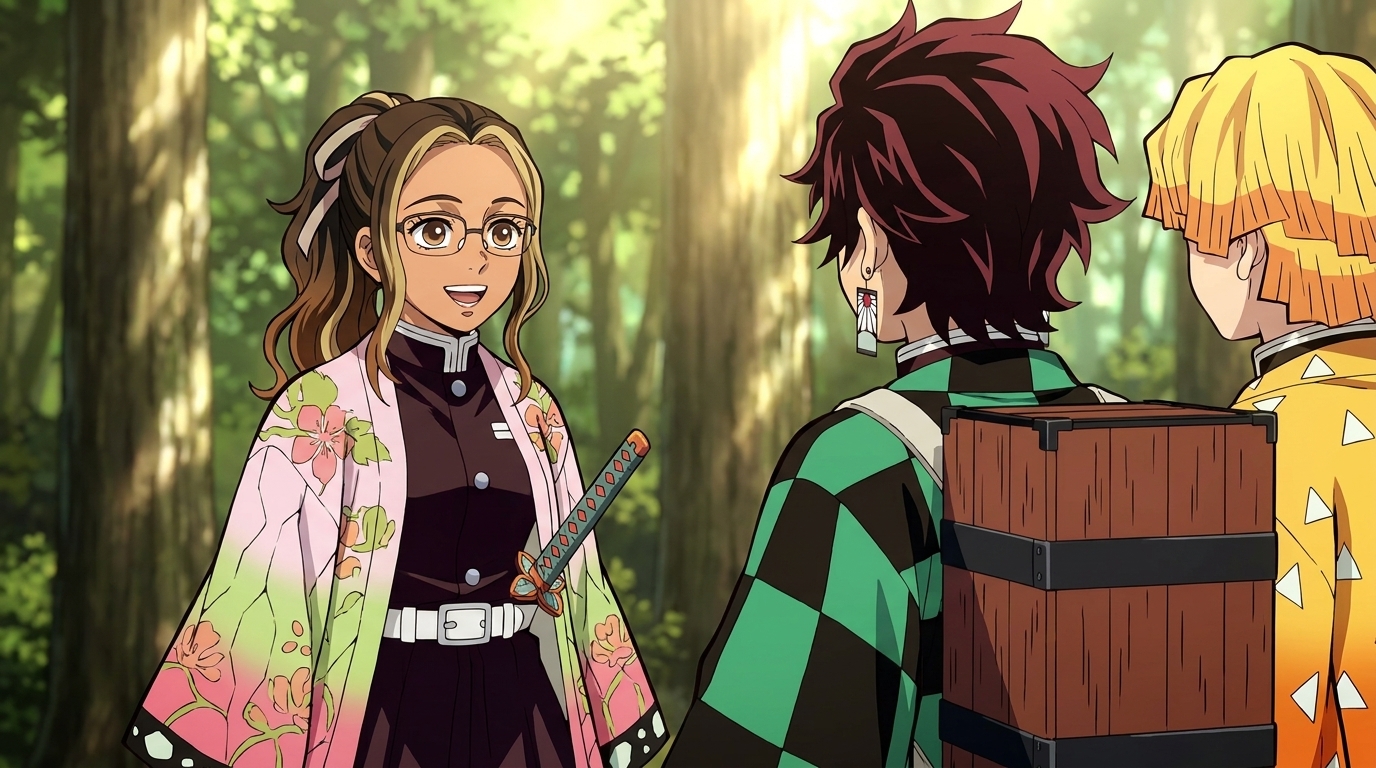
Latino and Hispanic people span one of the widest ranges of skin tones, hair textures, and facial features of any group on earth. Warm olive complexions, deep bronze skin, rich caramel tones, and everything in between. Thick dark waves, loose curls, tight ringlets, and straight black hair. Strong brows, expressive dark eyes, defined cheekbones. The diversity within the Latino community alone means a single default "Hispanic" preset in an AI tool will fail most of the people it claims to represent.
AutoWeeb's photo-to-anime conversion doesn't work from presets. It reads the actual tonal and structural information in your photo and maps that into the anime aesthetic you choose. Warm caramel skin stays warm caramel. Thick, dark, curly hair carries its volume and texture into the anime frame. Your features — the specific geometry that makes your face recognizable — stay anchored to what's actually in the photo. The result is an anime version of you, not a generic approximation of "Latino."
👉 Turn Your Photo Into Anime NowWhy most photo-to-anime tools miss the mark for Hispanic and Latino people, and how AutoWeeb handles it differently.
The challenge with most AI converters isn't malice — it's training data. Models built primarily on East Asian and Northern European reference images learn to treat warm olive, bronze, and medium-brown skin as edge cases. The result is tonal compression: a rich, sun-warmed caramel complexion gets flattened into a generic tan. A deep bronze tone loses its warmth and reads as an indeterminate beige. The specificity that makes Latino skin beautiful gets averaged out.
AutoWeeb maps the actual luminosity and color temperature from your photo into the anime rendering. That means the subtle warmth in golden-tan skin carries through. The deeper, richer tones of someone with Indigenous Mexican heritage don't get pulled toward a cooler approximation. A fair-skinned Argentine with olive undertones doesn't get rendered as simply pale. The model respects the specific range of your coloring rather than collapsing it into a bucket.
Facial features follow the same logic. The strong, well-defined brows that run through many Latino families. Expressive brown or dark eyes with depth. Prominent cheekbones. A defined jaw. These aren't features most anime art styles naturally default to, but AutoWeeb's conversion anchors to the proportions it reads from your photo. The anime version of you should be recognizable as you, not a softened version of someone else.
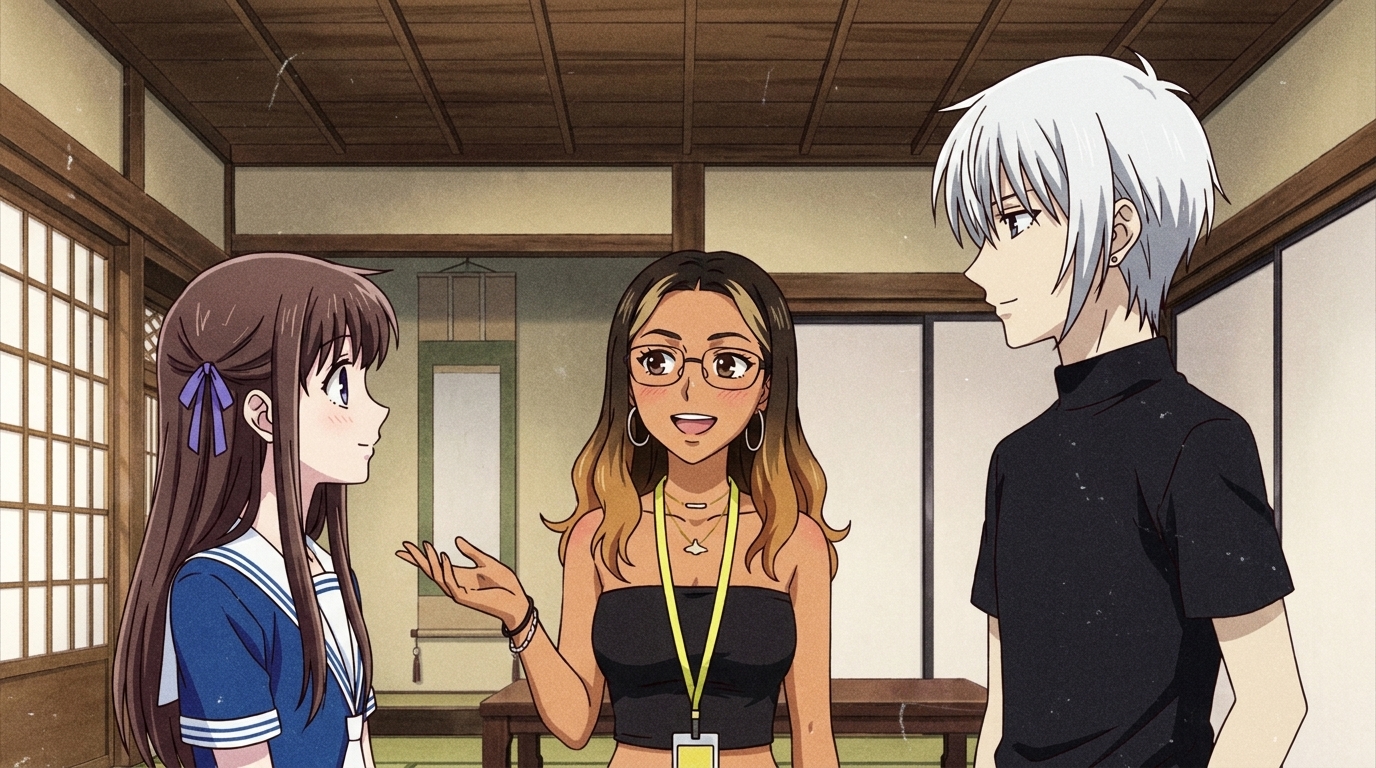
How AutoWeeb handles the full range of Latino hair — thick waves, dark curls, coils, and straight black hair.
Hair is one of the most personal and culturally significant parts of Latino identity. And it varies enormously: a Dominican woman with tight, voluminous curls; a Mexican-American man with thick, straight black hair and a sharp fade; a Colombian woman with long, loose beachy waves; a Guatemalan woman with traditional long dark braids. Standard anime training data skews toward straight or softly wavy hair, which means anything with real curl pattern or volume gets approximated rather than preserved.
AutoWeeb reads the silhouette and mass of your hair from the photo and carries that into the conversion. Tight dark curls stay tight dark curls — the anime rendering changes the painting style, but not the underlying shape. Thick, glossy straight hair retains its weight and sheen in the output. Long wavy hair keeps its length and movement. The art style (Demon Slayer's precise linework, Fruits Basket's soft warmth, My Hero Academia's bold energy) adapts the texture, but the hair's character stays rooted in your photo.
When you want to reinforce specific details, the text field gives you direct control. Prompts like "thick dark curly hair with defined spiral texture, shoulder length", "long dark brown waves with warm honey highlights, center part", or "tight fade with natural curls on top, dark brown, high shine" give the model language for exactly what it's already seeing. Specificity in the prompt reinforces specificity in the output.
Choosing the right anime style for Latino skin tones and features.
Some anime styles handle warm, varied skin tones better than others, and the right choice depends on the look you're going for.
Demon Slayer's ufotable-style rendering produces rich, saturated color with strong tonal contrast — deep bronze and warm brown skin tones look striking and vivid in this aesthetic. The detailed linework also preserves facial feature accuracy well. If you want your anime self to feel like a main character in a high-production shonen series, Demon Slayer-style is an excellent match for Latino coloring.
Fruits Basket and slice-of-life styles lean soft and warm, with a gentler color palette that suits a wide range of complexions. Golden-tan and light olive skin tones look especially natural in this aesthetic. The warmth in the color rendering brings out the warmth in warm-undertoned skin rather than neutralizing it. For everyday character portraits, social scenes, or anything that needs a more grounded, intimate feel, this style works beautifully.
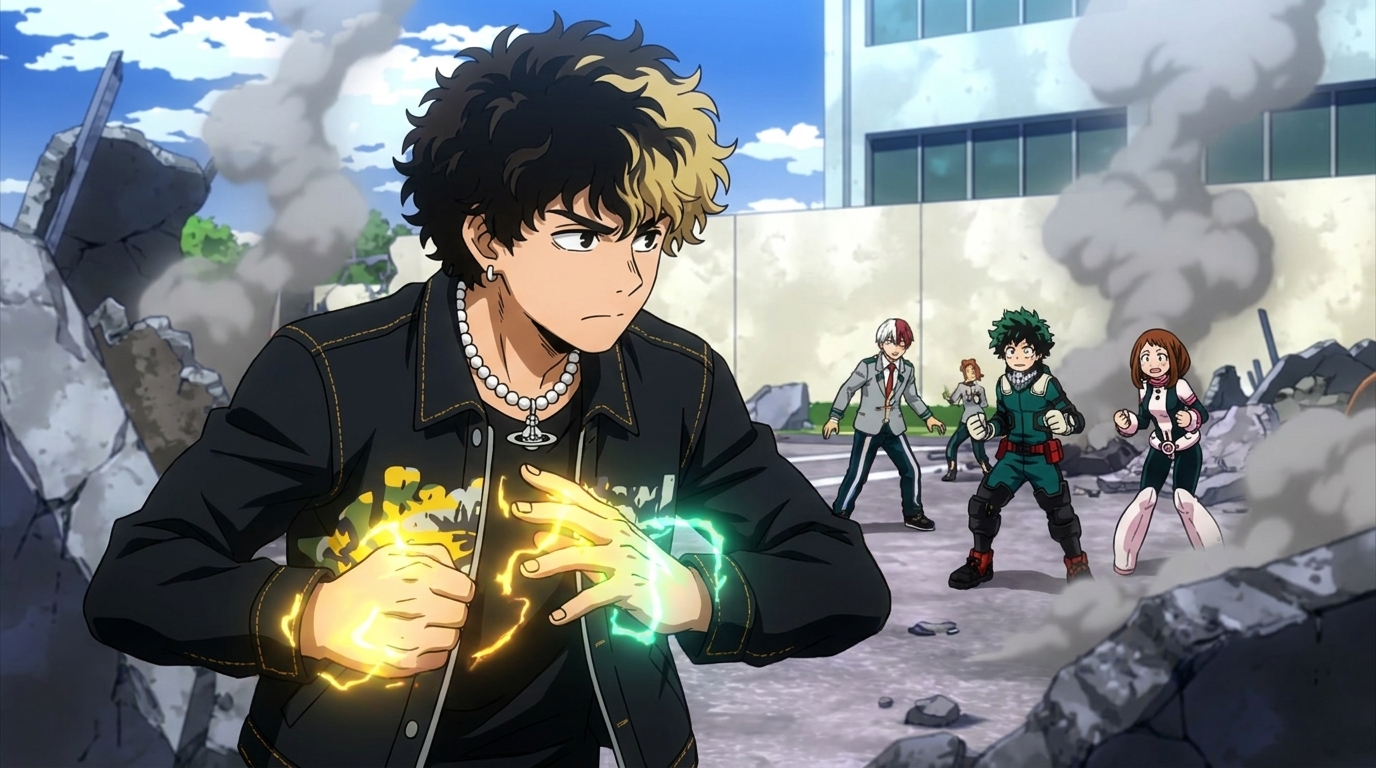
My Hero Academia's bold, graphic aesthetic renders characters with confident outlines and expressive color. Deep brown and bronze skin tones look powerful in this style — the saturation and contrast favor richness over softness. The style also handles strong features with clarity: defined brows, sharp jawlines, and expressive eyes all read with detail in the MHA aesthetic.
Ghibli's painterly warmth is worth considering for any conversion where you want the result to feel luminous. The hand-painted quality softens edges while keeping color depth, and warm-spectrum skin tones tend to look especially beautiful in it. All styles in the AutoWeeb style library have been tested across a wide range of skin tones and features.
Getting the clearest conversion: photo tips and prompts that work for Latino features.
The photo you upload shapes everything downstream. For the most accurate skin tone rendering, shoot or select a photo with even, natural lighting on your face. Harsh direct sun creates overexposed highlights that flatten skin tone information; dark shadows do the same from the other direction. A photo taken in open shade or near a window tends to preserve the tonal range the model needs to read your specific coloring.
If your hair is a central part of the look, make sure it's fully in frame. Curly and wavy hair has volume that can get cropped at the edges of a tight photo — give the model the full silhouette to work with.
After uploading, use the text field to anchor the details that matter most to you. Some prompts that work well for Latino character design:
- "Warm golden-tan skin, thick dark wavy hair, strong dark brows, expressive brown eyes"
- "Deep bronze complexion, tight dark curls, defined cheekbones, warm confident expression"
- "Rich warm caramel skin, long dark hair with loose waves, full lips, steady gaze"
- "Olive skin with warm undertones, short dark curly hair with a fade, sharp jawline, relaxed smile"
- "Light brown skin, long straight dark hair, high cheekbones, traditional embroidered blouse"
These prompts work as anchors: they give the model language for what it's already reading from the photo, and they reduce the chance it drifts toward a less specific interpretation. The more precise you are about the features that matter to you, the better the output reflects them.
Once you have a conversion you're satisfied with, save it as a Character Sheet in AutoWeeb. From that point, every scene you generate uses that character as the consistent visual reference. You don't have to re-establish your skin tone, hair, or features in every new generation.
Placing yourself into anime worlds as a Latino protagonist.
After conversion, AutoWeeb's photo packs let you place your character into curated anime scene sets: a Japan city life pack, a beach OVA, a Japanese culture festival, a slice-of-life neighborhood, an isekai town. Each pack provides a world. Your character brings the look.
The moment that lands differently for a lot of Latino users is when they see their own skin tone, hair, and features as the protagonist of a scene — not a side character, not a background presence. Your curls catching the light at an anime summer festival. Your bronze skin silhouetted against a city skyline at dusk. Your face, your features, as the main character.
You can also describe entirely original scenes. A Mexican-American healer with thick dark waves in a forest spirit shrine. A Peruvian sorcerer with golden-brown skin and a traditional woven cape channeling ancient energy. A Dominican street racer with close-cropped curls and a sharp gaze in a rain-slicked anime city. The model handles original prompts well when the character description is specific. The prebuilt worlds are a starting point, not a ceiling.
👉 Create Your Anime Self on AutoWeebFrequently asked questions about photo-to-anime conversion for Hispanic and Latino people.
Will my warm skin tone actually be preserved, or will it get lightened or desaturated?
AutoWeeb maps tonal values and color temperature from your photo into the anime rendering rather than defaulting to a preset. Warm caramel, golden-tan, deep bronze, and olive-toned skin translate as those specific tones, not a neutralized approximation. If the output doesn't capture your coloring accurately, check the source photo first — flat, even lighting preserves the tonal information the model needs to read your skin correctly.
Can AutoWeeb handle curly and wavy Latino hair textures?
Yes. AutoWeeb reads the silhouette and mass of your hair from the photo and preserves it in the conversion. Tight dark curls stay curly. Thick waves keep their volume. Long straight dark hair retains its weight. The rendering adapts to the anime style you choose, but the underlying hair shape stays anchored to what's in the photo. For best results, make sure your hair is fully in frame and that shadows aren't obscuring its shape.
Which anime style works best for Latino features and skin tones?
It depends on what you want the image to feel like. Demon Slayer's ufotable style renders warm and deep skin tones with rich, saturated color and strong detail — excellent for bold, action-oriented characters. Fruits Basket and slice-of-life styles are softer and warmer, and they suit golden-tan and olive complexions especially well. My Hero Academia's graphic style handles strong features and deeper tones with confident outlines and expressive color. Ghibli's painterly warmth makes warm-spectrum skin tones look luminous. All AutoWeeb styles are tested across a range of complexions.
What if the anime version doesn't look like me — features get softened or generic?
Add a text prompt after uploading that describes your specific features: "strong defined brows, warm brown eyes, high cheekbones, full lips" or similar. Prompts anchor the model to the details that matter most to you and reduce the chance it defaults to a generic interpretation. You can also try a different style — some anime art styles preserve facial feature specificity better than others. High-resolution photos with clear, even lighting produce the most feature-accurate conversions.
Is AutoWeeb respectful of the diversity within the Latino community?
Latino and Hispanic identity spans an enormous range of skin tones, ancestries, and physical features — from fair-skinned people of Spanish and Italian descent in Argentina, to Indigenous Mayan features in Guatemala, to deep Afro-Latino complexions in the Caribbean and Brazil. AutoWeeb doesn't attempt to fit anyone into a single "Latino" default. The conversion reads from your specific photo and preserves your specific coloring and features. The goal is that the output looks like you, whatever that looks like.
How do I keep my look consistent across different anime scenes?
Once you have a conversion you're happy with, save it as a Character Sheet in AutoWeeb. The Character Sheet stores your reference image along with any physical and style details you want maintained. Every scene you generate from that point uses your Character Sheet automatically — your skin tone, hair, and features stay consistent whether you're placing yourself in a festival, a forest, a rooftop, or a battle.
Can I create an original Latino anime character from scratch without a photo?
Yes. AutoWeeb's character creator works from text alone. Start with the features you want, and be as specific as the character deserves. Prompts like "young Afro-Latina woman with dark brown coily hair, deep warm skin, sharp healer's eyes, traditional beaded accessories" or "Mexican-American teenager with a tight fade, warm tan skin, bold protagonist energy, school uniform with a hand-drawn patch" give the model a strong foundation. From there, the Character Sheet system keeps your character consistent across every scene you put them in.
For a complete walkthrough of the conversion process from upload to final output, the photo-to-anime guide covers every step in detail. To explore placing your character in curated anime worlds, the guide to photo packs shows you what's available and how to use them. And if you're curious how AutoWeeb handles other underrepresented groups, the guide for Black people covers similar ground for darker skin tones and natural hair.
Related Blog Posts
How to Create AI Anime Without ComfyUI
You don't need to be a software engineer to make anime with AI
Create AI anime without ComfyUI, Python, or any technical setup. A step-by-step guide to making anime characters and scenes with AutoWeeb, no coding required.
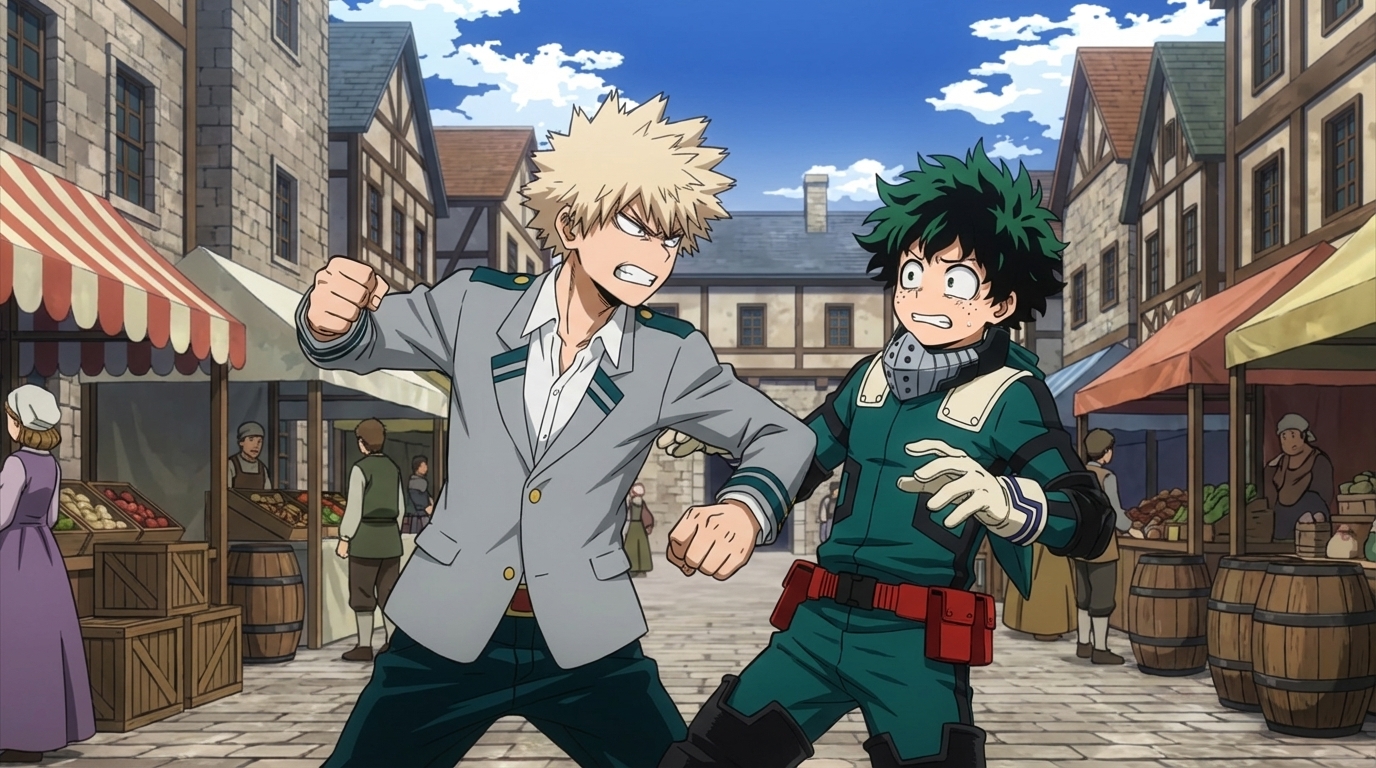
How to Create Anime Fight Scenes with AutoWeeb and Seedance 2
From character design to animated combat: the complete workflow
Learn how to create cinematic anime fight scenes using AutoWeeb and Seedance 2. Character sheets, scene design, video prompts, and how to assemble a complete fight sequence.
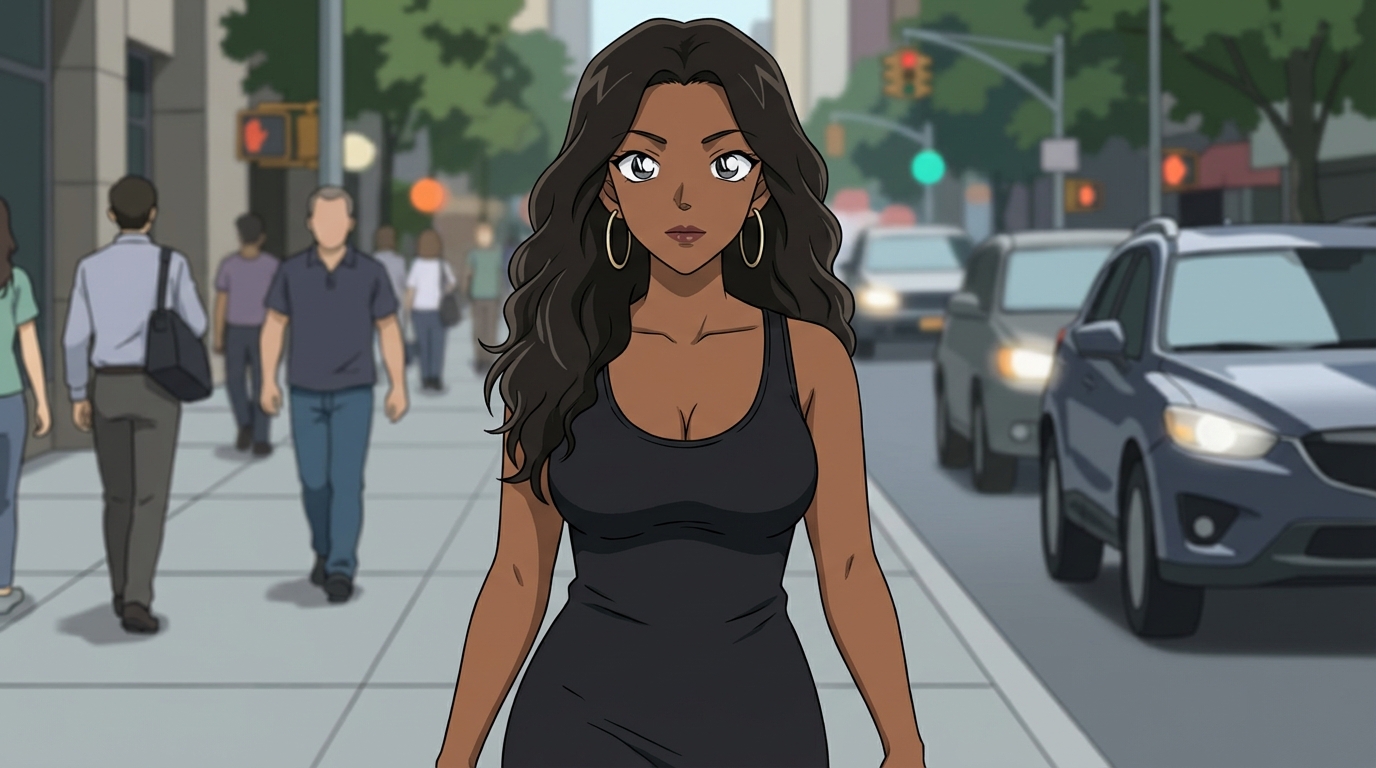
How to Create Art with the Detective Conan Anime Style
Mystery scenes, deduction moments, and the Gosho Aoyama aesthetic — a practical guide
Learn how to create Detective Conan style anime art with AutoWeeb. Scene ideas, prompting tips, and how to build a full mystery narrative with consistent characters.
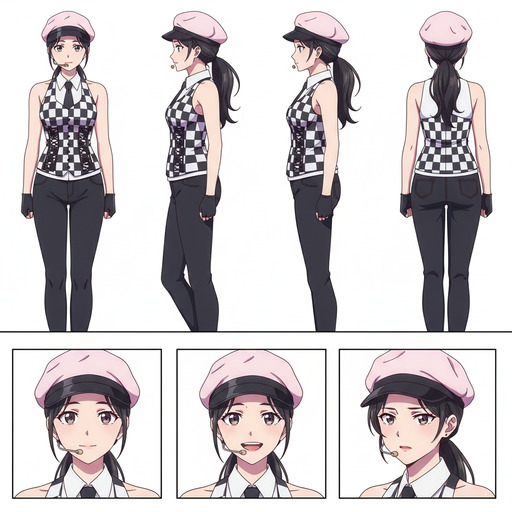
ComfyUI Alternatives for Anime Character Creation
Tools that skip the node graph and get you to the character faster
Looking for ComfyUI alternatives for anime character creation? Compare the top options for generating anime characters without the node-based complexity. AutoWeeb, DomoAI, and more.
Explore AutoWeeb
Jump into the tool that fits your creative step.
AI Anime Video Generator
Animate storyboard shots into cinematic clips with Seedance 2 and consistent characters.
Anime Character Creator
Design original characters with consistent sheets across every scene.
AI Anime Image Generator
Generate cinematic anime stills anchored to your character library.
Turn Photo Into Anime
Upload any photo and watch AI turn it into stunning anime art in seconds.
AI Anime Location Generator
Create a location set once, then generate reference images from every angle.
AI Anime Storyboarding
Describe your idea, pick your characters, and let AI draft the script and scenes.
AI Anime Prompt Agent
Turn a rough idea into a cinematic Seedance 2 prompt with the AI Director.