
How to Create AI Anime Without ComfyUI
You don't need to be a software engineer to make anime with AI
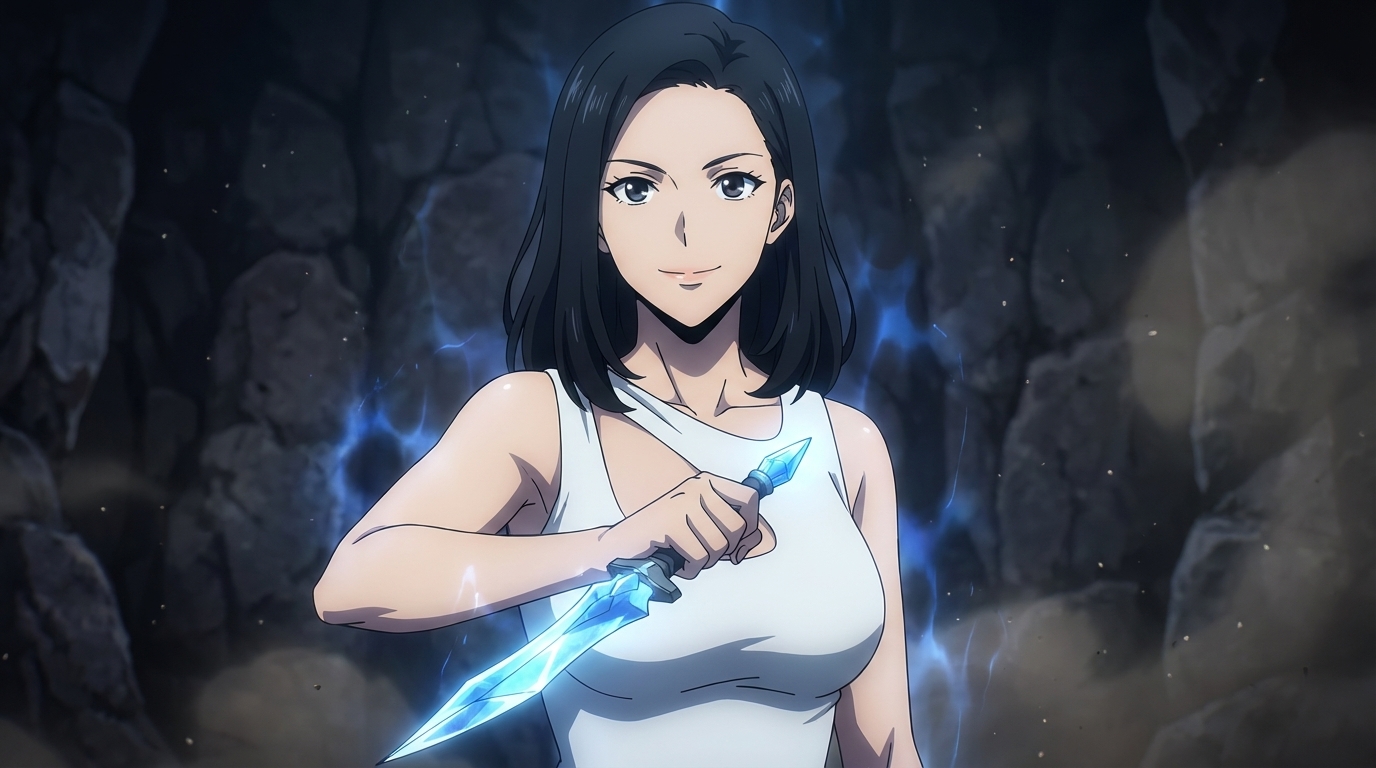
ComfyUI comes up in almost every conversation about serious AI image generation. If you've spent any time in AI art communities, you've probably been told that it's the tool to use — that if you really want quality results, you need to learn the node graph, set up a Python environment, and find the right models on CivitAI. For plenty of use cases, that's accurate. But for creating AI anime, it's not a requirement. It's a detour.
Most people who want to make anime with AI are not software engineers. They're fans, artists, creators, and hobbyists who want a character that looks like them, or a scene from the story they're imagining, or an anime version of their pet. The technical depth that ComfyUI requires was never the point for those people. It was just the only path available for a while. It no longer is.
👉 Create AI Anime Now, No Setup RequiredWhat ComfyUI actually asks of you before you make a single anime image.
It's worth being specific about what ComfyUI requires, because the complexity is often understated in tutorials that assume you're already comfortable with local AI tools.
Before you can generate your first anime image in ComfyUI, you need to install Python and manage version compatibility with whatever else is on your machine. You need to clone the ComfyUI repository from GitHub, which means having Git installed and understanding what cloning a repository means. You install dependencies using pip from a terminal window. You download a base model, which is typically between 2 and 7 gigabytes depending on the version. You find an anime-specific checkpoint or LoRA on CivitAI, evaluate whether the model is high quality (quality varies enormously and there's no easy filter), download it, and place it in the correct subdirectory. Then you open the browser interface, either import someone else's workflow or build your own in the node graph, configure sampler settings, and write your first prompt.
This is not a criticism of ComfyUI. It's an accurate description of the starting point. For users who want maximum control over every parameter of their AI pipeline, this investment pays off. For users who want to make anime, it's a significant barrier before you've created anything at all.
Step 1: Upload a photo or describe your character in a browser tab.
Open AutoWeeb in a browser. Create an account. You're now two minutes away from your first anime image, and nothing you've done so far requires any technical knowledge.
From here, you have two starting points for character creation. The first is uploading a photo: a photo of yourself, a friend, a family member, or anyone you want to see as an anime character. AutoWeeb's photo-to-anime conversion translates real facial features into anime proportions while keeping the person recognizable. The bone structure, eye shape, and hair silhouette carry through. The output is not a generic anime face — it's their face, drawn in anime.
The second starting point is a text description. Describe the character you're imagining: a stoic girl with silver hair and a worn traveling coat, a cheerful boy with the restless energy of someone who just transferred schools, a mentor figure with tired eyes and a wry smile. The more specific the description, the more distinct the result.
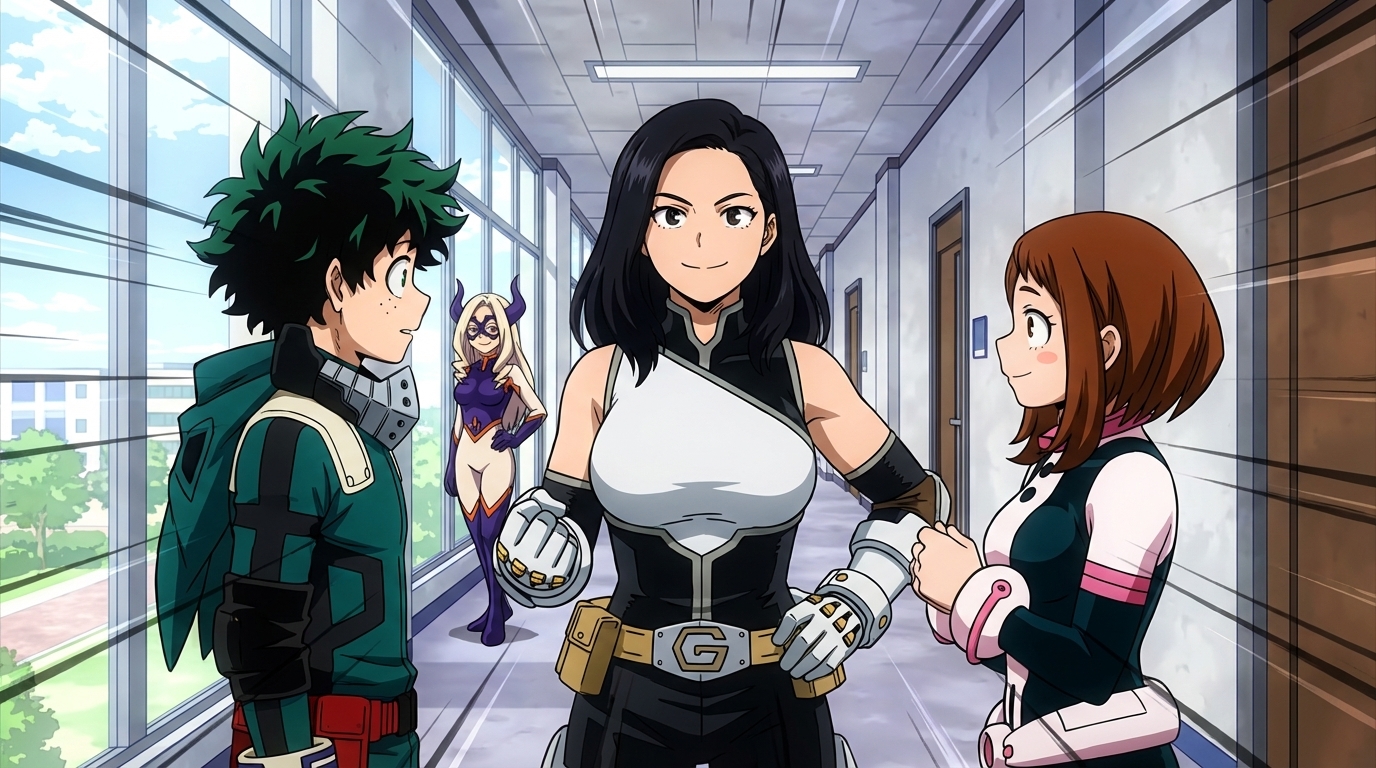
Step 2: Select an anime art style without hunting for the right model file.
One of the most time-consuming parts of the ComfyUI workflow is finding and evaluating the right model for the aesthetic you want. CivitAI has thousands of anime-related checkpoints and LoRAs, and the quality and style range varies so widely that choosing between them is its own skill. You download something that looks promising in the preview images, test it, and often find that it doesn't produce the result you expected. Then you start over.
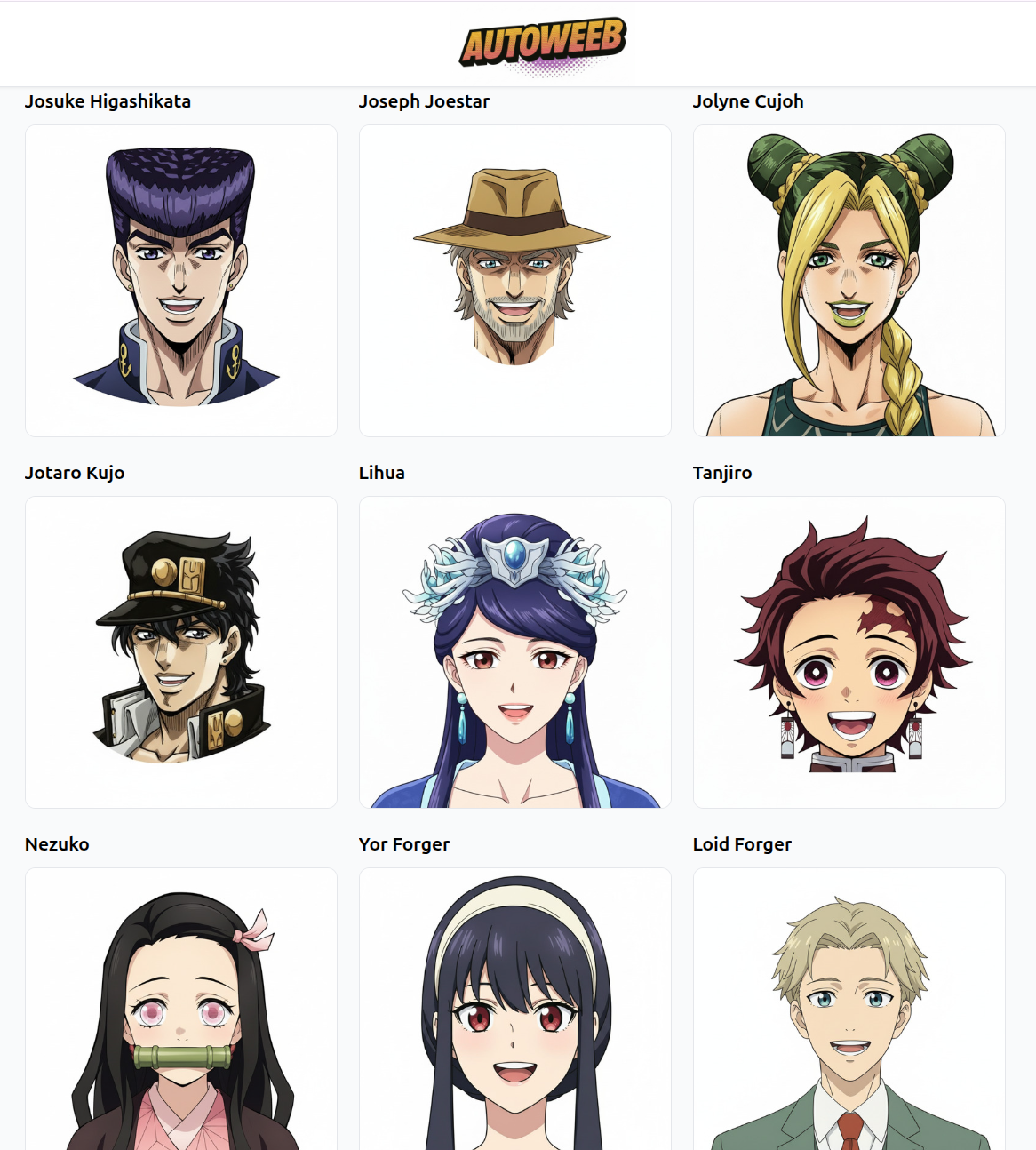
AutoWeeb's style library sidesteps this entirely. Select a style from the menu: Ghibli, Demon Slayer, Cyberpunk, Spy x Family, Detective Conan, and others. Each style in the library has been verified to produce consistent, quality results for that aesthetic. There is no hunting, no failed experiments, no strength parameter to tune. You pick the style that matches what you're making, and the generation uses it correctly.
If you want the quiet warmth of a Ghibli countryside scene, select Ghibli. If you want the sharp linework and saturated color contrast of a demon battle, select Demon Slayer. The choice is creative, not technical.
Step 3: Lock your character's appearance with a character sheet so they look the same in every scene.
Generating one strong anime portrait is only part of the problem. The harder part is making that same character appear consistently across multiple images: the same face in a classroom scene, a rooftop at dusk, a festival crowd, a confrontation in the rain. This is the character consistency problem, and it's the reason a lot of anime AI projects stall after the first image.
In ComfyUI, solving this requires setting up the IP-Adapter workflow. This means finding the IP-Adapter custom node through ComfyUI Manager, downloading the model weights separately, wiring the node correctly in your graph, and manually tuning the adapter strength to balance identity preservation with creative flexibility. Every time you start a new generation context, this configuration has to be present and correctly set.
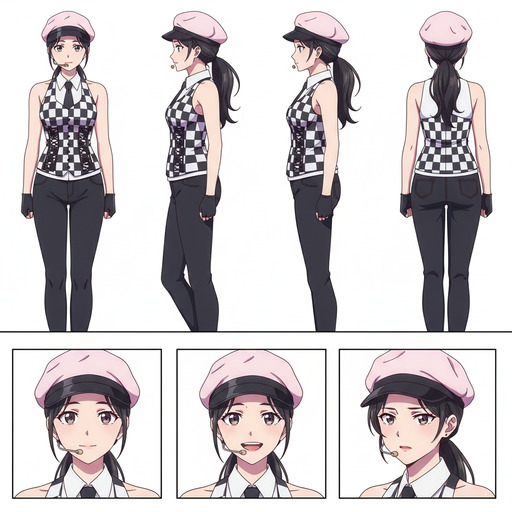
AutoWeeb handles this through the Character Sheet system. Once you have a reference image you're satisfied with, you save it as a Character Sheet, add outfit details, personality notes, and any other visual anchors that define the character. From that point on, every image you generate uses the Character Sheet automatically. The character's face is preserved across scenes without any additional configuration. You don't manage weights or nodes. You just keep generating.
Step 4: Place your character into scenes, and describe what happens next.
With a character established and a style selected, the rest of the creative work is just description. Describe the scene: a packed summer festival at dusk, the character reaching for a paper lantern while the crowd moves around them. A rainy rooftop, alone, looking at a city that doesn't know they exist yet. A classroom doorway, first day, uncertain and about to walk in.
You can also pull your character into pre-built photo packs: curated sets of anime backgrounds and scenes from beach episodes, Japan city life, festivals, isekai towns, and more. Drop your character into the set and generate. The photo pack handles the scene composition; you provide the character.
None of this requires understanding how diffusion models work. It doesn't require knowing what a scheduler is or what CFG scale does. It requires knowing what kind of scene you want to see.
What you can build without technical knowledge, and what ComfyUI still has an edge on.
Using AutoWeeb without any technical background, you can create a fully realized anime character from a photo of yourself or anyone else. You can maintain that character's visual identity across dozens of scenes in multiple different art styles. You can place them in curated anime environments, or describe original scenes entirely in text. You can animate them into short video clips using Seedance 2, producing five-second motion sequences from a single image and a prompt describing the motion.
For posts like how to create your own anime character or make an anime character from scratch, all of that is within reach from the first session.
Where ComfyUI genuinely outperforms any dedicated tool is at the edges of the workflow: custom fine-tuned models that no commercial platform has licensed, experimental pipeline combinations, fully local generation with no data leaving your machine, and fine-grained control over sampler behavior. If those requirements describe your use case, ComfyUI is the right tool and the setup cost is worth paying. But those aren't the requirements that bring most people to anime AI in the first place.
The question "how do I make AI anime" usually isn't followed by "and I also want to write Python." It's followed by "I want to see myself as the main character." For that question, the answer doesn't require a terminal window.
👉 Start Making Anime on AutoWeebFrequently asked questions about creating AI anime without ComfyUI.
Do I need to download anything to use AutoWeeb?
No. AutoWeeb runs entirely in the browser. There are no model files to download, no applications to install, and no GPU required on your end. You open the page, create an account, and start generating. Everything runs on AutoWeeb's servers, so the hardware doing the work is not yours.
Can I get the same anime art quality without ComfyUI?
For the styles AutoWeeb supports, yes. AutoWeeb uses models fine-tuned specifically for each anime aesthetic in its library, and the outputs are comparable to a well-configured ComfyUI workflow using equivalent models. The practical difference is not quality — it's the hours of setup ComfyUI requires before you get to that quality. AutoWeeb gets you there in under two minutes from a fresh browser tab.
What if I don't know how to write AI prompts?
AutoWeeb is designed so that prompting is optional, not required. You can start from a photo rather than a text description, which removes most of the prompting burden entirely. When text input is helpful, the fields are structured: describe the character, select the style, describe the scene. You're filling in creative details you already know, not learning a prompt syntax. Most AutoWeeb users produce strong results without ever studying how to write AI prompts.
Can I keep my character consistent across multiple images without technical setup?
Yes. AutoWeeb's Character Sheet system handles this automatically. Once you save a character with a reference image and their visual details, AutoWeeb anchors every subsequent generation to that character's appearance. The same face, outfit, and visual identity carry across scenes, art styles, and compositions without any configuration on your end. This is the feature that ComfyUI users typically spend the most time replicating through IP-Adapter workflows.
Is AutoWeeb only for anime, or can it do other styles too?
AutoWeeb is built specifically for anime. The style library covers a curated range of anime aesthetics: Ghibli, Demon Slayer, Cyberpunk, Spy x Family, Detective Conan, My Hero Academia, and others. Every style in the library has been tuned for that specific aesthetic rather than adapted from a general-purpose model. If your goal is anime in particular, that specialization produces better results than a general AI image tool trying to approximate an anime style.
For a deeper look at how AutoWeeb compares to ComfyUI feature by feature, read why AutoWeeb is easier than ComfyUI for anime character creation. If you're exploring all the options available, the ComfyUI alternatives for anime character creation guide covers the full landscape.
Related Blog Posts
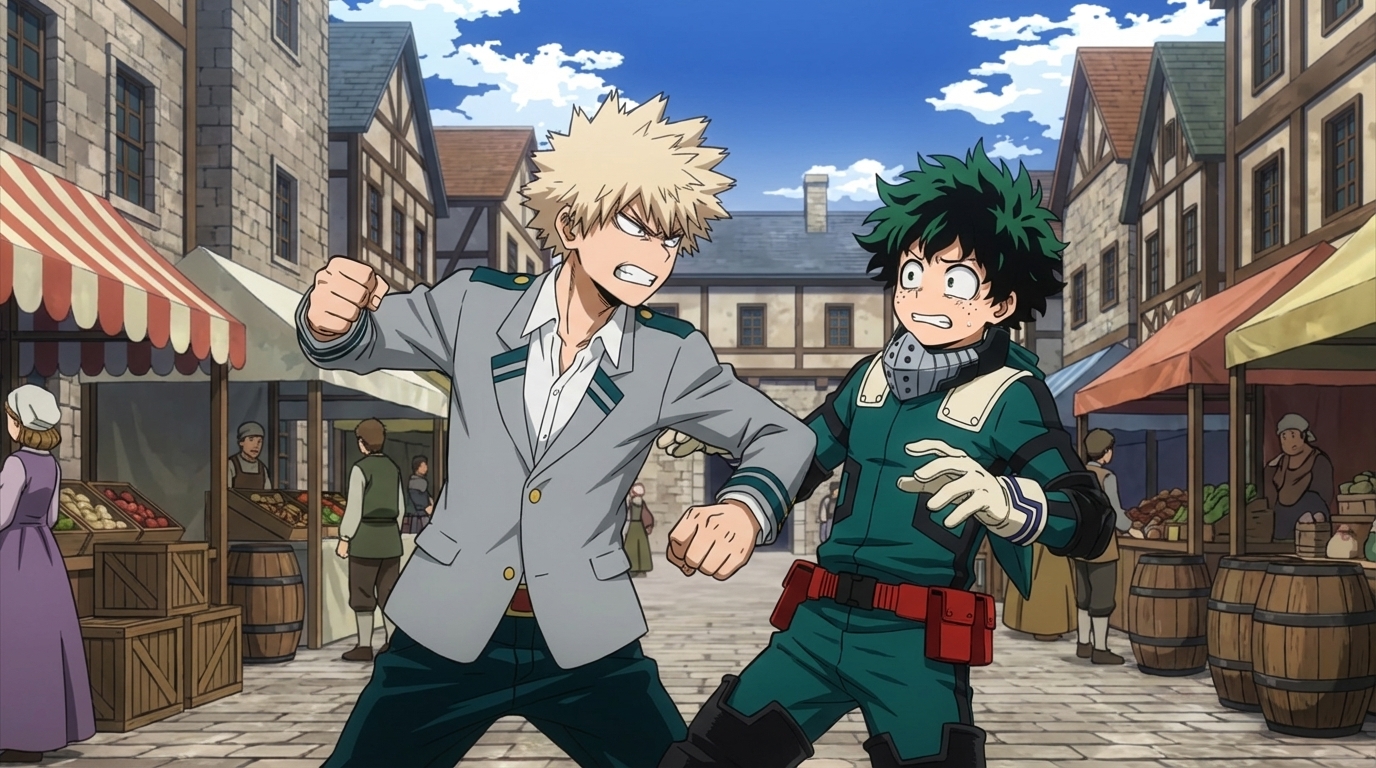
How to Create Anime Fight Scenes with AutoWeeb and Seedance 2
From character design to animated combat: the complete workflow
Learn how to create cinematic anime fight scenes using AutoWeeb and Seedance 2. Character sheets, scene design, video prompts, and how to assemble a complete fight sequence.
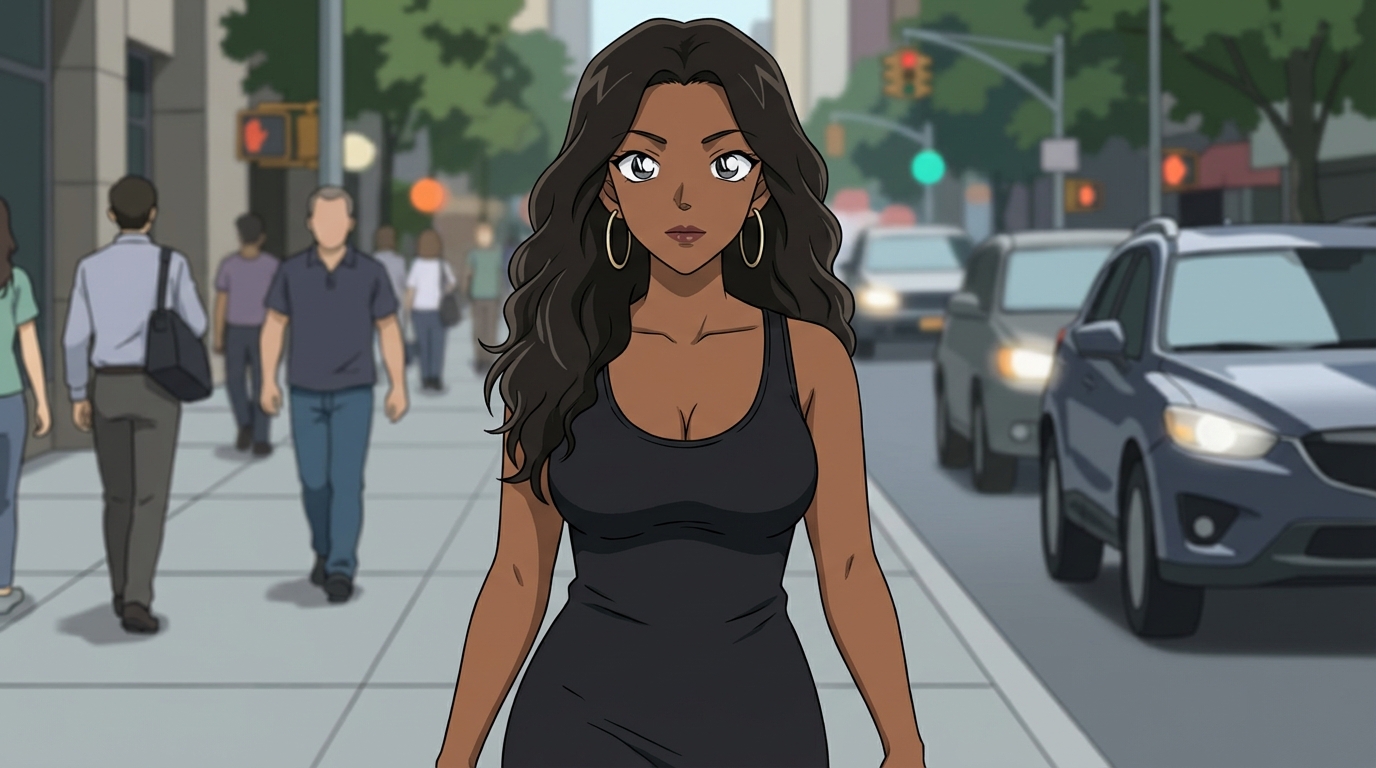
How to Create Art with the Detective Conan Anime Style
Mystery scenes, deduction moments, and the Gosho Aoyama aesthetic — a practical guide
Learn how to create Detective Conan style anime art with AutoWeeb. Scene ideas, prompting tips, and how to build a full mystery narrative with consistent characters.
ComfyUI Alternatives for Anime Character Creation
Tools that skip the node graph and get you to the character faster
Looking for ComfyUI alternatives for anime character creation? Compare the top options for generating anime characters without the node-based complexity. AutoWeeb, DomoAI, and more.
Why AutoWeeb is Easier Than ComfyUI for Anime Character Creation
Same output quality, without the node graph, model downloads, or Python environment
AutoWeeb vs ComfyUI for anime character creation. How AutoWeeb replicates the key features of ComfyUI workflows without the setup complexity, and where the quality stands today.
Explore AutoWeeb
Jump into the tool that fits your creative step.
AI Anime Video Generator
Animate storyboard shots into cinematic clips with Seedance 2 and consistent characters.
Anime Character Creator
Design original characters with consistent sheets across every scene.
AI Anime Image Generator
Generate cinematic anime stills anchored to your character library.
Turn Photo Into Anime
Upload any photo and watch AI turn it into stunning anime art in seconds.
AI Anime Location Generator
Create a location set once, then generate reference images from every angle.
AI Anime Storyboarding
Describe your idea, pick your characters, and let AI draft the script and scenes.
AI Anime Prompt Agent
Turn a rough idea into a cinematic Seedance 2 prompt with the AI Director.