
ComfyUI Alternatives for Anime Character Creation
Tools that skip the node graph and get you to the character faster
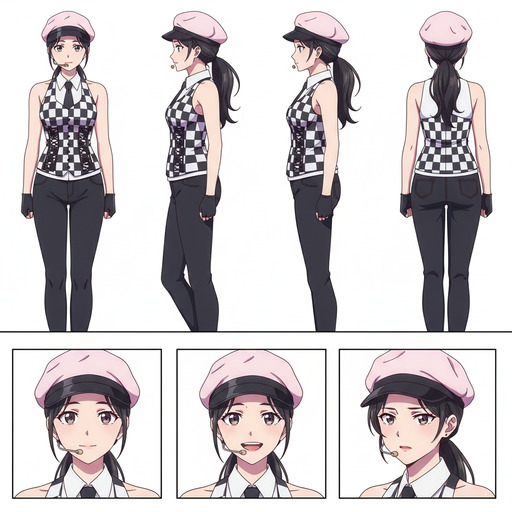
ComfyUI is powerful. For users who are comfortable with node-based workflows, model management, and troubleshooting Python dependencies, it's one of the most flexible AI image generation tools available. For everyone else — which is most people — it's a steep barrier that stands between them and the anime character they actually want to make.
The good news is that anime character creation has matured enough that you don't need ComfyUI to do it well. Several tools now offer the parts of ComfyUI's output that matter for character work, without the parts that make it difficult.
👉 Try AutoWeeb Free, No Setup RequiredComfyUI is a tool for advanced users who want complete control, not a tool optimized for creating anime characters specifically.
ComfyUI's strengths are flexibility and depth. You can build any workflow you can imagine. You can chain models together in arbitrary ways. You can fine-tune individual steps in a generation pipeline. It is genuinely impressive software.
But that flexibility has a cost. Before you generate your first anime character in ComfyUI, you need to install Python, set up a virtual environment, download a base model (measured in gigabytes), find and install an anime-specific LoRA or checkpoint, configure the sampler settings, wire together a node graph, and handle whatever dependency conflicts that surfaces. That process takes hours for a first-time user, and the character creation itself hasn't started yet.
For anime character creation specifically, the most important features are photo-to-anime conversion, character consistency across multiple images, an anime style library, and ideally video generation for animating results. ComfyUI can do all of these, but each one requires finding the right community workflow, downloading the right models, and understanding enough about the underlying system to connect the pieces. Dedicated tools have already done that work for you.
AutoWeeb is the most complete ComfyUI alternative for anime character creation, because it handles the full workflow from photo to video in one place.
AutoWeeb is built specifically for anime character work, which means every feature in it exists to serve that specific goal.
- Photo-to-anime conversion: upload a photo and get an anime portrait that preserves the subject's facial features. No manual style prompting, no LoRA selection, no sampler tuning.
- Character Sheets: save your character's full design, including face, outfit, and personality details. Every future image you generate uses the sheet as its visual anchor, so the character stays consistent without any manual prompting work to maintain it.
- Style library: a curated set of anime art styles, from Ghibli and Demon Slayer to Detective Conan and cyberpunk. Selecting a style applies it correctly, without needing to find and configure the right LoRA.
- Video generation: animate any image into a video clip using Seedance 2. Fight scenes, ambient motion, dialogue moments. All from inside the same interface that built the character.
- Photo Packs and scene templates: place your character into curated environments without writing full scene prompts from scratch.
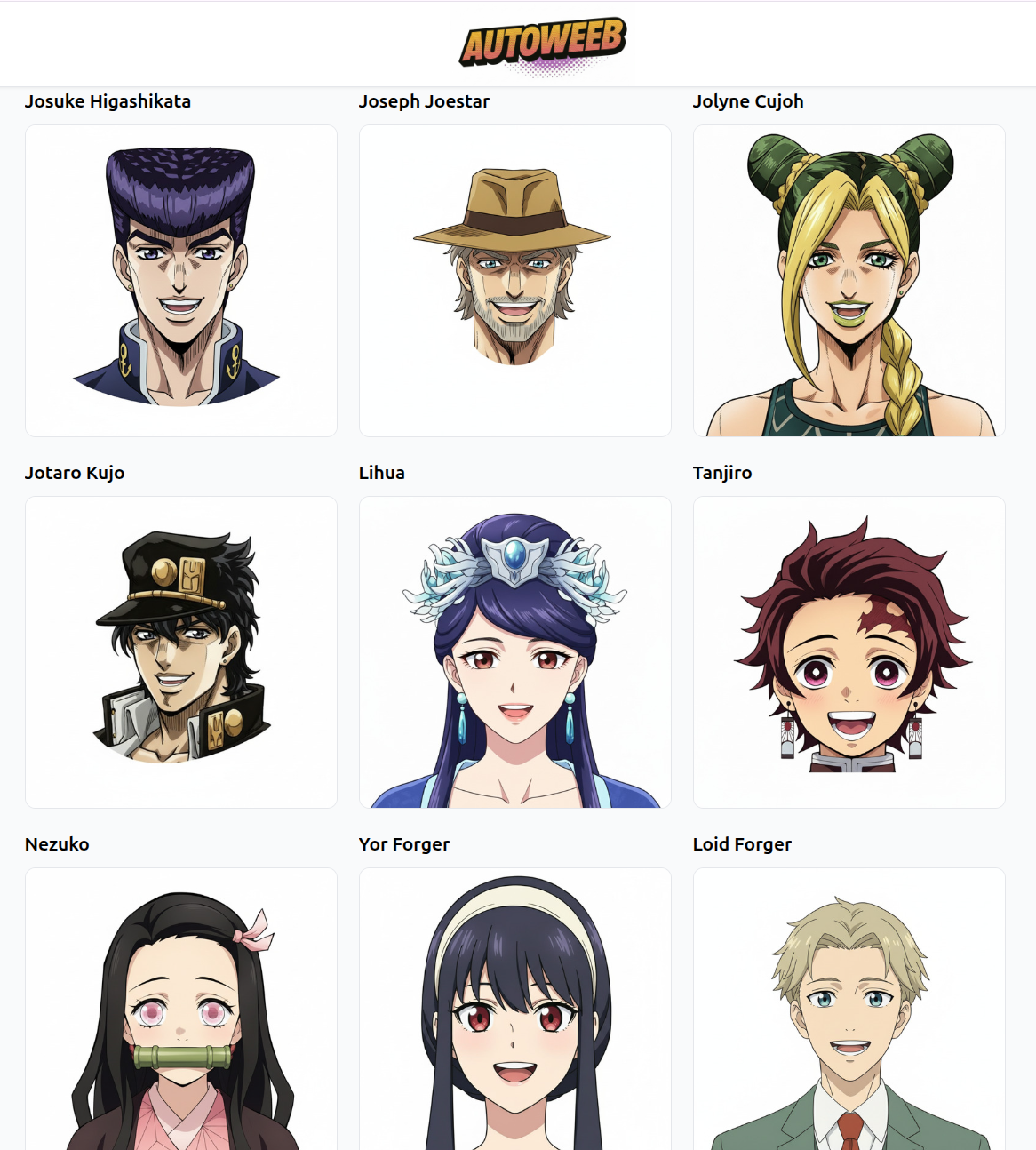
DomoAI handles photo-to-anime conversion well but lacks the character consistency tools that serious character creation requires.
DomoAI is worth mentioning as a ComfyUI alternative because its anime style conversion quality is high and the interface is far simpler than ComfyUI's. Upload a video or image, select an anime style, and get a stylized result in seconds. For one-off conversions and style experiments, it works well.
The limitation is character consistency. DomoAI doesn't have a character sheet system, which means each image you generate is effectively a fresh interpretation of the character. For users who want a single portrait converted to anime, DomoAI is a reasonable option. For users who want a consistent character they can use across multiple scenes, it falls short of what AutoWeeb offers.
Leonardo AI offers more general image generation flexibility than ComfyUI alternatives focused on anime, but its anime output quality is inconsistent.
Leonardo AI is a capable general-purpose AI image generation platform with an interface that's far friendlier than ComfyUI's. It has a model library that includes anime-focused checkpoints, and the UI lets you adjust generation parameters without requiring node graph knowledge.
For anime character creation specifically, the quality is uneven. The platform is built for general AI art rather than anime specifically, which means the models tuned for anime are third-party community models rather than first-party products. Results vary. Users who already know which model to select and how to configure it for anime work can produce good results, but that requires the same kind of technical knowledge that makes ComfyUI challenging in the first place.
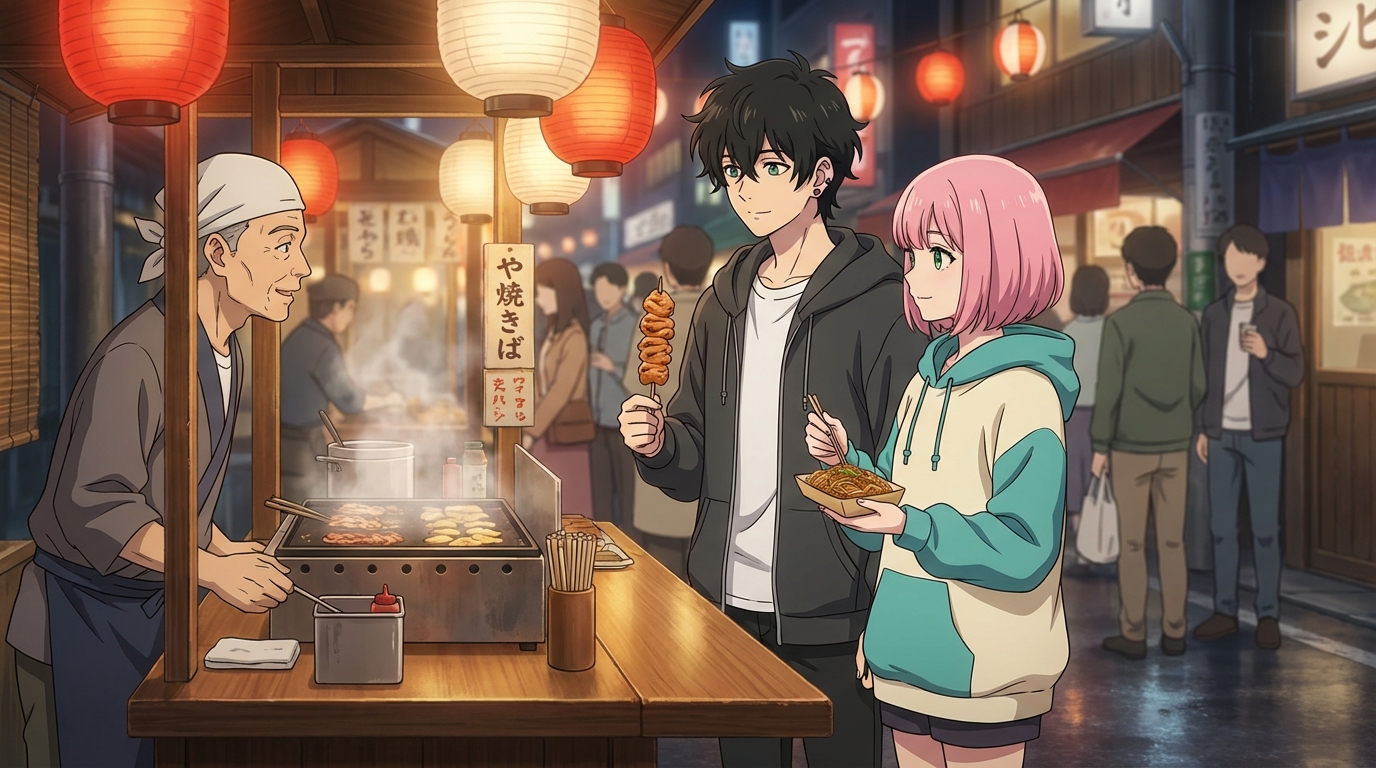
The right ComfyUI alternative depends on what stage of character creation you're at and what you want to do with the result.
For most people creating anime characters in 2026, the choice breaks down clearly:
- If you want a full workflow from photo to character sheet to scenes to video, without any setup or technical overhead, AutoWeeb is the most complete option.
- If you want high-quality one-off anime style conversions with a simple interface, DomoAI works well for that specific use case.
- If you want a single striking anime portrait and don't need it to be consistent with any other images, Midjourney produces excellent standalone results.
- If you need maximum technical control and are willing to invest the time to learn the tooling, ComfyUI remains the most powerful option. Nothing else gives you that level of flexibility.
The gap that most ComfyUI alternatives fail to fill is character consistency combined with video generation. AutoWeeb is currently the tool that closes both gaps together.
👉 Create Your Anime Character on AutoWeebFrequently asked questions about ComfyUI alternatives for anime character creation.
Is ComfyUI free, and why would I pay for an alternative?
ComfyUI itself is free and open-source, but using it effectively requires downloading large model files, managing a local Python environment, and spending significant time learning the node-based interface. Paid alternatives like AutoWeeb bundle all of that infrastructure into a web interface. You're not paying for the AI models, you're paying for the work of making those models usable without technical setup.
Can any ComfyUI alternative match ComfyUI's output quality for anime?
For anime specifically, dedicated tools using curated anime models have closed the quality gap significantly. AutoWeeb uses models fine-tuned for anime aesthetics, and the style library ensures you're always using the right model for the style you want. ComfyUI's advantage is flexibility with obscure or experimental models. For the common anime art styles most creators actually need, dedicated tools now produce comparable results.
What is the most important feature to look for in a ComfyUI alternative for anime characters?
Character consistency is the feature that separates serious character creation tools from one-off image generators. If a tool can't maintain the same face across multiple generations in different scenes, it can produce portraits but not characters. Look for some form of character sheet, IP-Adapter integration, or similar consistency mechanism before committing to a tool.
Do ComfyUI alternatives support animating anime characters into video?
Most ComfyUI alternatives focus on image generation only. AutoWeeb is one of the few that integrates video generation directly into the character creation workflow, using Seedance 2 to animate characters into fight scenes, ambient motion clips, and action sequences. If video output is important to your project, this is a significant differentiator when evaluating alternatives.
Can I convert a photo into an anime character without ComfyUI?
Yes. AutoWeeb's photo-to-anime conversion does this without any of ComfyUI's setup requirements. Upload a photo, select an anime art style, and the AI generates an anime portrait that preserves the subject's facial features. The process takes seconds and produces results that are directly usable in the character sheet workflow without further configuration.
For a direct comparison of AutoWeeb against ComfyUI's character creation workflow, read why AutoWeeb is easier than ComfyUI for character creation. For the complete character creation process, the anime character creation workflows guide covers every step from photo to video.
Related Blog Posts
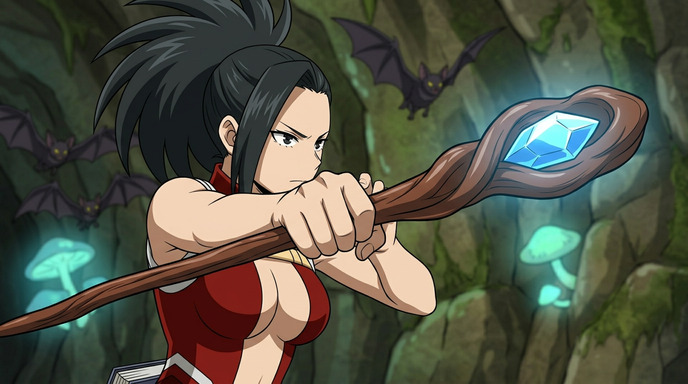
How to Create Anime Magic and Fantasy Videos with AI
Spellcasting, energy beams, and elemental effects that actually look like anime
Create anime magic and fantasy videos with Seedance 2 on AutoWeeb. Prompting tips for spellcasting, energy attacks, elemental effects, and cinematic fantasy sequences.
How to Write Prompts for Seedance 2 Anime Videos
The difference between a good clip and a great one is almost always the prompt
Learn how to write effective prompts for Seedance 2 anime video generation. Tips on camera cuts, time limits, starting images, and using AutoWeeb's prompt analysis tool.
5 Mistakes to Avoid When Making Anime Videos with Seedance 2
Save time and credits by not learning these the hard way
Avoid the most common Seedance 2 mistakes that waste generations. Rushed prompts, bad starting images, overstuffed timelines, and more.
Seedance 2 vs Seedance 1.5: Which Should You Use for Anime?
Two models, different strengths, and one important difference in content filtering
Seedance 2 and Seedance 1.5 both generate anime video, but they handle content filtering differently. Here's when to use each model and what to expect.
Explore AutoWeeb
Jump into the tool that fits your creative step.
AI Anime Video Generator
Animate storyboard shots into cinematic clips with Seedance 2 and consistent characters.
Anime Character Creator
Design original characters with consistent sheets across every scene.
AI Anime Image Generator
Generate cinematic anime stills anchored to your character library.
Turn Photo Into Anime
Upload any photo and watch AI turn it into stunning anime art in seconds.
AI Anime Location Generator
Create a location set once, then generate reference images from every angle.
AI Anime Storyboarding
Describe your idea, pick your characters, and let AI draft the script and scenes.
AI Anime Prompt Agent
Turn a rough idea into a cinematic Seedance 2 prompt with the AI Director.