
Original Character Creations for AI Anime Video Creators
Your channel's face is not a prompt you remember — it is a saved OC with a sheet, a palette, and rules motion can obey.
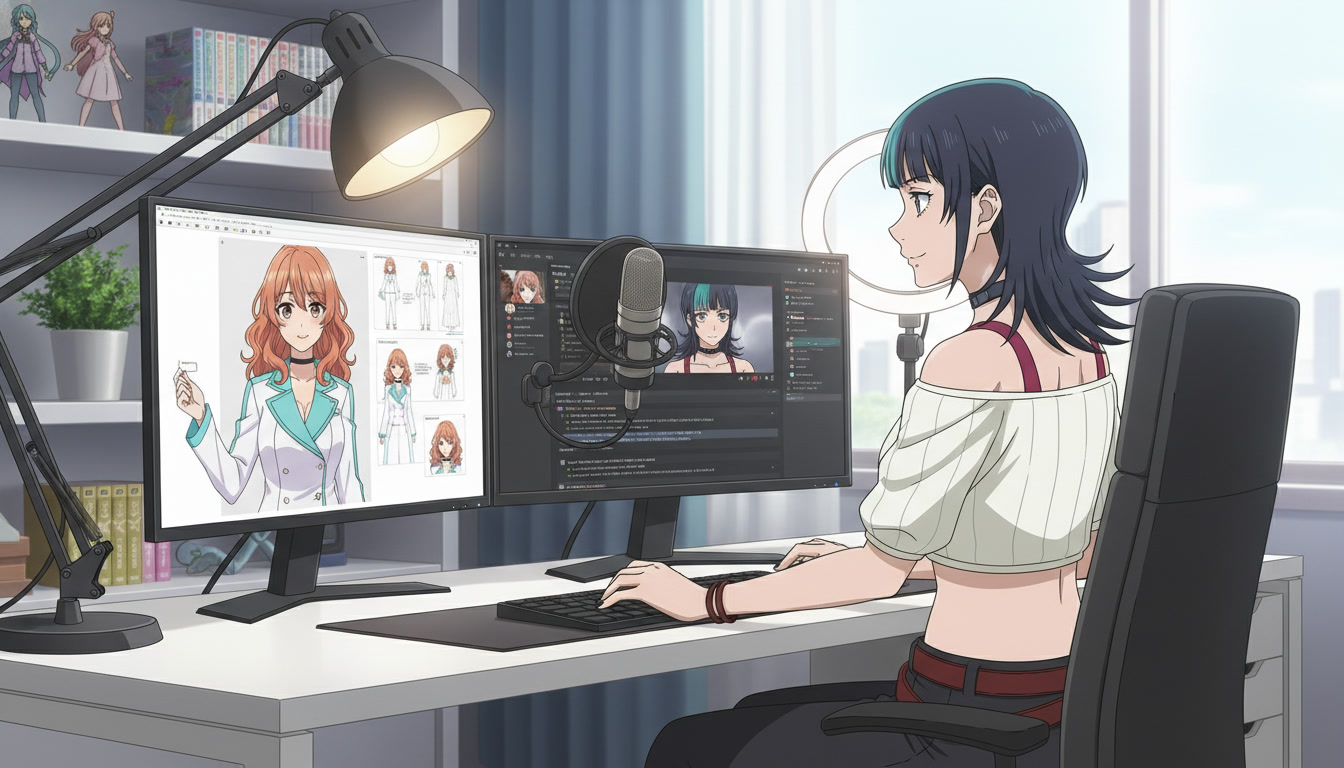
Video creators who publish ai anime video on YouTube often treat character design as a one-time prompt experiment. Episode one gets a teal-haired duelist. Episode four gets a teal-haired duelist who is taller, older, and wearing a coat that was never in the thumbnail. Viewers call it "AI inconsistency." Editors call it a missing original character creation step. The model did not forget your protagonist. You never gave the pipeline a protagonist to remember.
An OC for serialized Shorts is not fan art for a portfolio post. It is a production asset: a saved character entry, a character sheet that locks angles and costume, and a short design bible you paste into scene and motion prompts. AutoWeeb's anime character creator exists so you build that asset once, then reuse it across photo packs, scene builders, and Seedance 2 clips. This guide is the character layer for creators who already know they need motion; they need a face that survives motion.
What "original character creation" means for video channels.
In illustration communities, an OC is a personal mascot. In channel production, an OC is the lead actor. That shift changes what you document. You are not chasing the prettiest still; you are chasing the most repeatable still. Hair length beats hairstyle novelty. One signature outer layer beats a wardrobe rotation. A single scar or hair clip beats three alternate accessories you will forget to mention in beat three of a Short.
Strong anime OC design for video answers four questions before you export anything: What is their default silhouette? What two colors define them at thumbnail scale? What costume is "episode uniform"? What emotion is their home mode (stoic, chaotic, gentle menace)? If you cannot answer in one sentence each, the design is not ready for a weekly upload schedule.
Creators launching a channel should read this alongside creating an AI anime YouTube channel. That post covers rhythm and packaging. This post covers the face on the thumbnail.
Step 1: Draft the OC in plain language, not prompt soup.
Start in a notes doc, not in the generator. Write a casting brief like you would for a voice actor: age read, archetype, one contradiction, one visual hook. The contradiction is what makes characters feel authored instead of generated. A cheerful exorcist. A shy tank commander. A retired idol who still wears stage boots in alley fights.
Then translate the brief into a creation prompt with named specifics. Steel gray eyes, not gray eyes. Cropped white jacket with cyan piping, not "cool jacket." Shoulder-length copper hair with a single braid, not "long red hair."
Base creation prompt example:
"original anime heroine, 22, calm strategist archetype, shoulder-length copper hair with left-side braid, steel gray eyes, cropped white jacket with cyan piping, black tactical skirt, clean cel shading, character design sheet pose, neutral studio background"
Generate a few candidates, pick one, and stop "exploring" unless you are willing to rebrand the channel. Indecision at the OC stage is how channels accumulate twelve protagonists and zero subscribers who recognize anyone.
Step 2: Lock a character sheet before you touch video.
A character sheet is your continuity insurance. Front, three-quarter, expression range, costume edges: the model needs proof of what the jacket hem looks like before Seedance tries to invent one during a sword draw. Export the sheet from the ai anime character creator workflow and save the character to your library. Every later scene should reference that saved ID instead of re-describing the face from memory.
Sheet discipline prompt add-on for still scenes:
"same protagonist as character sheet, copper braid visible, cyan piping on jacket collar, medium shot, eye level, no costume swap, anime linework"
If you are new to sheets, the foundational walkthrough in how to make an anime OC covers the illustration mindset. Video creators should treat that post as step zero, then return here for motion-specific rules.
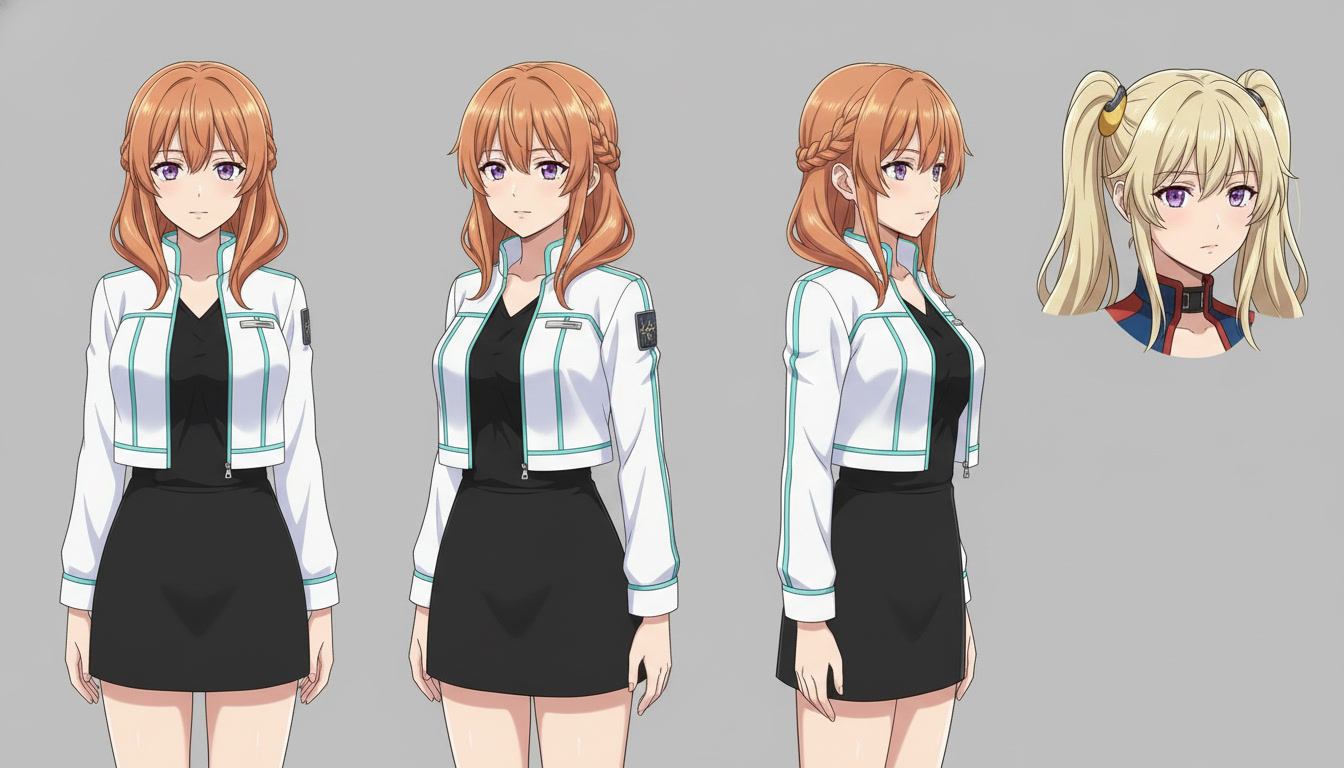
Step 3: Build a mini bible for prompts and thumbnails.
Your bible fits in ten lines. Name, role, uniform, forbidden drift (no glasses, no hair down, no cape), default location, default mood, two motion verbs that fit them (steps forward, adjusts glove, exhales slowly). Paste the bible at the top of every generation session. Thumbnails fail when the face is right but the costume drifted. Shorts fail when the costume is right but the face aged three years between beats.
For gaming-adjacent channels, you can design game-inspired OCs without copying licensed characters. The workflow in turning video game aesthetics into anime for YouTube shows how to borrow genre grammar (dungeon torchlight, boss arena scale) while keeping an original silhouette you own.
Palette and silhouette checks.
Shrink your sheet thumbnail to the size of a phone screen. If the hair and jacket merge into one blob, add contrast: lighter hair tie, darker undershirt, sharper shoulder line. YouTube viewers decide in under a second whether this upload belongs to the series they watch. Silhouette readability is how you win that second.
Step 4: Place the OC into scenes, then into motion.
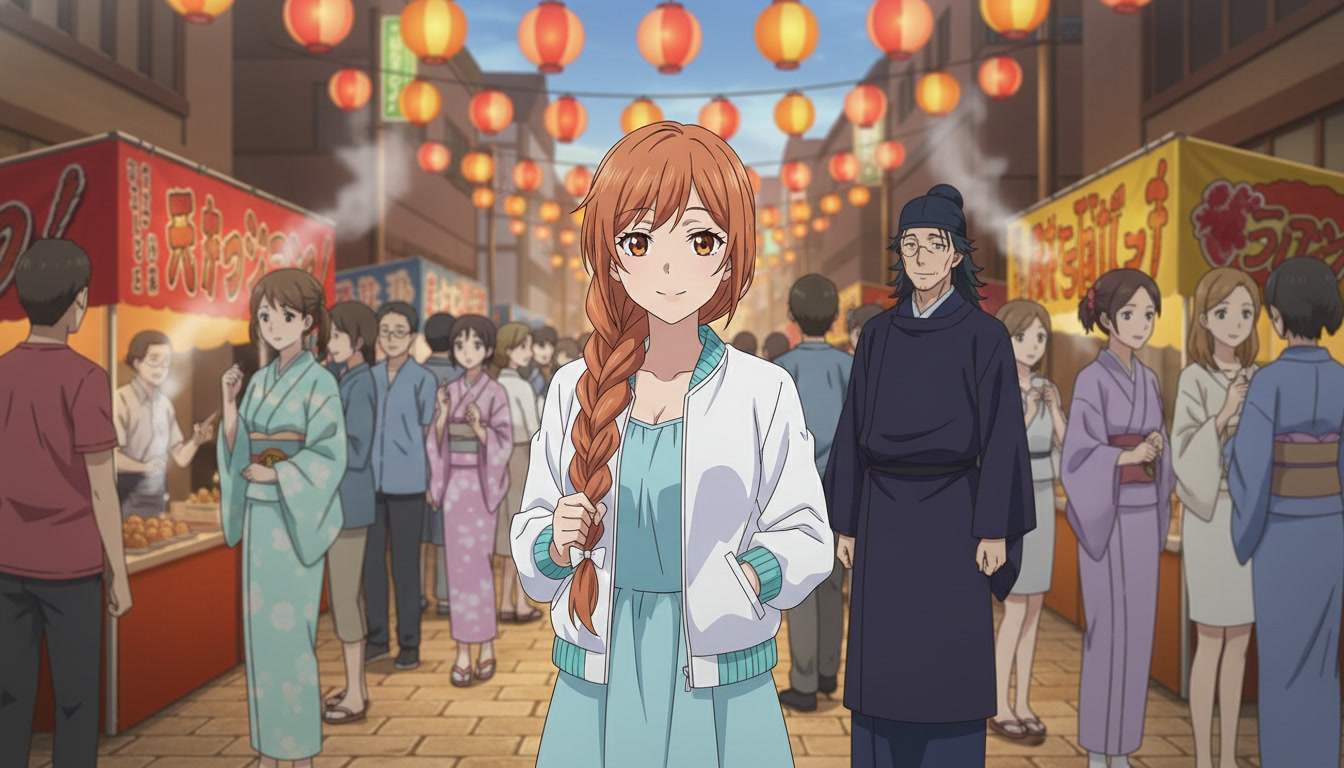
Character creation does not end at the sheet. It continues in every still that becomes a first frame. Place your saved OC into a photo pack alley, a scene builder rooftop, or a custom prompt temple. Export the still. Attach it to Seedance 2 with motion that respects what the frame already shows.
Scene still prompt example (festival establish):
"saved OC heroine, copper braid, white jacket cyan piping, summer festival alley, lantern warm light, medium-wide shot, slice of life anime background, clean linework"
Motion prompt example (same beat):
"slow push-in, heroine turns toward lantern stall, braid and jacket hem move slightly, single action, 4 seconds, cinematic anime motion"
The scene-first order matters. See video and scene generation for AI anime YouTube creators for why geography should lock before motion. Your OC is the constant; the location is the variable you control per episode.
OC mistakes that break video series.
- Re-rolling the protagonist when a scene fails. Fix the location prompt, not the face, unless the sheet itself is wrong.
- Seasonal wardrobe before episode ten. One uniform builds recognition. Costumes are for finales, not Tuesday.
- Vague hair and eye words. Named colors and lengths survive anime video generator passes better than "pretty anime girl."
- Skipping saved character IDs. Library references beat pasted paragraphs in long series.
- Storyboarding without the sheet open. Pair OC work with storyboarding AI anime for video creators so each panel notes costume and angle.
A weekly OC maintenance rhythm for active channels.
Monday: review last week's uploads for drift (hair length, jacket color, eye shape). Tuesday: batch scene stills with the saved OC and bible pasted. Wednesday: batch motion clips, one action each. Thursday: edit and publish. Friday: optional "variant day" only for lore posts (flashback younger self, disguise episode) that you label clearly in titles so subscribers know it is intentional.
When you add a second character, give them a distinct silhouette color story, not just a different hair color. Side characters should read clearly at thumbnail scale beside your lead. Rival, mentor, and comic relief each get their own saved entry and one-line role in the bible.
Can I turn myself into the channel's OC?
Yes. Photo-to-anime can seed likeness, then you stylize into a repeatable protagonist. Follow how to turn photo to anime, export a sheet, and apply the same bible rules. Likeness channels still need silhouette discipline or motion will flatten your features beat to beat.
How many OCs does a Shorts channel need?
One lead for the first thirty uploads. Add a second when viewers already comment the protagonist's name. Channels grow on recognition, not cast size.
Original character creations are the spine of every other AI anime video skill. Storyboards plan shots. Scene tools plan geography. Seedance plans motion. None of them hold together if the person on screen is a stranger every week. Build the OC like a lead actor, document it like a show bible, and let every clip inherit the same face.
Next, lock environments in video and scene generation for YouTube creators. When your OC is stable and you want sharper motion language, continue with writing prompts for Seedance 2 anime videos.
Related Blog Posts
How to Turn Video Game Aesthetics Into Anime Videos for YouTube
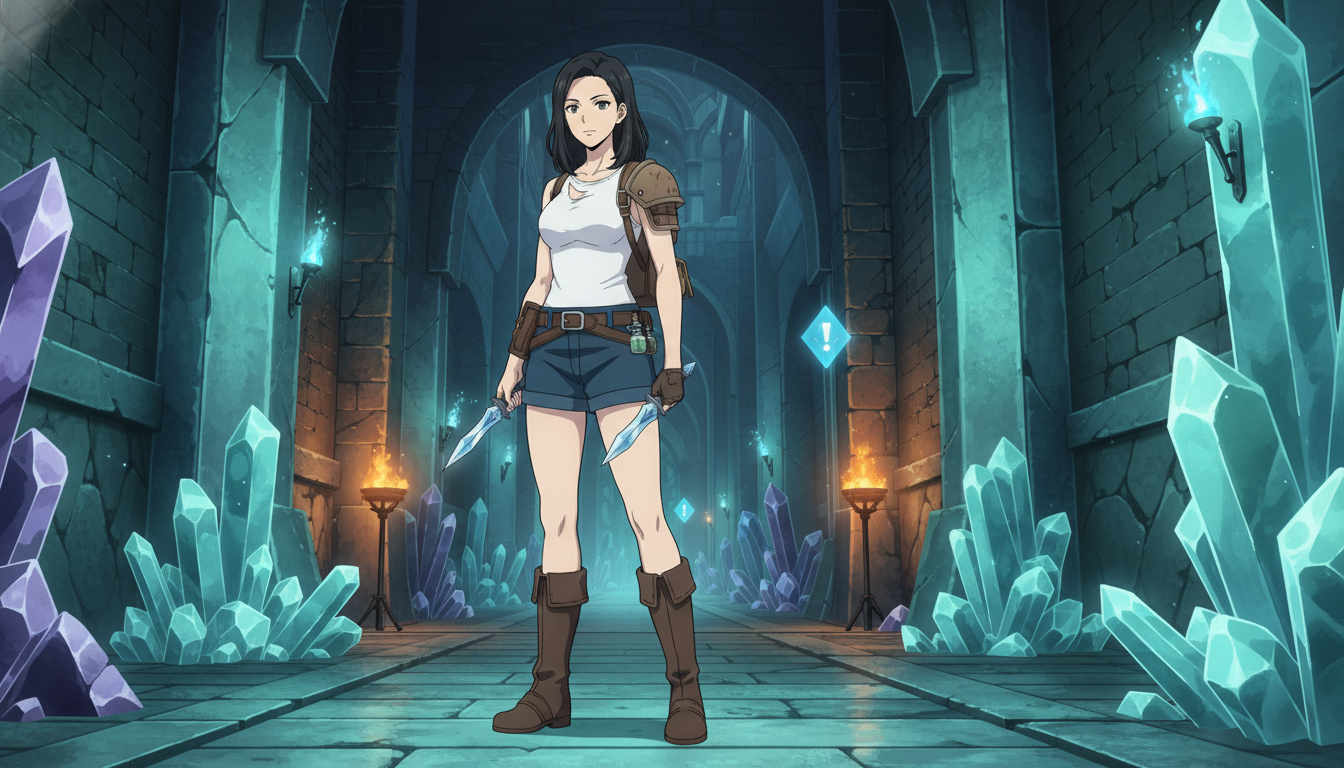
RPG dungeons, boss arenas, and creator setups — a workflow for game-adjacent anime Shorts without copying IP
Learn how to turn video game aesthetics into AI anime videos for YouTube. Build original characters, prompt RPG scenes, and animate clips with Seedance 2 on AutoWeeb.
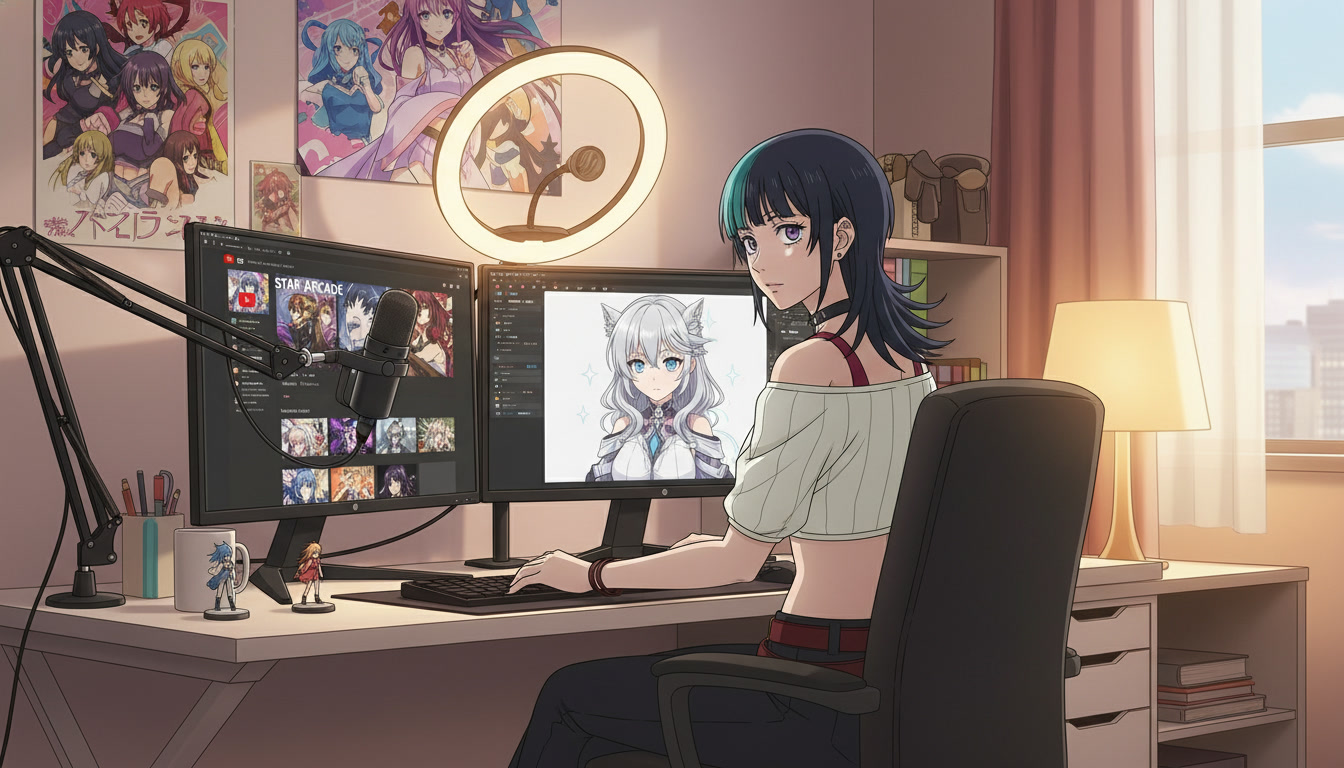
Creating an AI Anime YouTube Channel: From First Character to Published Shorts
A channel is not a folder of clips — it is a protagonist, a rhythm, and a reason to come back next week.
Learn how to create an AI anime YouTube channel with consistent characters, Shorts-ready clips, and a repeatable upload workflow using AutoWeeb and Seedance 2.
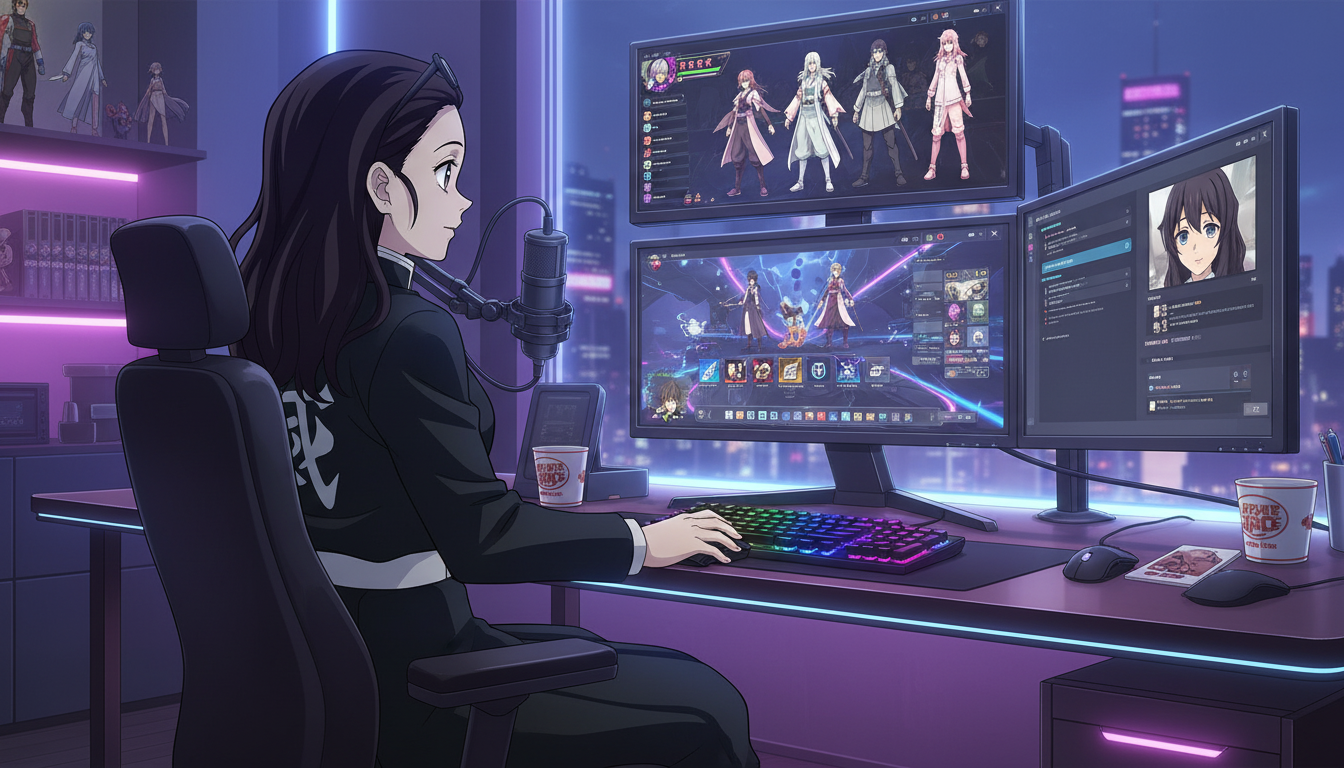
How to Turn Video Game Characters Into Anime Videos for YouTube
Gaming channels already have the stories — anime-style video is how you make them look like a show instead of a screenshot montage.
Turn video game characters into anime videos for YouTube. A workflow for gaming creators: OC design, scene prompts, Seedance 2 clips, and Shorts-ready pacing.
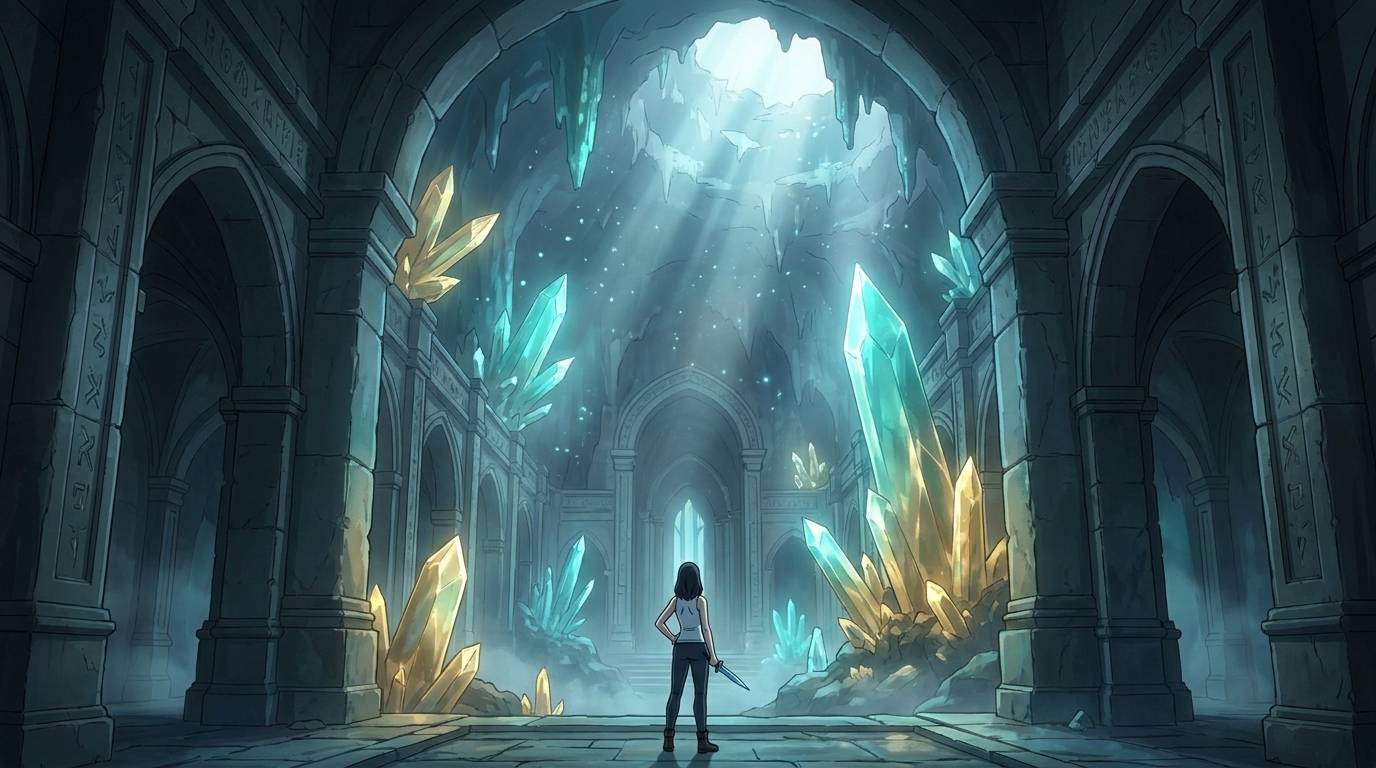
Storytelling and Worldbuilding in AI Anime: How to Build Worlds That Feel Real
From establishing the visual logic of a world to building characters with history — how to use AI anime to create stories that live beyond a single image.
Learn how to use AI anime generation for storytelling and worldbuilding — covering environment design, character consistency, narrative sequencing, and the visual grammar that makes worlds feel lived-in.
Explore AutoWeeb
Jump into the tool that fits your creative step.
AI Anime Video Generator
Animate storyboard shots into cinematic clips with Seedance 2 and consistent characters.
Anime Character Creator
Design original characters with consistent sheets across every scene.
AI Anime Image Generator
Generate cinematic anime stills anchored to your character library.
Anime Filters
Upload any photo and apply AI anime filters to turn it into stunning anime art in seconds.
AI Anime Location Generator
Create a location set once, then generate reference images from every angle.
AI Anime Storyboarding
Describe your idea, pick your characters, and let AI draft the script and scenes.
AI Anime Prompt Agent
Turn a rough idea into a cinematic Seedance 2 prompt with the AI Director.