
Storyboarding AI Anime for Video Creators
Plan your shots before you generate them — the workflow that turns random clips into watchable Shorts.
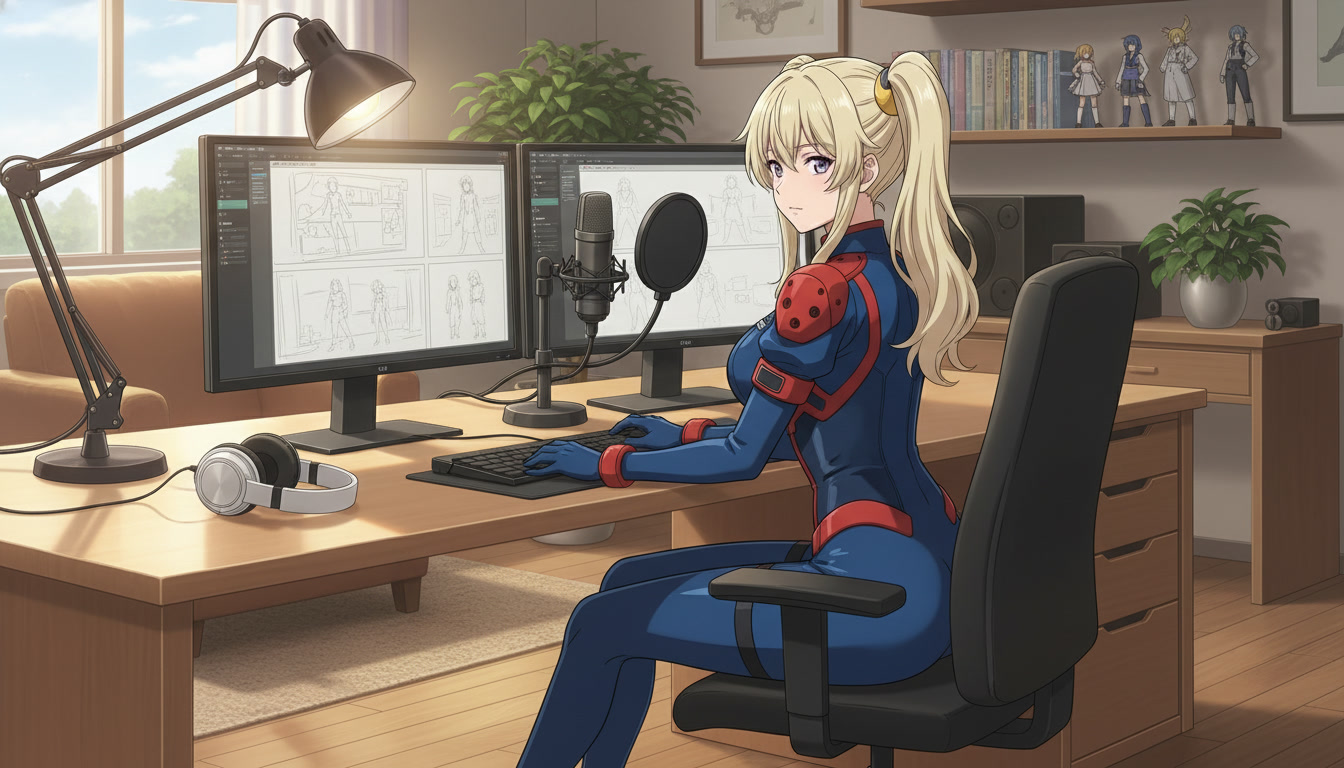
Random AI anime clips look impressive in isolation. Strung together without a plan, they read as a mood board, not a scene. Video creators on YouTube, TikTok, and Reels feel this gap immediately: the model delivered something beautiful, but the upload does not hold attention past three seconds because nothing in the sequence was building toward anything.
Storyboarding AI anime closes that gap. It is the step where you decide what each shot must accomplish before you write a single Seedance 2 prompt or open the generator. You are not drawing frames by hand. You are assigning purpose to each clip: establish, escalate, land. Once that structure exists, prompts stop being guesses and start being instructions.
Why storyboarding matters more for AI video than for still images.
A still image only needs to win one frame. A video clip needs to survive motion, duration, and whatever clip comes after it. When you generate without a storyboard, each clip optimizes for its own internal logic. Character proportions drift. Lighting shifts between shots. The emotional arc flatlines because beat two never knew what beat one was setting up.
Professional anime production never treats shots as independent outputs. A storyboard panel answers four questions before anyone animates: whose eyes are we in, how wide is the frame, what changes in this beat, and what should the viewer feel when it ends. AI video rewards the same discipline. The model will animate whatever you describe, but it cannot infer narrative intent you never specified.
For creators publishing three or more Shorts a week, storyboarding is also a batching tool. You map an entire micro-story in ten minutes, generate all three clips in one session, and edit with a clear A-to-B-to-C rhythm instead of hunting for a clip that accidentally fits something you wrote later.
The three-beat storyboard every Short can use.
You do not need twelve panels to storyboard an AI anime Short. Three beats cover the narrative shape that platforms reward: hook, turn, payoff. This mirrors how anime episodes structure individual scenes, and it maps cleanly to AutoWeeb's storyboarding workflow and typical clip lengths.
Beat 1: Establish.
Wide or medium-wide framing. Show where the scene lives and who we are watching. The viewer should understand the situation in under two seconds: a rooftop at dusk, a festival crowd, a training hall after rain. Name the environment in your storyboard notes, not just the character. Location is half the hook on vertical video.
Beat 2: Escalate or invert.
Something shifts. A rival steps into frame. A confession stalls mid-sentence. A sword leaves its sheath. This beat is usually closer than beat one: medium shot, over-the-shoulder, or a reaction close-up. The storyboard note should describe the change, not repeat beat one with a different angle.
Beat 3: Land the emotional note.
Not always a victory. A landing. The character's choice, expression, or stillness that tells the viewer what the Short was about. Often a return to a wider frame, but quieter: the crowd gone silent, the rain harder, the smile finally breaking. One unmistakable image ends the sequence.
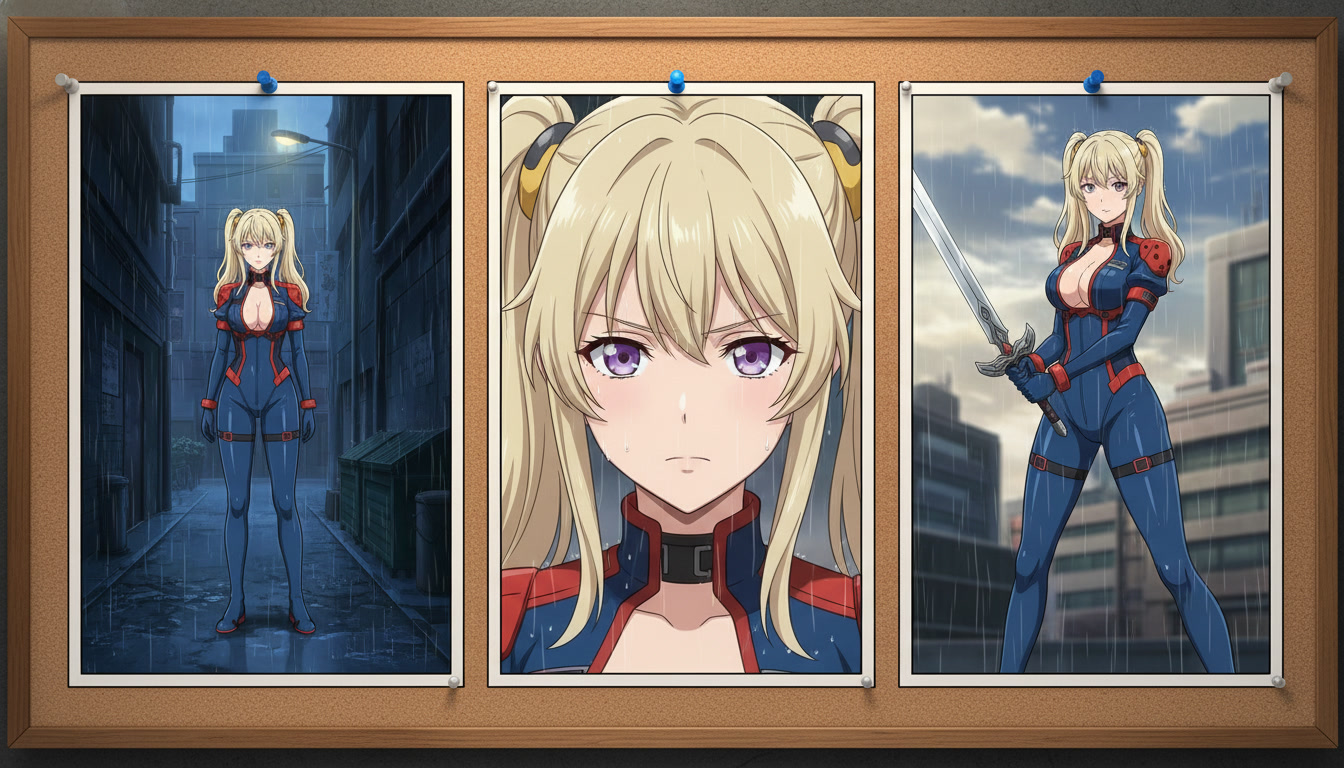
Turn each storyboard panel into a generation-ready prompt.
A storyboard panel is not yet a prompt. Translation is where most creators stall. Use this checklist for every beat before you generate:
- Character anchor: hair, eyes, outfit, and any saved character reference from your library
- Action: one clear verb-led motion per clip, not a montage of three actions
- Camera: shot size, angle, and movement (tracking, static, push-in, cut to close-up)
- Environment: weather, time of day, and key background objects
- Mood: lighting temperature and atmosphere that match the beat's emotion
Beat 1 example for a rivalry Short:
Wide establishing shot, stone tournament arena at dusk, young man with close-cropped black hair in a worn gray gi stands at the far end, opponent's shadow stretches across the floor toward him, slow dolly forward, tense still atmosphere, muted amber and deep shadow, shonen anime style
Beat 2 example:
Medium close-up, same young man, jaw set, scar on left cheek, crowd noise faded, slow zoom to eyes, subtle tension in his grip on the sword hilt, low-key side lighting, shonen anime style
Beat 3 example:
Wide shot, both fighters frozen mid-arena, protagonist lowers his blade as opponent stumbles, rain begins, camera static, emotional silence, cool blue-gray grade with single warm rim light on faces, shonen anime style
Notice each prompt describes one shot with one primary motion. That alignment with clip duration is what keeps Seedance 2 output from overfilling a five-second window. For a deeper breakdown of prompt layers, see the beginner-to-pro AI anime video prompt guide.
Lock your character before you storyboard motion.
Storyboards fail in production when the character in beat three does not look like the character in beat one. Save your protagonist in AutoWeeb's character library first, whether you built them in the anime character creator or converted a photo with photo-to-anime. Reference that saved character in every panel's prompt so each starting frame inherits the same face, hair, and outfit silhouette.
Starting images matter as much as text. Seedance uses the first frame as the foundation for all motion in the clip. If your storyboard beat calls for a scar and a specific jacket, those details must be visible in the still you attach before generation. Generate or select a still per panel, then prompt motion on top of it. Skipping that step is the fastest way to get a beautiful clip that cannot sit next to your other beats without looking like a different show.
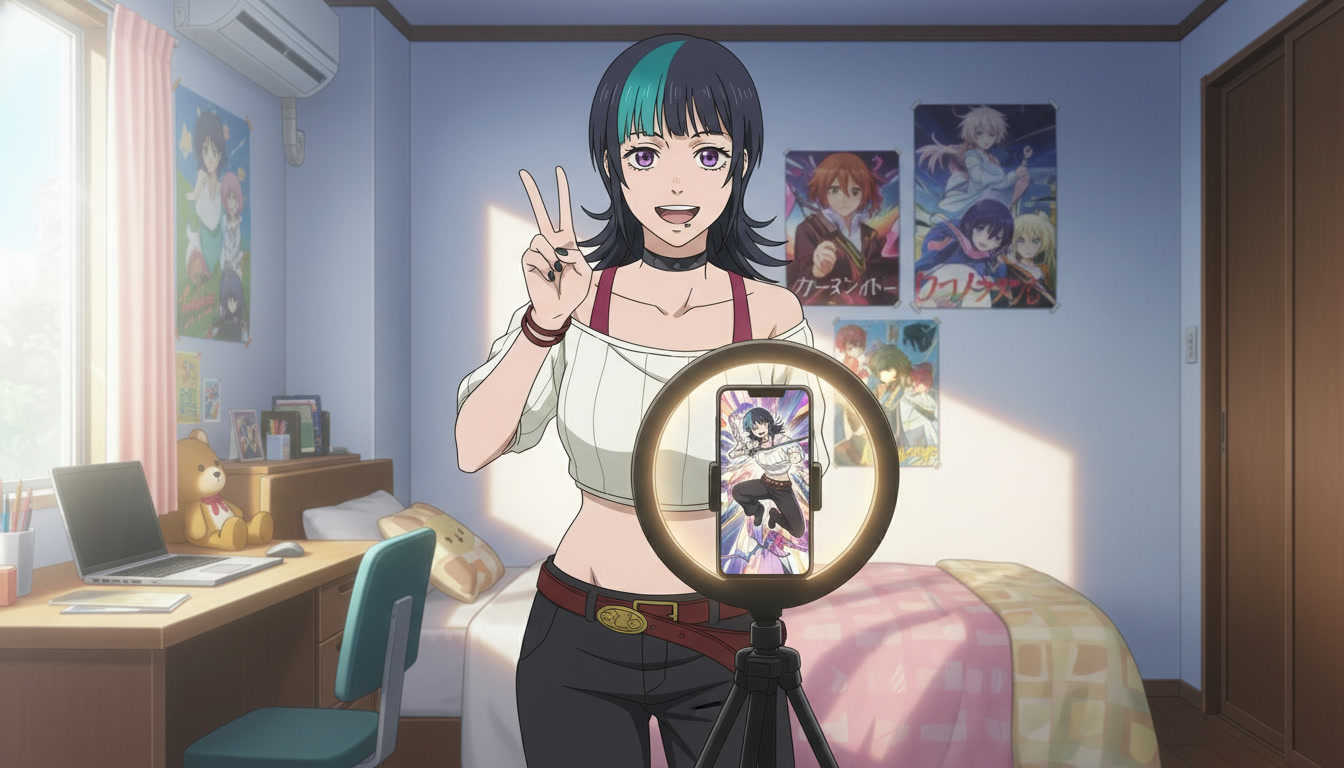
Use AutoWeeb's storyboard tool to sequence clips before you edit.
AutoWeeb's storyboarding feature is built for exactly this workflow: premise, three beats, one prompt per beat, then review the sequence as a unit. You are not committing to a final edit inside the tool. You are proving the emotional logic holds before you export to your editor. Does beat 2 actually raise tension? Does beat 3 answer the question beat 1 asked? If not, you rewrite the panel notes and regenerate only the weak clip instead of rebuilding the entire Short from scratch.
Pair storyboarding with scene builders and photo packs when you need consistent backgrounds across beats. A festival alley in beat 1 should still read as the same alley in beat 3, even if the camera has pulled wider. Reusing scene references keeps geography coherent the way a traditional storyboard supervisor would enforce it on a production floor.
Storyboard mistakes that waste generations.
Describing a montage in one clip. Five seconds cannot carry a walk, a dialogue turn, and a draw. Split them across beats or accept that the model will compress everything into mush.
Changing art style between panels. If beat 1 is slice-of-life soft lighting and beat 2 jumps to high-contrast seinen without narrative reason, the edit feels like a channel rebrand mid-video.
Skipping the establish beat. Opening on a close-up is valid for shock, but most Shorts need one wide frame so viewers know where they are. Without it, engagement drops even when the animation quality is high.
Prompting motion that contradicts the starting image. If the still shows hands at the character's sides, do not prompt a mid-swing attack without generating a new still first. The model fights the first frame, and you pay in warped limbs and flicker.
For a full list of generation pitfalls, read mistakes to avoid with Seedance 2 anime videos and seven prompt mistakes that ruin your output.
From storyboard to published Short: a repeatable weekly workflow.
Block one session for structure, one for generation. Monday: write three premises and storyboard three Shorts (nine panels total). Tuesday: batch-generate all establish beats with locked characters. Wednesday: escalate and land beats, run prompt analysis on anything that drifted. Thursday: edit in your NLE, add music that matches the beat rhythm, export vertical. This rhythm is how creators using an AI anime workflow built for YouTube keep pace without burning out on rescuing unstructured clips.
When a Short performs well, duplicate the storyboard skeleton, not the exact prompts. The three-beat shape is reusable; swap character, location, and emotional turn. That is how channels develop a recognizable pacing signature, the same way anime studios reuse story rhythm across episodes while changing the surface details.
Frequently asked questions
How many storyboard panels do I need for a 30-second AI anime Short?
Three to five generated clips is the practical range. Three beats (establish, escalate, land) often fill fifteen to thirty seconds once you add brief holds and transitions in editing. If you need more complexity, add a fourth beat as a reaction insert rather than stretching one clip to do two jobs.
Should I storyboard in text or sketch panels?
Text notes per beat are enough for AI generation because the prompt becomes your execution document. Sketching helps if you struggle with camera direction; even stick figures that mark where the horizon sits will improve your wide versus close-up decisions. Many creators write beat notes directly into AutoWeeb's storyboard fields and paste refined versions into the generator.
Can I storyboard a serialized series the same way as one-off Shorts?
Yes, with one addition: maintain a series bible in your character library and a short list of recurring locations. Each episode storyboard uses the same three-beat skeleton, but beat 1 can assume viewers already know the protagonist. For series planning at a higher level, pair this workflow with turning an idea into an AI anime video and creating your own anime series with AI.
Storyboarding is the cheapest part of the pipeline and the one that saves the most generations. Plan three beats, lock your character, write one precise prompt per panel, and generate in batches. The clips will still surprise you in good ways, but they will finally add up to something worth watching.
Related Blog Posts
Storytelling and Worldbuilding in AI Anime: How to Build Worlds That Feel Real
From establishing the visual logic of a world to building characters with history — how to use AI anime to create stories that live beyond a single image.
Learn how to use AI anime generation for storytelling and worldbuilding — covering environment design, character consistency, narrative sequencing, and the visual grammar that makes worlds feel lived-in.
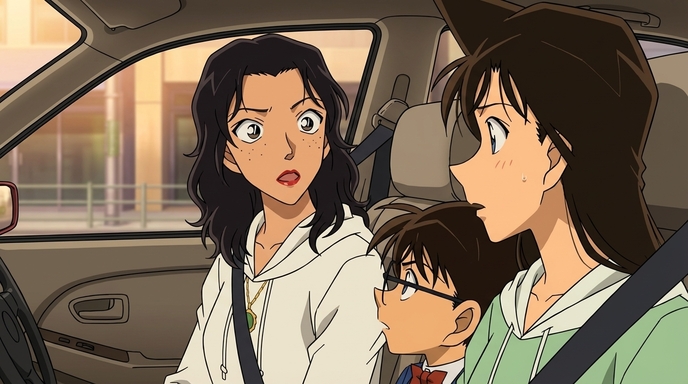
Best AI Anime Facial Expression and Pose Prompts for Emotional Scenes
How to prompt joy, rage, sadness, determination, embarrassment, and every major pose type to make AI anime characters feel emotionally alive.
Learn the best AI anime facial expression and pose prompts for joy, rage, sadness, determination, embarrassment, romance, and cinematic body language. With prompt examples.
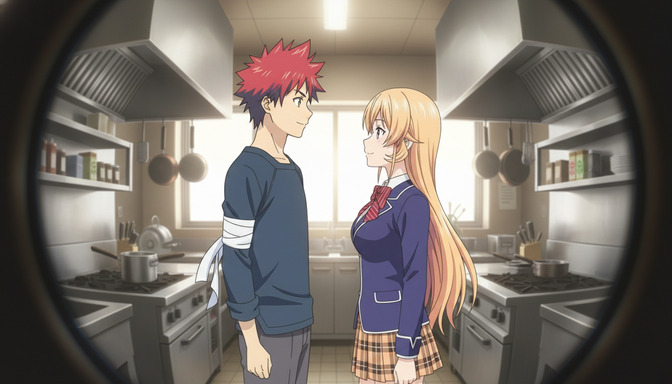
Best Lens Effects for AI Anime Prompts: Depth of Field, Bokeh, Motion Blur & More
How to use bokeh, shallow depth of field, fish-eye, bloom, motion blur, anamorphic flare, and zoom blur to make AI anime feel like it was shot through a real lens.
Learn how to add bokeh, depth of field, fish-eye, motion blur, zoom blur, bloom, and anamorphic flare to AI anime prompts. Practical examples for every lens effect.
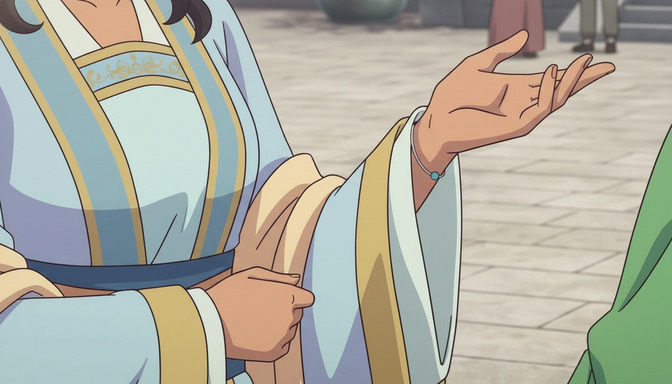
Extreme Close-Up Shots Explained: How to Create Powerful Emotional Scenes in AI Anime
How and when to use extreme close-up framing to isolate the details that carry the most emotional weight in AI anime.
Learn how and when to use extreme close-up shots in AI anime emotional scenes. Includes prompt examples for eyes, hands, lips, and detail inserts that make scenes land.
Explore AutoWeeb
Jump into the tool that fits your creative step.
AI Anime Video Generator
Animate storyboard shots into cinematic clips with Seedance 2 and consistent characters.
Anime Character Creator
Design original characters with consistent sheets across every scene.
AI Anime Image Generator
Generate cinematic anime stills anchored to your character library.
Turn Photo Into Anime
Upload any photo and watch AI turn it into stunning anime art in seconds.
AI Anime Location Generator
Create a location set once, then generate reference images from every angle.
AI Anime Storyboarding
Describe your idea, pick your characters, and let AI draft the script and scenes.
AI Anime Prompt Agent
Turn a rough idea into a cinematic Seedance 2 prompt with the AI Director.