
Creating an AI Anime YouTube Channel: From First Character to Published Shorts
A channel is not a folder of clips — it is a protagonist, a rhythm, and a reason to come back next week.
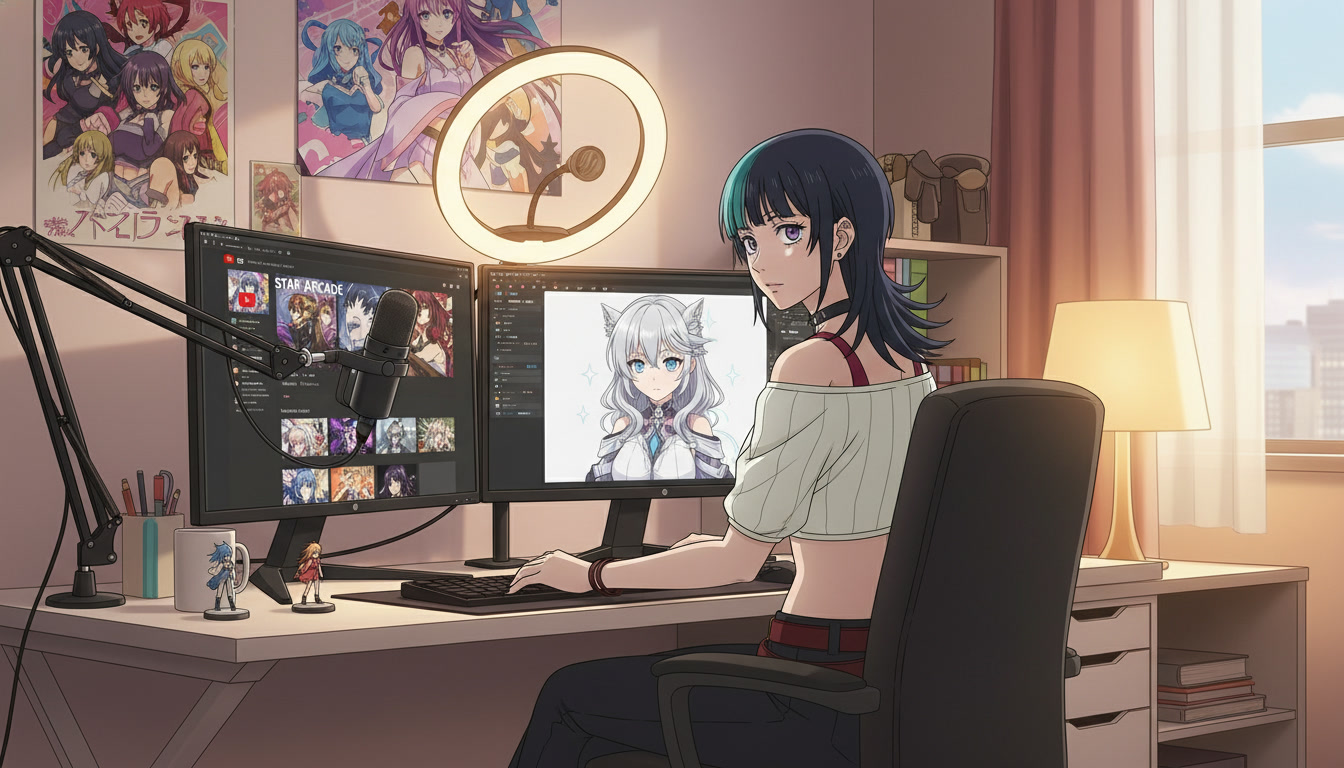
Most people who try creating an AI anime YouTube channel quit for the same reason studios cancel pilots: the first clip looked incredible, and the fifth clip looked like a different show. Viewers do not subscribe to a generator. They subscribe to a face, a palette, and a promise that next week's upload will feel like the same world. The tooling matters, but the channel architecture matters more.
This guide is for video creators on YouTube, TikTok, and Reels who want to launch or refocus a channel around ai anime video content: original characters, Shorts-length motion, and enough structure to publish on a schedule without a production team. You will not need to master every feature on day one. You need a protagonist, a three-beat template, and a weekly rhythm that treats each clip as one beat in a series, not a lottery ticket.
What an AI anime channel actually is (and is not).
A healthy channel is serialized fiction in miniature. Each Short is an episode cell: establish, turn, land. A long-form video might stitch six cells into a chapter. What kills growth is treating the anime video generator like a slot machine: new hair color every upload, new art style every Tuesday, no recurring location, no emotional through-line.
What works looks like indie anime streaming in 2012: limited cast, recognizable environments, titles that signal episode order. "Alley Run #7" tells a returning viewer more than "AI anime test 4K." Your metadata can still target how to make anime video with ai, but the packaging should read like a show bible, not a tech demo.
You are also not building a reaction channel or a prompt-dump account unless that is the explicit brand. The creators who cross from TikTok into YouTube retention are the ones whose thumbnails show the same protagonist in a new situation, not a new protagonist in a random situation.
Step 1: Lock one protagonist before you publish anything.
Pick a single lead character and save them in AutoWeeb's library before you storyboard motion. Build from the anime character creator, or convert a reference photo with photo-to-anime if you want the channel to star you. Either path works; inconsistency is what fails.
Name three design anchors in every generation prompt: silhouette, signature color, and one prop. A channel-ready OC prompt might read:
"original anime heroine, silver hair in low ponytail, indigo streetwear jacket with white trim, amber eyes, calm expression, full body, neutral background, clean shonen linework"
Export a character sheet and treat it as canon. Side characters can arrive in month two. The protagonist is month one. If you are unsure how deep to go on design, the guide on making an anime character walks through sheet layout and reuse across scenes.
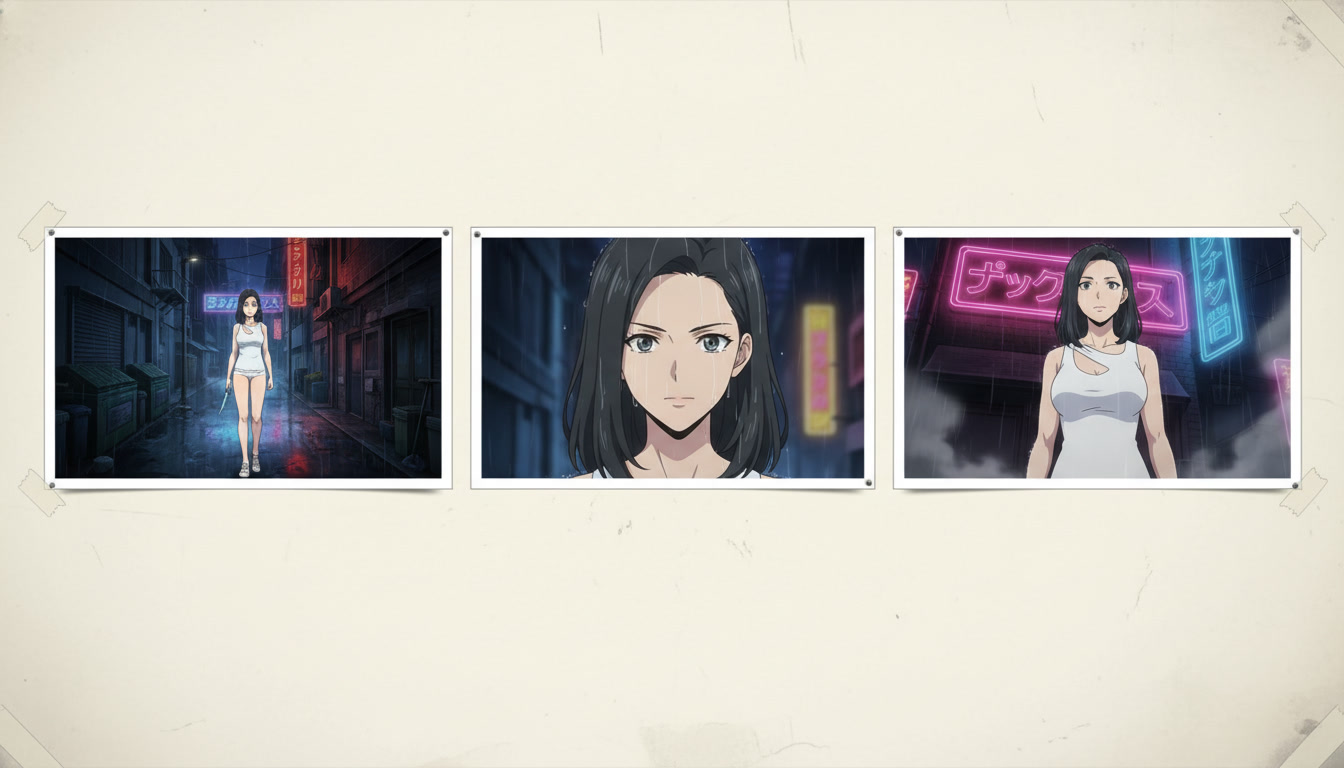
Step 2: Choose a channel format you can sustain.
Format is a constraint that saves you. Pick one primary lane for the first eight uploads:
- Micro-episodes: 15–45 second Shorts, three clips edited in sequence, numbered series.
- Scene studies: one location per week (rooftop, festival, train platform) with the same lead.
- Creator hybrid: VO or faceless commentary over generated anime B-roll tied to a niche (gaming mood, romance beats, fight choreography).
Micro-episodes are the fastest path to algorithm testing on youtube anime shorts. Scene studies train environment consistency, which pairs well with scene builders and photo packs. Hybrid formats monetize personality later; they still need a locked anime lead for visual continuity.
Write a one-page series bible: protagonist name, default outfit, three recurring locations, and the emotional tone (cozy, tense, comedic deadpan). You will not show this document to viewers. You will paste lines from it into prompts until the model stops drifting.
Step 3: Storyboard before you spend generations on motion.
Random clips are expensive in time and cheap in retention. Storyboarding is how you buy back both. Map three beats per Short: hook (wide or situational read), turn (closer framing, something changes), payoff (reaction, consequence, or button ending). The detailed workflow lives in storyboarding AI anime for video creators; the channel-level rule is simpler: no beat gets a Seedance prompt until you can describe what the viewer should feel when it ends.
Translate each beat into one still frame first, then one motion prompt. Still prompts anchor hair, jacket trim, and light direction. Motion prompts carry a single action: rain intensifies, character turns toward neon sign, cloak catches wind. If you need camera vocabulary, use the Seedance 2 prompting guide and keep one primary move per clip.
Batch storyboards on one day, stills the next, motion the day after. Channels that post three Shorts a week survive on batching, not inspiration.
Step 4: Publish with YouTube-native packaging.
Vertical export is default for Shorts, but plan title and thumbnail in landscape thinking: readable face, one prop silhouette, high contrast background. Put episode numbers in titles early; remove them only if you pivot to cinematic anthology branding later.
In the description, link the previous episode for binge paths. Pin a comment that asks a story question ("What should she find in the alley next week?") so returning viewers have a reason to reply. Tags can include ai anime video generator and niche mood words, but the title should sound like entertainment, not documentation.
Avoid copyright landmines: no trademarked character names in prompts or on-screen text, no scraped OST from licensed shows. Original cast, original locations, royalty-safe music. Platforms and model filters both enforce this, and your channel equity stays yours when the cast is original.
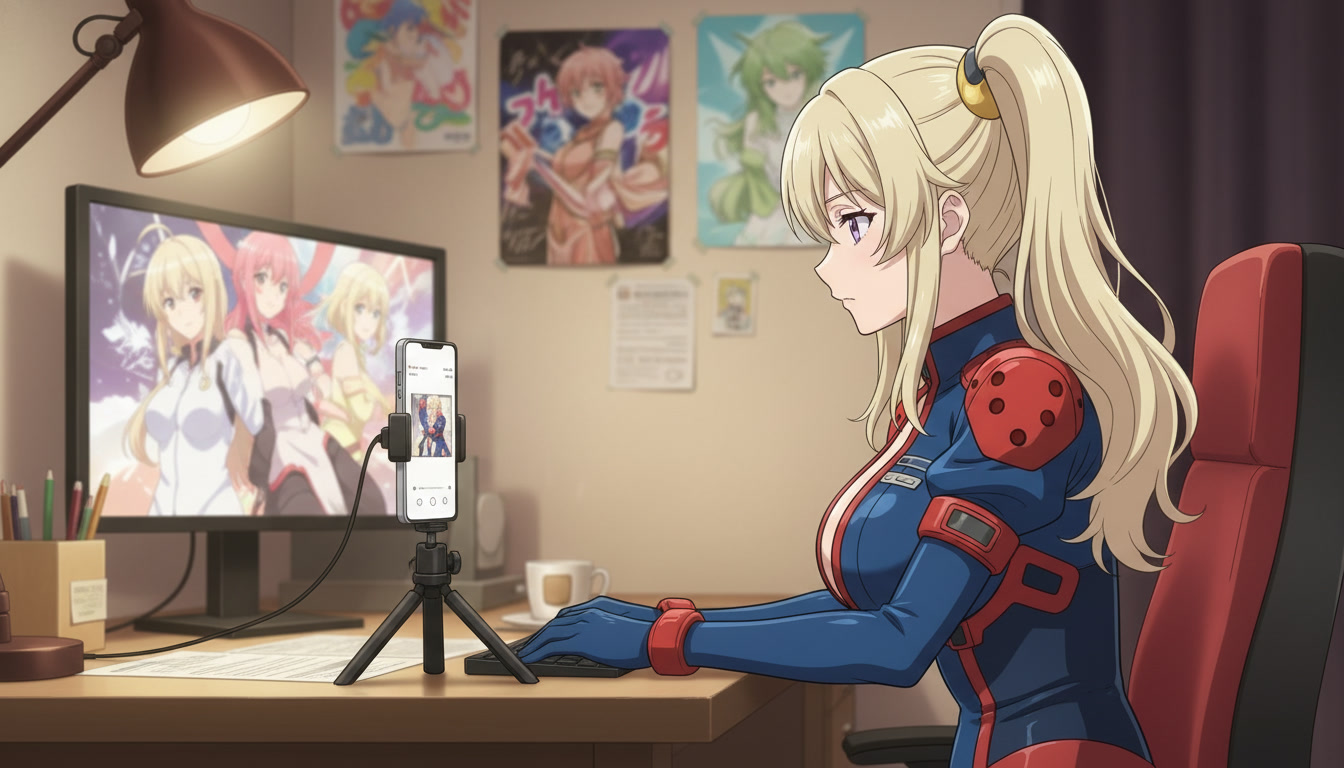
A repeatable first-month calendar.
Week 1: protagonist, character sheet, three still frames (alley, interior, rooftop). Week 2: three-beat Short #1, publish, note watch time drop-off in analytics. Week 3: duplicate the storyboard skeleton with a new location; keep the face. Week 4: Short #2 and #3, plus one community post with a still and a poll for the next location.
By upload eight, you should have a recognizable silhouette, two recurring sets, and a title pattern viewers recognize. That is when long-form compilation videos start working: "Episodes 1–6" watch time often beats a single viral Short because the series finally exists.
Tool comparisons and advanced motion topics can wait until the rhythm holds. When you are ready to level up fight scenes or magic beats, branch into anime sword fight videos or anime magic videos without changing the protagonist.
Common channel mistakes (and the fix).
Style hopping: each upload uses a different art style. Fix: pick one default style in AutoWeeb and only break it for labeled specials. Overstuffed clips: one Short tries to cover an entire fight. Fix: one action per Seedance generation, edit three clips. No series metadata: titles read as one-offs. Fix: number episodes and reuse locations. Skipping stills: motion prompts fight the model because the first frame was vague. Fix: generate or select a still per beat, then animate.
For a broader tool lens once your workflow is stable, see AI anime generators for YouTube creators. For turning a premise into a full video arc, pair this with turning an idea into an AI anime video.
How many uploads per week should a new AI anime channel target?
Two to three Shorts per week is enough to learn retention patterns without burning out on rescuing unstructured clips. Quality here means repeatable identity, not cinema-grade renders every time.
Do I need facecam or voiceover to grow?
No. Many channels grow on silent cinematic Shorts with strong thumbnails and series numbering. Voiceover helps hybrid commentary formats; it is not required for pure anime micro-episodes.
When should I add a second character?
After viewers recognize the protagonist without reading the channel name. Introduce a rival or partner in episode five or later, and keep their design simpler than the lead so the silhouette hierarchy stays clear.
Creating an AI anime YouTube channel is an exercise in restraint: one protagonist, one three-beat template, one weekly rhythm. The tools will keep improving; the creators who win are the ones who make the same show feel new each week instead of making a new show feel random each upload.
If you are still in the planning phase for serialized output, read creating your own anime series with AI for long-form arc thinking. When you are ready to animate your first three-beat Short, the storyboarding workflow for video creators is the natural next step.
Related Blog Posts
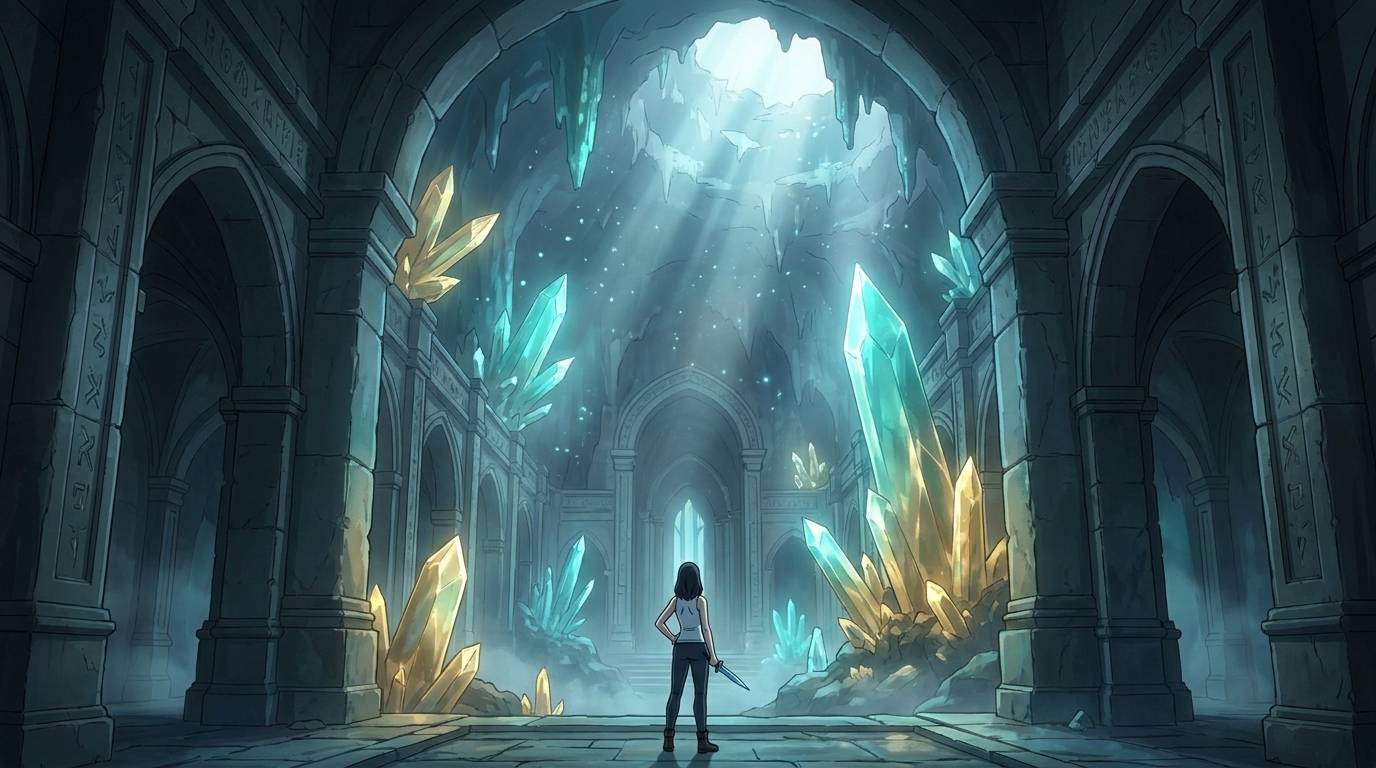
Storytelling and Worldbuilding in AI Anime: How to Build Worlds That Feel Real
From establishing the visual logic of a world to building characters with history — how to use AI anime to create stories that live beyond a single image.
Learn how to use AI anime generation for storytelling and worldbuilding — covering environment design, character consistency, narrative sequencing, and the visual grammar that makes worlds feel lived-in.
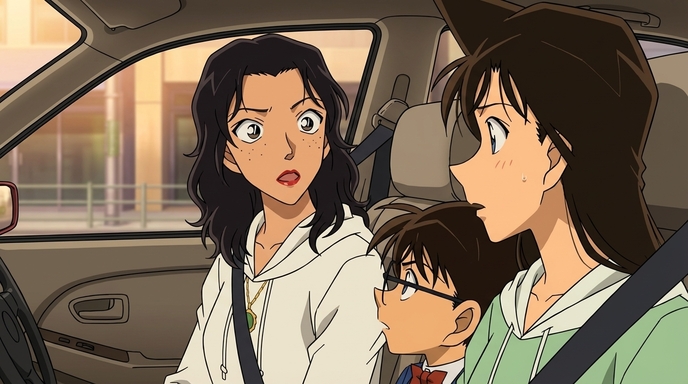
Best AI Anime Facial Expression and Pose Prompts for Emotional Scenes
How to prompt joy, rage, sadness, determination, embarrassment, and every major pose type to make AI anime characters feel emotionally alive.
Learn the best AI anime facial expression and pose prompts for joy, rage, sadness, determination, embarrassment, romance, and cinematic body language. With prompt examples.
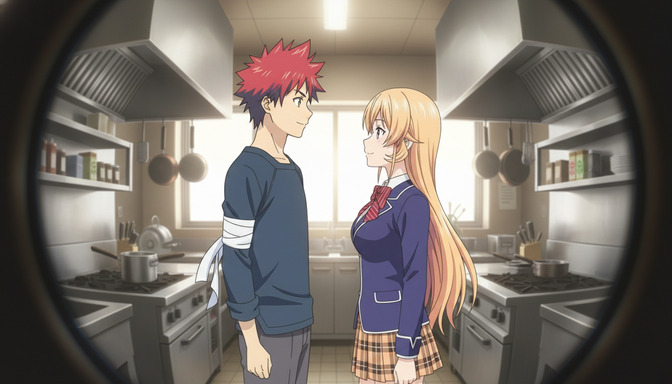
Best Lens Effects for AI Anime Prompts: Depth of Field, Bokeh, Motion Blur & More
How to use bokeh, shallow depth of field, fish-eye, bloom, motion blur, anamorphic flare, and zoom blur to make AI anime feel like it was shot through a real lens.
Learn how to add bokeh, depth of field, fish-eye, motion blur, zoom blur, bloom, and anamorphic flare to AI anime prompts. Practical examples for every lens effect.
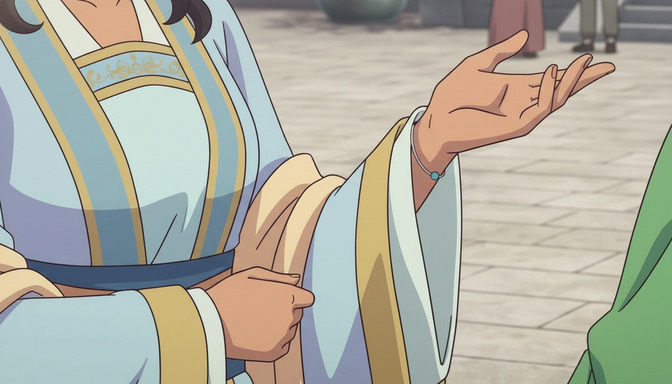
Extreme Close-Up Shots Explained: How to Create Powerful Emotional Scenes in AI Anime
How and when to use extreme close-up framing to isolate the details that carry the most emotional weight in AI anime.
Learn how and when to use extreme close-up shots in AI anime emotional scenes. Includes prompt examples for eyes, hands, lips, and detail inserts that make scenes land.
Explore AutoWeeb
Jump into the tool that fits your creative step.
AI Anime Video Generator
Animate storyboard shots into cinematic clips with Seedance 2 and consistent characters.
Anime Character Creator
Design original characters with consistent sheets across every scene.
AI Anime Image Generator
Generate cinematic anime stills anchored to your character library.
Anime Filters
Upload any photo and apply AI anime filters to turn it into stunning anime art in seconds.
AI Anime Location Generator
Create a location set once, then generate reference images from every angle.
AI Anime Storyboarding
Describe your idea, pick your characters, and let AI draft the script and scenes.
AI Anime Prompt Agent
Turn a rough idea into a cinematic Seedance 2 prompt with the AI Director.