
Video and Scene Generation for AI Anime YouTube Creators
Still frames are your sets. Motion prompts are your cuts. The pipeline between them is what separates a clip dump from a channel.
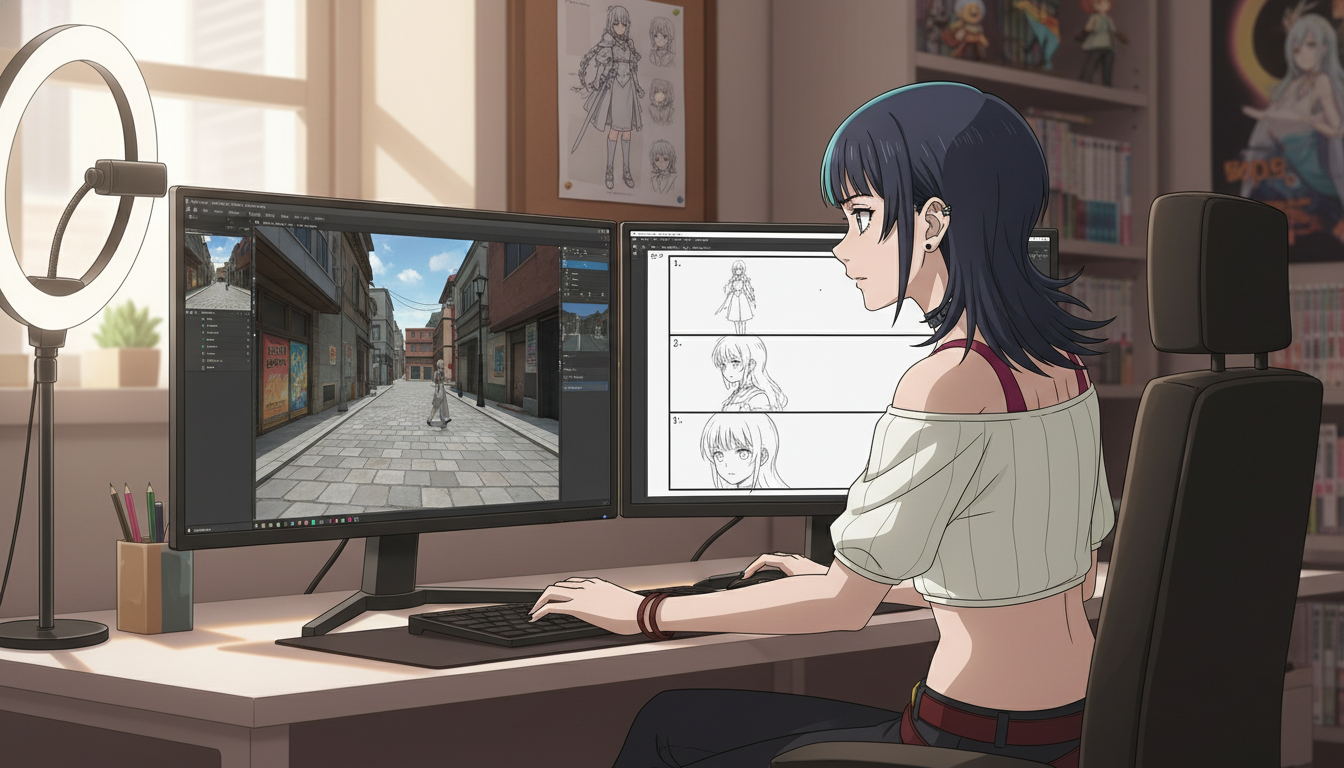
Most ai anime video generator tutorials jump straight to motion. That is why so many YouTube Shorts look gorgeous in isolation and incoherent in sequence. The clip animates fine. The alley in beat one does not match the alley in beat three. The jacket color shifts. The camera invents a window that was never in the establishing shot. The failure is not the video model. It is skipping scene generation.
Video and scene generation for YouTube creators means treating every clip as the child of a deliberate still: a locked environment, a saved protagonist, and a frame composition you would defend in an edit bay. AutoWeeb separates those jobs on purpose. You build the scene first with scene builders, photo packs, or custom prompts. You generate video second with Seedance 2 on top of that still. This guide is the bridge between those steps for creators publishing on YouTube, TikTok, and Reels.
Why scene generation comes before video generation.
Traditional animation builds a layout pass before in-between frames. AI anime should follow the same order. A scene is spatial truth: where the horizon sits, which props exist, how light enters the frame. A video clip is temporal change: hair moves, rain falls, a sword clears the sheath. When you prompt motion on a vague background, the model invents spatial details to satisfy the action. Two clips from the same prompt family will not share a set.
Scene generation fixes geography. Whether you use a curated pack shot, a 360° panorama from the scene builder, or a custom location prompt, you are exporting a still that becomes the first frame of your anime video generator run. Seedance reads that frame as canon. The more accurate the still, the less the motion pass rewrites your world.
For YouTube retention, coherence reads as professionalism. Viewers may not articulate why a Short feels "off," but they feel when beat two's rooftop is not beat one's rooftop. Scene-first workflows are how creators using an AI anime workflow built for YouTube keep geography stable across a numbered series.
Three ways to generate scenes that survive motion.
Photo packs for fast, curated locations.
Photo packs are pre-built anime environments: festival lanes, city alleys, training halls, beach episodes. Drop a saved character from the anime character creator into a pack scene and export a still sized for vertical video. This is the fastest path when you need recognizable anime geography without writing a novel-length prompt. Pair packs with the guide on starring in your own anime with photo packs if you are new to the workflow.
Pack scene prompt example for a festival establish beat:
"original anime heroine, silver ponytail, indigo festival yukata, warm lantern light, crowded summer festival alley, medium-wide shot, eye level, slice of life anime background, clean linework"
Scene builders for camera control inside one location.
When a story returns to the same room, alley, or rooftop across multiple episodes, the 3d scene builder workflow matters. Upload or generate a panoramic set, rotate the virtual camera, and snapshot the angle you need. Beat one might be a wide from the doorway. Beat two is an over-the-shoulder at the desk. Beat three is a low angle toward the window. The walls stay where you placed them because you moved a camera inside a fixed volume instead of asking the model to hallucinate a new room.
Custom scene prompts for one-off set pieces.
Boss arenas, void temples, and sci-fi highways sometimes need bespoke prompts. Keep custom scenes disciplined: name three anchors (floor material, light source, weather) and one forbidden drift phrase in your notes, such as "no modern cars" or "no interior furniture." Custom prompts cost more generations to nail, so batch them on days when you are not also learning a new motion technique.
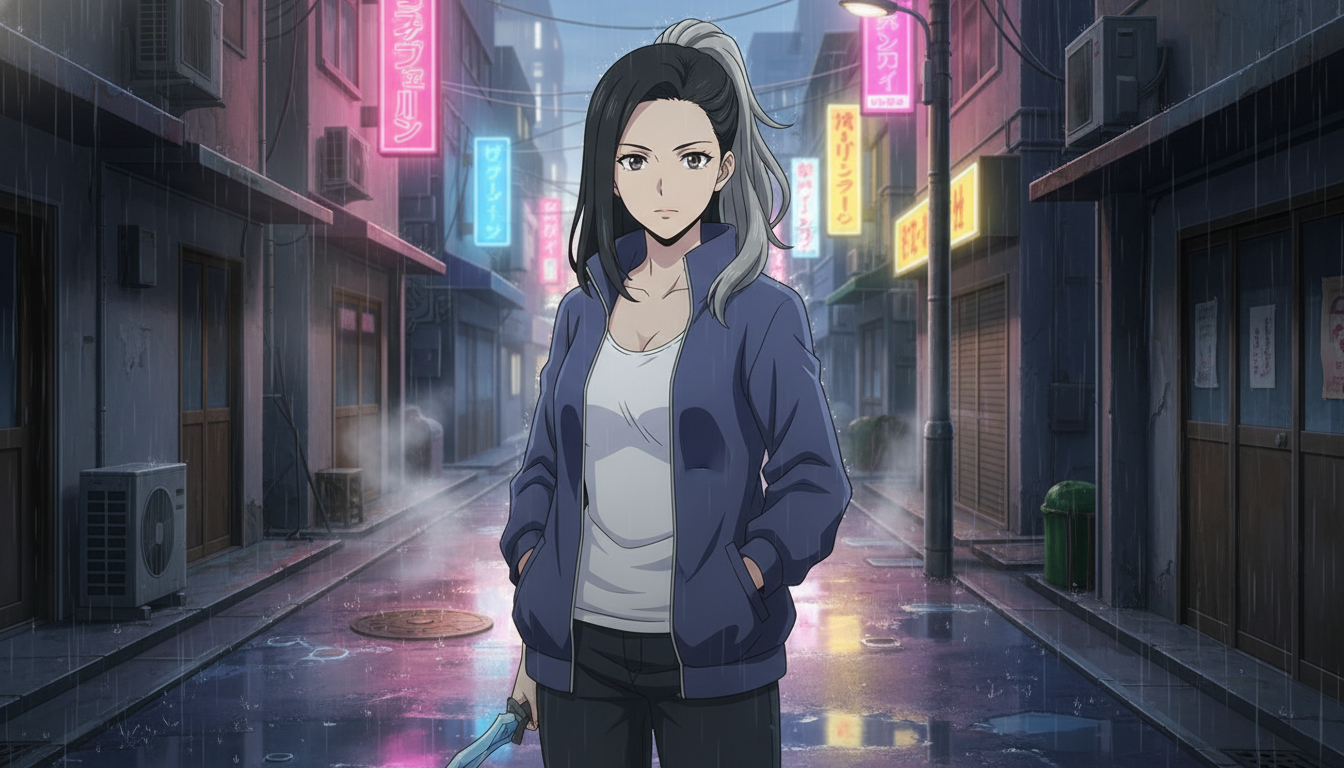
Turn a scene still into a Short-ready video clip.
Once the still is exported, switch hats from set designer to animator. Your motion prompt should describe one primary change, not a list of unrelated actions. Seedance 2 rewards clarity the way sakuga cuts reward a single strong pose change. Attach the still, reference your saved character, and write motion that the composition already supports.
Establish beat motion prompt:
"slow push-in, light rain falling, heroine turns head toward neon sign, fabric and hair move gently, cinematic anime motion, 4 seconds"
Escalation beat motion prompt:
"medium shot, she steps forward, rain intensifies, reflection ripples in puddle, determined expression, single action, anime video motion"
Payoff beat motion prompt:
"low angle, she draws katana halfway, lens flare from neon, one decisive motion, hold heroic pose at end, shonen anime pacing"
If prompts drift, run them through AutoWeeb's prompt analysis and compare against the Seedance 2 prompt guide. Most drift is a scene problem wearing a motion mask: the still did not show the prop you later asked to move.
A weekly workflow for video creators who publish Shorts.
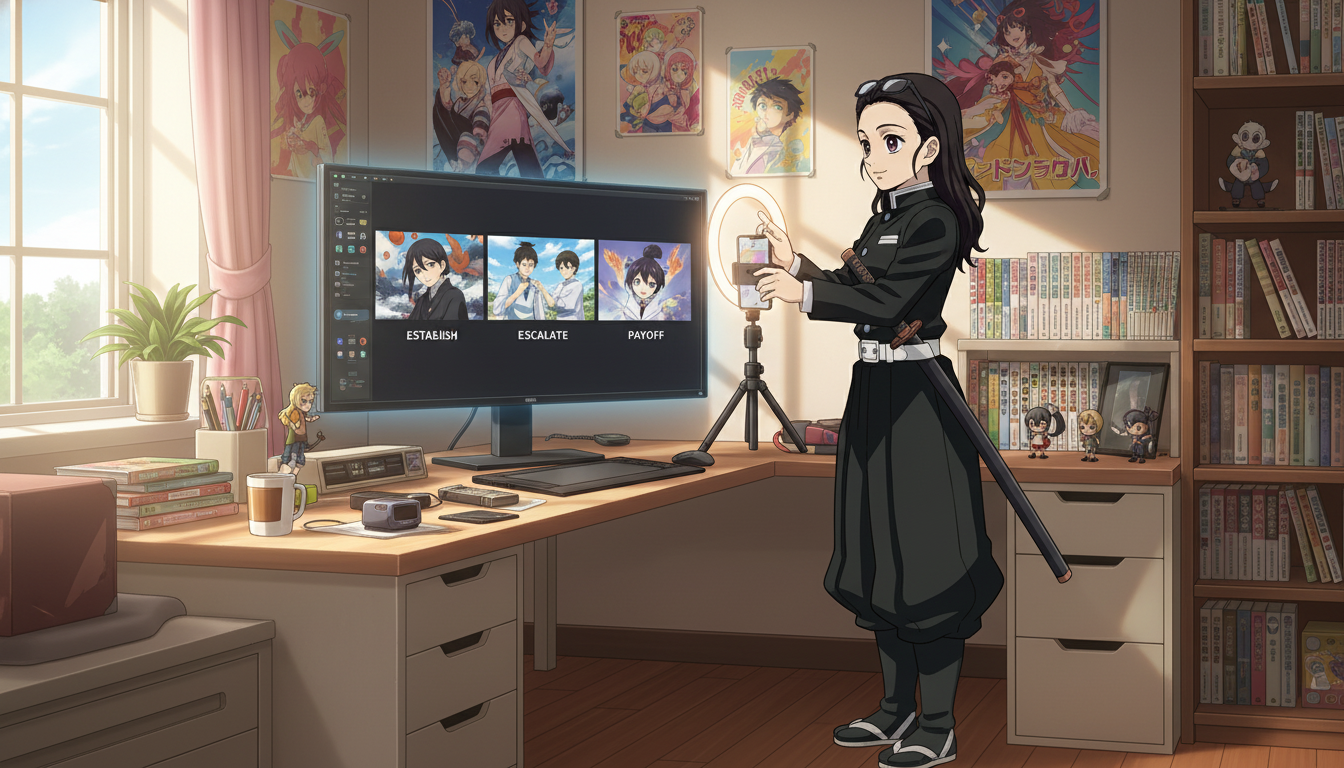
Block scene work and video work on different days so you do not context-switch inside one session. Monday: storyboard three Shorts and list required locations. Tuesday: batch scene stills (packs for variety, scene builder for recurring sets). Wednesday: batch motion generations per beat. Thursday: edit in your NLE, add series numbering, export vertical. This mirrors the rhythm in creating an AI anime YouTube channel but centers the scene layer explicitly.
Maintain a location bible alongside your character library. Note which pack or panorama each episode number used. When episode twelve returns to the festival alley, you reopen the same pack reference instead of re-rolling a "similar" prompt that will break continuity.
Scene and video mistakes that waste generations.
- Animating before the still is final. Fix composition in the scene pass. Motion will not rescue a wrong camera height.
- Mixing pack styles in one Short. Festival lighting in beat one and cyberpunk neon in beat two reads as a channel still finding its look.
- Multiple actions per clip. One motion per generation. Stitch complexity in the editor.
- New protagonist per upload. Save one lead in the library and reuse across scenes. See making an anime character for sheet discipline.
- Skipping storyboard notes. Scenes answer "where." Storyboards answer "why this shot exists." Pair this guide with storyboarding AI anime for video creators.
When to choose packs, builders, or custom prompts.
Use photo packs when you need speed and recognizable anime locations for trend-friendly Shorts. Use scene builders when your series has a home base: apartment, dojo, office, spaceship bridge. Use custom prompts when the location is the punchline (a impossible geometry duel, a floating shrine). Most channels mix all three: packs for episodic variety, one builder set for the protagonist's home, custom prompts for season finales.
None of this requires a studio. It requires treating how to make anime video with ai as a two-step craft: scene, then motion. The creators who publish three Shorts a week without burning out are usually the ones who batch scenes in one sitting and refuse to "fix it in Seedance" when the still was wrong from the start.
Can I use the same scene still for multiple motion prompts?
Yes, and you should when testing alternate camera moves or weather changes. The still is your constant. Swap motion prompts to explore options, then pick the clip that best serves the beat you storyboarded.
Do I need vertical stills for YouTube Shorts?
Compose with vertical safe zones in mind: keep the protagonist's face and key props inside the center third. Many creators export a landscape still from the scene builder, then crop in the editor. What matters is that the first frame attached to Seedance already contains the subject placement you want after crop.
How does this relate to Seedance 2 versus 1.5?
Better motion models reward better first frames. If you are choosing between engines, read Seedance 2 vs Seedance 1.5 for anime. The scene workflow stays the same; the motion pass gets more obedient when the still is clear.
Video and scene generation are not competing features. They are sequential responsibilities. Build the world in stills, animate one honest action per clip, and edit with the geography you already proved. That is how anime video generator output starts to feel like a show instead of a folder of happy accidents.
For channel launch basics, start with creating an AI anime YouTube channel. When your scenes are locked and you want fight choreography specifics, continue with anime sword fight videos with AI.
Related Blog Posts
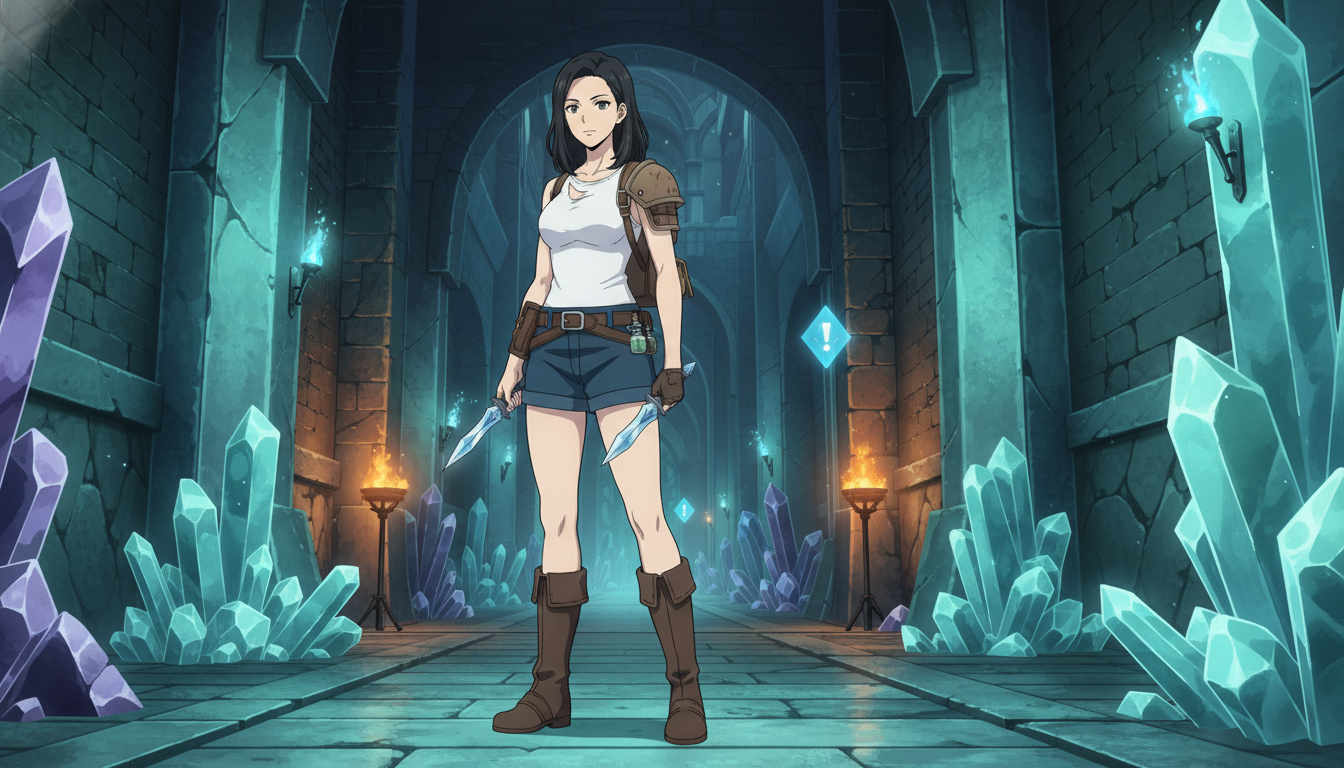
How to Turn Video Game Aesthetics Into Anime Videos for YouTube
RPG dungeons, boss arenas, and creator setups — a workflow for game-adjacent anime Shorts without copying IP
Learn how to turn video game aesthetics into AI anime videos for YouTube. Build original characters, prompt RPG scenes, and animate clips with Seedance 2 on AutoWeeb.
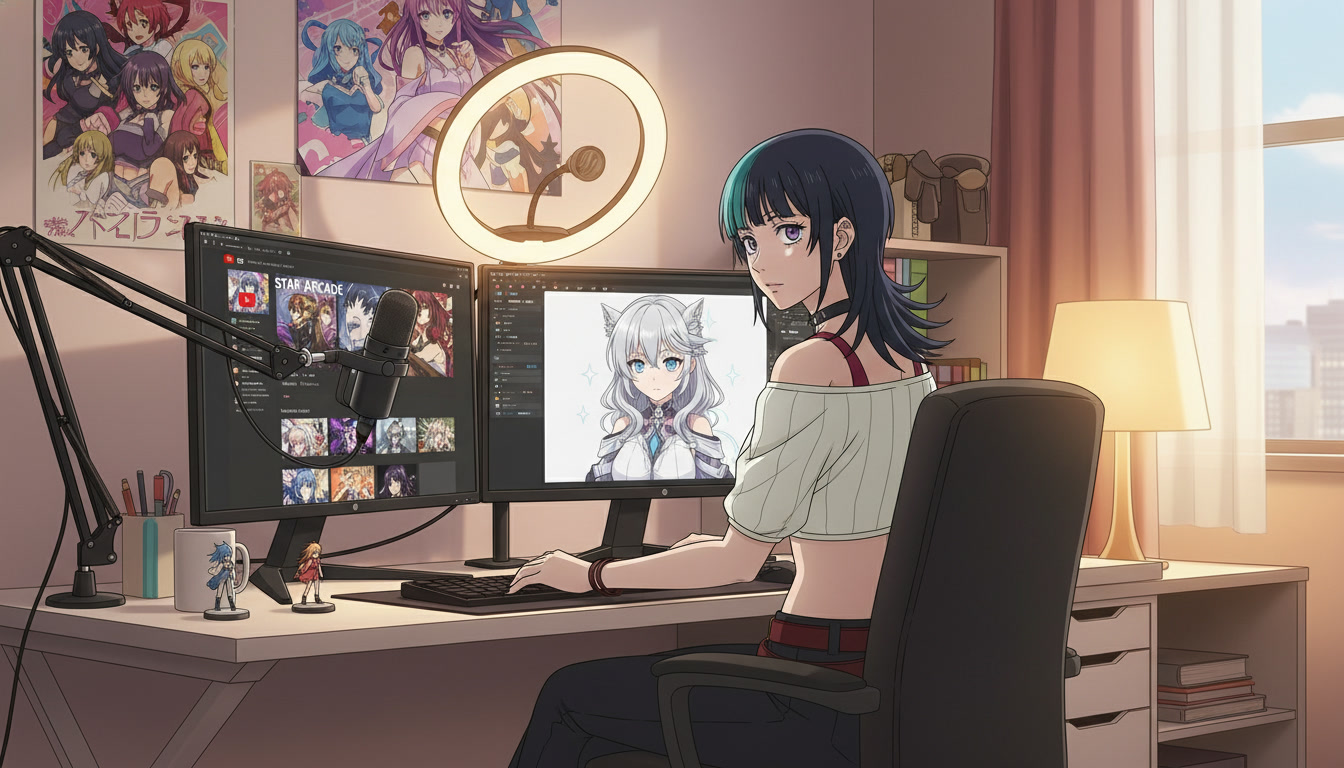
Creating an AI Anime YouTube Channel: From First Character to Published Shorts
A channel is not a folder of clips — it is a protagonist, a rhythm, and a reason to come back next week.
Learn how to create an AI anime YouTube channel with consistent characters, Shorts-ready clips, and a repeatable upload workflow using AutoWeeb and Seedance 2.
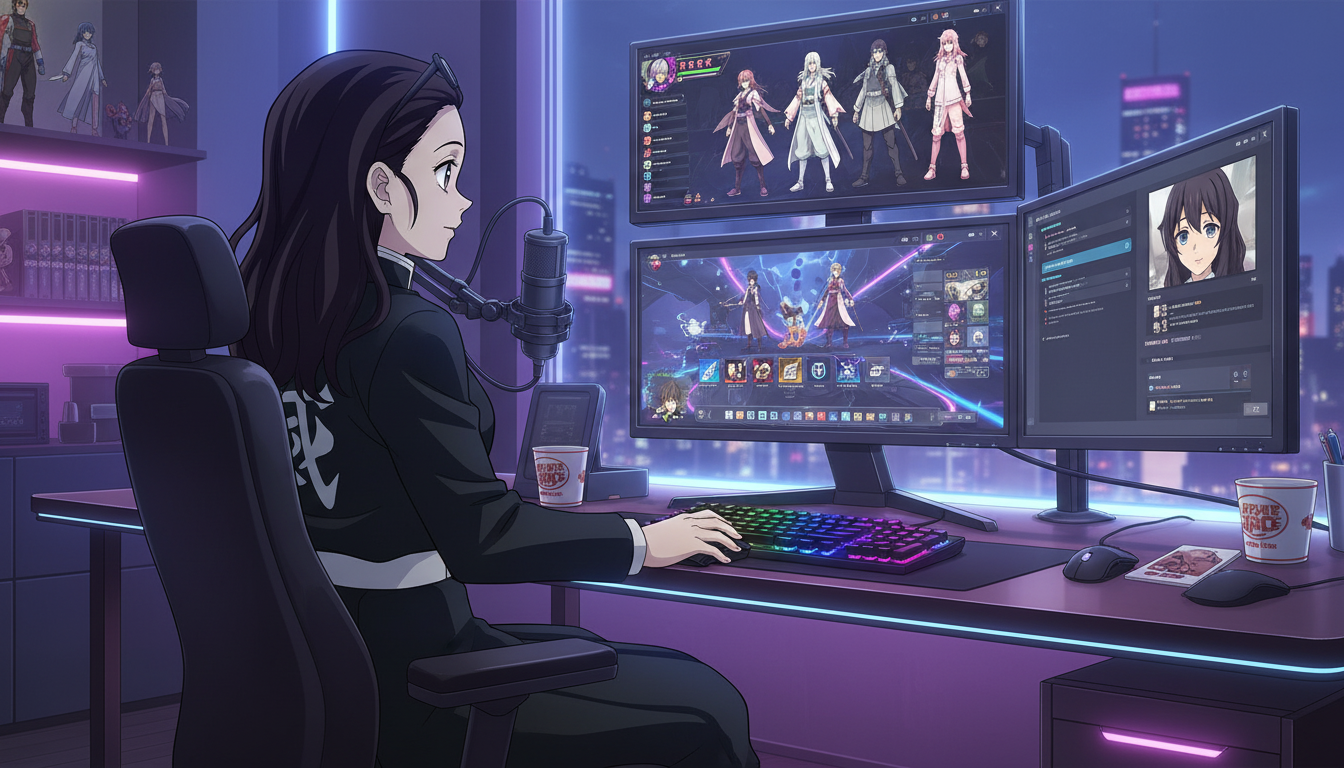
How to Turn Video Game Characters Into Anime Videos for YouTube
Gaming channels already have the stories — anime-style video is how you make them look like a show instead of a screenshot montage.
Turn video game characters into anime videos for YouTube. A workflow for gaming creators: OC design, scene prompts, Seedance 2 clips, and Shorts-ready pacing.
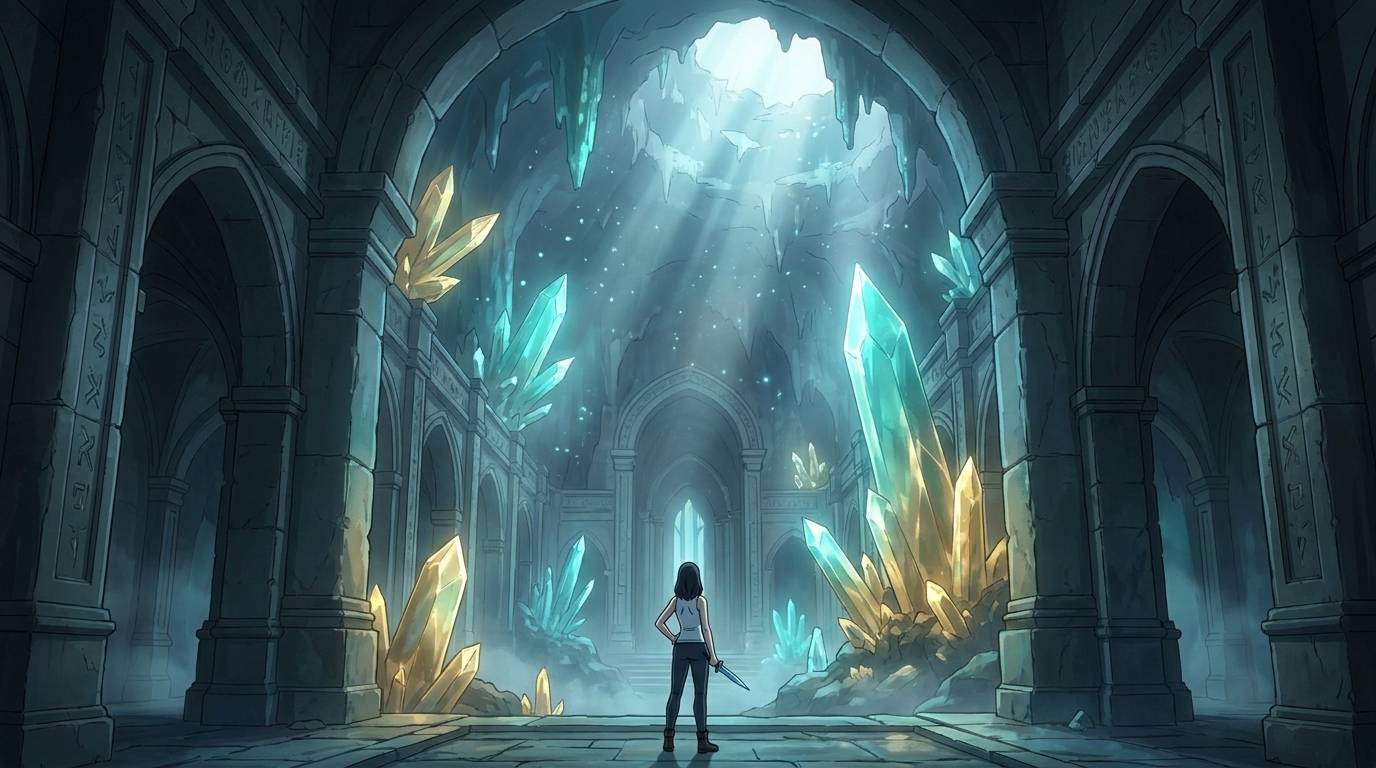
Storytelling and Worldbuilding in AI Anime: How to Build Worlds That Feel Real
From establishing the visual logic of a world to building characters with history — how to use AI anime to create stories that live beyond a single image.
Learn how to use AI anime generation for storytelling and worldbuilding — covering environment design, character consistency, narrative sequencing, and the visual grammar that makes worlds feel lived-in.
Explore AutoWeeb
Jump into the tool that fits your creative step.
AI Anime Video Generator
Animate storyboard shots into cinematic clips with Seedance 2 and consistent characters.
Anime Character Creator
Design original characters with consistent sheets across every scene.
AI Anime Image Generator
Generate cinematic anime stills anchored to your character library.
Anime Filters
Upload any photo and apply AI anime filters to turn it into stunning anime art in seconds.
AI Anime Location Generator
Create a location set once, then generate reference images from every angle.
AI Anime Storyboarding
Describe your idea, pick your characters, and let AI draft the script and scenes.
AI Anime Prompt Agent
Turn a rough idea into a cinematic Seedance 2 prompt with the AI Director.