
How Anime Self-Insert Works
Three steps from a real photo to a finished scene with you inside the anime world.
-
1
Upload a clear selfie
Start with one person in frame. A front-facing selfie or portrait works best. AutoWeeb reads your face and maps your features so the anime version still looks like you.
-
2
Choose an anime
Open the anime picker and search or browse shows like Pokemon, Demon Slayer, Jujutsu Kaisen, Spy x Family, One Piece, and more. Each option carries that series' line weight, color, and character proportions.
-
3
Generate your scene
AutoWeeb composites your anime likeness into a scene from the show you picked. You appear alongside the cast, in the right environment, wearing a look that fits the world.
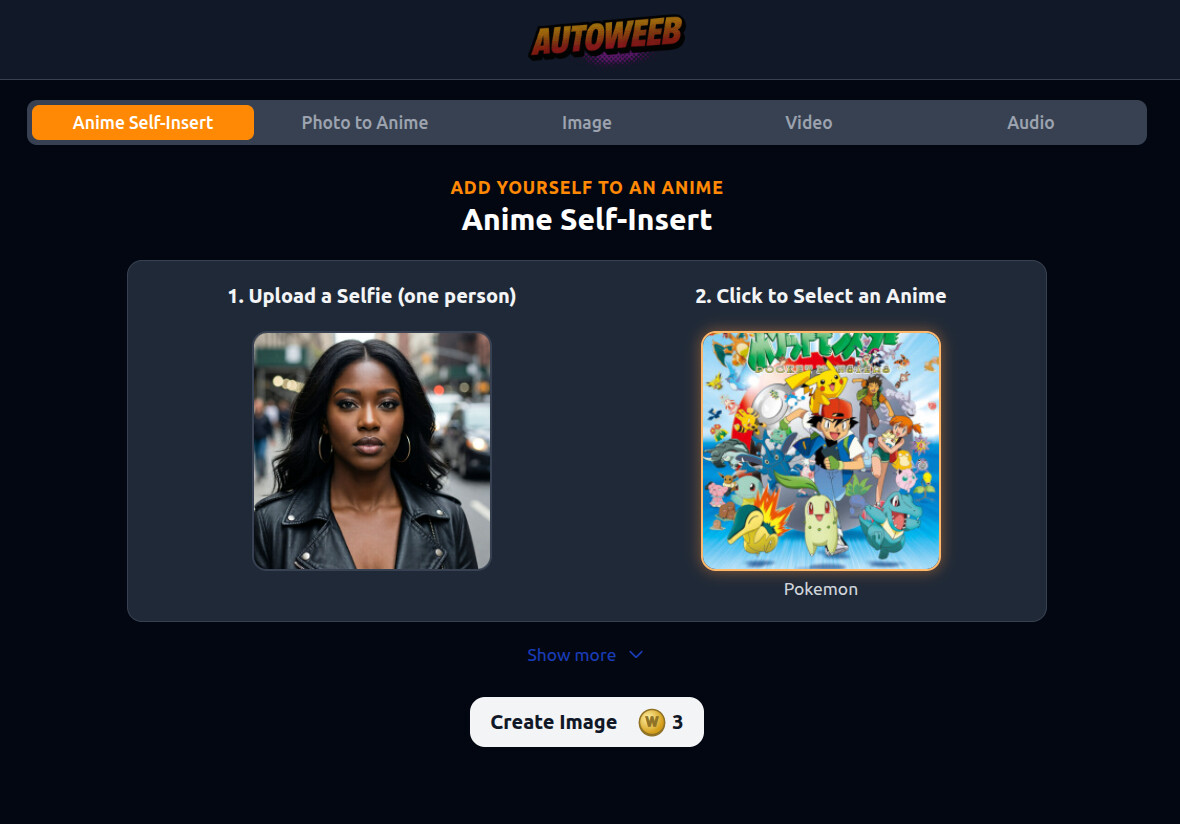
Pick the Anime World You Want to Enter
The anime picker is searchable and organized like a streaming library. Choose the show whose visual identity you want, not just a generic anime filter.
Each selection tells AutoWeeb which art style, lighting, and character design language to match. That is what makes a Pokemon self-insert feel like Pokemon, not a random cartoon pasted on top.
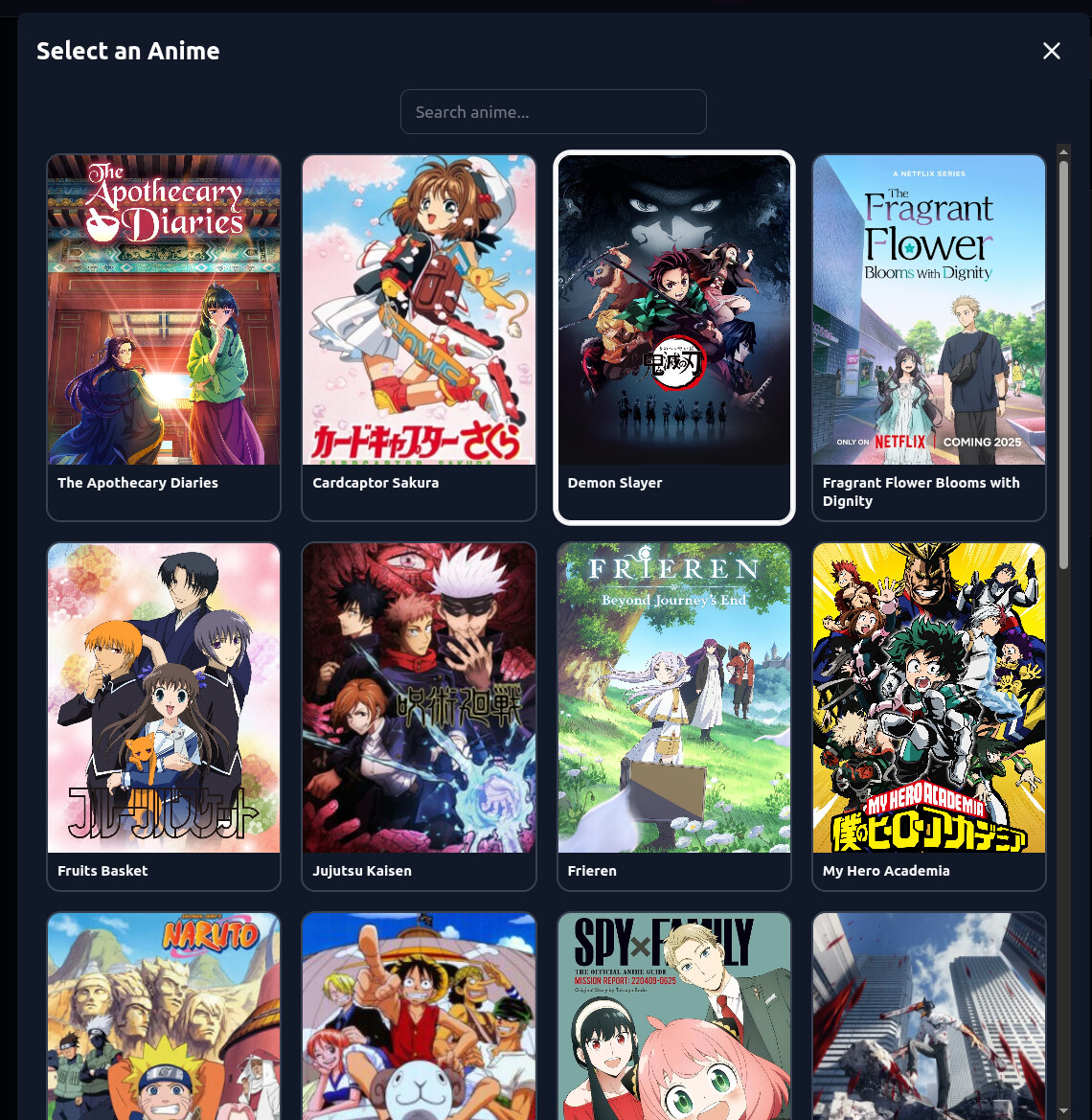
See Yourself Inside the Scene
The output is a full scene, not just a portrait. You stand in the forest with Ash and Pikachu, share the frame with the cast, and inherit the show's color palette and composition.
Save the result, share it, or turn your anime likeness into a locked character sheet for storyboards, photo packs, and animated clips. One selfie can become a reusable version of you across an entire project.
Learn the full photo to anime workflow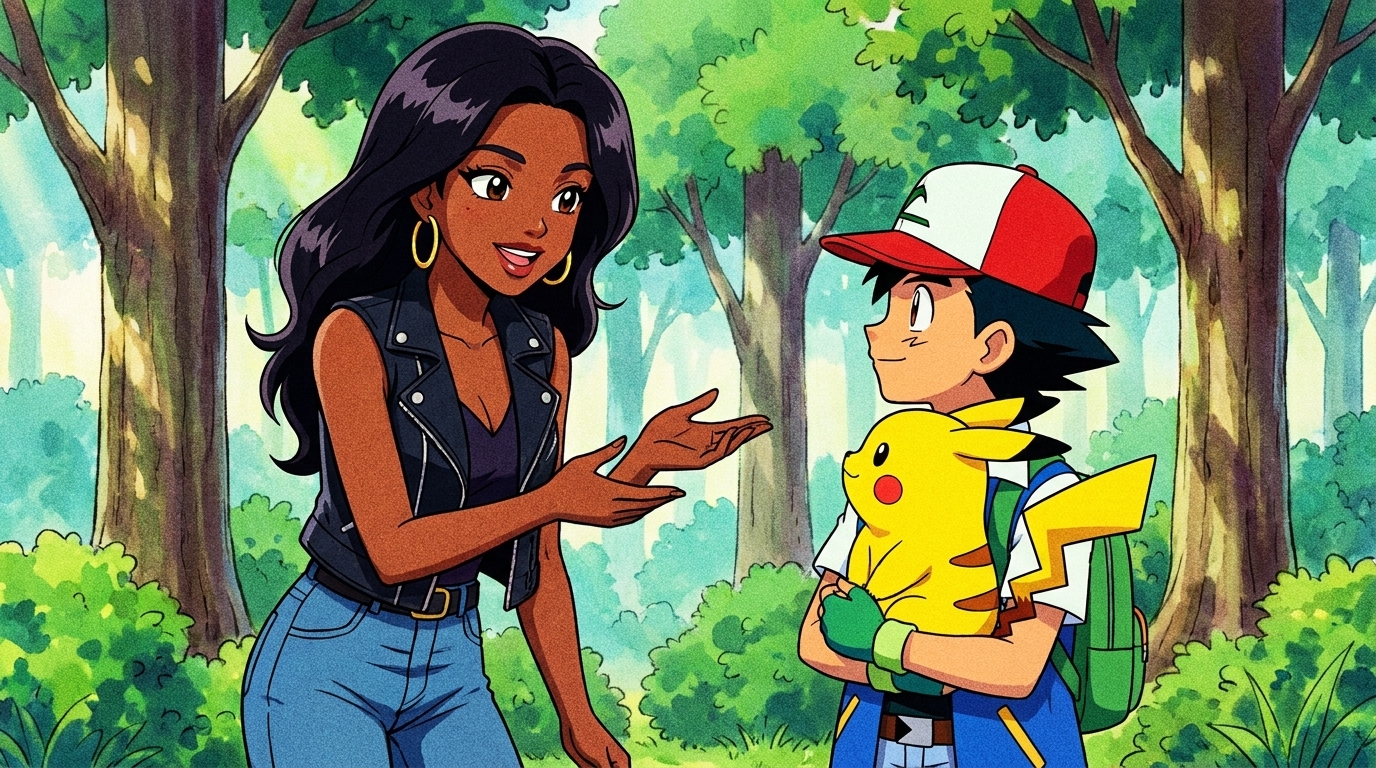
Go Beyond a Single Self-Insert Image
A self-insert scene is the hook. AutoWeeb gives you a full production path once you like how you look in anime.
Photo to Anime Guide
Convert your photo into a reusable anime character sheet with named art styles and locked consistency.
Make Anime Videos
Turn approved stills into animated clips with Seedance 2 while keeping your face on model.
Anime Photo Packs
Place your saved character into themed scene packs for slice of life, romance, festivals, and more.
Related Guides
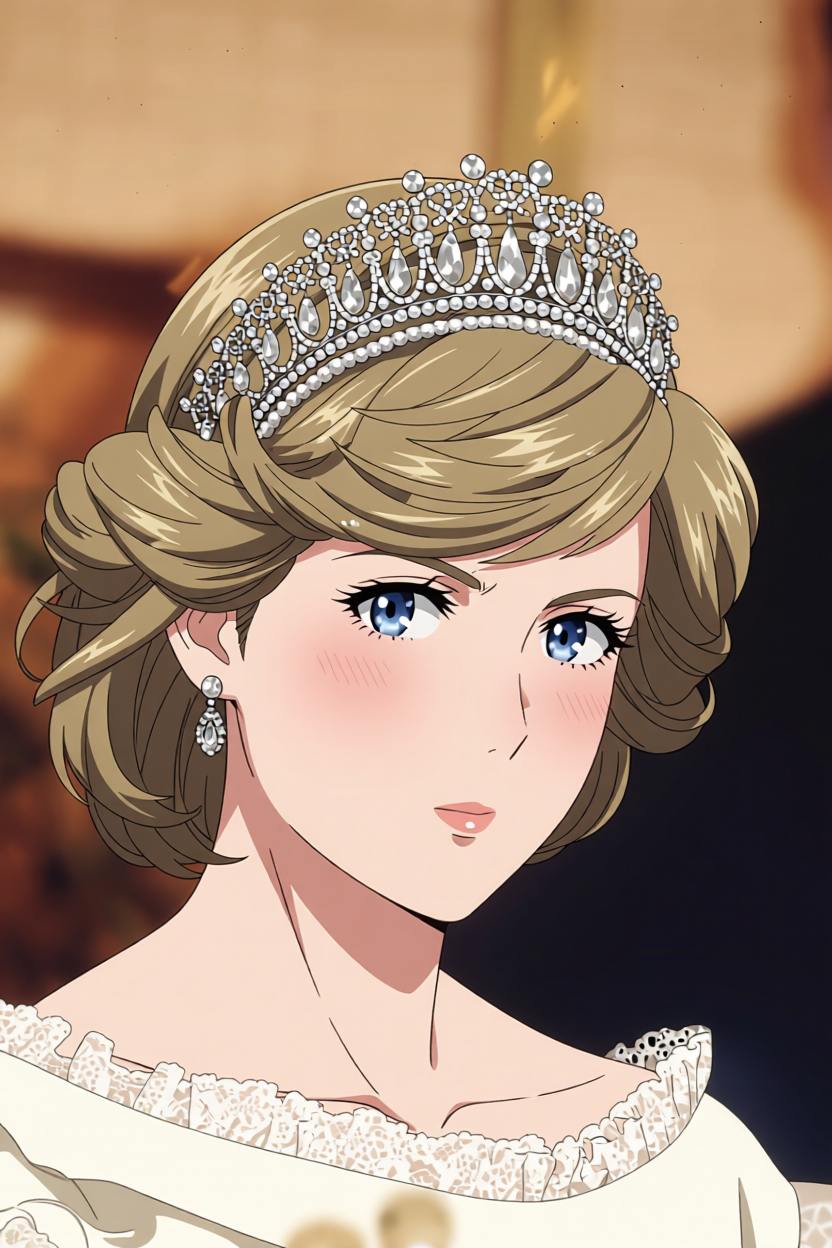
Turn Yourself into Anime with AI
The complete guide from selfie to anime character, character sheet, and starring role in your own scenes.
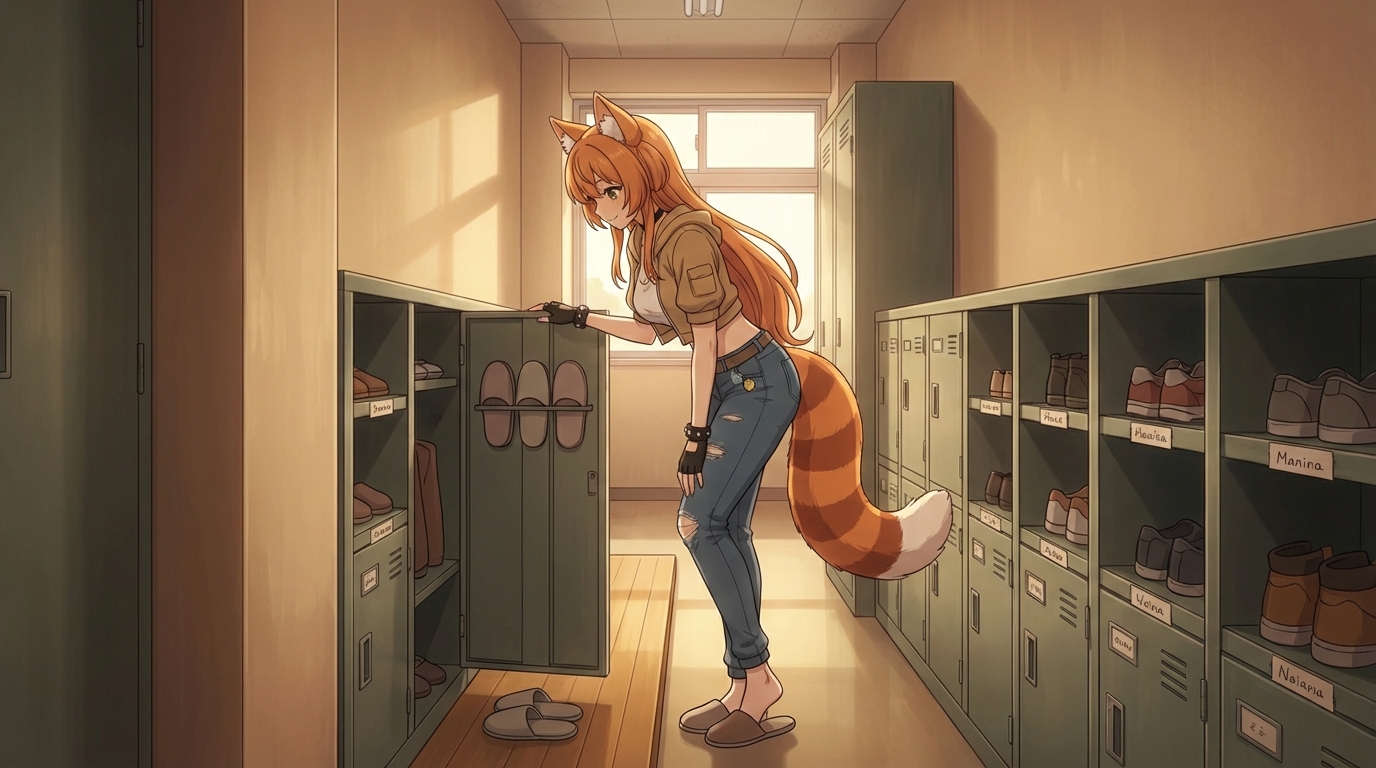
What If You Were in an Anime Love Story?
Explore romance tropes and put yourself into confession scenes, festival dates, and slow-burn moments.
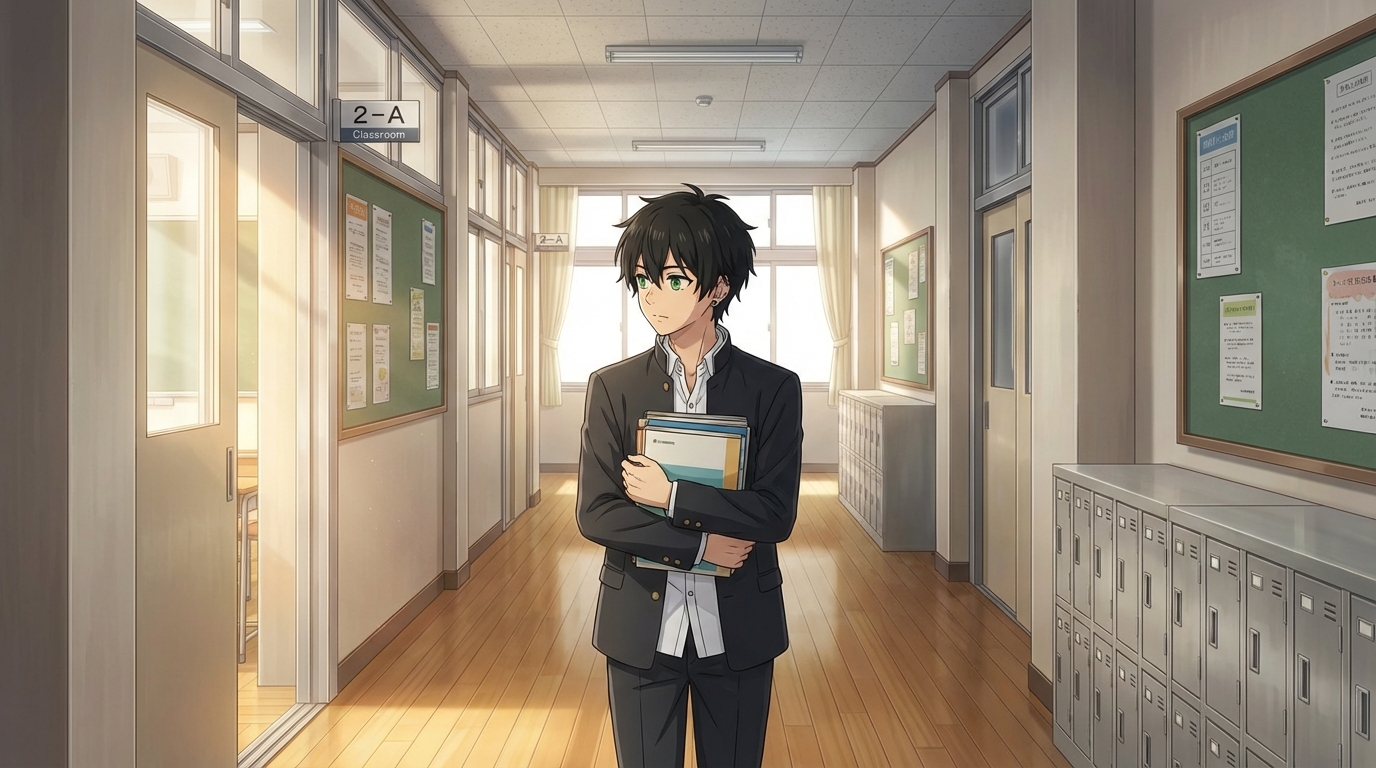
Create an Anime Love Story Main Character
Build the protagonist version of yourself and storyboard a romance arc around your anime look.
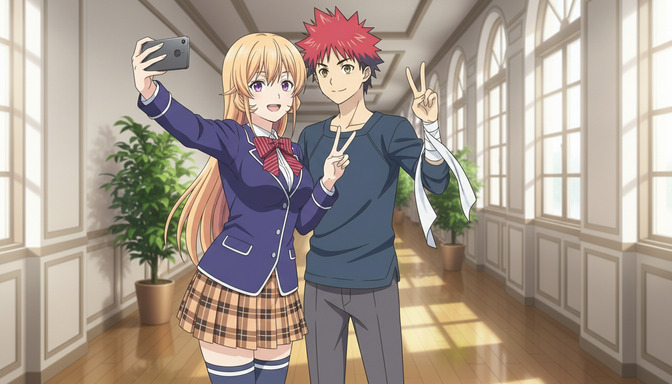
Turn Yourself Into an Anime Video
Step by step workflow for going from a photo to a finished anime video clip starring you.
캐릭터 제작 탐색
애니메 캐릭터 제작의 모든 단계를 깊이 있게 살펴보세요.
Personalized Anime Character
Build a character around your description or photo with a full anime customizer.
Photo to Anime Guide
Turn a photo into an anime character, try different styles, and save a reusable character for videos.
Anime Character Creator Full Body
Generate complete sheets with front view, side view, poses, and expressions.
Design an Anime Character
Control outfit, traits, expressions, and art style with AutoWeeb's AI designer.
Anime Character Reference
Generate reference sheets for manga, storyboards, and consistent animation.
Custom Anime Character Outfits
Swap wardrobes while keeping the same face, hair, and character identity.
Custom Anime Character Props
Add weapons, instruments, sports gear, or any object to character scenes.
Custom Anime Character Poses
Describe dynamic actions and body language with consistent identity.
애니메 캐릭터 만들기
온라인에서 첫 애니메 캐릭터를 만들려면 여기서 시작하세요.
Anime Self-Insert FAQ
Common questions about uploading a photo and placing yourself inside an anime scene.
What is an anime self-insert?
An anime self-insert is an image of you rendered in anime style and placed inside a scene from a specific show. Instead of a generic anime portrait, you appear in the world you chose, next to characters from that series, with matching art direction.
How do I insert myself into an anime scene with AutoWeeb?
Upload a selfie with one person in frame, open the Anime Self-Insert tool, pick an anime from the library, and generate. AutoWeeb converts your likeness and composites you into a scene styled after the show you selected.
Which anime shows can I choose from?
AutoWeeb includes a searchable library of popular anime titles such as Pokemon, Demon Slayer, Jujutsu Kaisen, Spy x Family, One Piece, My Hero Academia, Frieren, and more. Use the search bar to find a specific show quickly.
Will I still look like myself in the anime scene?
Yes. AutoWeeb maps your facial features from the uploaded photo into the anime style of the show you picked. The goal is a recognizable anime version of you, not a random character with your hair color.
Can I reuse my self-insert look in videos and storyboards?
Yes. Save your anime likeness as a character sheet after you approve the result. You can then reference that character with @ tagging in storyboard prompts, photo packs, and Seedance 2 video generation for consistent appearances across scenes.
How is self-insert different from photo to anime?
Photo to anime converts your portrait into a standalone anime character in a style you choose. Self-insert goes further by placing that anime version of you inside a scene from a named show. Many creators start with self-insert for fun, then save the character for longer projects using the photo to anime workflow.
Put Yourself in an Anime Scene
Upload a selfie, pick your anime, and generate a self-insert image in seconds.
Try Anime Self-Insert FreeNo credit card required • Free to try