
AI Anime Filters
Anime Filters
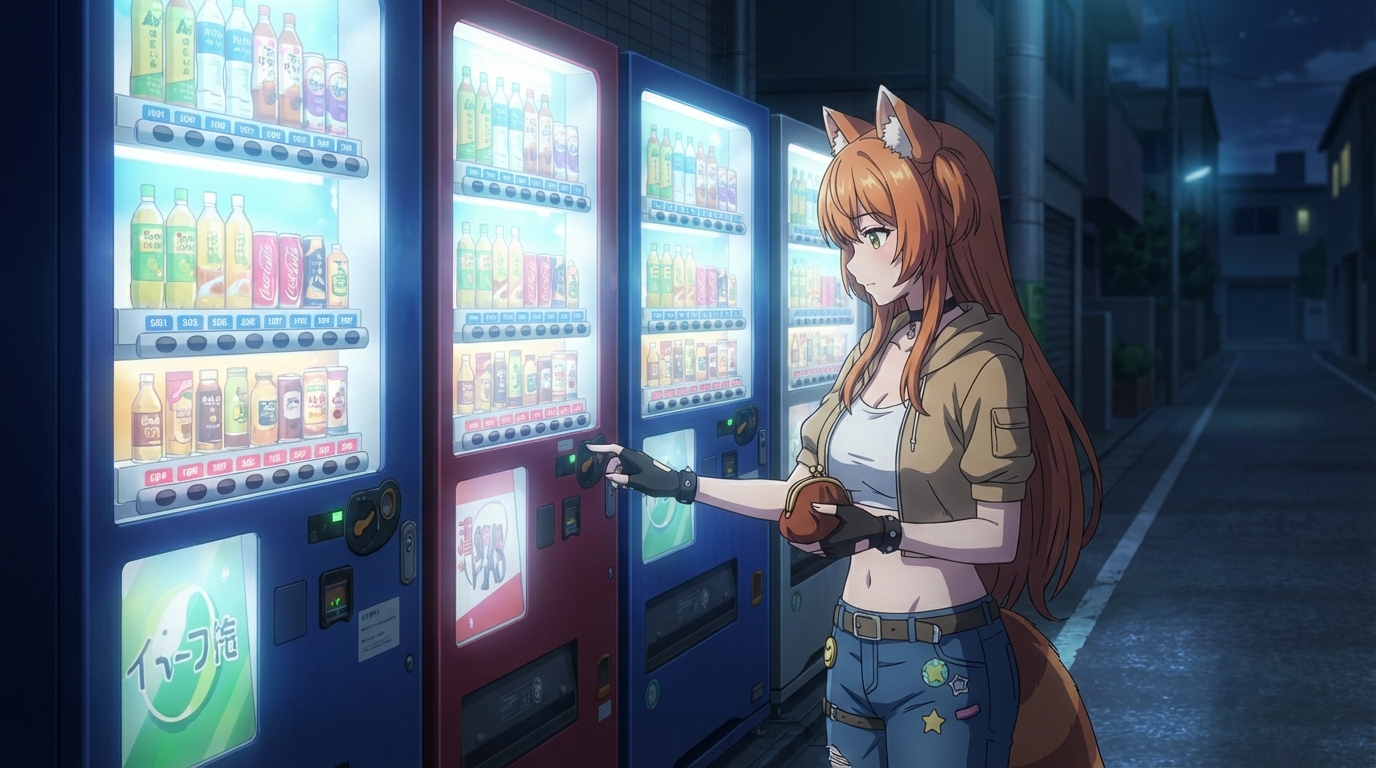
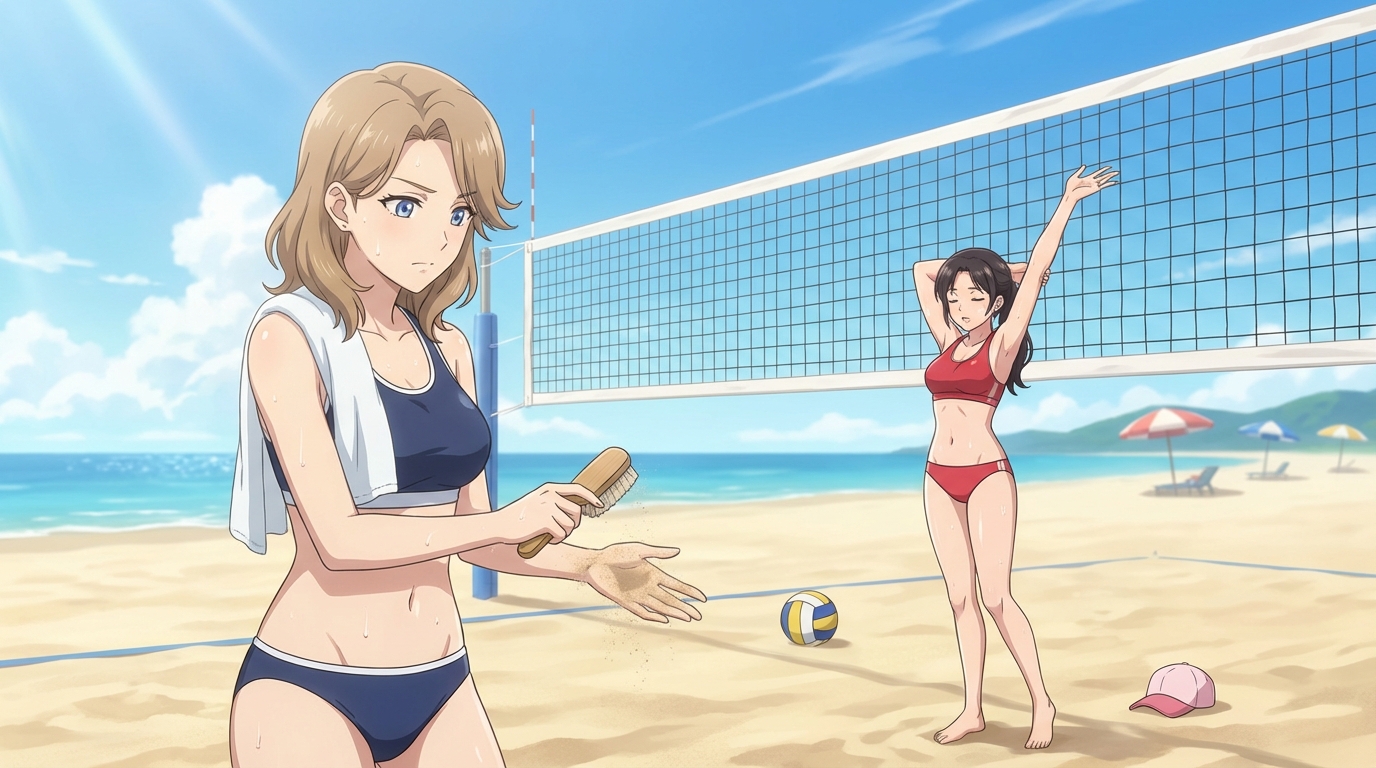
AutoWeeb's AI anime filters turn real photos into studio-quality anime art in seconds. Upload any photo and convert photo to anime with one click.
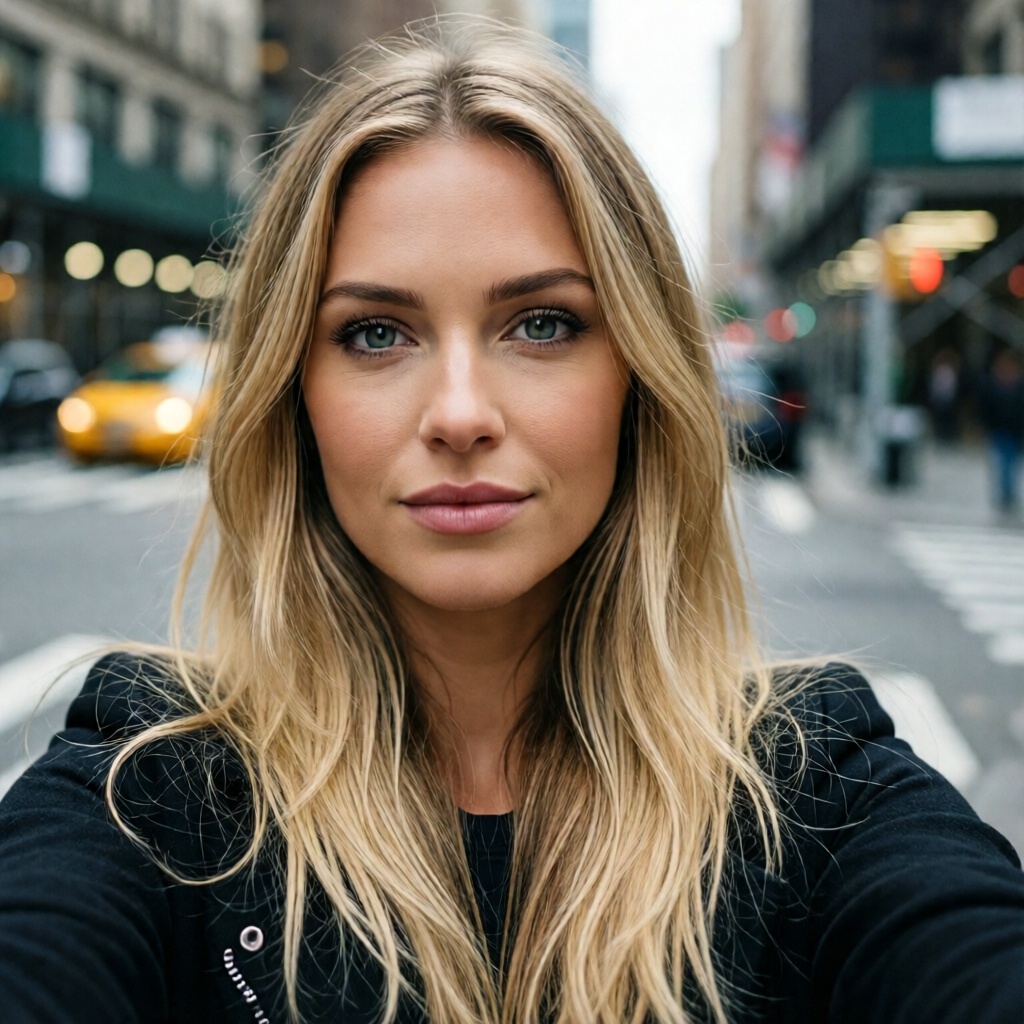 Original
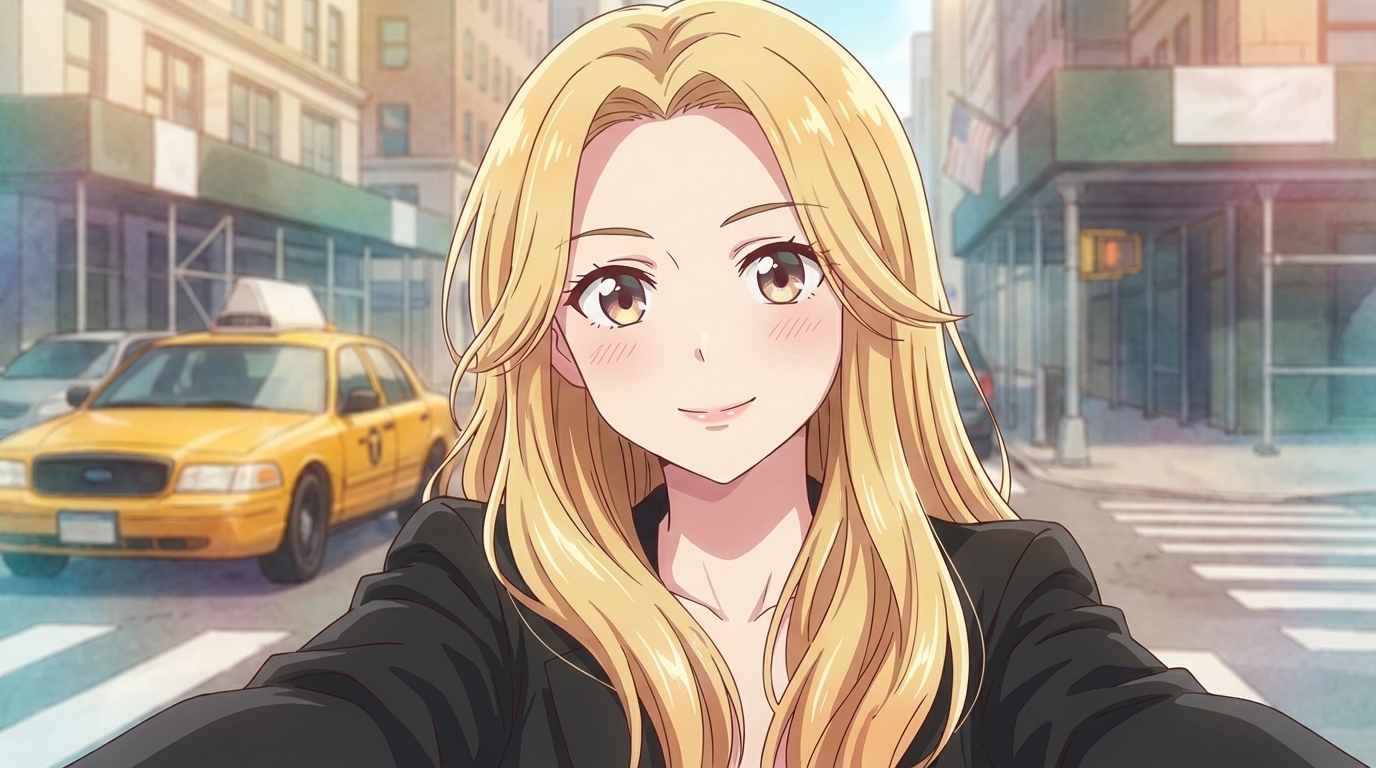 Anime
Anime
Anime Filters Video Tutorial
Watch how to upload a photo, try different anime art styles, and save a reusable character for consistent results across your videos.
Anime Filter Examples
See how AutoWeeb's AI anime filters transform real photos into anime art.
Original
Anime
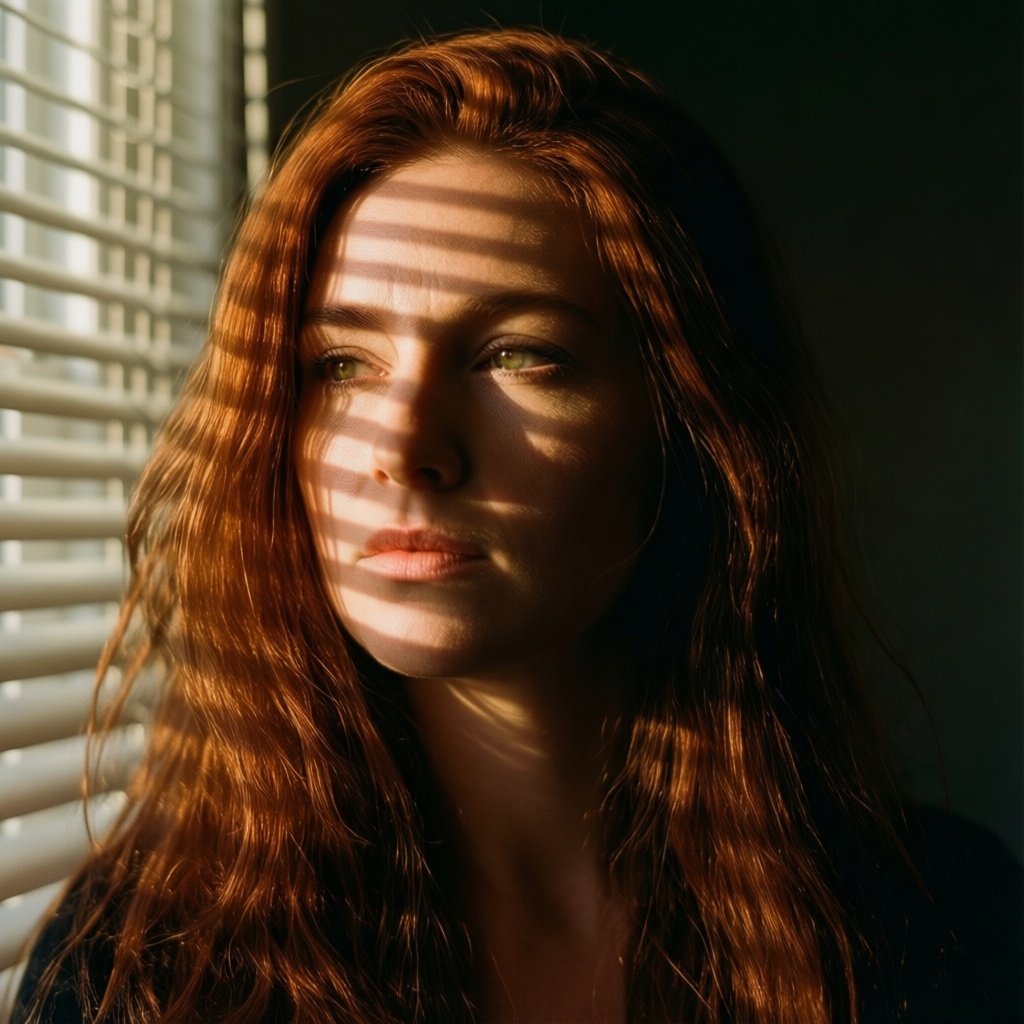 Original
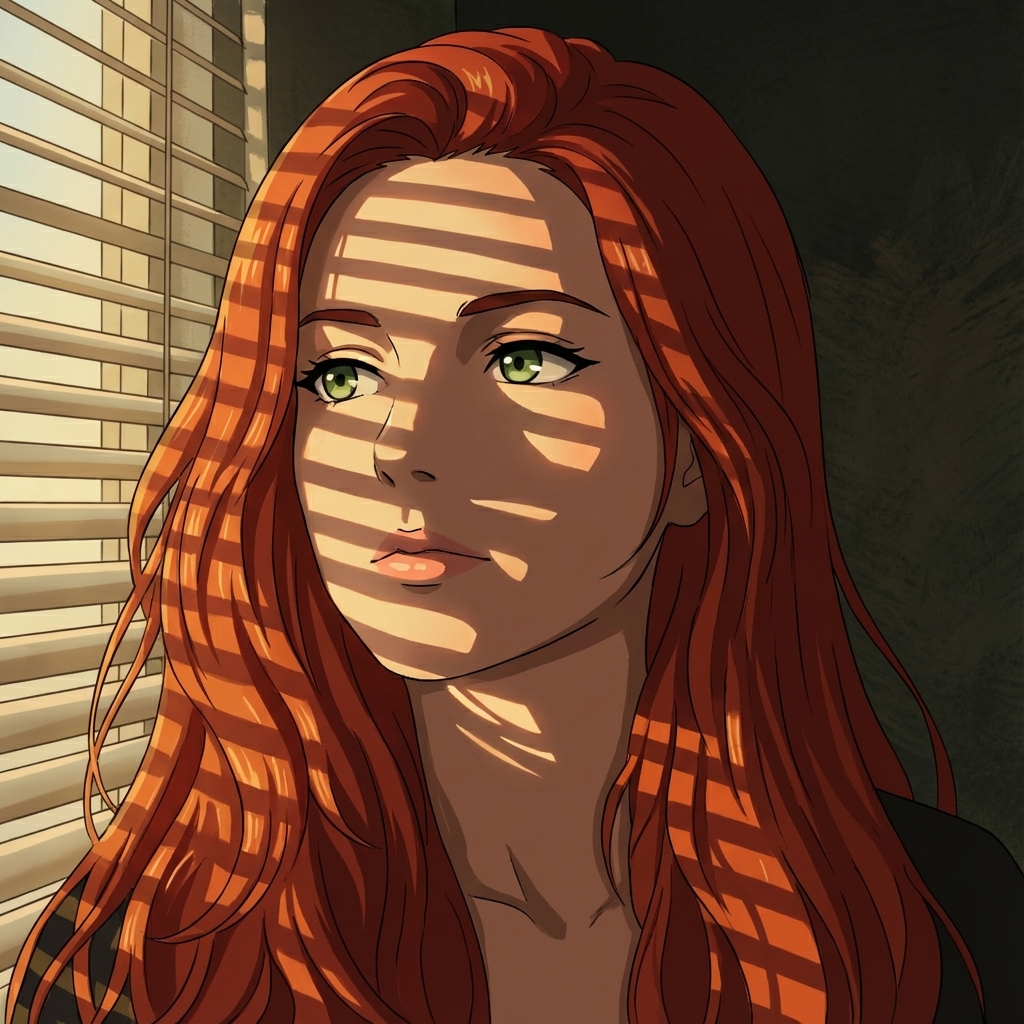 Anime
Anime
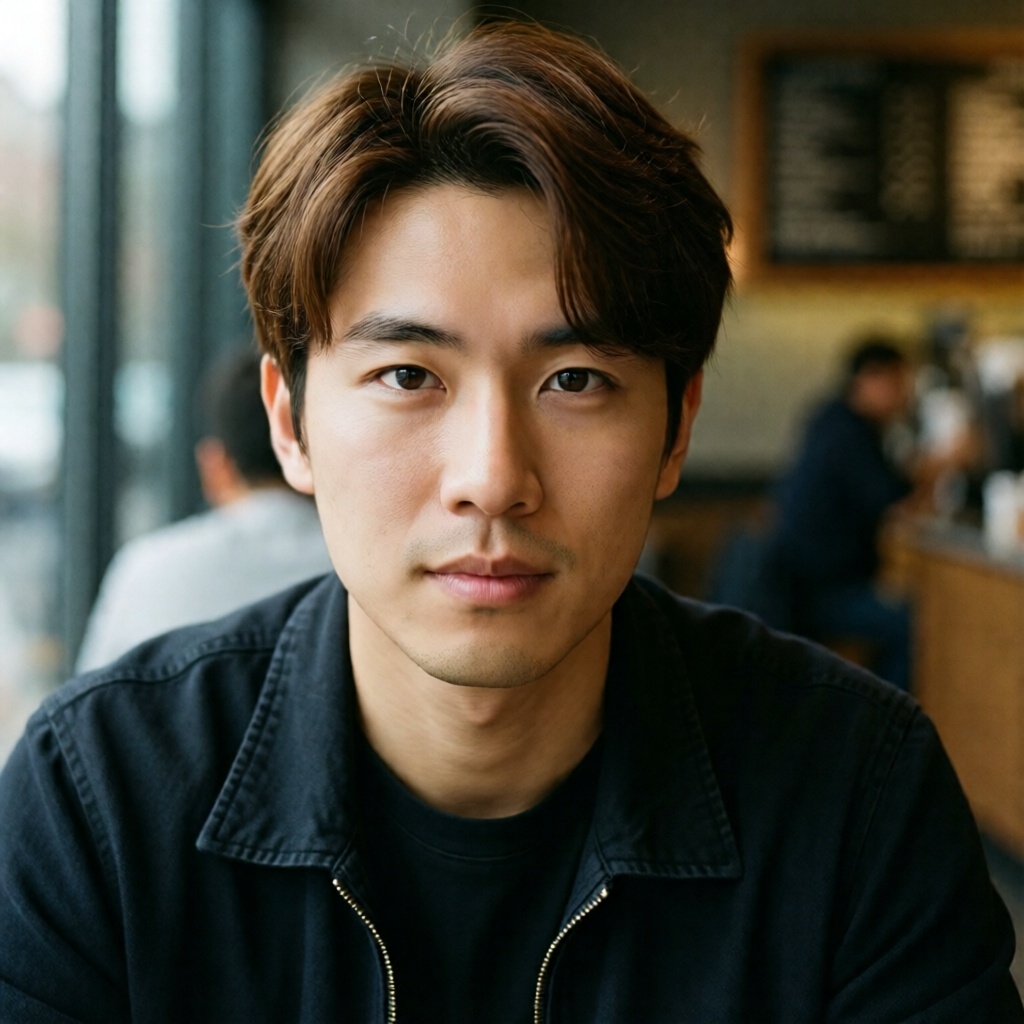 Original
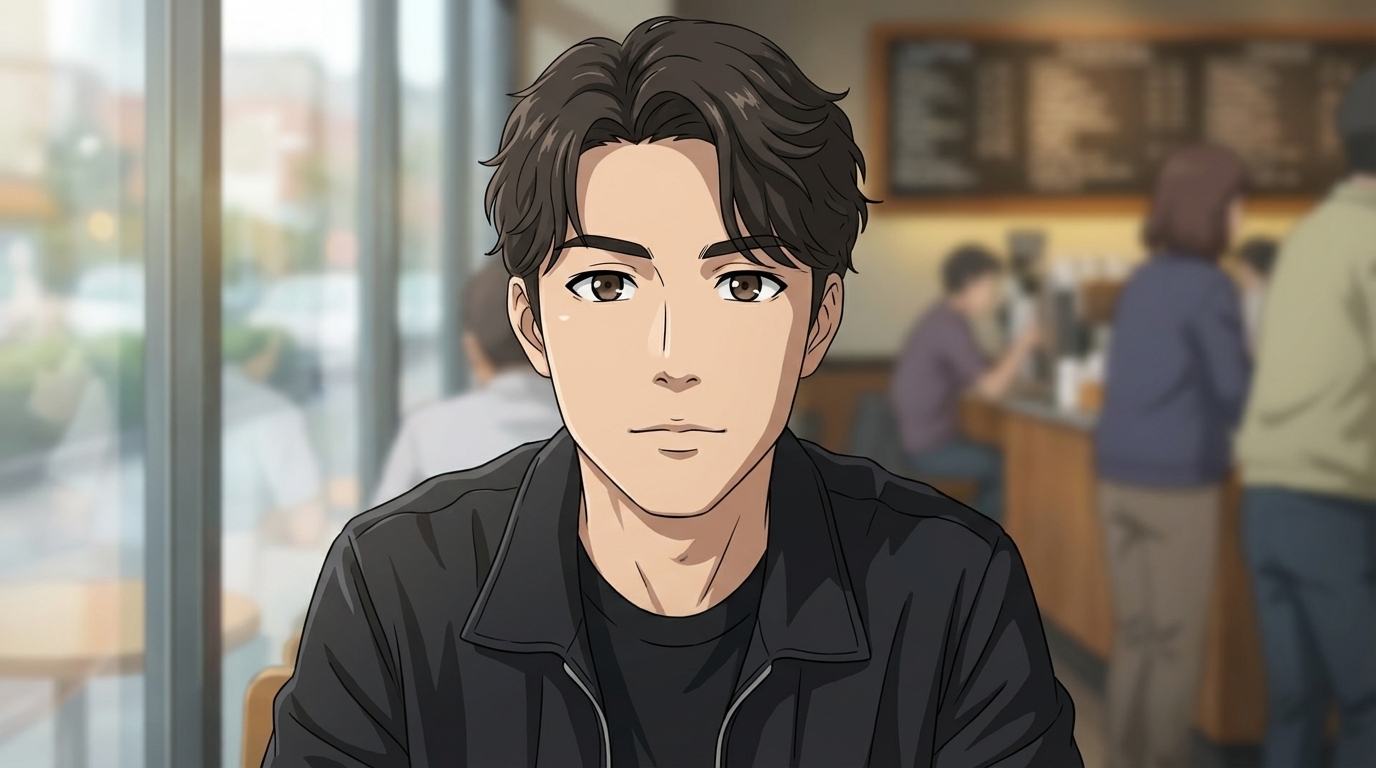 Anime
Anime
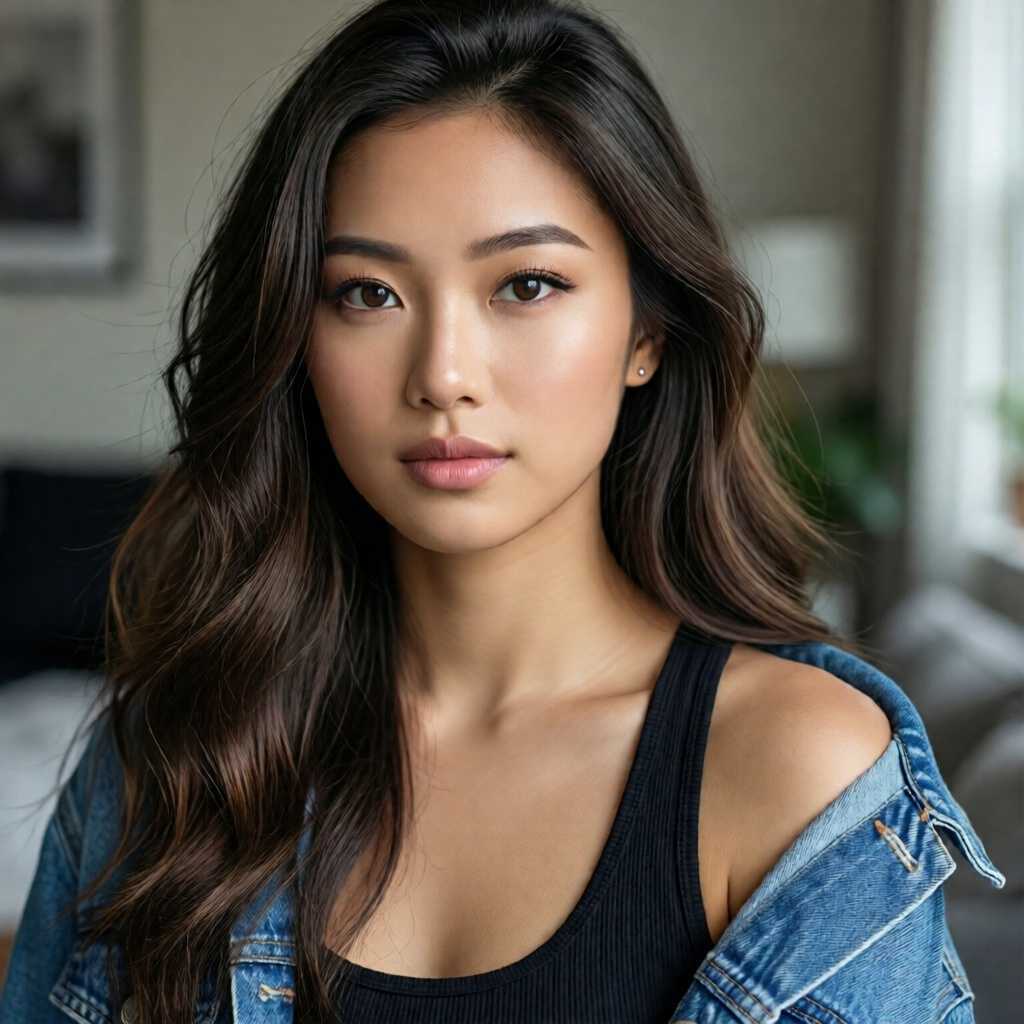 Original
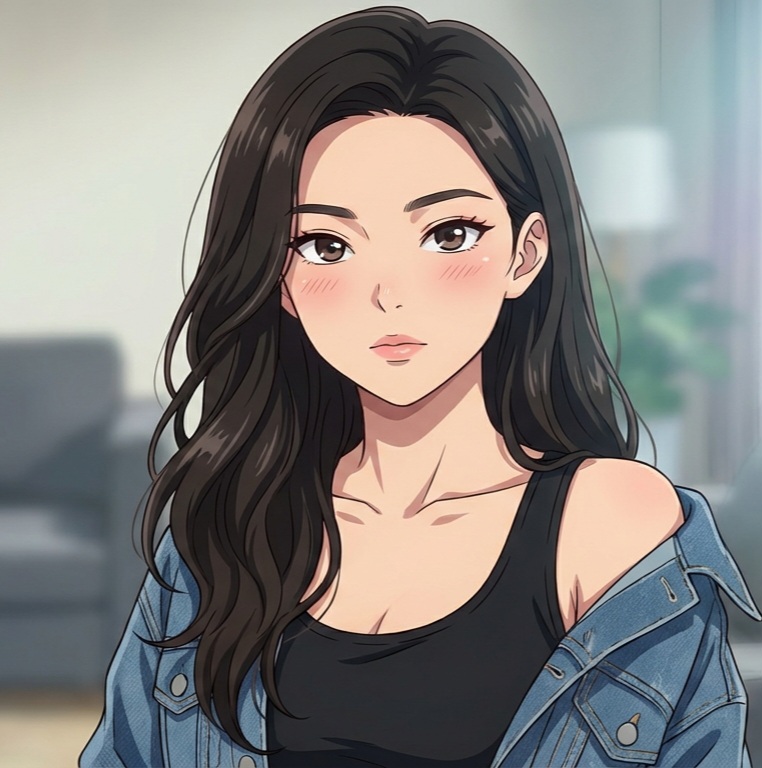 Anime
Anime
Choose Your Anime Art Style
Pick a named anime style and convert your photo in seconds. Each guide shows real examples, how the conversion works, and what makes that show's look unique.
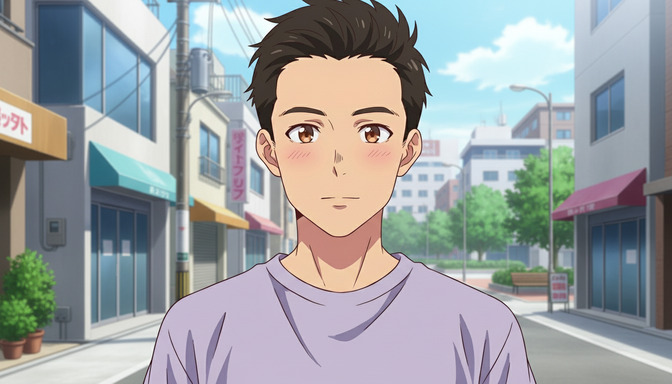
Slice of Life
Warm everyday moments, cherry blossom streets, cozy cafes, and golden-hour school scenes.
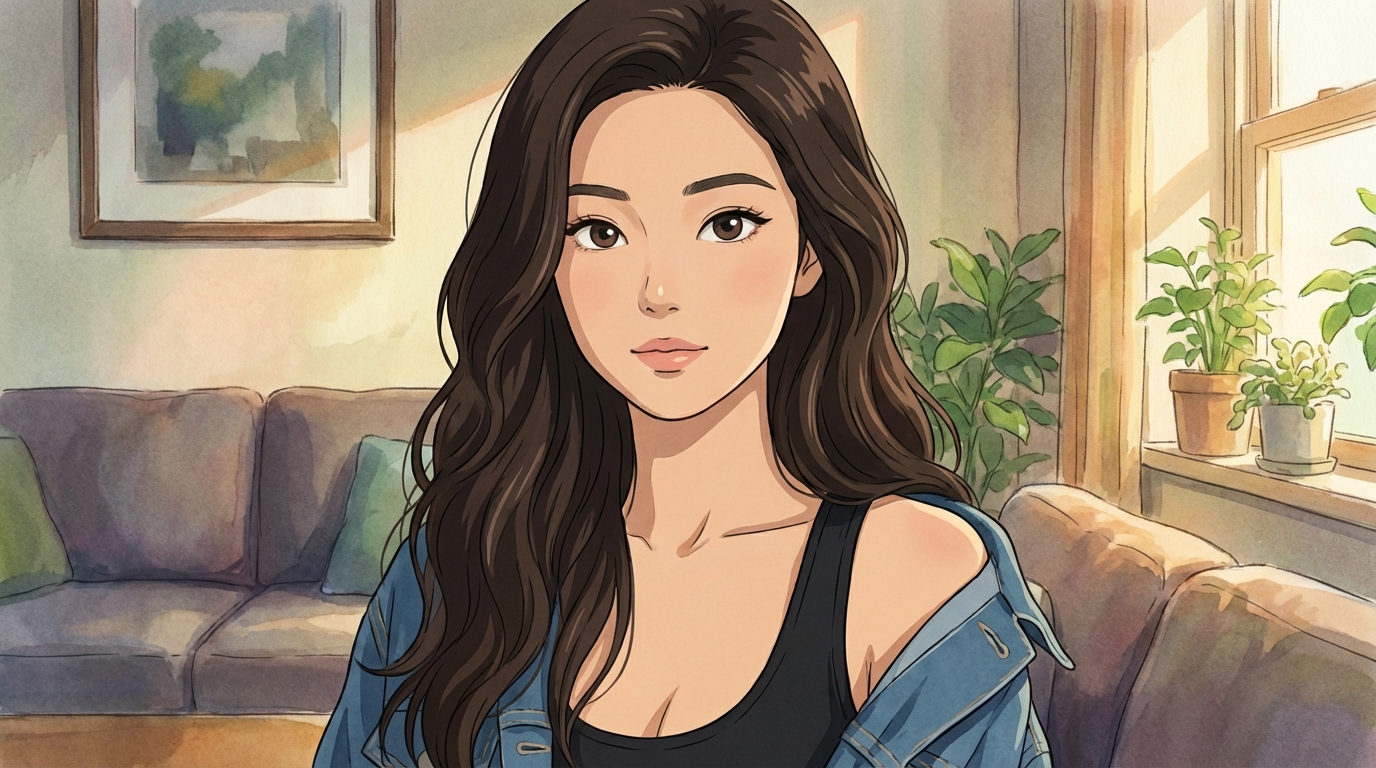
Studio Ghibli
Soft watercolor palettes, lush landscapes, and whimsical characters inspired by Miyazaki's iconic aesthetic.
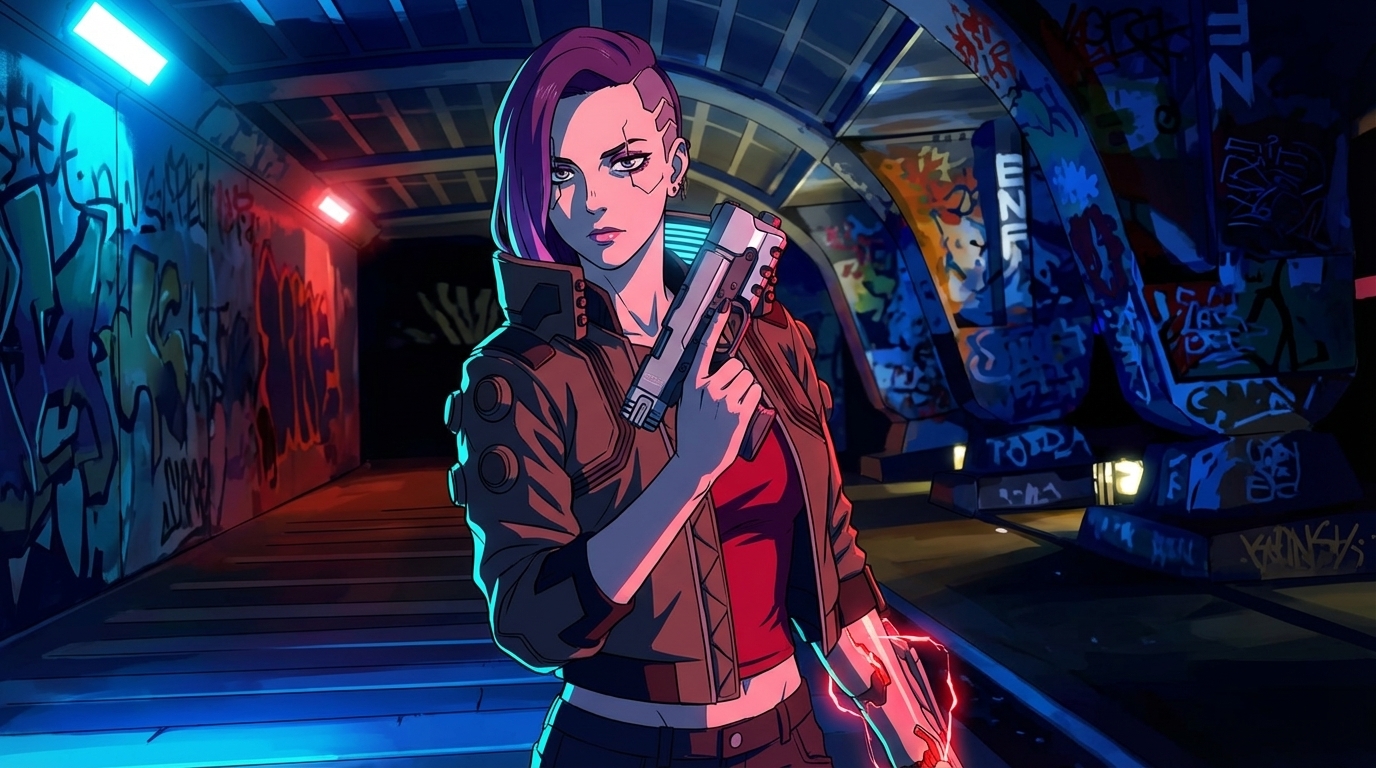
Cyberpunk
Neon-soaked cityscapes, holographic interfaces, and futuristic characters in a high-tech dystopian world.
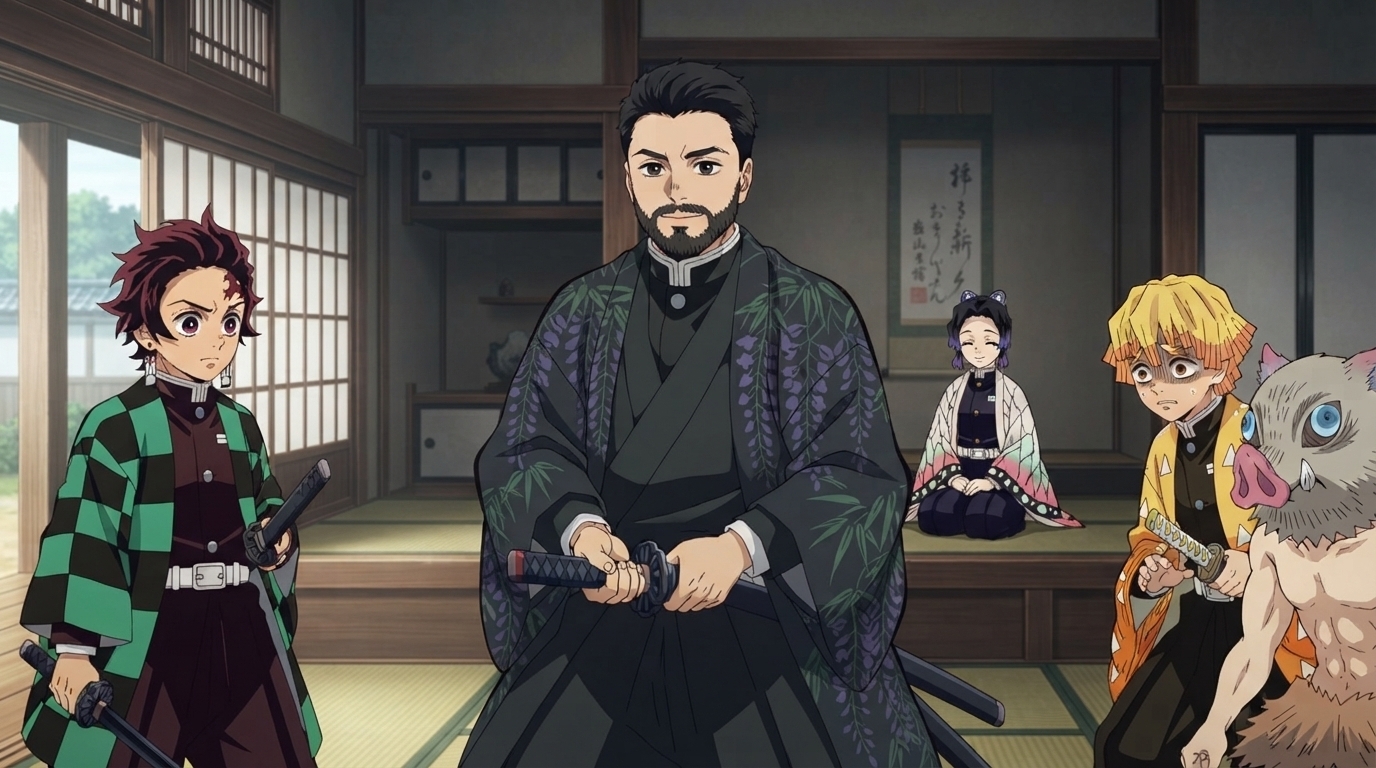
Demon Slayer
Dynamic action poses, vivid breathing technique effects, and ufotable-quality cinematic visuals.
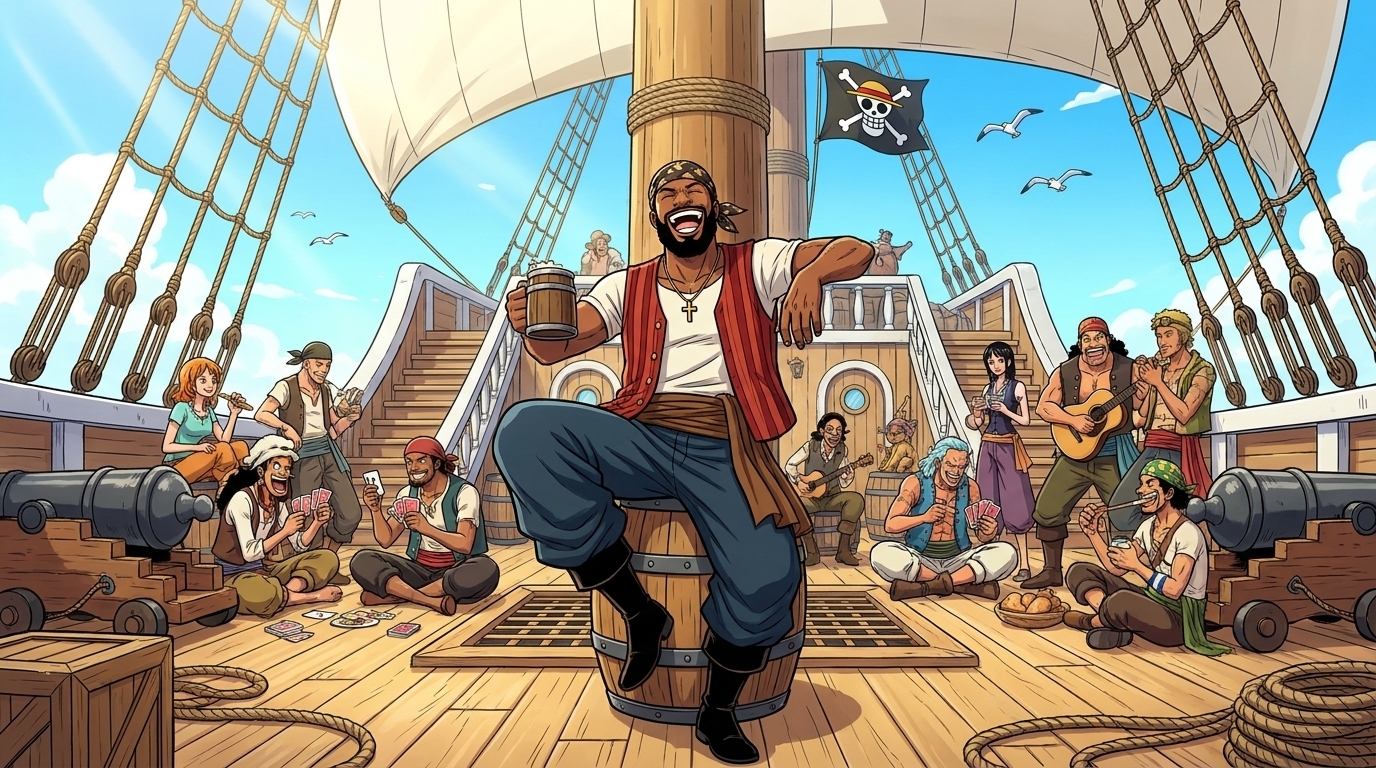
One Piece
Become an original pirate in vivid adventure scenes: sailing, island towns, crew bonds, and treasure hunts.
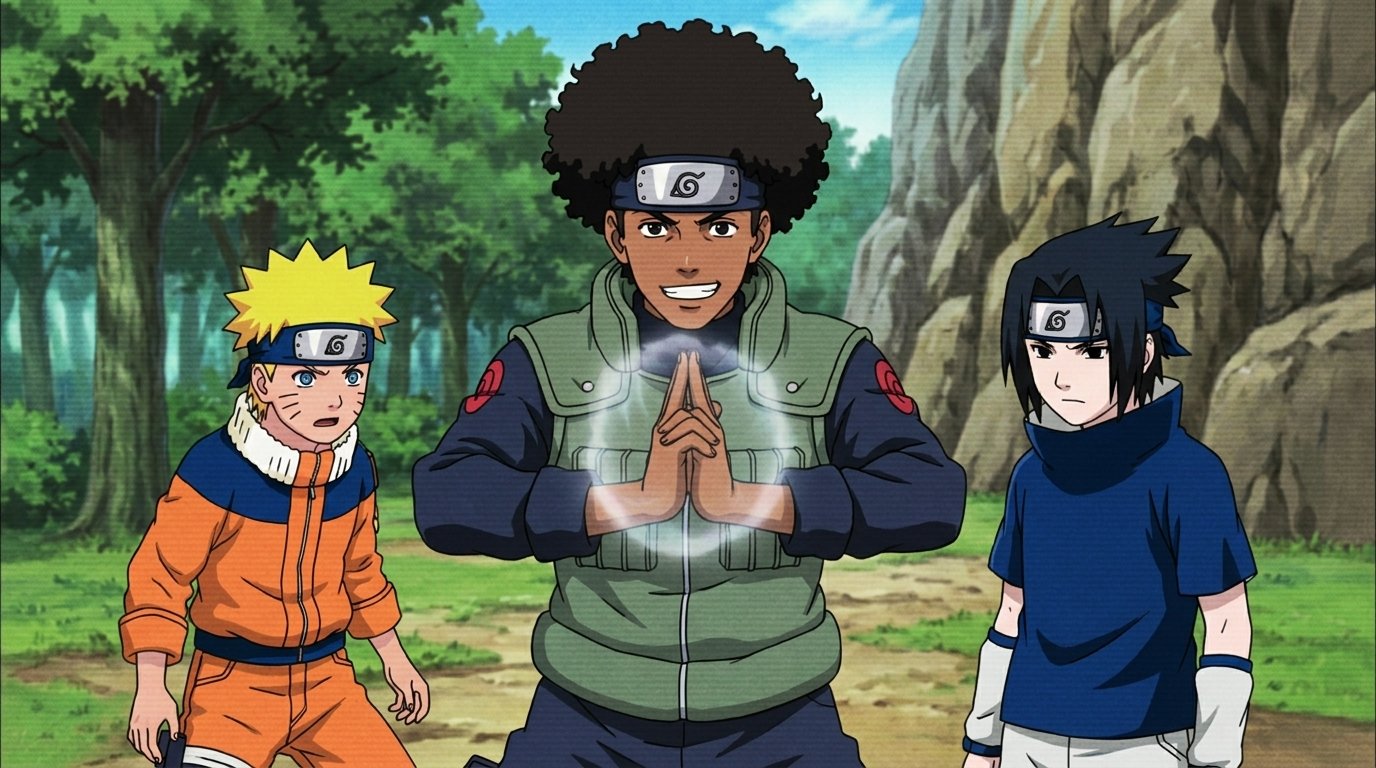
Naruto
Become an original ninja in Hidden Leaf scenes: training, missions, Chunin Exams, and custom jutsu.
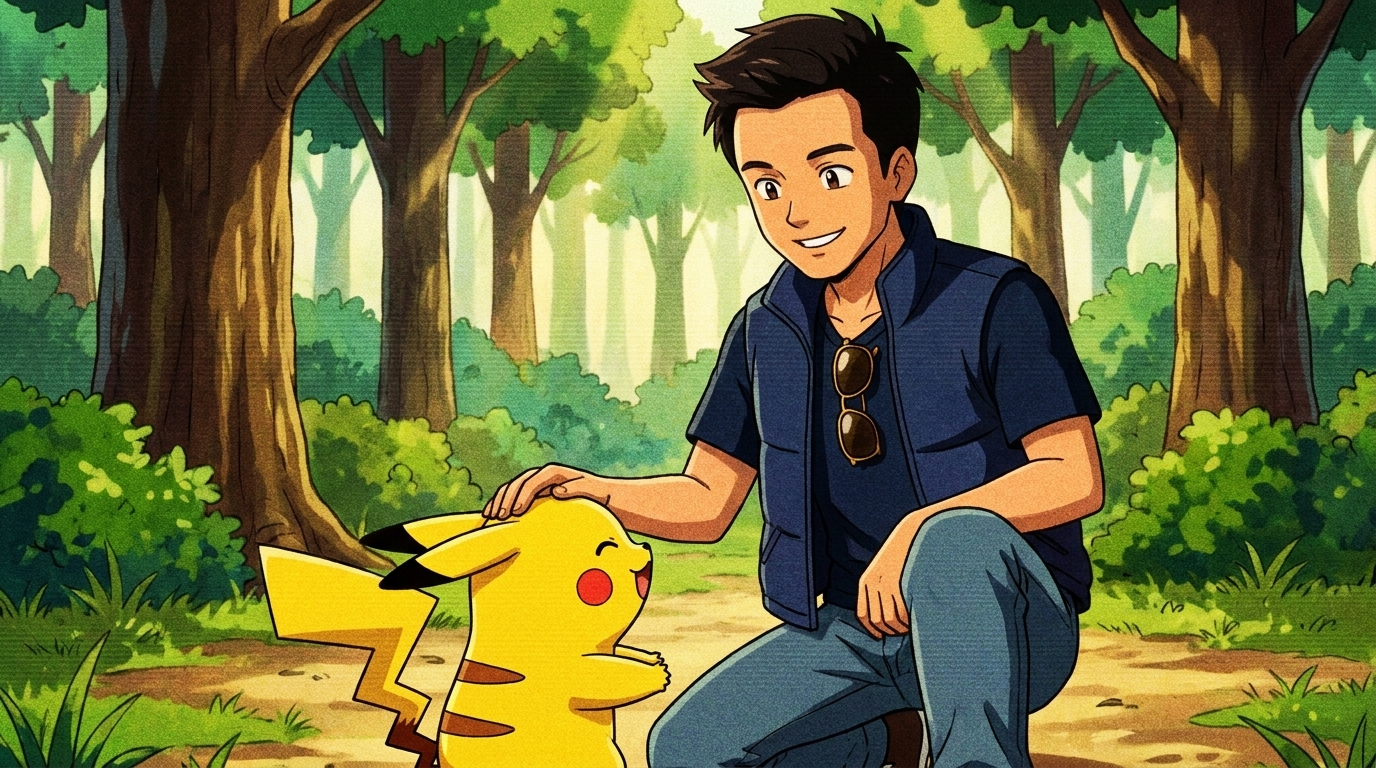
Pokemon
Become an original Trainer with unique partners: starter journeys, gyms, forests, towns, and competitions.
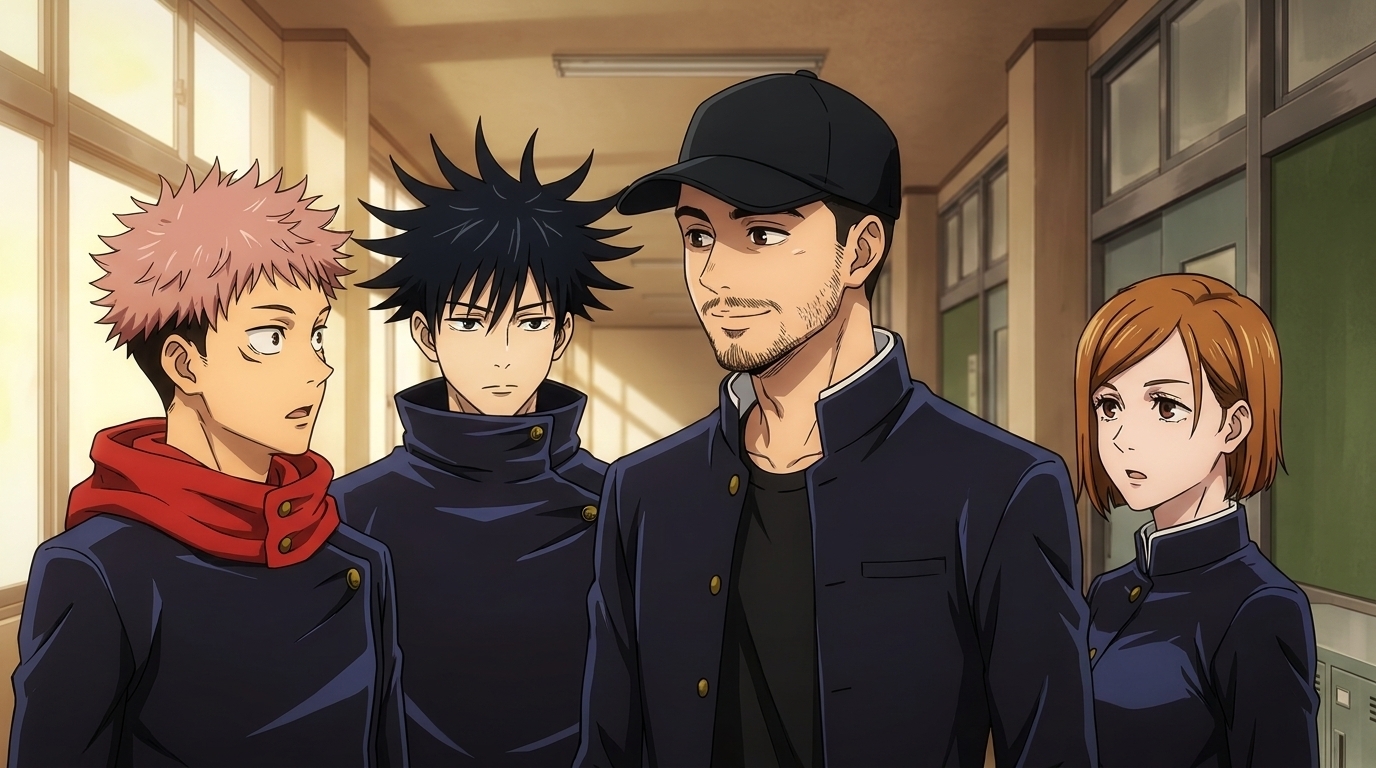
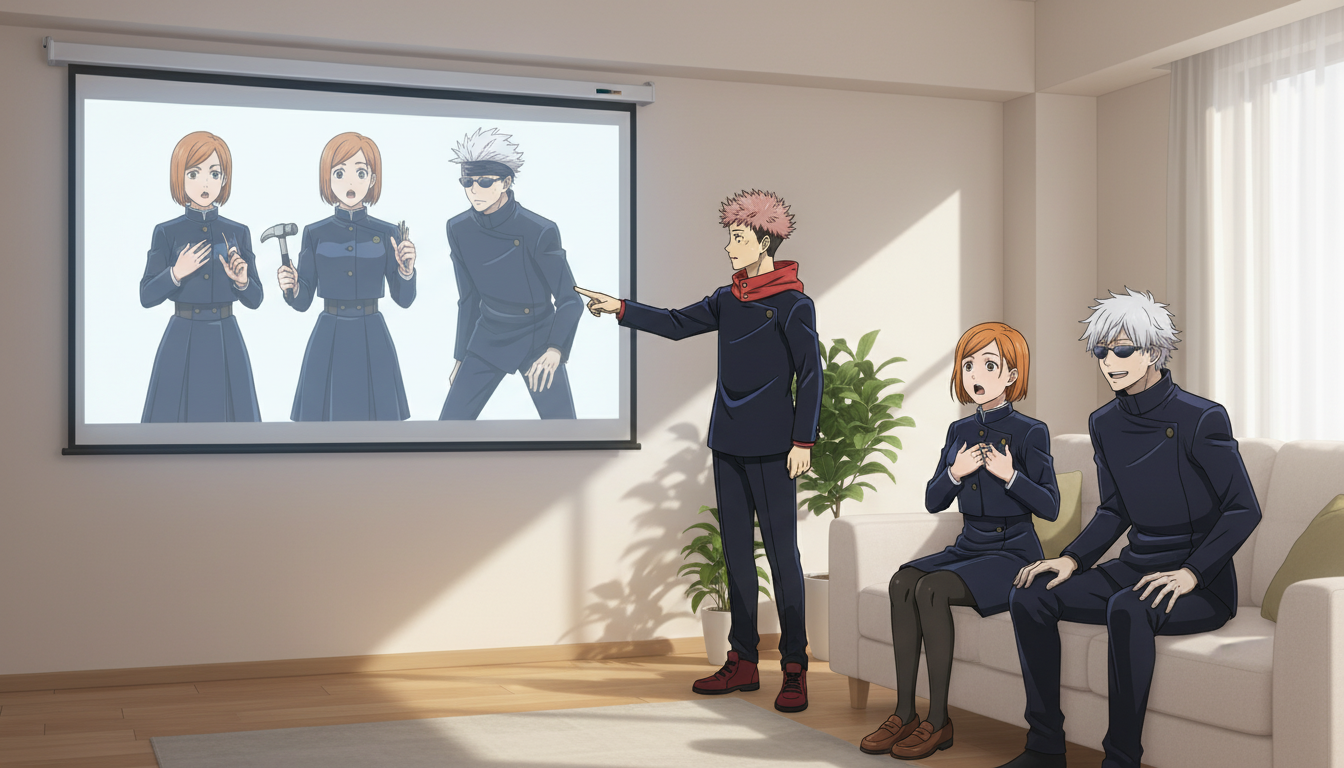
Jujutsu Kaisen
Become an original sorcerer in dark, stylish scenes: cursed techniques, academy life, urban battles, and teamwork.
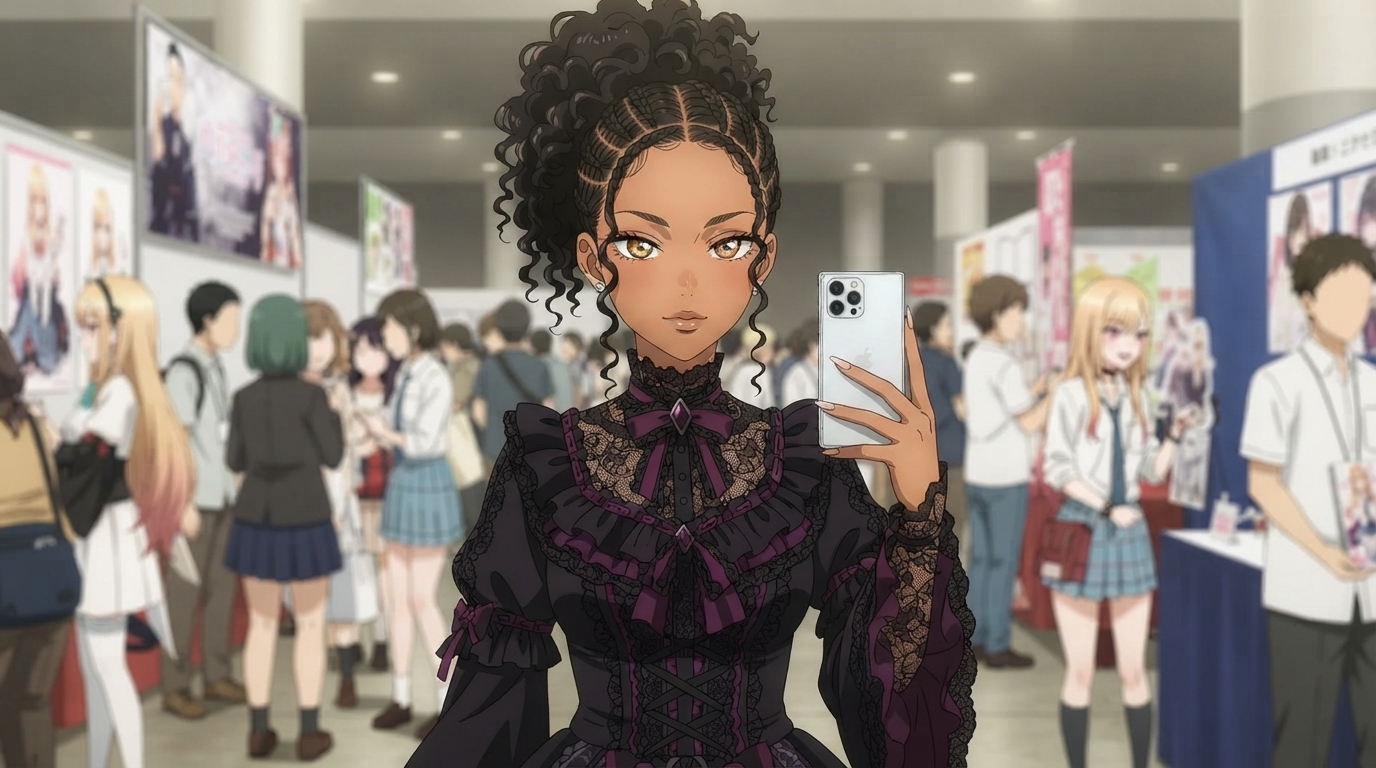
My Dress-Up Darling
Detailed cosplay craftsmanship, warm slice-of-life lighting, convention halls, and polished modern romance anime designs.
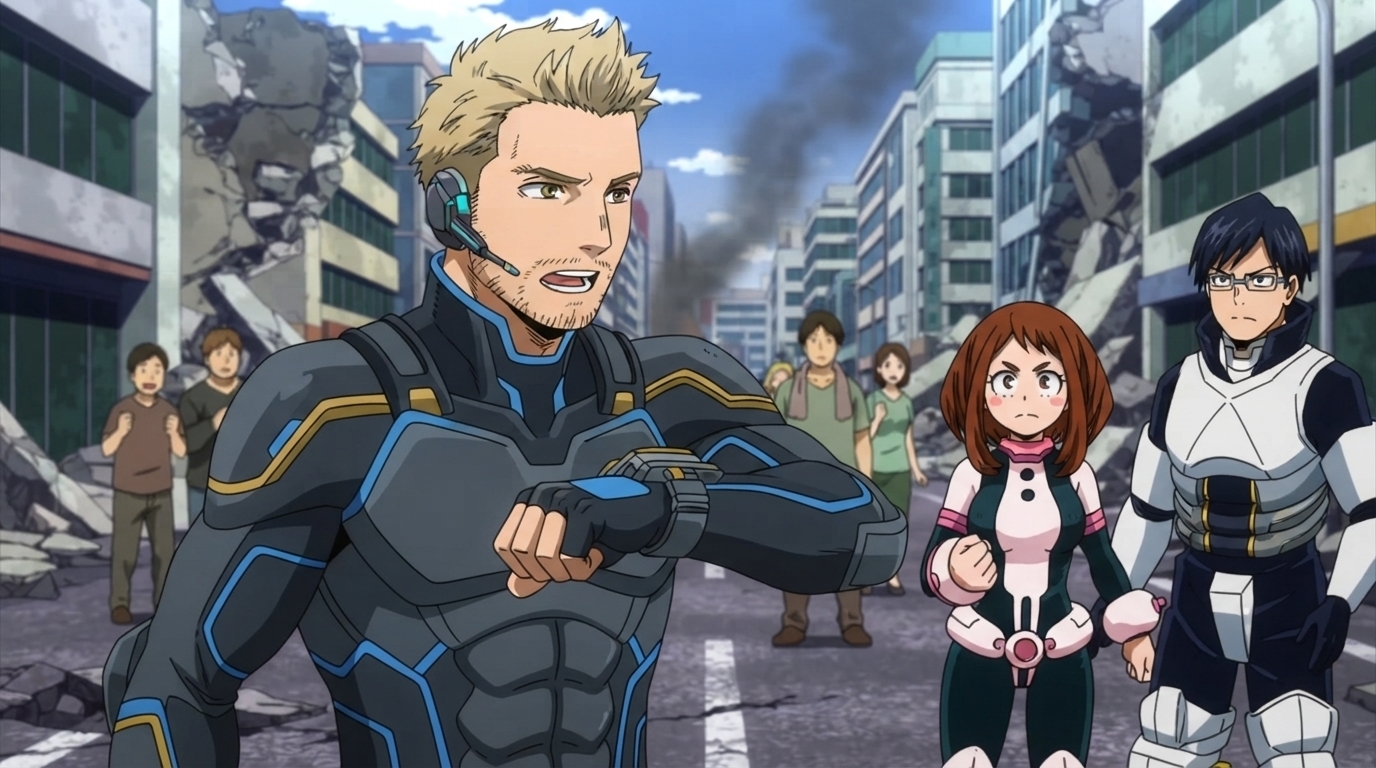
My Hero Academia
Become an original hero with custom Quirks and costumes: academy life, training, rescues, battles, and rankings.
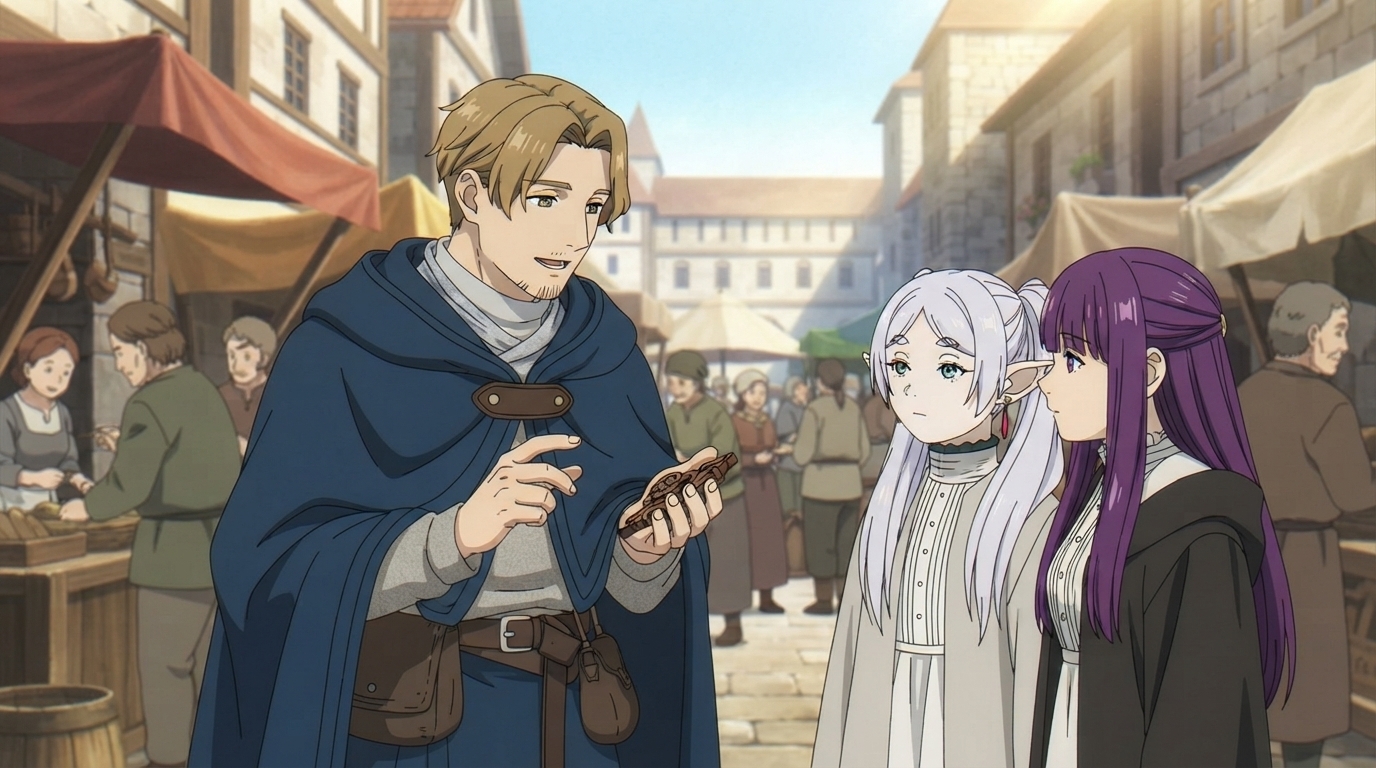
Frieren
Become an original fantasy adventurer in quiet villages, ancient ruins, forests, and reflective journeys.
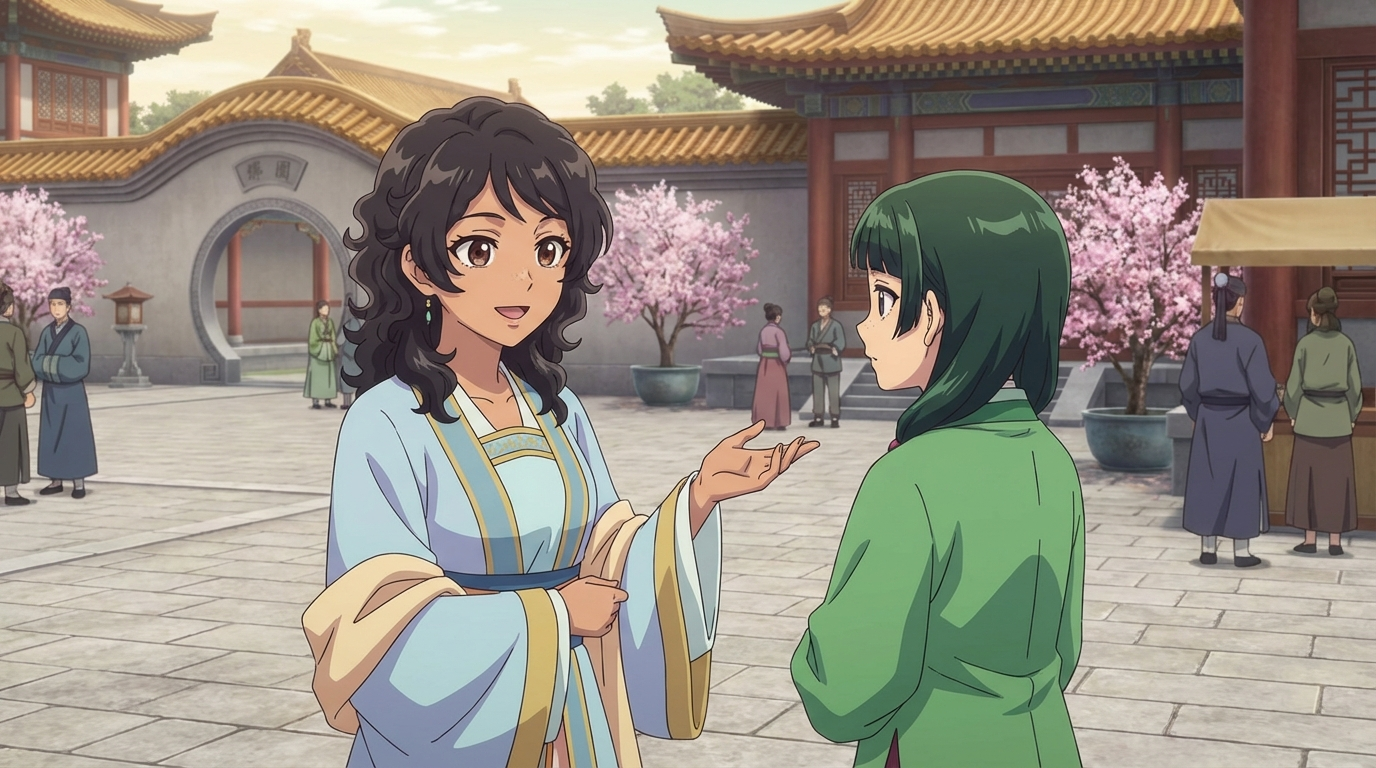
Apothecary Diaries
Become an original palace attendant, scholar, or noble in elegant imperial settings: gardens, medicine halls, mysteries, and court life.
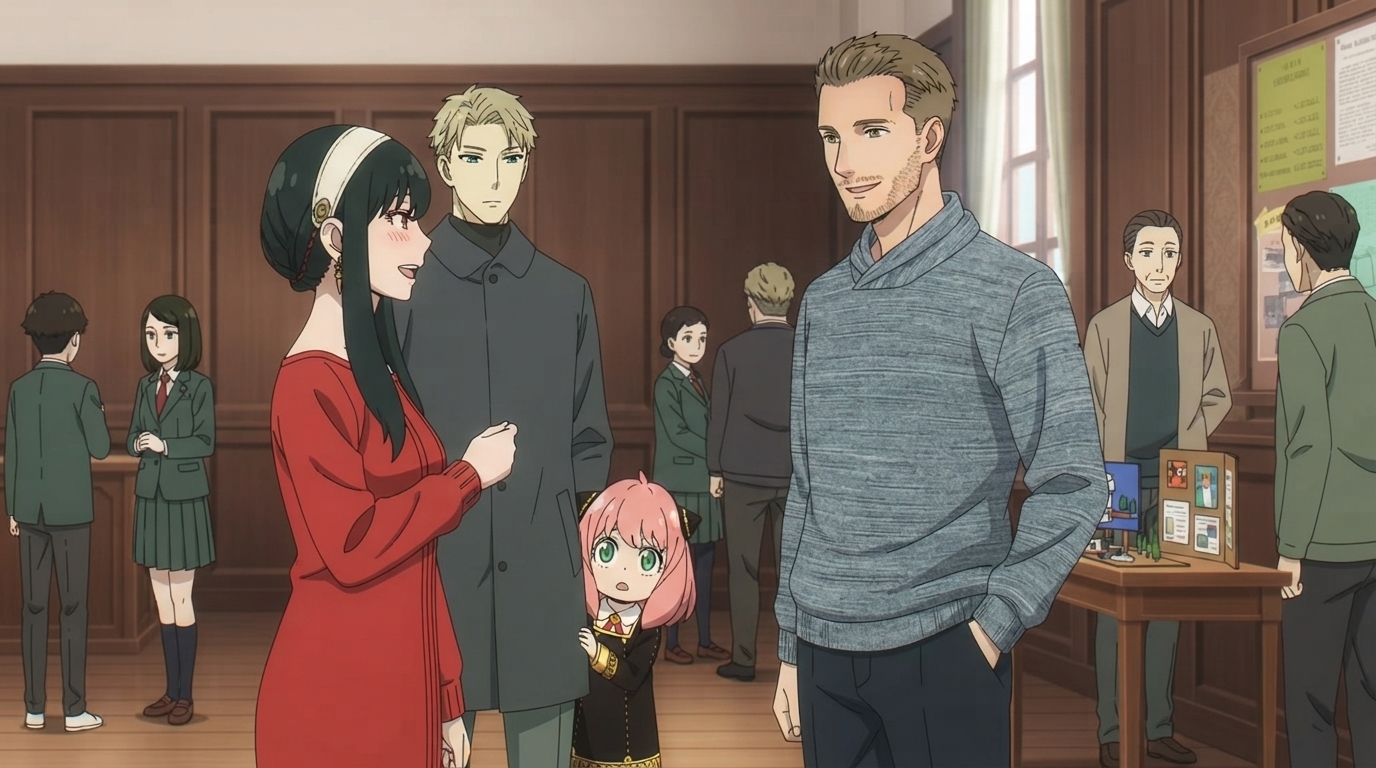
Spy x Family
Become an original secret agent balancing missions and family life: city streets, cafés, schools, disguises, and wholesome moments.
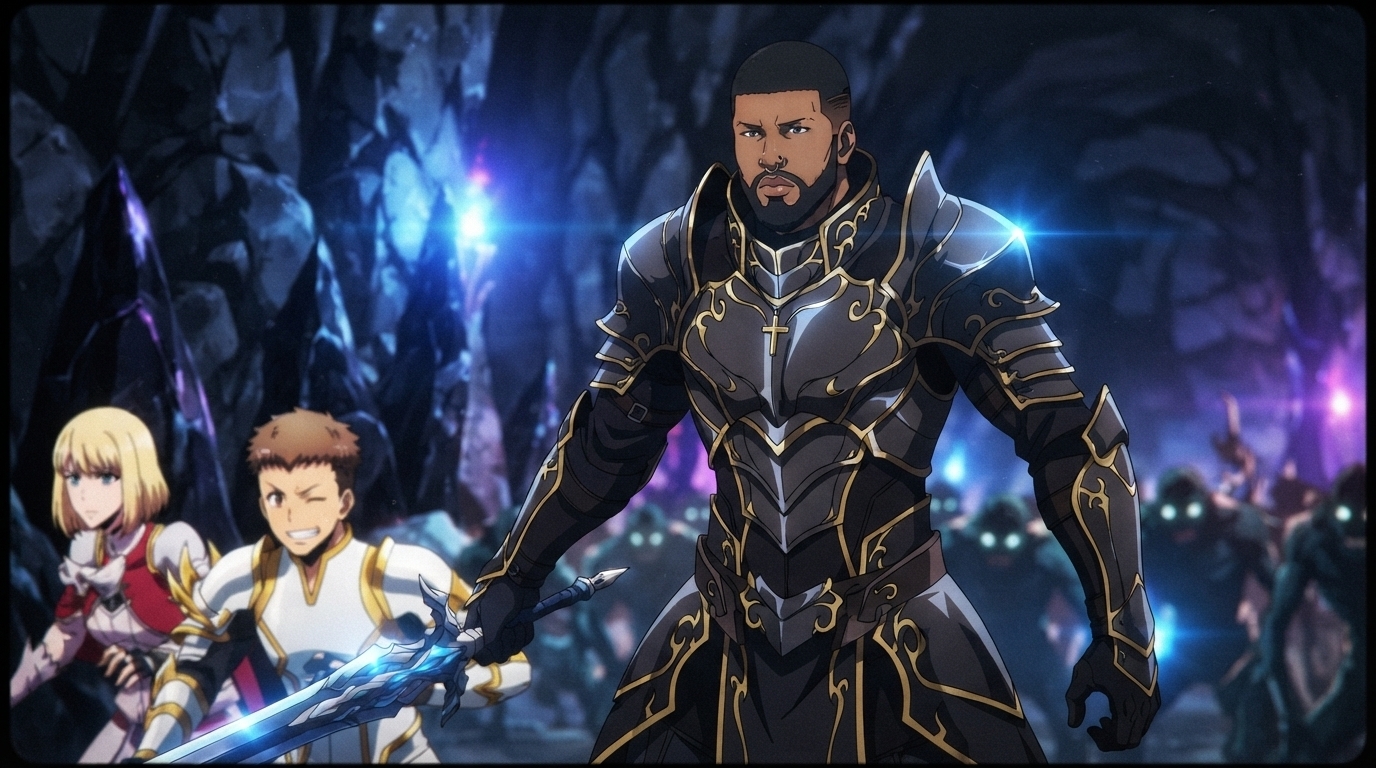
Solo Leveling
Become an original Hunter growing stronger through dungeon raids: gates, monsters, shadow armies, rank progression, and epic transformations.
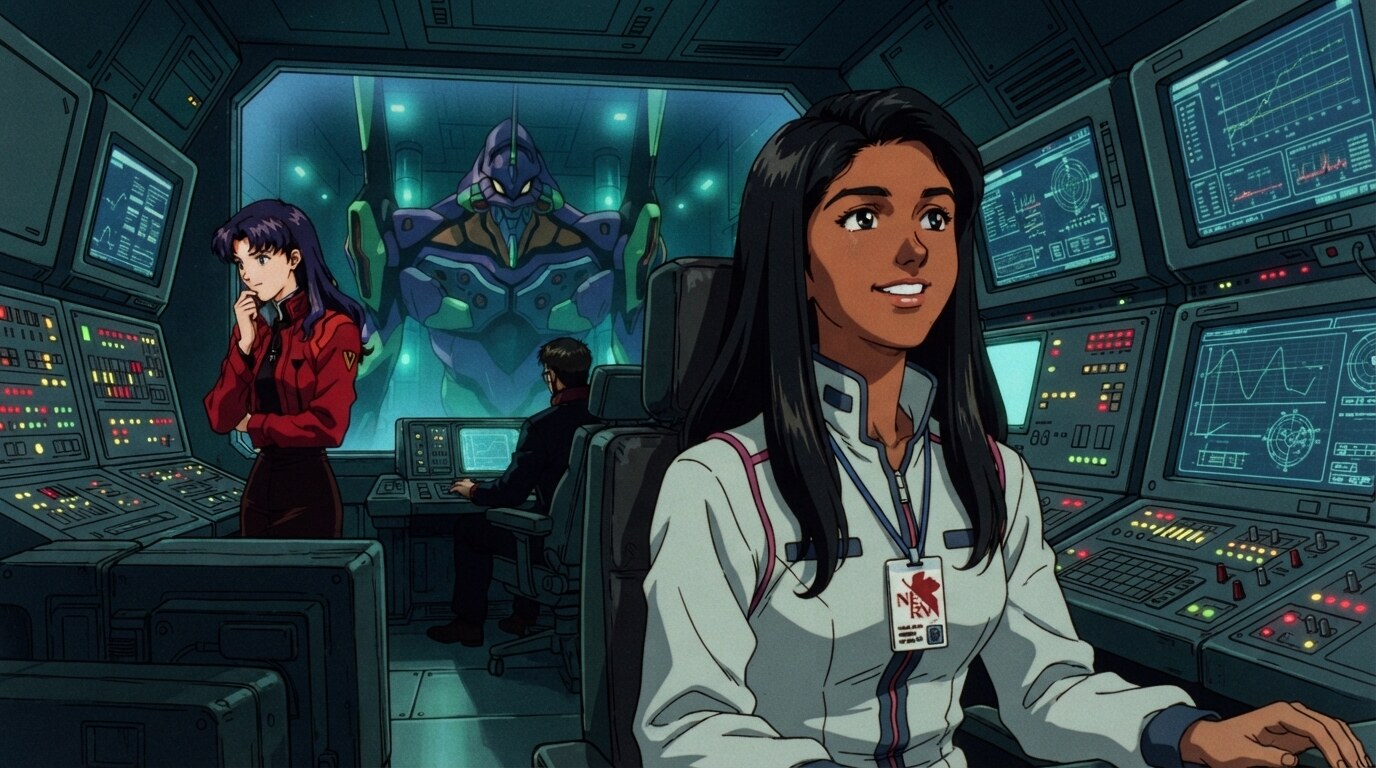
Evangelion
Become an original mecha pilot in dramatic sci-fi worlds: command centers, giant robots, city defenses, and emotional cinematic moments.
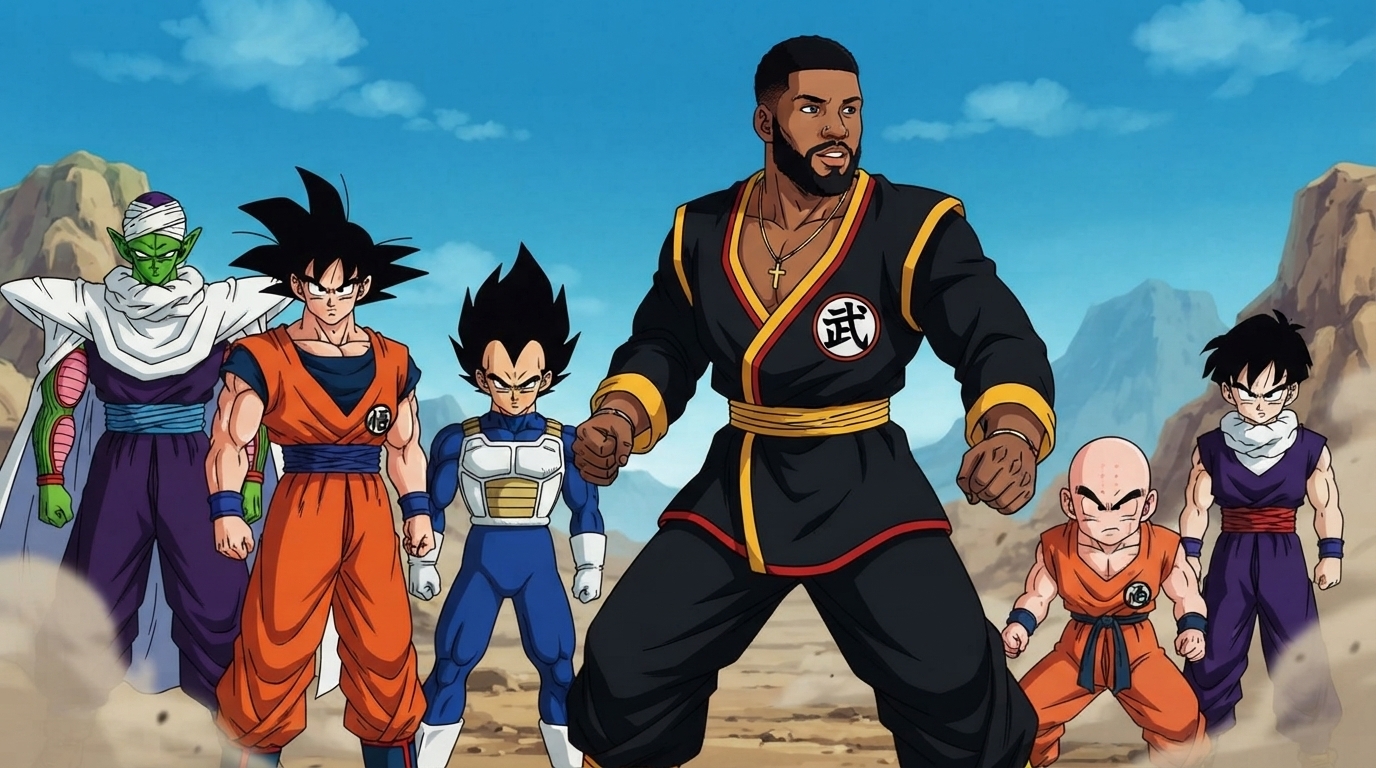
Dragon Ball Z
Become an original martial artist with custom transformations: training, tournaments, energy attacks, mountains, and space adventures.
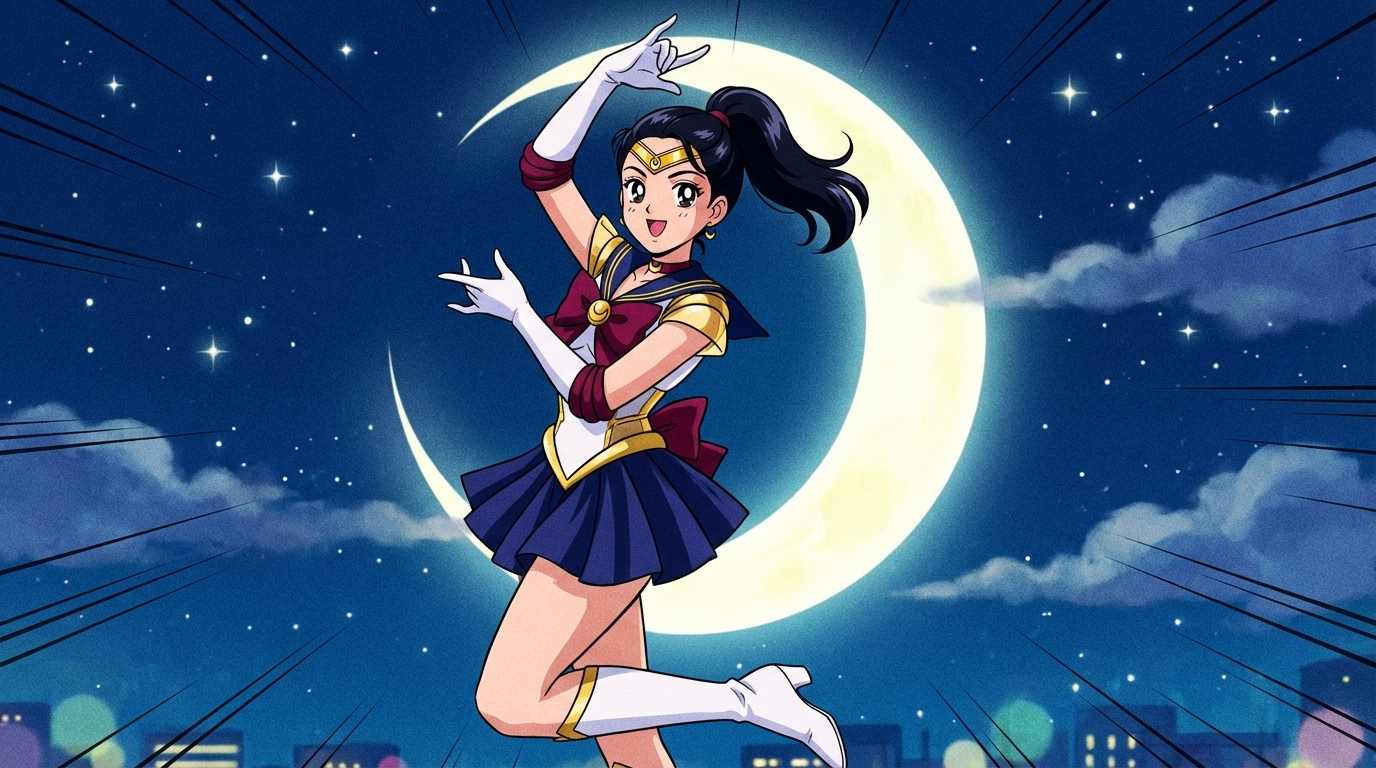
Sailor Moon
Become an original magical guardian in city nights, school life, transformations, moonlit battles, friendships, and romance.
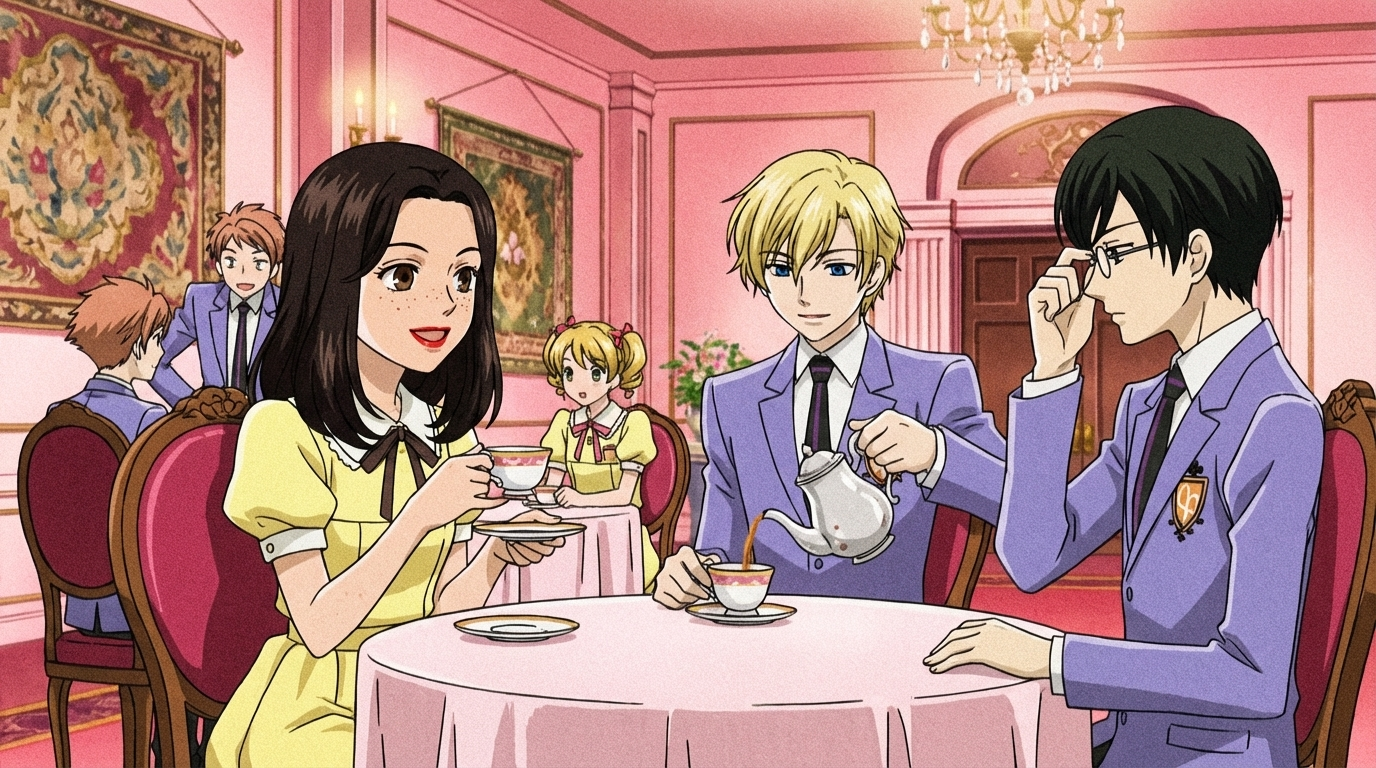
Ouran Host Club
Become an original elite academy student in glamorous school life: luxurious campuses, host clubs, tea rooms, gardens, events, and friendships.
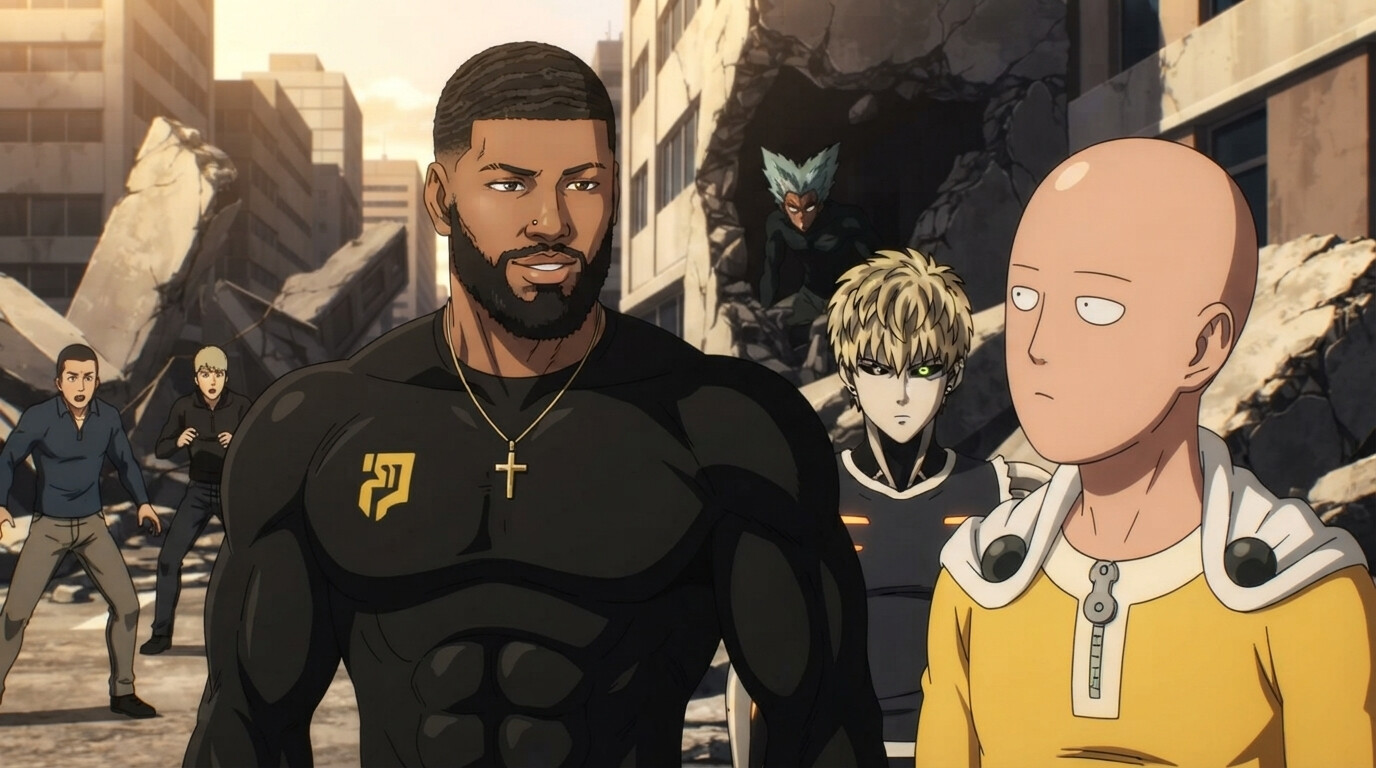
One Punch Man
Become an original Hero Association superhero: monster battles, destroyed cities, headquarters drama, rankings, and comedy action.
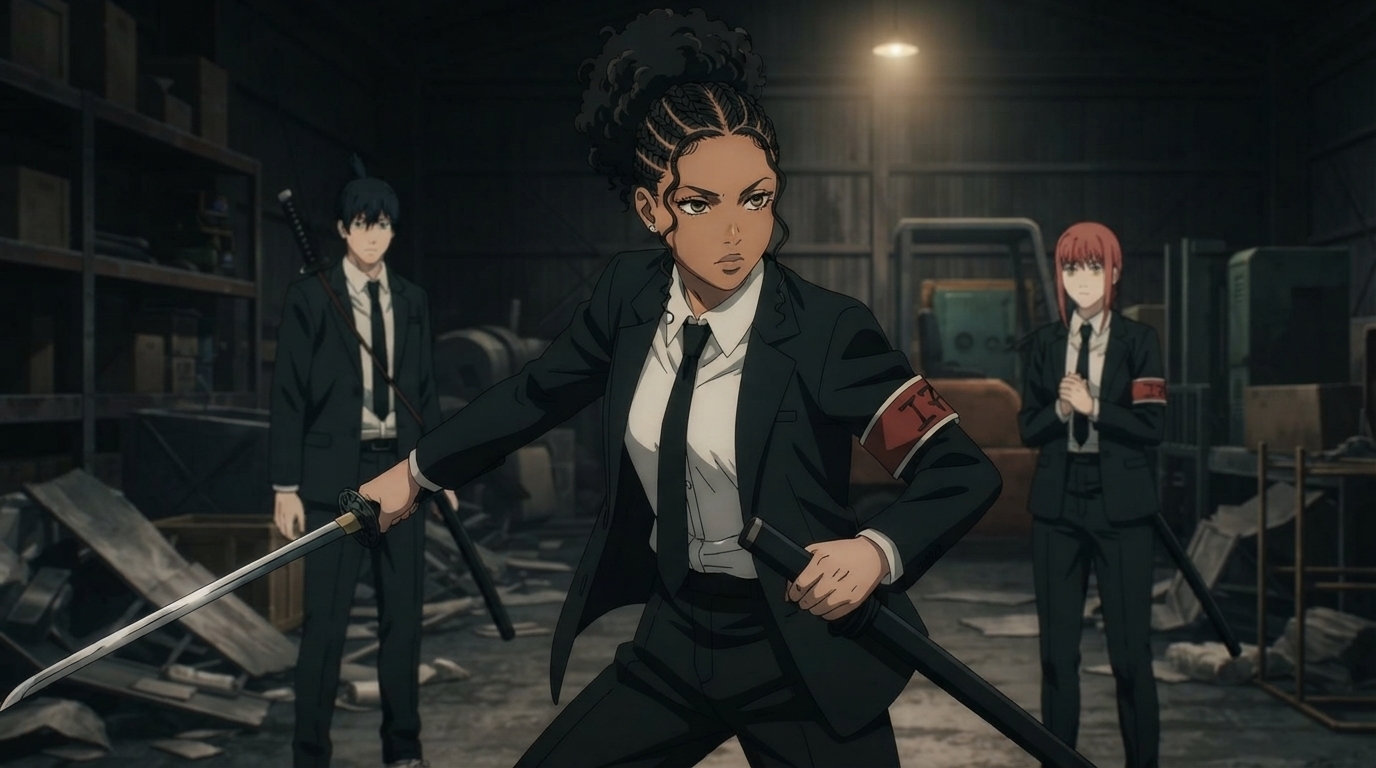
Chainsaw Man
Become an original Devil Hunter in gritty cities: government agencies, street battles, supernatural horror, teamwork, and cinematic action.
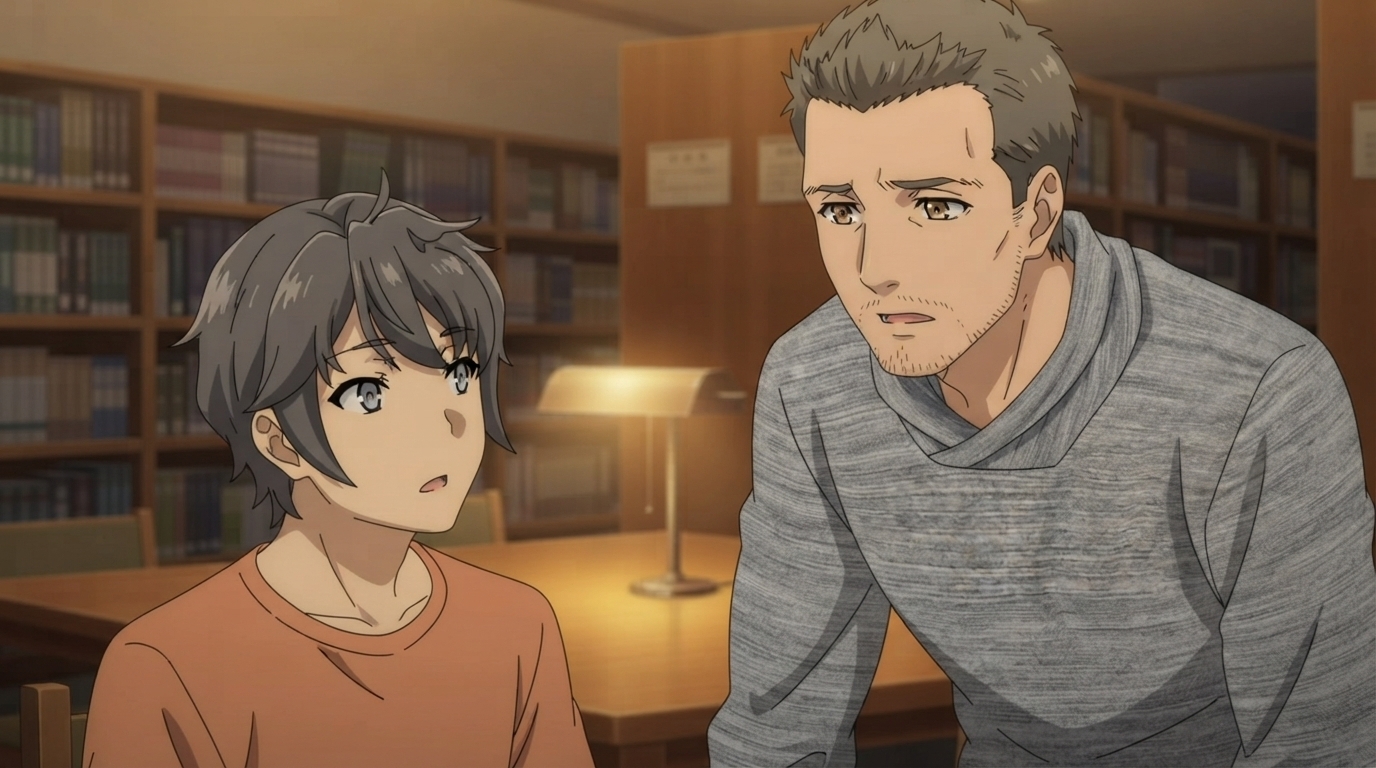
Rascal Does Not Dream
Become an original high school student in emotional slice-of-life moments: beaches, classrooms, aquariums, train stations, sunsets, friendships, and romance.
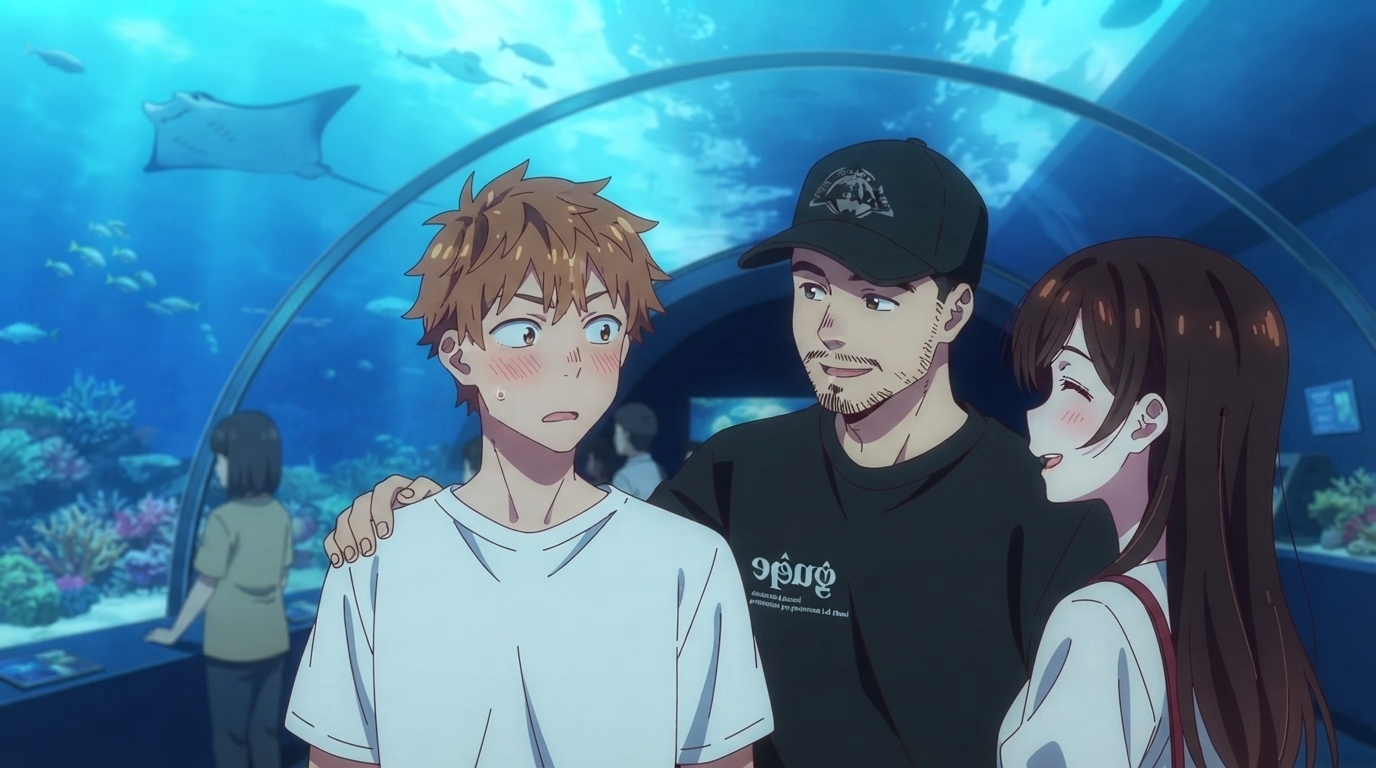
Rent-A-Girlfriend
Become an original character in romantic comedy slice-of-life scenes: cafés, aquariums, beaches, festivals, city dates, apartments, and college life.
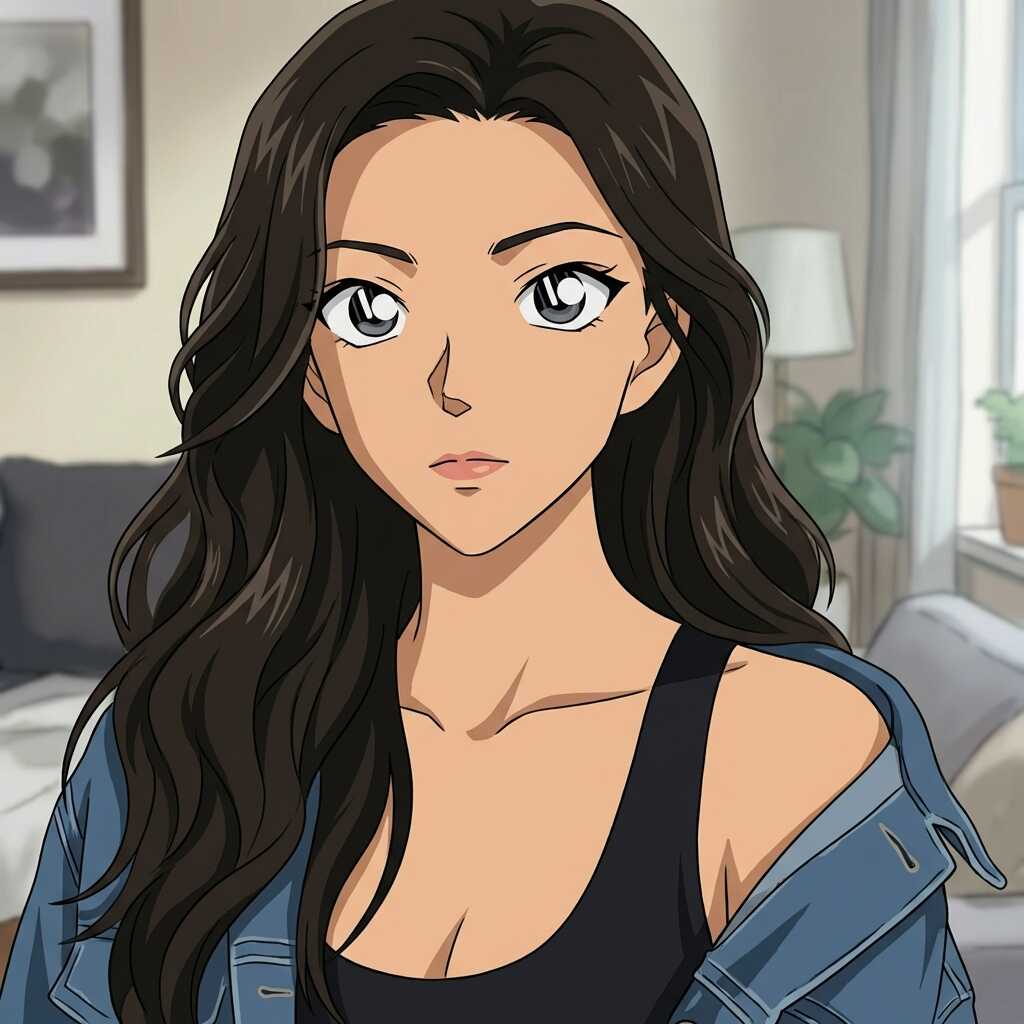
Detective Conan
Classic mystery anime aesthetic with sharp character designs and dramatic investigative scenes.
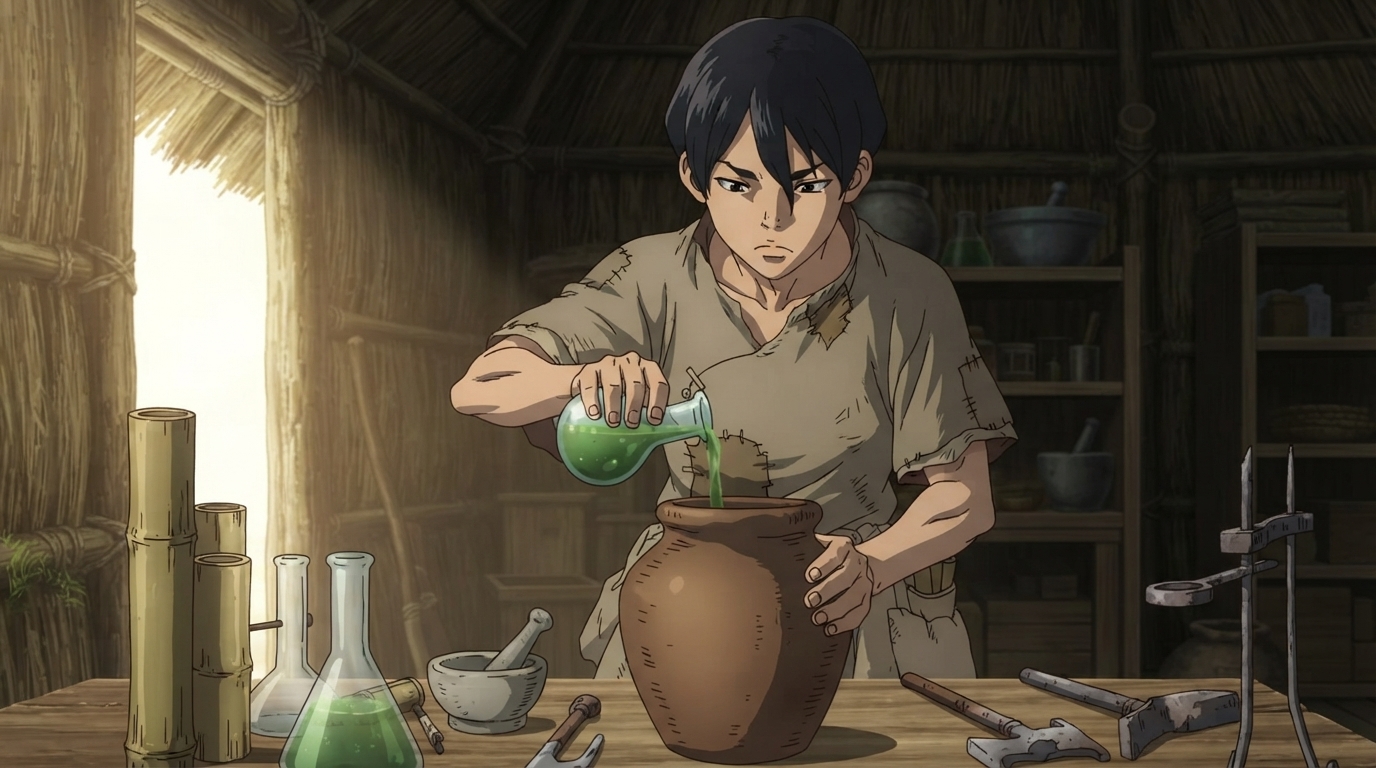
Dr. Stone
Stone world survival outfits, primitive science workshops, and glowing chemical experiments.
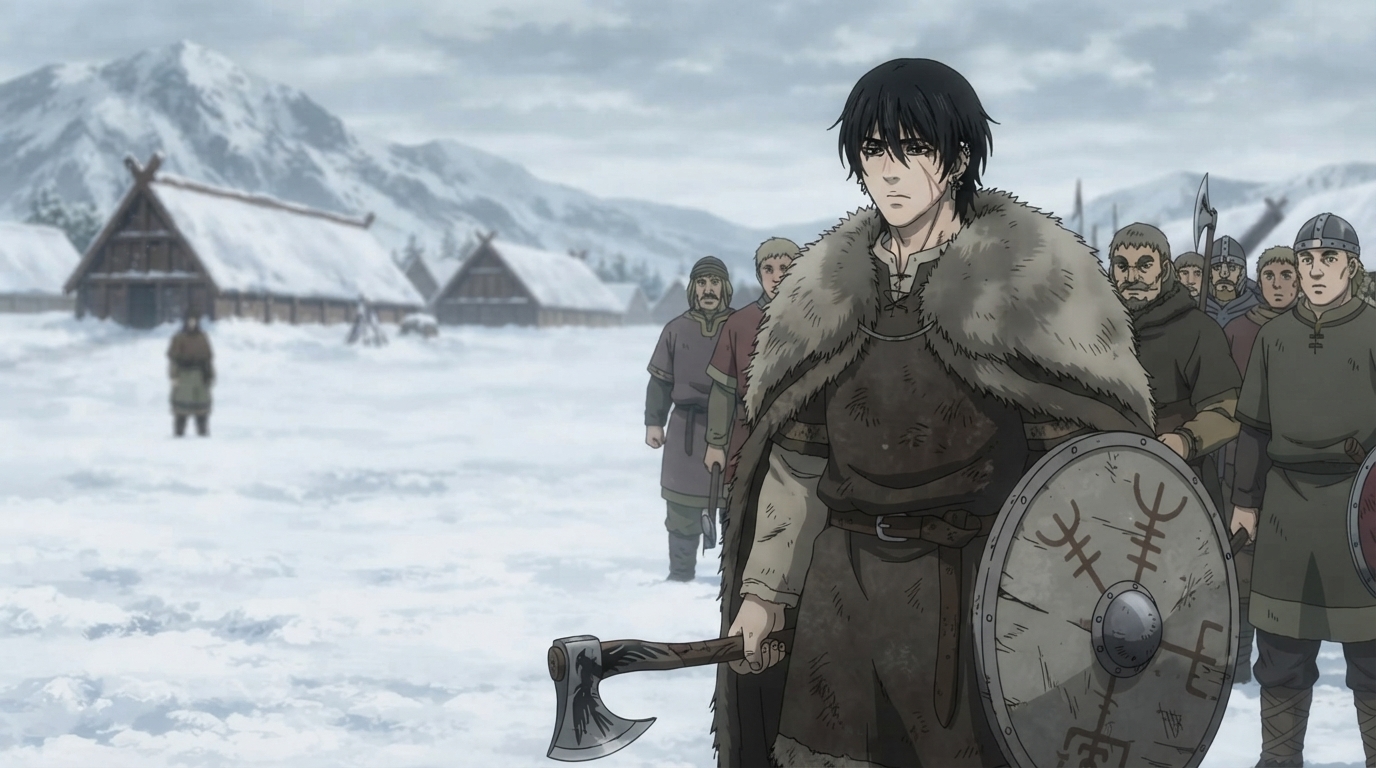
Vinland Saga
Viking warrior gear, snowy Scandinavian landscapes, and gritty historical seinen atmosphere.
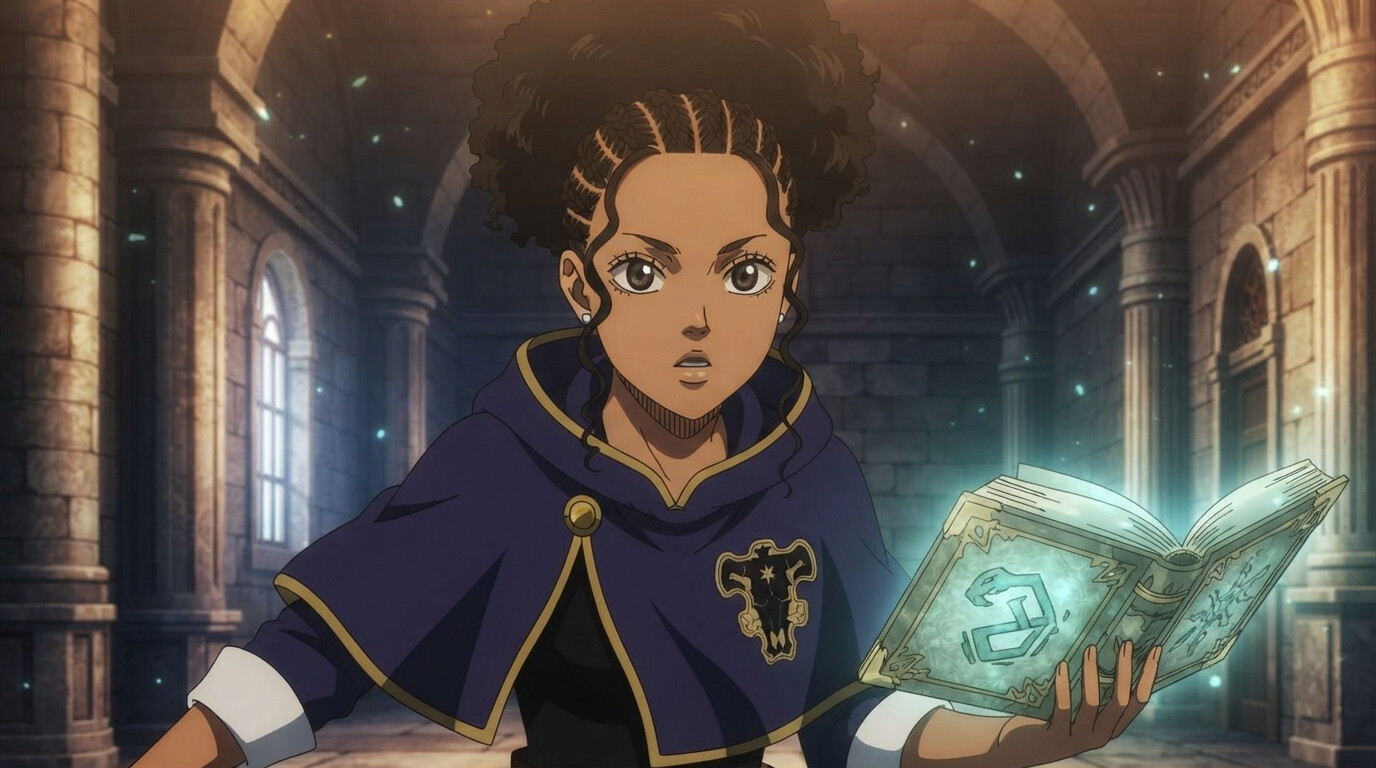
Black Clover
Magic knight uniforms, glowing grimoires, and bold spellcasting in the Clover Kingdom aesthetic.
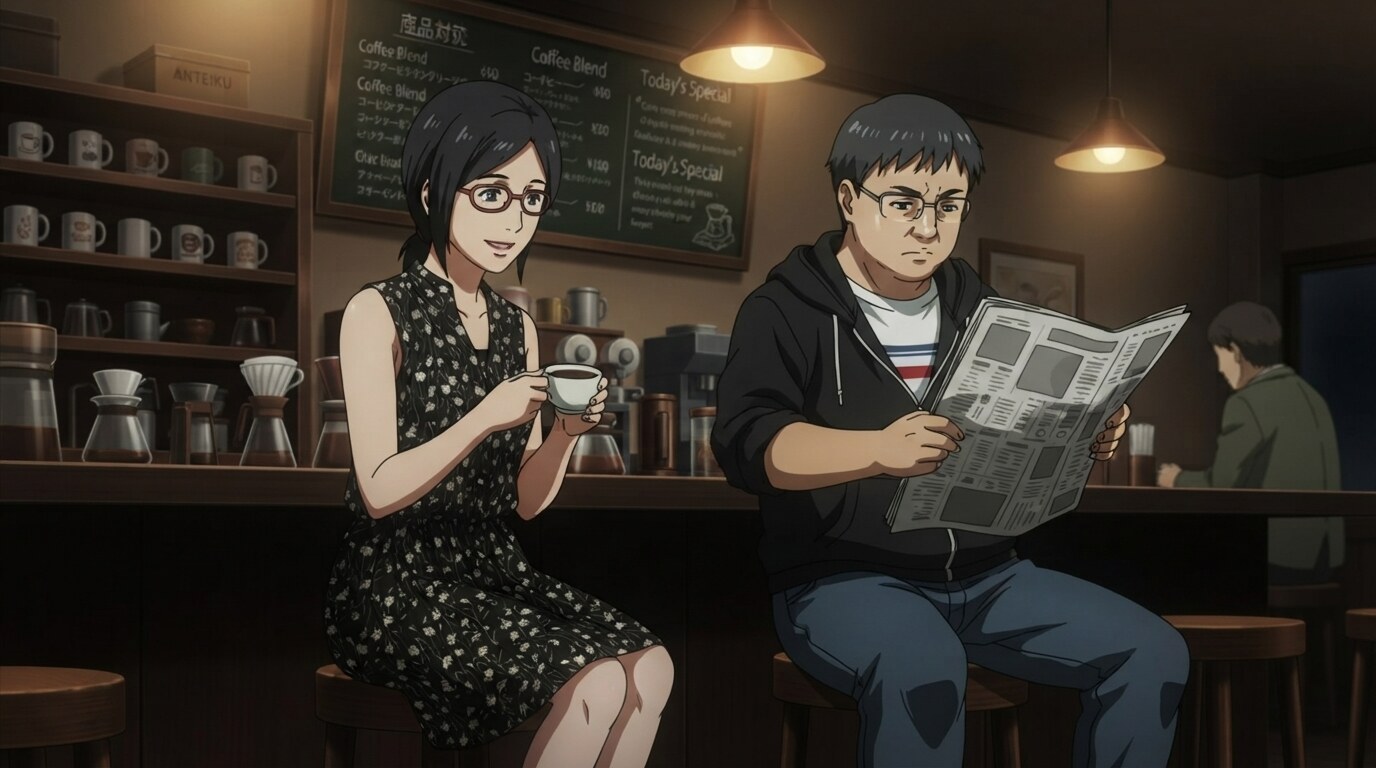
Tokyo Ghoul
Moody cafe interiors, dramatic shadows, and the dark urban atmosphere of the iconic seinen series.
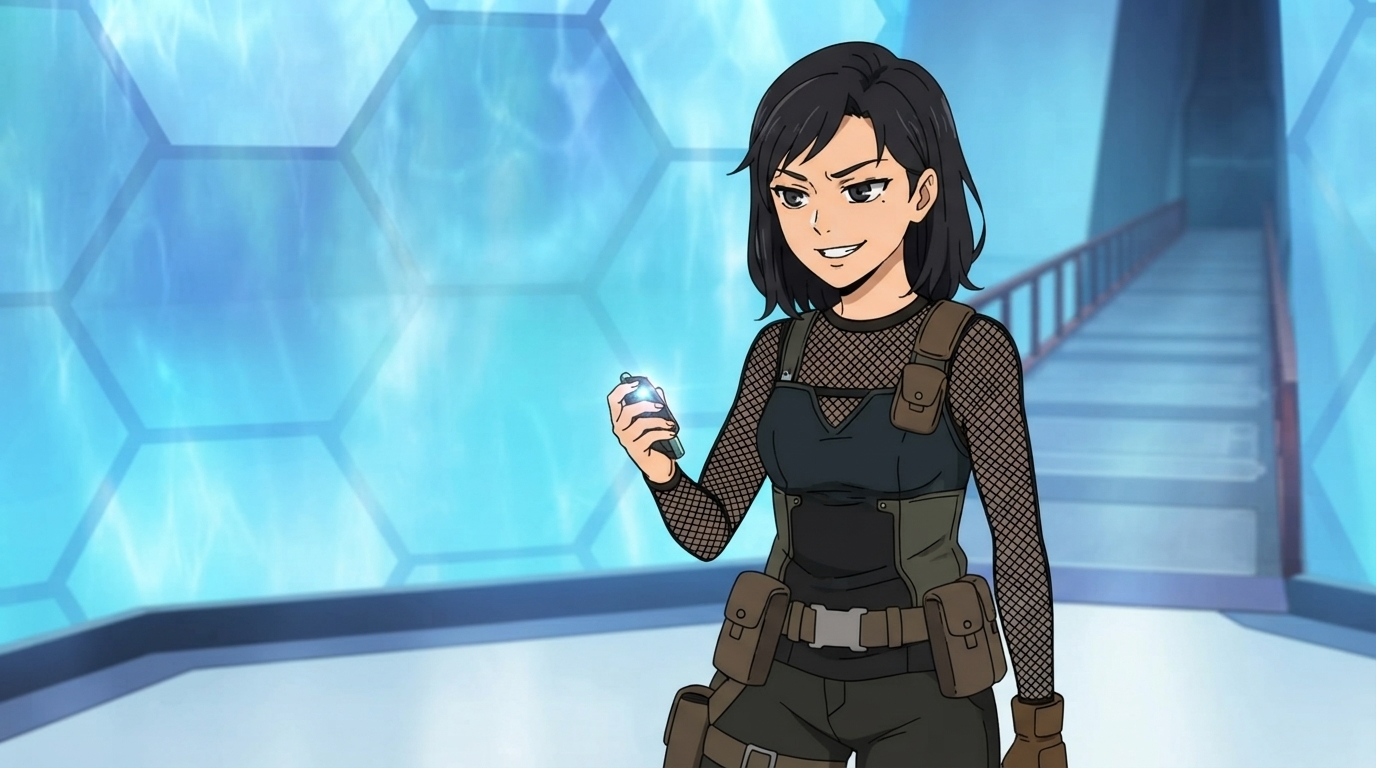
Tower of God
Glowing Shinsu weapons, stone tower corridors, tactical climbing gear, and bold manhwa-inspired designs.
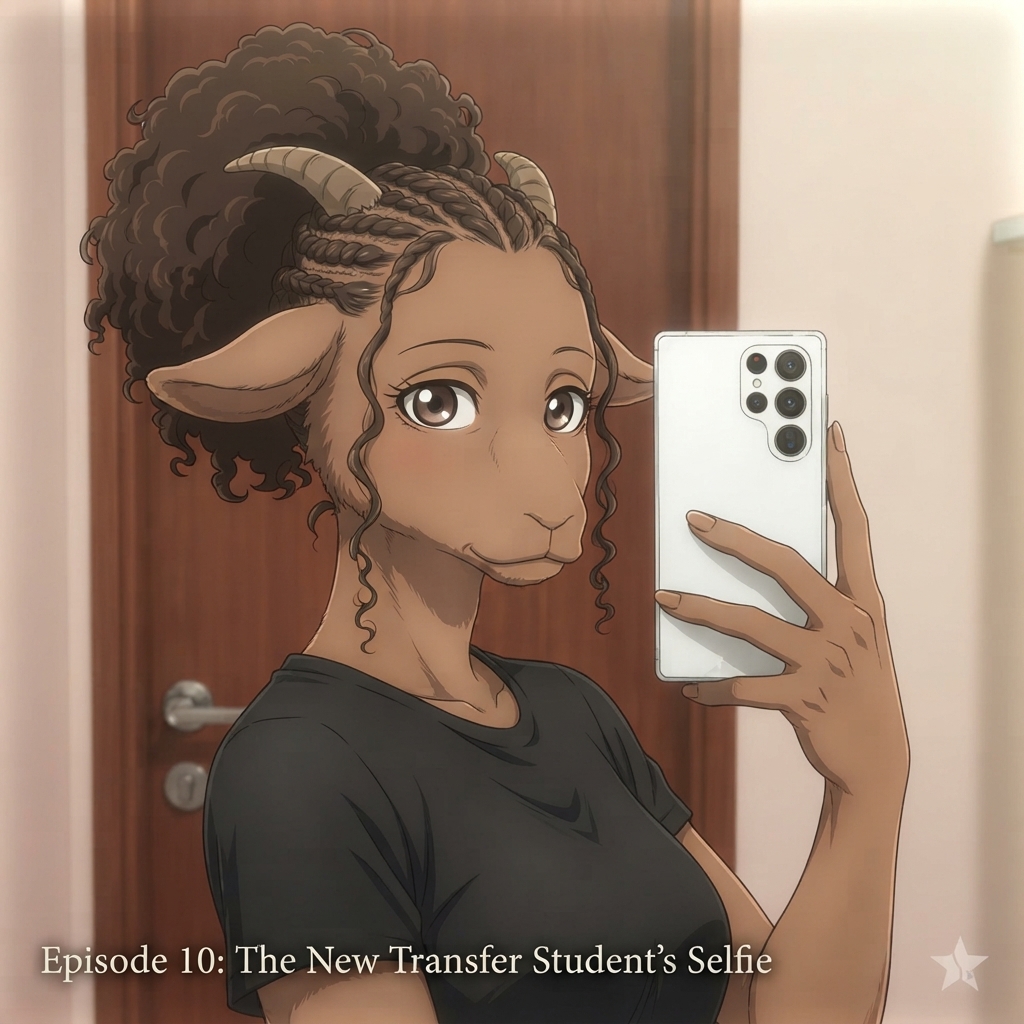
BEASTARS
Anthropomorphic character designs, Cherryton Academy school life, and Studio Orange cel-shaded CGI.
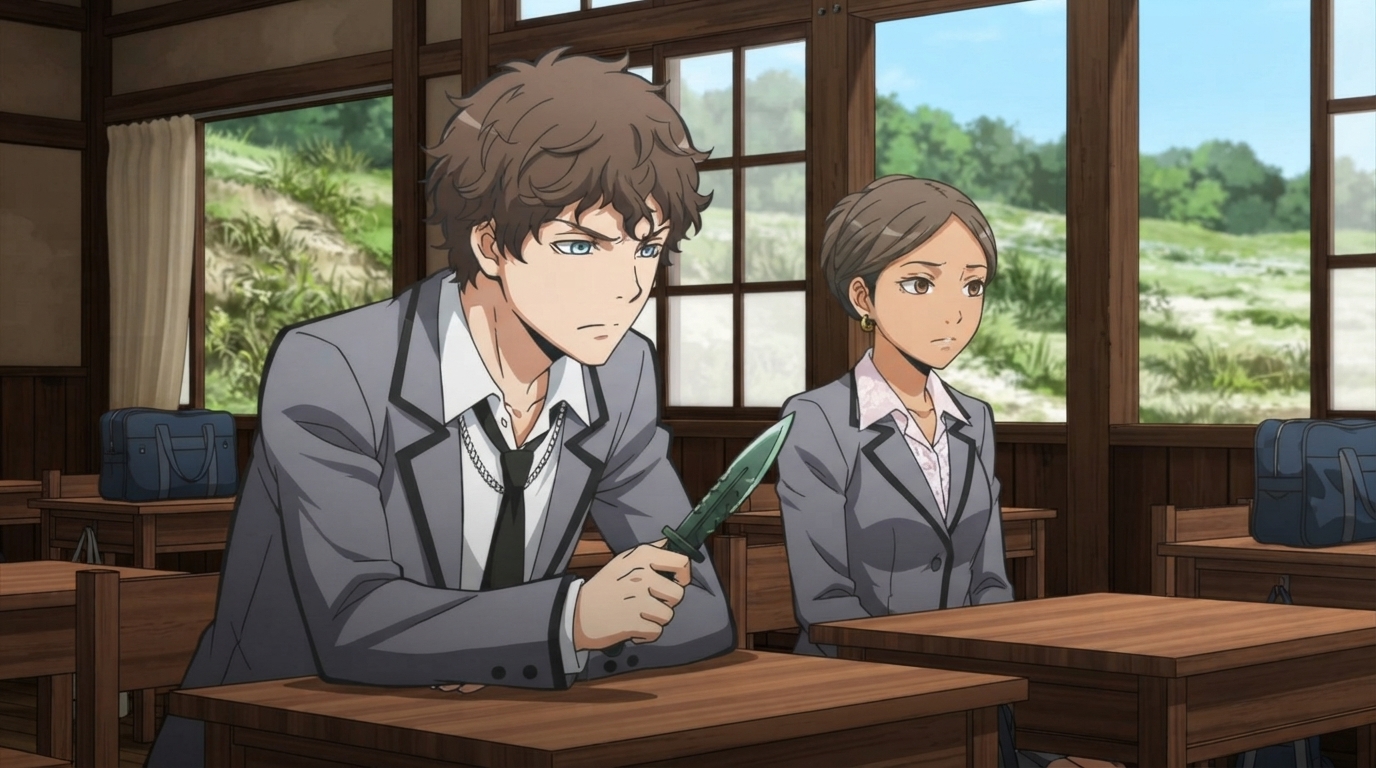
Assassination Classroom
Class 3-E uniforms, rustic wooden classrooms, anti-sensei weapons, and bold action-comedy character designs.
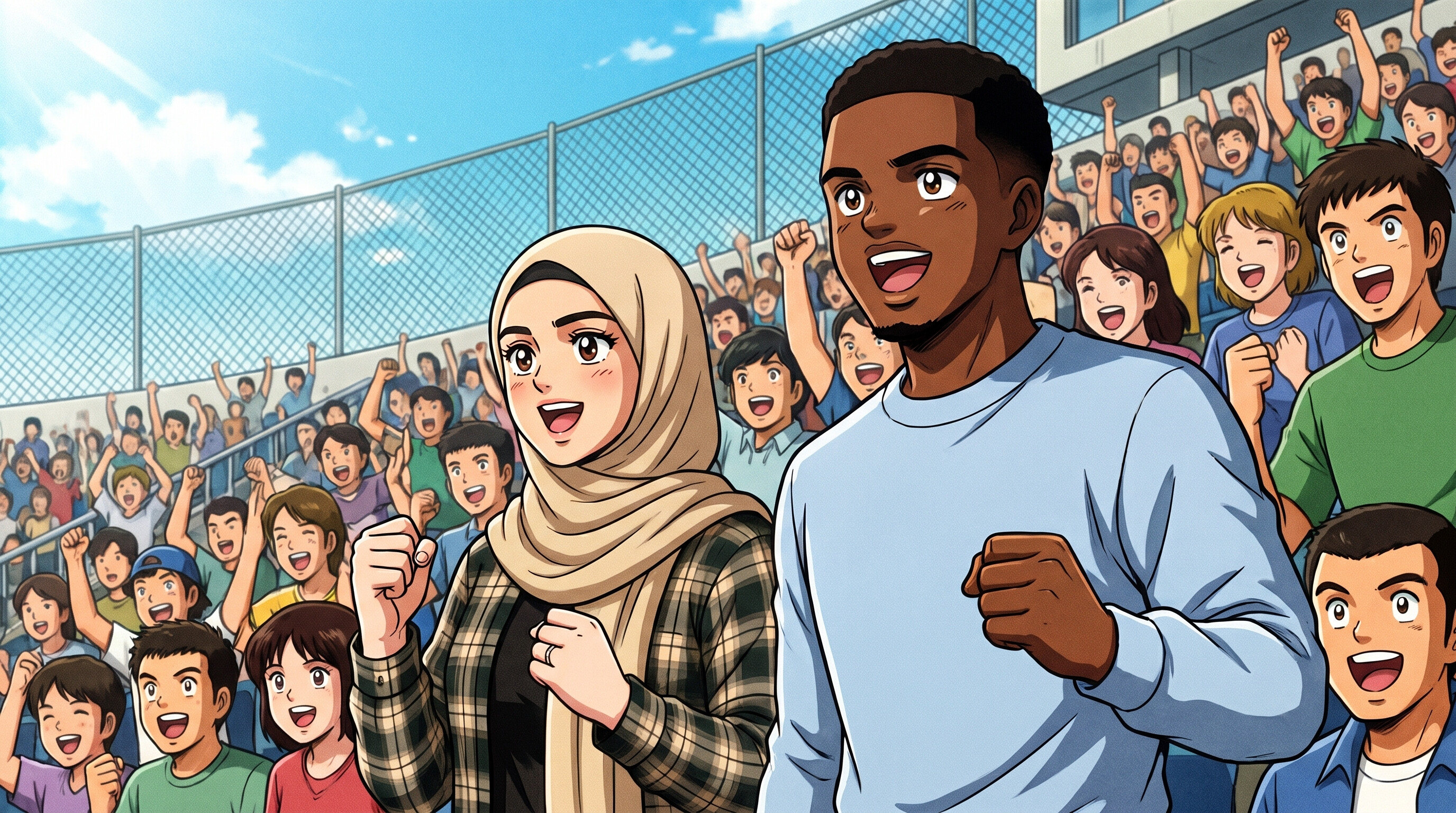
Captain Tsubasa
Nankatsu soccer uniforms, packed stadium crowds, and bold shonen sports anime action.
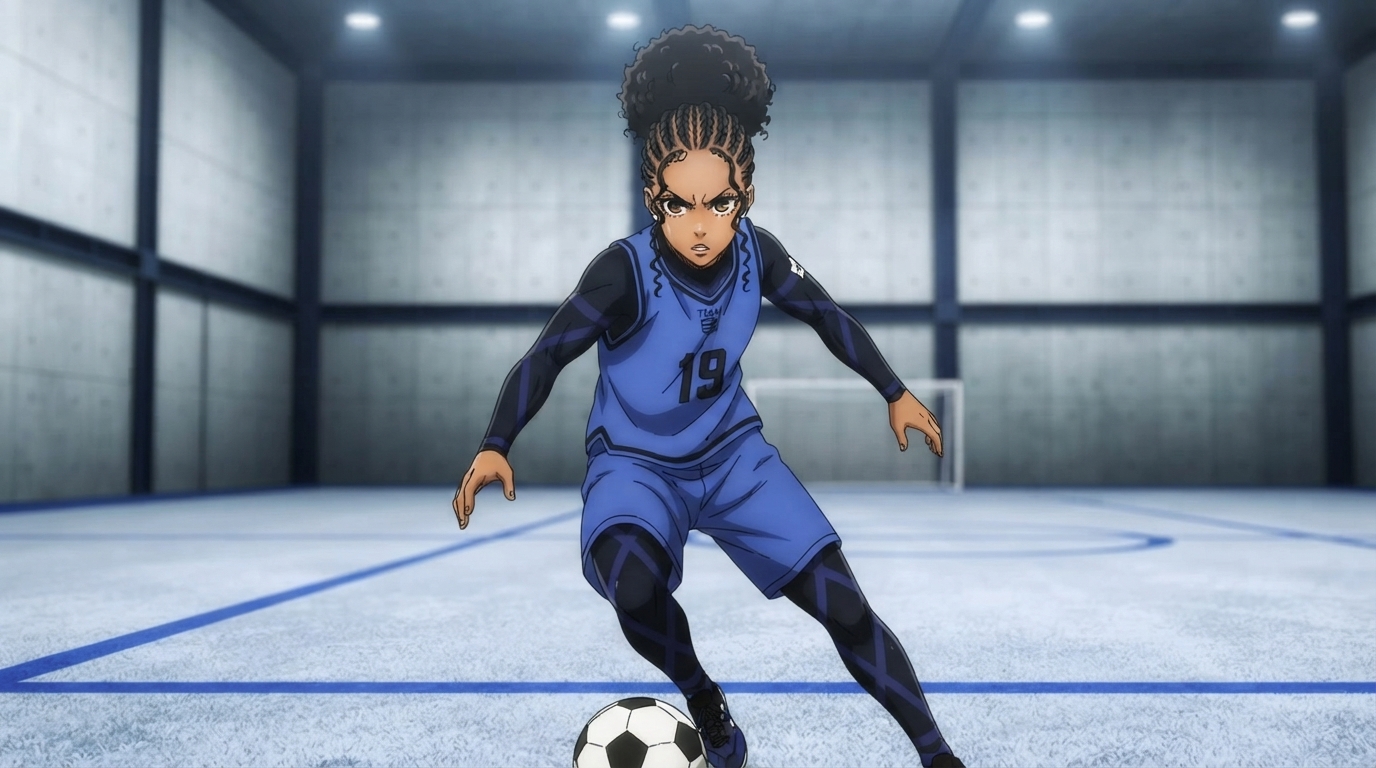
Blue Lock
Team Z training kits, ego-driven striker energy, and industrial Blue Lock facility scenes.
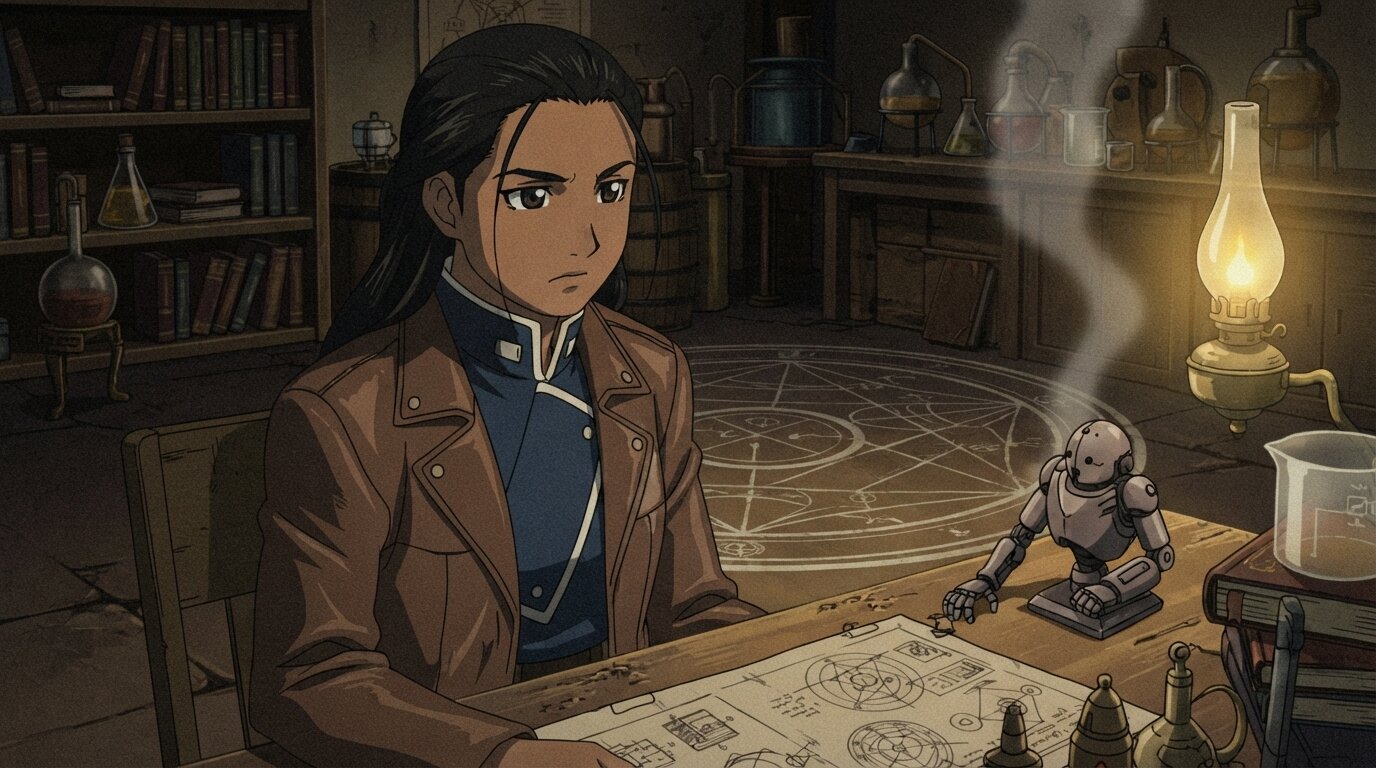
Fullmetal Alchemist
Amestrian military uniforms, transmutation circles, and steampunk alchemy workshops.
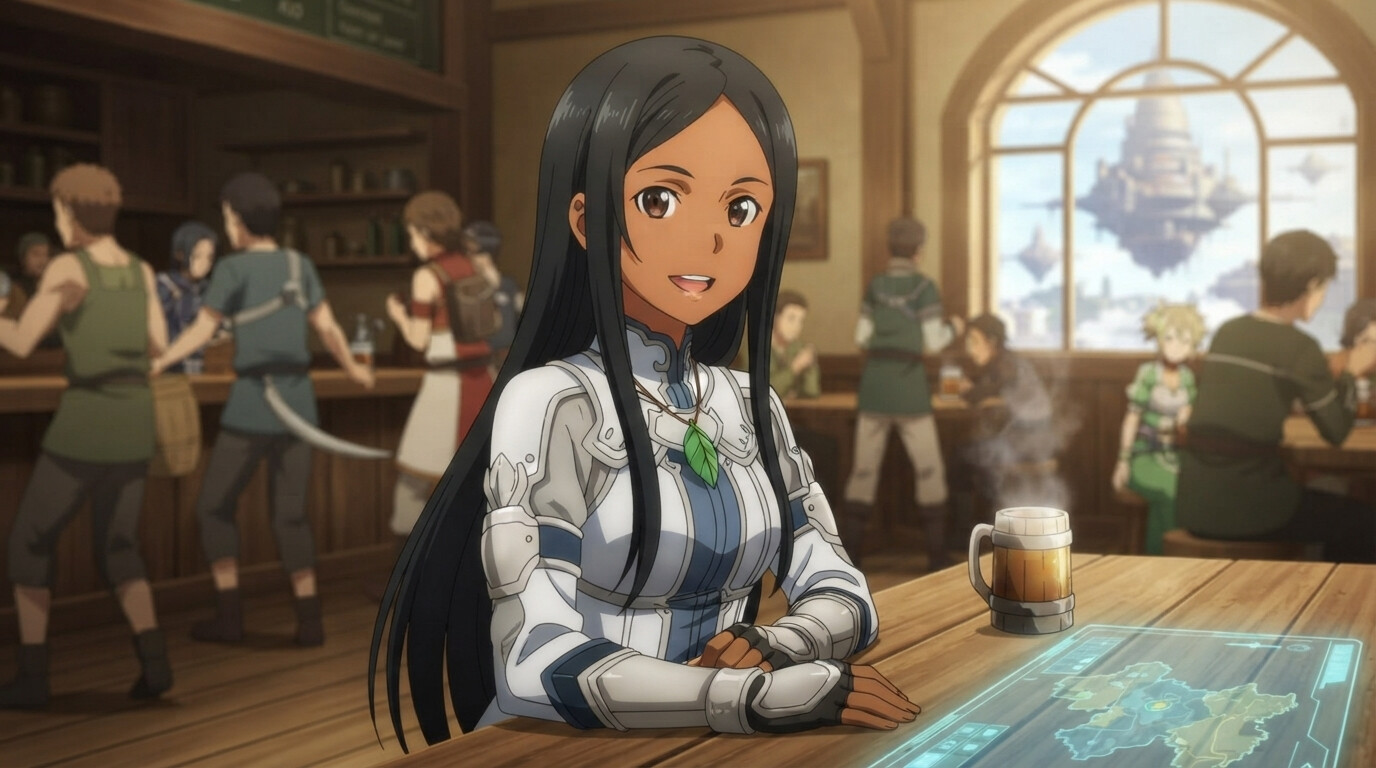
Sword Art Online
VRMMO fantasy worlds, holographic game menus, and adventurer armor in the iconic SAO aesthetic.
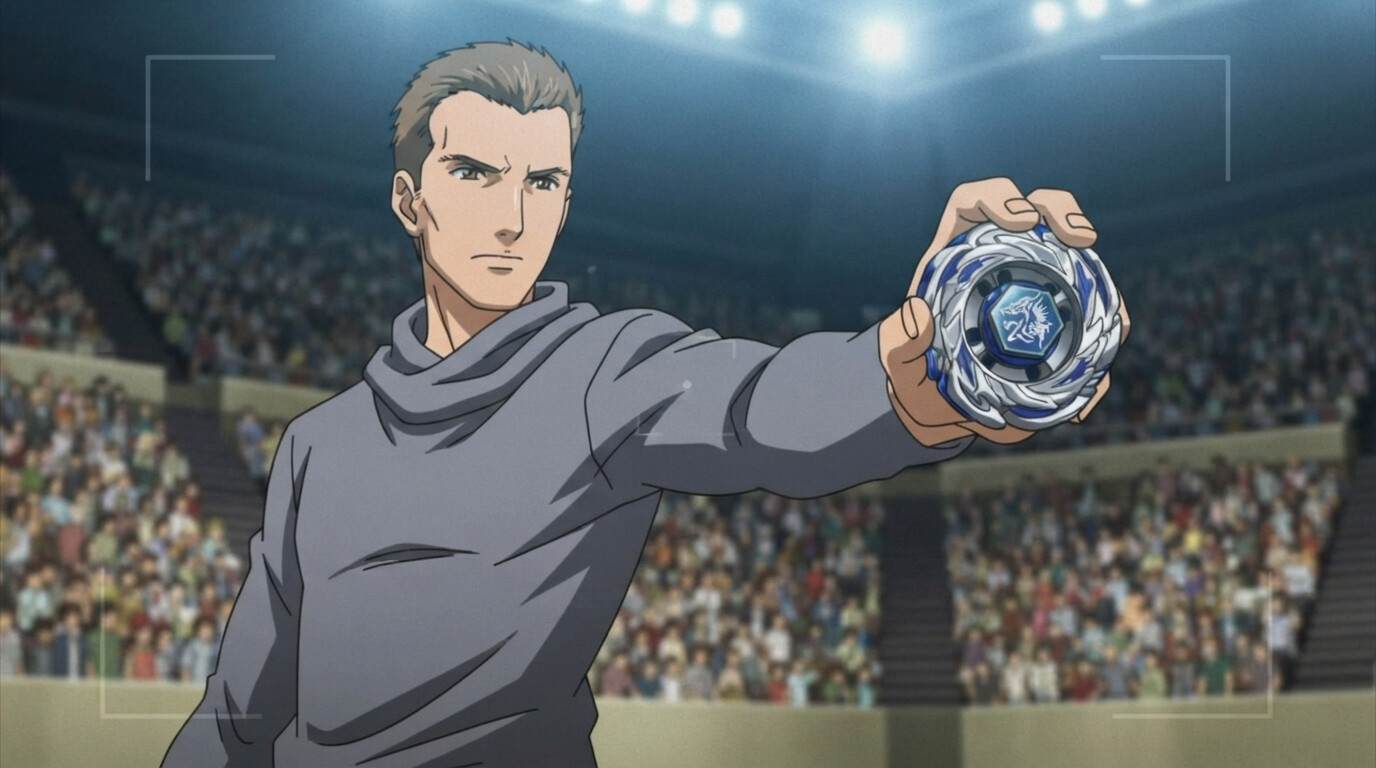
Beyblade
Blader varsity jackets, detailed spinning tops, and packed stadium tournament energy.
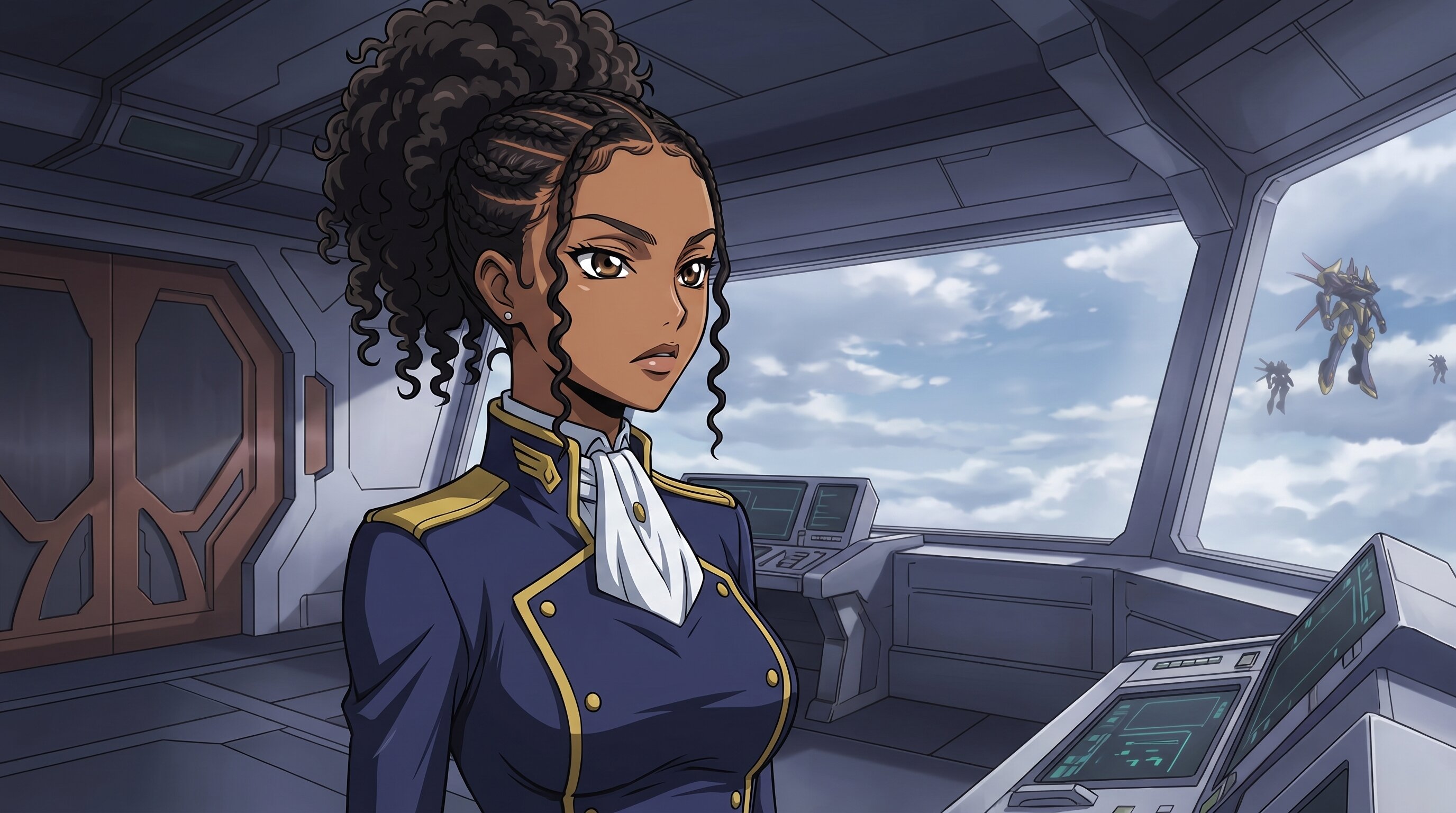
Code Geass
Britannian military uniforms, Knightmare Frame battles, and sharp CLAMP character designs.
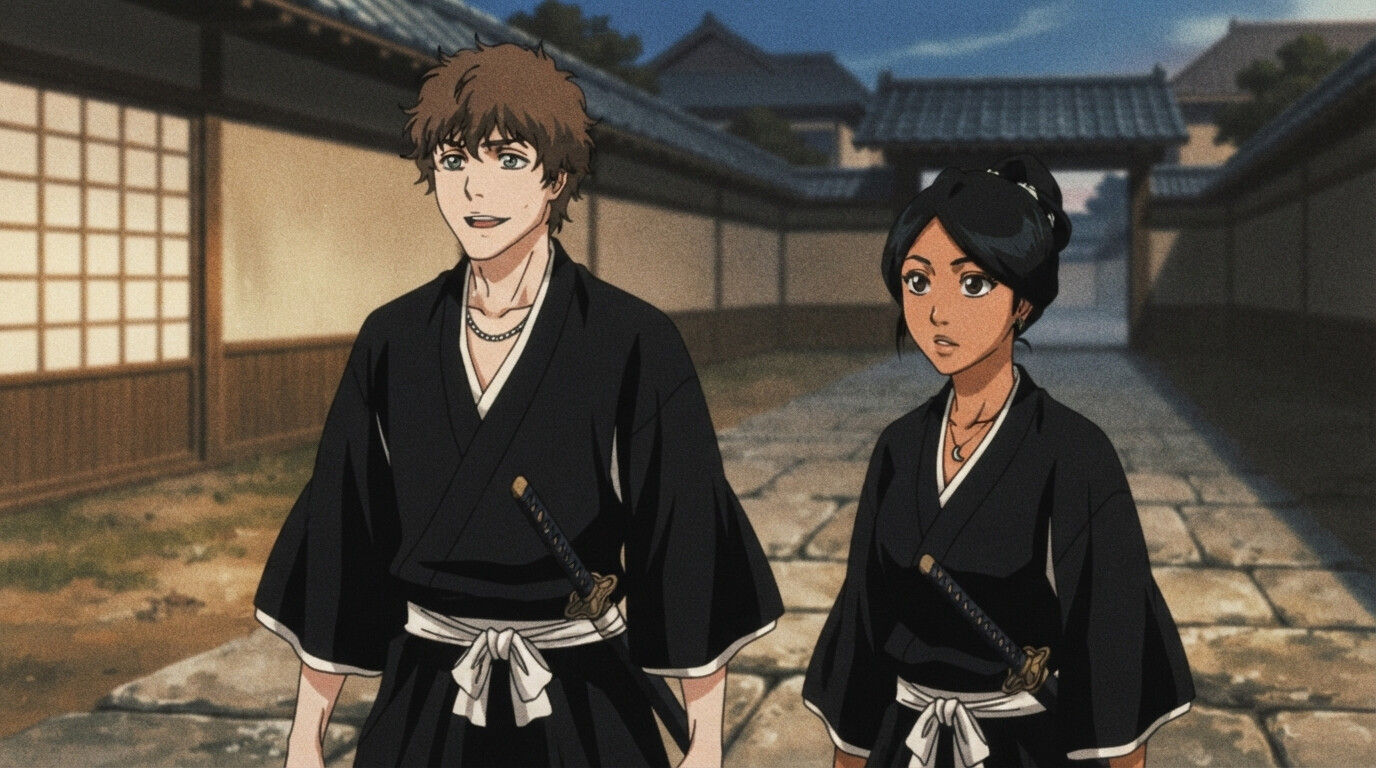
Bleach
Soul Reaper uniforms, captain haori, and the bold shonen aesthetic of the Soul Society.
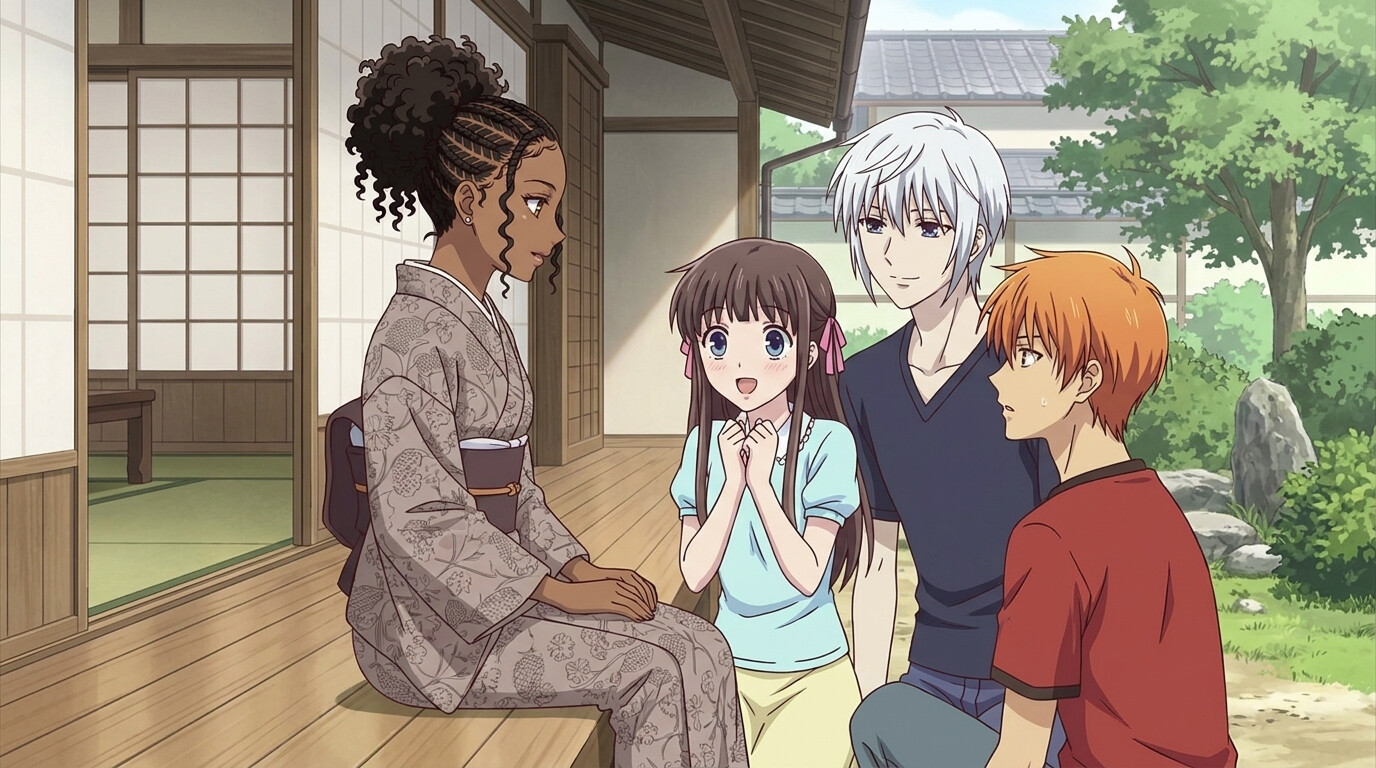
Fruits Basket
Soft shoujo palettes, traditional Japanese homes, and warm emotional character moments.
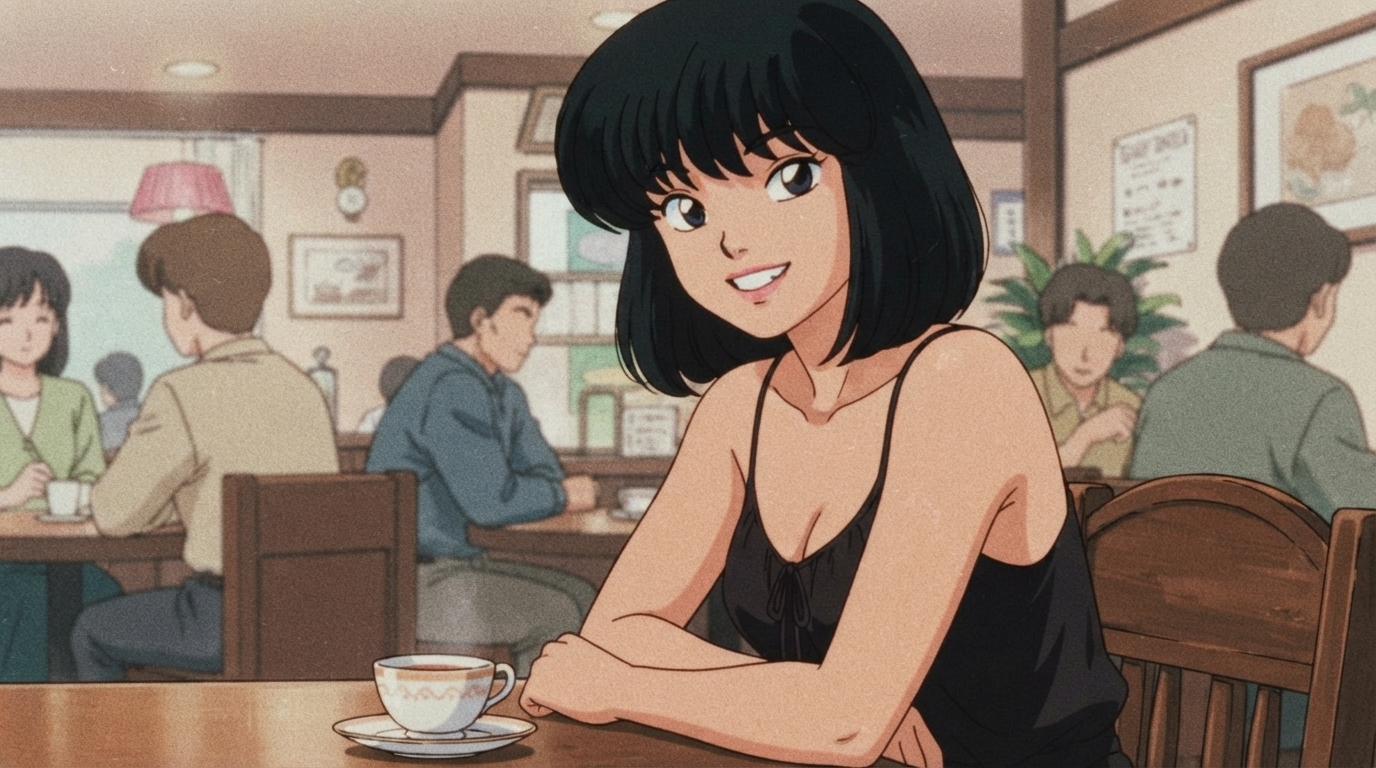
Ranma 1/2
Retro cel-shaded linework, martial arts dojos, and nostalgic 90s comedy anime energy.
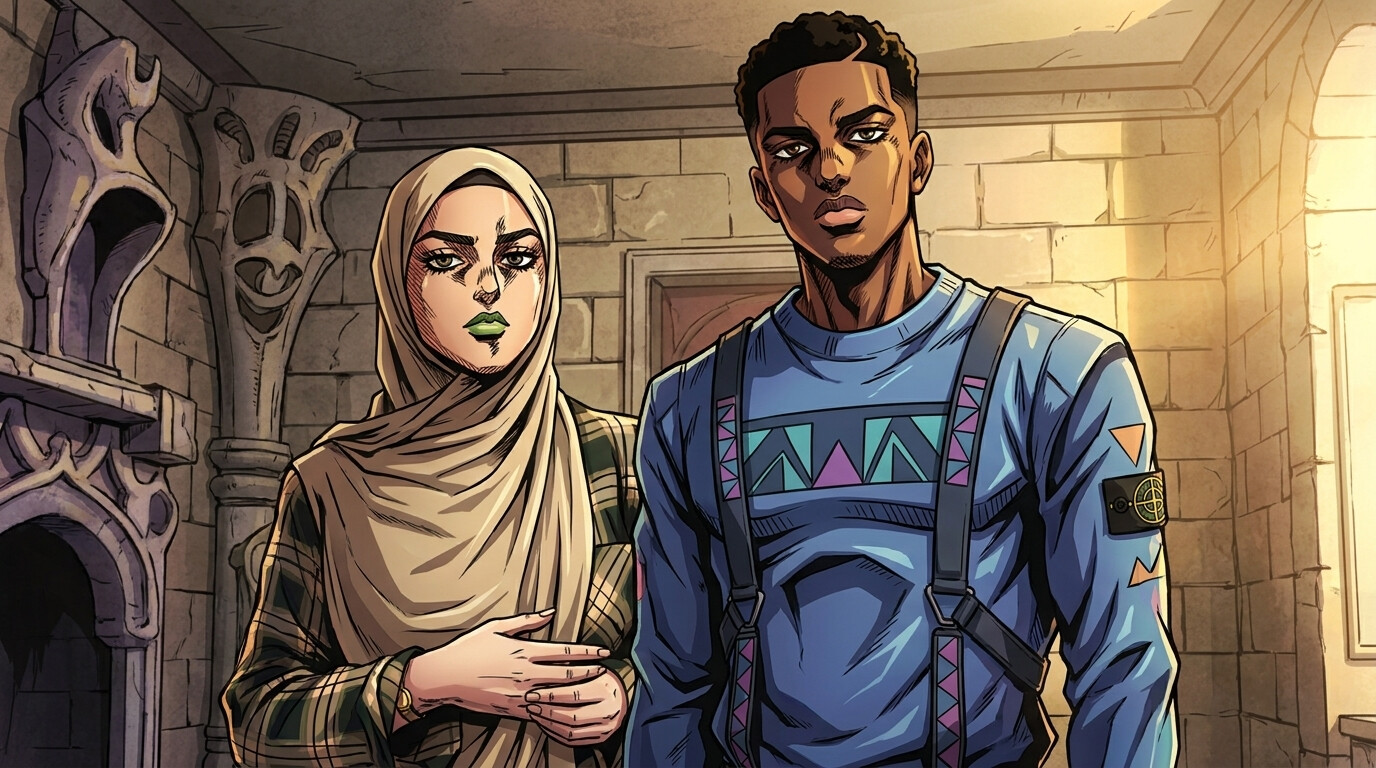
JoJo's Bizarre Adventure
Bold cross-hatching, dramatic poses, and fashion-forward outfits in the iconic Araki style.
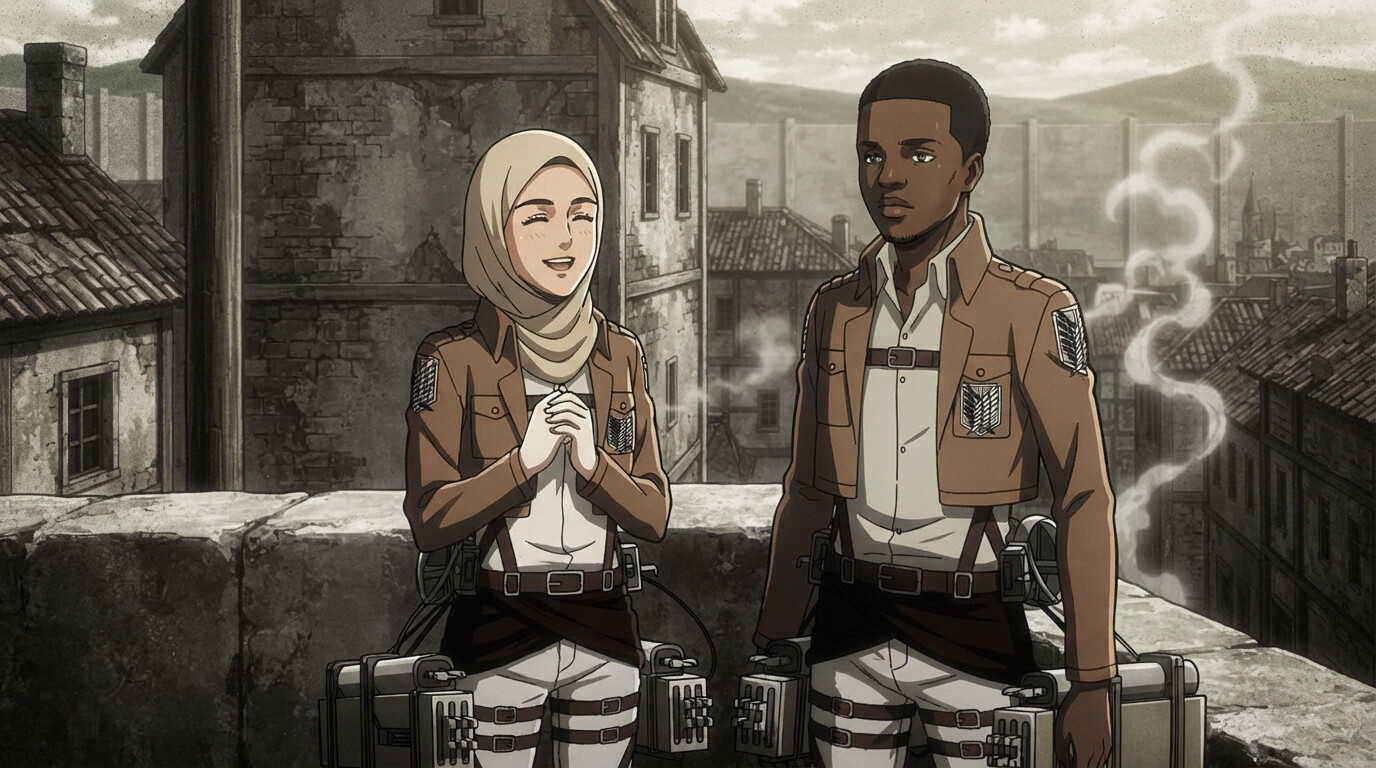
Attack on Titan
Survey Corps uniforms, ODM gear harnesses, and the gritty cinematic aesthetic of the iconic seinen series.
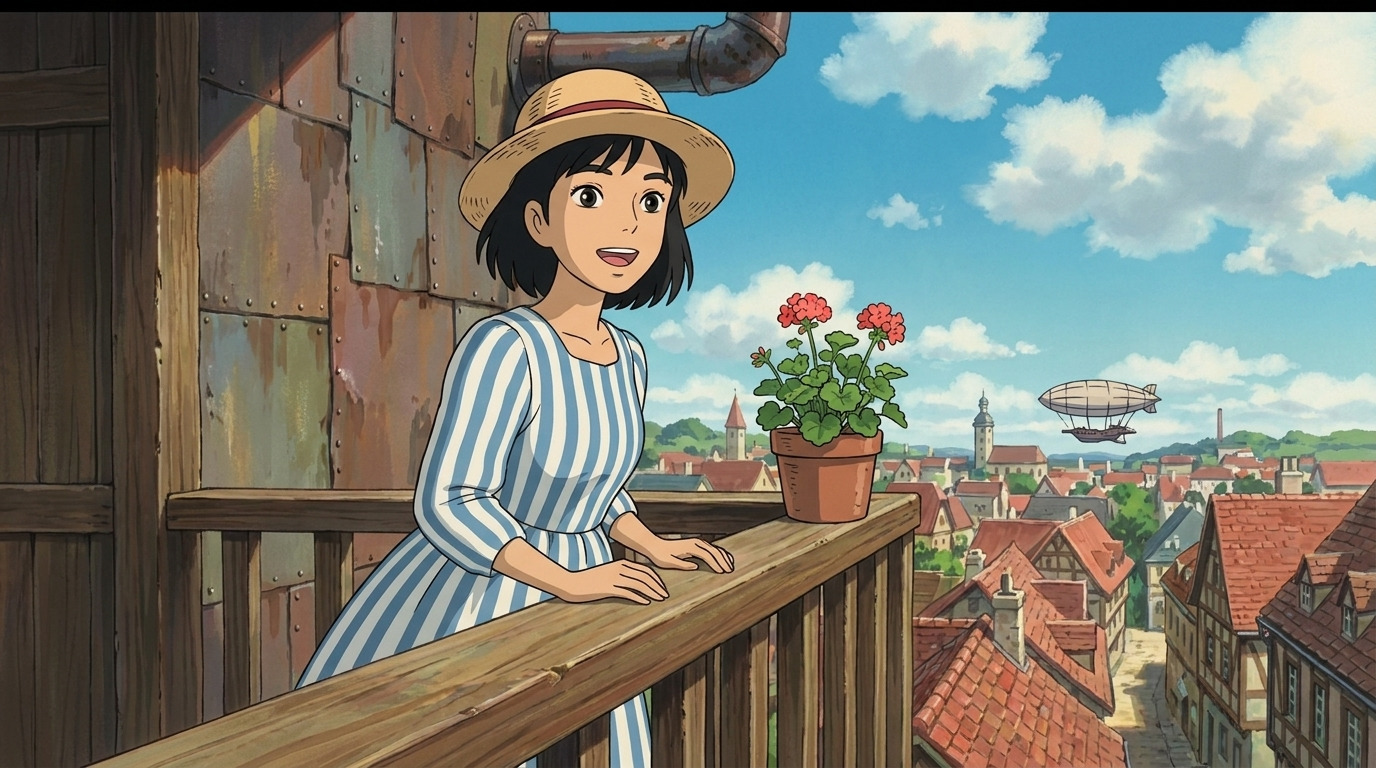
Howl's Moving Castle
Painterly Ghibli landscapes, steampunk castle interiors, and warm whimsical fantasy scenes.
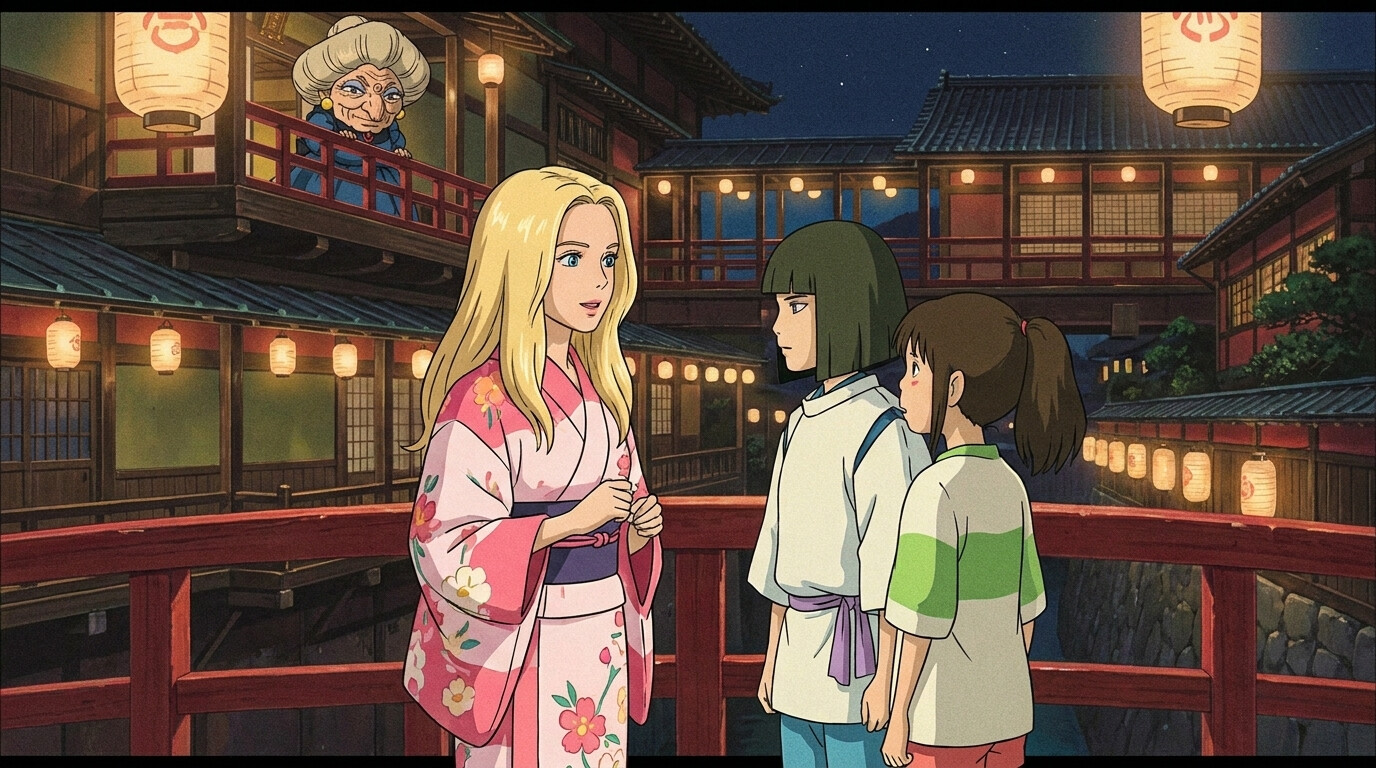
Spirited Away
Hand-painted bathhouse scenes, warm lantern glow, and whimsical spirit-world magic.
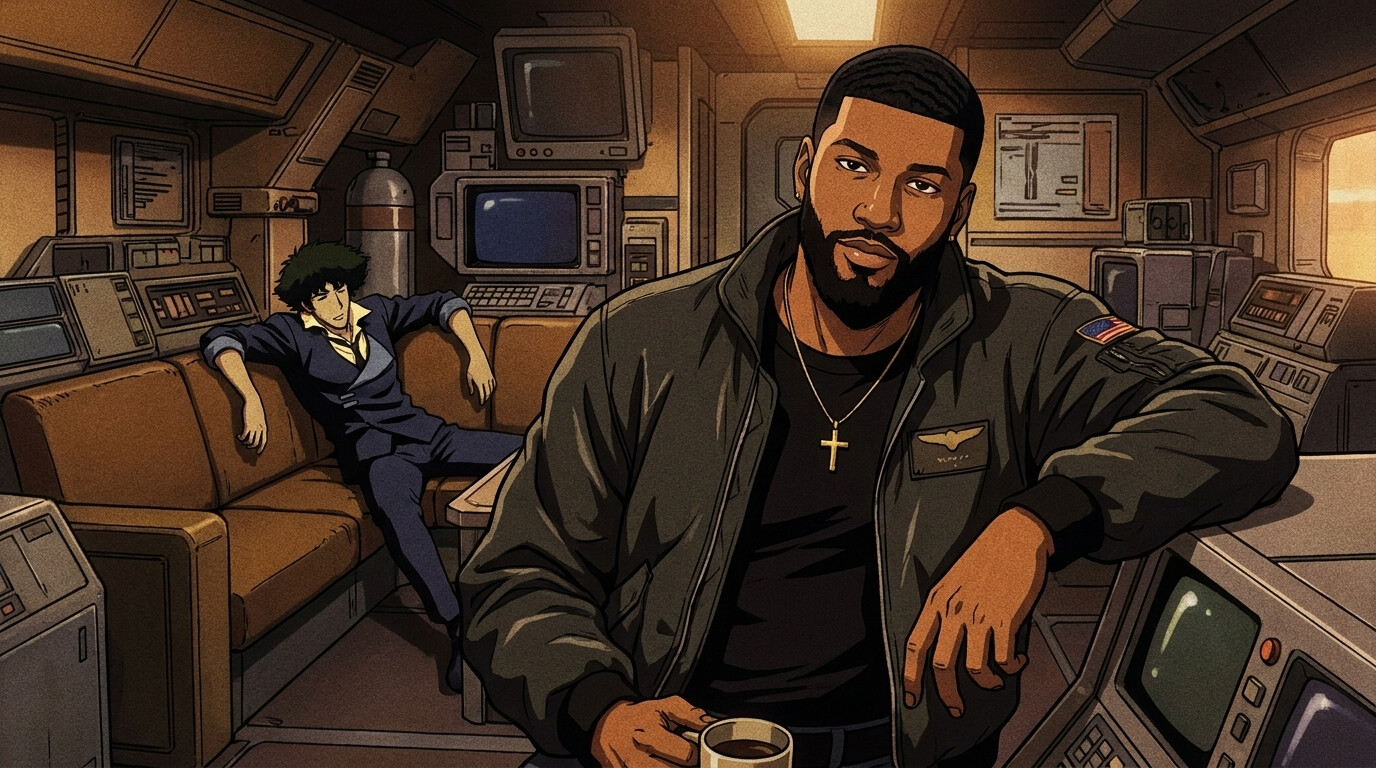
Cowboy Bebop
Retro spaceship interiors, moody jazz-bar lighting, and the space western noir aesthetic.
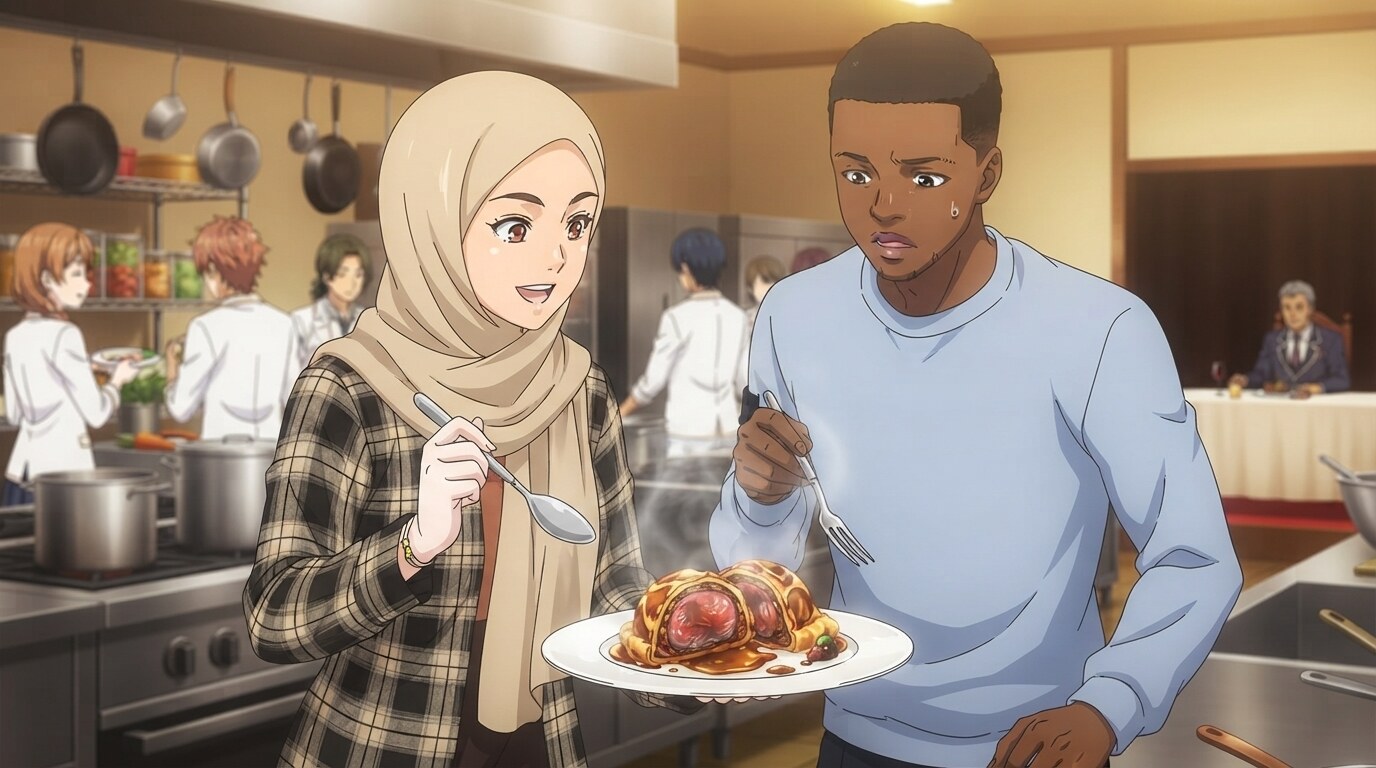
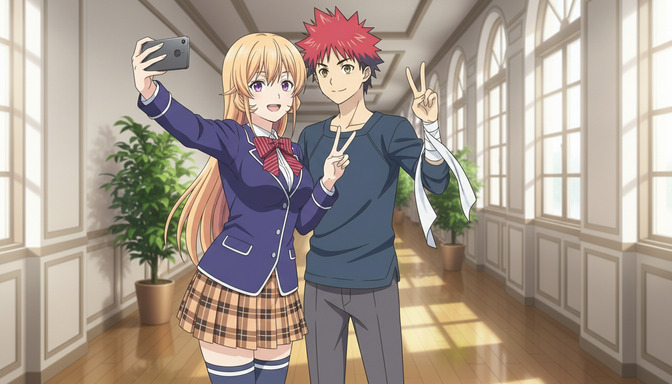
Food Wars
Hyper-detailed gourmet dishes, dramatic tasting reactions, and professional kitchen battles.
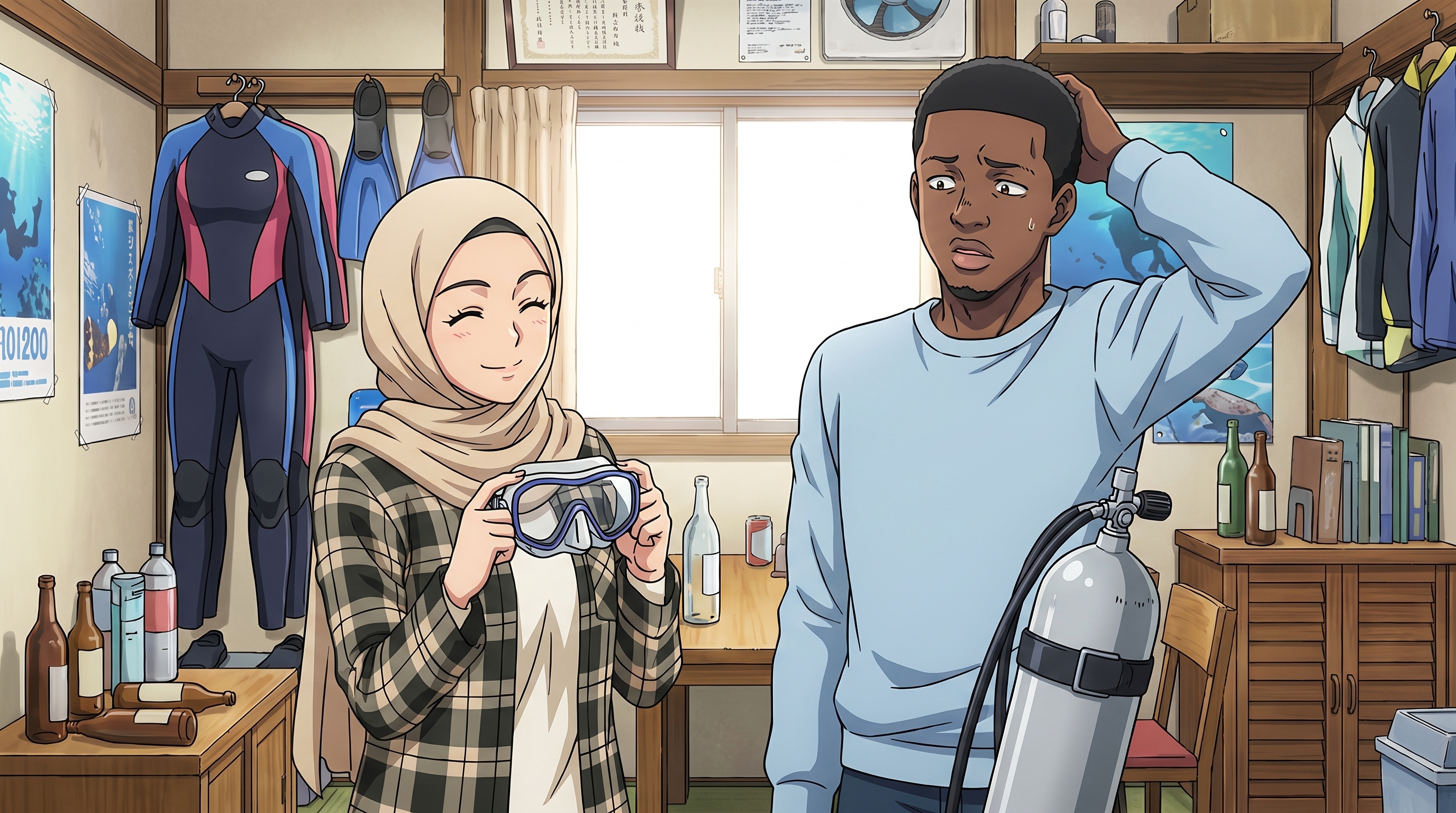
Grand Blue Dreaming
Diving club interiors, scuba gear, sunny ocean balconies, and chaotic seinen comedy energy.
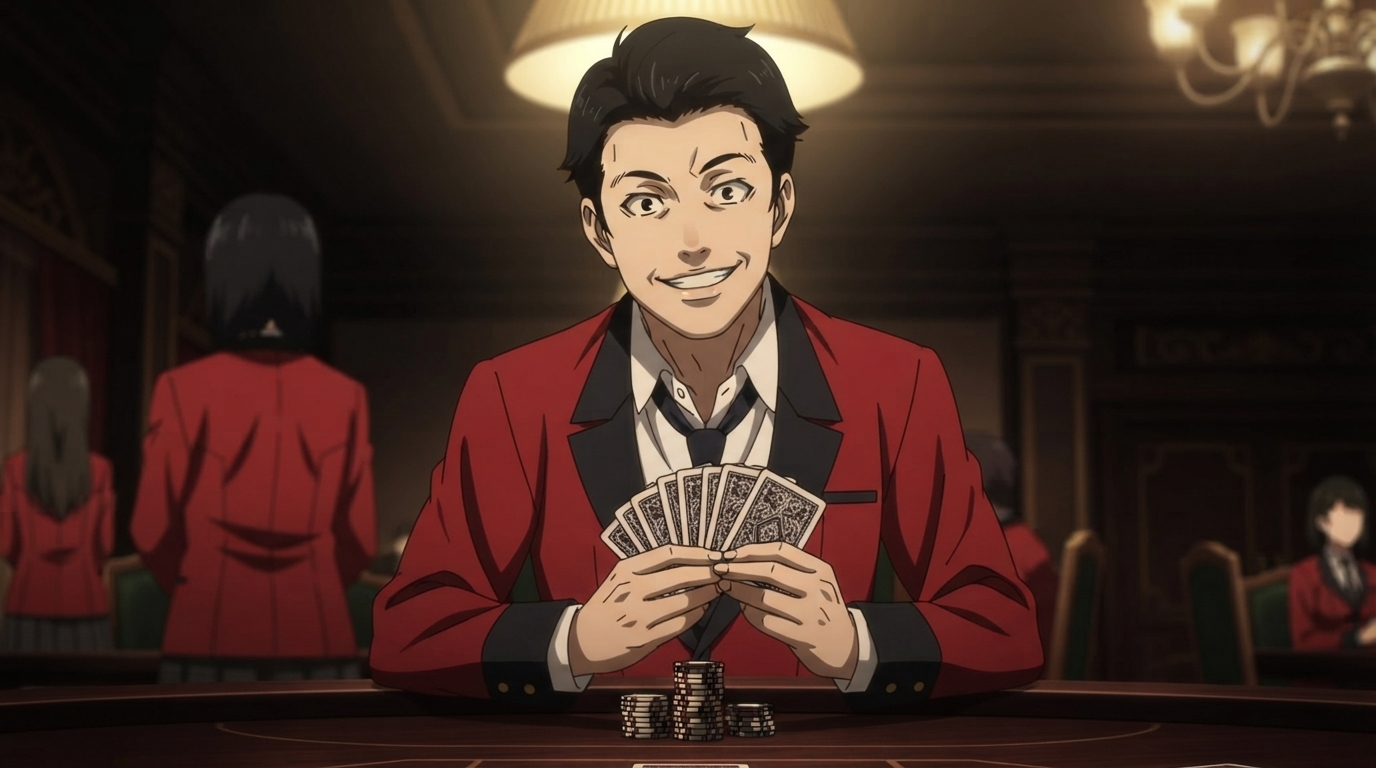
Kakegurui
Hyakkaou Academy red blazers, luxury casino interiors, and intense gambling drama.
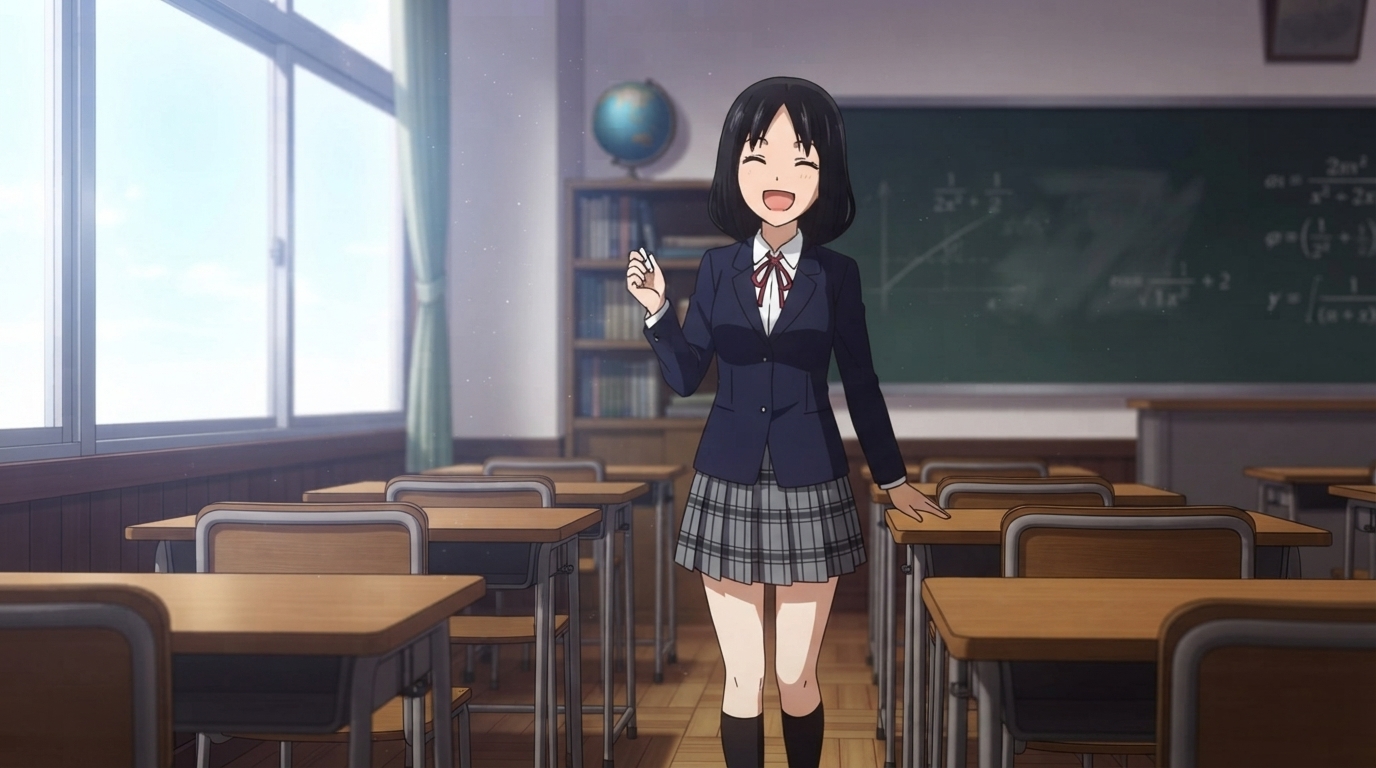
Kaguya-sama: Love is War
Shuchiin Academy uniforms, ornate student council rooms, and sparkling romantic comedy energy.
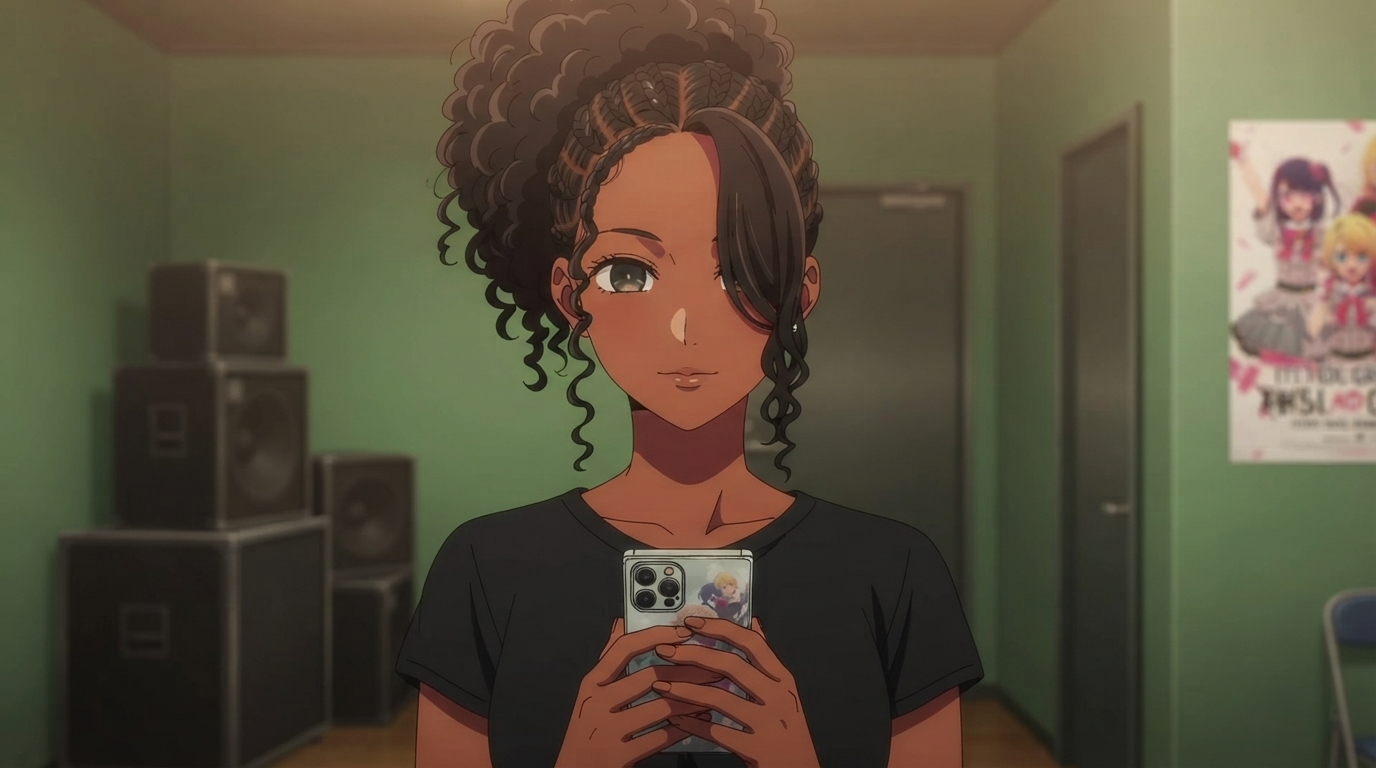
Oshi no Ko
Star-pupil eyes, B-Komachi stage lights, backstage green rooms, and idol industry drama.
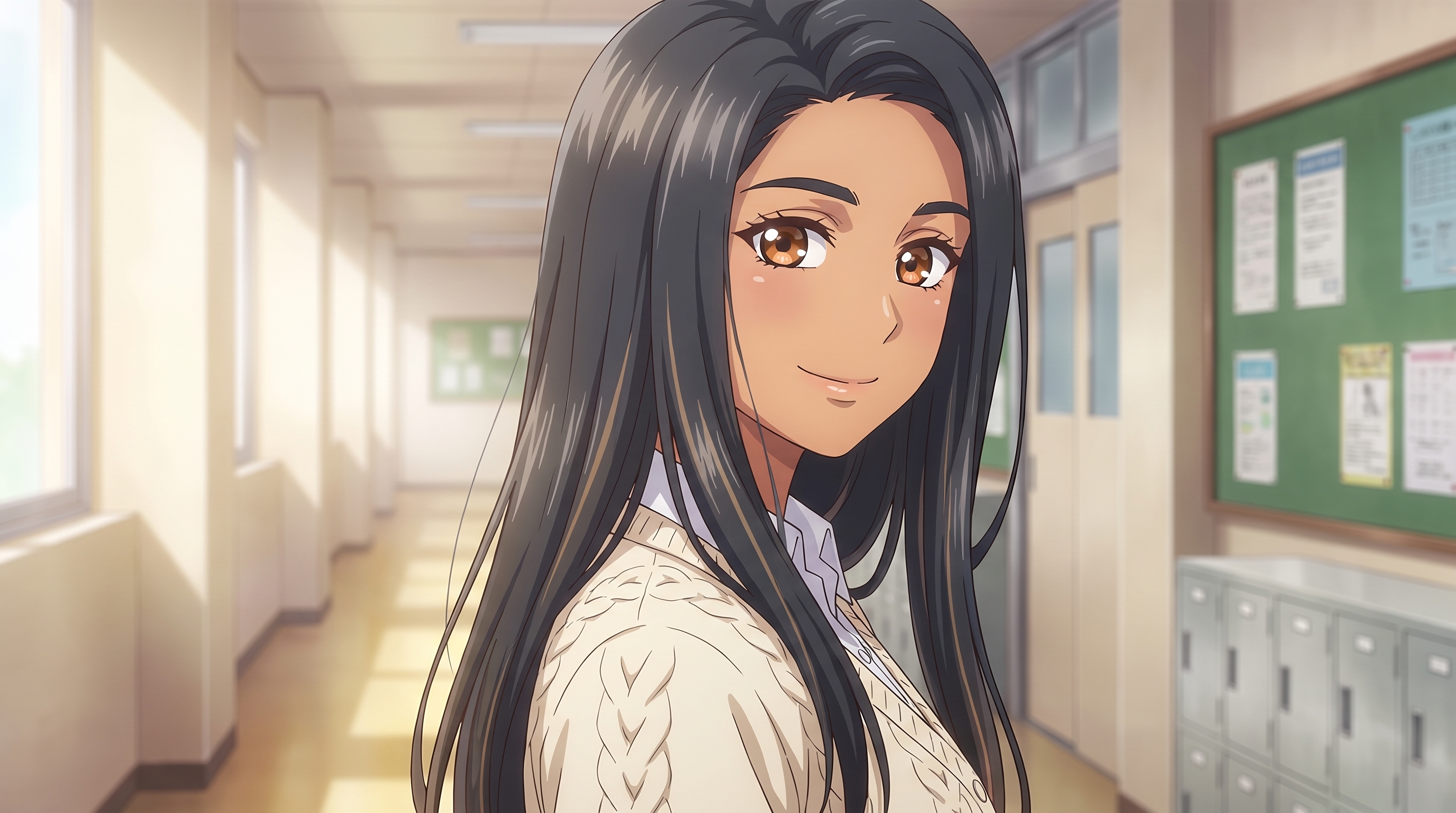
The Quintessential Quintuplets
Soft school uniforms, golden classroom light, and warm romance comedy slice-of-life scenes.
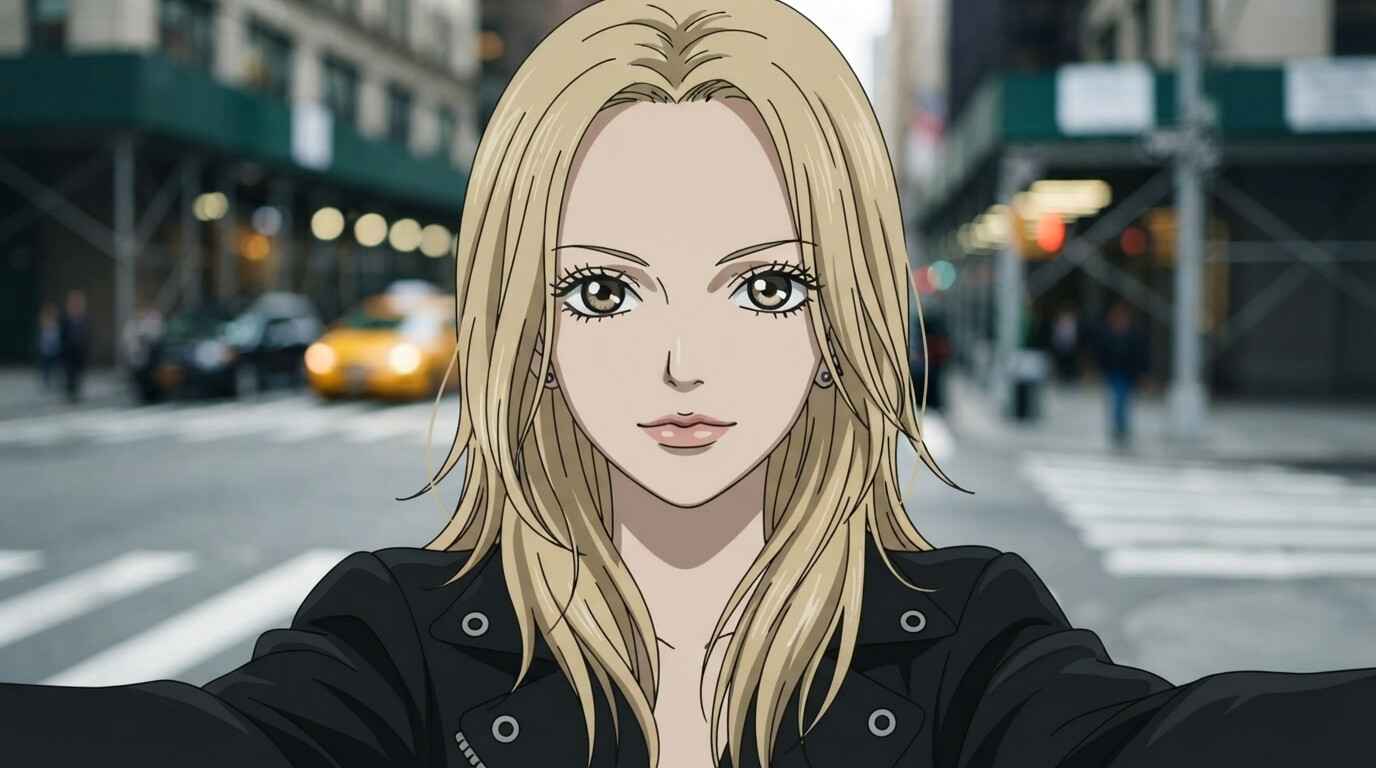
Nana
Elegant josei linework, punk-rock fashion, dramatic eyelashes, and urban Tokyo romance.
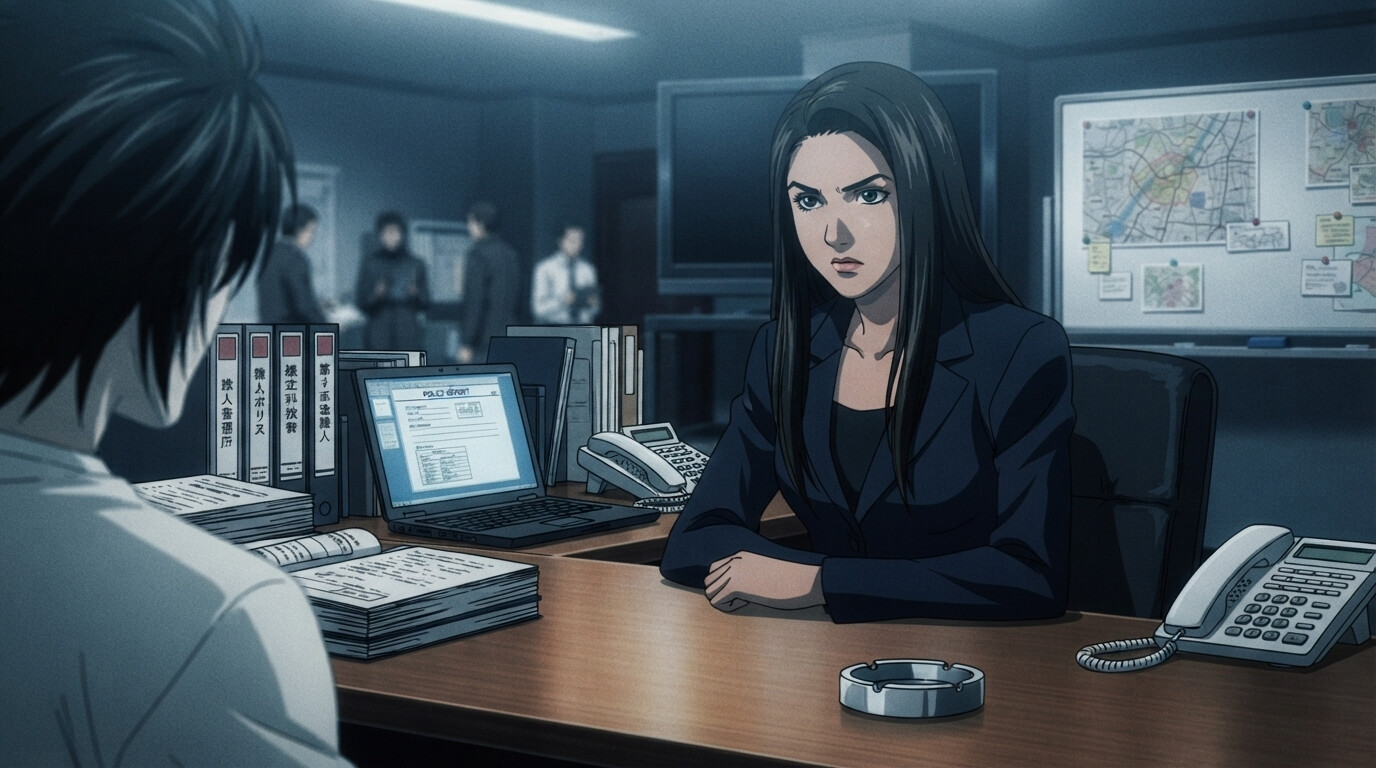
Death Note
Sharp psychological thriller aesthetic with moody lighting, task force headquarters, and tense investigative scenes.
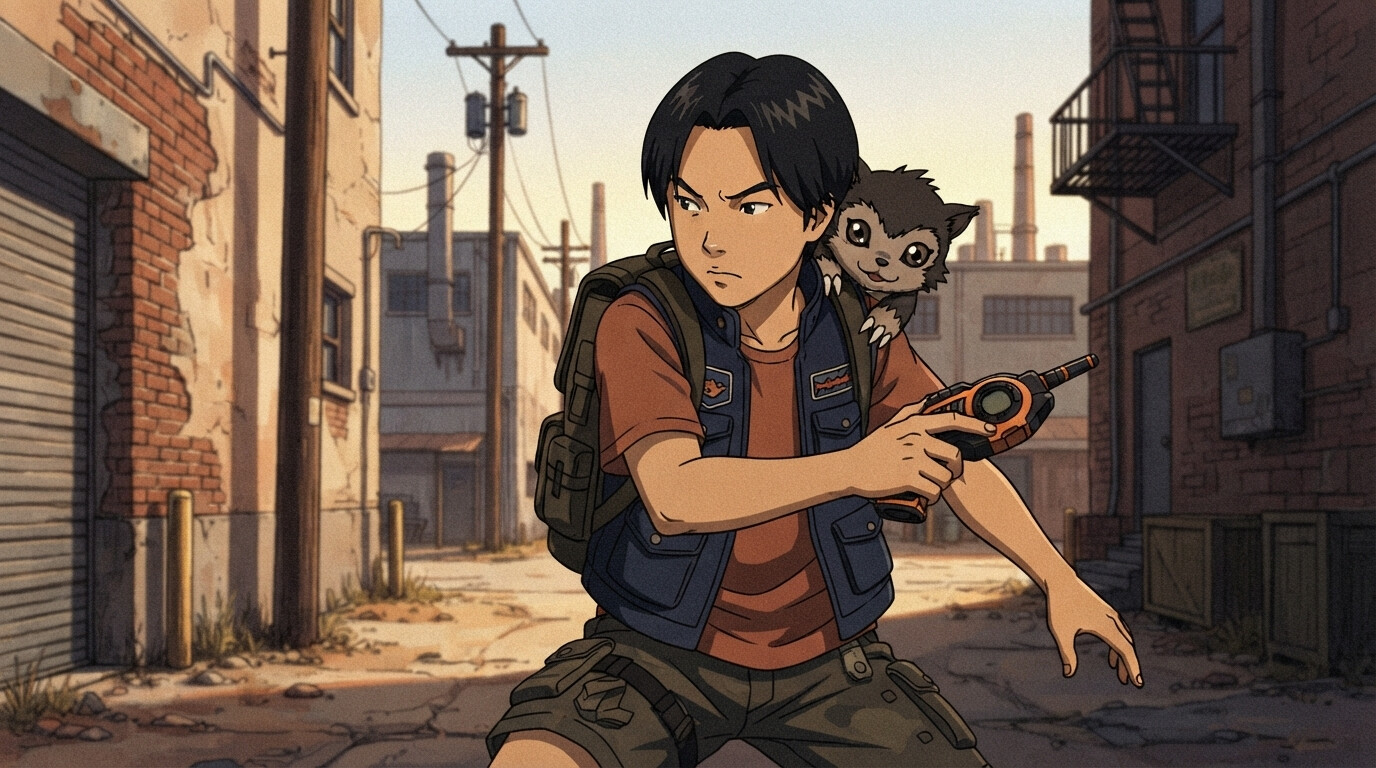
Digimon
Digivices, partner creatures, digital glitch effects, and adventurous real-world settings.
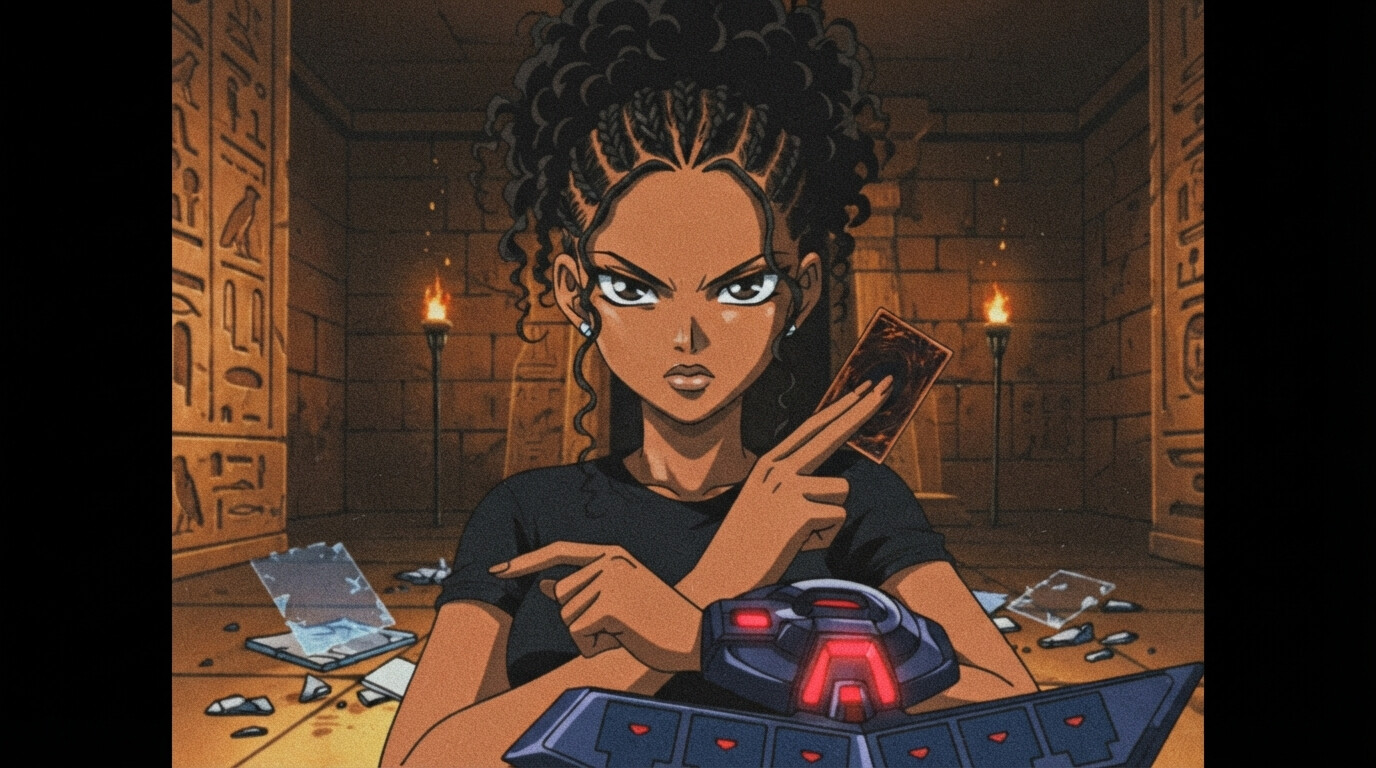
Yu-Gi-Oh!
Duel Disks, holographic monster summons, and dramatic card duel poses in ancient Egyptian settings.
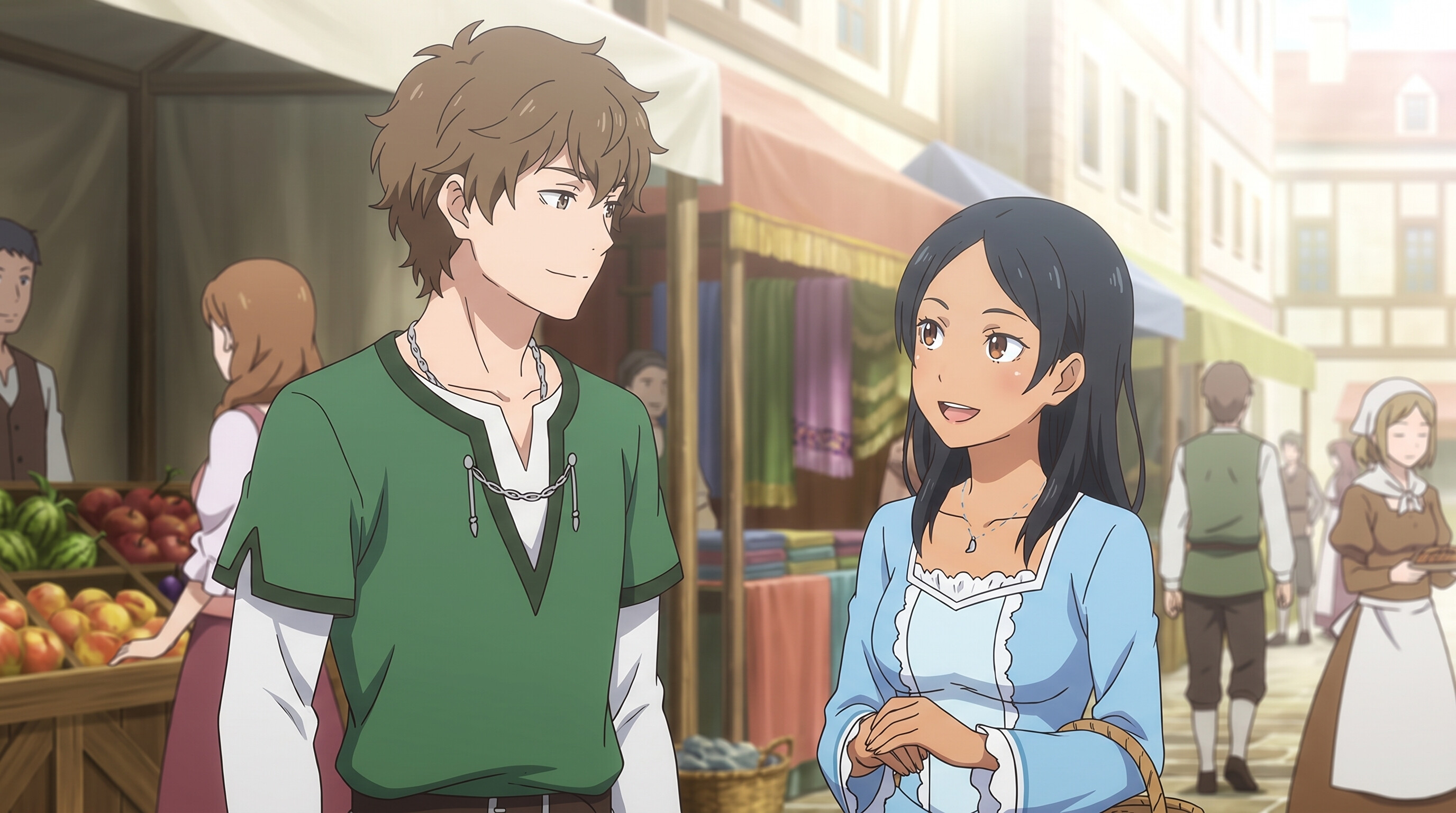
Re:ZERO
Medieval fantasy market towns, sunlit cobblestone streets, and expressive isekai character designs.
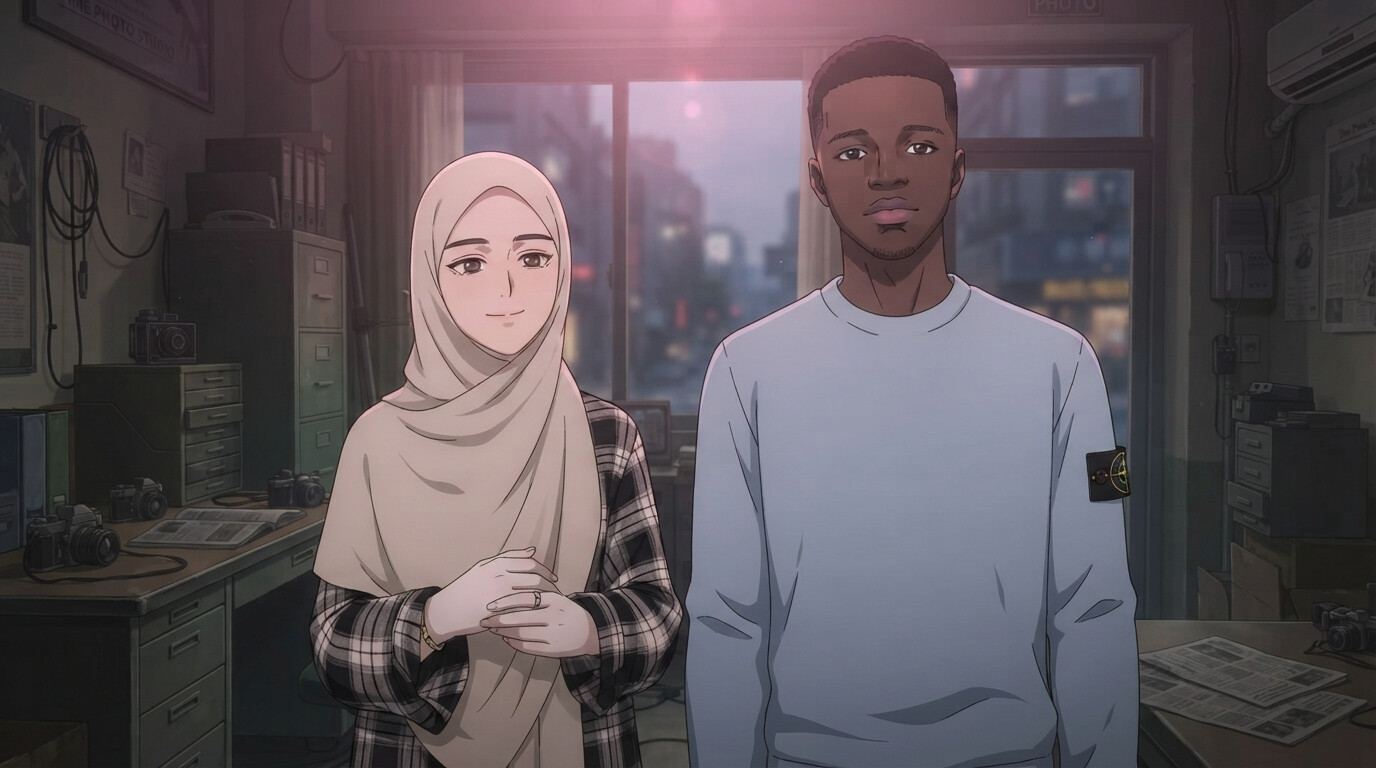
Link Click
Modern urban donghua look with warm cinematic lighting, clean linework, and realistic city backgrounds.
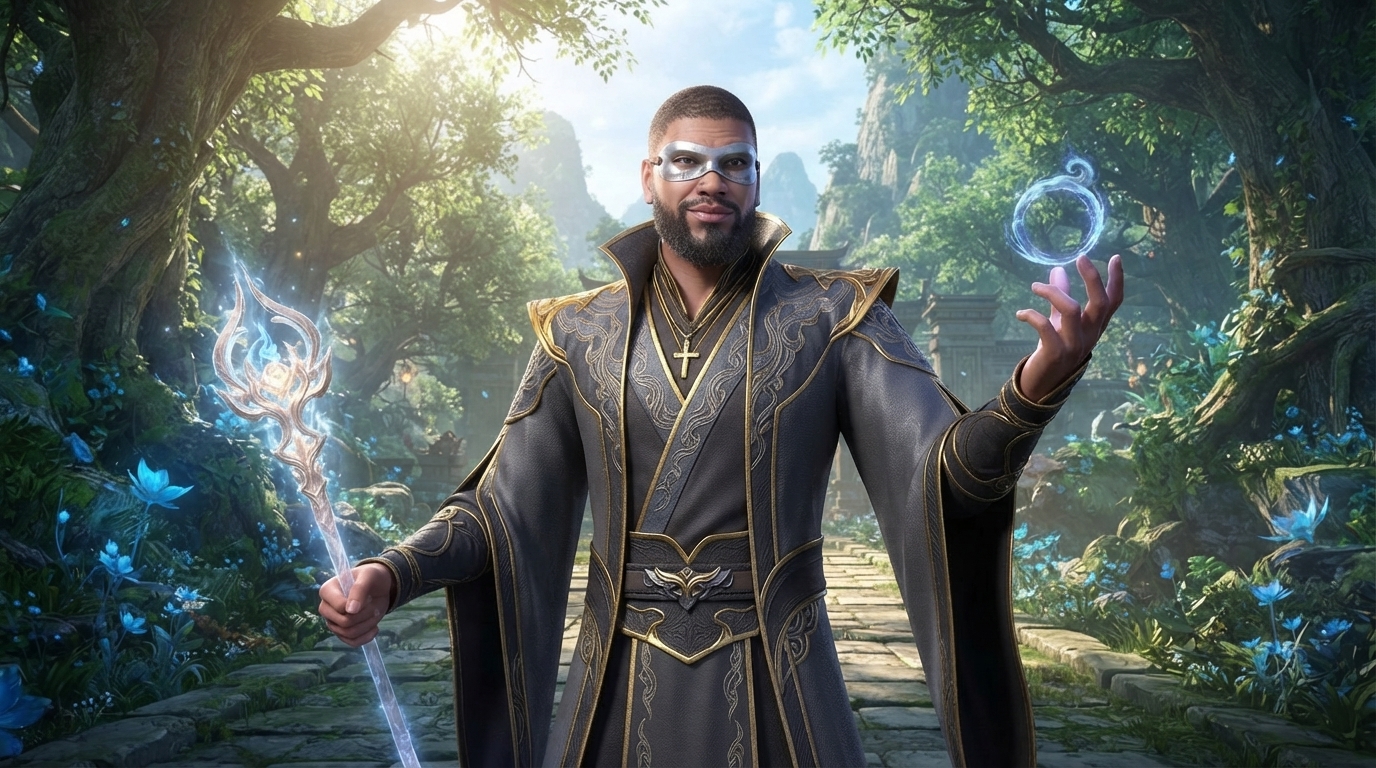
Soul Land
3D donghua spirit master robes, glowing spirit rings, and epic xianxia mountain landscapes.
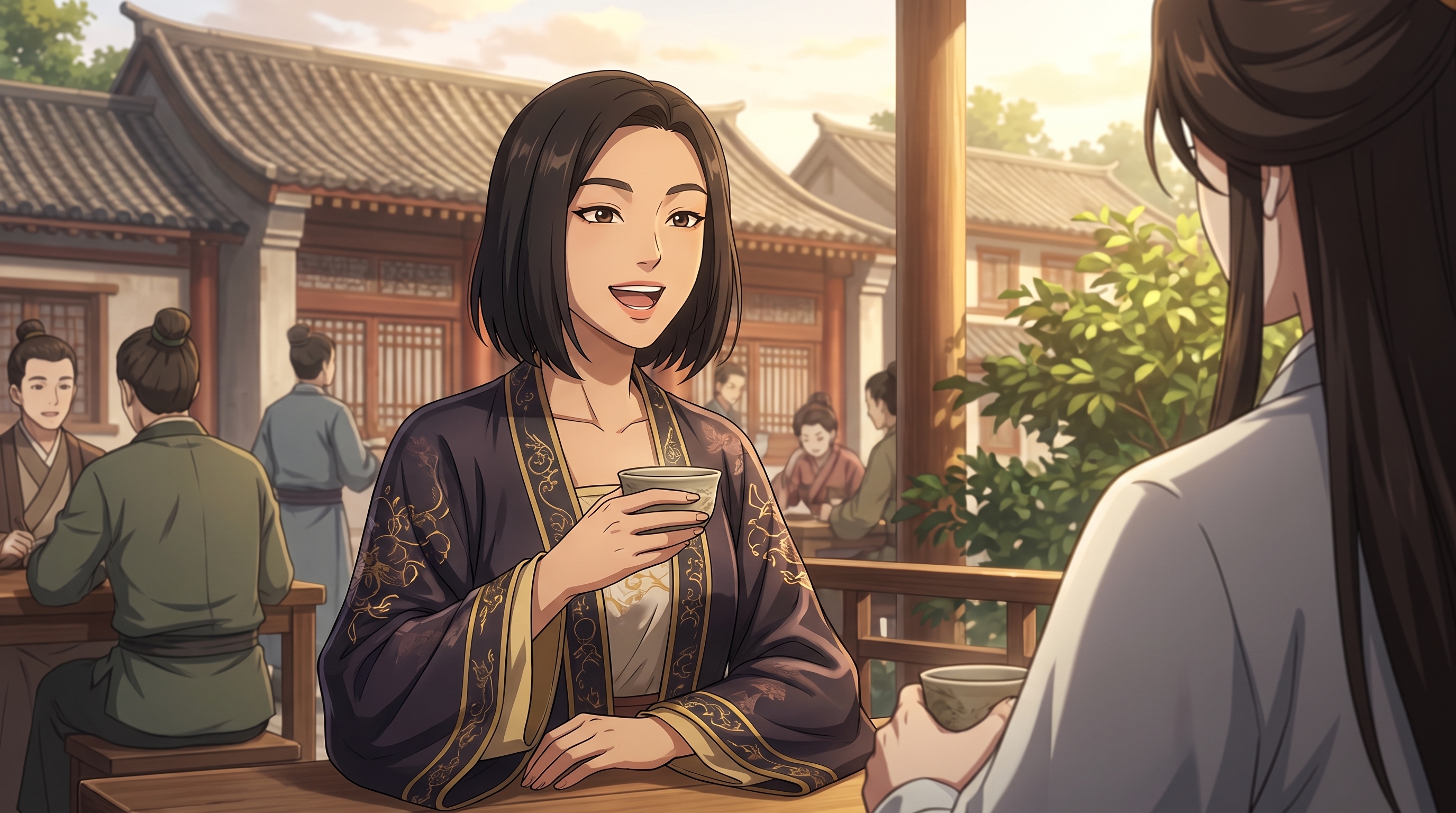
Heaven Official's Blessing
Flowing hanfu robes, golden courtyard light, traditional pavilions, and elegant xianxia donghua designs.
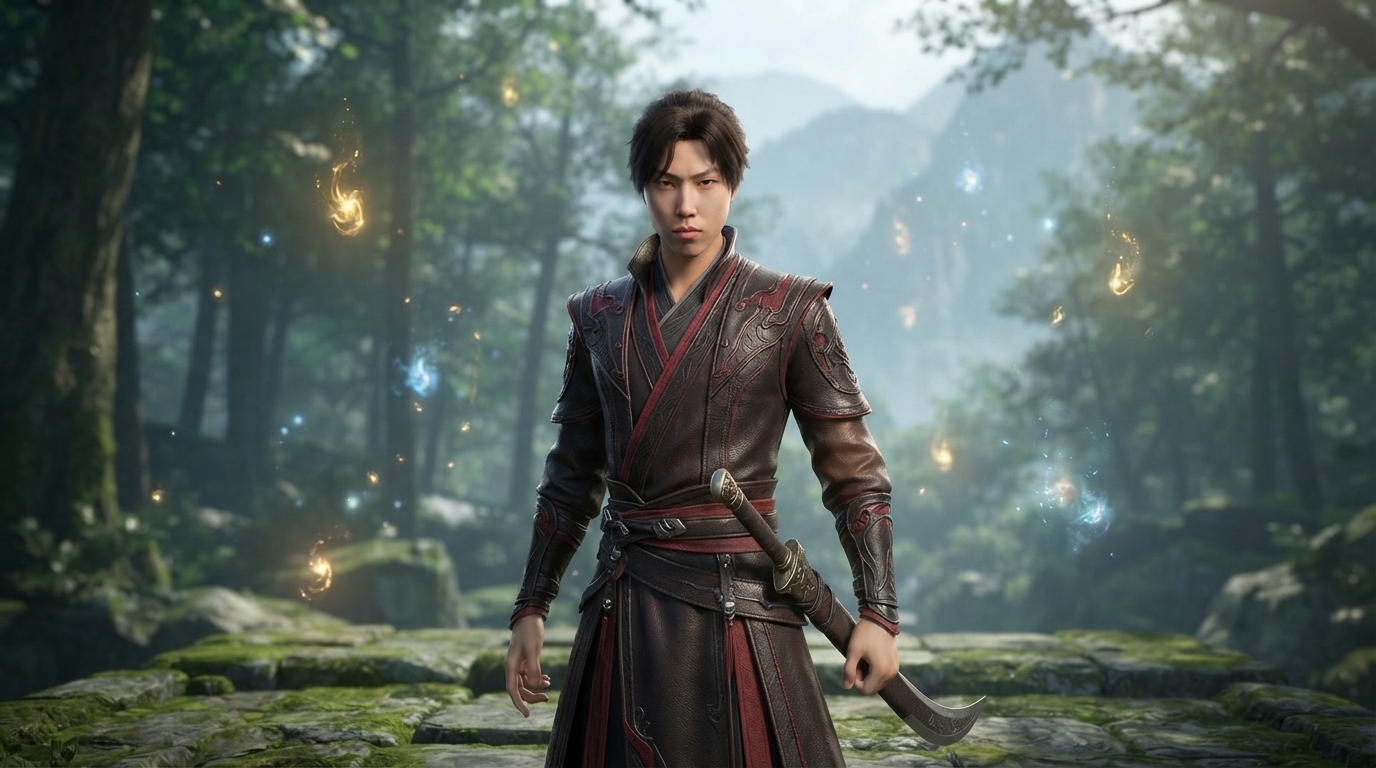
Battle Through the Heavens
Layered martial robes, glowing qi trails, spirit blades, and epic misty xianxia donghua landscapes.
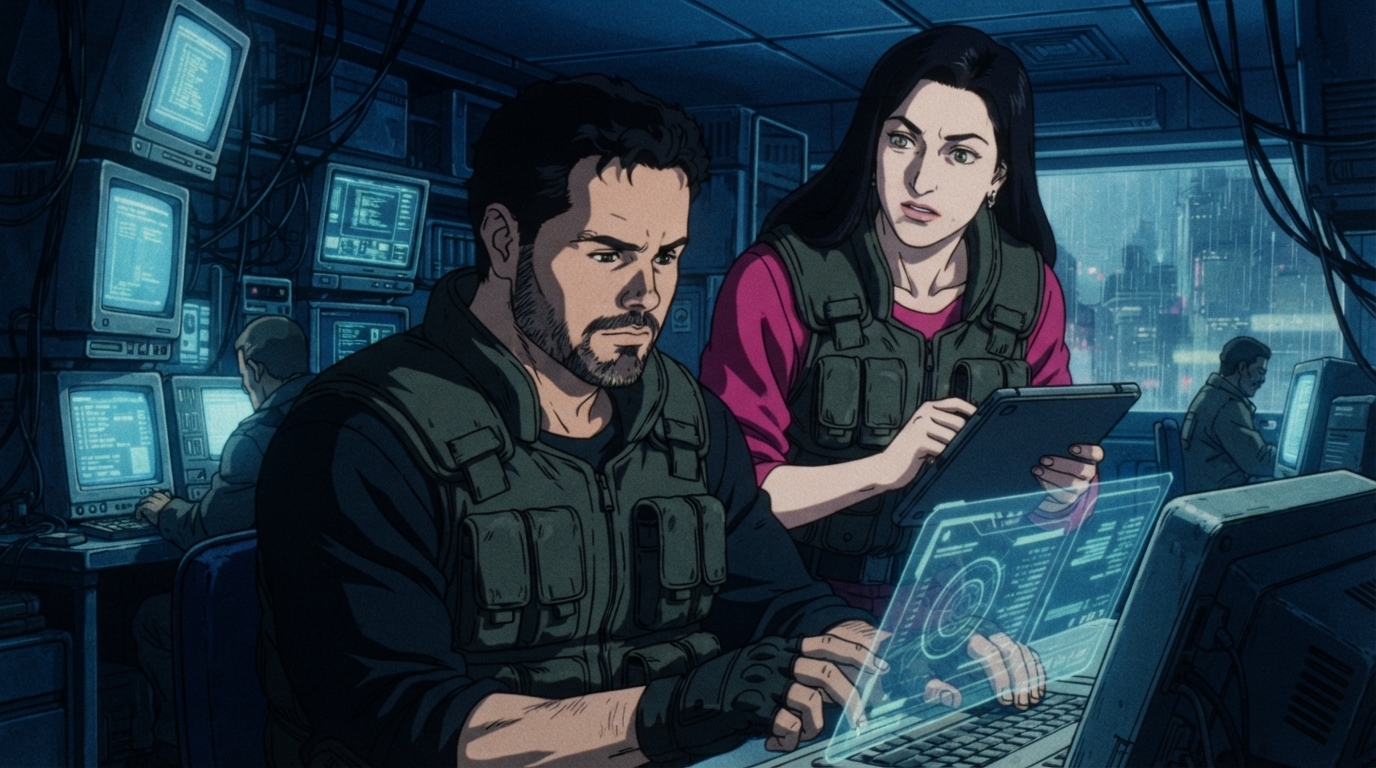
Ghost in the Shell
Moody tech-noir lighting, CRT workstations, holographic interfaces, and 90s cyberpunk cityscapes.
What is AutoWeeb?
AutoWeeb applies AI anime filters to transform real photographs into anime-style artwork. Instead of spending hours hand-drawing or digitally painting, upload a photo, pick a filter, and receive a high-quality photo to anime result in seconds. AutoWeeb captures the detail and expressiveness of high-fidelity hand-drawn anime.
Whether you want to apply an anime filter to a selfie, turn a group photo into a scene straight out of a Shonen series, or reimagine a landscape in the style of Studio Ghibli, AutoWeeb's anime filters make photo to anime conversion accessible to everyone.
Why Choose AutoWeeb Anime Filters?
Multiple anime styles
Shonen, Shojo, Cyberpunk, Slice-of-Life, and more. Match any aesthetic you love.
Consistent characters
Save character sheets and reuse them across scenes to maintain visual continuity.
Video and animation
Go beyond still images. Animate your anime art with a single click.
Camera angle control
Choose establishing shots, close-ups, dutch angles, and more for cinematic framing.
Fast and easy
No downloads, no complex setup. Upload a photo, pick a style, and get results in seconds.
Popular Uses for AutoWeeb Anime Filters
- Social media profile pictures and avatars
- Personalized gifts and prints
- Wedding invitations and videos
- Comic and manga storyboards
- Fan art of your favorite series
- Full anime short films with consistent characters and animated scenes
Anime Filters FAQ
Common questions about AutoWeeb's AI anime filters and photo to anime conversion.
How do AutoWeeb's anime filters work?
Upload any photo to AutoWeeb, pick an anime filter style, and the AI reads the subject (face, hair, pose, and background), then redraws it in your chosen style. The photo to anime conversion preserves recognizable features while applying authentic anime linework, coloring, and shading. Results generate in seconds with no drawing skills required.
Is AutoWeeb free to try for anime filters?
Yes. You can apply anime filters and convert photos to anime for free when you sign up. No credit card required. Upload a photo, pick a filter, and download your anime art. Paid plans unlock unlimited generations, character sheets, video animation, and photo packs.
What photos work best with anime filters?
Clear, well-lit portraits work best: selfies, headshots, and full-body photos all respond well to anime filters. AutoWeeb also handles group photos, pets, cosplay, and landscapes. For the sharpest results, use a photo where the subject's face is visible and not heavily obscured.
Can I choose different anime filter styles?
Yes. AutoWeeb offers multiple named anime filters including Shonen, Shojo, Studio Ghibli, Cyberpunk, Slice-of-Life, and more. Upload the same photo once and compare how it looks with different filters before locking in your favorite.
Can I animate after applying an anime filter?
Yes. After applying an anime filter to your photo, save it as a character sheet and animate it with one click. AutoWeeb generates short video clips with consistent character design, camera movement, and motion. No separate video editor needed.
Will my anime portrait still look like me?
AutoWeeb is designed to preserve your likeness during photo to anime conversion. The AI maps your facial features, hair, and proportions into the anime filter style so the result is recognizably you, not a generic anime face. You can fine-tune outfit, expression, and style to get the look you want.
Ready to Try Anime Filters?
Join thousands of creators using AutoWeeb's anime filters to convert photos to anime.
Try Anime Filters for Free