
How to Turn Video Game Characters Into Anime Videos for YouTube
Gaming channels already have the stories — anime-style video is how you make them look like a show instead of a screenshot montage.
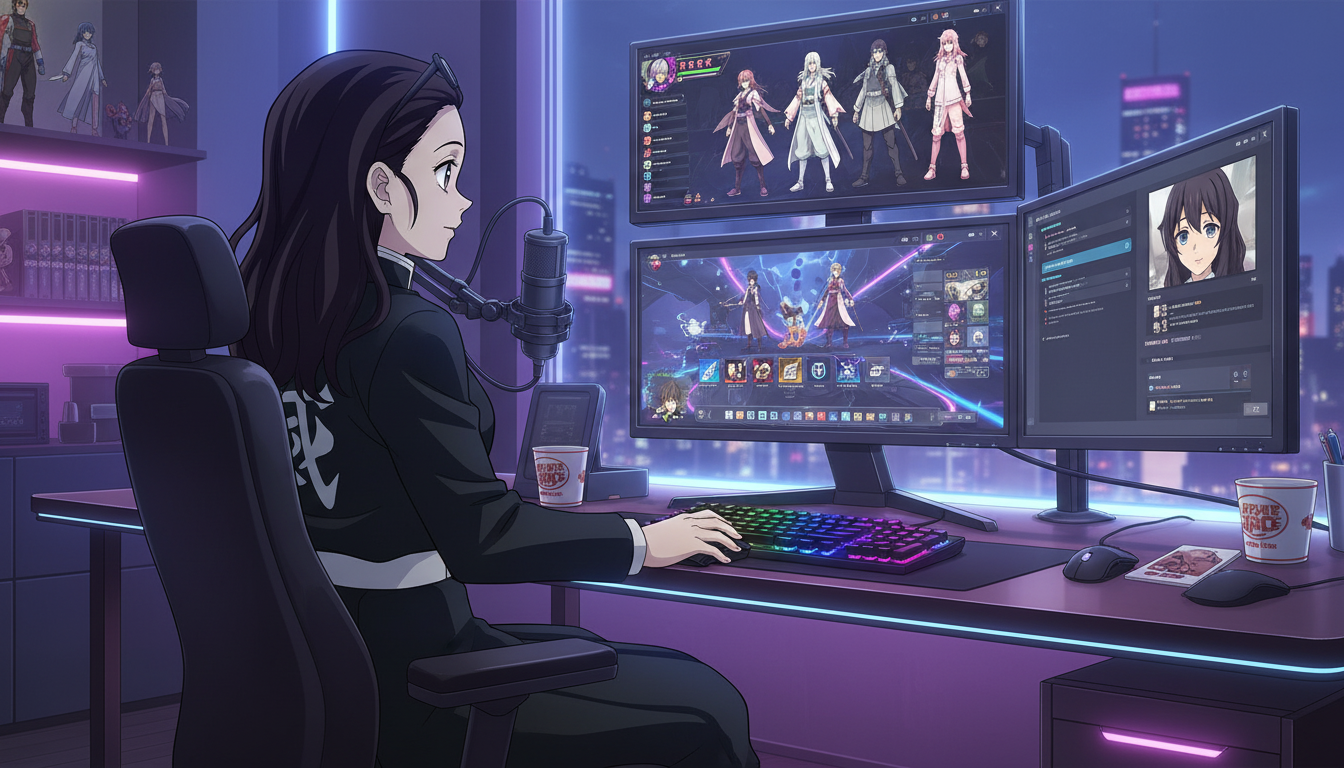
If you run a gaming channel on YouTube, you already speak the language of arcs: the underdog run, the betrayal before the final level, the quiet campfire scene before everything goes wrong. What most gaming creators do not have is a visual style that matches that narrative weight. Screen recordings and HUD overlays tell the story, but they rarely feel like a show. Turning video game characters into anime is the bridge: same stakes, same personality, a look that reads instantly as serialized fiction rather than gameplay footage with a filter.
This guide is for creators who want to build anime-style videos around game-inspired characters without redrawing every frame. You will learn how to translate a game archetype into an original anime OC, how to stage scenes that feel like cutscenes, how to animate clips for Shorts and long-form uploads, and how to keep one protagonist consistent across a whole content calendar.
Why gaming audiences respond to anime video more than generic AI art.
Gaming viewers are trained to read visual systems. Health bars, quest markers, rarity colors, ultimate ability glows: all of it communicates status and emotion without dialogue. Anime uses the same logic at a cinematic level. A low-angle shot before a duel is a wind-up. A held close-up after a loss is the post-boss silence. A warm palette shift at camp is the save point feeling.
When you post a still screenshot with text, you are reporting what happened. When you post an anime scene of your character in the same emotional beat, you are showing the moment as fiction. That difference matters on YouTube Shorts, where the first second decides whether someone stays. Anime framing gives you an immediate genre signal: this is a story, not a clip.
The goal is not to copy a copyrighted game character. The goal is to capture the archetype your audience already loves: the tactical mage, the reckless duelist, the support healer who finally snaps, the rival who smiles right before the rematch. Build an original character around that role, and your channel gets a recognizable cast you own.
Step 1: Translate a game archetype into an anime OC your channel can reuse.
Start with a role, not a name. Write three lines: combat role, personality flaw, visual signature. Example: frontline bruiser, refuses to retreat, cracked pauldrons and a scar across the left brow. That is enough to open the anime character creator or upload a reference photo and convert it with photo-to-anime if you want the protagonist to resemble you on stream.
Lock the design in your character library before you generate scenes. Consistency is what makes episode three feel connected to episode one. If you rebuild the face from a vague prompt every time, your audience will sense drift even if they cannot describe it.
Useful starter prompts for game-inspired OCs:
- RPG healer with mint-green eyes, white and gold vestments, soft smile, standing in a ruined cathedral with light through stained glass
- Stealth archer, hooded, violet hair, crouched on a rain-slick rooftop, neon signs reflected in puddles, cyberpunk anime style
- Tank knight, heavy armor, red plume, gripping a shield in a dust storm, low-angle heroic framing, shonen style
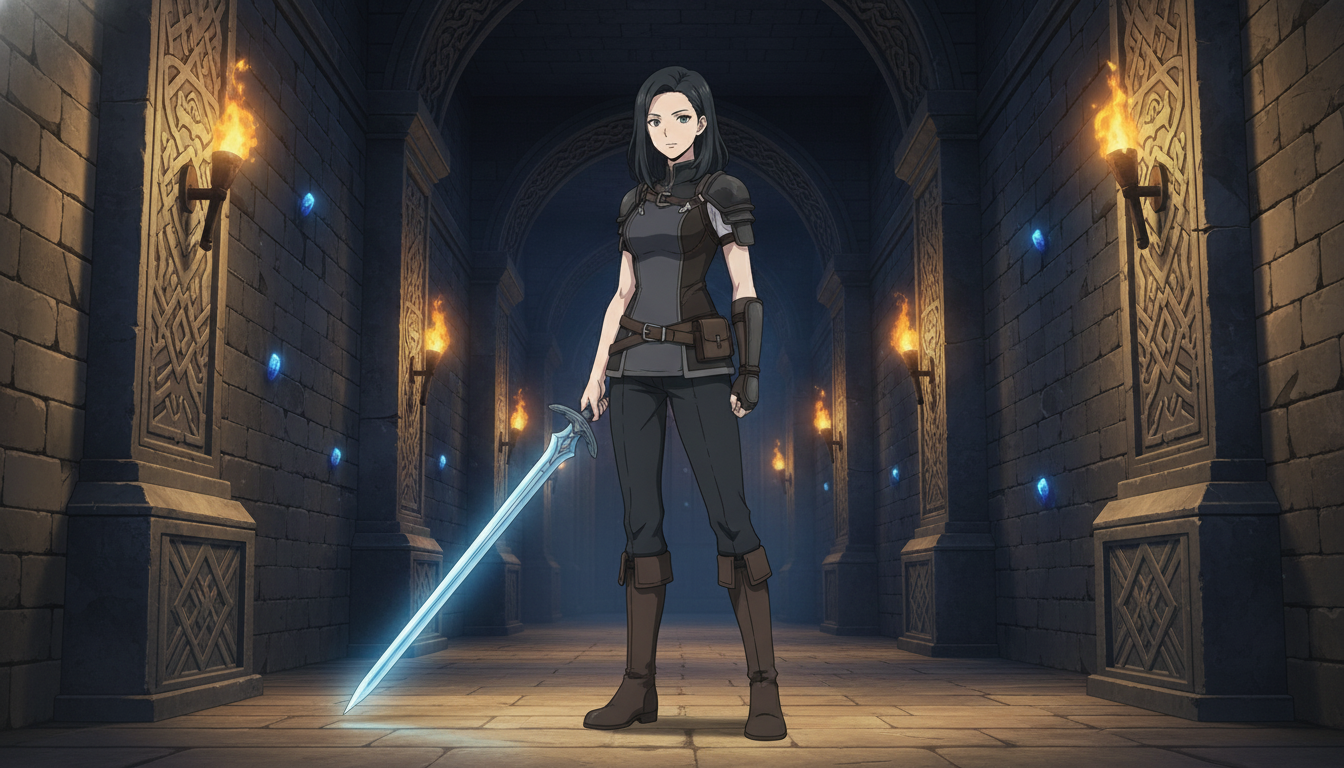
Step 2: Stage cutscene frames with scene prompts, not gameplay HUD.
Think in beats borrowed from game structure: hub, mission, encounter, aftermath. Each beat is one image or one short clip. Hub scenes are wide and calm. Mission scenes add direction: character moving through a space with a clear goal. Encounter scenes tighten the frame and raise contrast. Aftermath scenes slow down and hold on face or hands.
Scene prompts should describe environment and camera, not repeat the full character sheet. AutoWeeb anchors to your saved character automatically. Focus on what changed: location, lighting, emotion, framing.
Examples that work for gaming channels:
- Wide shot, guild hall interior, banners overhead, warm firelight, protagonist seated alone at a long table, over-the-shoulder angle
- Medium shot, forest path at dusk, fireflies, character stopping and looking back, shallow depth of field, slice-of-life palette
- Close-up, rain on face, jaw set, cold blue light, static camera, no dialogue, seinen tone
For consistent backgrounds across angles, use AutoWeeb's scene builder or drop your character into photo packs when you need a ready-made environment fast. That is especially useful when you batch a week of Shorts in one session.
Step 3: Animate boss-fight energy with short AI video clips.
Still frames carry lore and setup. Video carries impact. For YouTube Shorts, plan one primary motion per clip: a lunge, a spell charge, a camera push on the rival's eyes, a slow pan across a wrecked arena. Seedance 2 works best when the image already looks like a key frame and your prompt only directs movement.
Keep prompts short and physical:
- Slow zoom in on face, embers drifting, dramatic hold
- Low-angle tracking shot, character stepping forward, energy aura pulsing
- Wide static shot, rain intensifying, lightning flash behind silhouette
One clip, one action. If you need a full fight, chain three clips: wind-up, clash, aftermath. That mirrors how viewers parse real combat in games and in anime. For deeper prompt structure, see the guide on writing AI anime video prompts and the walkthrough for anime sword fight videos.
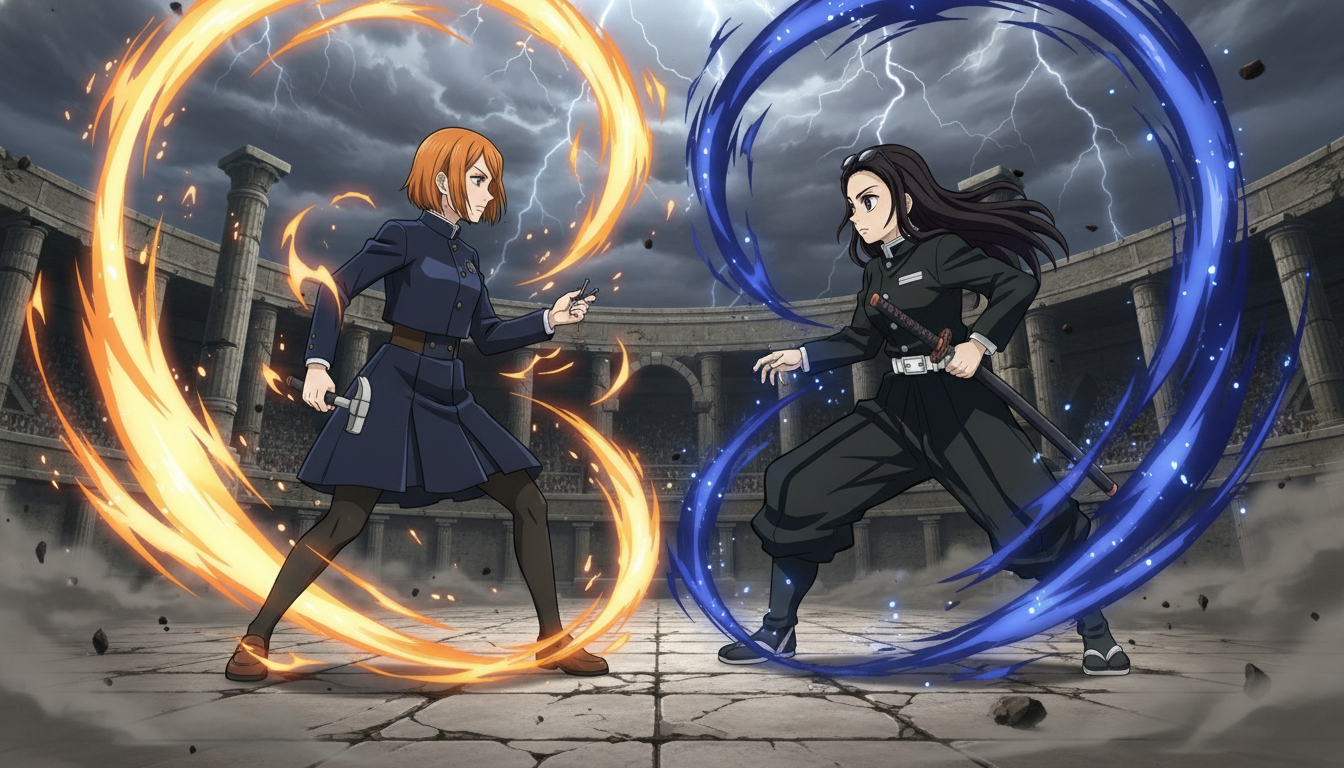
Step 4: Edit for YouTube pacing — hook, loop, and series continuity.
Shorts reward an immediate hook: start on the clash or the reaction, not the walk to the arena. Long-form videos can open with a calmer establishing shot, but you still need a visual question in the first five seconds (who is this, what are they about to lose, why is the rival smiling).
Build series continuity the same way successful game channels build season arcs: same protagonist, evolving locations, callbacks to earlier beats. A line of dialogue in the description, a recurring location, a scar that stays visible. Your anime OC is the brand anchor.
Batch production weekly: one session for character expressions, one for scene stills, one for motion clips. Creators who post three times a week win on volume plus recognition, not on a single perfect render. The YouTube creator guide covers scheduling and batch workflows in more detail.
Common mistakes when turning game ideas into anime video.
Copying identifiable game characters or logos is the fastest way to create content you cannot monetize or reuse safely. Design original OCs inspired by roles, not assets ripped from a trailer.
Overloading one clip with an entire fight sequence produces muddy motion. Treat each generation like a single attack animation in a fighting game: one readable action per file.
Skipping the character library step means every thumbnail looks like a different person. Viewers subscribe to faces they recognize.
Using only HUD gameplay for emotional beats when a close-up would land harder. Save gameplay for commentary; use anime frames for the moments you want shared as clips.
What you have at the end of this workflow.
A game-inspired anime protagonist you own, a library of scene frames that read like cutscenes, short motion clips sized for Shorts, and a production rhythm that fits a real upload schedule. You are not replacing your gameplay content. You are giving it a parallel visual lane that travels better on feeds and in thumbnails.
If you are starting from zero characters, build the OC first with how to make an anime character, then map a three-beat story in how to turn an idea into an AI anime video. For action-heavy channels, pair this workflow with creating anime fight scenes with Seedance 2.
Related Blog Posts
Storytelling and Worldbuilding in AI Anime: How to Build Worlds That Feel Real
From establishing the visual logic of a world to building characters with history — how to use AI anime to create stories that live beyond a single image.
Learn how to use AI anime generation for storytelling and worldbuilding — covering environment design, character consistency, narrative sequencing, and the visual grammar that makes worlds feel lived-in.
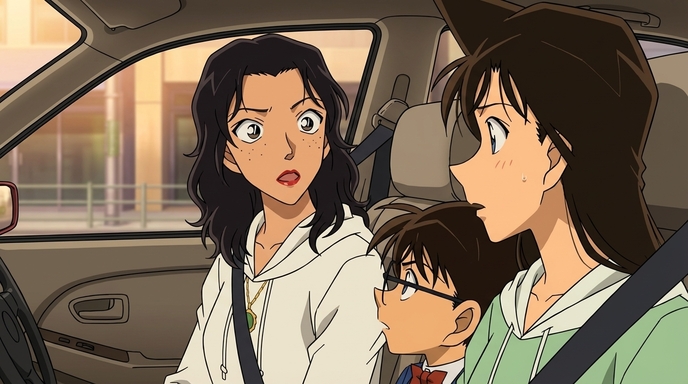
Best AI Anime Facial Expression and Pose Prompts for Emotional Scenes
How to prompt joy, rage, sadness, determination, embarrassment, and every major pose type to make AI anime characters feel emotionally alive.
Learn the best AI anime facial expression and pose prompts for joy, rage, sadness, determination, embarrassment, romance, and cinematic body language. With prompt examples.
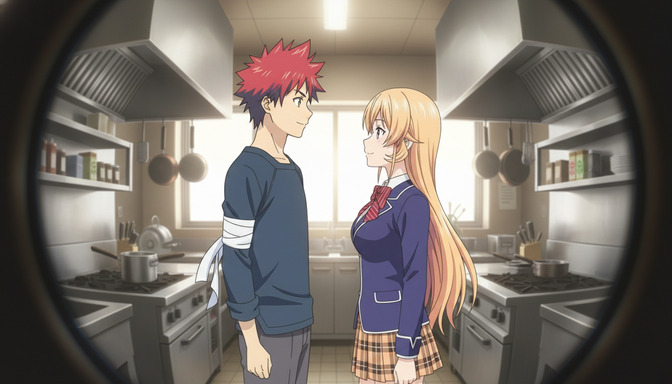
Best Lens Effects for AI Anime Prompts: Depth of Field, Bokeh, Motion Blur & More
How to use bokeh, shallow depth of field, fish-eye, bloom, motion blur, anamorphic flare, and zoom blur to make AI anime feel like it was shot through a real lens.
Learn how to add bokeh, depth of field, fish-eye, motion blur, zoom blur, bloom, and anamorphic flare to AI anime prompts. Practical examples for every lens effect.
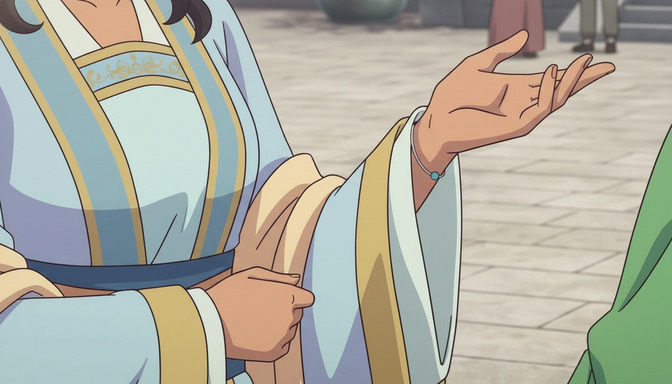
Extreme Close-Up Shots Explained: How to Create Powerful Emotional Scenes in AI Anime
How and when to use extreme close-up framing to isolate the details that carry the most emotional weight in AI anime.
Learn how and when to use extreme close-up shots in AI anime emotional scenes. Includes prompt examples for eyes, hands, lips, and detail inserts that make scenes land.
Explore AutoWeeb
Jump into the tool that fits your creative step.
AI Anime Video Generator
Animate storyboard shots into cinematic clips with Seedance 2 and consistent characters.
Anime Character Creator
Design original characters with consistent sheets across every scene.
AI Anime Image Generator
Generate cinematic anime stills anchored to your character library.
Anime Filters
Upload any photo and apply AI anime filters to turn it into stunning anime art in seconds.
AI Anime Location Generator
Create a location set once, then generate reference images from every angle.
AI Anime Storyboarding
Describe your idea, pick your characters, and let AI draft the script and scenes.
AI Anime Prompt Agent
Turn a rough idea into a cinematic Seedance 2 prompt with the AI Director.