
From Still Image to Animation: Bringing Your Art to Life in One Click
Turn a locked anime still into a Shorts-ready clip without redrawing the frame or re-describing your protagonist from scratch.
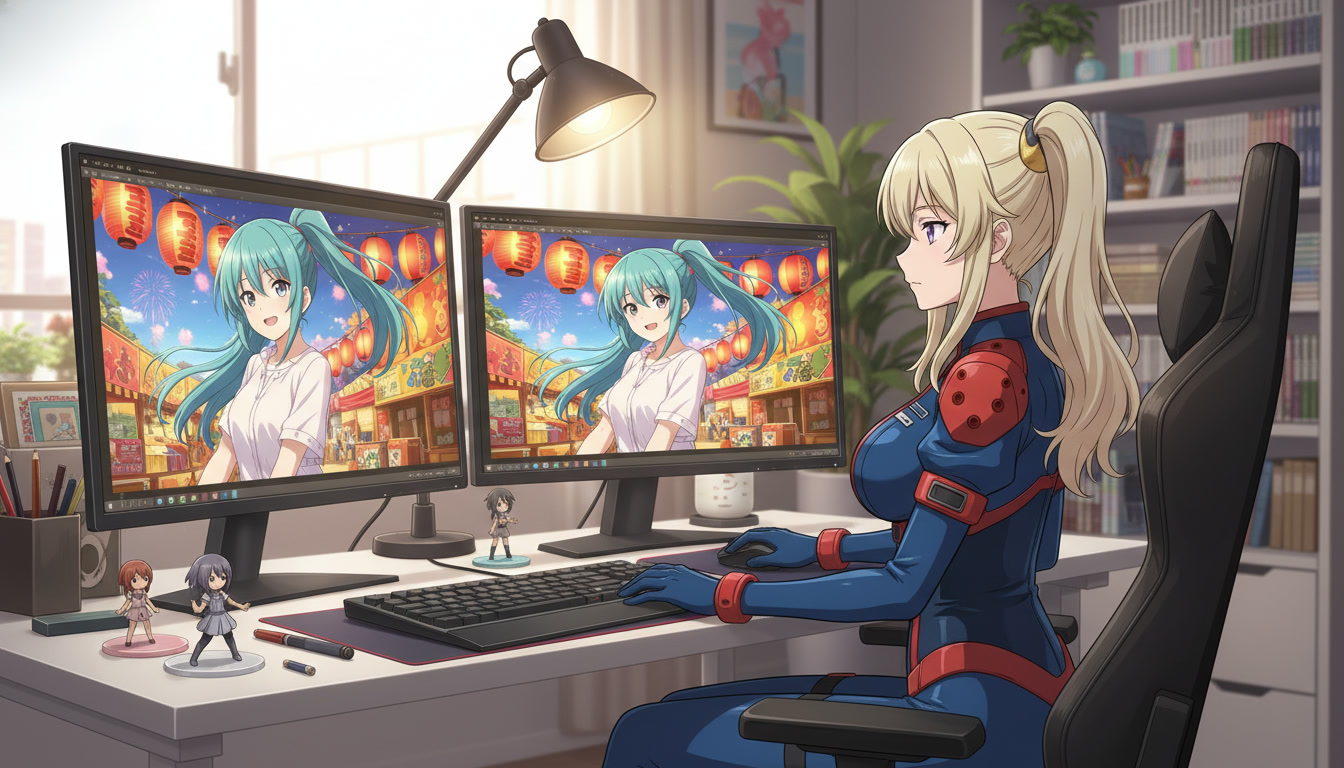
Most ai anime video channels do not fail because the motion model is weak. They fail because every clip starts from a blank prompt instead of a frame the audience already trusts. Still image to animation is the bridge: you lock composition in a still, then ask the generator to move hair, fabric, particles, and camera within that frame. YouTube Shorts reward that discipline. Viewers scroll past unrelated generations; they pause when episode three looks like episode two with wind in the scarf.
Why still-to-motion beats prompt-only video for serialized channels.
Prompt-only video treats every upload like a lottery ticket. Still-to-motion treats every upload like a cut from the same show. The still carries protagonist nouns, wardrobe, location, and grade. The motion prompt only names what changes: hair lifts in a slow crosswind, lantern light flickers, camera holds medium close-up. That split is how professional pipelines separate layout from timing, and it is how solo creators keep a twelve-episode arc readable without a paint team.
For Shorts, the still also becomes your thumbnail source. Export the approved frame, animate from the same file, and the face in the feed matches the face in the clip. Channels that skip this step bleed trust even when the motion is beautiful. If you are building a cour, pair this workflow with keeping your protagonist identical across twelve episodes so the still library and the motion library share one bible row.
Step 1: Generate a still worth animating.
Not every still should move. Pick frames where motion adds story: wind before a confession, embers after a clash, rain on a window while the character watches the street. Avoid stills that already feel like a freeze-frame of chaos unless you want the model to invent new limbs. Portrait hooks work when expression is the hook; wide shots work when environment is the hook.
Lock the character in AutoWeeb's library first. Reference the saved ID on the image prompt so hair color, eye shape, and outfit survive the still pass. Use the AI anime prompt agent to stress-test nouns before you spend motion credits: if the still drifts, motion will drift faster. Concrete example for a festival hook still: teal-haired heroine in navy school blazer, gold festival lanterns behind her, warm amber key light, medium close-up, surprised eyes, mouth slightly open.
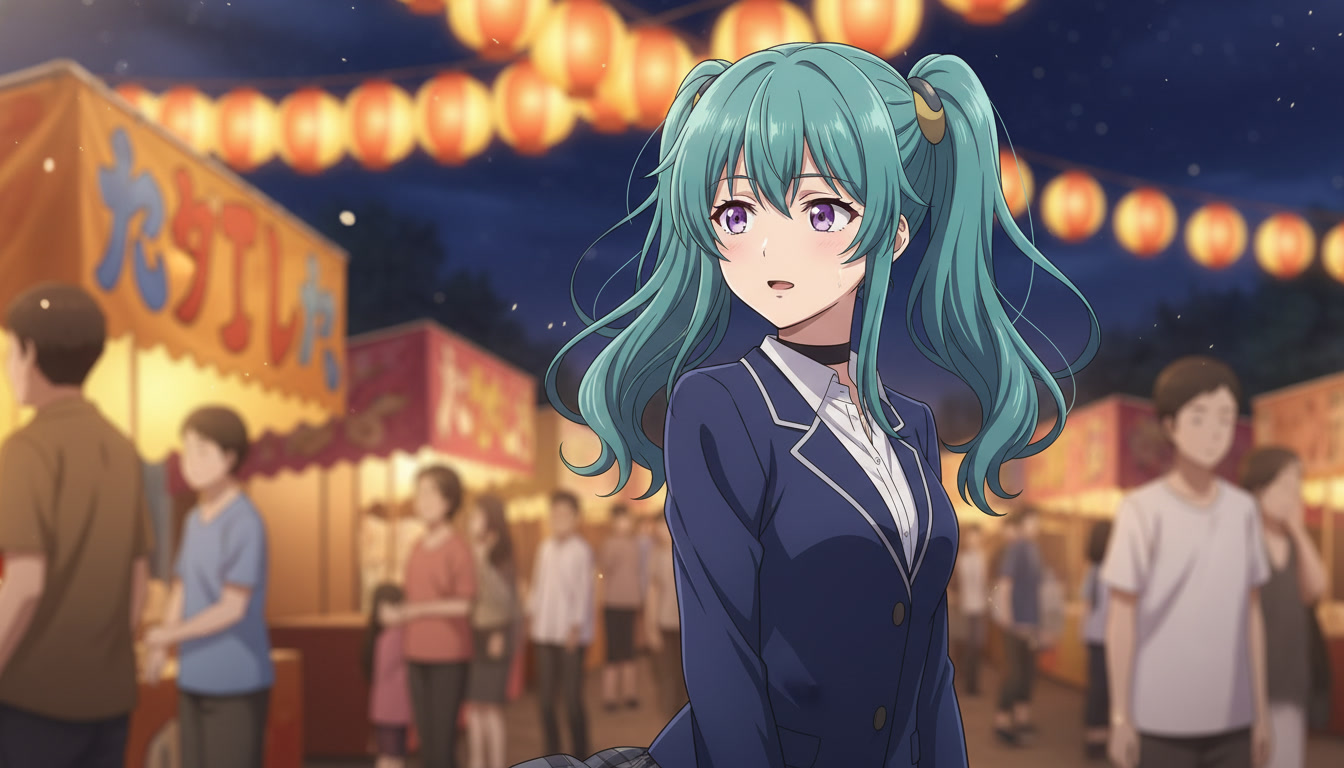
Step 2: Hand the still to the video generator as the anchor frame.
Open the AI anime video generator with the approved still attached as the starting frame. The model inherits composition; your job is to describe temporal change, not to re-litigate face geometry. Think in layers: ambient motion (rain, petals, smoke), character motion (hair, cloth, blink), camera motion (slow push, hold, gentle pan). For Shorts under fifteen seconds, one primary motion layer plus one camera verb is usually enough.
Motion prompt example built on the festival still above: hold medium close-up, heroine's hair and lantern flames sway in a slow night breeze, warm amber light pulses softly, no wardrobe change, no camera cut. Notice what is forbidden: new hair color, new outfit, smash zoom. Those belong in a different beat, not in the same clip that promised continuity from the still.
Step 3: Match motion intensity to the beat (hook, turn, land).
Hooks want readable motion at thumb-stop speed: hair movement, particle drift, a single expression shift. Turns want contrast: still rain becomes heavier, calm eyes narrow, the camera pushes one inch closer. Lands want deceleration: motion eases, light softens, the frame holds so the viewer feels the emotional period at the end of the sentence. If you storyboard with HOOK/TURN/LAND rows, copy the motion intensity from the screenplay column instead of improvising per upload. The script to screenplay workflow is where those columns get written.
Hook clip: motion that reads in the first second.
Subtle hair sway, lantern flicker, character inhales, camera static, warm grade unchanged. The viewer should understand face and stakes before audio lands.
Turn clip: motion that changes the situation.
Rain intensifies across the clip, character's eyes widen mid-clip, camera slow push-in, teal grade cools slightly toward blue. One verb in the story, one verb in the motion prompt.
Land clip: motion that stops selling and starts settling.
Wind eases, hair settles, lantern glow steadies, camera holds wide, expression softens to resolve. Shorts that end on a still-feeling hold retain replay value because the last frame is screenshot-worthy.
Step 4: Batch stills, then batch motion for a weekly upload rhythm.
YouTube channels that ship weekly treat stills and motion as two production days. Monday: generate and QA stills for episodes five through eight. Tuesday: run motion from the approved stills only. Wednesday: edit audio and captions. Thursday: schedule. The batch discipline prevents the common failure mode where you animate before the still is final, then regenerate motion three times because the blazer changed color in a revision pass.
Keep a folder per episode: ep05-hook-still.png, ep05-hook-motion.mp4, same basename. Your editor and your LLM both reference the same filenames. When you expand to long-form chapters, the still folder becomes your shot list. For channel setup beyond week one, see creating an AI anime YouTube channel and best AI anime video tools in 2026 for how tooling choices affect the still-to-motion handoff.
Common still-to-motion mistakes (and the fix).
- Re-describing the face in the motion prompt: The still already locked appearance. Motion prompts should only name change over time.
- Animating a still that failed QA: Fix the still first. Motion multiplies errors.
- Too many camera verbs: One clip, one camera decision. Cuts belong in the edit, not inside a single generation.
- Thumbnail from a different frame: Export from the approved still or the final frame of the approved clip.
For fight and action beats, read how to create anime sword fight videos with AI for timing language that pairs with still anchors. For magic and particle-heavy turns, anime magic video prompting covers effect peaks without breaking the locked character line.
Frequently asked questions about still image to animation.
Do I need a new prompt for every frame of a Short?
No. One strong still plus one motion prompt usually produces one Short beat. Multi-beat Shorts are edited from multiple still-to-motion pairs, not from one prompt that tries to tell a whole episode. AutoWeeb's workflow assumes that separation: stills for layout, motion for time.
Can AutoWeeb animate a still I made outside the platform?
When your pipeline already includes an exported still, upload it as the anchor frame on the AI anime video generator so motion inherits composition. For characters you plan to reuse, still recreate them inside AutoWeeb's library so IDs stay consistent across episodes. Outside art works for one-offs; serialized channels benefit from library locks.
How long should a still-to-motion clip be for YouTube Shorts?
Most hooks land between four and eight seconds of motion. Longer clips are fine for turn and land beats if the motion prompt stays focused. AutoWeeb handles variable clip lengths; your storyboard should name the target duration per row so you do not over-generate motion that the edit will trim anyway.
Does the prompt agent help with motion prompts too?
Yes. Use the AI anime prompt agent on the motion layer after the still passes QA. Paste the still nouns once, then ask for temporal verbs only. The agent flags when you accidentally reintroduce wardrobe or hair changes that belong in a new still, not in the same clip.
What if motion changes the character's face?
Regenerate from the same still with a stricter motion prompt: forbid wardrobe and face changes explicitly. If drift repeats, revise the still (often lighting or angle) and retry. AutoWeeb's character library reduces drift when the still was generated with a saved ID; motion inherits more reliably when the anchor image already matches the bible row.
Is still-to-motion only for Seedance 2?
Still-to-motion is a production pattern, not a single model feature. AutoWeeb supports multiple video backends over time; the pattern stays the same: approved still first, temporal prompt second. Check current model availability in product updates. The discipline matters more than the badge on the model card.
One click is not magic. It is the moment you stop renegotiating the frame and start directing time. Lock the still, name the motion, ship the Short. When your pipeline is stable, stack episodes with how to launch a trending anime series on YouTube in 2026 and storyboarding AI anime for YouTube creators so every animated still serves a playlist arc, not a one-off scroll.
Related Blog Posts
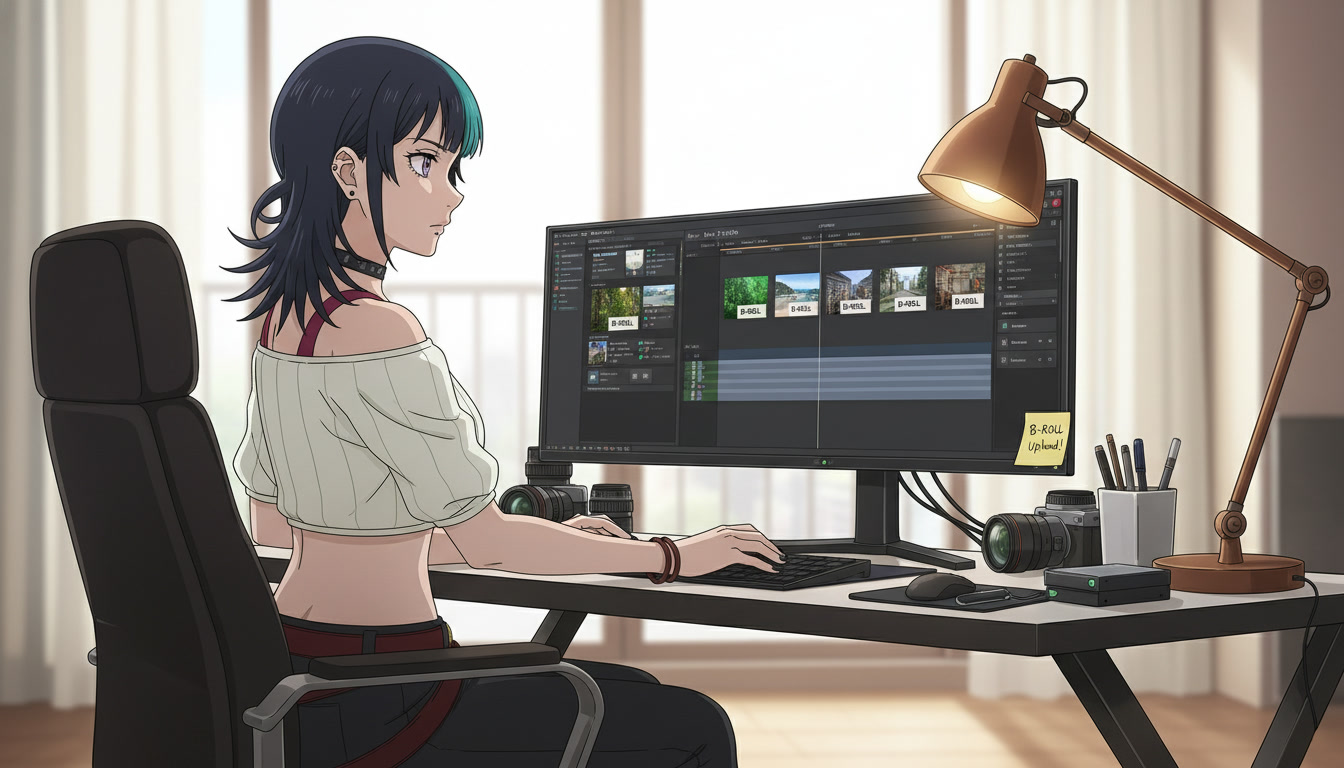
AI Anime B-Roll and Cutaways for YouTube Video Creators
Insert shots are not filler. They are the rhythm that makes your protagonist clips feel like a directed episode.
Plan AI anime B-roll and cutaways for YouTube Shorts: environment inserts, detail stills, and motion clips that bridge storyboard beats without breaking character or location continuity.
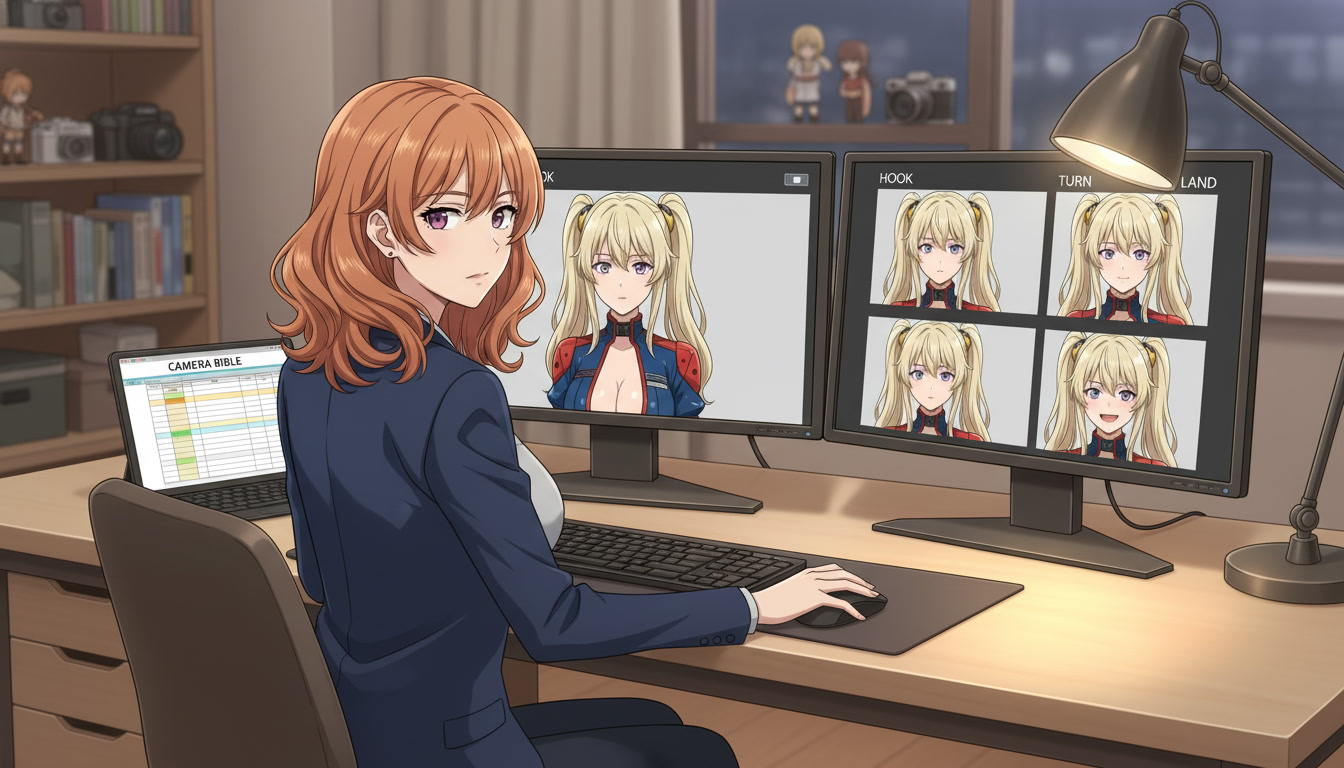
AI Anime Camera Bible for YouTube Video Creators
Hooks feel like a trailer and lands feel like a recap when framing is a mood, not a code. A camera bible is how serialized Shorts keep the same shot grammar beat to beat.
Build an AI anime camera bible for YouTube Shorts: name hook, turn, and land shot codes, tag panels before stills and Seedance motion, and stop accidental jump cuts between mismatched angles.
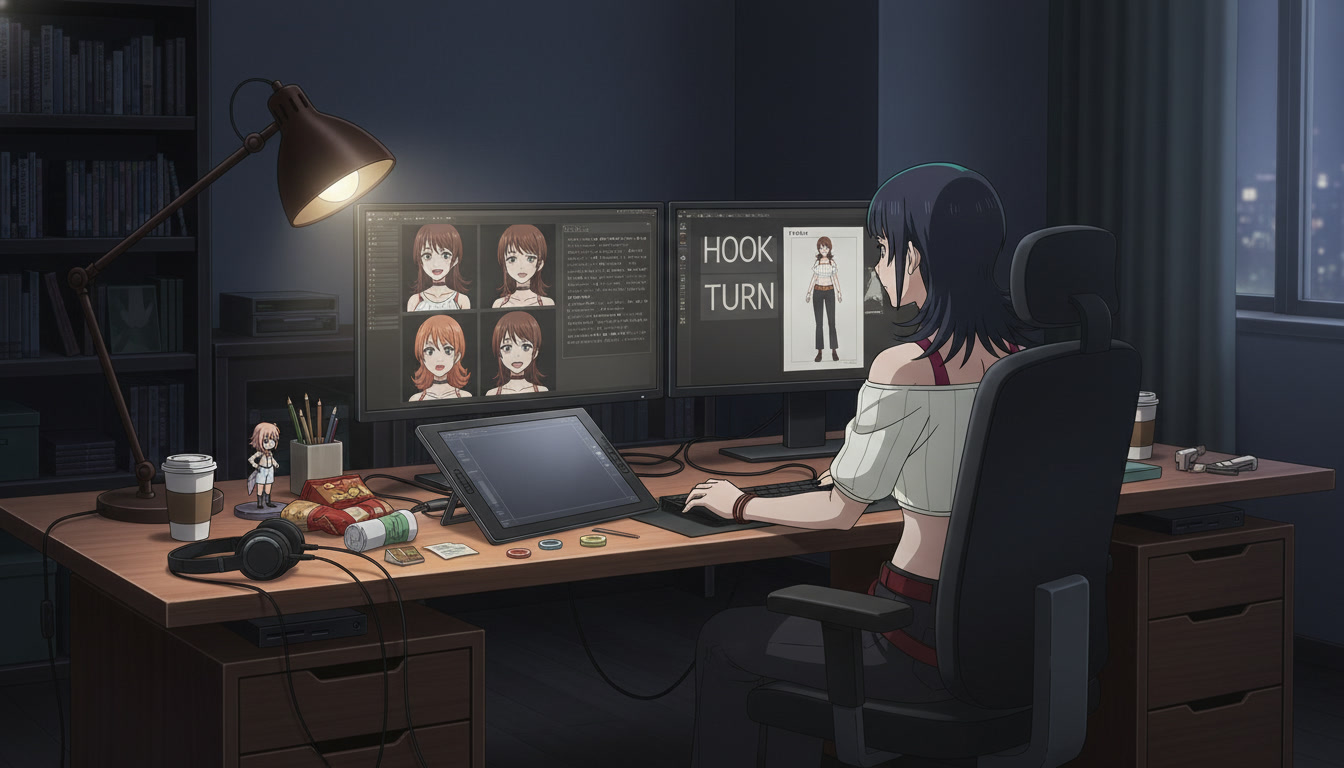
AI Anime Character Expression Sheets for YouTube Video Creators
Hooks fail when the face drifts. A small expression library is how serialized Shorts keep the same protagonist readable beat to beat.
Build AI anime character expression sheets for YouTube Shorts: neutral, shock, anger, and soft beats you reference in storyboard panels, stills, and Seedance motion so hooks match the land.
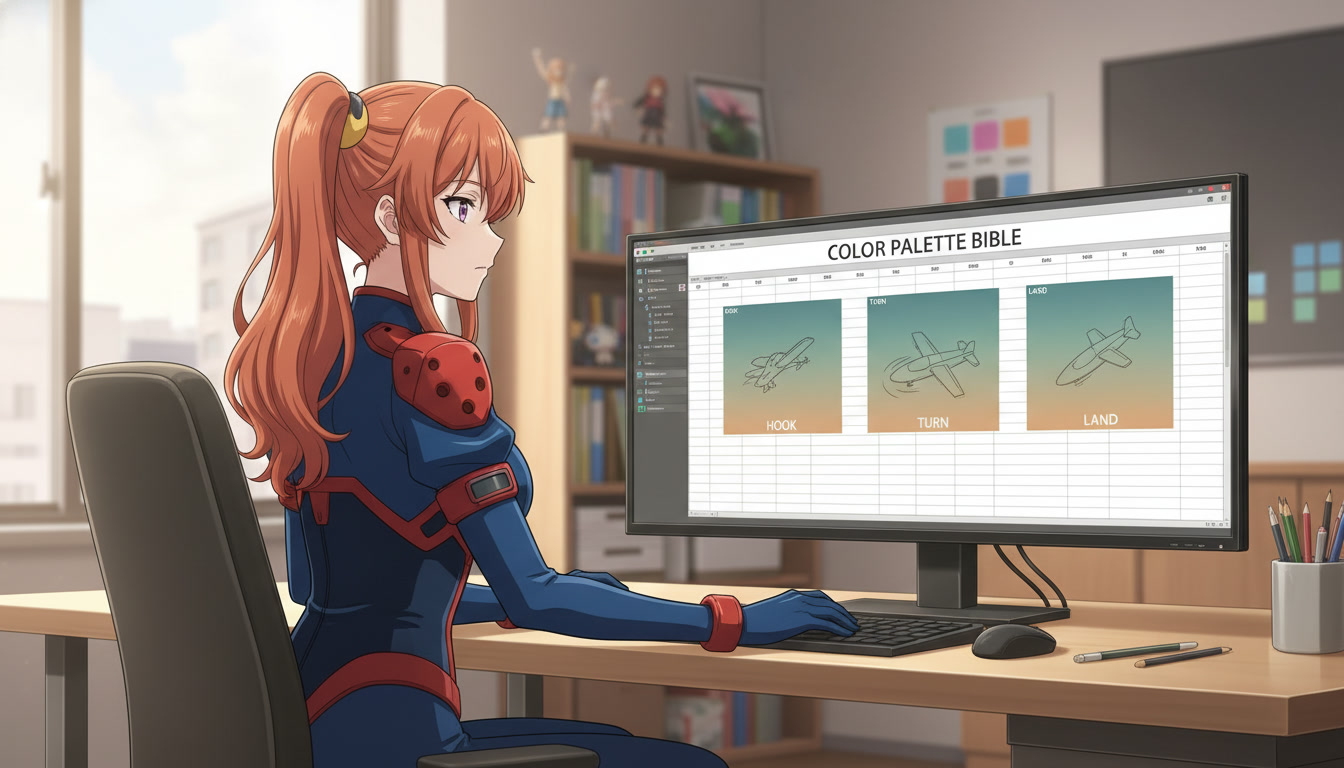
AI Anime Color Palette Bible for YouTube Video Creators
Hooks read teal and lands read magenta when palette is a mood, not a code. A color palette bible is how serialized Shorts keep the same grade beat to beat.
Build an AI anime color palette bible for YouTube Shorts: name hook, turn, and land palette codes, tag panels before stills and Seedance motion, and stop accidental hue jumps between beats.
Explore AutoWeeb
Jump into the tool that fits your creative step.
AI Anime Video Generator
Animate storyboard shots into cinematic clips with Seedance 2 and consistent characters.
Anime Character Creator
Design original characters with consistent sheets across every scene.
AI Anime Image Generator
Generate cinematic anime stills anchored to your character library.
Anime Filters
Upload any photo and apply AI anime filters to turn it into stunning anime art in seconds.
AI Anime Location Generator
Create a location set once, then generate reference images from every angle.
AI Anime Storyboarding
Describe your idea, pick your characters, and let AI draft the script and scenes.
AI Anime Prompt Agent
Turn a rough idea into a cinematic Seedance 2 prompt with the AI Director.