
How to Launch a Trending Anime Series on YouTube in 2026
Trending is not luck on upload day. It is a serialized hook, a recognizable face, and a release rhythm viewers can binge before the algorithm notices.
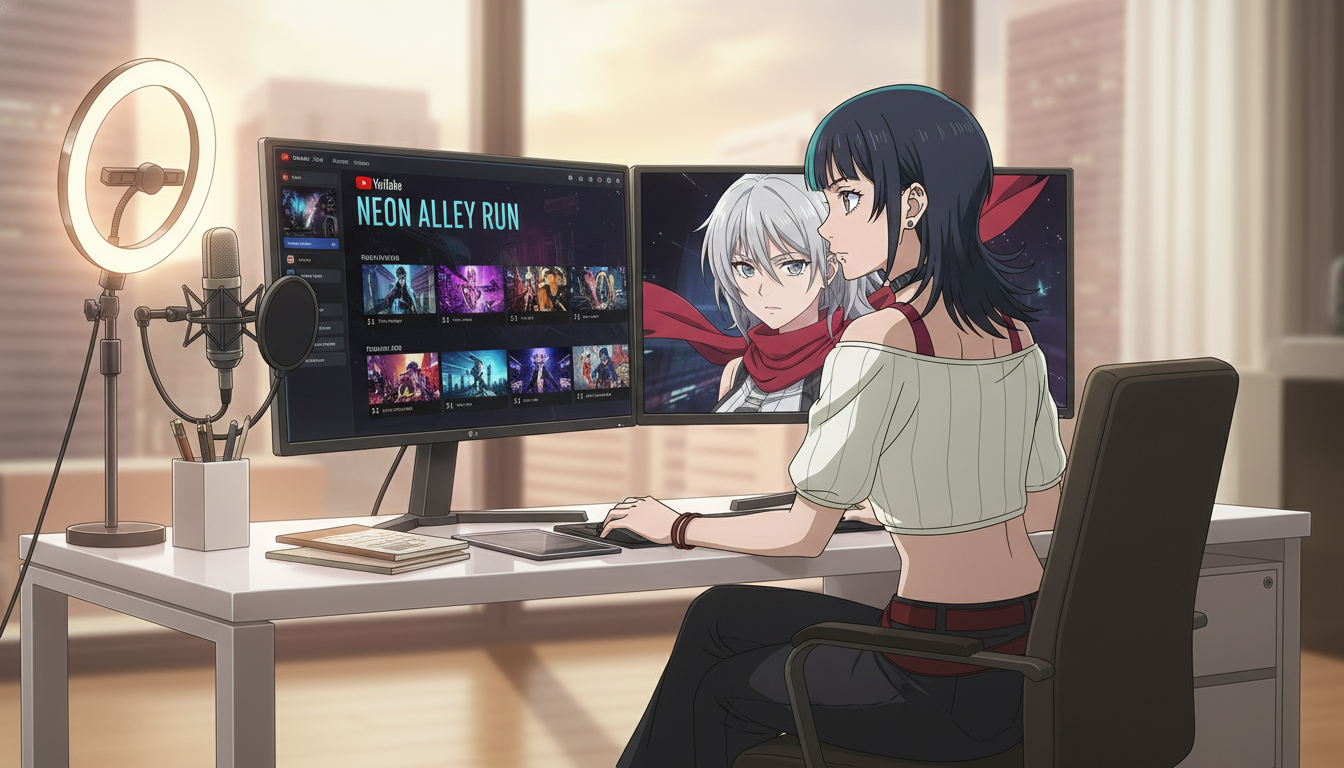
In 2026, launching a trending anime series on YouTube does not mean one viral clip and a prayer. It means building a serialized world that Shorts viewers can binge in order, that long-form viewers can chapter later, and that the recommendation system can classify as "more of this face in this situation." The creators who break out with ai anime video treat YouTube like a streaming catalog with a weekly drop, not a folder of unrelated generations.
This guide is for video creators on YouTube, TikTok, and Reels who already know how to generate a beautiful still. You need the launch layer: pilot structure, upload packaging, retention hooks, and a production chain that keeps the protagonist identical from episode one through the cour. You will use the AI anime video generator for motion and the AI anime prompt agent to keep screenplay blocks aligned with panel prompts.
What "trending series" means on YouTube (and what it does not).
Trending, in practice, is sustained session time across multiple uploads from the same viewer. A single Short that spikes and never returns is a meme. A series is when episode three pulls watch time from people who finished episode two. YouTube rewards patterns it can repeat: recognizable thumbnails, numbered titles, playlists that chain, and comments that ask "what happens next week."
That is different from going viral once. Viral clips optimize for the first three seconds. Serialized anime optimizes for the last three seconds: the button ending that makes someone tap episode two. Your anime video generator workflow should be built around that cliff, not around maximum spectacle in isolation.
For AI-native creators, trending also means visual consistency. If episode four looks like a recast, retention collapses even when the story is strong. Lock the protagonist before you announce a "series premiere." The guide on keeping your protagonist identical across twelve episodes is the continuity backbone for any cour-length launch.
Step 1: Design a pilot that sells episode two in under forty-five seconds.
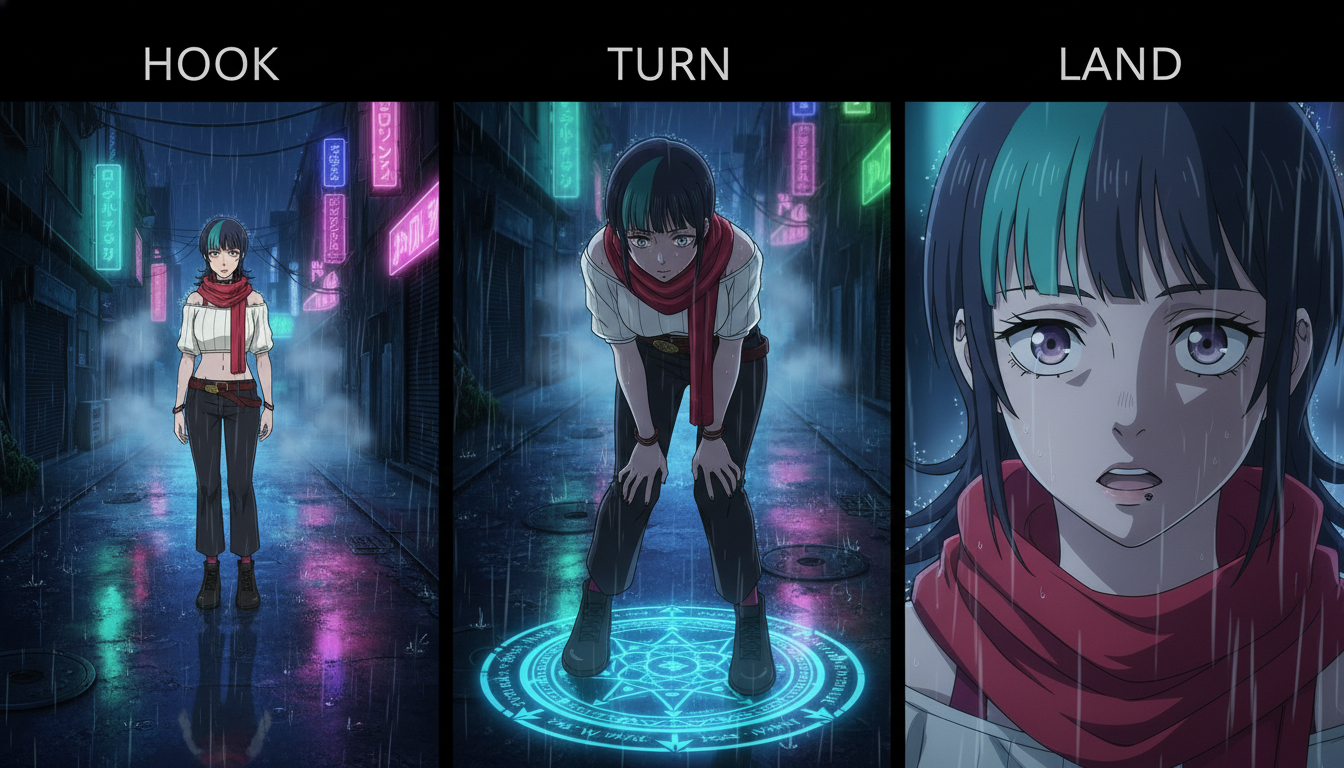
Your pilot is not episode one of a novel. It is a trailer disguised as a story cell. Structure it as hook, turn, land:
- Hook (0–8s): wide or situational read. Rain alley, festival gate, rooftop at dusk. One noun for weather and one for location.
- Turn (8–25s): closer framing. Something changes: a letter appears, a rival steps from shadow, the charm on her wrist glows.
- Land (25–45s): reaction or consequence. Freeze on the face that will carry the series. End on a question, not a resolution.
Write the pilot as three screenplay lines before you open the generator. Example panel prompt for the turn beat:
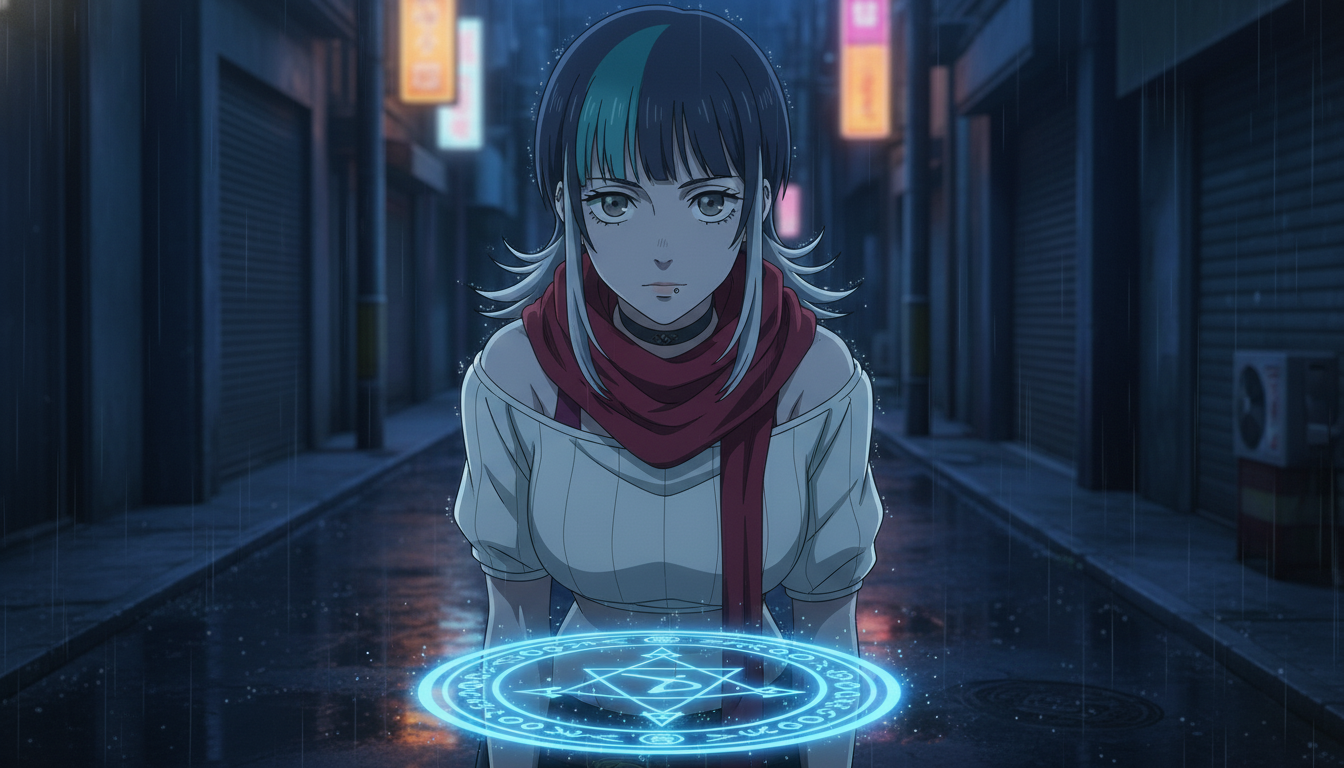
"KIRARA, silver hair shoulder length, steel gray eyes, red scarf, medium close-up, neon rain alley, she notices glowing seal on wet pavement, cool blue grade, shonen linework"
Pass the same character nouns through the AI anime prompt agent so hook and land do not paraphrase hair or eye color differently. Motion prompts should carry one verb each: rain intensifies, she kneels, seal flares. Stack three clips in edit; do not ask one generation to do all three beats.
Step 2: Package uploads like a show, not a tech demo.
Metadata is part of the story. Titles should read like episode cards:
- Good: "Neon Alley Run #1 — The Seal" / "Neon Alley Run #2 — Following the Glow"
- Weak: "AI anime test 4K seedance" / "anime girl rain prompt v3"
Create a public playlist on day one. Pin the pilot. Use the same thumbnail face across the first six uploads; change expression and background, not identity. Descriptions can still mention how to make anime video with ai for search, but the first line should hook the fiction: "Kirara finds a seal that should not exist in her district."
For youtube anime shorts, publish the pilot as a Short, then link the playlist in the pinned comment. Long-form chapter compilations can arrive after eight Shorts exist; they harvest session time from viewers who prefer three minutes on a couch over forty-five seconds on a phone. The creating an AI anime YouTube channel guide covers channel setup; this step is the series packaging on top of that foundation.
Step 3: Plan a twelve-beat cour before you chase daily uploads.
Daily uploads without a bible burn out creators and confuse audiences. A single-cour rhythm (twelve episodes) matches how viewers already think about anime seasons. Map beats loosely before you generate:
- Episodes 1–3: establish world, protagonist want, first antagonist signal
- Episodes 4–6: complication, new location, wardrobe or prop turn (tagged in bible)
- Episodes 7–9: midpoint reversal, higher stakes motion
- Episodes 10–12: climax chain, button ending that tees season two
You do not need every script finished on launch day. You need episode titles and one-sentence turns for all twelve rows so you never improvise hair color under deadline pressure. Format rough notes into HOOK/TURN/LAND blocks with LLMs using the script to screenplay workflow, then generate stills before motion on the AI anime video generator.
Step 4: Engineer retention with pattern interrupts, not random spectacle.
Trending series on YouTube use predictable pleasure with occasional pattern breaks. Stay on your palette and location bible for three episodes, then introduce one controlled contrast: daylight after three night alleys, silence after three rain scenes, a two-character medium after solo episodes. Document those turns in your bibles so they read as story, not drift. The AI anime video hooks for YouTube Shorts guide covers opening frames; pair it with editing AI anime video for YouTube creators so land beats hit on beat, not two frames late.
Comment strategy matters for serialized shows. End lands with a specific question tied to canon: "Should Kirara break the seal or deliver it?" Pin your answer policy: you will not spoil episode five in comments, but you will acknowledge theories. That trains the audience to treat uploads like weekly broadcasts.
Step 5: Launch week rhythm that feeds the algorithm without burning the bible.
A practical launch week for a new AI anime series:
- Day −7: publish character sheet still and "meet Kirara" Short (no plot spoil)
- Day 0: pilot Short + playlist live + community post with series bible teaser
- Day 3: episode 2 Short, same thumbnail face family
- Day 7: episode 3 Short, first pattern interrupt (location or weather turn)
- Day 14: episodes 4–5 if backlog exists; never skip QA on protagonist match
Batch-generate stills for episodes 2–4 before day zero so launch week is editing and metadata, not emergency re-prompting. Use storyboarding AI anime for YouTube creators and video and scene generation for YouTube creators to keep the still-to-motion chain repeatable.
Frequently asked questions about launching a trending AI anime series on YouTube.
How many episodes should I have ready before the pilot goes live?
At minimum, the pilot plus two finished Shorts in reserve. Three public episodes in the first ten days signals serialization to viewers and to YouTube's session graph. AutoWeeb makes batching stills fast; editing and thumbnail QA are usually the bottleneck, not generation.
Should I start on Shorts or long-form?
Start on Shorts for discovery, then compile chapters once eight to twelve cells exist. AutoWeeb's motion clips are sized for Shorts-first workflows; long-form is an edit layer on top, not a separate production universe.
Can AutoWeeb keep my protagonist consistent across the whole cour?
Yes, when you save the lead in the character library and reuse the same capitalized name and noun locks in every panel line. AutoWeeb inherits the saved design into stills and motion; the spreadsheet bible still forbids untagged drift. Consistency is a workflow discipline, and the platform is built to reward that discipline.
Do I need to mention AI in titles to rank?
No for the fiction-facing title. Use AI keywords in the description's second paragraph or in a pinned comment if you want search overlap. Viewers subscribe to Kirara's alley, not to "seedance test 9."
What if episode one underperforms?
Do not reboot the protagonist. Improve the land beat, tighten the first two seconds of the hook, and publish episode two on schedule. Serialized growth often appears around episodes four to six when playlist session time accumulates. AutoWeeb lets you regenerate a beat without throwing away the saved character anchor.
How does this differ from a one-off viral clip?
A viral clip optimizes surprise once. A trending series optimizes recognition repeatedly. Same face, numbered episodes, playlist chain, and land beats that ask a question. AutoWeeb supports both, but the launch playbook above is for the second goal.
Trending on YouTube in 2026 is a production promise: one protagonist, twelve named beats, three-beat pilots, and uploads packaged like a show viewers can binge. Lock the face, storyboard the land before you animate the hook, and treat every Short as episode card one of many. When the launch rhythm holds, continue with creating your own anime series with AI and best AI anime tools for YouTube creators in 2026 for tooling depth beyond week one.
Related Blog Posts
AI Anime B-Roll and Cutaways for YouTube Video Creators
Insert shots are not filler. They are the rhythm that makes your protagonist clips feel like a directed episode.
Plan AI anime B-roll and cutaways for YouTube Shorts: environment inserts, detail stills, and motion clips that bridge storyboard beats without breaking character or location continuity.
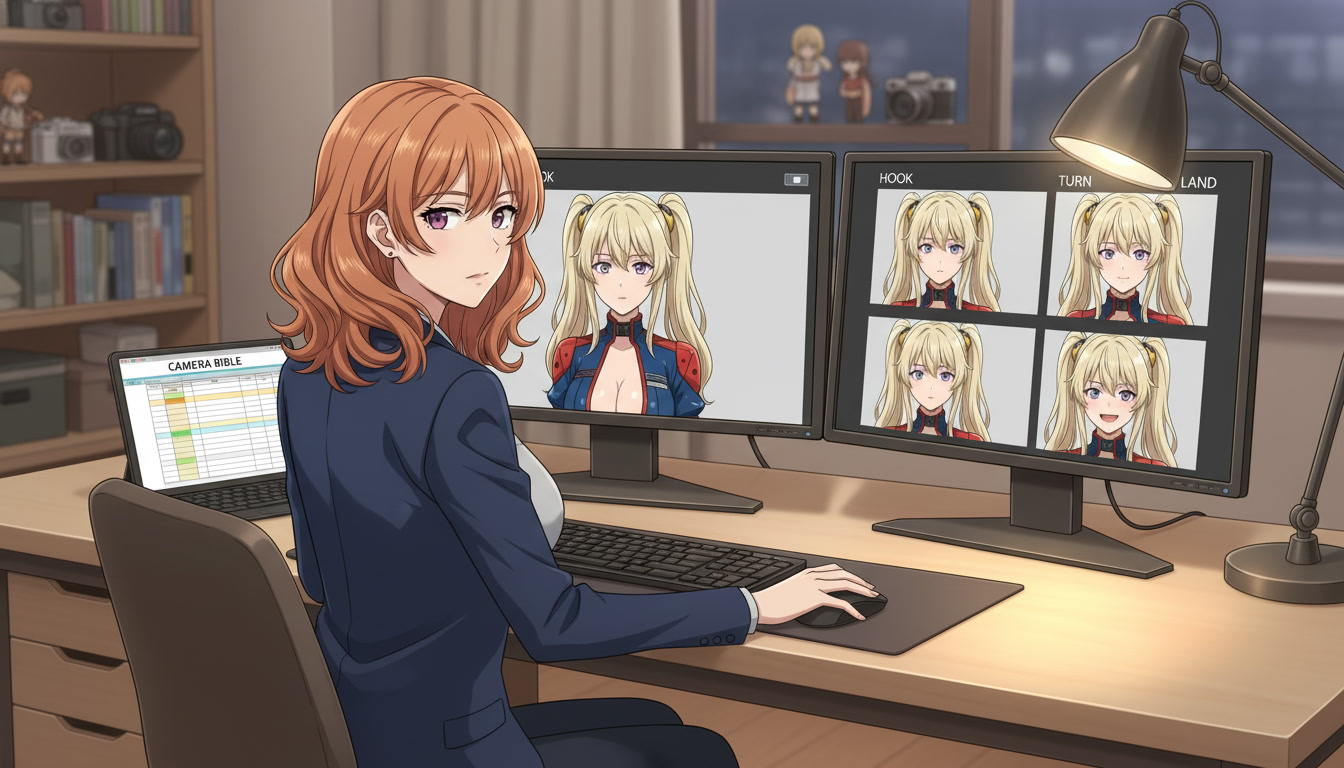
AI Anime Camera Bible for YouTube Video Creators
Hooks feel like a trailer and lands feel like a recap when framing is a mood, not a code. A camera bible is how serialized Shorts keep the same shot grammar beat to beat.
Build an AI anime camera bible for YouTube Shorts: name hook, turn, and land shot codes, tag panels before stills and Seedance motion, and stop accidental jump cuts between mismatched angles.
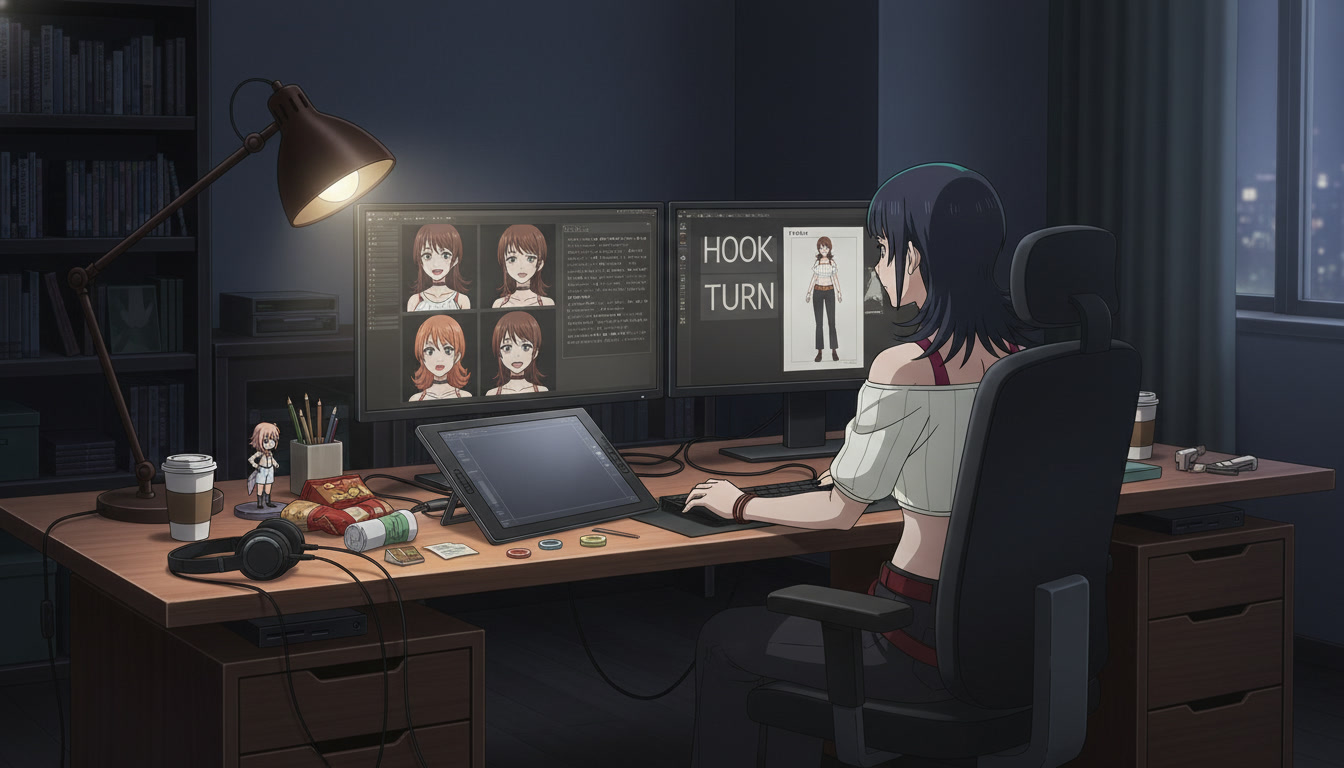
AI Anime Character Expression Sheets for YouTube Video Creators
Hooks fail when the face drifts. A small expression library is how serialized Shorts keep the same protagonist readable beat to beat.
Build AI anime character expression sheets for YouTube Shorts: neutral, shock, anger, and soft beats you reference in storyboard panels, stills, and Seedance motion so hooks match the land.
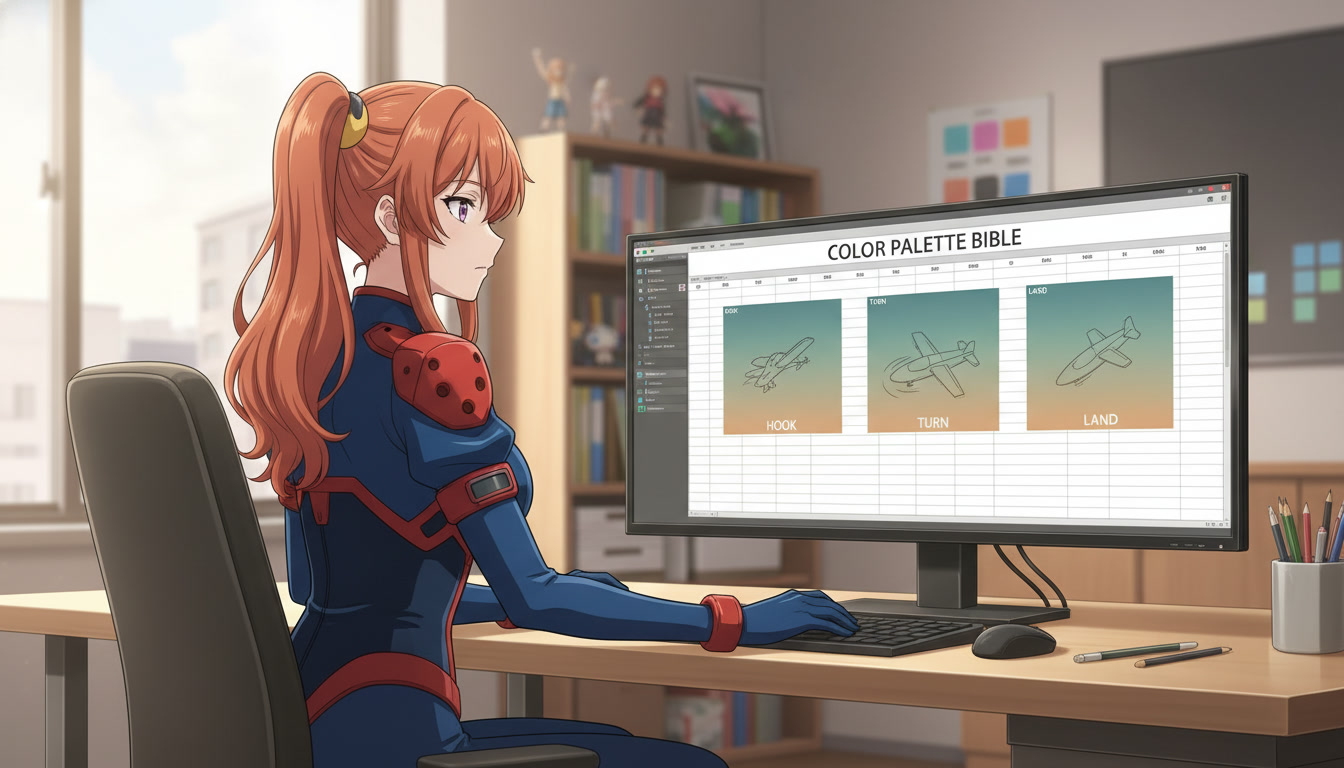
AI Anime Color Palette Bible for YouTube Video Creators
Hooks read teal and lands read magenta when palette is a mood, not a code. A color palette bible is how serialized Shorts keep the same grade beat to beat.
Build an AI anime color palette bible for YouTube Shorts: name hook, turn, and land palette codes, tag panels before stills and Seedance motion, and stop accidental hue jumps between beats.
Explore AutoWeeb
Jump into the tool that fits your creative step.
AI Anime Video Generator
Animate storyboard shots into cinematic clips with Seedance 2 and consistent characters.
Anime Character Creator
Design original characters with consistent sheets across every scene.
AI Anime Image Generator
Generate cinematic anime stills anchored to your character library.
Anime Filters
Upload any photo and apply AI anime filters to turn it into stunning anime art in seconds.
AI Anime Location Generator
Create a location set once, then generate reference images from every angle.
AI Anime Storyboarding
Describe your idea, pick your characters, and let AI draft the script and scenes.
AI Anime Prompt Agent
Turn a rough idea into a cinematic Seedance 2 prompt with the AI Director.