
From Script to Screenplay: Using LLMs to Format Anime Scripts for Better Video AI Prompts
Your rough idea is not the problem. Unstructured prose is. A screenplay-shaped doc is how YouTube creators turn one paragraph into repeatable Seedance panels.
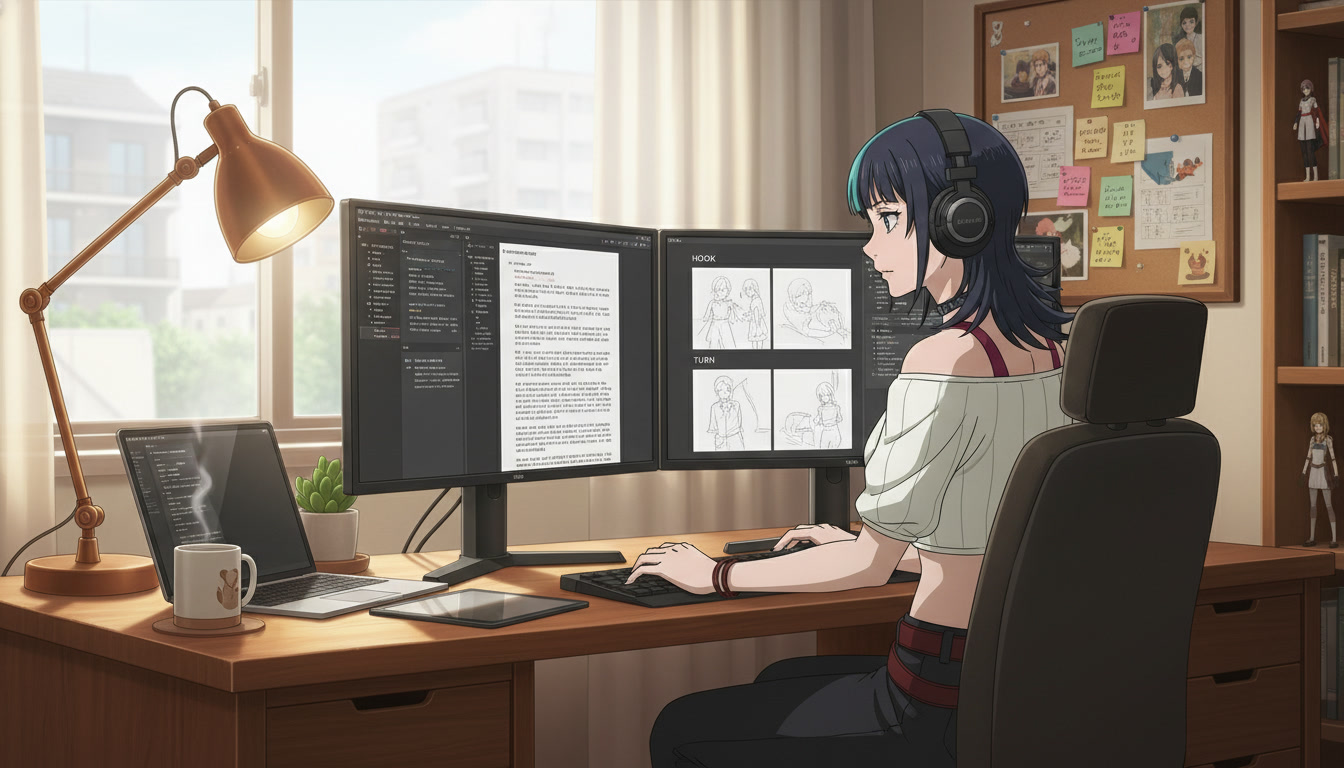
Most ai anime video failures start in a notes app, not in the generator. A creator pastes a mood paragraph into the prompt box, asks for "cinematic anime," and wonders why clip two looks like a different show. The model did not miss your vision. It received prose built for a novelist, not blocks built for a camera. Anime script format for video AI is closer to screenplay structure than fanfiction: scene headings, one action per beat, character names locked in caps, and a single camera instruction per panel.
Large language models are good at that translation if you give them a template. You bring the story intent. The LLM returns a screenplay-shaped document you can split into storyboard rows, then feed into the AI anime prompt agent or your manual panel prompts before you open the AI anime video generator. This guide is for YouTube, TikTok, and Shorts creators who already have a protagonist and want fewer wasted generations per upload.
Why screenplay structure beats a vibe paragraph for video prompts.
Still-image prompts forgive ambiguity. Video prompts punish it. When you write she realizes the witness lied and the rain gets heavier and the camera gets closer, the model must guess which change matters most. Screenplay blocks force a choice: one beat, one verb, one frame size. That is the same discipline professional storyboard artists use before ink, and it maps cleanly to Seedance clips that last five to ten seconds each.
A formatted script also becomes your series bible in text form. Episode four can reference INT. ROOFTOP - NIGHT (SERIES DEFAULT) instead of re-describing the set. Character names stay uppercase so they never drift to "the girl" or "protagonist" mid-prompt. If you already run three-beat Shorts, pair this doc with storyboarding AI anime for YouTube creators so each screenplay scene becomes one row on the board before you generate.
The minimum screenplay template for AI anime Shorts.
You do not need Final Draft or a fifty-page spec. You need five repeatable fields per scene that an LLM can fill from your rough notes:
- Scene heading: INT or EXT, location nickname, time of day (example: INT. ALLEY - NIGHT)
- Purpose tag: HOOK, TURN, or LAND so the beat role is explicit
- Character line: NAME in caps plus one emotional note (example: KIRARA, guarded, rain on shoulders)
- Action line: One sentence with a physical verb (example: She lifts the torn letter from the puddle.)
- Camera line: Shot size plus movement or lock (example: MCU, static, cool blue grade)
Paste that skeleton into your LLM with your raw idea and ask it to output three scenes only, one per beat. Resist the urge to let the model add subplots in the same pass. Serialization for youtube anime shorts lives on compression, not coverage.
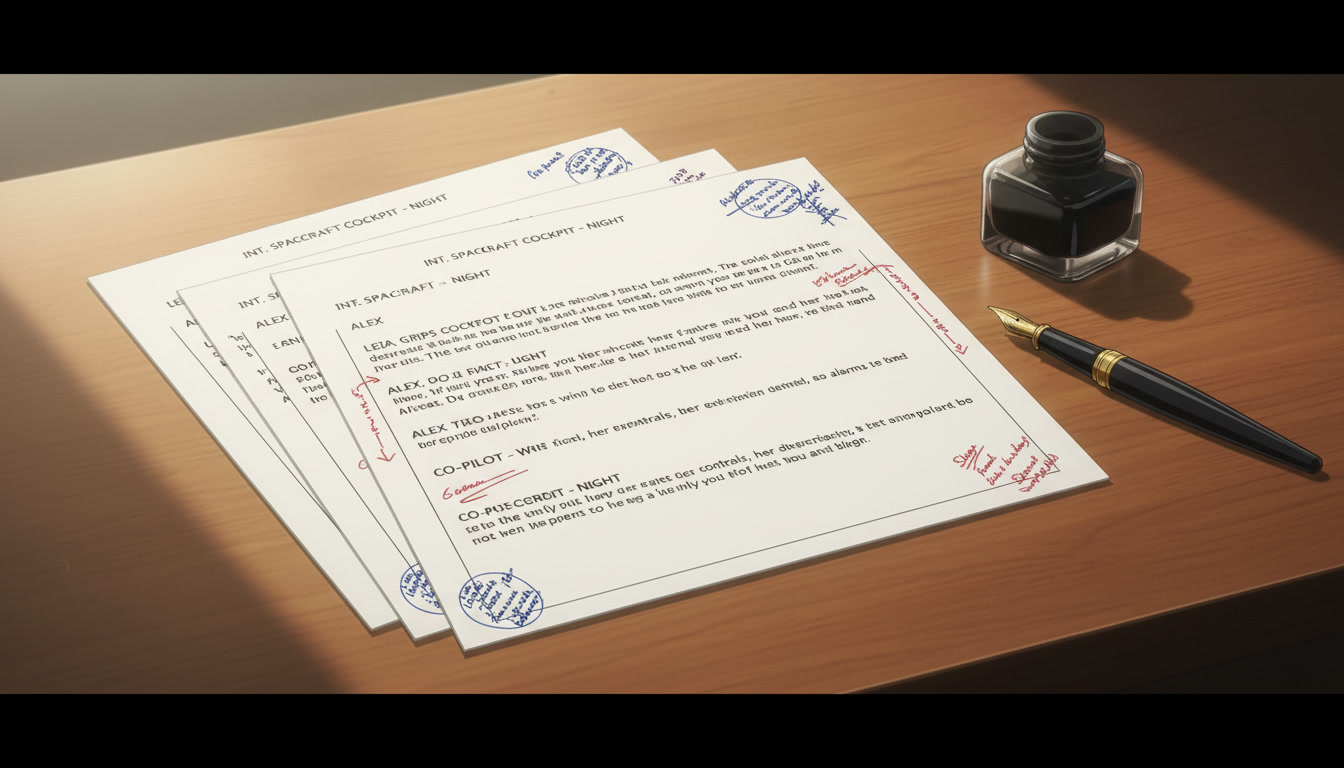
A copy-paste LLM instruction that returns usable screenplay blocks.
Generic "write me an anime script" requests produce dialogue-heavy pages you cannot shoot in fifteen seconds. Use a system-style instruction that constrains output:
You are a story editor for vertical anime Shorts. Convert the user's notes into exactly three scenes labeled HOOK, TURN, and LAND. Each scene must include: scene heading, one character line in CAPS, one action sentence with a concrete verb, one camera line with shot size and grade. No dialogue unless under eight words. No second action in the same scene. Output plain text only.
Then paste your rough note, for example: detective girl finds torn letter in alley, realizes witness lied, ends on her cold stare. The model should return three blocks you can paste directly into a spreadsheet column named Panel Prompt. Refine camera vocabulary using the AI anime camera bible so "MCU" and "static" mean the same thing every week.
From screenplay line to generator prompt in one pass.
Each screenplay row becomes one generation job. Concatenate the fields in this order: camera, character, action, environment, grade. Example for a TURN beat:
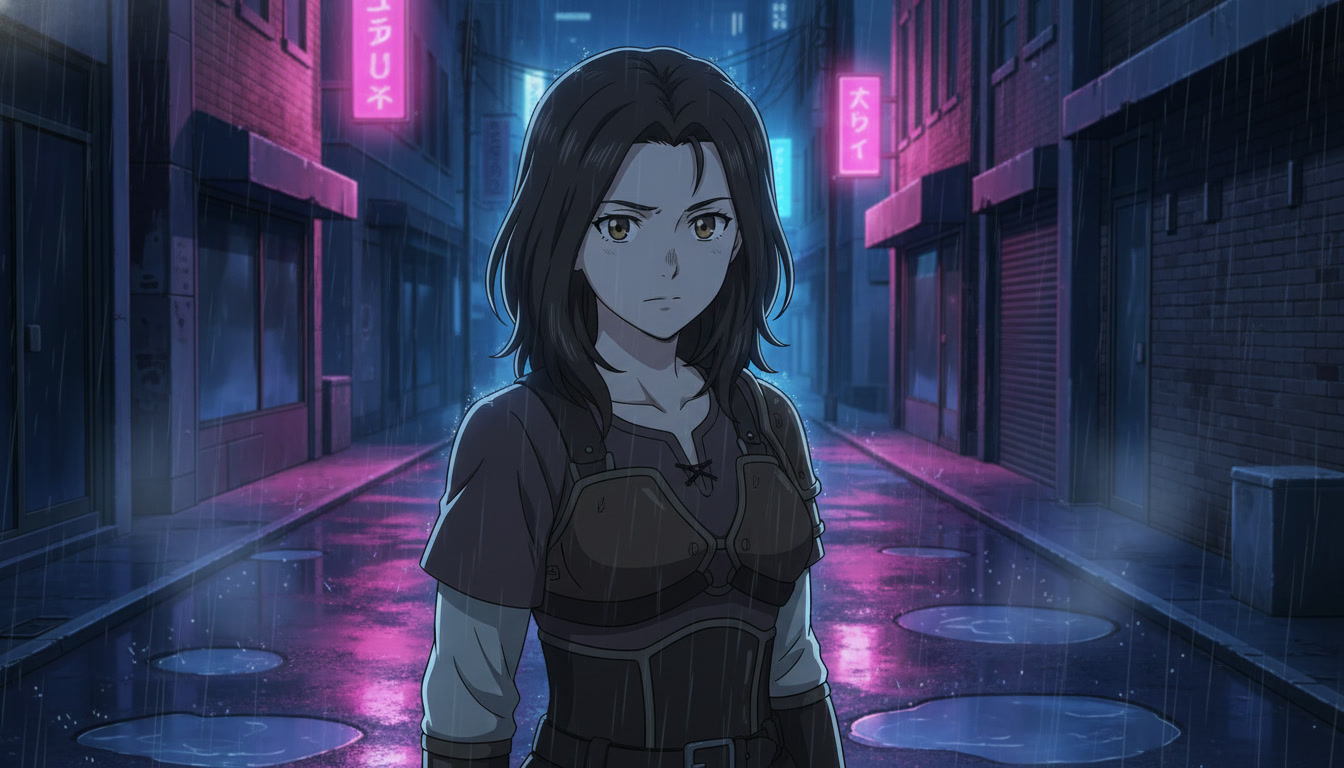
medium close-up, static camera, KIRARA with steel gray eyes and rain-dark hair, she lifts a torn letter from a neon alley puddle, INT alley night, cool blue grade with magenta neon reflections
That line is what you paste into still generation or hand to the prompt agent before motion. Keep motion prompts shorter than the still: one verb from the action line only. If the screenplay said she lifts the letter, the Seedance follow-up should not also ask for a camera push and a lightning flash. Motion discipline is covered in how to write prompts for Seedance 2 anime videos.
Series bibles: reuse headings instead of re-prompting the world.
After episode three, your LLM prompt should include a series header the model must not rewrite:
- Locked protagonist description (hair, eyes, signature item)
- Three allowed locations with heading codes
- Default grade name (example: alley_blue_v2)
- Forbidden drift list (no hairstyle changes, no day-for-night unless tagged TURN)
Ask the LLM to write episode five using only those codes. You edit less, and your anime video generator sees the same nouns clip to clip. For cast and wardrobe locks upstream, continue with original character creations for video creators and the AI anime wardrobe bible.
Common screenplay mistakes that still break video output.
Even good LLM formatting fails if these slip through:
- Two verbs in one action line: split into two scenes or two uploads
- Emotion without physical tell: replace "she is sad" with "she stares at the letter, shoulders drop"
- Camera poetry: replace "epic cinematic reveal" with shot size and lock
- Unnamed characters: always caps, always the same spelling as your saved library
- Dialogue bloat: lip-sync chains eat Shorts length; save lines for long-form chapters
When a clip still drifts, compare the screenplay row to the prompt you actually sent. Ninety percent of mismatches are a paraphrased action line, not a broken model. For a broader mistake catalog, see mistakes to avoid in Seedance 2 anime videos.
Frequently asked questions about screenplay formatting for AI anime video.
Do I need to learn professional screenplay software?
No. A spreadsheet with five columns (heading, purpose, character, action, camera) is enough for serialized Shorts. AutoWeeb's storyboard workflow accepts the same row structure: each panel is one beat, one prompt, one clip. Export from your LLM into the sheet, then generate against saved characters in the library.
Which LLM should format my anime script?
Any model that follows structured instructions works. The quality gate is your template, not the brand on the chat box. Keep the system prompt fixed, change only the episode notes, and diff outputs when something drifts. Consistency in your instruction matters more than novelty in the model picker.
How does AutoWeeb fit after the LLM pass?
AutoWeeb is where screenplay rows become assets. Save the protagonist once in the character library, map each row to a still, attach the still for Seedance motion, and sequence panels in the storyboard view. The prompt agent can expand a tight screenplay line into a full panel description while respecting your camera and grade tags if you paste them first.
Can I use screenplay formatting for long-form YouTube episodes?
Yes. Treat each chapter as six to eight HOOK/TURN/LAND triplets chained together, with scene headings marking location changes. Long-form retention still rewards the same one-action rule per clip; you simply stitch more clips in edit. Pair with editing AI anime video for YouTube creators when you assemble chapters.
Should the LLM write dialogue for my anime Shorts?
Sparingly. Eight words or fewer per clip if you need a gasp or a single line hook. Most serialized Shorts on AutoWeeb perform better with physical acting beats and on-screen text than with multi-sentence dialogue that fights clip length and lip-sync complexity.
What if my idea is only a mood, not a plot?
Ask the LLM for a three-beat micro-plot that supports the mood: establish normal, break normal, land on consequence. Even atmospheric pieces need verbs. "Rainy neon loneliness" becomes she waits under an awning / a letter slides under her shoe / she does not pick it up yet. Mood is the grade; plot is the verb.
Does screenplay formatting replace storyboarding?
It feeds storyboarding. The screenplay is the text layer; the board is the visual plan. AutoWeeb creators often keep both in sync: one row in the sheet, one thumbnail sketch or reference still, one generated clip. Skipping the board after formatting text still leaves framing guesses in the generator's hands.
Rough ideas are enough to start. Screenplay-shaped rows are what make those ideas repeatable for how to make anime video with ai without burning an afternoon on regenerations. Lock the template once, reuse it every upload, and let the video generator work from verbs and shot sizes instead of vibes. When your channel architecture is ready, read creating an AI anime YouTube channel and storyboarding AI anime pre-production for the next layers.
Related Blog Posts
AI Anime B-Roll and Cutaways for YouTube Video Creators
Insert shots are not filler. They are the rhythm that makes your protagonist clips feel like a directed episode.
Plan AI anime B-roll and cutaways for YouTube Shorts: environment inserts, detail stills, and motion clips that bridge storyboard beats without breaking character or location continuity.
AI Anime Camera Bible for YouTube Video Creators
Hooks feel like a trailer and lands feel like a recap when framing is a mood, not a code. A camera bible is how serialized Shorts keep the same shot grammar beat to beat.
Build an AI anime camera bible for YouTube Shorts: name hook, turn, and land shot codes, tag panels before stills and Seedance motion, and stop accidental jump cuts between mismatched angles.
AI Anime Character Expression Sheets for YouTube Video Creators
Hooks fail when the face drifts. A small expression library is how serialized Shorts keep the same protagonist readable beat to beat.
Build AI anime character expression sheets for YouTube Shorts: neutral, shock, anger, and soft beats you reference in storyboard panels, stills, and Seedance motion so hooks match the land.
AI Anime Color Palette Bible for YouTube Video Creators
Hooks read teal and lands read magenta when palette is a mood, not a code. A color palette bible is how serialized Shorts keep the same grade beat to beat.
Build an AI anime color palette bible for YouTube Shorts: name hook, turn, and land palette codes, tag panels before stills and Seedance motion, and stop accidental hue jumps between beats.
Explore AutoWeeb
Jump into the tool that fits your creative step.
AI Anime Video Generator
Animate storyboard shots into cinematic clips with Seedance 2 and consistent characters.
Anime Character Creator
Design original characters with consistent sheets across every scene.
AI Anime Image Generator
Generate cinematic anime stills anchored to your character library.
Anime Filters
Upload any photo and apply AI anime filters to turn it into stunning anime art in seconds.
AI Anime Location Generator
Create a location set once, then generate reference images from every angle.
AI Anime Storyboarding
Describe your idea, pick your characters, and let AI draft the script and scenes.
AI Anime Prompt Agent
Turn a rough idea into a cinematic Seedance 2 prompt with the AI Director.