
How to Storyboard AI Anime for YouTube Creators
Plan every clip before you generate it — the storyboard habit that turns random AI footage into watchable anime shorts.
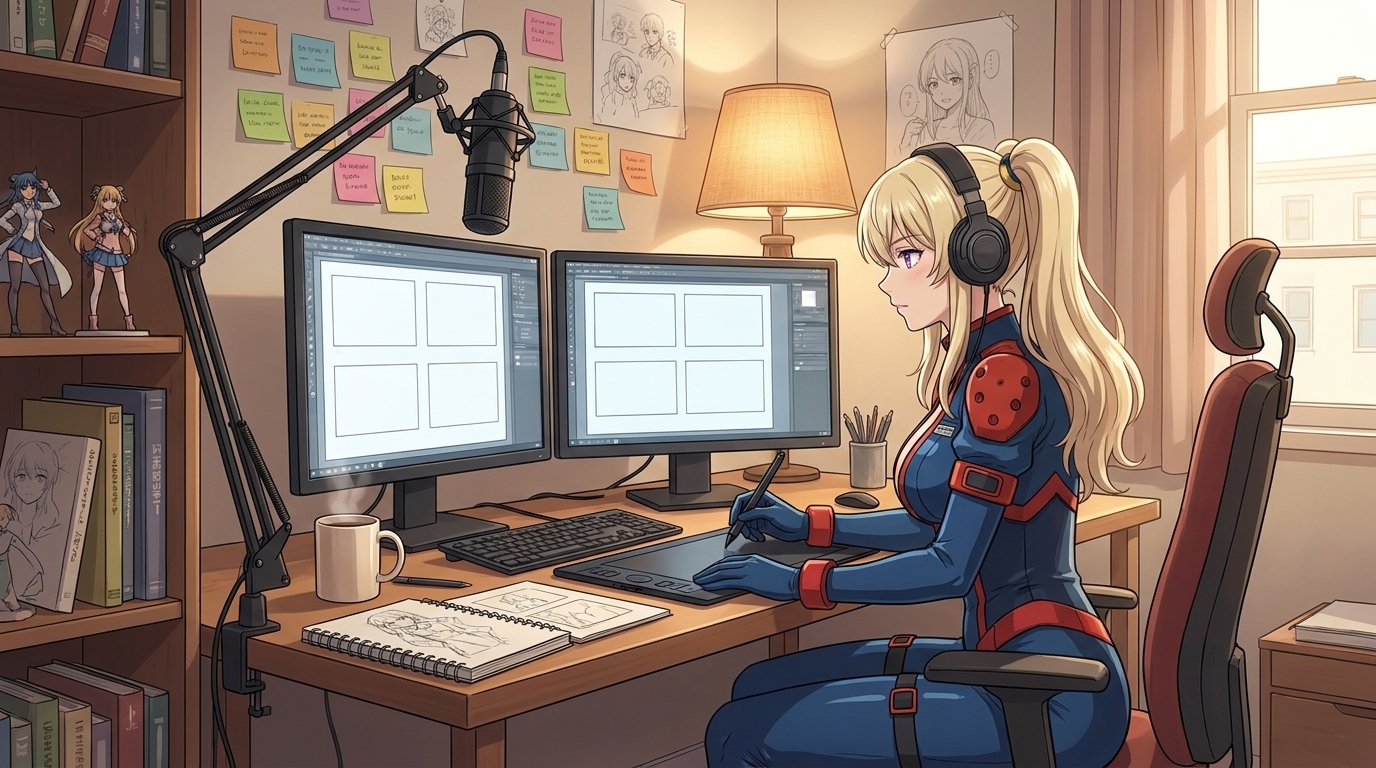
If you publish anime content on YouTube, TikTok, or Instagram, you already know the failure mode: three strong clips that do not feel like the same video. The protagonist's hair shifts between panels. The mood jumps from comedy to tragedy without a beat in between. The thumbnail promises a confrontation and the upload delivers a mood board. None of that is a model problem. It is a planning problem, and storyboarding is how professional animators solve it before a single frame gets inked.
AI anime video generation works the same way. Seedance clips are short, usually five to ten seconds each. You cannot improvise a full Short from one sprawling prompt. You storyboard first: lock the beats, assign one action per clip, write camera language for each panel, then generate against a saved character so every upload looks like it belongs to the same show. This guide is for creators who want that workflow without learning traditional animation software.
Why storyboarding matters more for AI anime than for still images.
Still-image channels can survive on variety. A different pose, a new background, a fresh style each post still reads as "anime art content." Video channels cannot. Viewers experience motion and timing. They notice when clip two uses a wider face than clip one, or when the camera in clip three forgets that clip one established a rainy rooftop. Storyboarding forces you to decide those relationships before generation, when changes cost seconds instead of an afternoon of re-prompting.
A storyboard for AI anime is not a polished drawing. It is a row of decisions: what happens, who is on screen, how long the beat lasts, what the camera does, and what emotional note the clip should land on. You can sketch boxes on paper, use a notes app, or use AutoWeeb's built-in storyboard feature to sequence panels and attach your saved character. The medium does not matter. The discipline does.
Start with a three-beat sheet sized for Shorts and vertical video.
YouTube Shorts, TikTok, and Reels reward compression. A complete emotional arc in under sixty seconds usually needs three beats, not twelve: setup, turn, and payoff. Map them in plain language before you write a single prompt.
Setup establishes who we are watching and what normal looks like. Turn breaks that normal with a reveal, challenge, or emotional spike. Payoff resolves the tension, even if the resolution is a cliffhanger for the next upload. A detective realizing the witness lied, a rival finally answering a challenge, a confession interrupted by fireworks: each is one beat, one clip, one clear camera instruction.
Write each beat as a single sentence with a verb. She discovers the torn letter under the desk. He steps into the spotlight and the crowd goes silent. They laugh together as the train pulls away. If the sentence needs "and then" twice, split it into two beats or save the second half for the next video in the series.
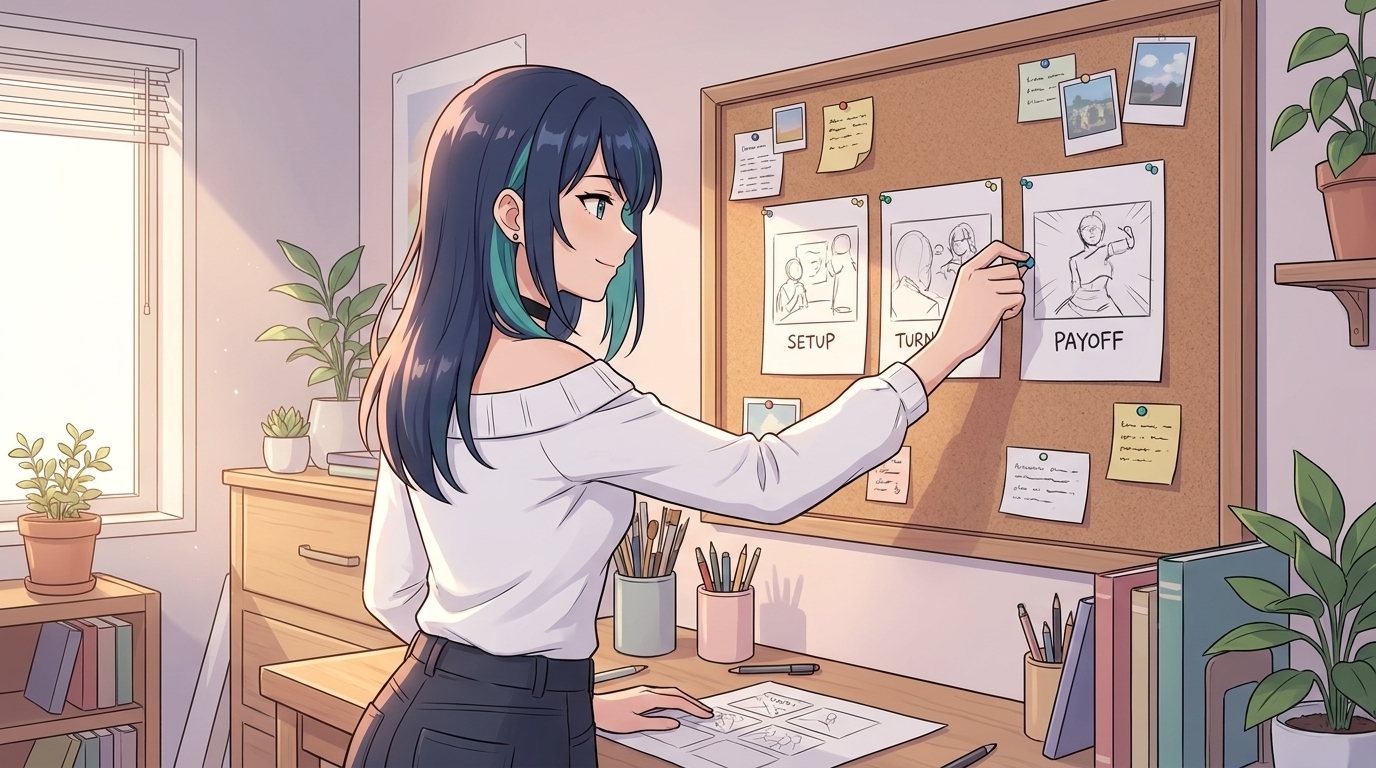
Turn each beat into a panel prompt: one action, one camera, one mood.
Each storyboard panel becomes one generation job. The panel description has four parts: framing, subject action, environment, and camera movement. Framing is where the mistake pile lives. If beat two is an emotional close-up, say so in the panel notes before you generate beat one as a wide establishing shot you never use.
Example panel for a setup beat: medium shot, stoic detective with steel gray eyes standing in a rain-soaked alley, neon sign reflecting in puddles, static camera, cool blue grade, tension before the reveal.
Example panel for a turn beat: close-up, same detective, eyes widening as he reads a crumpled note, slow push-in on face, rain streaking down window behind him.
Example panel for a payoff beat: low angle, detective pocketing the note and walking toward camera, streetlights flaring, cut to black on final step.
Notice each prompt carries one primary action. That matches how Seedance 2 prompts behave best: one motion per clip length. The storyboard is where you enforce that rule so the model does not have to guess.
Anchor every panel to a saved character.
Character drift is the fastest way to lose subscribers who wanted a series. Before you storyboard panels, define your protagonist once: photo-to-anime conversion if you are the face of the channel, or the anime character creator if you are building an original cast. Save them to your library and assign that character to every panel in the storyboard. The panel prompt then describes action and camera, not hair color and eye shape every time.
If you need a second recurring character, create and save them before batching generation. Rival, partner, narrator-as-character: each gets a library slot. Storyboards for ensemble beats fail when you describe both characters from scratch in text and hope the model matches yesterday's upload.
Pacing on the board: duration, silence, and where the cut lands.
Storyboarding is also a timing document. Note beside each panel whether you are targeting a five- or ten-second clip, and whether the beat should feel rushed or held. A confession payoff often needs the full ten seconds with a slow camera. A punchline turn might need five seconds and a snap cut.
Mark intentional silence: a held close-up with no dialogue, wind in the trees, the pause before a door opens. AI video models will fill empty space with motion if you do not specify stillness. Write minimal movement, character frozen, only cherry blossoms drifting when you want the audience to feel the beat land.
For YouTube specifically, storyboard the thumbnail frame as its own panel. It is usually not the first clip in the timeline. It is the highest-contrast still from beat two or three: the face readers click on. Generate that frame deliberately with the same character and grade as the video so the click matches the watch.
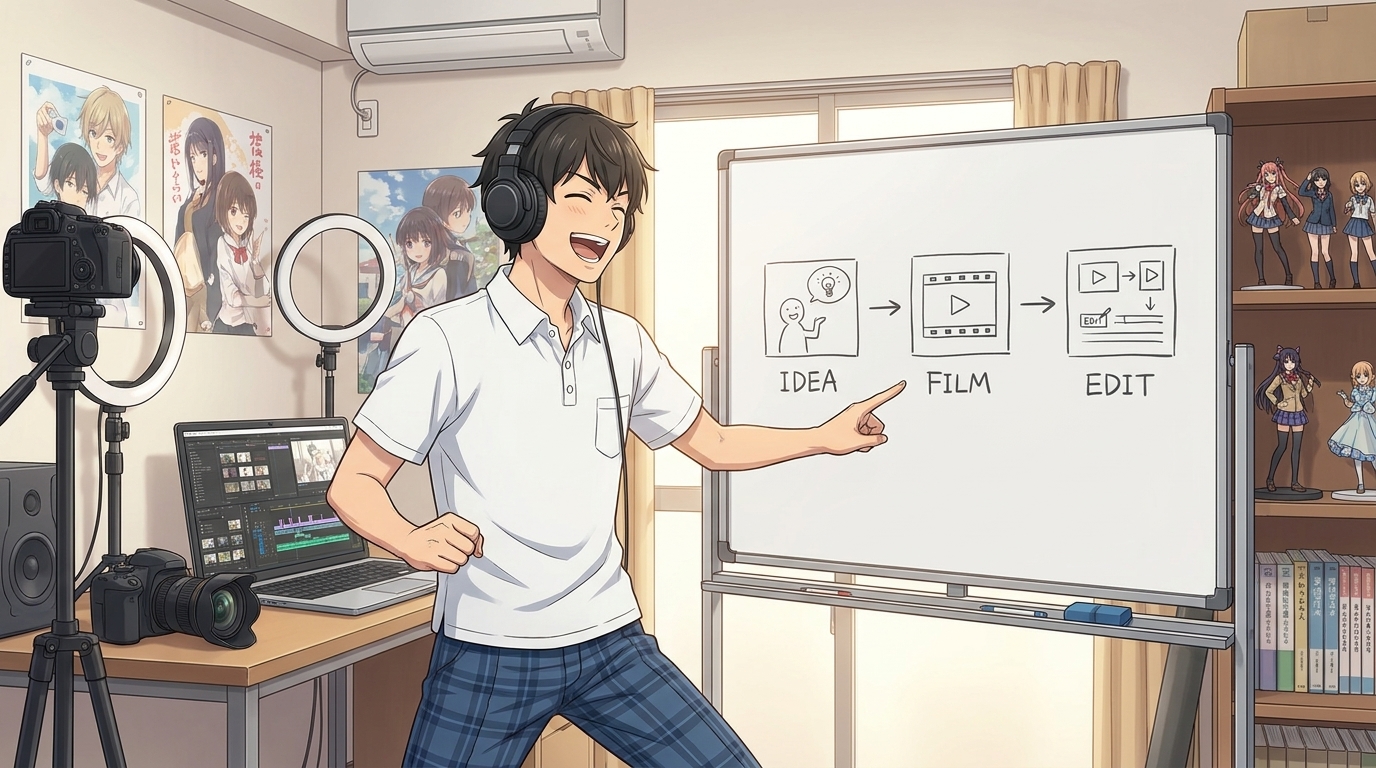
Assemble and iterate inside AutoWeeb's storyboard workflow.
Once panels are written, generation becomes assembly line work. Produce the starting image for each panel (scene still with your saved character), run video generation with the panel's camera prompt, drop the result into the storyboard sequence, and preview the full Short. Regenerate single panels without touching the others when a clip moves too fast or the grade drifts warm.
This is the same workflow described in how to turn an idea into an AI anime video, but optimized for creators who publish weekly: storyboard three beats on Monday, batch-generate clips Tuesday, edit and upload Wednesday. The board is the reusable template; only the premise sentence changes each week.
For camera vocabulary to paste into panels, keep camera movement prompts open in a second tab. For channel strategy and posting rhythm, see the YouTube creator guide. For still frames that become reliable starting images, photo packs give you backgrounds that match the mood you sketched on the board.
Common storyboard mistakes that waste generations.
Too many beats for one Short. Six panels for a forty-five-second upload means every clip gets three seconds of story. Pick three beats or split into two uploads.
Re-describing the character in every panel. That invites drift. Use the library; describe action and camera only.
Skipping the starting image. Video models inherit the first frame. If the board says "close-up on tears" but the still is a wide shot, you are fighting the tool.
No grade continuity. Note warm, cool, or high-contrast on the board and repeat it in every panel prompt. More on look consistency in the color grading guide.
A weekly storyboard template you can reuse.
Copy this into a doc for each upload:
- Premise (one sentence): who, stake, moment
- Beat 1 — Setup: framing, action, camera, duration (5s / 10s)
- Beat 2 — Turn: framing, action, camera, duration
- Beat 3 — Payoff: framing, action, camera, duration
- Thumbnail panel: which beat supplies the still
- Character IDs: library names for protagonist and supporting cast
- Grade note: e.g. cool teal shadows, warm amber highlights
Fill it in before you open the generator. Your hit rate on usable clips goes up sharply because you are solving structure once, then executing.
Storyboarding AI anime is the difference between a channel that feels like a series and a feed of pretty fragments. Plan three beats, write one panel prompt per clip, anchor a saved character, and assemble in sequence. The tools handle pixels; the board handles story.
Ready to go deeper on prompts after the board is set? Read the beginner-to-pro AI anime video prompt guide next, or start from a locked character with how to make an anime character.
Related Blog Posts
Storytelling and Worldbuilding in AI Anime: How to Build Worlds That Feel Real
From establishing the visual logic of a world to building characters with history — how to use AI anime to create stories that live beyond a single image.
Learn how to use AI anime generation for storytelling and worldbuilding — covering environment design, character consistency, narrative sequencing, and the visual grammar that makes worlds feel lived-in.
Best AI Anime Facial Expression and Pose Prompts for Emotional Scenes
How to prompt joy, rage, sadness, determination, embarrassment, and every major pose type to make AI anime characters feel emotionally alive.
Learn the best AI anime facial expression and pose prompts for joy, rage, sadness, determination, embarrassment, romance, and cinematic body language. With prompt examples.
Best Lens Effects for AI Anime Prompts: Depth of Field, Bokeh, Motion Blur & More
How to use bokeh, shallow depth of field, fish-eye, bloom, motion blur, anamorphic flare, and zoom blur to make AI anime feel like it was shot through a real lens.
Learn how to add bokeh, depth of field, fish-eye, motion blur, zoom blur, bloom, and anamorphic flare to AI anime prompts. Practical examples for every lens effect.
Extreme Close-Up Shots Explained: How to Create Powerful Emotional Scenes in AI Anime
How and when to use extreme close-up framing to isolate the details that carry the most emotional weight in AI anime.
Learn how and when to use extreme close-up shots in AI anime emotional scenes. Includes prompt examples for eyes, hands, lips, and detail inserts that make scenes land.
Explore AutoWeeb
Jump into the tool that fits your creative step.
AI Anime Video Generator
Animate storyboard shots into cinematic clips with Seedance 2 and consistent characters.
Anime Character Creator
Design original characters with consistent sheets across every scene.
AI Anime Image Generator
Generate cinematic anime stills anchored to your character library.
Turn Photo Into Anime
Upload any photo and watch AI turn it into stunning anime art in seconds.
AI Anime Location Generator
Create a location set once, then generate reference images from every angle.
AI Anime Storyboarding
Describe your idea, pick your characters, and let AI draft the script and scenes.
AI Anime Prompt Agent
Turn a rough idea into a cinematic Seedance 2 prompt with the AI Director.