
From Photo to VTuber Avatar: Designing Your Virtual Identity for YouTube
Your face becomes the anchor. Your anime model becomes the brand viewers recognize every stream, Short, and debut.
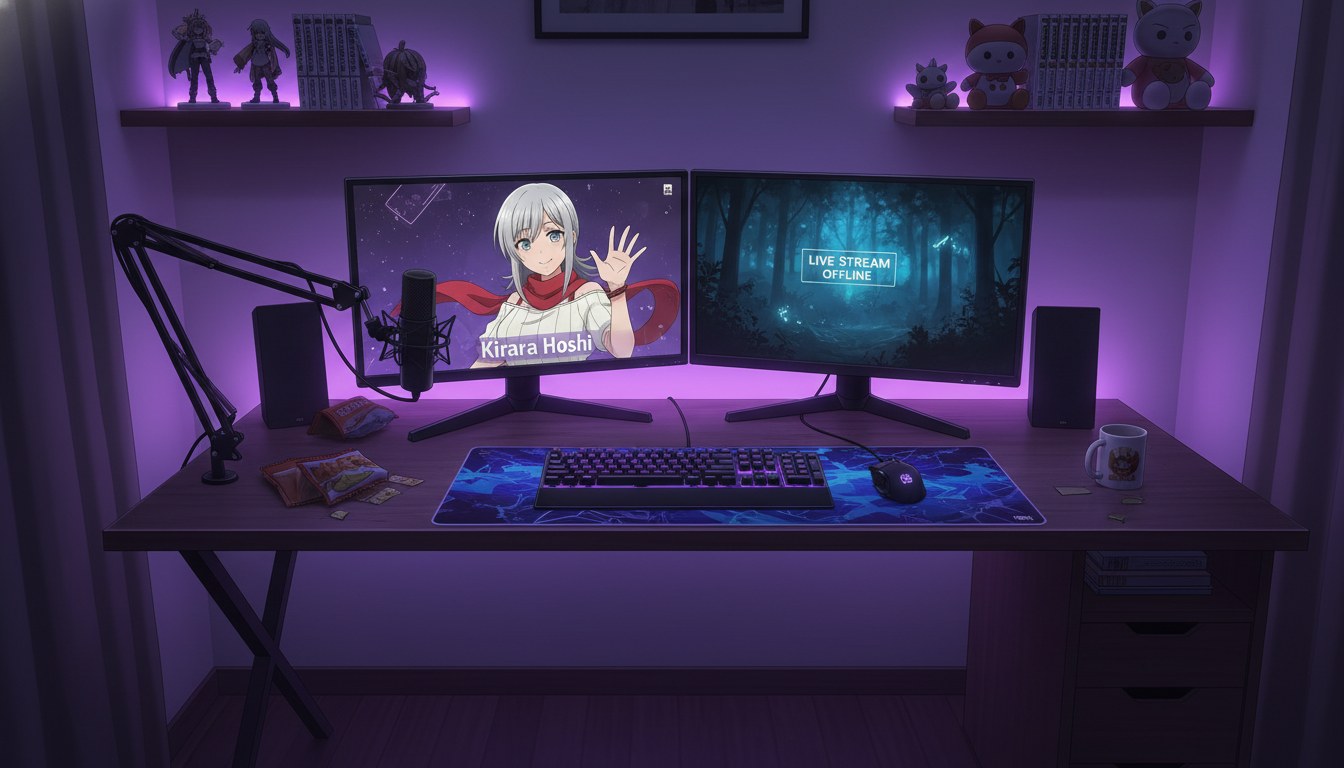
A VTuber avatar is not a single PNG you slap on a webcam layer. It is a contract with your audience: this hair, these eyes, this silhouette, every Tuesday. Most new creators treat avatar design like a one-time commission and wonder why episode twelve looks like a recast. The durable path is photo to vtuber avatar through a locked character pipeline: convert your reference once, define the nouns that must never drift, then route every still and motion clip through the same saved design.
This guide is for YouTube and Shorts creators who want an anime-forward virtual identity without a Live2D rigging team on retainer. You will build the model layer in stills, package expression and outfit variants, then feed approved frames into the AI anime video generator for debut loops, reaction clips, and serialized story cells. Use the AI anime prompt agent when you need screenplay lines and panel prompts to stay word-aligned across a stream week.
What virtual identity means beyond the portrait.
Identity is the set of choices viewers can recognize in two seconds: hair mass, eye color, signature accessory, default grade. Professional VTuber studios document these in a model sheet. Solo creators on YouTube need the same discipline in text form because AI will paraphrase unless you forbid it. Write a bible row before you generate anything public:
- Name token: one capitalized handle used in every prompt (e.g., KIRARA).
- Face nouns: hair length, color, eye color, skin tone, age read.
- Signature item: one accessory that appears in 80% of frames (scarf, headset charm, brooch).
- Default outfit: stream-debut look; variants get separate tags, not silent swaps.
- Forbidden drift: list what the model must not invent (extra piercings, eye color shifts, age regression).
Photo conversion gives you the first faithful still. The bible row keeps that still from becoming five different people by upload three. If you are also running a fiction channel, pair this with keeping your protagonist identical across twelve episodes: the same locking rules apply whether the avatar hosts streams or stars in a cour.
Step 1: Choose a reference photo that survives anime translation.
VTuber avatars exaggerate readable features. Your source photo should give the model something to anchor: even lighting on the face, minimal motion blur, no heavy filters that recolor skin. Three-quarter portraits work when you plan talking-head streams; front-facing portraits work when the avatar will center every thumbnail.
Upload through photo-to-anime conversion and pick an art style that matches your channel tone: high-energy shonen for gaming, softer slice-of-life for cozy streams, clean mystery lines for narrative debuts. Save the result to your character library immediately. That save is the difference between a mascot and a reusable cast member.
Step 2: Build the expression and outfit layer.
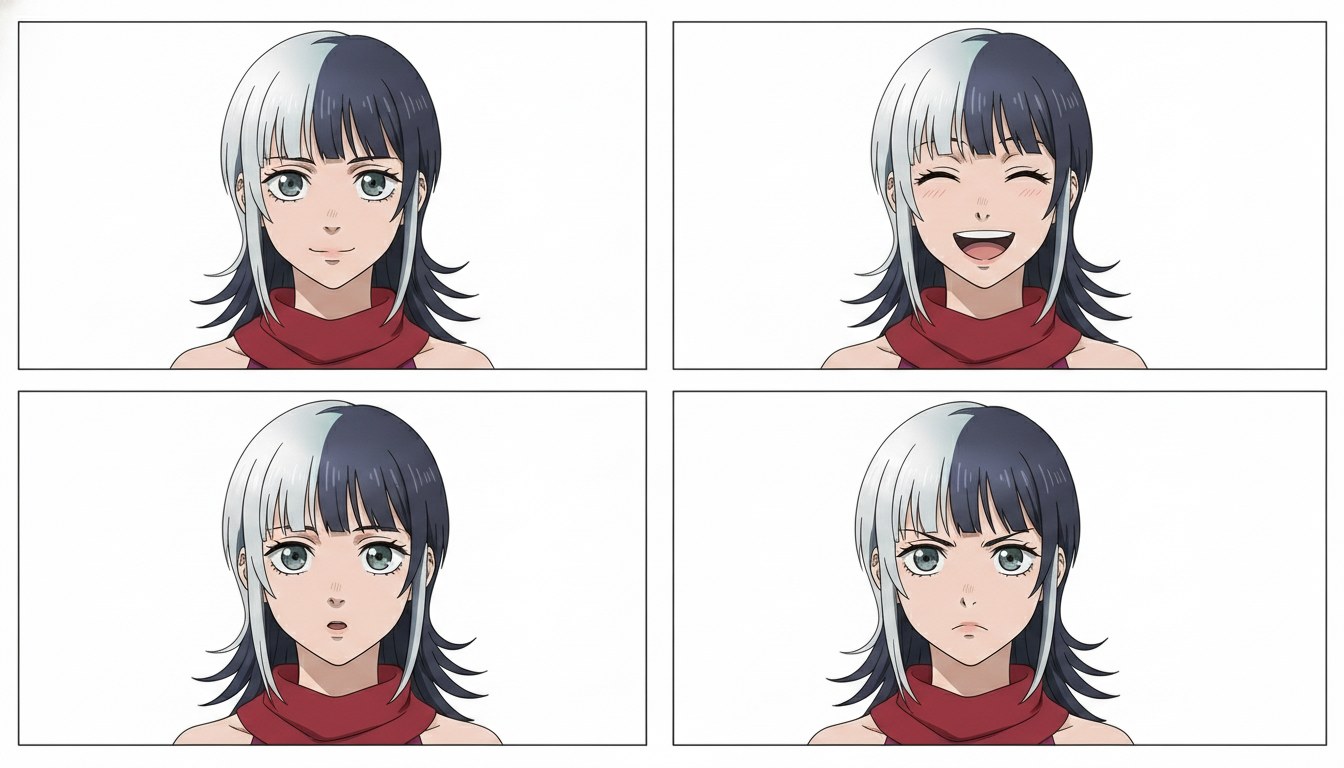
Streams and Shorts need more than one face. Batch stills for the states you will actually use: neutral talking, laugh, surprise gasp, focused gaming brow, tired late-night soft eyes. Keep camera height and lighting family consistent so OBS scenes do not feel like channel-hopping.
Example panel prompts (reuse your bible nouns verbatim):
"KIRARA, silver hair shoulder length, steel gray eyes, red scarf, neutral talking head, soft key light, clean shonen linework, streaming overlay safe framing"
"KIRARA, silver hair shoulder length, steel gray eyes, red scarf, delighted laugh, medium close-up, warm amber grade, same linework as neutral sheet"
Outfit variants deserve their own tags: KIRARA_FESTIVAL, KIRARA_HOODIE. Never let a "casual stream" prompt silently remove the signature scarf unless that is a deliberate rebrand arc. For a deeper still-to-motion chain, see from still image to animation.
Step 3: Package motion for YouTube discovery.
Still avatars win subscriptions on clarity. Motion wins the scroll. Export three clip types before debut week:
- Starting soon loop: subtle hair and accessory motion, hold medium close-up, no plot.
- Debut hook Short: hook-turn-land in under forty-five seconds; end on a question about who KIRARA is.
- Reaction cell: two-second expression punch for future compilations.
Animate from the approved still, not from a fresh character description. Motion prompts should name one verb: scarf flutters, eyes widen, desk light pulses. Pass hook and land lines through the AI anime prompt agent so Shorts metadata and panel text share the same nouns. Channels launching a fiction sidecar should read how to launch a trending anime series on YouTube in 2026 for playlist packaging that matches the avatar brand.
Step 4: Align overlays, thumbnails, and channel art.
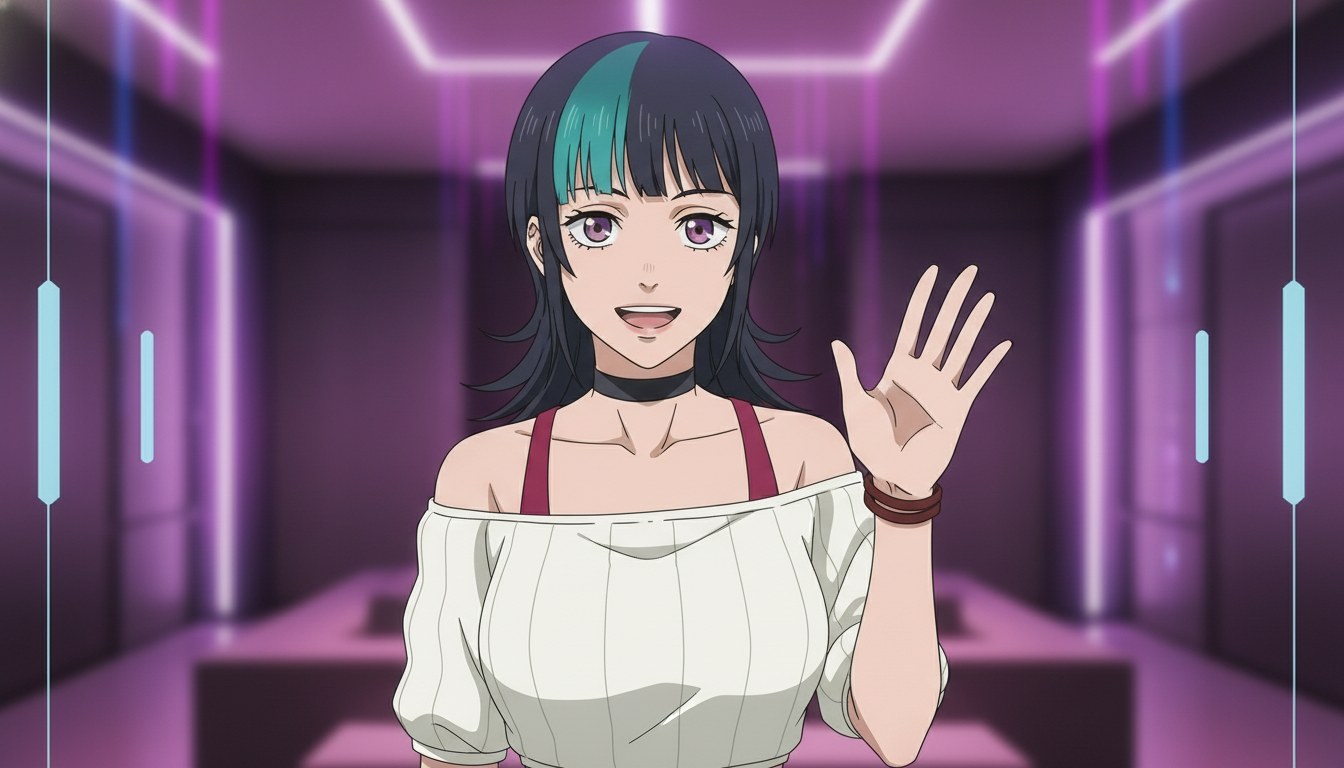
Virtual identity breaks when the thumbnail face does not match the stream model. Export the same neutral still for: YouTube profile art crop, default thumbnail template, OBS static fallback, and community post headers. When you generate a new outfit arc, update all four surfaces in one session so returning viewers do not feel gaslit by a silent redesign.
For serialized fiction uploads, number episodes and keep the avatar face family in the thumbnail safe zone. The guide on best AI anime tools for YouTube creators in 2026 compares platforms, but the packaging rule is universal: recognition beats novelty on upload day.
Common mistakes when designing a VTuber avatar with AI.
- Generating before the bible row exists. You will accept the first pretty face and lose the noun list that prevents drift.
- Mixing art styles between stream and Shorts. Pick one linework family and enforce it in every prompt.
- Animating from paraphrased descriptions. Motion inherits the still; if the still is wrong, motion wastes generations.
- Treating redesigns as accidents. If you change signature items, call it a season two rebrand in copy so chat understands.
Prompt hygiene for video beats is covered in how to write prompts for Seedance 2 anime videos. Avatar creators should read it for motion vocabulary even when the stream itself is mostly still overlays.
Frequently asked questions about photo-to-VTuber avatar design.
Can I build a VTuber-style avatar from a selfie without drawing skills?
Yes. Upload a clear portrait, convert through photo-to-anime, and save the character to your AutoWeeb library. The platform preserves your features while applying the anime style you select. Drawing skill helps for manual touch-ups, but the identity lock lives in saved characters and repeated noun tokens, not in a tablet pipeline.
Do I need Live2D rigging for YouTube?
Not to start. Many creators run static or lightly animated overlays built from still sheets and short motion loops. AutoWeeb's still-to-video path covers starting soon loops, reaction punches, and Shorts debuts. Rigging becomes worth it when chat expects real-time lip sync on every syllable; until then, invest in expression breadth and thumbnail consistency.
How does AutoWeeb keep my avatar on-model across clips?
When you assign a saved character to a generation, AutoWeeb inherits the locked visual profile instead of re-interpreting a loose text description each time. Your job is to reuse the same name token and bible nouns in every panel line. AutoWeeb handles inheritance; you handle discipline.
Can the same avatar host streams and star in a fiction series?
Yes, if you treat both as one brand. Use the same library character, separate playlist titles for fiction, and tag outfit variants explicitly. AutoWeeb supports multi-scene storyboards for fiction while reusing the host avatar for promotional Shorts that point to the series playlist.
What photo works best for anime VTuber conversion?
Even face lighting, minimal filters, and a neutral or slight smile. Avoid group shots for the anchor conversion; add friends as separate saved characters later. AutoWeeb's converter reads facial structure best when one subject dominates the frame.
Should debut clips be long or Short-first?
Short-first for discovery, then compile a longer debut once you have three to five cells that share the same grade. AutoWeeb clips are sized for vertical hooks; long-form is an edit layer, not a separate character bible.
Virtual identity is a production habit: one photo anchor, one bible row, expression sheets before overlays, motion that respects the still. Lock KIRARA once, generate the stream kit, then let Shorts and series cells prove the face is a brand, not a lucky frame. When the avatar is stable, continue with creating an AI anime YouTube channel and storyboarding AI anime for YouTube creators to scale beyond debut week.
Related Blog Posts
AI Anime B-Roll and Cutaways for YouTube Video Creators
Insert shots are not filler. They are the rhythm that makes your protagonist clips feel like a directed episode.
Plan AI anime B-roll and cutaways for YouTube Shorts: environment inserts, detail stills, and motion clips that bridge storyboard beats without breaking character or location continuity.
AI Anime Camera Bible for YouTube Video Creators
Hooks feel like a trailer and lands feel like a recap when framing is a mood, not a code. A camera bible is how serialized Shorts keep the same shot grammar beat to beat.
Build an AI anime camera bible for YouTube Shorts: name hook, turn, and land shot codes, tag panels before stills and Seedance motion, and stop accidental jump cuts between mismatched angles.
AI Anime Character Expression Sheets for YouTube Video Creators
Hooks fail when the face drifts. A small expression library is how serialized Shorts keep the same protagonist readable beat to beat.
Build AI anime character expression sheets for YouTube Shorts: neutral, shock, anger, and soft beats you reference in storyboard panels, stills, and Seedance motion so hooks match the land.
AI Anime Color Palette Bible for YouTube Video Creators
Hooks read teal and lands read magenta when palette is a mood, not a code. A color palette bible is how serialized Shorts keep the same grade beat to beat.
Build an AI anime color palette bible for YouTube Shorts: name hook, turn, and land palette codes, tag panels before stills and Seedance motion, and stop accidental hue jumps between beats.
Explore AutoWeeb
Jump into the tool that fits your creative step.
AI Anime Video Generator
Animate storyboard shots into cinematic clips with Seedance 2 and consistent characters.
Anime Character Creator
Design original characters with consistent sheets across every scene.
AI Anime Image Generator
Generate cinematic anime stills anchored to your character library.
Anime Filters
Upload any photo and apply AI anime filters to turn it into stunning anime art in seconds.
AI Anime Location Generator
Create a location set once, then generate reference images from every angle.
AI Anime Storyboarding
Describe your idea, pick your characters, and let AI draft the script and scenes.
AI Anime Prompt Agent
Turn a rough idea into a cinematic Seedance 2 prompt with the AI Director.