
Maintaining Character Consistency in AI Art: A Practical Guide
Lock the face in text, in the library, and in motion. A production workflow for YouTube creators who publish more than one clip with the same lead.
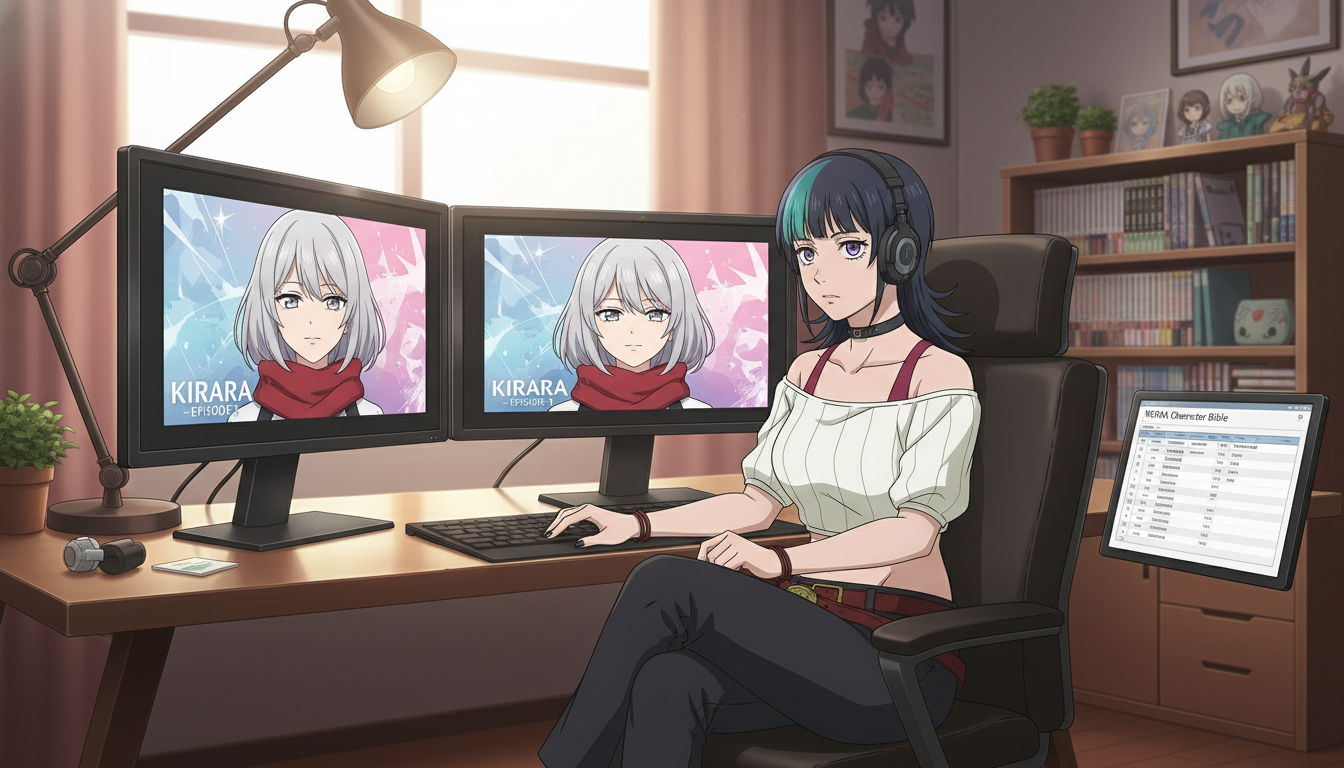
Character consistency in AI art is the difference between a channel viewers subscribe to and a feed of handsome strangers who share a hair color. Stills drift when prompts paraphrase. Video drifts harder when motion passes invent a new jawline. The fix is not "try the same seed again." It is a three-layer lock: design nouns in a bible, a saved reference in your library, and a still-to-motion chain that never re-describes the face in step two.
This guide is for YouTube, TikTok, and Shorts creators building serialized ai anime video, anthology shorts, or a recurring mascot. Whether you publish weekly chapters or daily hooks, the workflow is the same. Lock once, generate many, QA before upload. The AI anime video generator executes the lock; this doc tells you what to write down first.
What consistency means (and what it does not).
Consistent does not mean identical pixels. Anime characters change expression, lighting, and outfit every scene. Consistent means a returning viewer never pauses to ask if you recast. The face structure, hair silhouette, eye color, and one signature accessory stay stable enough to read as production design.
For still art, you are locking the design layer: hair length, eye color, skin tone, default outfit or signature item. For video, you add two more layers:
- Prompt layer: the same capitalized name and noun phrases in every panel line
- Reference layer: saved character or approved still that motion inherits
Change the story wardrobe when the bible tags it. Do not change steel gray eyes to amber because the alley prompt felt warmer. That rule applies whether you generate one portrait or forty clips for a cour-shaped arc. For a serialized season map, see how to keep your anime protagonist identical across 12 episodes.
Build a character bible before clip two.
Clip one can be exploratory. Clip two cannot. Before you publish again, write a bible row your future self is not allowed to paraphrase:
- Name in caps: KIRARA (always that spelling, never "the girl")
- Hair lock: silver hair, shoulder length, single side braid
- Eye lock: steel gray eyes, narrow anime iris
- Signature item: red scarf, even indoors unless tagged WARDROBE_OFF
- Forbidden drift: no bob cut, no eye color shift, no age-up
Paste the same block into your storyboard sheet, your LLM screenplay pass, and the header field on the AI anime prompt agent. Paraphrasing is how week four invents a cousin. The bible is the contract. Expand emotion and wardrobe rules with the character expression sheets guide and wardrobe bible for video creators so feeling changes without face changes.
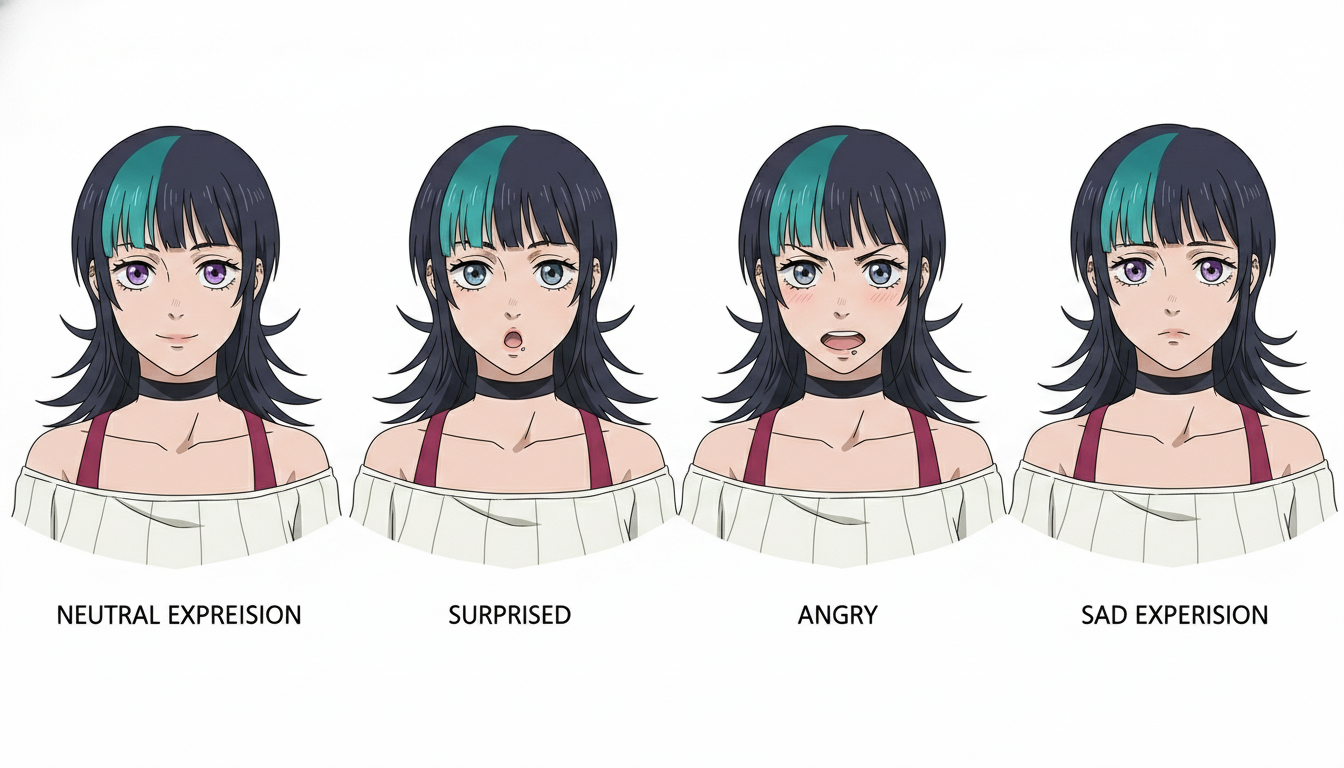
Save the design once in the character library.
Text locks drift when you are tired. A saved library character is the anchor the generator returns to. Workflow:
- Generate your best on-model still using the bible nouns
- Save it to the character library under the caps name
- Reference that ID on every still and motion pass forward
You are not rebuilding the design each upload. You are placing the same design in new verbs and locations. Photo-to-anime is a valid entry point if the lead is you: convert once, save, then never re-upload a different crop mid-arc. The guide on how to turn a photo to anime covers likeness without losing the anime read.
The still-to-motion chain that stops recast drift.
Video drift often starts when motion prompts re-describe the character from memory. Run a fixed chain every clip:
- Generate or select a still using the saved library protagonist
- Attach that still as the motion reference
- Limit motion to one verb from the action line
- Do not add a second character description in the motion pass
Example still line: medium close-up, static camera, KIRARA with steel gray eyes and silver shoulder-length hair, red scarf, she stares at a torn letter in a neon alley puddle, INT alley night, cool blue grade. Motion follow-up: rain ripples in the puddle, letter edge lifts slightly, camera locked. No new hair adjectives in step two. Motion discipline is covered in how to write prompts for Seedance 2 anime videos and from still image to animation.
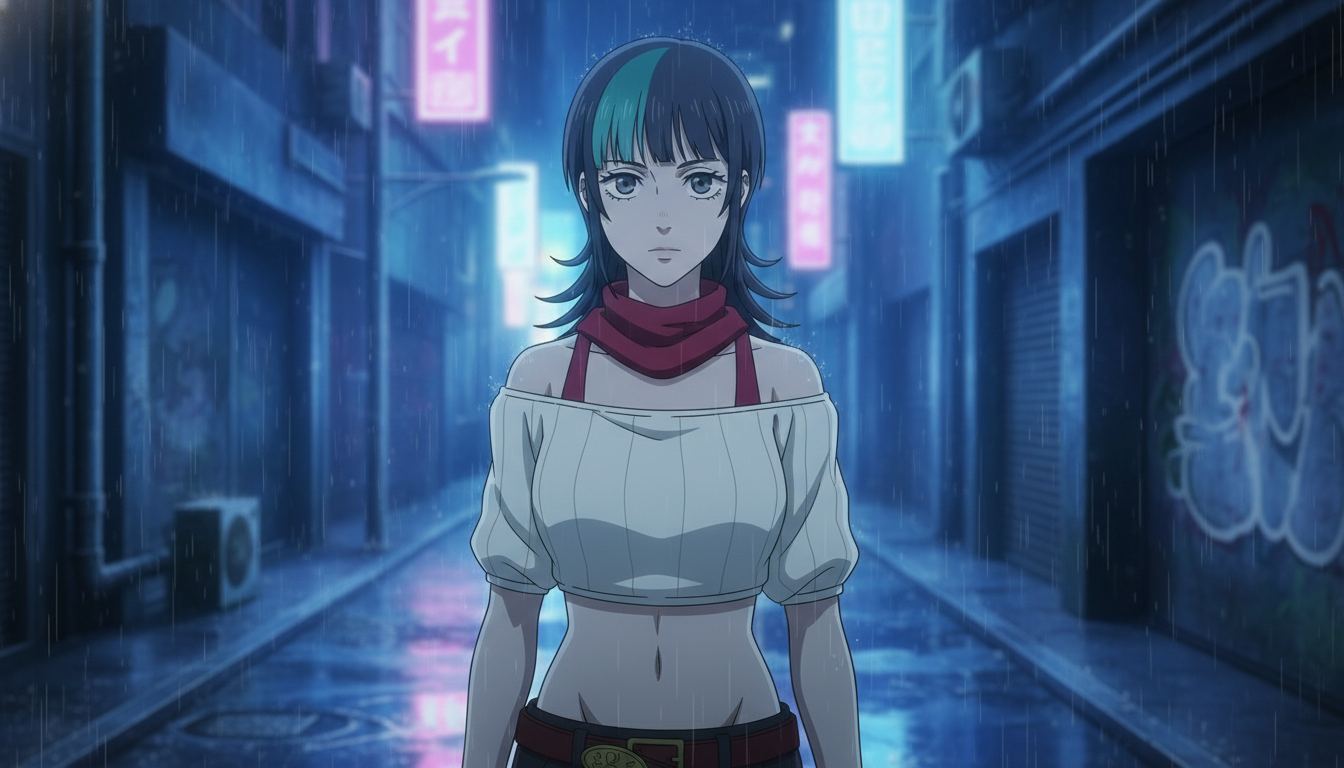
QA consistency before you schedule.
Before you publish clip N, line up thumbnails from clips 1, N-1, and N in one row. Ask three questions:
- Would a viewer name this as the same person without reading the title?
- Did any prompt line introduce a synonym (ash blonde instead of silver hair)?
- Did motion generation run without the reference still attached?
If the answer fails, fix the bible row before you fix the model. Regenerating with a longer prompt usually makes drift worse. Shorter prompts with locked nouns and library references beat creative thesaurus swaps. For edit-stage fixes when two clips are close but not matching, see editing AI anime video for YouTube creators.
When you are allowed to change the character (and how to tag it).
Stories need motion. Planned changes should be tagged in the bible, not smuggled in prompts:
- WARDROBE_TURN: one outfit swap at midpoint, scarf color may change, face lock unchanged
- INJURY_EP: bandage on left cheek for defined episodes, healed by finale
- TIME_SKIP_S2: reserved for season two opener, never mid-arc without on-screen label
Tag the storyboard row so your LLM and your editor know the change is canon. Untagged drift reads as sloppy continuity. Tagged change reads as story. That is the same rule live-action showrunners use; AI video channels inherit it whether they shoot on a lot or in a generator.
Frequently asked questions about character consistency in AI art.
Why does my anime character look different every generation?
Usually because the prompt paraphrased the design (blonde instead of silver hair) or because motion ran without a reference still. AutoWeeb reduces drift when you save the character to the library and attach that ID on every pass. The bible row is still yours to maintain; the tool executes it, it does not invent it.
Do I need a spreadsheet if I use AutoWeeb?
Yes, for anything serialized. AutoWeeb is the production floor: saved characters, storyboard rows, still-to-motion handoff. The spreadsheet or screenplay doc is where you forbid drift and tag planned wardrobe turns. Think spec sheet plus factory, not factory alone.
How many characters can one channel stay consistent with?
For a first arc, cap speaking cast at three locked designs: protagonist, rival or ally, one recurring anchor. Every new face is a new drift surface. AutoWeeb handles ensembles, but growth on YouTube usually comes from one face viewers bookmark. Add cast in season two after the lead is unmistakable.
Does consistency apply to still art and video equally?
The design layer is the same. Video adds the reference layer: motion must inherit an approved still, not a fresh description. Still posts that share a character with video should export frames from the same library lock so thumbnails and clips match. The AI anime YouTube thumbnails guide covers framing without changing protagonist nouns.
What if I already published a drifted clip?
Do not silently continue. Pick the thumbnail that best matches your intended design, update the bible row to match that still, and regenerate forward as a soft reboot. Pin a community post if you are transparent with the audience. Channels recover from labeled resets; they rarely recover from a dozen episodes of different leads.
How does AutoWeeb's prompt agent help consistency?
The AI anime prompt agent turns plain-English scene notes into structured prompts with anime motion language. Paste your bible header into the agent so every generated line inherits the same nouns. You review before submit; the agent handles technical phrasing that otherwise invites synonym drift.
Character consistency in AI art is not a model personality trait. It is a bible, a library save, and a chain that never re-describes the face in motion. Lock those three layers, QA thumbnails in a row before you schedule, and tag planned changes instead of smuggling them in prompts. When the foundation is set, continue with storyboarding AI anime for YouTube creators and creating an AI anime YouTube channel for the upload rhythm around the same face.
Related Blog Posts
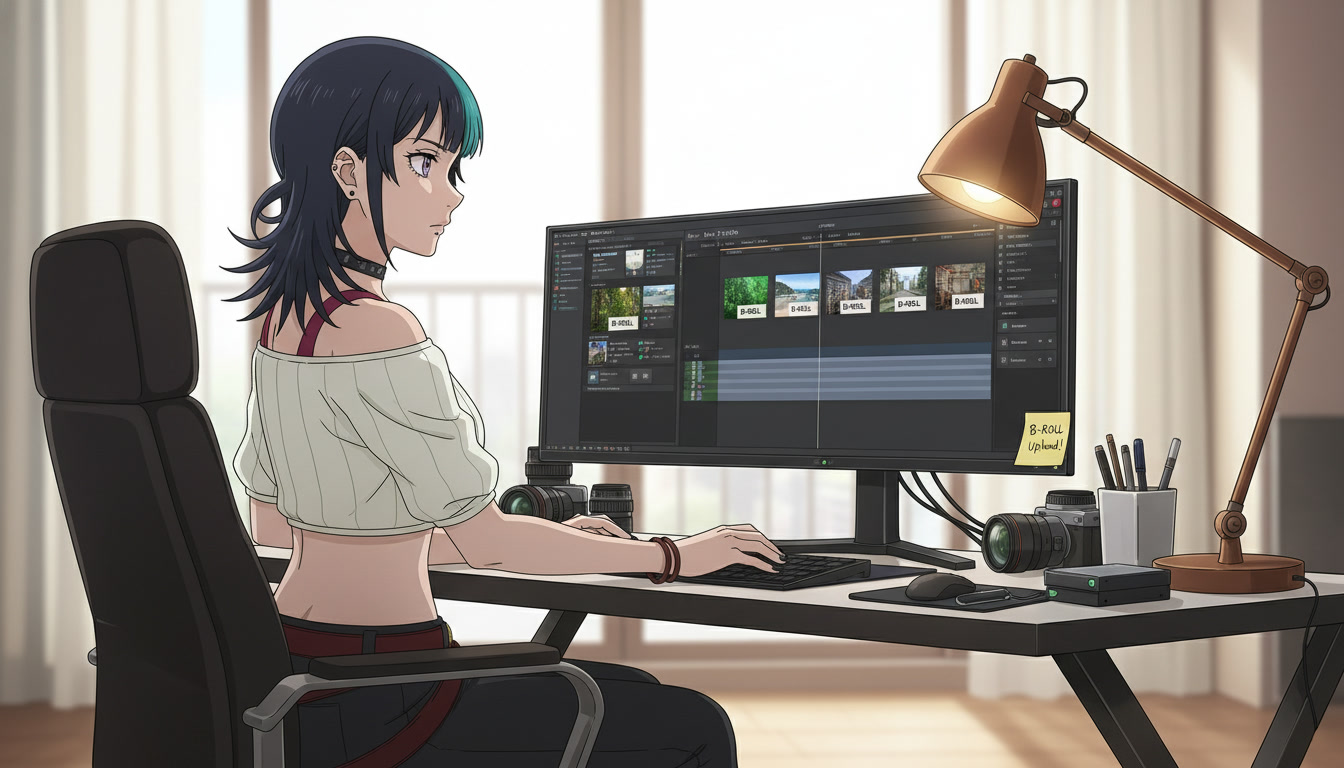
AI Anime B-Roll and Cutaways for YouTube Video Creators
Insert shots are not filler. They are the rhythm that makes your protagonist clips feel like a directed episode.
Plan AI anime B-roll and cutaways for YouTube Shorts: environment inserts, detail stills, and motion clips that bridge storyboard beats without breaking character or location continuity.
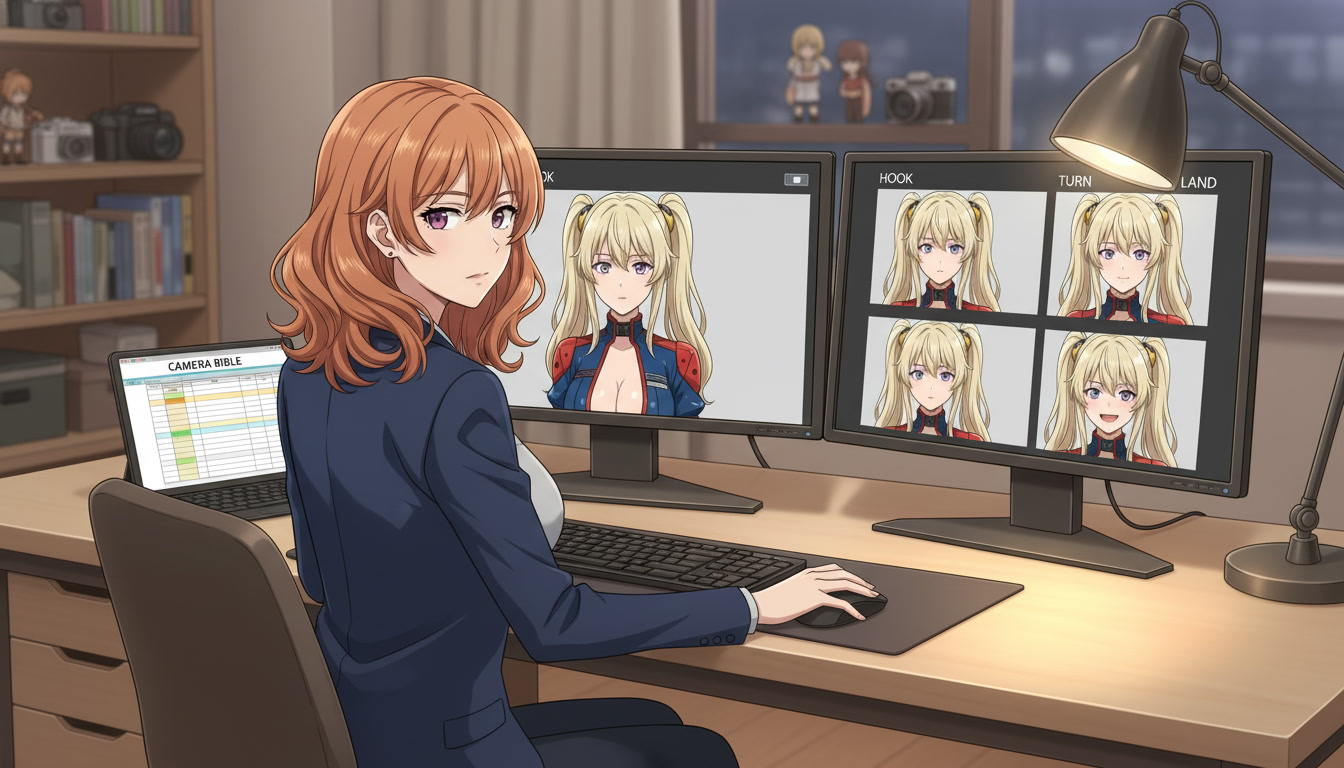
AI Anime Camera Bible for YouTube Video Creators
Hooks feel like a trailer and lands feel like a recap when framing is a mood, not a code. A camera bible is how serialized Shorts keep the same shot grammar beat to beat.
Build an AI anime camera bible for YouTube Shorts: name hook, turn, and land shot codes, tag panels before stills and Seedance motion, and stop accidental jump cuts between mismatched angles.
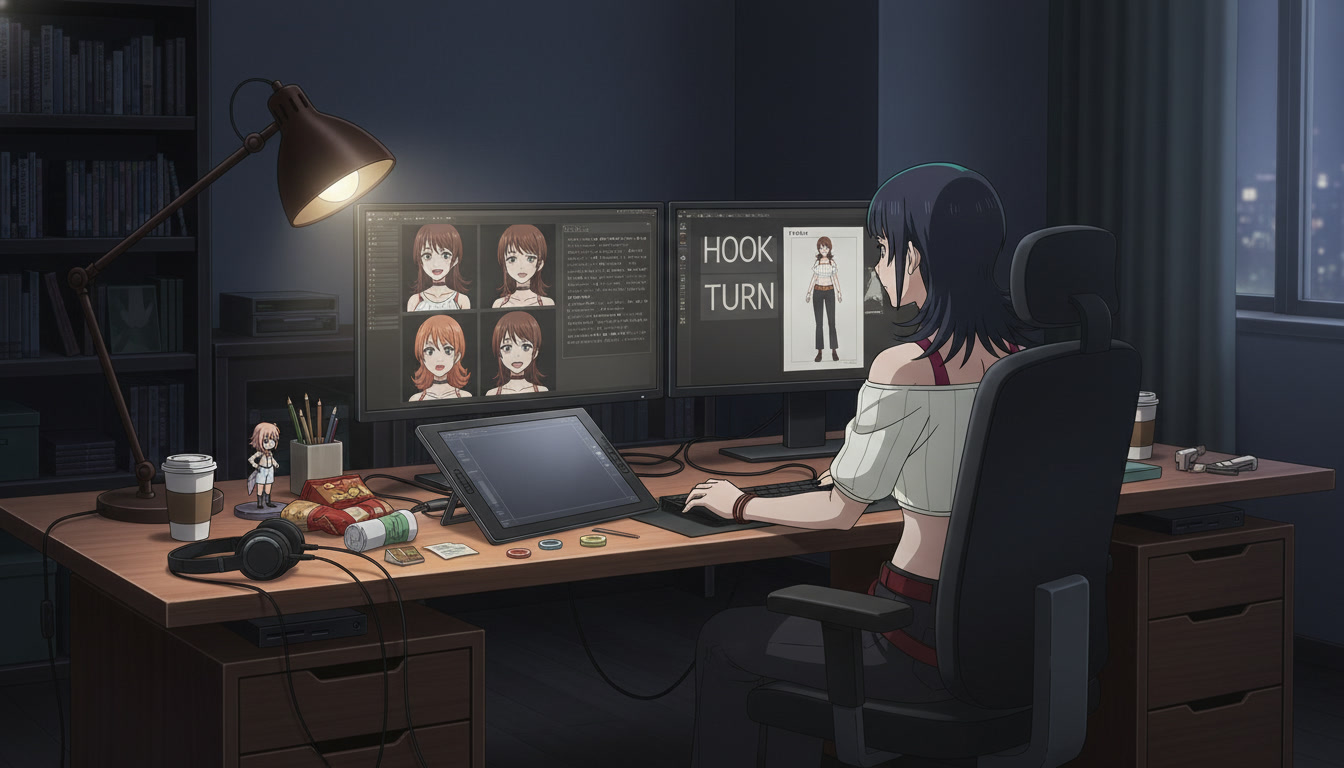
AI Anime Character Expression Sheets for YouTube Video Creators
Hooks fail when the face drifts. A small expression library is how serialized Shorts keep the same protagonist readable beat to beat.
Build AI anime character expression sheets for YouTube Shorts: neutral, shock, anger, and soft beats you reference in storyboard panels, stills, and Seedance motion so hooks match the land.
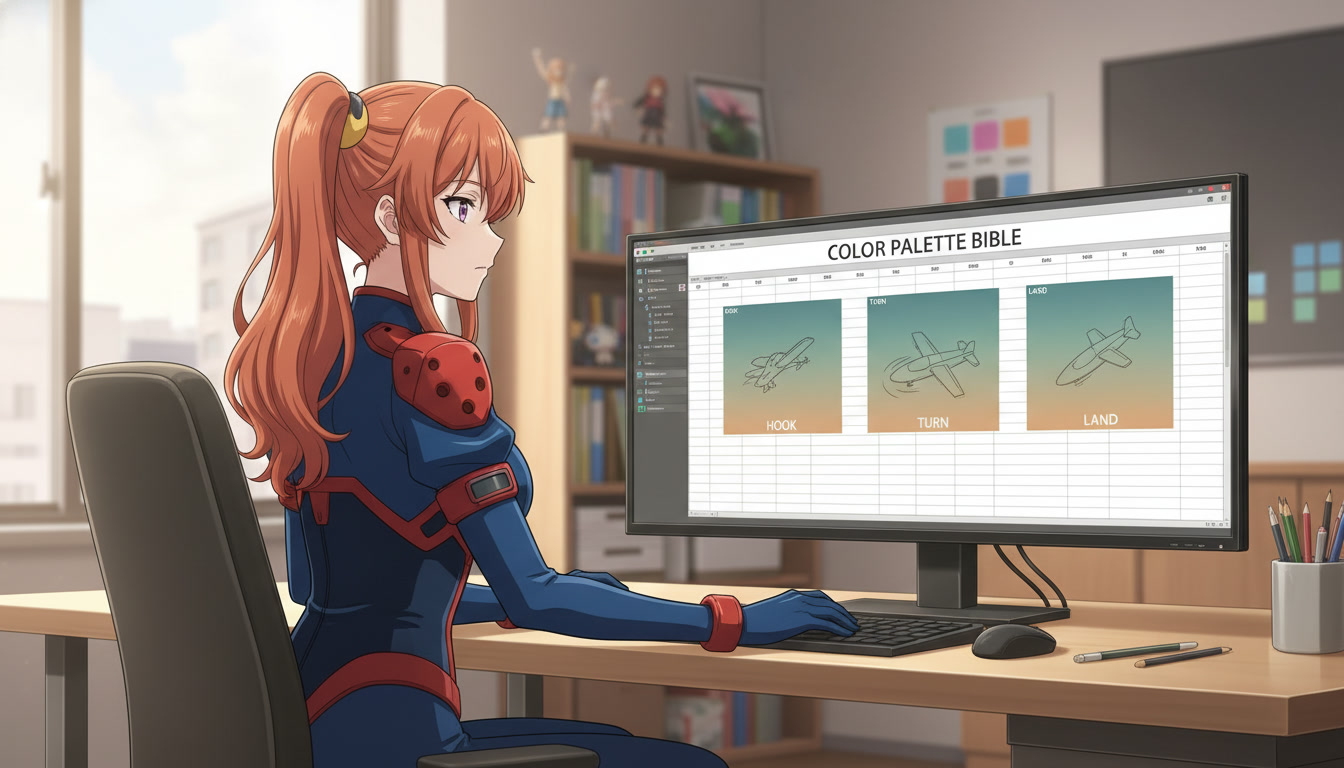
AI Anime Color Palette Bible for YouTube Video Creators
Hooks read teal and lands read magenta when palette is a mood, not a code. A color palette bible is how serialized Shorts keep the same grade beat to beat.
Build an AI anime color palette bible for YouTube Shorts: name hook, turn, and land palette codes, tag panels before stills and Seedance motion, and stop accidental hue jumps between beats.
Explore AutoWeeb
Jump into the tool that fits your creative step.
AI Anime Video Generator
Animate storyboard shots into cinematic clips with Seedance 2 and consistent characters.
Anime Character Creator
Design original characters with consistent sheets across every scene.
AI Anime Image Generator
Generate cinematic anime stills anchored to your character library.
Anime Filters
Upload any photo and apply AI anime filters to turn it into stunning anime art in seconds.
AI Anime Location Generator
Create a location set once, then generate reference images from every angle.
AI Anime Storyboarding
Describe your idea, pick your characters, and let AI draft the script and scenes.
AI Anime Prompt Agent
Turn a rough idea into a cinematic Seedance 2 prompt with the AI Director.