
AI Anime YouTube Thumbnails for Video Creators
Panel zero is not an afterthought. It is the still you generate on purpose before the Short goes live.
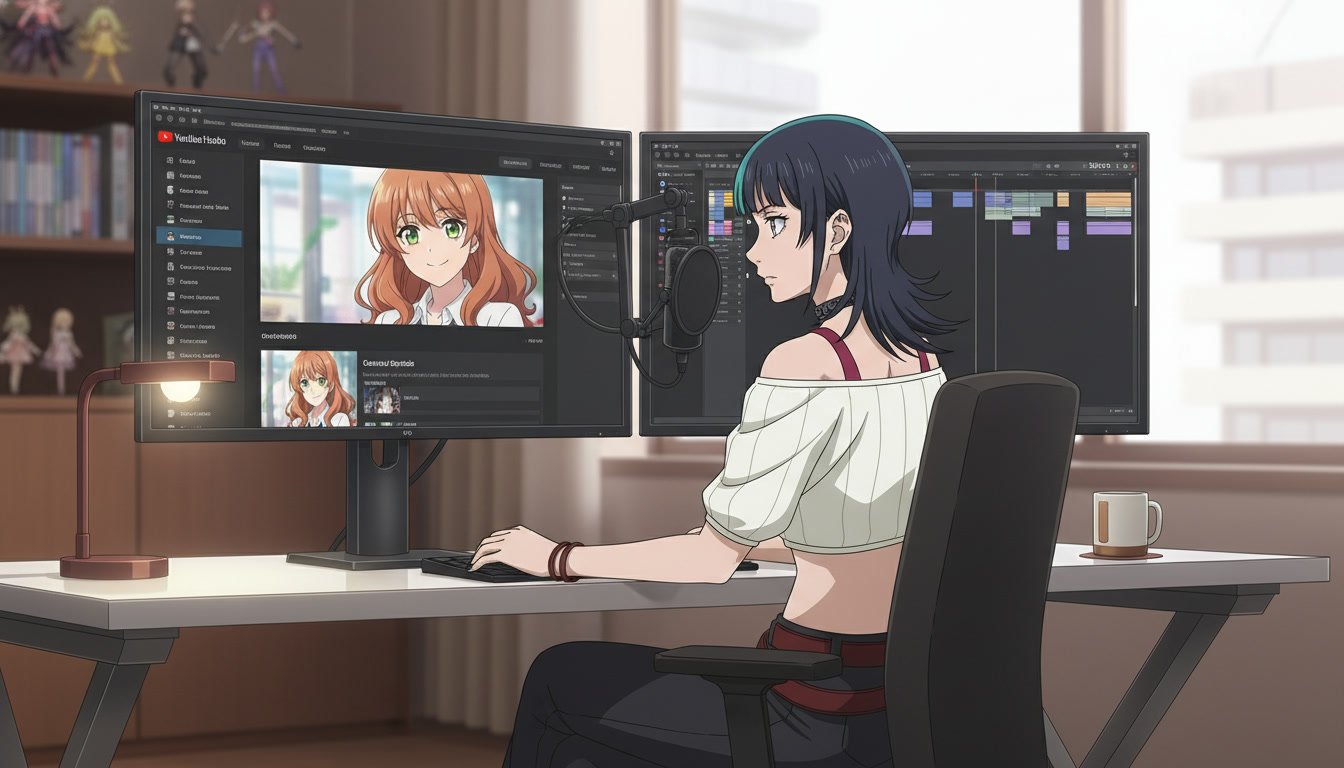
AI anime YouTube thumbnails decide whether your generation work becomes a view or a scroll-past. Video creators on YouTube, TikTok, and Reels can ship a perfect fifteen-second ai anime video and still lose browse traffic because panel zero was a random frame from the establish beat. The model did not fail. The packaging did. Thumbnails are not screenshots you crop in panic. They are stills you storyboard, generate with the same saved protagonist, and export with the same color discipline as the upload.
This guide is for creators who already run a pipeline: locked OC, three-beat Shorts, scene stills, motion passes, and an edit pass. It covers thumbnail-first planning, readable framing at small size, series title language, and how to keep click and watch aligned. If your protagonist still changes every upload, start with original character creations for video creators before you optimize thumbnails for a face the channel does not yet own.
Why thumbnails matter more for AI anime channels than for live action.
Live action creators can pull a sharp frame from any take. AI anime channels depend on a anime video generator that invents motion, and the sharpest readable face is often not the opening frame. Drift between clips is common. Drift between thumbnail and video is fatal: viewers feel baited when the hair, outfit, or background palette shifts after the click.
Serialized Shorts channels win on recognition. "Alley Run #11" works because the thumbnail shows the same copper-haired runner in the same jacket silhouette viewers saw last week. That is series packaging, not SEO stuffing. Metadata can still target how to make anime video with ai, but the image must answer a simpler question: is this the show I follow?
Pre-production guides already treat thumbnails as panel zero. This post makes that panel operational: dedicated generation, export size, and title patterns that match the still you actually upload.
Thumbnail-first planning on storyboard day.
On storyboard day, add a fourth line to your panel notes beside Purpose, Action, and Duration: Thumbnail? Mark yes on the beat that supplies panel zero. Usually that is beat two (the turn) or beat three (the land), not beat one. The establish wide is great for context inside the Short. It is weak at 120 pixels wide in the browse feed.
- Readable eyes: Medium close-up or close-up. Both eyes visible. Avoid extreme profile unless the silhouette is iconic.
- One accent color: Pull from your OC palette (scarf, gem, weapon glow) so the tile pops against YouTube's white or dark UI.
- Simple background: Sky gradient, neon strip, or flat wall. Busy crowds muddy small previews.
- No duplicate bait: The thumbnail emotion should exist in the Short within the first five seconds after the click.
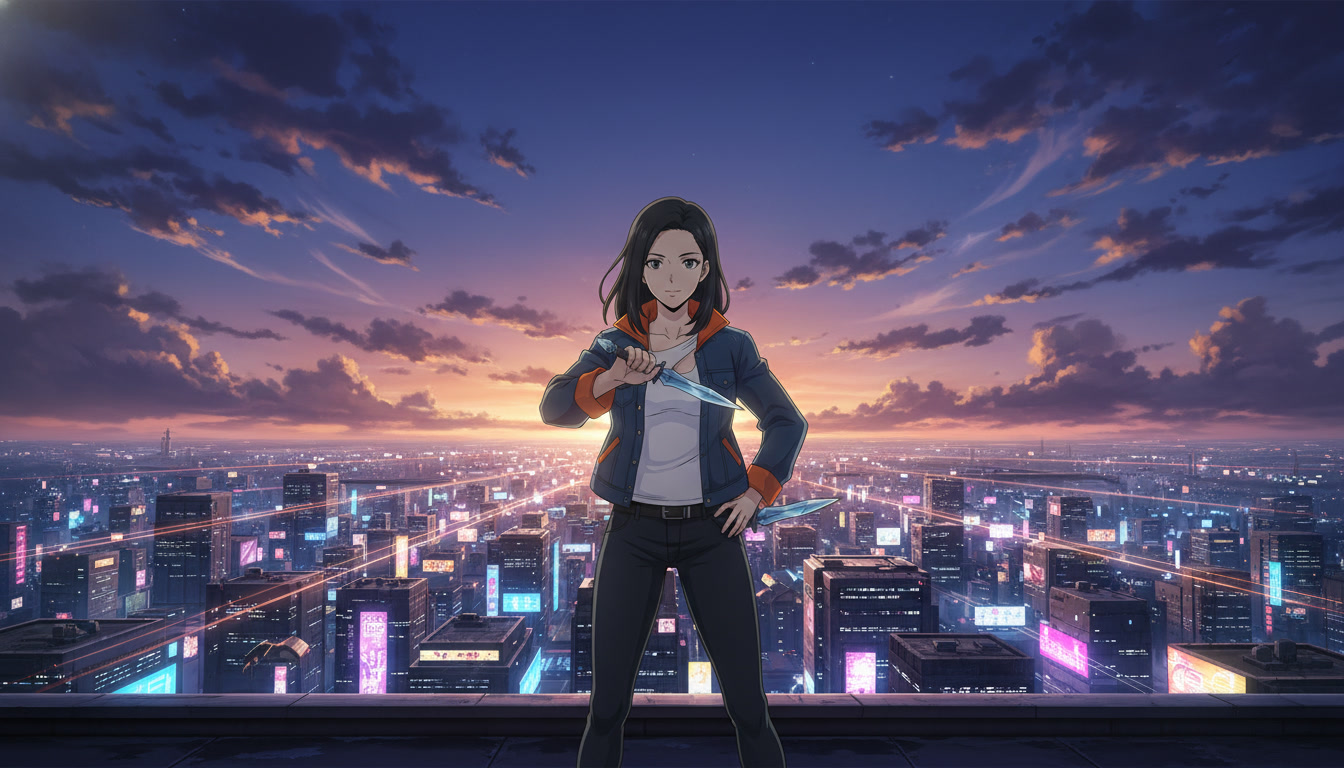
Example thumbnail panel note for a rooftop Short:
Thumbnail panel: medium close-up, saved protagonist, wind-lifted hair, steel gray eyes toward camera, dusk sky with one magenta rim light, expression "quiet shock" — same beat as turn clip in-point.
Full annotation habits live in storyboarding AI anime pre-production. Thumbnail work is an extension of that checklist, not a separate creative session you skip when tired.
Generating thumbnail stills with your saved protagonist.
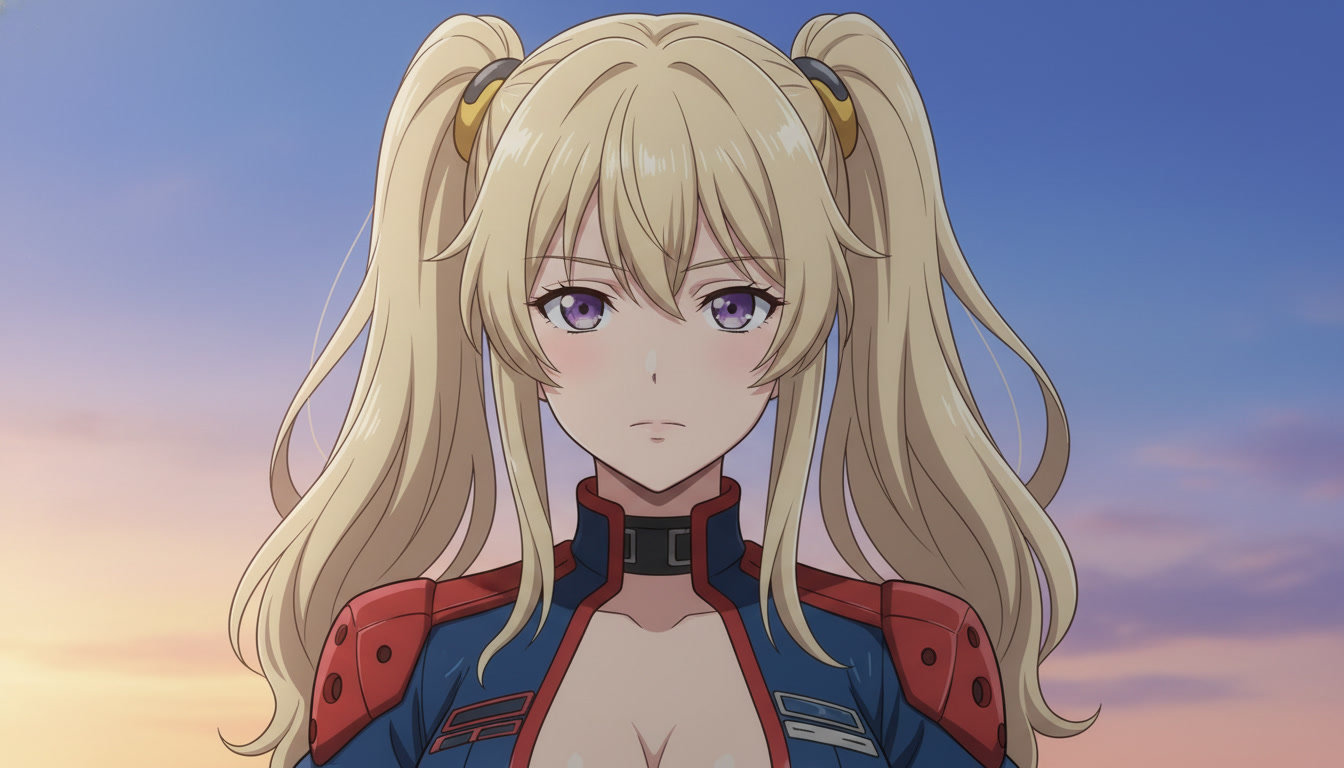
Treat the thumbnail as its own still, not a freeze-frame from a motion clip unless that frame passed a readability test. Open your saved character from the library, pick a scene still workflow (photo pack location or scene builder set you use every week), and prompt for a static key visual.
Prompt elements that help the anime video generator deliver packaging-grade stills:
medium close-up portrait, character looking at camera, both eyes sharp, soft anime shading, single magenta rim light from left, simple gradient dusk sky background, no text, no watermark, high contrast for small preview size
Second variation when the episode is action-forward:
close-up, determined expression, wind in hair, orange accent on jacket collar, dark alley background blurred to soft bokeh, cinematic anime key visual, readable silhouette
Generate two candidates. Pick the one where the face matches your character sheet at thumbnail scale. Zoom out in your file browser to phone width before you commit. If both fail the eye test, fix the OC or scene still first; do not compensate with heavy sharpening in Photoshop.
Scene consistency matters: use the same location bible as the Short's establish beat so the click does not teleport viewers. The scene layer is covered in video and scene generation for YouTube creators. Motion passes stay in Seedance; thumbnails stay in stills.
Titles, episode numbers, and Shorts packaging that match the still.
Titles are half of the tile. Patterns that retain subscribers on youtube anime shorts feeds:
- Series name + episode index: "Neon Alley #14 – Turn" tells returning viewers where they are in the arc.
- Emotion verb matching the face: If the thumbnail shows shock, the title word should be shock, not "epic battle" when the clip is a dialogue beat.
- Avoid empty superlatives: "INSANE AI ANIME 4K" attracts one-time clicks and trains the wrong audience.
- Description continuity: One sentence recap of the series premise, then episode-specific line. Link the playlist if you group by arc.
For gaming-adjacent channels, mood-native titles without affiliation claims still work: "Dungeon Run #6 – Boss Door" reads clearly in search. See turning video game moods into anime for YouTube for tone without using trademarked names in thumbnails.
Channel-level packaging from creating an AI anime YouTube channel applies here: one banner protagonist, playlist thumbnails that reuse the same frame crop, and upload cadence viewers can predict.
Export specs, A/B habits, and common thumbnail mistakes.
YouTube recommends 1280 by 720 minimum for custom thumbnails (16:9). Export a high-quality JPEG from your still pipeline. Keep critical facial features inside the center 80%: mobile crops trim edges. If you add text in an external editor, use one font, two words max, high contrast stroke. Many anime channels skip text on the image and let the title carry words so the face stays large.
Mistakes that hurt AI anime channels specifically:
- Random freeze-frame: Motion clips often blur the face mid-blink. Export a dedicated still instead.
- New protagonist per week: CTR spikes once, retention collapses. Lock the OC.
- Thumbnail brighter than the video: Heavy HDR on the still and flat grade on clips feels dishonest.
- Ignoring Shorts shelf: Vertical previews still appear beside 16:9 thumbs; center the face.
- Skipping the watch match test: First five seconds of the upload should deliver the thumbnail promise.
Batch thumbnail night with edit night: after picture lock on three Shorts, export three panel-zero stills with identical grade notes. Log which thumbnail variant you used in a spreadsheet column next to retention. By episode twenty, you know whether close-ups or two-character tiles win for your niche.
When motion drift makes stills easier than clips, pair this section with mistakes to avoid in Seedance 2 anime videos and editing AI anime video for YouTube creators for trim and export rhythm.
Should I put text on the thumbnail image?
Optional. If your series number is brand-critical, small " #12 " in a corner can help returning subscribers. If text shrinks the face below readable size, move the number to the title only. Test one episode each way and compare click-through rate over seven days, not two hours.
Can I reuse one thumbnail template for every upload?
Reuse layout, not the exact frame. Same crop, same accent color position, different expression and background hint per episode. Identical reused faces every week look like spam to humans and systems alike.
AI anime YouTube thumbnails are how video creators protect the work inside the pipeline. Generation supplies clips. Editing supplies rhythm. Panel zero supplies the click that finds the right audience for next week's episode. Plan it on storyboard day, generate it with your saved protagonist, and upload it with a title that tells the truth about the Short behind it.
Lock your cast and beats in storyboarding AI anime for video creators, then run this packaging checklist before publish. For motion after the still is set, continue with writing prompts for Seedance 2 anime videos.
Related Blog Posts
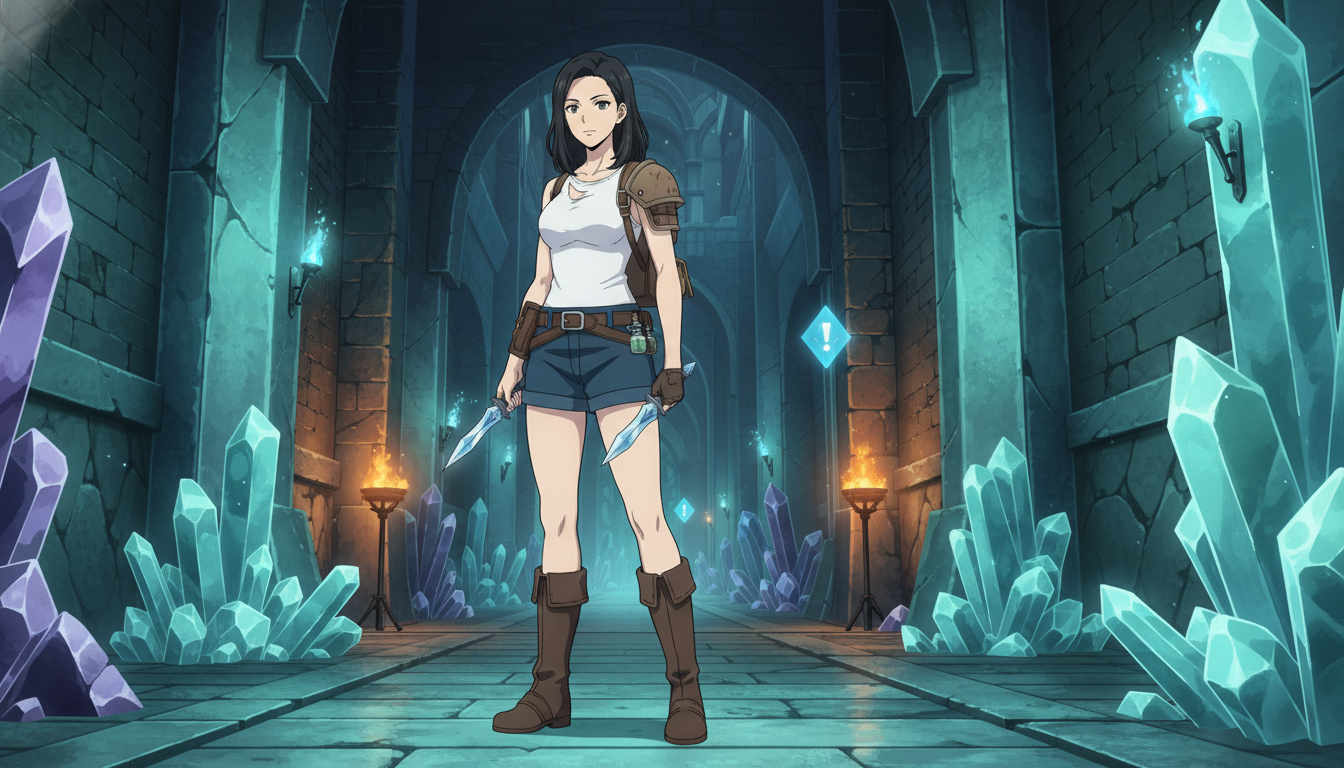
How to Turn Video Game Aesthetics Into Anime Videos for YouTube
RPG dungeons, boss arenas, and creator setups — a workflow for game-adjacent anime Shorts without copying IP
Learn how to turn video game aesthetics into AI anime videos for YouTube. Build original characters, prompt RPG scenes, and animate clips with Seedance 2 on AutoWeeb.
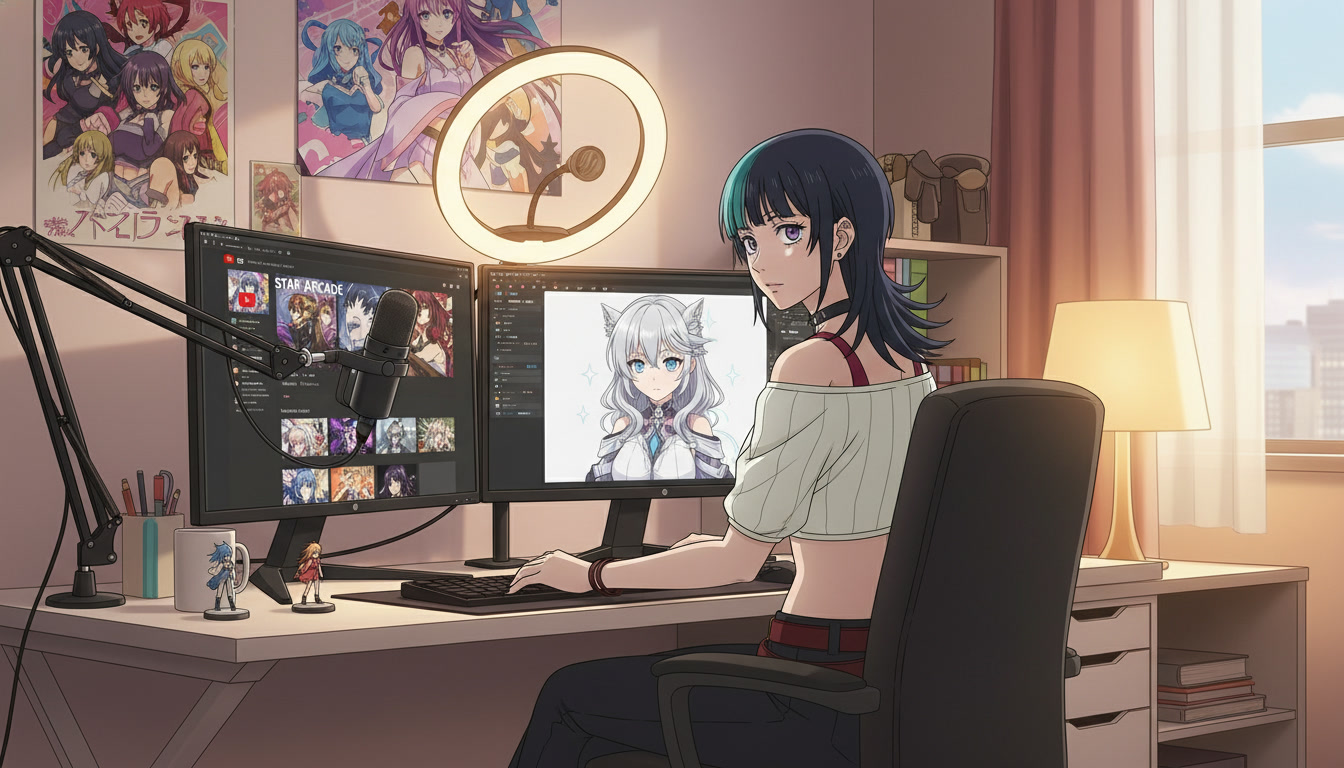
Creating an AI Anime YouTube Channel: From First Character to Published Shorts
A channel is not a folder of clips — it is a protagonist, a rhythm, and a reason to come back next week.
Learn how to create an AI anime YouTube channel with consistent characters, Shorts-ready clips, and a repeatable upload workflow using AutoWeeb and Seedance 2.
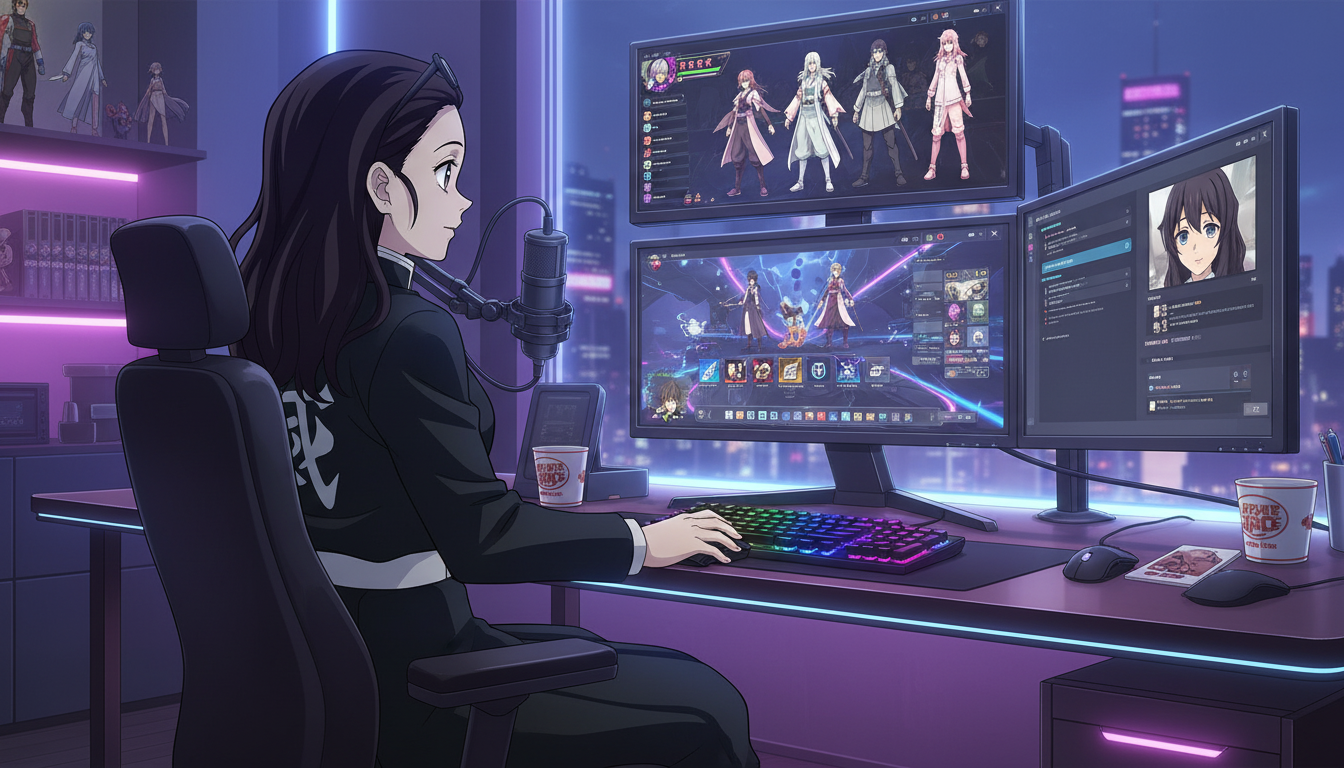
How to Turn Video Game Characters Into Anime Videos for YouTube
Gaming channels already have the stories — anime-style video is how you make them look like a show instead of a screenshot montage.
Turn video game characters into anime videos for YouTube. A workflow for gaming creators: OC design, scene prompts, Seedance 2 clips, and Shorts-ready pacing.
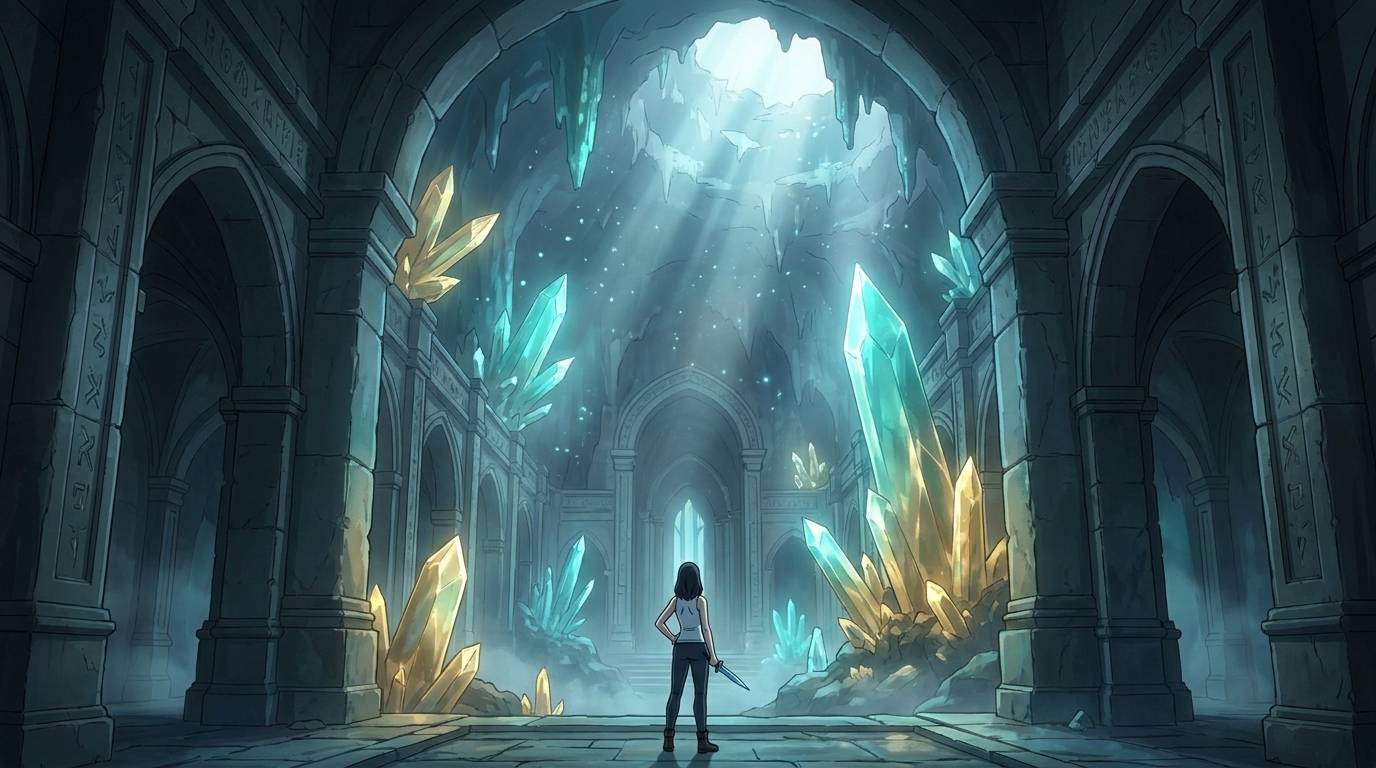
Storytelling and Worldbuilding in AI Anime: How to Build Worlds That Feel Real
From establishing the visual logic of a world to building characters with history — how to use AI anime to create stories that live beyond a single image.
Learn how to use AI anime generation for storytelling and worldbuilding — covering environment design, character consistency, narrative sequencing, and the visual grammar that makes worlds feel lived-in.
Explore AutoWeeb
Jump into the tool that fits your creative step.
AI Anime Video Generator
Animate storyboard shots into cinematic clips with Seedance 2 and consistent characters.
Anime Character Creator
Design original characters with consistent sheets across every scene.
AI Anime Image Generator
Generate cinematic anime stills anchored to your character library.
Anime Filters
Upload any photo and apply AI anime filters to turn it into stunning anime art in seconds.
AI Anime Location Generator
Create a location set once, then generate reference images from every angle.
AI Anime Storyboarding
Describe your idea, pick your characters, and let AI draft the script and scenes.
AI Anime Prompt Agent
Turn a rough idea into a cinematic Seedance 2 prompt with the AI Director.