
Editing AI Anime Video for YouTube Creators
Generation gives you clips. Editing gives them a rhythm viewers feel in the first three seconds.
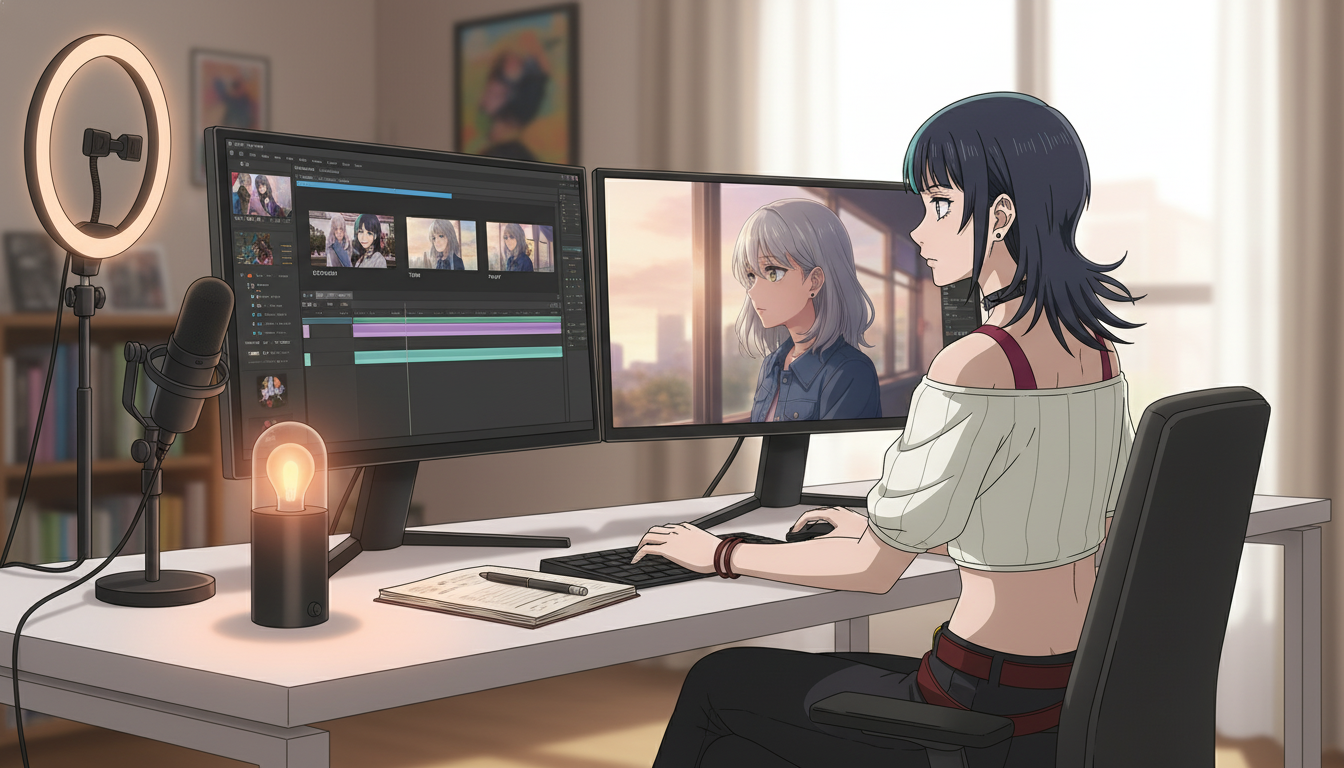
Editing AI anime video is the step most creators skip because the generator already delivered something cinematic. That is how channels end up with a folder of gorgeous five-second files and uploads that feel like a slideshow with reverb. Video creators on YouTube, TikTok, and Reels who retain viewers are not luckier with Seedance. They treat the anime video generator as a footage supplier and the NLE as the director. The edit decides when the hook lands, when silence hurts, and when the same face returns in next week's Short.
This guide is post-production for serialized ai anime video: how to import clips with storyboard labels, cut to a three-beat rhythm, layer sound without fighting the model, and export vertical masters that match the plan you wrote in storyboarding AI anime pre-production. If you have not locked a protagonist yet, start with original character creations for video creators before you spend an evening trimming clips that star three different people.
What editing means after AI generation (and what it does not).
Editing here is not color grading every frame until it looks like a feature film. It is structural: align three clips to Purpose lines, remove dead air at the head and tail of each generation, and hide seams the viewer should never notice. You are not fixing a wrong jacket color in post if the still was wrong. You are choosing which half-second of a turn clip reads as "she noticed someone behind her" instead of "she noticed and then waved at nobody."
Post-production also is not a second chance to storyboard. If beat two was supposed to be a medium over-shoulder and you only have a wide, re-generate or pick a different take. Trimming cannot invent framing. The edit assumes scene stills and motion passes already matched your bible. Editing turns compliant footage into pacing.
Think of the timeline as a contract with your storyboard file. Clip names should echo panel numbers ("ep08_p1_establish", "ep08_p2_turn"). When a clip fails the Purpose line, reject it in the bin, not in the timeline with speed ramps and prayers.
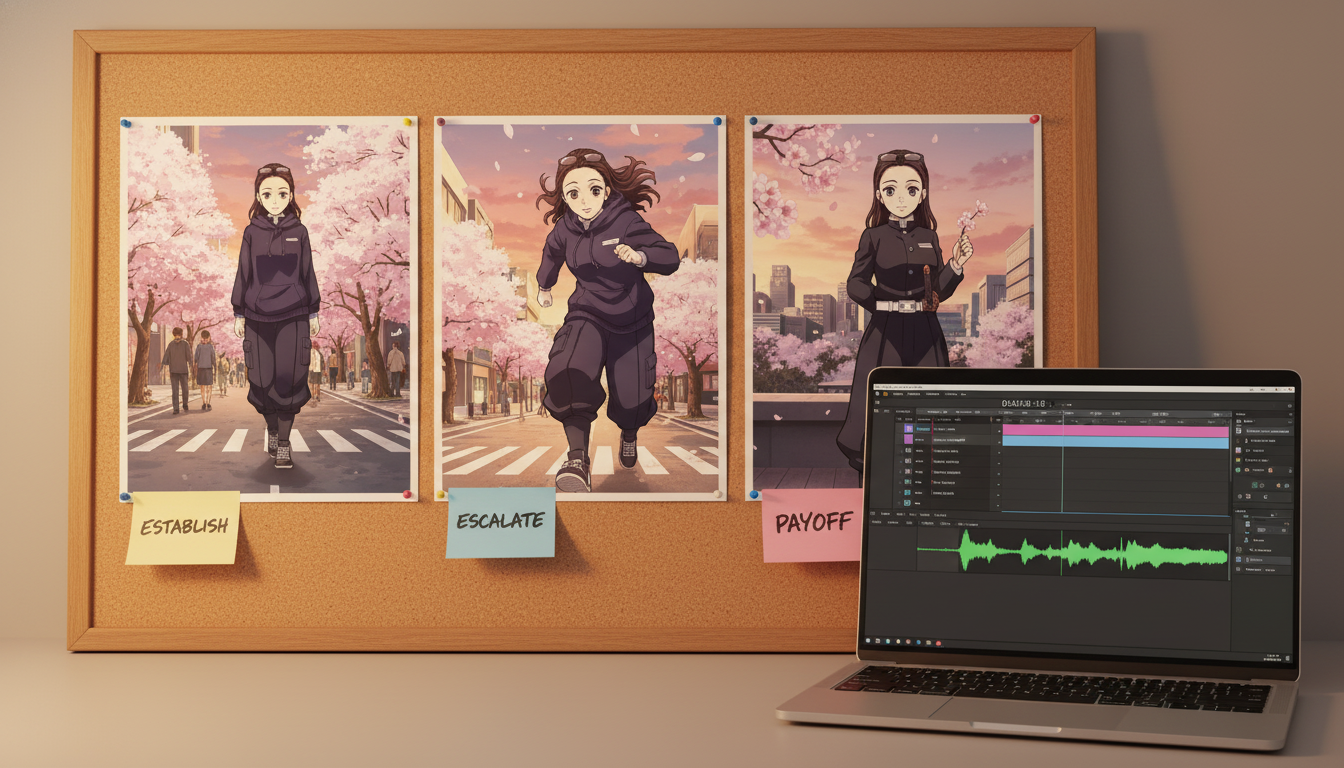
The three-clip Short template most YouTube anime channels use.
Fifteen to forty-five second Shorts usually map to three panels: establish, turn, land. Import three motion clips (or still-plus-Ken-burns if you are bridging a weak generation week). Target durations from your five-line annotations: roughly four to six seconds on the hook, five to eight on the turn, three to five on the button.
- Establish: Wide or medium-wide. Trim so the first frame is stable; cut before the camera invents a second location.
- Turn: One action only. End on the peak of the move (foot landing, silhouette entering frame, eyes widening).
- Land: Close or low angle. Hold one beat of stillness or micro-motion so the viewer feels the punctuation.
Example edit map for a rooftop Short after generation:
Establish: 5.2s trimmed from 6.8s generation, in-point after camera settles. Turn: 6.0s, cut on footstep audio transient. Land: 4.0s, fade audio 0.3s before hard cut to black or series logo sting.
Creators who publish numbered series ("Rooftop Run #9") keep a spreadsheet column for actual trimmed durations. Next week you copy the rhythm that retained viewers, not just the prompts. That is how how to make anime video with ai becomes a show instead of isolated experiments.
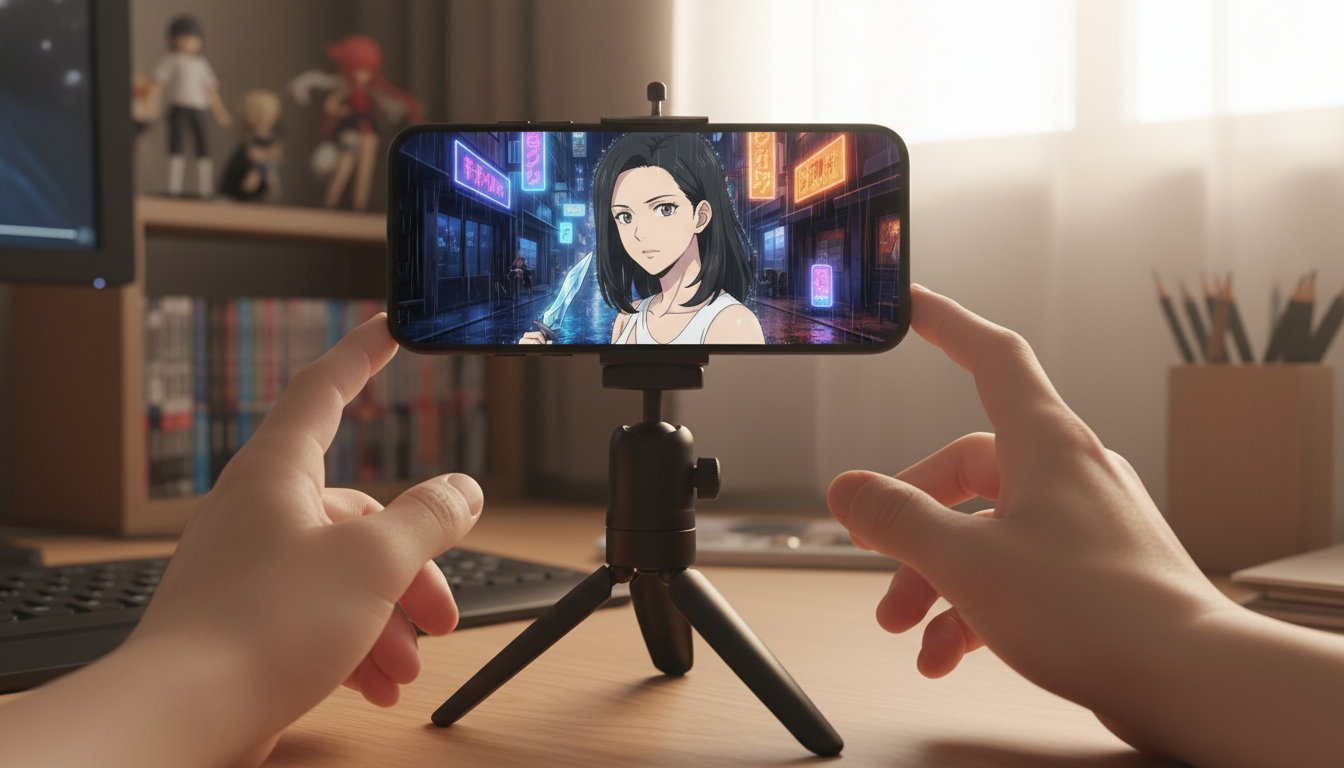
Cutting on motion and hiding AI seams.
AI clips breathe differently than live action. Motion often ramps in the first twelve frames and dissolves into drift at the end. Your in-point should be after the camera stops hunting. Your out-point should be before the model adds a second gesture you did not storyboard.
Cut on motion, not on arbitrary seconds. A foot landing, a cloak snap, a sword clearing halfway, a head turn that crosses the eyeline: those frames carry energy into the next clip. Hard cuts between two static holds read like a mood board. Match cuts on silhouette (profile to profile, hand to hand) sell continuity when lighting shifted slightly between generations.
When geography must stay identical across beats, match color temperature in the NLE only enough to stop distraction, not enough to flatten the look. Slight grade unity beats heavy cross-dissolves that scream "these were separate prompts." If rain direction changes between clips, that is a scene fix, not a dissolve fix.
For motion-specific generation habits that reduce seam pain, pair this section with writing prompts for Seedance 2 anime videos and mistakes to avoid in Seedance 2 anime videos.
Sound design: rhythm, silence, and dialogue without war.
Short-form anime lives on audio punctuation. A impact hit on the turn cut. Half a second of room tone before the land beat. Subtle whoosh only if it follows on-screen motion, not by default on every transition.
Music should follow the three-beat map, not wallpaper the entire upload. Many creators duck music under the establish clip, swell into the turn, and drop to a thin bed or silence on the land so the face reads. If you use voiceover, write the VO script to the trimmed durations, not the raw generation lengths. Record after the picture lock.
Native lip-sync from newer models can reduce manual alignment, but treat dialogue clips as their own panel with a Purpose line ("viewer understands the threat"). If the mouth drifts, trim to the strongest phoneme window or cover with off-screen VO plus reaction shots from your saved protagonist. Gaming-adjacent channels can borrow pacing ideas from turning video game moods into anime for YouTube without copying game audio directly.
Export settings and cross-platform uploads.
YouTube Shorts, TikTok, and Reels all want vertical 9:16. Export one master at 1080 by 1920 when possible. Keep critical action in the center third; captions often sit low. Burn-in captions only if your audience expects them; otherwise upload platform captions from a script so you can fix wording without re-rendering anime generations.
Safe title and description work should reference series continuity ("Alley Run #12 – Turn") while metadata still targets discovery terms like youtube anime shorts and ai anime video generator. Thumbnails are panel zero: export a still from the land beat or a dedicated thumbnail frame with readable eyes and one accent color from your protagonist palette, as described in pre-production guides.
Batch export night: three Shorts, identical loudness targets, identical intro sting length. Channels outlined in creating an AI anime YouTube channel win on recognizable packaging as much as on single-clip fidelity.
Weekly edit workflow: from bins to published Short.
- Import with labels: Match filenames to storyboard panel IDs and protagonist episode number.
- String three beats: Rough cut establish, turn, land without effects. Check total duration against your hook goal.
- Trim heads and tails: Remove generator wander; cut on motion peaks.
- Light grade pass: Unify white balance between clips shot on the same location bible.
- Audio pass: Hits, music ducking, VO if any, one loudness target for the master.
- Thumbnail still: Export frame from land beat or dedicated close-up generation.
- Export and archive: Keep project file and storyboard notes linked so drift diagnosis next Monday takes minutes.
Separate generation days from edit days. The creators publishing three Shorts a week without burnout usually generate Tuesday and edit Thursday, mirroring the batch rhythm in scene and storyboard posts. Editing is faster when you are not also re-rolling motion in the same session.
Which editor should I use?
DaVinci Resolve, CapCut, Premiere, Final Cut, or mobile editors all work. The tool matters less than labeled bins and beat discipline. Pick one NLE, build a template timeline with three placeholders and your series sting pre-loaded, and reuse it every upload.
How long should editing take per Short?
Thirty to ninety minutes once clips match the storyboard. The first episodes take longer while you learn your trim points. By episode fifteen, you are largely adjusting durations and audio, not discovering structure.
Editing AI anime video is how video creators turn generation output into channel identity. The model supplies motion. You supply timing, sound, and the decision to end on a face the subscriber will recognize next week. When bins are labeled and beats are honest, post-production feels like assembly, not rescue.
Map beats in storyboarding AI anime for video creators, generate scenes in video and scene generation for YouTube creators, then run this edit checklist on your next upload. For prompt depth on motion passes, continue with the AI anime video prompt guide from beginner to pro.
Related Blog Posts
How to Turn Video Game Aesthetics Into Anime Videos for YouTube
RPG dungeons, boss arenas, and creator setups — a workflow for game-adjacent anime Shorts without copying IP
Learn how to turn video game aesthetics into AI anime videos for YouTube. Build original characters, prompt RPG scenes, and animate clips with Seedance 2 on AutoWeeb.
Creating an AI Anime YouTube Channel: From First Character to Published Shorts
A channel is not a folder of clips — it is a protagonist, a rhythm, and a reason to come back next week.
Learn how to create an AI anime YouTube channel with consistent characters, Shorts-ready clips, and a repeatable upload workflow using AutoWeeb and Seedance 2.
How to Turn Video Game Characters Into Anime Videos for YouTube
Gaming channels already have the stories — anime-style video is how you make them look like a show instead of a screenshot montage.
Turn video game characters into anime videos for YouTube. A workflow for gaming creators: OC design, scene prompts, Seedance 2 clips, and Shorts-ready pacing.
Storytelling and Worldbuilding in AI Anime: How to Build Worlds That Feel Real
From establishing the visual logic of a world to building characters with history — how to use AI anime to create stories that live beyond a single image.
Learn how to use AI anime generation for storytelling and worldbuilding — covering environment design, character consistency, narrative sequencing, and the visual grammar that makes worlds feel lived-in.
Explore AutoWeeb
Jump into the tool that fits your creative step.
AI Anime Video Generator
Animate storyboard shots into cinematic clips with Seedance 2 and consistent characters.
Anime Character Creator
Design original characters with consistent sheets across every scene.
AI Anime Image Generator
Generate cinematic anime stills anchored to your character library.
Anime Filters
Upload any photo and apply AI anime filters to turn it into stunning anime art in seconds.
AI Anime Location Generator
Create a location set once, then generate reference images from every angle.
AI Anime Storyboarding
Describe your idea, pick your characters, and let AI draft the script and scenes.
AI Anime Prompt Agent
Turn a rough idea into a cinematic Seedance 2 prompt with the AI Director.