
Storyboarding AI Anime: Pre-Production for Video Creators
The panel notes you write before you generate are what turn scattered clips into a directed upload.
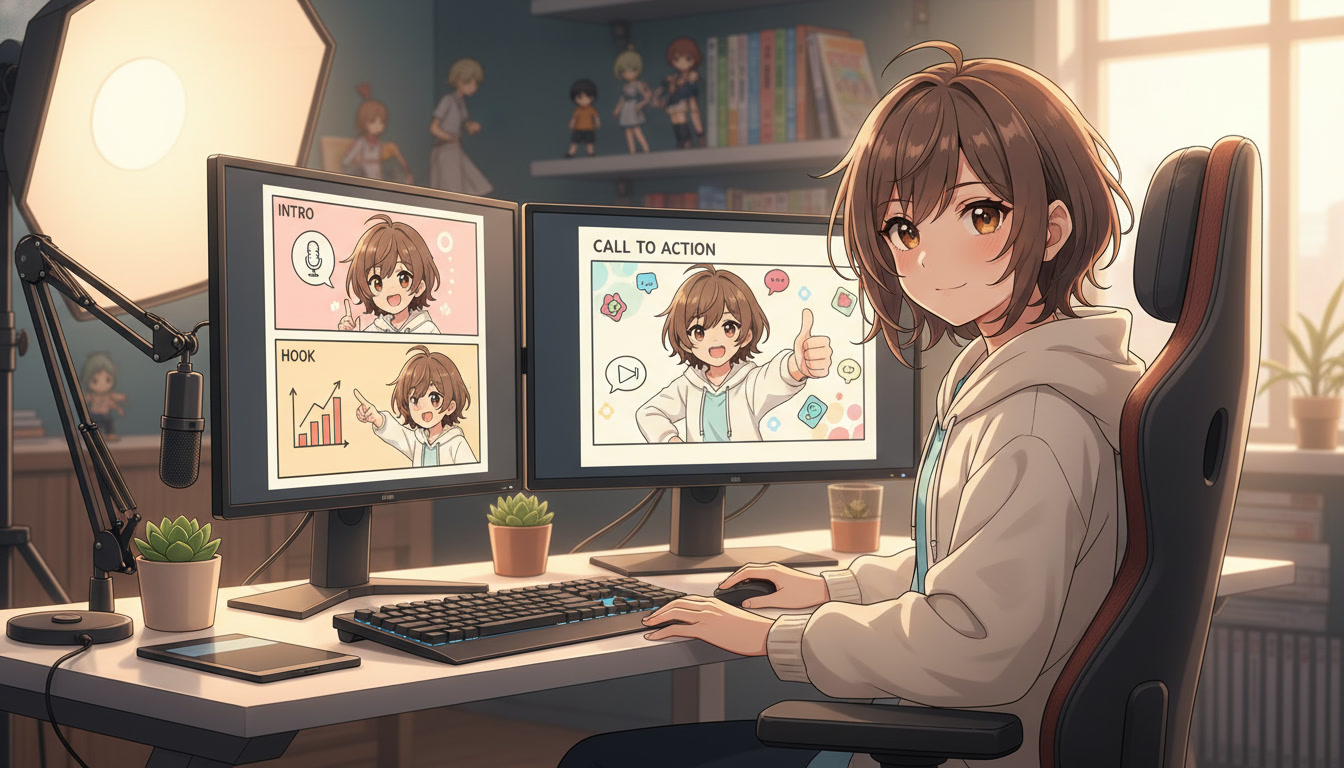
Storyboarding AI anime is not a talent for drawing. It is a habit for deciding. Video creators on YouTube, TikTok, and Reels who publish three Shorts a week and still look "directed" are not luckier with the model. They finish pre-production before they open an anime video generator. Each panel has a job. Each clip inherits that job. The upload cuts together because someone wrote down what beat three was supposed to feel like before beat one was generated.
This guide is the pre-production layer: the checklist and the five-line annotation you paste into AutoWeeb's storyboard tool (or a notes app) so scene stills, motion prompts, and your edit timeline stay aligned. If you already know the three-beat shape, treat this as the paperwork that makes those beats reproducible across a numbered series. For beat structure alone, see storyboarding AI anime for video creators and six-panel storyboarding for Shorts.
What pre-production means for AI anime (and what it does not).
Pre-production here is not a month of concept art. It is thirty to ninety minutes where you lock narrative intent before generation. You are answering: what is this upload's hook, how many clips compose it, which saved protagonist appears in every panel, and what single action each motion pass may attempt. You are not polishing prompts yet. You are preventing the expensive failure mode where every regenerated clip is beautiful and none of them belong in the same timeline.
Pre-production also is not the same as scene building. Scenes answer geography: alley width, lantern color, rain direction. Storyboards answer sequencing: wide before close-up, reaction after action, silence after impact. Creators who skip straight from idea to Seedance often fix geography in post that should have been fixed in a still. Pair this checklist with video and scene generation for YouTube creators so each panel's location exists as a frame before motion starts.
Think of the storyboard as a contract between you and future-you at 11 p.m. on upload day. If the contract is vague ("cool fight clip"), you will re-roll until something feels right. If the contract is specific ("medium over-shoulder, rival enters left, one step forward, rain unchanged from panel 1"), you can reject a bad generation in seconds because it violated a note, not because it violated a mood.
The five-line panel annotation every clip needs.
Each storyboard panel gets five lines. Copy this block into your storyboard tool or a spreadsheet column. Filling it takes under a minute per panel and saves an hour of regeneration.
- Purpose: What the viewer should understand or feel when this clip ends (establish place, reveal threat, land grief).
- Frame: Shot size and angle (wide rooftop dusk, medium over-shoulder, close-up on hands).
- Action: One primary move only (turns toward neon sign, cloak catches wind, sword clears sheath halfway).
- Duration: Target length for the clip in seconds (4–6 for hooks, 5–8 for turns, 3–5 for button endings).
- Prompt stub: Ten to twenty words you will paste into still or motion generation, including hair, outfit trim, and light direction from your series bible.
Example annotation for beat two of a rooftop Short:
Purpose: viewer realizes she is not alone. Frame: medium over-shoulder from behind protagonist. Action: second silhouette steps into bokeh lights. Duration: 6s. Prompt stub: "indigo jacket white trim, silver ponytail, rooftop night, amber city bokeh, rival silhouette soft focus left"
The prompt stub is not the final Seedance paragraph. It is the non-negotiables. Expand camera vocabulary later using the Seedance 2 prompting guide, but never expand until the five lines are stable. One action per panel is the rule that keeps motion passes from inventing a second plot inside a five-second clip.
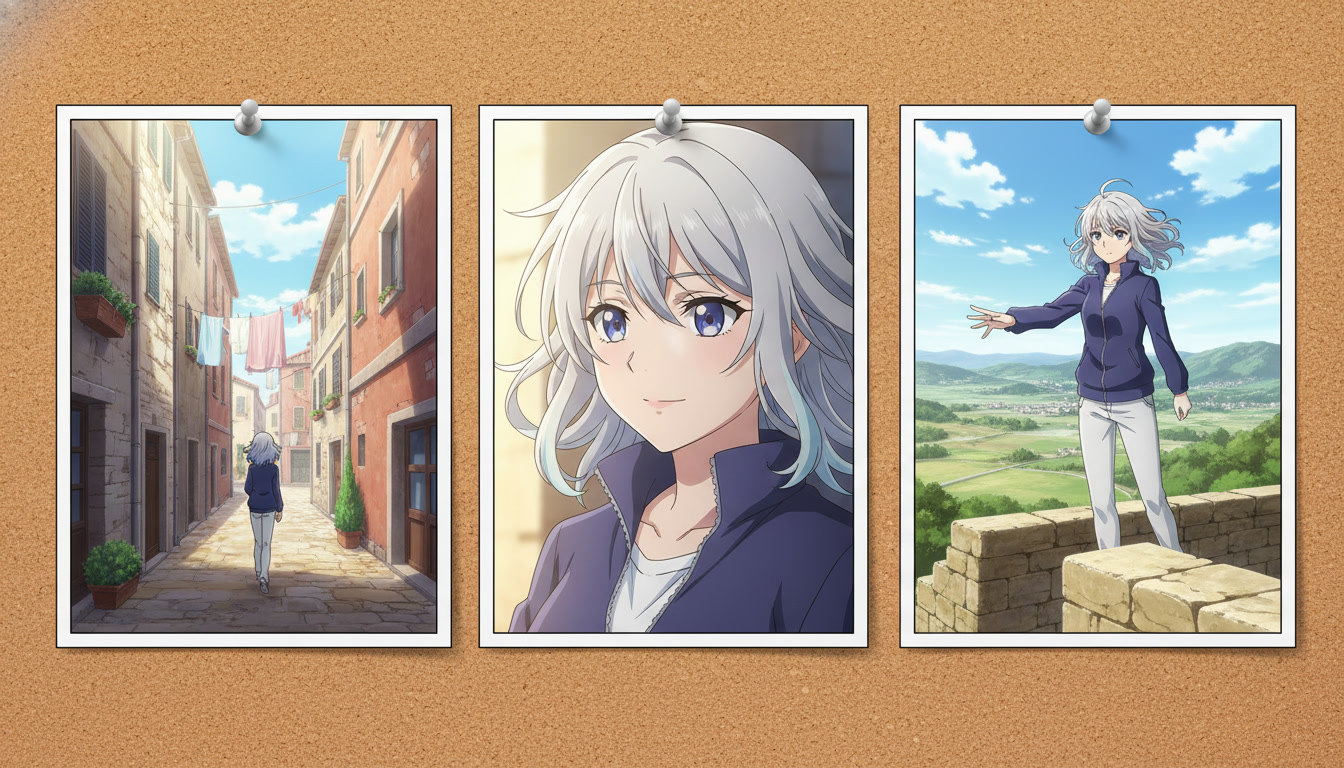
Thumbnail-first storyboarding for YouTube and vertical platforms.
On YouTube, the thumbnail is panel zero. Storyboard it first, even if it is not the opening shot in the final edit. Ask what face, prop silhouette, and background contrast read at 120 pixels wide. Often that is a medium close-up with a readable eye line and one bright accent color from your protagonist's palette. Write panel one's Purpose line twice: once for the hook inside the Short, once for the static frame you will export for the thumbnail.
Vertical platforms crop aggressively. Pre-production should note safe zones: keep the protagonist's eyes in the upper third for Shorts, leave bottom margin if you burn in captions, and avoid critical action at the far left edge where UI overlays sit on some apps. These are not generator settings. They are storyboard constraints you carry into still composition before motion.
Serialized channels benefit from numbering annotations in the storyboard file ("Alley Run #12 – panels 1–3") so you can search last week's Purpose lines and repeat pacing that retained viewers. You are building a library of beats, not just clips.
Pre-production checklist: from bible to motion handoff.
Run this list in order on storyboard day. Do not open the video generator until every box is checked for the upload you are batching.
- Series bible open: protagonist name, default outfit, three recurring locations, emotional tone for this episode.
- Saved character attached: library ID selected in AutoWeeb for every panel in the sequence.
- Beat count chosen: three panels for a tight Short, six for a richer scene or episode opener (see the YouTube storyboard guide for beat-sheet pacing).
- Five lines per panel: Purpose, Frame, Action, Duration, Prompt stub completed.
- Scene stills planned: which panels need photo packs, scene builder exports, or custom location prompts before motion.
- Motion handoff notes: which panels get Seedance, each with one verb and matched light direction from the still.
- Edit map sketched: order of clips, any jump cut on the turn beat, audio cue (impact hit, silence, VO entry).
Batch pre-production for three Shorts in one sitting. Creators publishing on a schedule treat Monday as annotation day, Tuesday as scene stills, Wednesday as motion. That rhythm matches the channel workflow in creating an AI anime YouTube channel but centers the storyboard paperwork explicitly.
Handing storyboards to scene generation and Seedance without drift.
Panel annotations split into two generation passes. Still pass: Frame + Prompt stub + saved character + location bible lines. Motion pass: Action + Duration + camera move vocabulary, referencing the still as the first frame. If the still pass changes the jacket color, update the storyboard file before motion. Do not "fix it in Seedance." Motion amplifies drift; it rarely corrects it.
When a panel fails, diagnose against the five lines. Wrong frame size is a storyboard fix, not a re-roll. Wrong alley geometry is a scene fix. Wrong hair length is a character sheet fix. Random re-rolls without updating annotations guarantee the same failure on the next upload.
AutoWeeb's storyboard assembly exists so panels, character references, and exports stay in one project. Use it as the source of truth your editor sees when pulling clips into DaVinci, CapCut, or Premiere. Export names that match panel numbers ("ep12_p2_turn") so you are not guessing which generation belonged to which Purpose line at midnight.
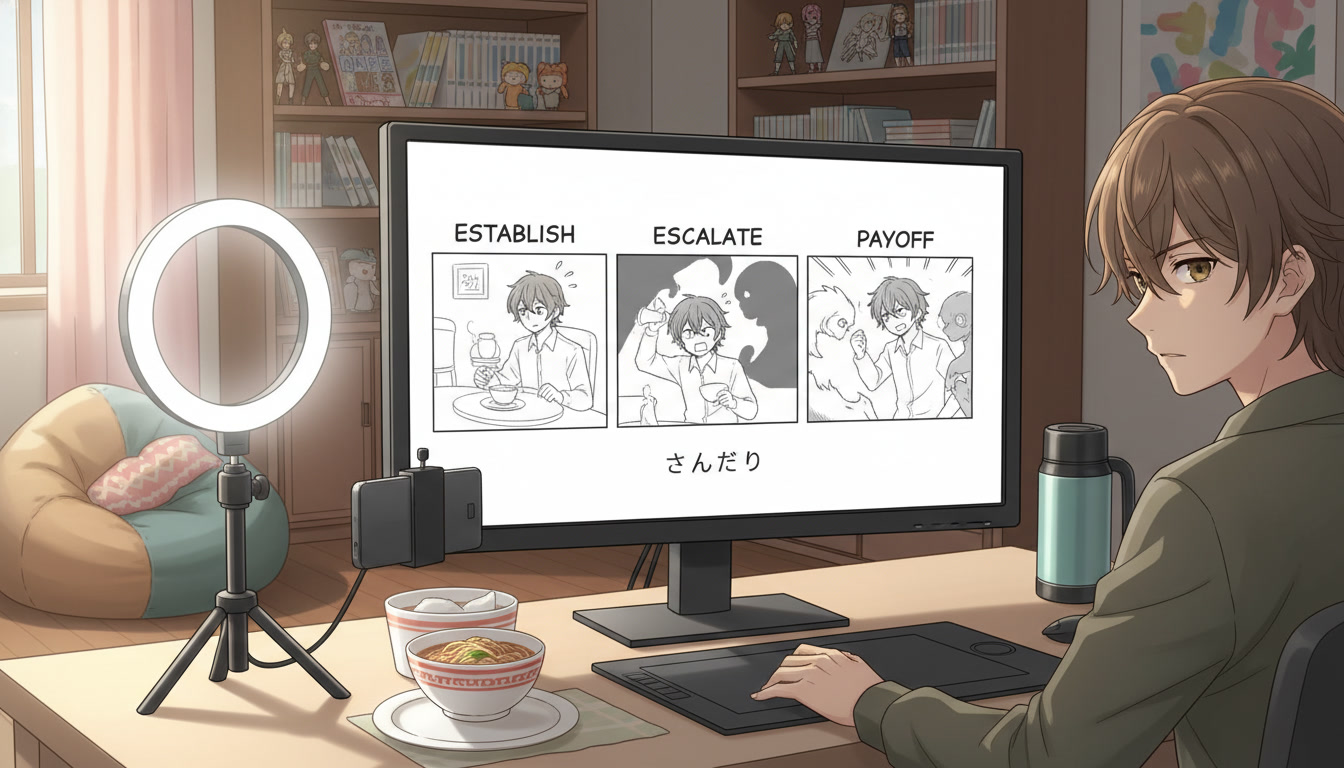
Pre-production mistakes that waste generations.
- Skipping Purpose lines. You get beautiful frames that do not accumulate into a story.
- Two actions in one panel. Motion models pick one and discard coherence with the still.
- Changing protagonist between panels without labeling it. Flashbacks need a "VARIANT" tag in the bible, not a silent swap.
- Storyboarding after generating. Reverse storyboards turn into justification notes, not plans.
- Ignoring thumbnail panel zero. Strong clips with weak thumbnails underperform on browse features regardless of retention.
For a deeper list of motion-specific failures, read mistakes to avoid in Seedance 2 anime videos. Pre-production catches most of those before they become sunk generation time.
How long should pre-production take per Short?
Fifteen to forty-five minutes once your protagonist and locations exist. New channels spend longer on the first three uploads while the bible forms. By episode ten, copying five-line blocks from prior storyboards is faster than improvising prompts.
Do I need to draw panels by hand?
No. Text annotations and reference stills are enough. Some creators paste rough stick figures; others use generated stills as stand-in panels. The medium does not matter. The five lines do.
Storyboarding AI anime at the pre-production stage is how video creators buy back Tuesday when Monday's notes were honest. You are not slowing down. You are moving uncertainty to the cheapest hour of the week. When the protagonist, locations, and panel contracts are written, scene generation and Seedance become execution, not gambling.
Lock your cast in original character creations for video creators, then run this checklist before your next batch. When panels are annotated and scenes are locked, continue with writing prompts for Seedance 2 anime videos to translate each Action line into motion language.
Related Blog Posts
How to Storyboard AI Anime for YouTube Creators
Plan every clip before you generate it — the storyboard habit that turns random AI footage into watchable anime shorts.
Learn how to storyboard AI anime videos for YouTube and Shorts. Beat sheets, panel prompts, pacing, and AutoWeeb's storyboard tool for consistent anime video clips.
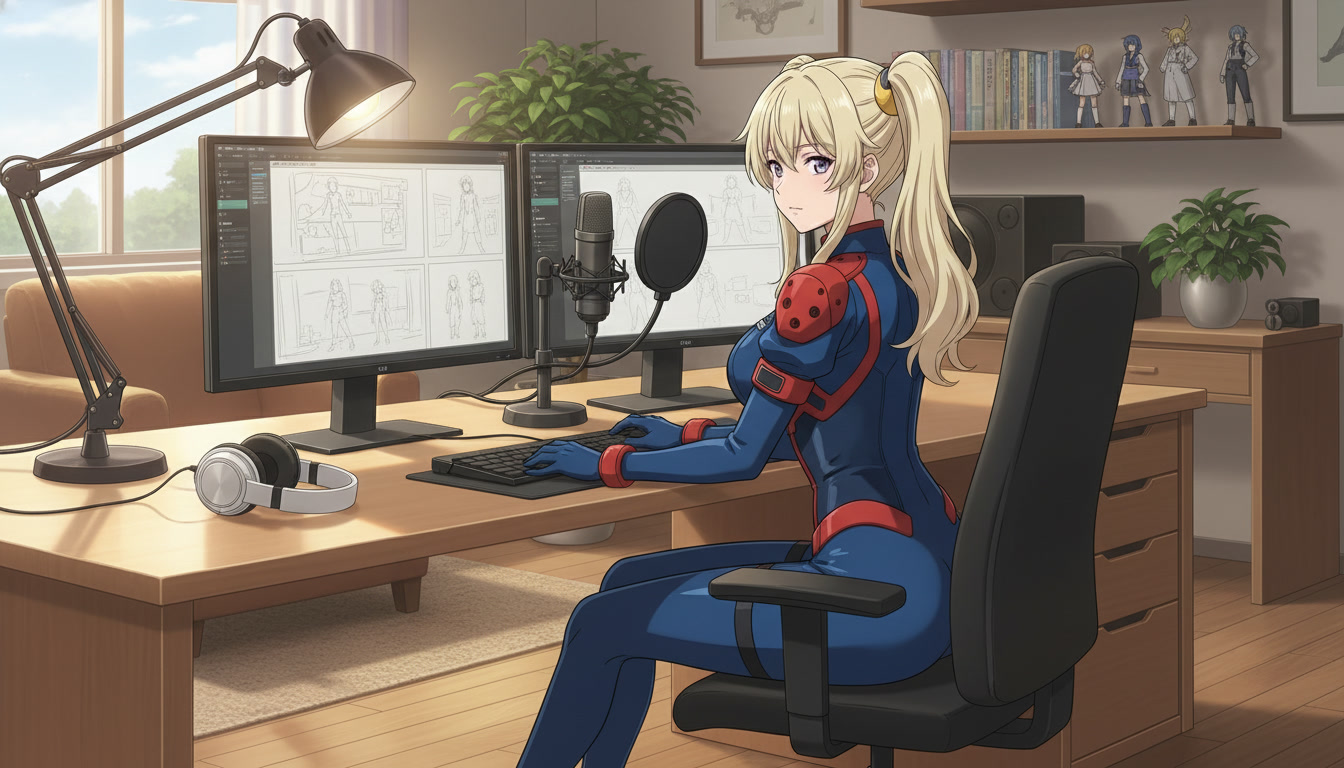
Storyboarding AI Anime for Video Creators
Plan your shots before you generate them — the workflow that turns random clips into watchable Shorts.
Learn how to storyboard AI anime videos for YouTube and Shorts. Map three beats to prompts, keep character consistency, and use AutoWeeb's storyboard tool before Seedance generation.
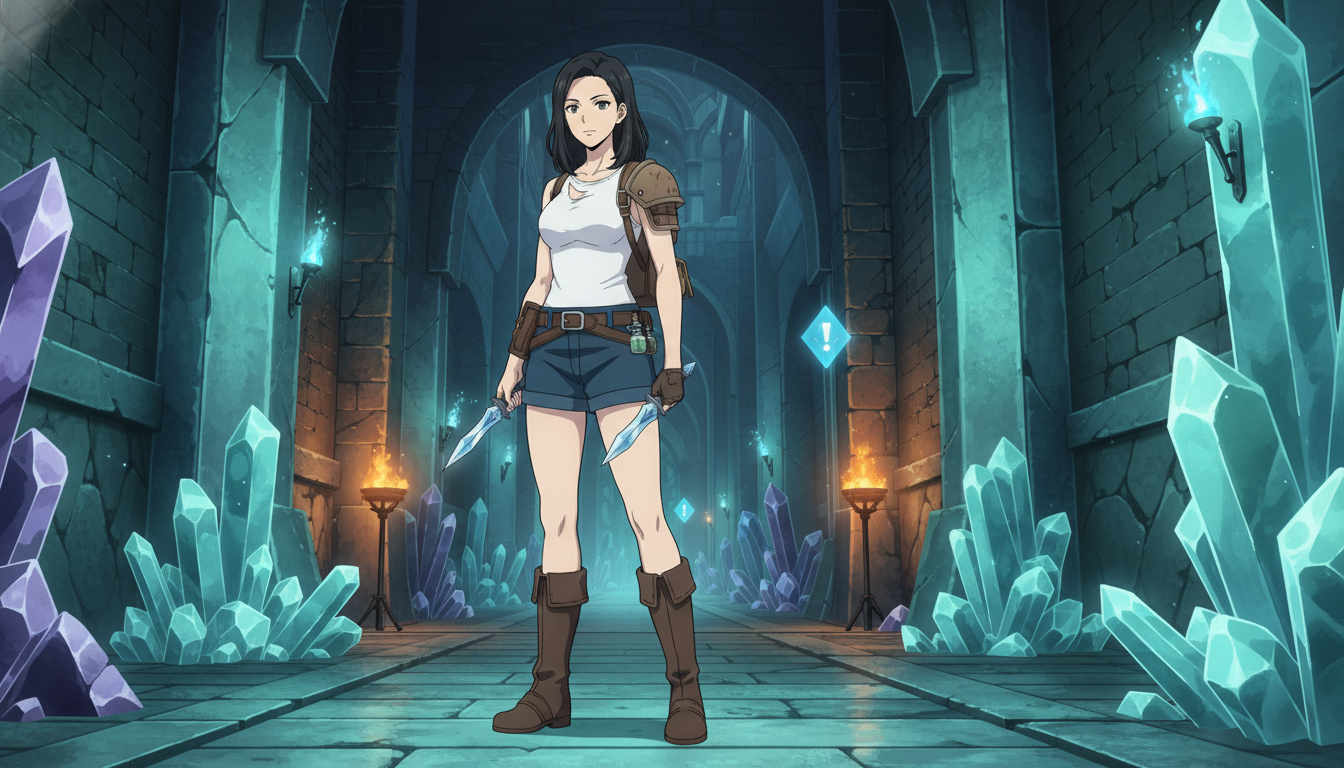
How to Turn Video Game Aesthetics Into Anime Videos for YouTube
RPG dungeons, boss arenas, and creator setups — a workflow for game-adjacent anime Shorts without copying IP
Learn how to turn video game aesthetics into AI anime videos for YouTube. Build original characters, prompt RPG scenes, and animate clips with Seedance 2 on AutoWeeb.
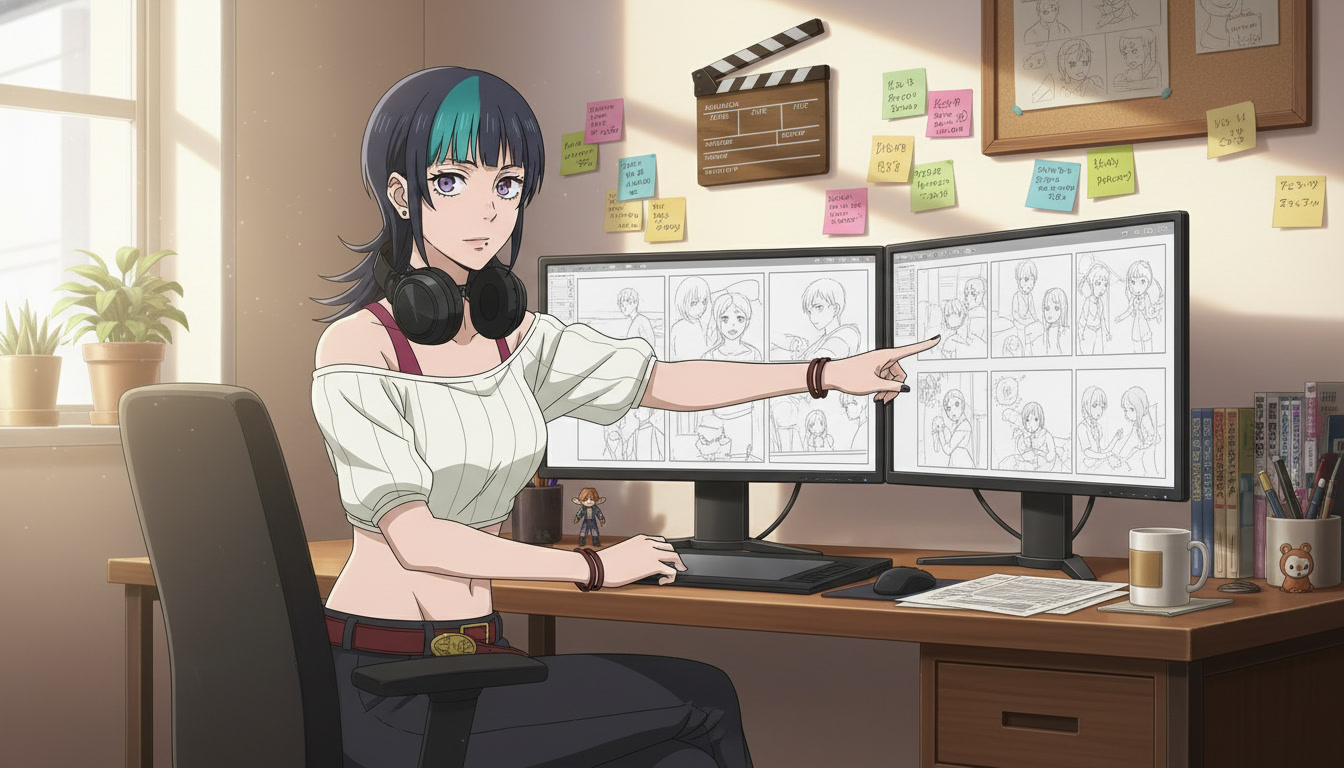
How to Storyboard AI Anime for YouTube and Short-Form Video
Plan shots, lock character continuity, and publish clips that feel directed instead of randomly generated.
Learn how to storyboard AI anime for YouTube and TikTok. Shot lists, panel beats, prompt notes, and AutoWeeb's storyboard tool for consistent anime video series.
Explore AutoWeeb
Jump into the tool that fits your creative step.
AI Anime Video Generator
Animate storyboard shots into cinematic clips with Seedance 2 and consistent characters.
Anime Character Creator
Design original characters with consistent sheets across every scene.
AI Anime Image Generator
Generate cinematic anime stills anchored to your character library.
Turn Photo Into Anime
Upload any photo and watch AI turn it into stunning anime art in seconds.
AI Anime Location Generator
Create a location set once, then generate reference images from every angle.
AI Anime Storyboarding
Describe your idea, pick your characters, and let AI draft the script and scenes.
AI Anime Prompt Agent
Turn a rough idea into a cinematic Seedance 2 prompt with the AI Director.