
Demon Slayer Style Anime

Unleash the power of Demon Slayer-style anime AI. Transform your photos with dynamic action poses, vivid breathing technique effects, and the stunning visual intensity that made Kimetsu no Yaiba legendary.

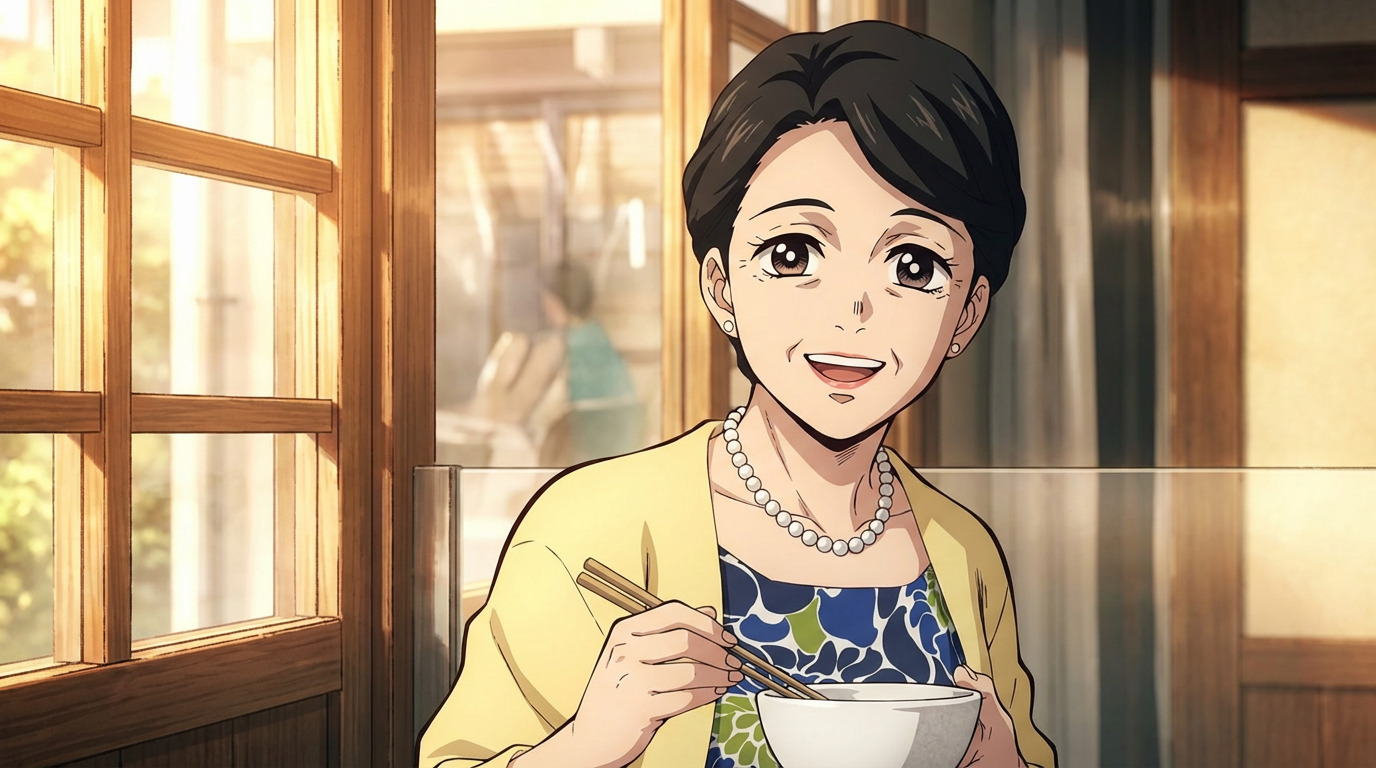
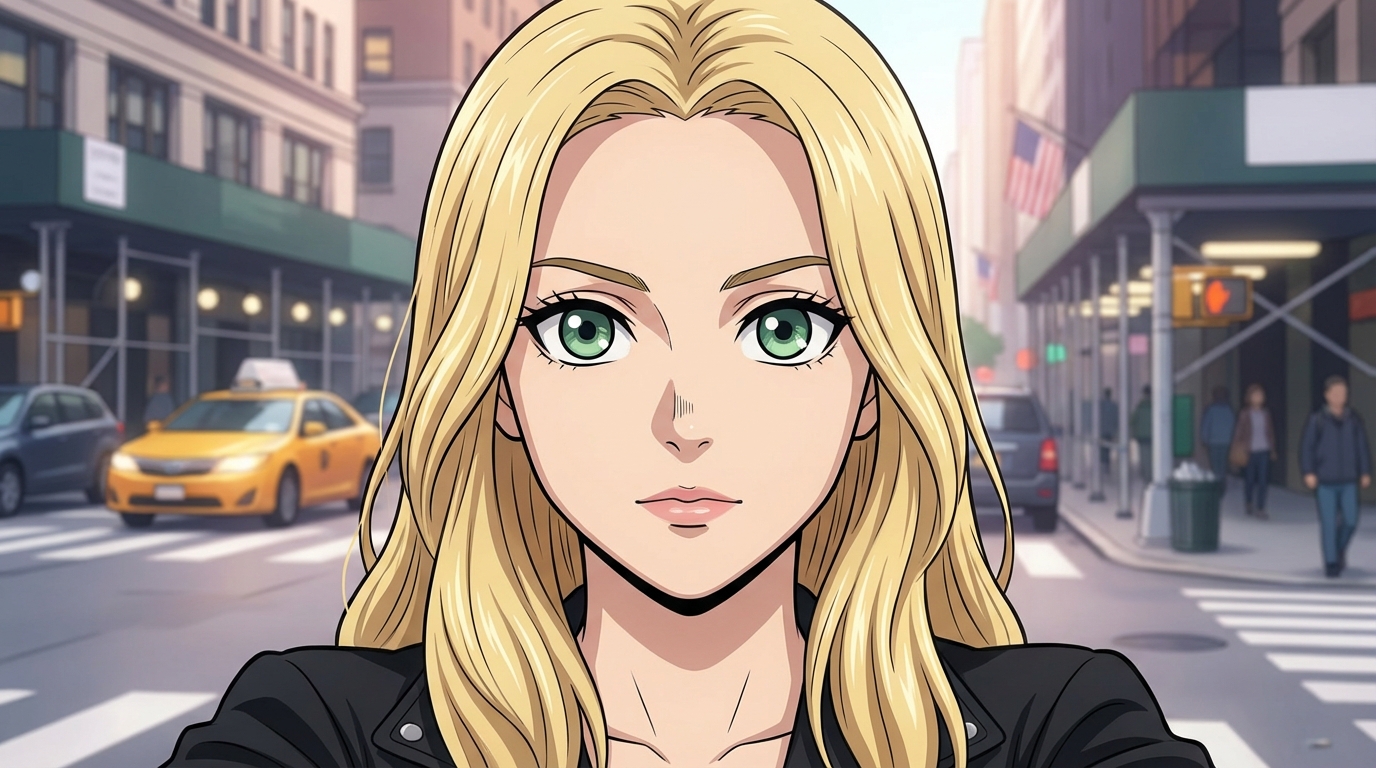
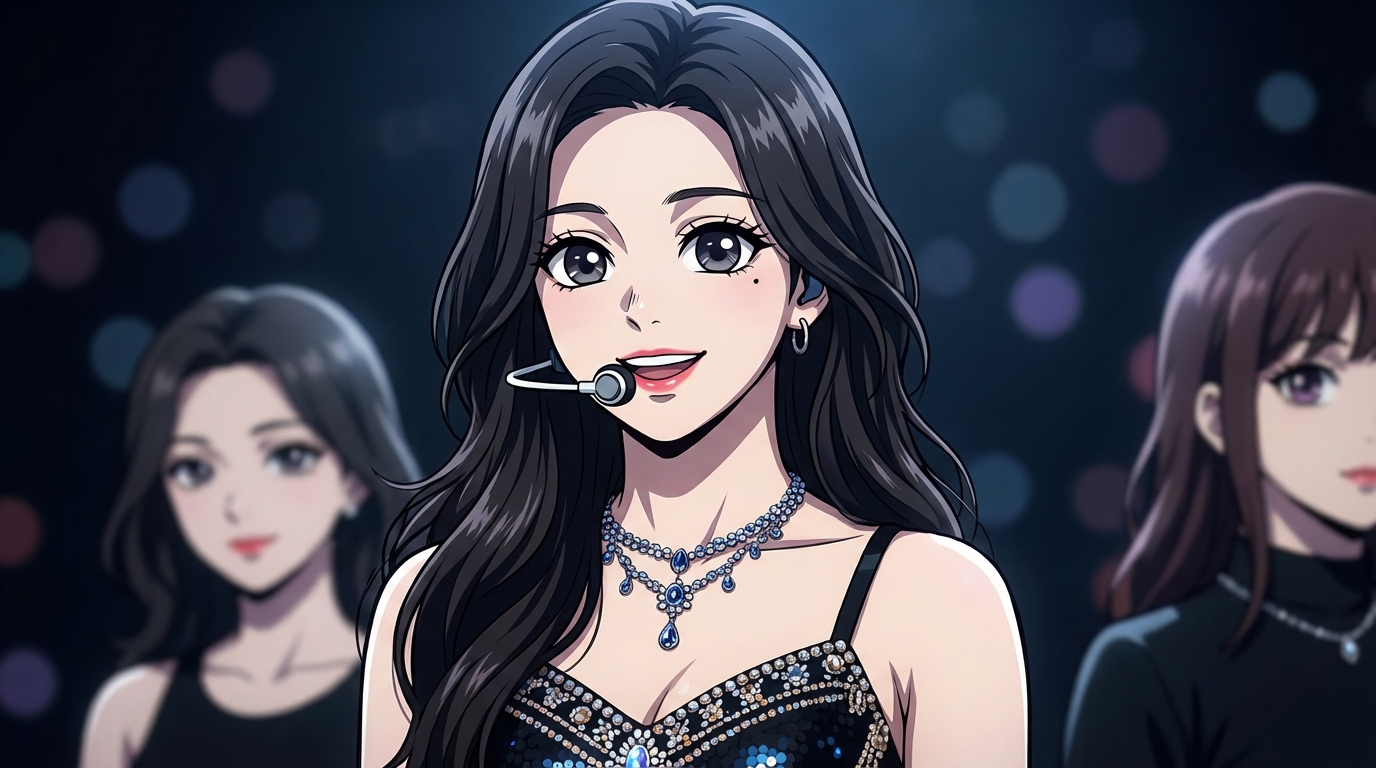
Photo to anime in Demon Slayer style - Asian Photo to anime in Demon Slayer style - Blonde Photo to anime in Demon Slayer style - K-pop star

Powered by AutoWeeb's photo to anime AI

What is Demon Slayer Style?

The Demon Slayer art style, pioneered by ufotable, is known for its seamless blend of 2D character animation with 3D environmental effects. Fluid action sequences, elemental breathing technique visuals, and cinematic lighting set it apart from all other shonen anime.

🌊

Breathing Technique Effects

Water, flame, thunder, wind — each breathing style has its own vivid elemental visual signature with flowing, painterly particle effects.

Dynamic Action Poses

Explosive movement, dramatic camera angles, and motion blur that make every frame feel like a pivotal battle moment.

🌙

Cinematic Lighting

Moonlit forests, sunrise silhouettes, and dramatic rim lighting. Every scene is lit like a film, with deep shadows and vivid highlights.

🎭

Intense Character Detail

Elaborate haori patterns, detailed katana designs, and expressive facial features that convey fierce determination and emotion.

How to Create Demon Slayer Style Art

1

Upload Your Photo

Upload any photo — a portrait, action shot, or group photo.

2

Select Demon Slayer Style

Choose the Demon Slayer art style from AutoWeeb's style library.

3

Get Your Demon Slayer Art

In seconds, your photo is transformed into an intense Demon Slayer-style anime artwork.

Why Demon Slayer Redefined Anime Visuals

When Demon Slayer: Kimetsu no Yaiba premiered in 2019, it didn't just tell a compelling story — it set a new standard for anime production quality. Studio ufotable's approach of blending traditional 2D animation with 3D CGI effects created fight sequences that felt unlike anything seen before.

The most iconic visual element is the breathing technique system. Each fighting style has its own elemental manifestation: Tanjiro's Water Breathing creates flowing, wave-like slashes; Rengoku's Flame Breathing erupts with fierce, swirling fire; Zenitsu's Thunder Breathing crackles with lightning speed. These effects are rendered with a painterly, almost ukiyo-e-inspired quality that gives them an artistic beauty beyond typical anime action.

AutoWeeb's Demon Slayer style captures the energy and visual language of the series. Your photos are transformed with the dramatic lighting, bold color contrasts, and high-detail character rendering that define the ufotable look. Whether you want a heroic portrait with breathing technique effects or a moody nighttime scene lit by moonlight, the AI delivers the intensity fans love.

Perfect For

  • Fan art portraits — See yourself as a Demon Slayer Corps member with your own breathing style
  • Action scenes — Transform action shots and martial arts photos into epic anime battles
  • Gaming profiles — Create intense, battle-ready avatars for your gaming accounts
  • Wallpapers — Generate dramatic, cinematic Demon Slayer-style backgrounds
  • Cosplay enhancement — Take your Demon Slayer cosplay to the next level with anime-style effects

Anime Art Styles FAQ

Everything you need to know about choosing anime art styles, converting photos, and keeping your look consistent across scenes.

What are anime art styles on AutoWeeb?

Anime art styles are named visual presets that define how AutoWeeb renders your photos and characters. Each style captures a specific aesthetic — Studio Ghibli watercolor warmth, cyberpunk neon intensity, Demon Slayer action linework, and more. Pick a style once and every image you generate in that style inherits the same palette, line weight, and shading approach.

How do I convert a photo to a specific anime art style?

Upload any photo to AutoWeeb, open the style library, and select the anime art style you want. The AI reads your photo's subject and redraws it in the chosen style while preserving recognizable features. Portraits, landscapes, pets, and group shots all work. Results generate in seconds.

Which anime art style should I choose?

Match the style to the mood you want. Studio Ghibli style suits dreamy, nature-filled scenes. Cyberpunk anime works for neon-lit urban portraits. Slice of life anime fits warm everyday moments. Demon Slayer style delivers bold action and dramatic lighting. Detective Conan style gives clean mystery-anime character designs. Try the same photo in two styles to compare.

Can I use anime art styles with my saved characters?

Yes. Create a character sheet first, then apply any anime art style when generating new images or scenes. The character's face and proportions stay locked while the linework, color palette, and shading adapt to the chosen style.

Can I animate images made in a specific anime art style?

Yes. Any still image generated in an anime art style can be animated with one click. AutoWeeb carries the style through to video so your clips match the same visual language as your stills.

Are more anime art styles being added?

Yes. AutoWeeb regularly adds new named styles based on popular anime aesthetics. The current library includes Studio Ghibli, Cyberpunk, Slice of Life, Demon Slayer, and Detective Conan, with more on the way.

Back to All Anime Art Styles