
AI Anime Image Generator
Pick your characters, describe the scene, and AutoWeeb generates cinematic anime stills anchored to your character library — same face, same style, every shot.
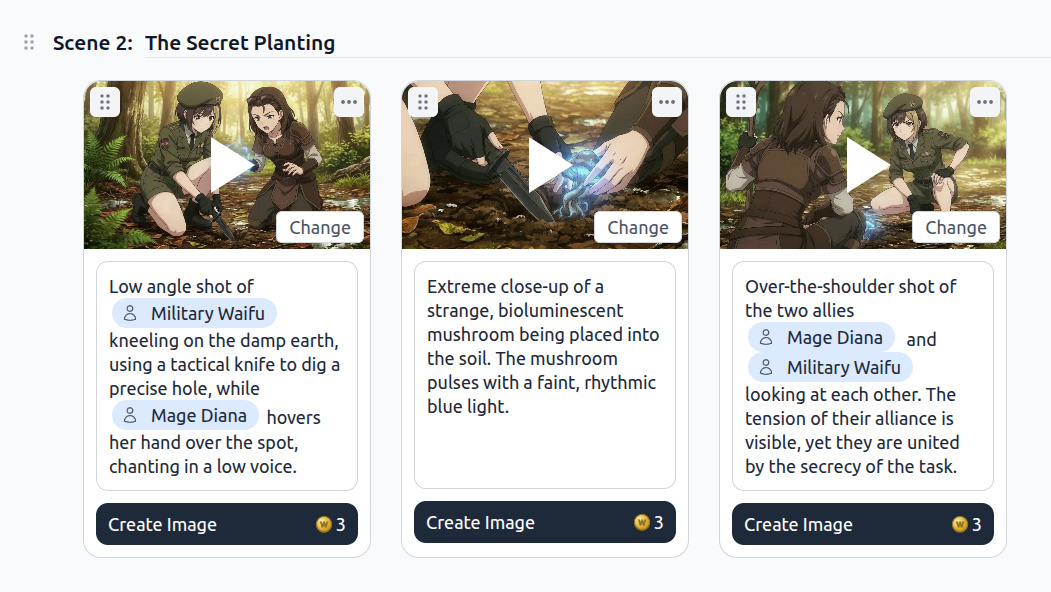
Create Anime Images and Animate Them
See how to generate anime images, refine prompts with image prompt analysis, then use the video agent to animate your stills with cinematic video prompts.
How to Generate Anime Images
Pick your character, choose a camera angle, and refine the prompt — AutoWeeb handles the rest.
-
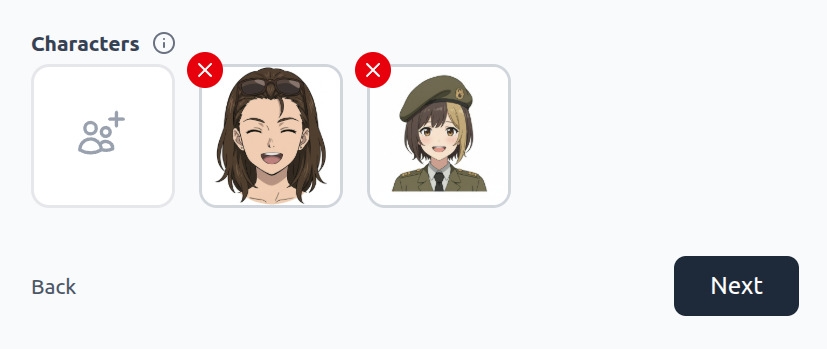
Choose a Character
Select from your saved character library or create a new one. Every image generation anchors to the same character sheet for consistent results.
-
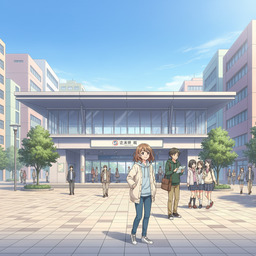
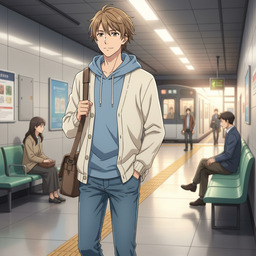
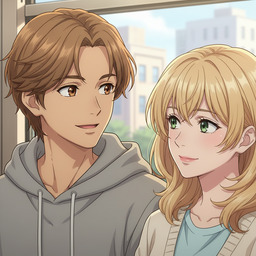
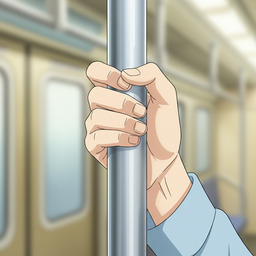
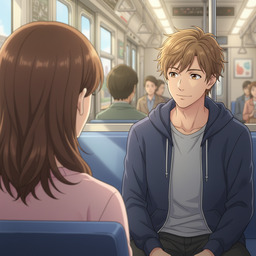
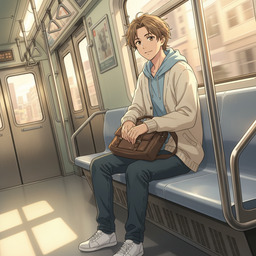
Choose a Camera Angle
Pick from cinematic shot types — establishing shots, close-ups, over-the-shoulder, and more — to frame your scene like a director.
-
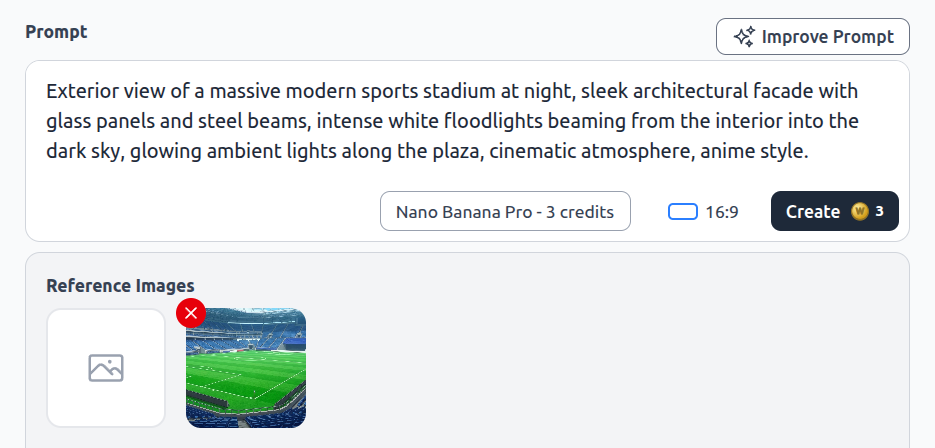
Refine Your Prompt
AutoWeeb writes a detailed image prompt from your choices — lighting, composition, and style included. Edit anything before you generate.
Explore AI Anime Images
Locations, concept art, drawing tools, and scene generation.
AI Anime Location Generator
Create multi-angle environment reference sets for consistent backgrounds.
Anime Concept Art
Generate concept art for characters, locations, and scenes in any style.
Draw Anime Online
Create anime art online with AI — no drawing skills required.
AI Anime Image Generator
Generate cinematic anime stills anchored to your character library.
Frequently Asked Questions
Everything you need to know about generating anime images with AutoWeeb.
How does AutoWeeb keep anime characters consistent in images?
Every image generation is anchored to your saved character references in AutoWeeb's library. The AI uses your character sheet — face, hair, outfit — so the same protagonist looks identical across every scene you generate.
Can I generate multi-character anime scenes?
Yes. Select multiple characters from your library and use @ tagging in prompts to place them together in the same frame with consistent appearances.
What art styles are available?
AutoWeeb supports named anime art styles including Demon Slayer, Ghibli, Shonen, Josei, and more. Pick a style once and it carries through your entire image sequence.
Ready to Generate Anime Images?
Create consistent anime stills for storyboards, social posts, and video starting frames — in minutes.
Generate Anime ImagesNo credit card required • Free to try