
Draw Anime Online
Turn your ideas into polished anime images: characters, locations, and cinematic scenes, entirely in your browser.
Generate Anime Images
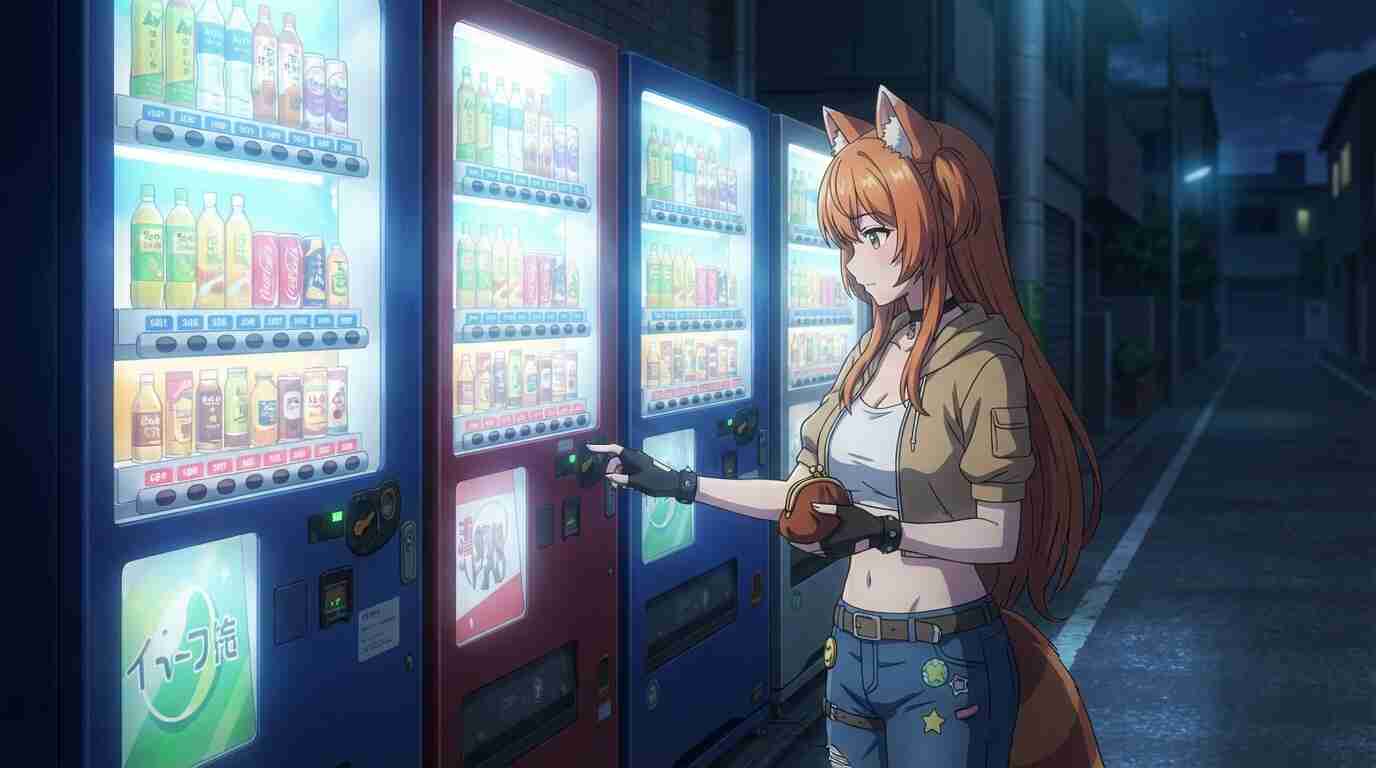
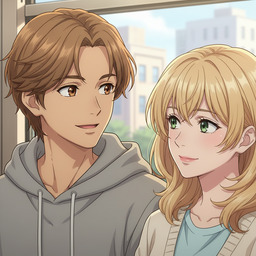
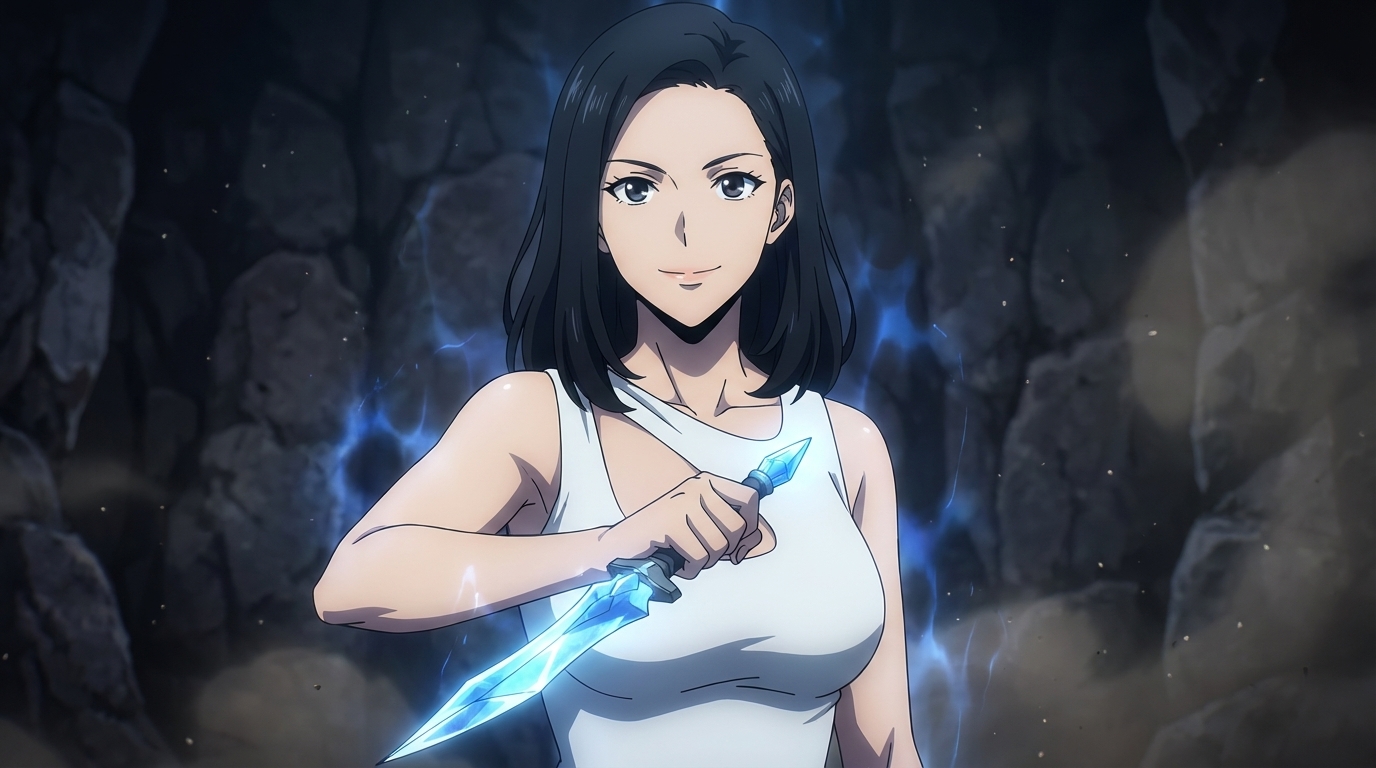
AutoWeeb generates studio-quality anime images from a plain text description. Describe a scene like two rivals facing off in a rain-soaked alleyway or a quiet morning in a sunlit café, and the AI renders it in seconds as a fully composed anime still.
Every generated image inherits the visual language of the anime style you choose. Shadows, linework, color grading, and composition all match the aesthetic automatically, so you can focus on the story rather than the rendering.
Generate Anime Images FreeAI Anime Image Generator
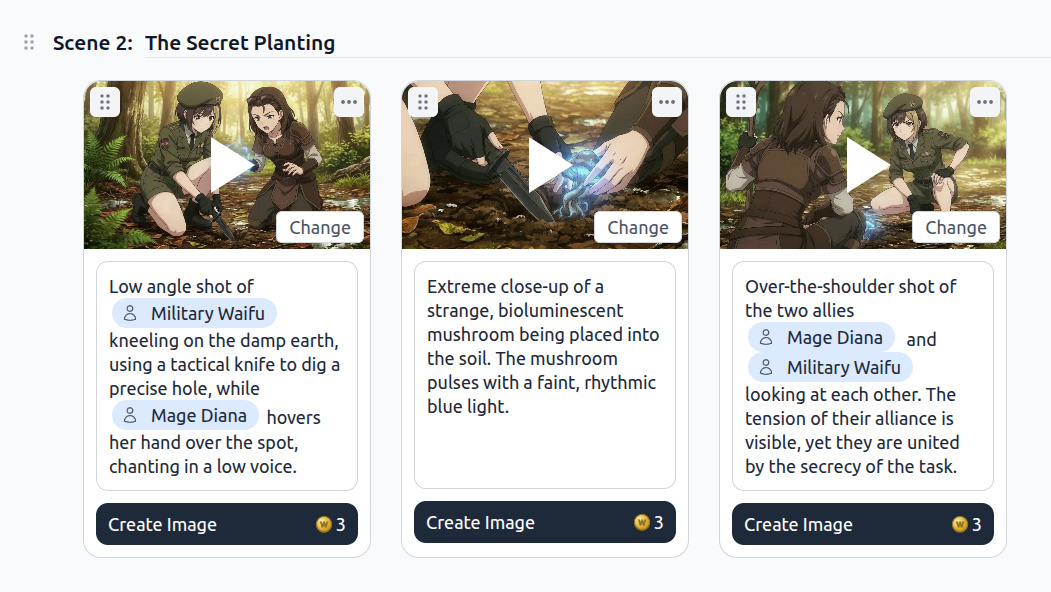
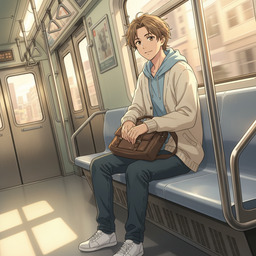
AutoWeeb's image generator is anchored to your character library. When you @ tag a character by name in your prompt, the AI locks on to their saved appearance: same face, same hair, same outfit, across every image you generate. No more inconsistent protagonists between panels.
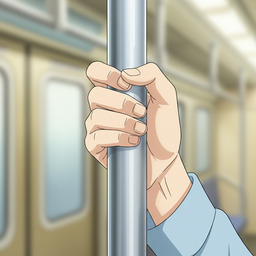
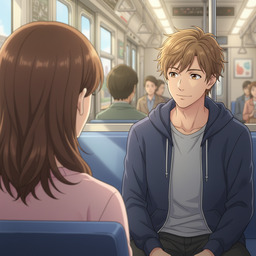
Choose from cinematic camera angles including establishing shots, close-ups, Dutch angles, and over-the-shoulder framing. Pair any angle with a named art style like Demon Slayer, Ghibli, or Shonen, and AutoWeeb writes the full image prompt for you before generating.
Try the AI Image GeneratorCamera angle presets
Create Anime Images
The image creation flow in AutoWeeb is built around four choices: select a character, choose a location, pick a camera angle, then describe the action. AutoWeeb assembles those inputs into a detailed image prompt and generates the final artwork.
-
1
Select a character
Pick from your saved character library or create a new one on the spot.
-
2
Choose a location
Use a saved location reference or describe a new environment.
-
3
Pick a camera angle
Frame the shot cinematically: wide, close, or angled.
-
4
Generate
AutoWeeb writes the prompt and renders your anime image in seconds.
Every image you create is saved to your project library. Reuse it as a storyboard panel, a video starting frame, or a reference for the next scene in your episode. Your creative output accumulates instead of starting from scratch each time.
AI Anime Art
AutoWeeb produces anime art that looks production-ready out of the box. Named art styles control the entire visual treatment: Ghibli watercolor warmth, Demon Slayer flame-lit intensity, Shonen bold linework, Josei soft realism. Pick a style once and it carries across every image in your project.
Beyond style, you control the mood through scene description. Low-key lighting for tension, golden hour for melancholy, neon cityscapes for action. The AI translates plain-language mood cues into the right lighting, color palette, and composition automatically.
Make an Anime Character
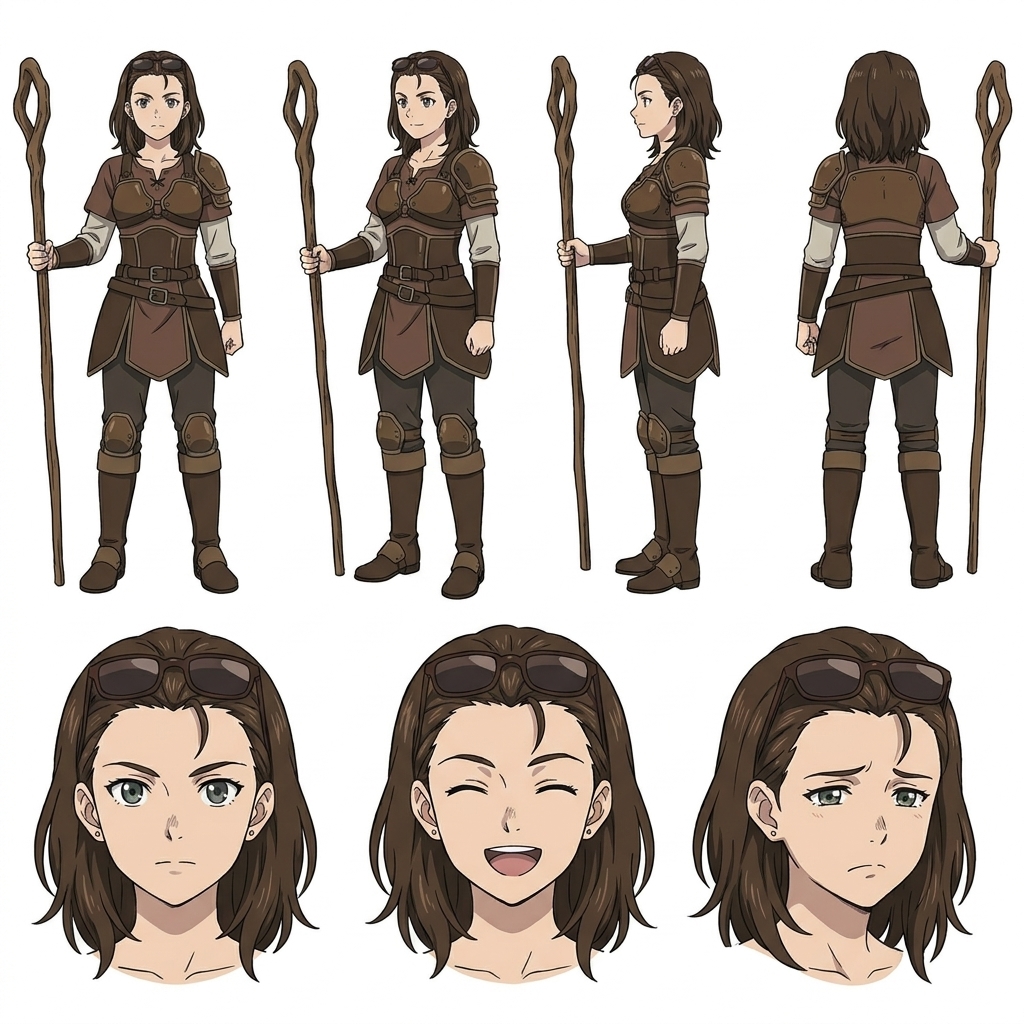
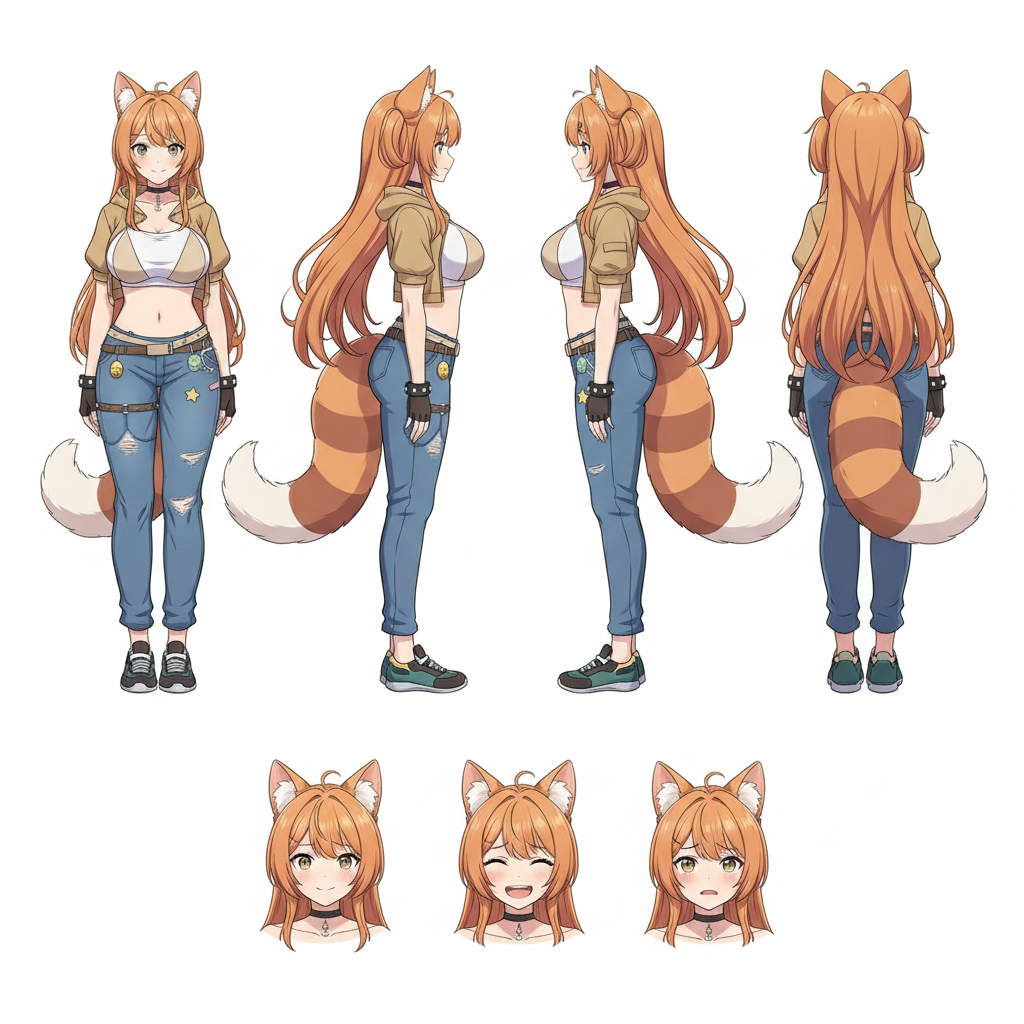
AutoWeeb generates full anime character design sheets from a text description or a photo. Describe your character's appearance, including hair colour, eye shape, outfit, and personality, and the AI produces a complete reference sheet with multiple poses and facial expressions.
Once your character sheet is saved, that character appears consistently in every image and video you generate. Tag them by name with @ and they show up looking exactly right every time, with no re-prompting or drift between scenes.
Explore the Character CreatorMake an Anime Location
AutoWeeb lets you build reusable location reference sets for any environment in your story. Create a base location such as a ruined temple, a neon-lit city intersection, or a mountain training ground, then generate reference images from as many angles as you need.
Smart suggestions show you which reference types to add next, like interior views, detail shots, or different time-of-day lighting, so you build a complete location bible without having to figure it out yourself. Every reference image is saved to your library and reusable across all your scenes.
Explore the Location Generator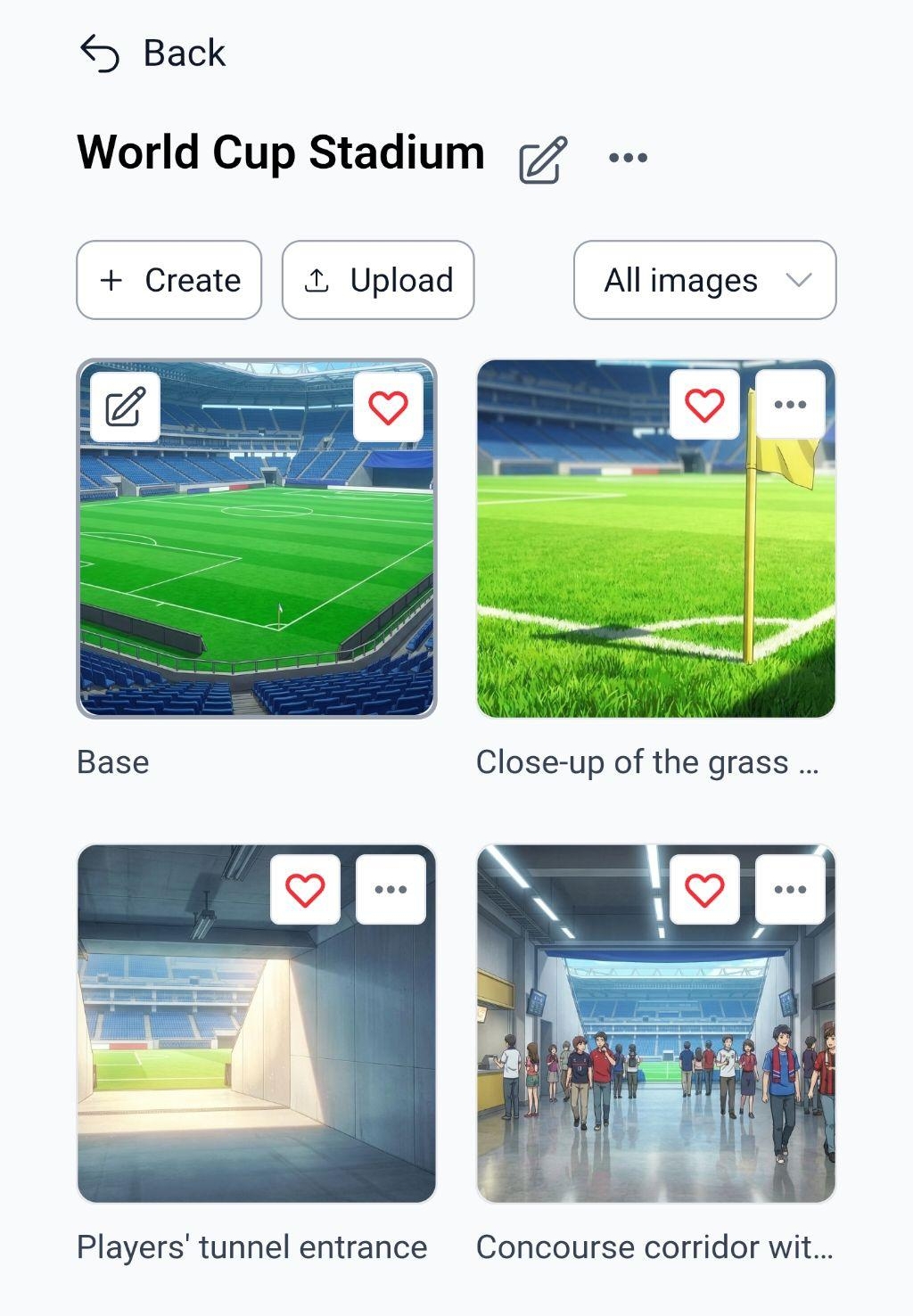
Frequently Asked Questions
Everything you need to know about drawing anime online with AutoWeeb.
Can I draw anime online without any drawing skills?
Yes. AutoWeeb is built for creators with no drawing training. You describe what you want in plain English and the AI renders it as a fully composed anime image. You direct the scene; AutoWeeb draws it.
How do I generate anime images with AutoWeeb?
Select a character from your library, pick a location reference, choose a camera angle, and describe the scene. AutoWeeb writes the full image prompt from those inputs and generates the anime still in seconds. Every image is saved to your project for reuse in storyboards or as video starting frames.
What anime art styles are available?
AutoWeeb supports named anime art styles including Demon Slayer, Ghibli, My Hero Academia, Shonen, Josei, Cyberpunk, and more. Choosing a style sets the linework, color palette, shading, and composition treatment across every image you generate in that style.
How do I make an anime character online?
Describe your character's appearance and personality, or upload a photo to convert into anime art. AutoWeeb generates a full character design sheet with multiple poses and expressions. Once saved, your character's appearance stays locked and consistent across every scene you generate, with no drift between images.
How do anime characters stay consistent across multiple images?
Every character you create in AutoWeeb has a saved design sheet. When you generate images, the AI anchors to that sheet: same face, same hair, same outfit. Use @ tagging to bring specific characters into any scene without re-describing them.
Can I create anime locations to use as backgrounds?
Yes. AutoWeeb's location generator lets you build reusable reference sets for any environment. Create a base location and generate multiple reference images from different angles. Every reference is saved to your library and drops into scenes automatically so your world stays geographically consistent.
Is AutoWeeb free to try?
Yes. You can sign up and start generating anime images for free with no credit card required. Free accounts include access to the character creator, image generator, and location builder so you can explore the full workflow before upgrading.
Start Drawing Anime Online
Build characters, design locations, and generate cinematic anime images. No drawing experience required.
Start Drawing FreeNo credit card required • Free to try