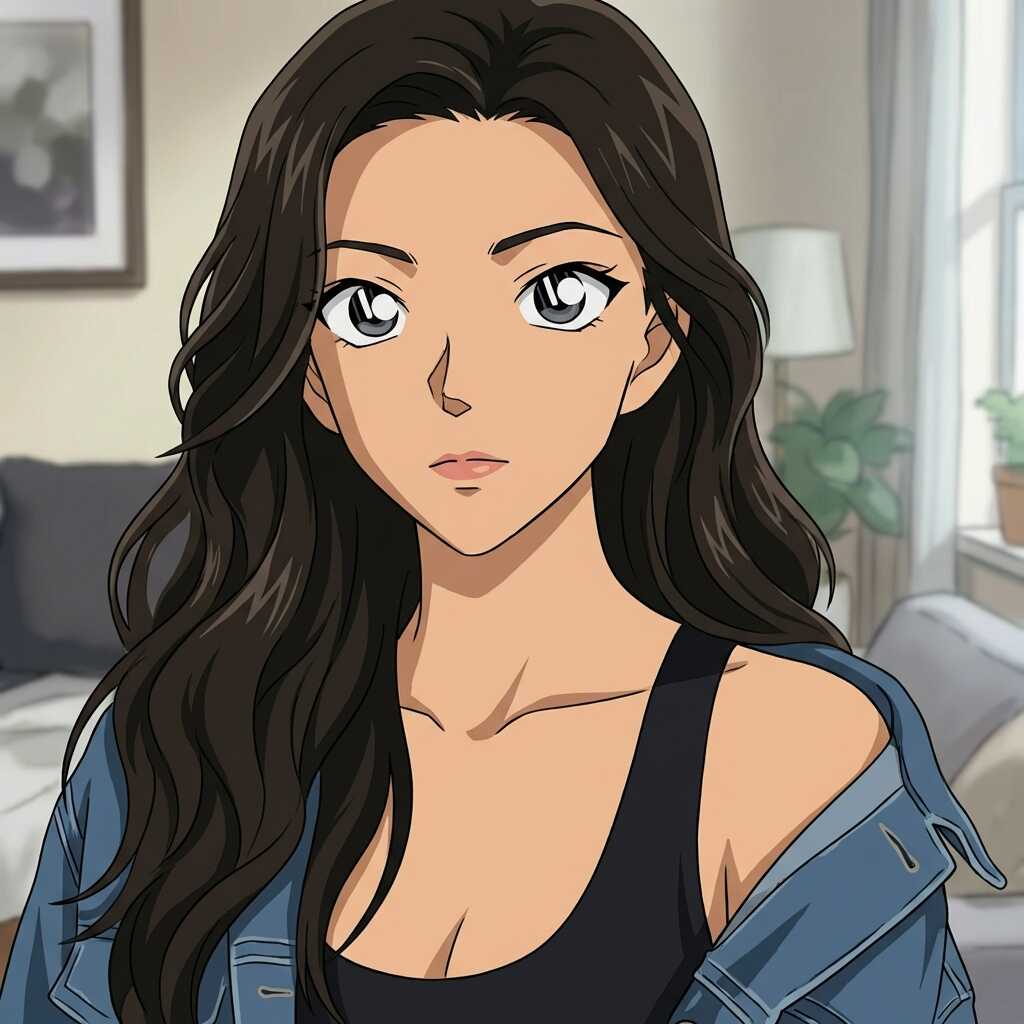
Everything you need to know about choosing anime art styles, converting photos, and keeping your look consistent across scenes.
What are anime art styles on AutoWeeb?
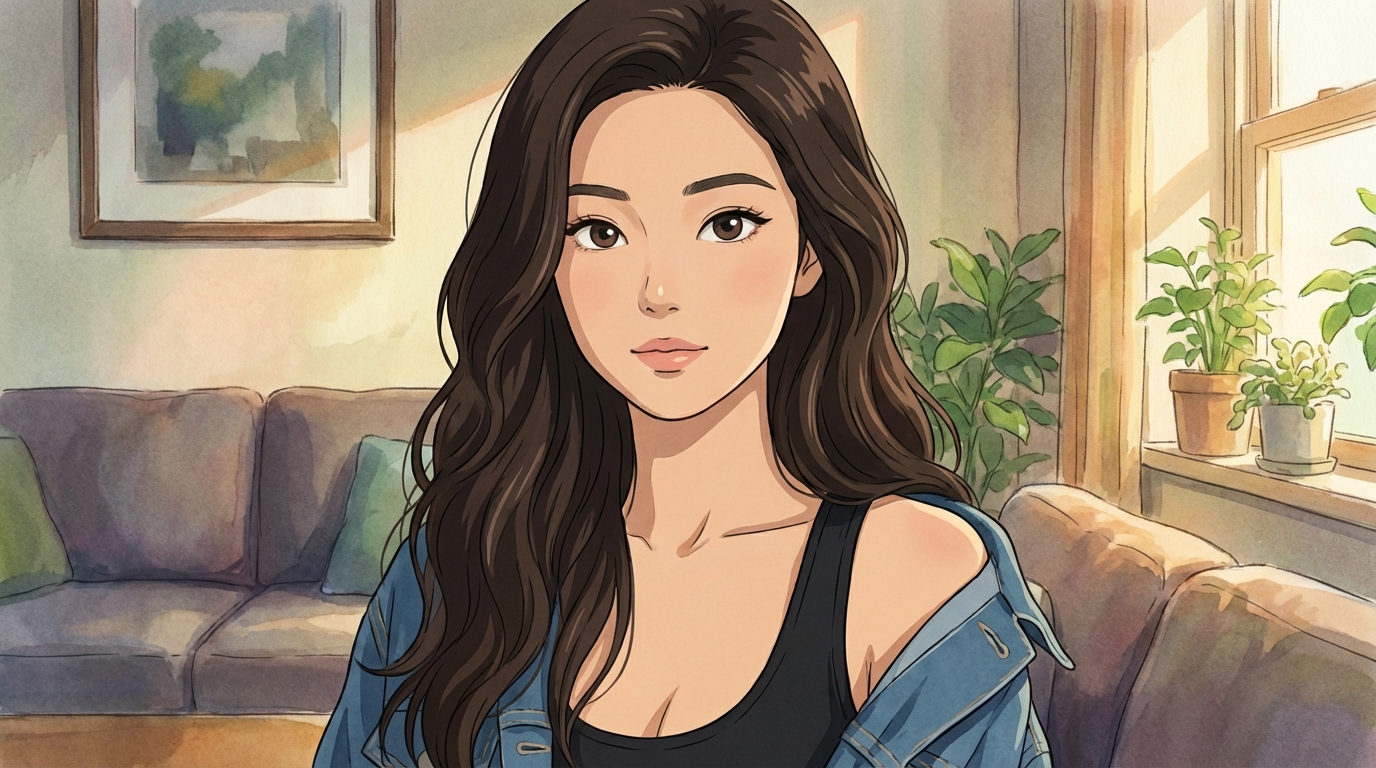
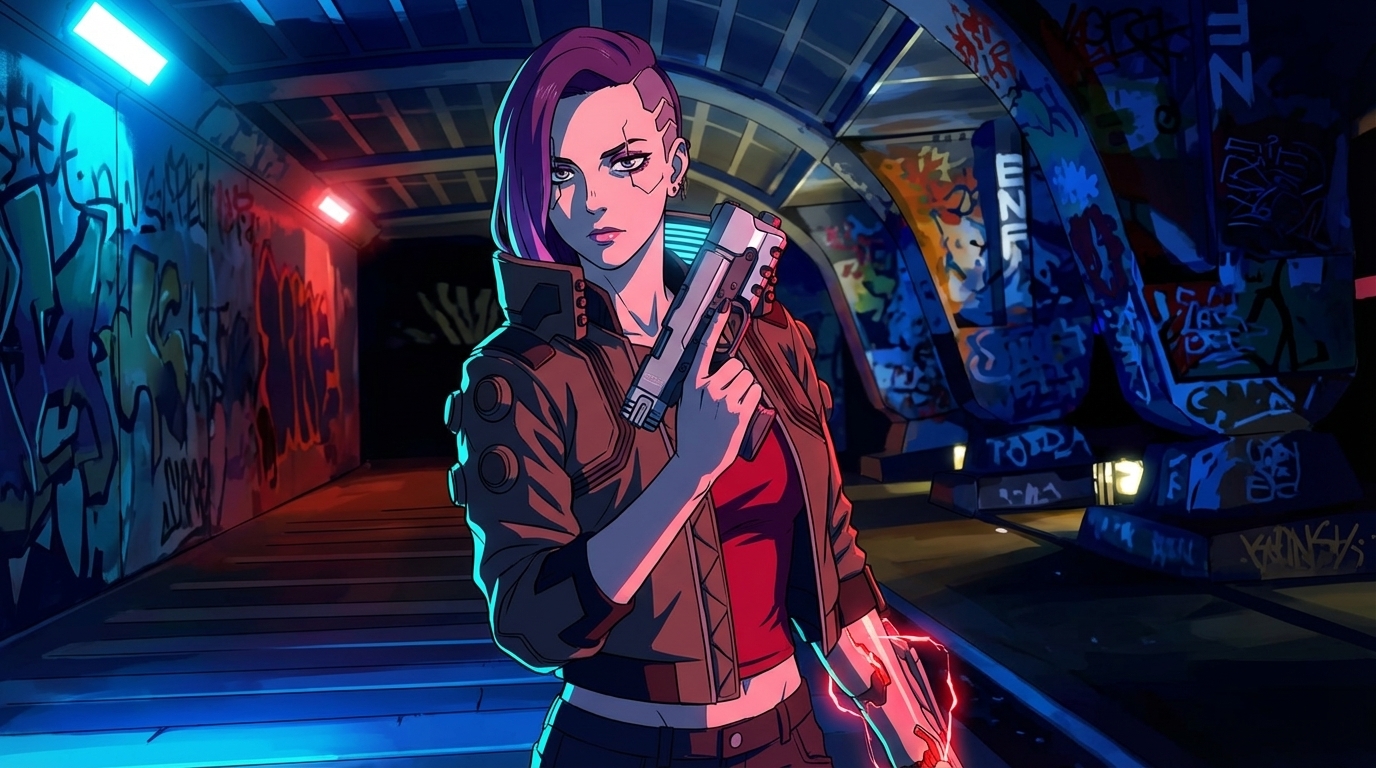
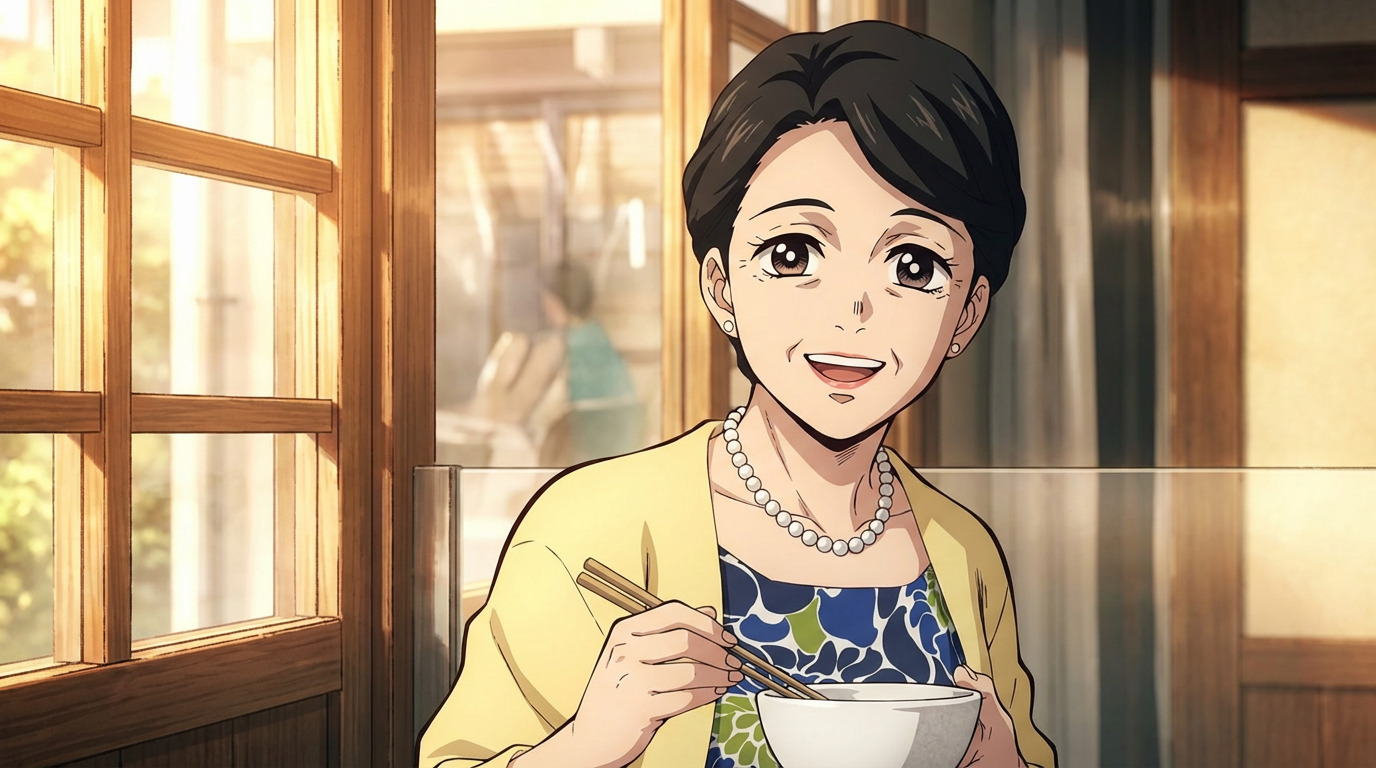
Anime art styles are named visual presets that define how AutoWeeb renders your photos and characters. Each style captures a specific aesthetic — Studio Ghibli watercolor warmth, cyberpunk neon intensity, Demon Slayer action linework, and more. Pick a style once and every image you generate in that style inherits the same palette, line weight, and shading approach.
How do I convert a photo to a specific anime art style?
Upload any photo to AutoWeeb, open the style library, and select the anime art style you want. The AI reads your photo's subject and redraws it in the chosen style while preserving recognizable features. Portraits, landscapes, pets, and group shots all work. Results generate in seconds.
Which anime art style should I choose?
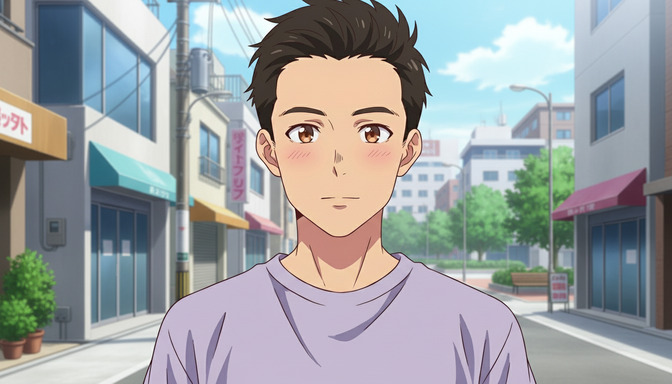
Match the style to the mood you want. Studio Ghibli style suits dreamy, nature-filled scenes. Cyberpunk anime works for neon-lit urban portraits. Slice of life anime fits warm everyday moments. Demon Slayer style delivers bold action and dramatic lighting. Detective Conan style gives clean mystery-anime character designs. Try the same photo in two styles to compare.
Can I use anime art styles with my saved characters?
Yes. Create a character sheet first, then apply any anime art style when generating new images or scenes. The character's face and proportions stay locked while the linework, color palette, and shading adapt to the chosen style.
Can I animate images made in a specific anime art style?
Yes. Any still image generated in an anime art style can be animated with one click. AutoWeeb carries the style through to video so your clips match the same visual language as your stills.
Are more anime art styles being added?
Yes. AutoWeeb regularly adds new named styles based on popular anime aesthetics. The current library includes Studio Ghibli, Cyberpunk, Slice of Life, Demon Slayer, and Detective Conan, with more on the way.