
Create Anime Videos
Turn your characters and scenes into animated clips. AutoWeeb handles the story, the prompts, and the animation so you can focus on what happens next.
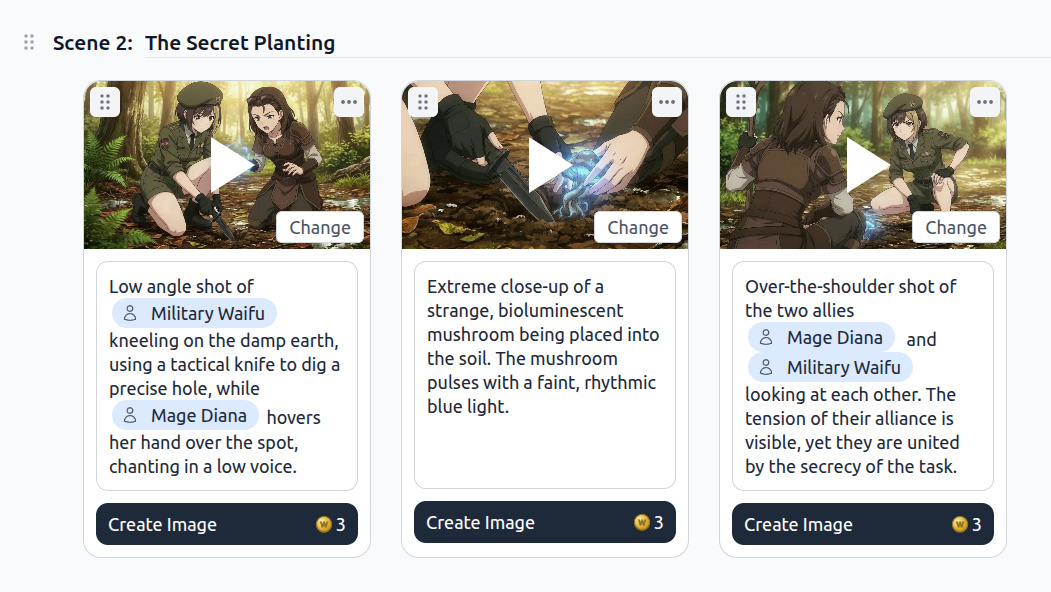
AI Anime Video Generator
AutoWeeb's AI anime video generator animates any scene still into a fluid clip in minutes. Pick your character, frame a starting image, describe the motion you want, and the AI writes a full Seedance 2 animation prompt with camera movement, pacing, and action beats built in.
Every clip anchors to your saved character library. Your protagonist looks identical across scenes because the AI references the same design sheet on every generation. No prompt drift, no inconsistent faces between cuts.
Try the AI Anime Video GeneratorMake an Anime Video
Making an anime video in AutoWeeb follows a four-step flow: create your character, generate a starting image, describe the action, and animate. Each step takes minutes rather than days because the AI handles prompt writing, style matching, and rendering automatically.
-
1
Create your character
Describe their look or upload a photo. AutoWeeb saves a locked design sheet used in every clip.
-
2
Generate a starting image
Compose a scene with your character at a location, pick a camera angle, and lock the frame.
-
3
Describe the motion
Tell AutoWeeb what happens. The AI Director writes the full animation prompt with camera movement and pacing.
-
4
Animate and chain
Generate the clip in one click. Add more clips to build a complete scene sequence.
Chain multiple clips into a longer sequence without losing visual continuity. Each new clip inherits the character design, art style, and scene context from the clip before it, so the story reads as a coherent whole rather than a collection of isolated experiments.
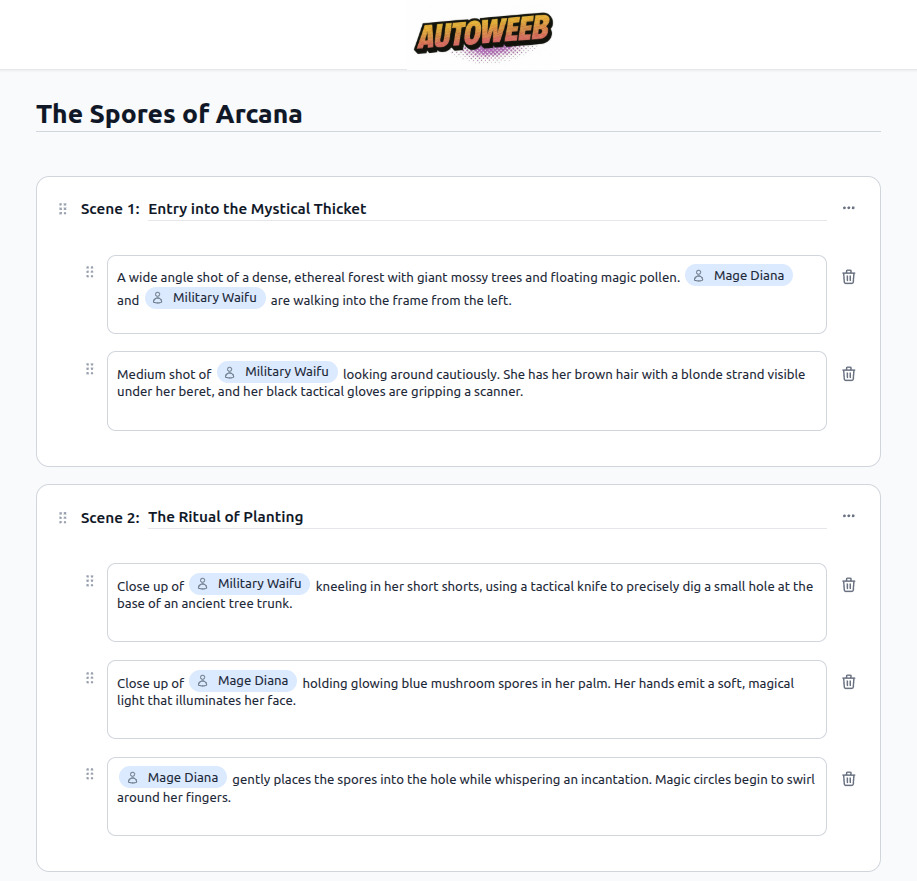
How to Make Anime Videos for YouTube
YouTube rewards consistency: consistent characters, consistent visual style, and a release cadence audiences can follow. AutoWeeb gives you all three without a team. Your locked character sheets mean your protagonist looks the same in episode one and episode forty. Named art styles like Demon Slayer or Ghibli carry the visual identity across every upload.
For YouTube specifically, the workflow that works is short-form series: four to eight clips per video, a shared cast, and a premise clear enough to hook viewers in the first ten seconds. AutoWeeb's anime story generator writes the episode premise and scene breakdown before you touch the animation tool, so each upload starts with structure rather than guesswork.
Lock your cast first
Save every recurring character before you start animating. Consistent faces are what turn viewers into subscribers.
Use a named art style
Pick one style per series and stick to it. Visual identity drives recognition on the browse page.
Write the premise before you animate
Use AutoWeeb's story generator to outline the episode. A clear story beats a technically impressive clip with no direction.
Keep clips short and chainable
Aim for 10 to 30 second clips per scene. Chain four to eight into a complete upload without losing continuity.
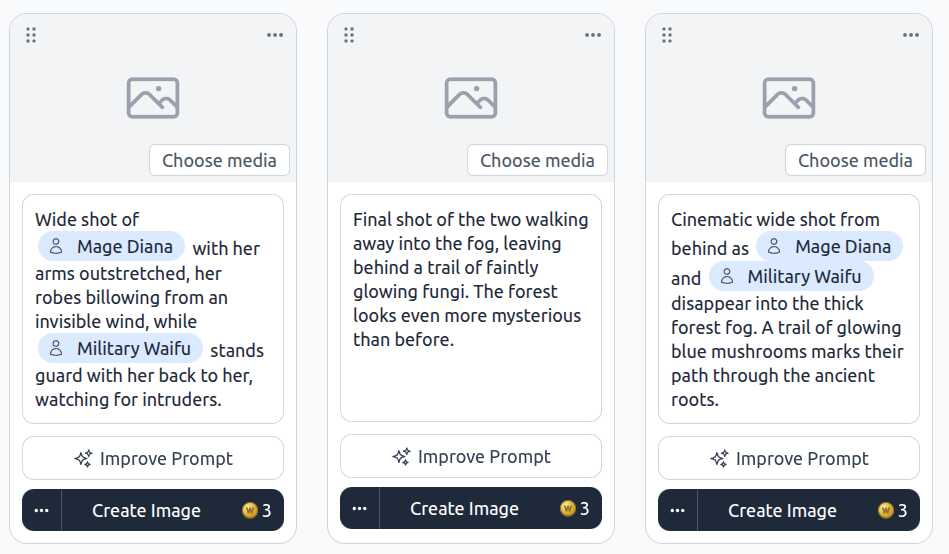
Anime Story Generator
Every good anime video starts before the animation tool opens. AutoWeeb's anime story generator takes a one-sentence premise and writes a complete story: setting, cast, scene breakdown, and the narrative arc that connects them. You get a working draft in under a minute, ready to hand off to the storyboard and animation pipeline.
The story generator understands genre conventions. Shonen training arcs that build toward a climactic confrontation. Slice-of-life scenes where the tension lives in what is left unsaid. Isekai setups that establish the rules of a new world efficiently. Describe the mood and genre and the AI writes in that language rather than producing generic content that could belong to anything.
Frequently Asked Questions
Everything you need to know about creating anime videos with AutoWeeb.
How do I create anime videos with AI?
Start by building a character in AutoWeeb, then generate a scene still with that character in place. Describe the action you want, and AutoWeeb's AI Director writes a full Seedance 2 animation prompt and renders the clip in minutes. Chain multiple clips together for a complete video sequence with consistent characters throughout.
What is an AI anime video generator?
An AI anime video generator animates still images into video clips using AI models trained on motion. AutoWeeb uses Seedance 2 for animation and layers on top of it: a character library for appearance consistency, named art styles for visual coherence, and an AI Director that writes animation prompts from plain descriptions so you do not need prompt engineering skills.
How do I make anime videos for YouTube?
The most effective YouTube workflow is a short-form series with a locked cast. Save your characters in AutoWeeb before you start animating. Use the story generator to write a clear episode premise and scene breakdown. Pick one art style and keep it for the entire series. Animate four to eight clips per episode and chain them into a complete upload. Consistency across episodes is what builds a subscriber base.
What is an anime story generator?
An anime story generator takes a brief premise and produces a structured story with scenes, characters, and a narrative arc. AutoWeeb's story generator writes in the conventions of specific anime genres: shonen, slice-of-life, isekai, dark fantasy, and others. The output is a production-ready draft you can feed directly into the script writer and storyboard tools without rewriting.
Can I make anime videos without any experience?
Yes. AutoWeeb is built for creators without animation or drawing backgrounds. You write what you want to see in plain language. The AI handles style, framing, prompt construction, and rendering. The workflow from character creation to a finished animated clip is designed to take minutes, not weeks.
How do characters stay consistent across multiple anime video clips?
AutoWeeb saves a locked character design sheet for every character you create. When you generate images or animate video clips, the AI anchors to that sheet: same face structure, same hair, same outfit. Use the @ tag to bring a specific character into any scene and they show up looking exactly as they were designed, with no drift between clips.
Is AutoWeeb free to use for creating anime videos?
You can sign up and start creating anime videos for free with no credit card required. Free accounts include access to the character creator, image generator, story generator, and the AI video generator so you can complete the full creation workflow before deciding whether to upgrade.
Start Creating Anime Videos
Build your cast, write your story, and animate your scenes. No drawing or animation experience needed.
Create Anime Videos FreeNo credit card required • Free to try